
A reliable and easy to use renaming application that can insert, delete as well as serialize file names, saving you valuable time and effort. #Modify filename #File renamer #Rename file #Renamer #Rename #Filename

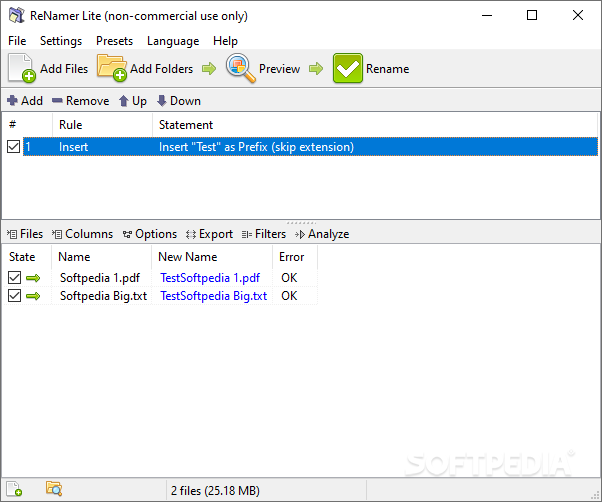
ReNamer is a tool designed to help you batch-rename files and folders, according to specific rules that you can set.
The program comes with a user-friendly interface in which you can import files and folders by using the file browser or the "drag and drop" method.
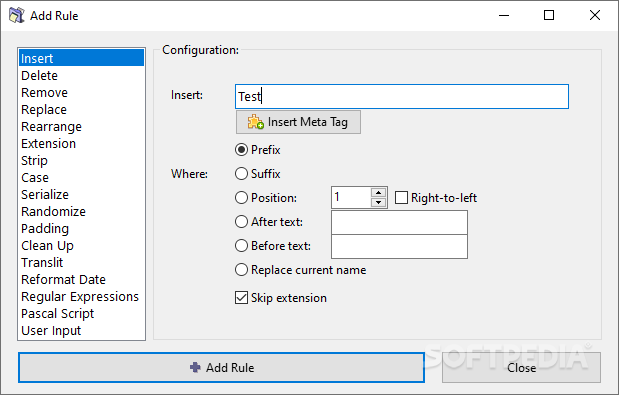
You can insert meta tag or text as prefix or suffix, before or after the file name, or on a particular position.
But you can also delete text from a particular position or delimiter, remove or replace it (e.g. first, last or all occurrences).
You can rearrange text by setting a new pattern (e.g. split using delimiters, positions or the exact pattern of delimiters), and set a new extension for files (optionally enable to append to the original file name and to detect by using "binary signature").
You can strip the text of English characters, digits, symbols, brackets or user defined characters, change the case (e.g. capitalize every word, all lower or upper case, invert case, first letter capital), serialize text (e.g. incremental, random) or clean it up (e.g. strip out the content of brackets, replace characters with spaces).
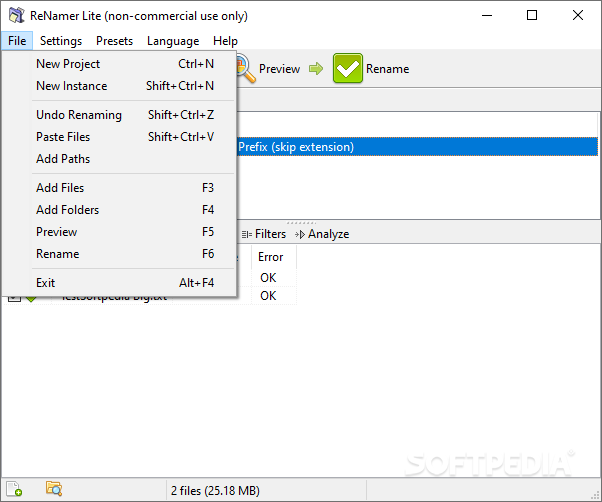
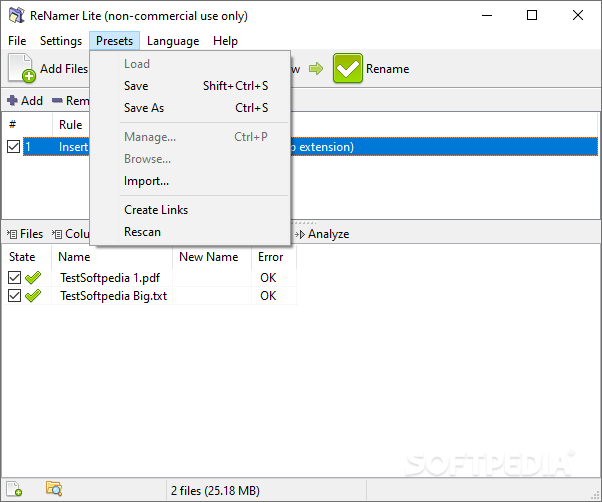
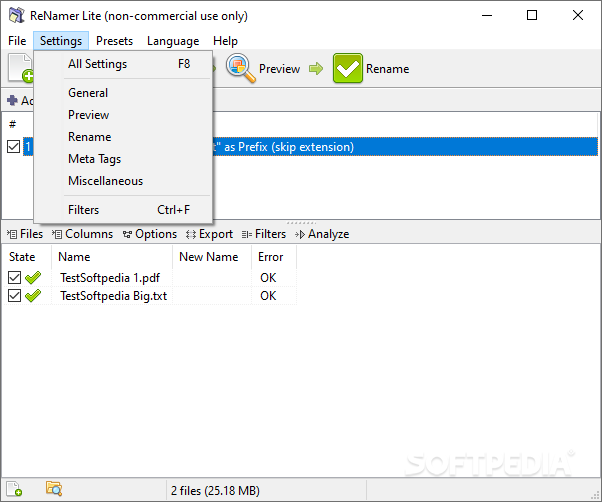
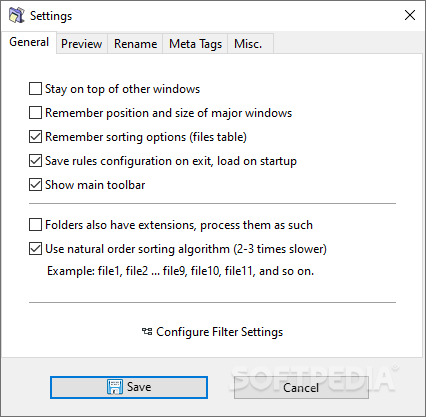
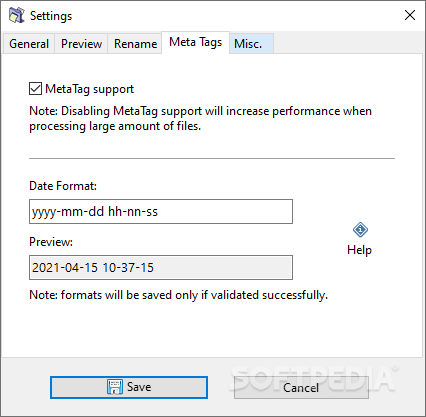
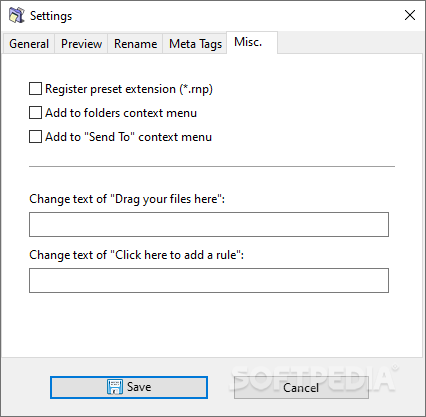
Moreover, you can work with Translit, RegEx, PascalScript or UserInput, if you are an experienced user. Plus, you can configure filter settings (e.g. add files within folders, add folders as files, include hidden or system items), save presets, create links, disable meta tag support, add ReNamer to the Explorer context menu and set it to always be on top of other applications, and more.
The software consumes a very low amount of system CPU and memory, and includes a complete help file, along with a quick guide. No errors have popped up during our tests and ReNamer didn't freeze or crash either.
The bottom line is that ReNamer is an excellent tool for batch-renaming files and folders, and we highly recommend it to all users.
Download Hubs
ReNamer Lite is part of these download collections: File Renamer
What's new in ReNamer Lite 7.5.0.2 Beta:
- Changed build environment to Lazarus 3.2 + FPC 3.2.2.
- Updated the Regular Expressions engine with a copy from FPC GIT dated 14 December 2023.
- Added "Clipboard" meta tag.
- Added "Sentence case" option to the Case rule.
ReNamer Lite 7.5 / 7.5.0.2 Beta
add to watchlist add to download basket send us an update REPORT- portable version
- Portable ReNamer Lite
- runs on:
-
Windows 11
Windows 10 32/64 bit
Windows 8 32/64 bit
Windows 7 32/64 bit
Windows Vista 32/64 bit
Windows XP 32/64 bit
Windows 2K - file size:
- 4 MB
- filename:
- renamer-7.5.exe
- main category:
- System
- developer:
- visit homepage
Zoom Client

Microsoft Teams

IrfanView

calibre

Windows Sandbox Launcher

Bitdefender Antivirus Free

7-Zip

ShareX

paint.net

4k Video Downloader

- ShareX
- paint.net
- 4k Video Downloader
- Zoom Client
- Microsoft Teams
- IrfanView
- calibre
- Windows Sandbox Launcher
- Bitdefender Antivirus Free
- 7-Zip