
A user-friendly software solution that you can use to find and delete duplicate documents or music on your hard drive or network. #Duplicate cleaner #Duplicate remover #Delete duplicate #Duplicate #Finder #Dupe

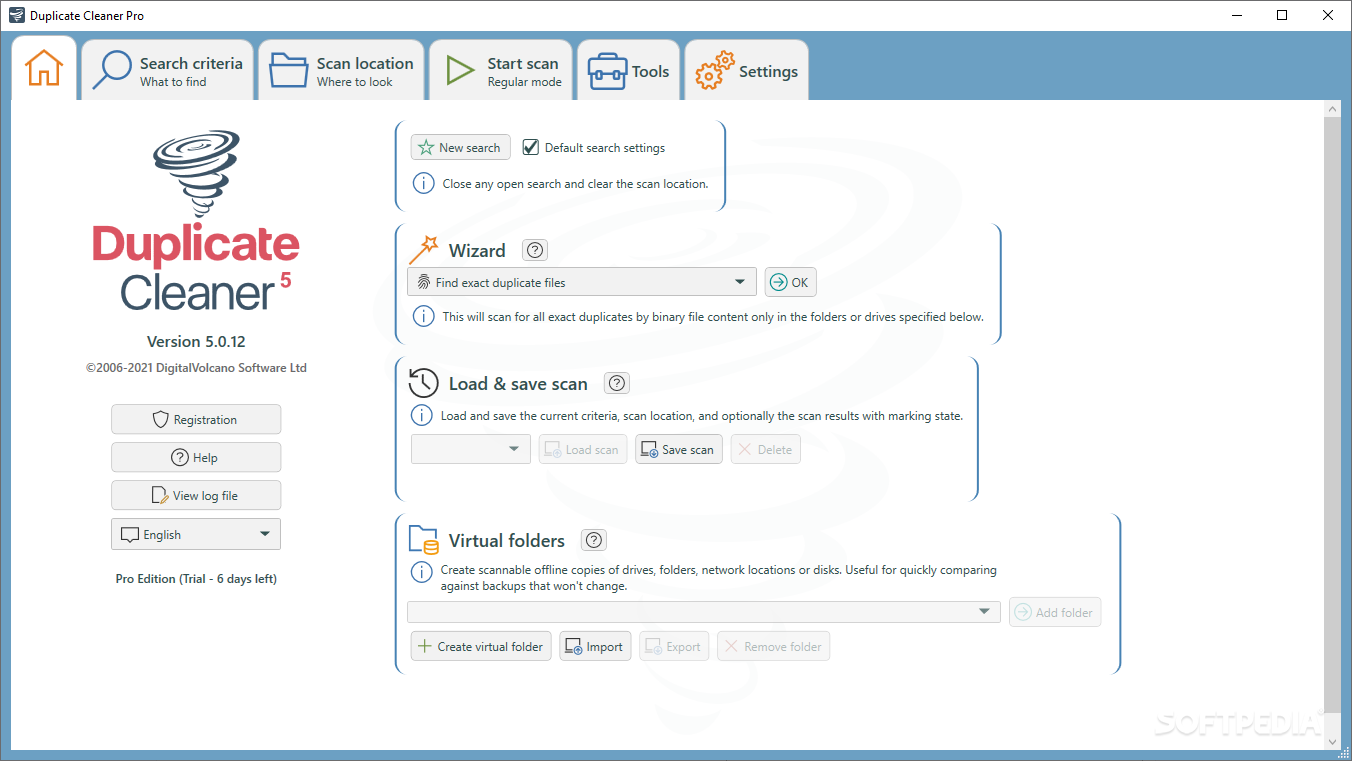
Duplicate Cleaner is a tool that you can use to locate and delete duplicate files from your system, in order to free up space.
Since this is an ad-supported program, you should be careful when installing this tool. Duplicate Cleaner offers to download a third-party component that is not essential to the overall functionality of the application.
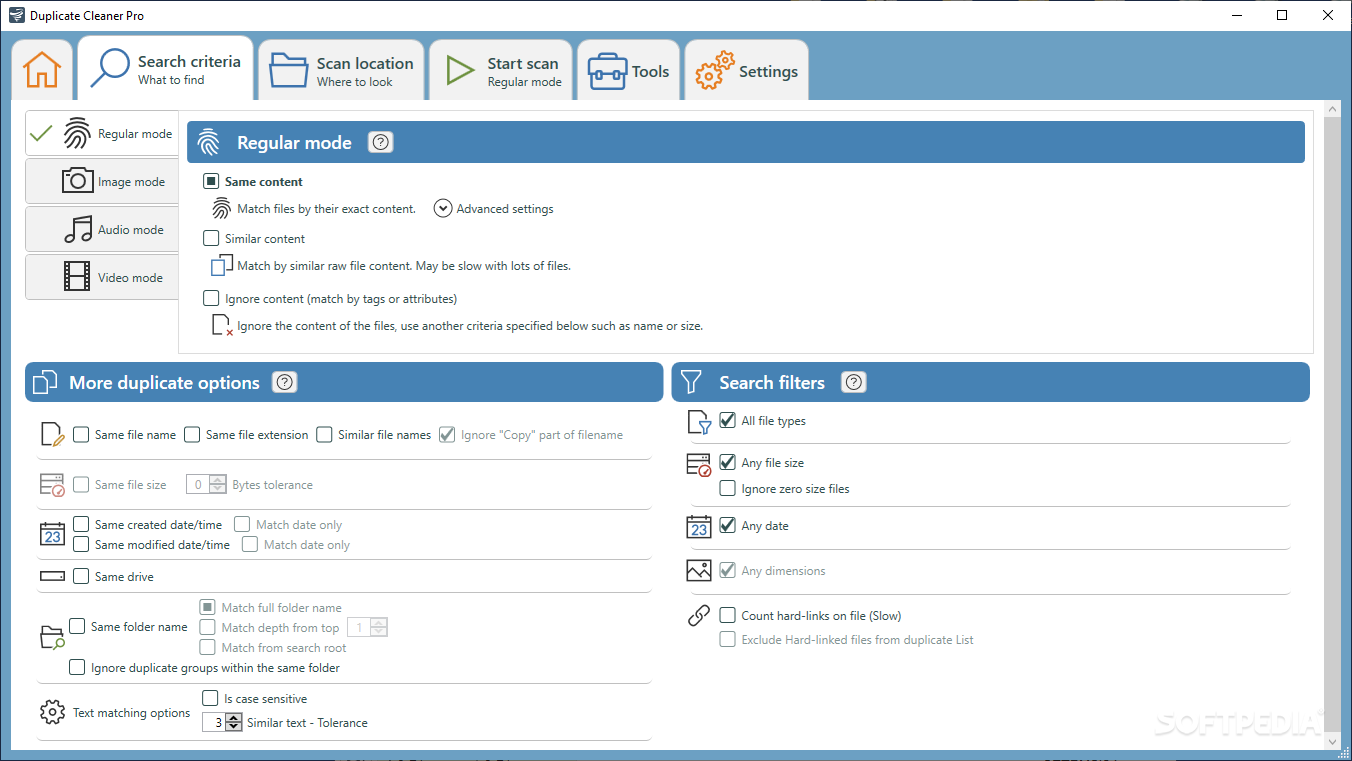
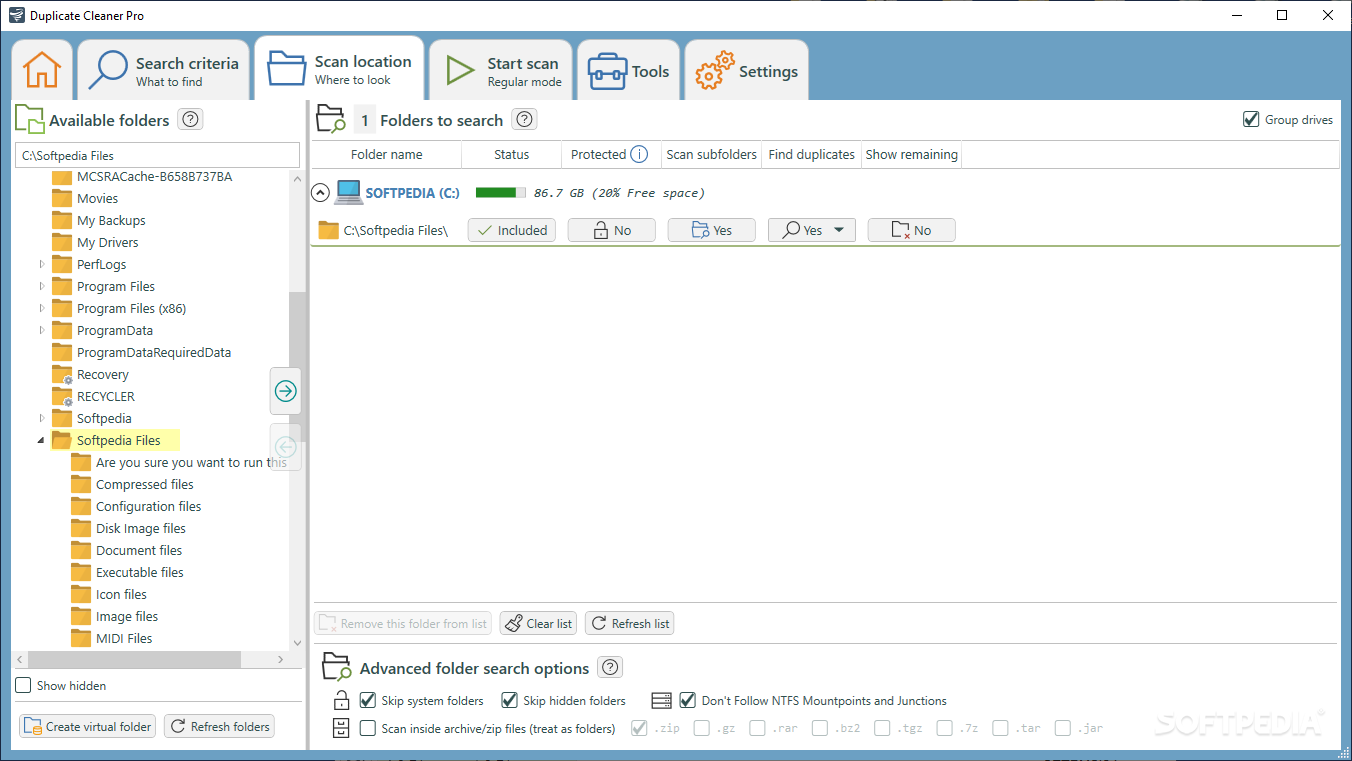
The interface of the program is simple and intuitive. The first thing you can do is add one or more folders to the search path from the tree view (you can also add them manually).
From this point on, you can initiate the scanning process and refine your search. You can include and exclude particular files or extensions, set a minimum and maximum file size, as well as specify file dates.
But you can also look for files with the same content, name, size, date of creation of modification and, in case of audio tracks, with the same artist, title or album.
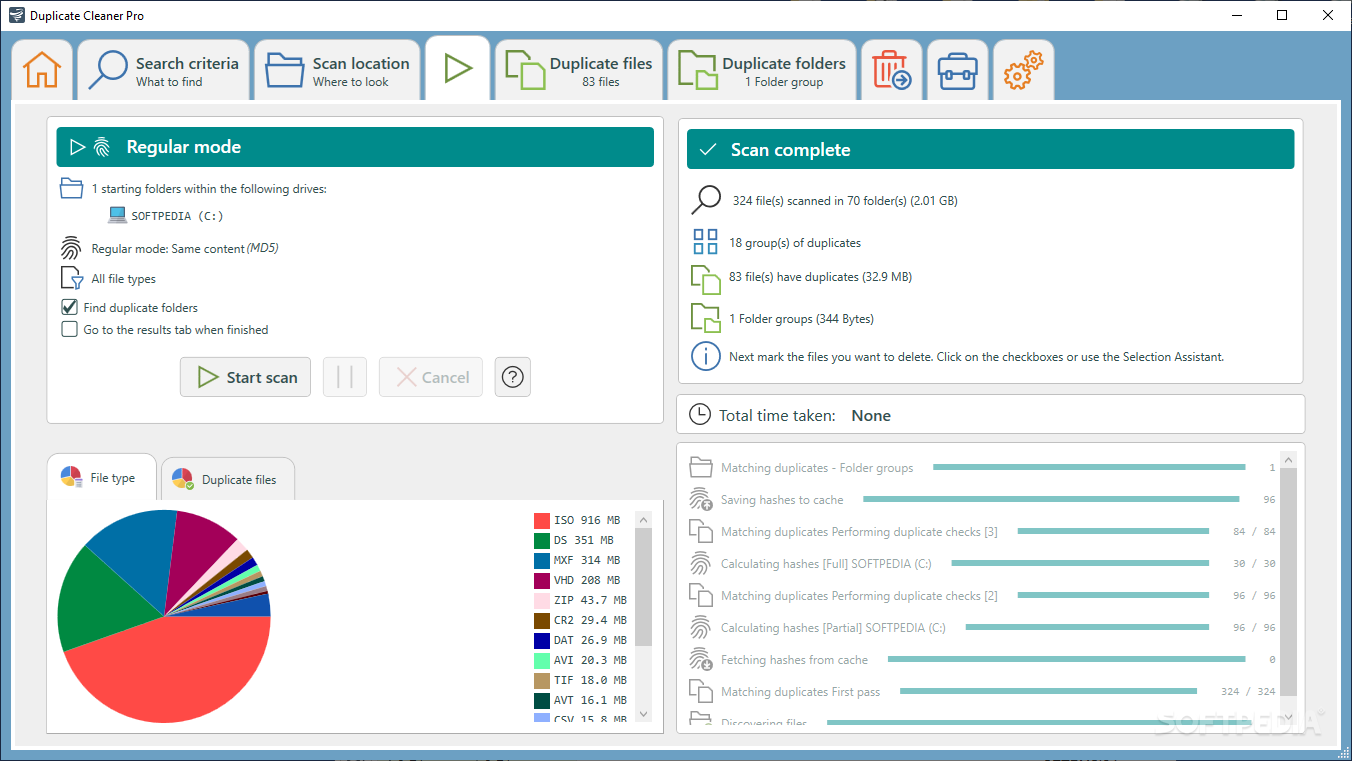
During the scanning process, you can view the percentage and number of checked files, total duplicate sets found, progress and messages (e.g. scanning files with the same content).
Once the search is complete, you can check out scan details revolving around the total number of scanned files, groups and sizes of duplicates, as well as elapsed time.
In the "Duplicate Files" tab, you can check out the name, path, size, date and time of creation and modification, file type, hash, group, hard links and other details about each file. The original file and its duplicates are delimited by color, so you can easily identify, remove or rename them.
You can preview images, configure file removal (e.g. delete to Recycle Bin, rename files by setting the prefix or suffix) and change other options, such as the colors of the list row backgrounds, as well as import a list of duplicate files from a CSV document, and more.
The program takes up a low-to-moderate amount of system resources and didn't pop up any errors during our tests. It seems that Duplicate Cleaner has stepped up its game since our last review and made some great improvements. We highly recommend this software app to all users.
Download Hubs
Duplicate Cleaner Free is part of these download collections: Duplicate Finder, Duplicate Removers
Duplicate Cleaner Free 4.1.2
add to watchlist add to download basket send us an update REPORT- runs on:
-
Windows 11
Windows 10 32/64 bit
Windows 8 32/64 bit
Windows 7 32/64 bit - file size:
- 5.9 MB
- filename:
- DuplicateCleanerFree4_setup.exe
- main category:
- System
- developer:
- visit homepage
Zoom Client

Bitdefender Antivirus Free

Microsoft Teams

calibre

7-Zip

4k Video Downloader

Windows Sandbox Launcher

paint.net

IrfanView

ShareX

- paint.net
- IrfanView
- ShareX
- Zoom Client
- Bitdefender Antivirus Free
- Microsoft Teams
- calibre
- 7-Zip
- 4k Video Downloader
- Windows Sandbox Launcher