Softpedia
 

WINDOWS CATEGORIES:


GLOBAL PAGES >>
SOFTPEDIA REVIEWS >>
MEET THE EDITORS >>
WEEK'S BEST
  • Bitdefender Total ...
  • Ocster Backup Pro ...
  • Hard Disk Sentinel...
  • FlashFXP [DISCOUNT...
  • DVDFab DVD Copy [D...
  • Kaspersky Internet...
  • Avast! Internet Se...
  • Avira Internet Sec...
  • Webroot SecureAnyw...
  • McAfee Total Prote...
  • Home > Windows > System > File Management
     Report malware

    Microsoft Expression Encoder 4.0.4276.0 SP 2

    download button

    Downloads: 13,555  Tell us about an update
    User Rating:
    Rated by:
    Fair (2.8/5)
    17 user(s)
    Developer:

    License / Price:

    Size / OS:

    Last Updated:

    Category:

    Freeware / $0
    24.7 MB / Windows XP / Vista / 7
    [view history]
    C: \ System \ File Management

     Read user reviews (1)  Send to friend   Follow (2 users)

    Softpedia Editor's Review for Microsoft Expression Encoder

    EDITOR'S RATING:

    Simplifies publishing video to Microsoft Silverlight

    Written by Gabriela Vatu on February 20th, 2013

    Whether you want to encode high quality videos for various devices and the Internet, capture the actions on your screen for various training, or broadcast live events online, you need a specialized app. Microsoft Expression Encoder is a nice tool created to satisfy all the needs listed above.

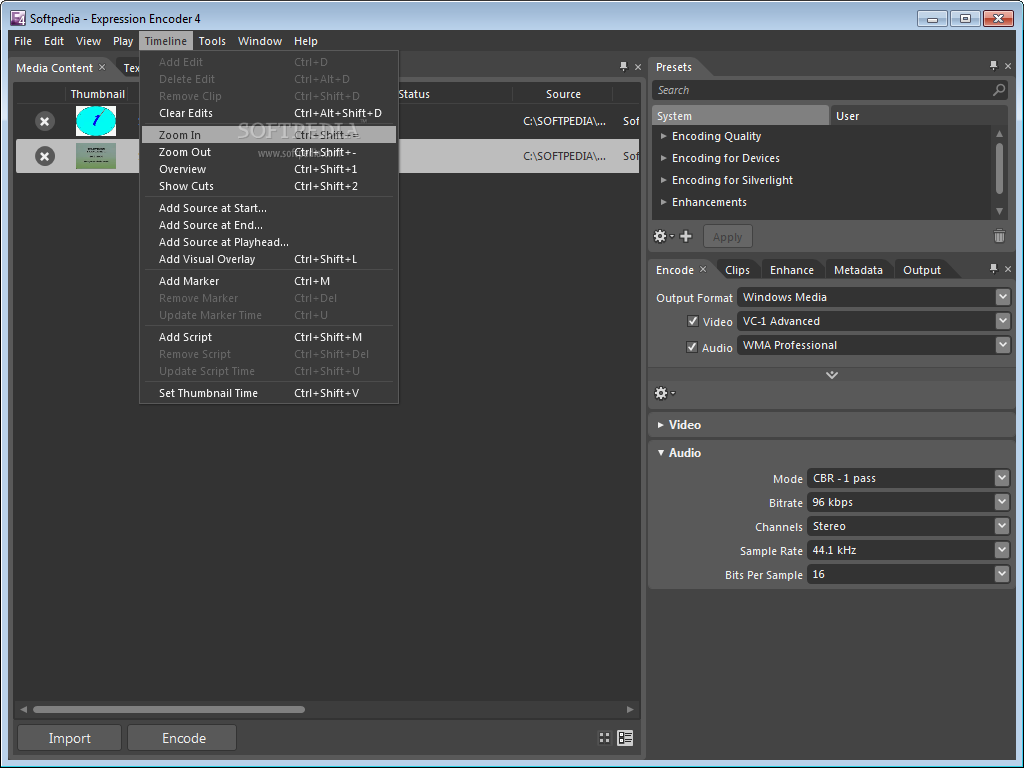
    The app comes with a nice interface that should be quite easy to handle.

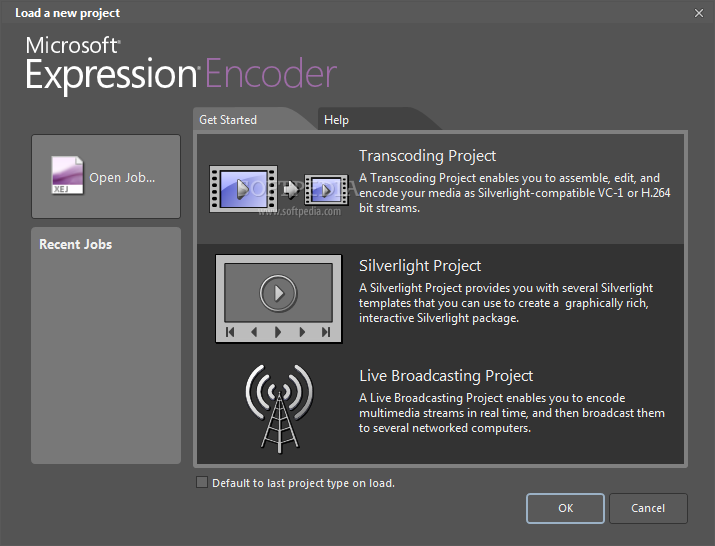
    As mentioned, the program can perform a wide range of actions. It comes with a loading page that lets you choose which type of project you want to start. “Transcoding Project” enables the assembly, editing and encoding of media as Silverlight-compatible streams, “Silverlight Project” provides several templates that can be used to create an interactive package, while “Live Broadcasting Project” has a name that speaks for itself.

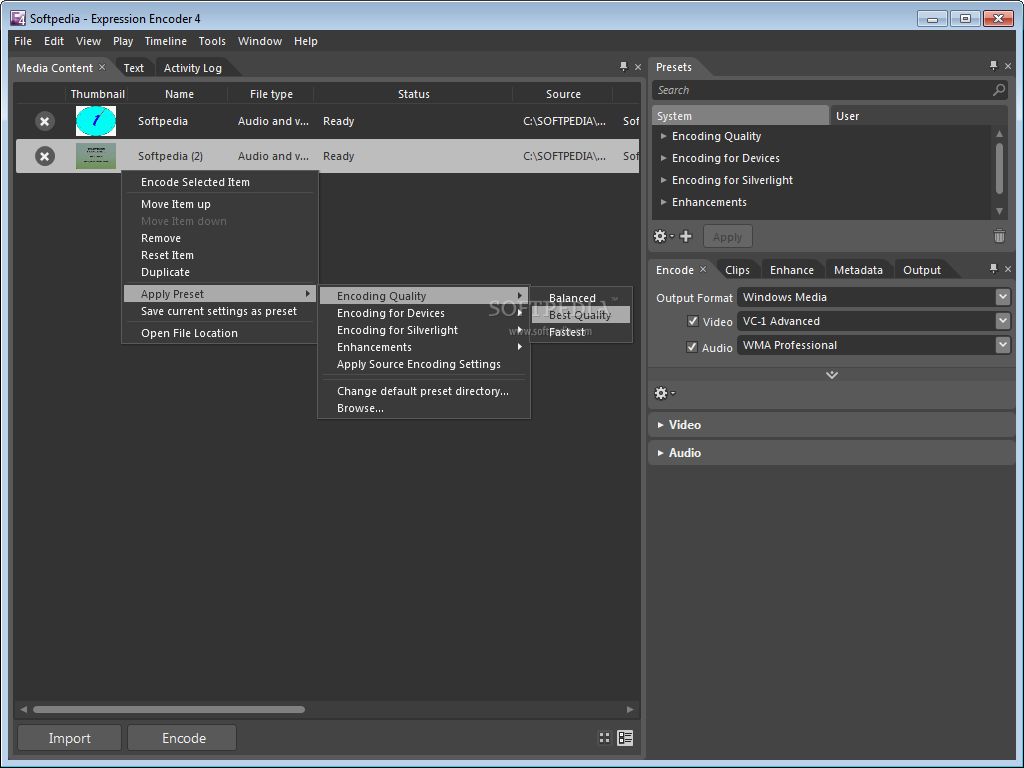
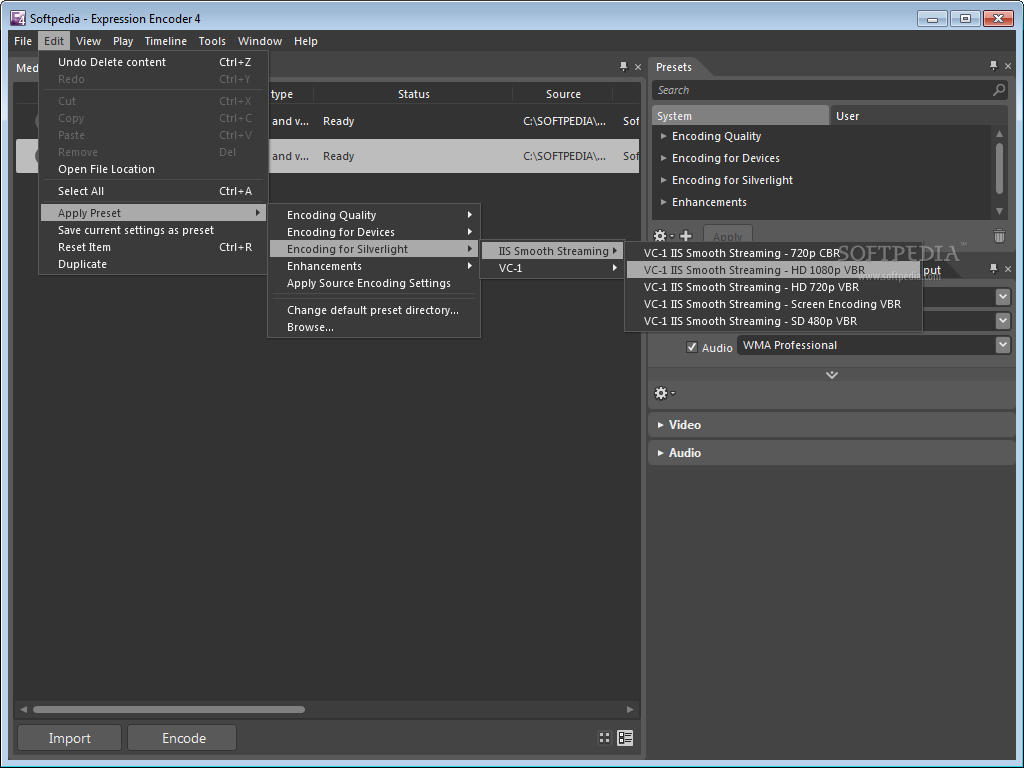
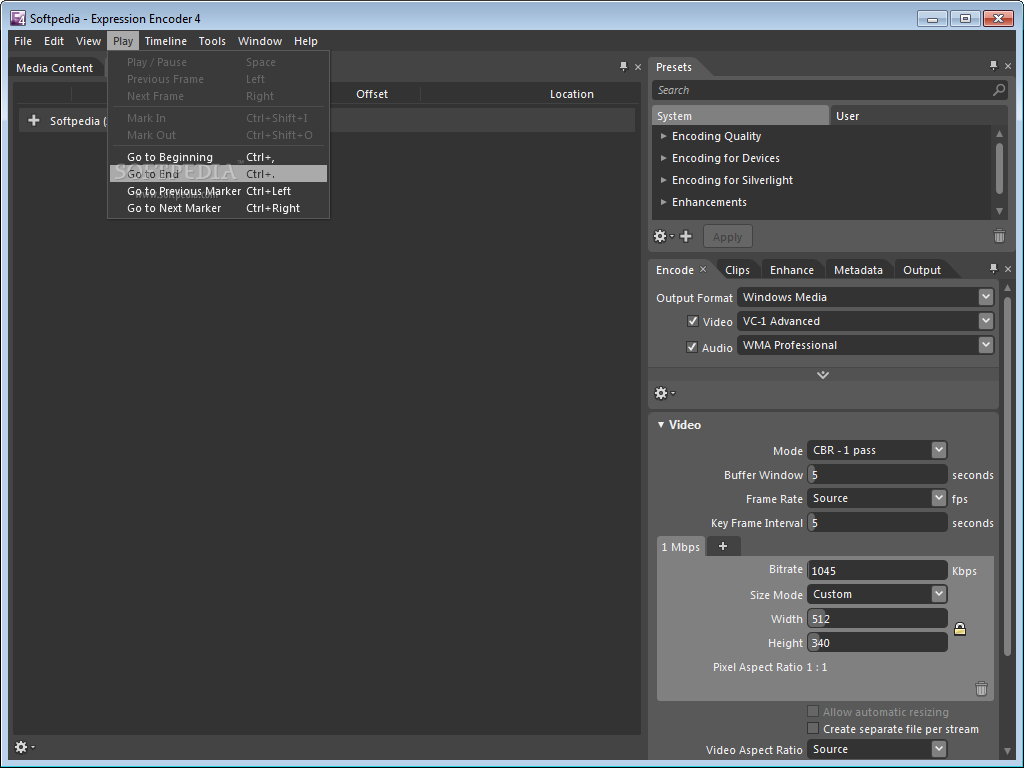
    Depending on your choice, the app loads an interface that enables you to perform a range of actions. For instance, once the transcoding project is launched, files can be imported, both video and audio. The video may be played and various settings can be modified, such as the encoding quality, the screen resolution and various enhancements.

    Starting a Silverlight project enables you to load various animated templates, while an output file name and directory can be set for the resulting file. When you run a live broadcast, the program lets you select a live source or a file from the computer.

    The bottom line is that Expression Media Encoder can be quite fun to handle and can perform a wide range of tasks. Less experienced individuals might need some time to figure out all the available features, due to the app’s complexity.  

    Microsoft Expression Encoder description

    Here are some key features of "Microsoft Expression Encoder":

    · High performance multi-core / multi-processor encoding
    · Basic editing functions
    · Screen capture
    · Live Encoding
    · Multichannel Audio
    · Input Formats: AVI, QuickTime (if installed), DirectShow Filters
    · Output Formats: Windows Media, Silverlight Experiences

    Requirements:

    · PC with 1 GHz or faster processor
    · 1 GB of RAM or more
    · 2 GB or more of available hard-disk space
    · .NET Framework 4.0
    · Silverlight 4.0
    · Support for Microsoft DirectX 9.0 graphics with Windows Vista Display Driver Model (WDDM) Driver, 128 MB of graphics RAM or more, Pixel Shader 3.0 in hardware, 32-bits per pixel
    · DVD compatible drive
    · 1024 x 768 or higher resolution monitor with 24-bit color
    · Internet functionality requires Internet access (additional fees may apply)
    · Some product features require FireFox 3.0 or later, Internet Explorer 8
    · Actual requirements and product functionality may vary based on your system configuration and operating system.

    Limitations:

    · Screen capture: 10 minute segments only
    · Does not include support for IIS Smooth Streaming and H.264 encoding

    What's New in This Release: [ read full changelog ]

    · This service pack provides support for GPU encoding to H.264 with NVIDIA GPUs with CUDA technology, live template support, and live screen capture, among other features, as well as bug fixes and stability enhancements.

     Softpedia guarantees that Microsoft Expression Encoder 4.0.4276.0 SP 2 is 100% CLEAN, which means it does not contain any form of malware, including spyware, viruses, trojans and backdoors. [read more >]


    TAGS:

    Media Encoder | Motion Picture | video editor | Encoder | edit | resize

    Go to top

    WindowsGamesDriversMacLinuxScriptsMobileHandheldNews

    SUBMIT PROGRAM   |   ADVERTISE   |   GET HELP   |   SEND US FEEDBACK   |   RSS FEEDS   |   UPDATE YOUR SOFTWARE   |   ROMANIAN FORUM