
Have countless large files split into convenient chunks you can easily carry or deliver via email and stitch them back together in a simple manner with this powerful application. #Split file #File fragmenter #Archive splitter #Splitter #Split #Fragment

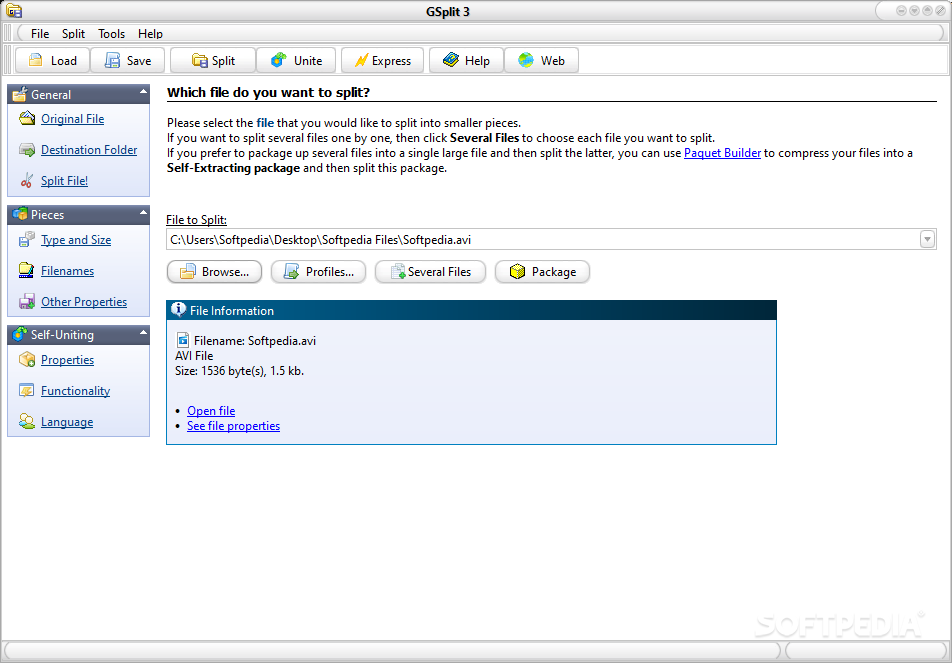
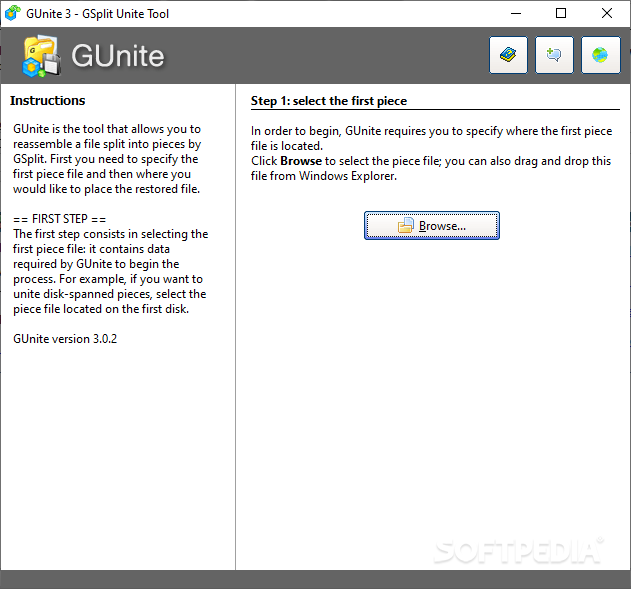
GSplit is an application that you can use to cut files into smaller pieces, as well as join them back together. This type of tool is ideal when your files are too large to be placed on removable drives, for instance. It can be easily used by individuals of any experience level.
The interface of GSplit is clean and intuitive. You can import a file for processing via the file browser only, since the "drag and drop" method is not supported. Batch processing is allowed. There are also multiple methods to split large files, and this includes an express mode, which is sure to enhance and speed up the entire operation.
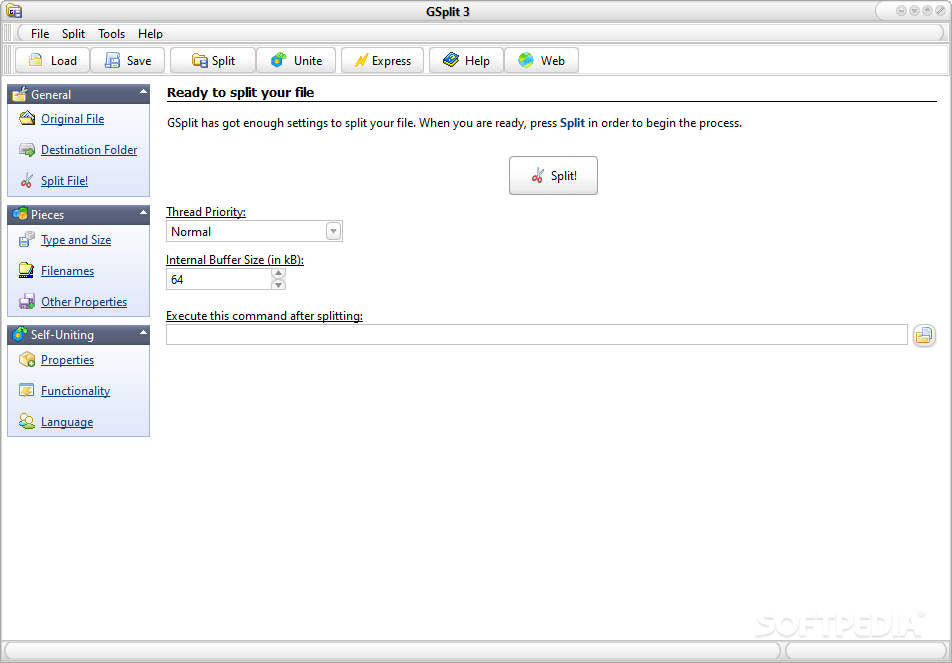
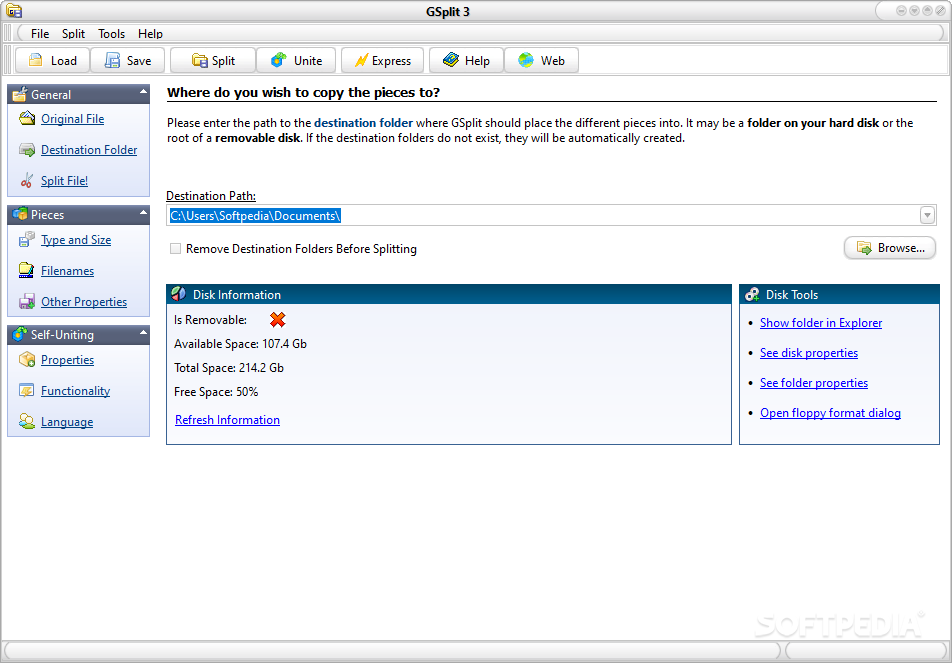
A side panel is fitted with several tools and link to general operations, such as specifying the original and destination file, whether to start splitting, the types and sizes of files, filenames, other properties, and more.
In the list you can check out the source path and destination folder of each file. Once you specify the output directory and splitting method (e.g. by size or number of parts), you can initiate the encoding task.
You can set the file mask and customize the pieces (tags and headers, additional space, piece identity), create a self-uniting program and customize it with a welcome message, change the default language, and more.
The application takes up a low-to-moderate amount of system resources, includes a comprehensive help file with snapshots for all users levels, quickly finishes a task and didn't freeze, crash or pop up errors during our tests. We highly recommend GSplit to all users.
Taking everything into consideration, we can state that GSplit is a powerful tool you can use to split just about any file, not matter how large, into convenient chunks which are easy to deploy on your preferred device or storage unit.
What's new in GSplit 3.0.1:
- Fixed: splitting by count of lines did not always work fine if the internal memory buffer size was superior to 64kb.
- Default size of the internal memory buffer now set to 64kb.
- Fixed input problem in some fields (the value resets to '0' when the field is empty).
- The filename of the piece currently being processed is now displayed.
GSplit 3.0.1
add to watchlist add to download basket send us an update REPORT- portable version
- Portable GSplit
- runs on:
- Windows 10 32/64 bit
- file size:
- 1.5 MB
- filename:
- gsplits.exe
- main category:
- System
- developer:
- visit homepage
4k Video Downloader

IrfanView

calibre

Zoom Client

Context Menu Manager

Bitdefender Antivirus Free

Windows Sandbox Launcher

ShareX

Microsoft Teams

7-Zip

- ShareX
- Microsoft Teams
- 7-Zip
- 4k Video Downloader
- IrfanView
- calibre
- Zoom Client
- Context Menu Manager
- Bitdefender Antivirus Free
- Windows Sandbox Launcher