
Rename files in bulk to illustrate the date certain photos were taken or documents were signed through this open-source application. #File Renamer #Folder Renamer #Mass rename #Renamer #Rename #Replacement
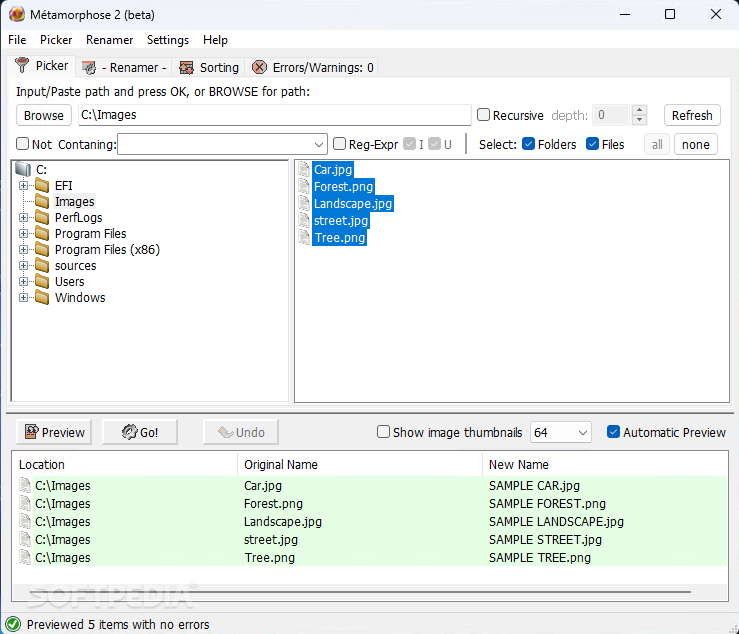
New experiences are oftentimes easier to remember compared to highly repetitive actions incorporated into one’s force of habit. That being said, a variety of circumstances can affect our ability to recall details, be they minute or broad, which is why many have the tendency to record as much of an event or meeting as possible by writing down journal entries or taking pictures.
For the latter, one way to make the process of reminiscing one’s favorite moments is by affixing extra hints to photos that would otherwise remain contextless with the help of Métamorphose. Practicing proper organizational methods is a necessity for those seeking to make their directories easier to navigate when searching for specific items, and the journey starts with the naming scheme.
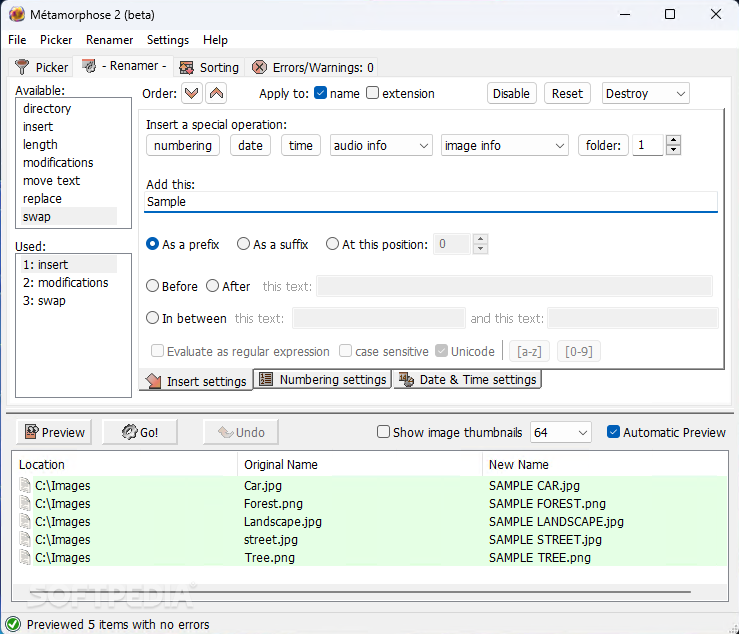
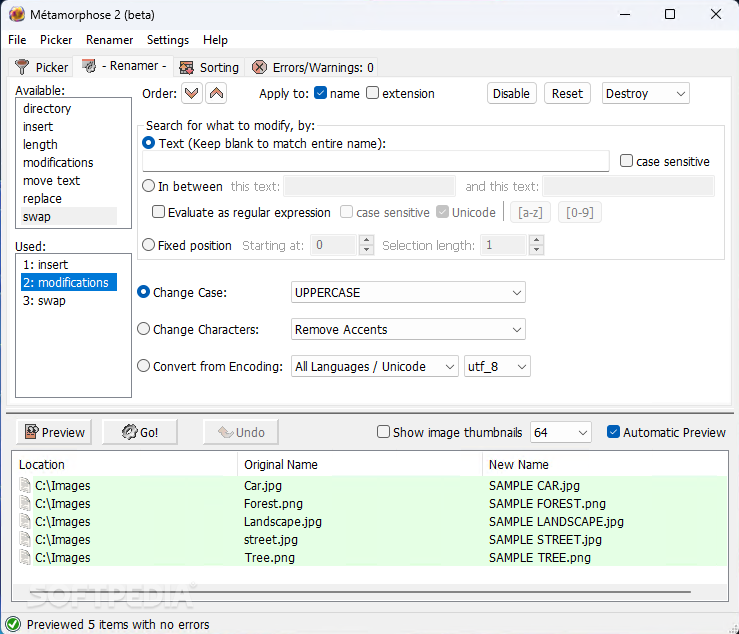
Thanks to the app at hand, all photos contained within a selected folder can have extra keywords set as prefixes or suffixes to swiftly identify the origin of each item when separating them from the original location. For accessibility purposes, lowercase characters may be replaced with their uppercase variants for better visibility in the case of those with lower visual acuity.
Finally, mistyped filenames assigned in the past with other third-party solutions can also be swapped with their correct counterparts if necessary.
System requirements
- Minimum screen resolution: 1024 x 768
Metamorphose 2.0.8.2 Beta / 1.1.2
add to watchlist add to download basket send us an update REPORT- runs on:
- Windows All
- file size:
- 5.8 MB

- main category:
- System
- developer:
- visit homepage
7-Zip

Bitdefender Antivirus Free

Microsoft Teams

Zoom Client

Windows Sandbox Launcher

IrfanView

calibre

paint.net

ShareX

4k Video Downloader

- paint.net
- ShareX
- 4k Video Downloader
- 7-Zip
- Bitdefender Antivirus Free
- Microsoft Teams
- Zoom Client
- Windows Sandbox Launcher
- IrfanView
- calibre