
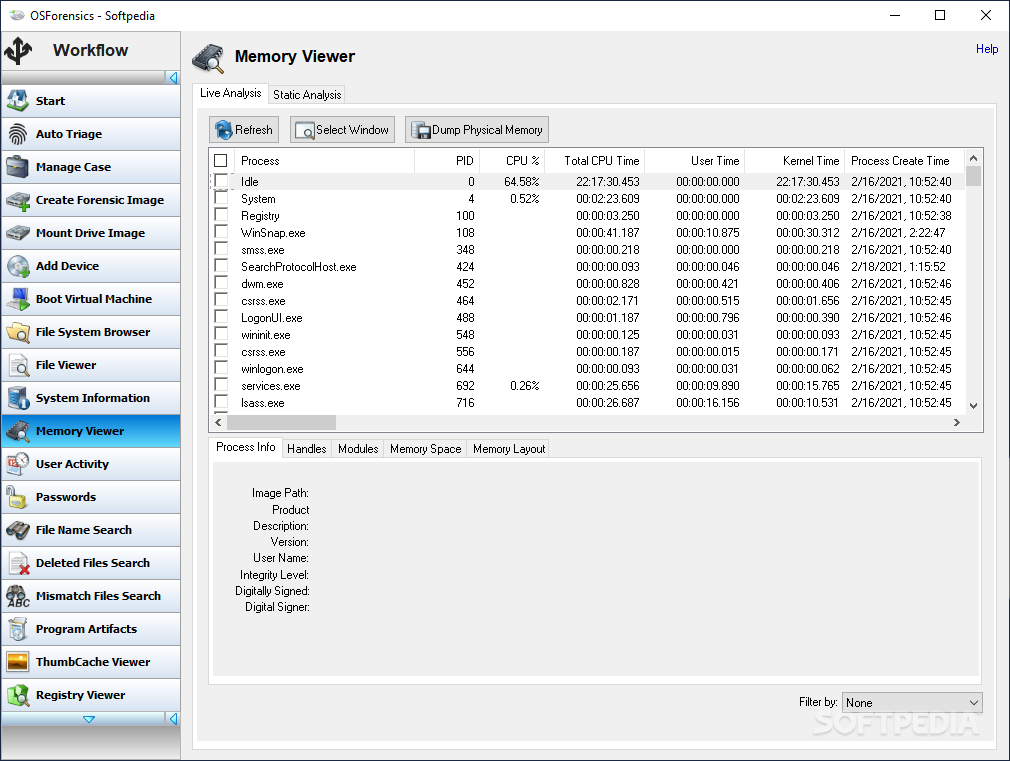
A software utility that enables you to analyze computers and extract a wide array of information from them, including deleted files and memory usage reports. #Evidence Extractor #Computer Analyzer #File Recovery #Evidence #Forensics #Analyzer
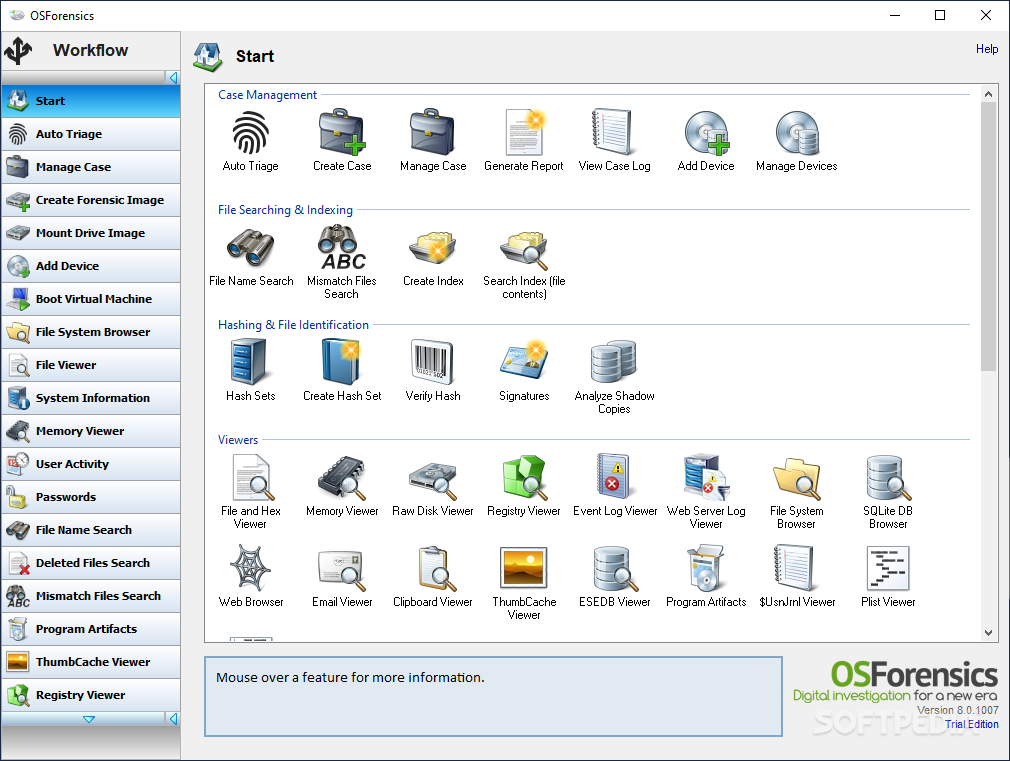
Computer investigations are rather difficult to conduct, especially since it is easy to hide electronic evidence or get rid of it entirely. You can, however, manage to retrieve all of that information, by using a specialized piece of software designed to discover and identify a wide variety of suspicious files and documents.
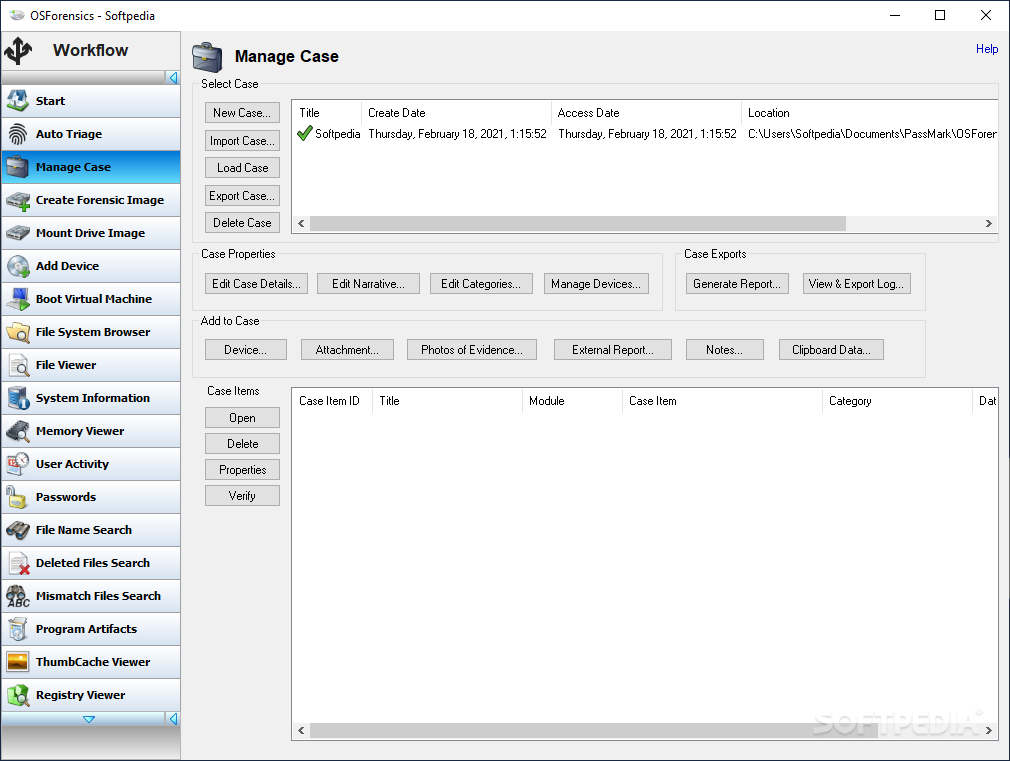
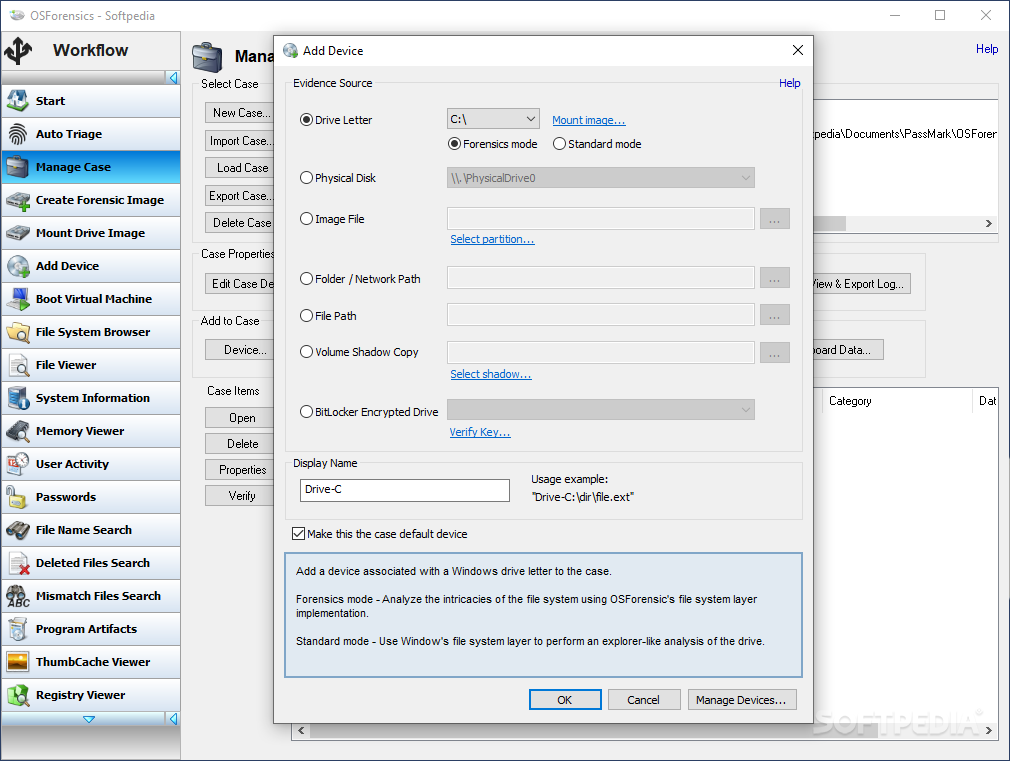
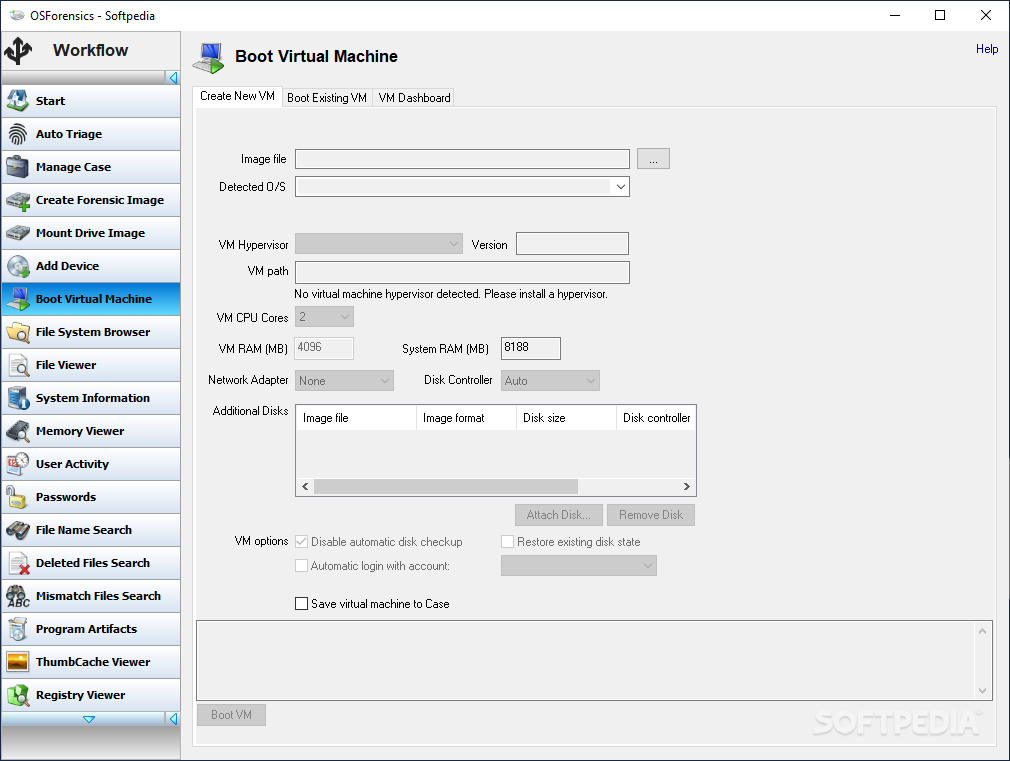
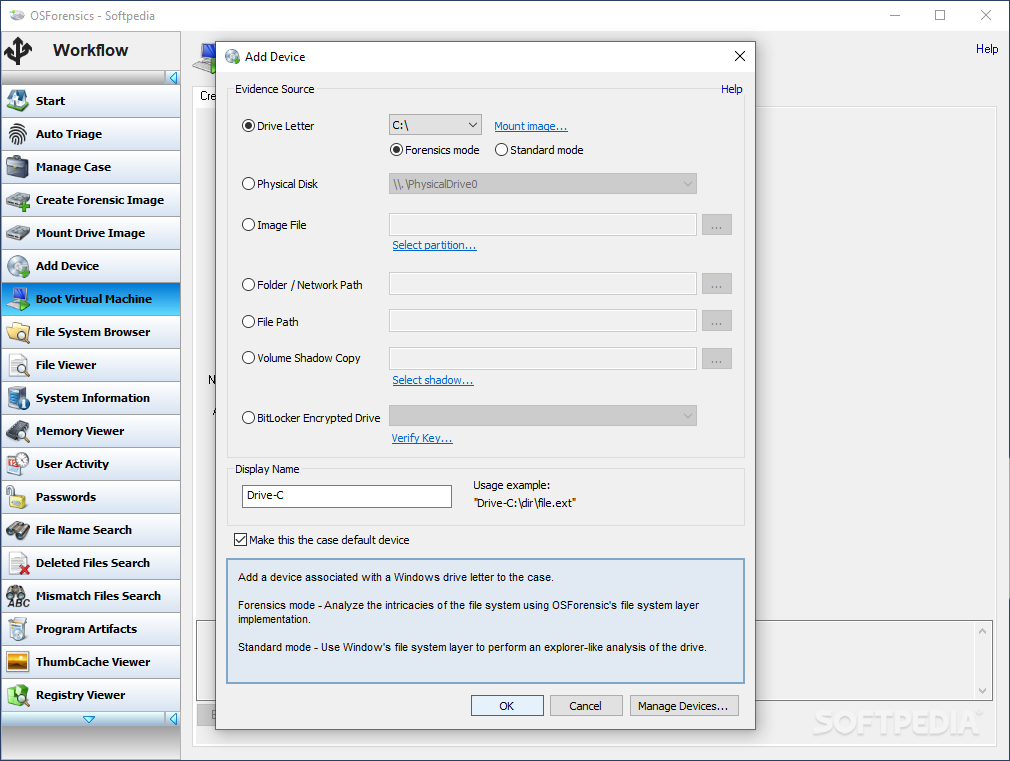
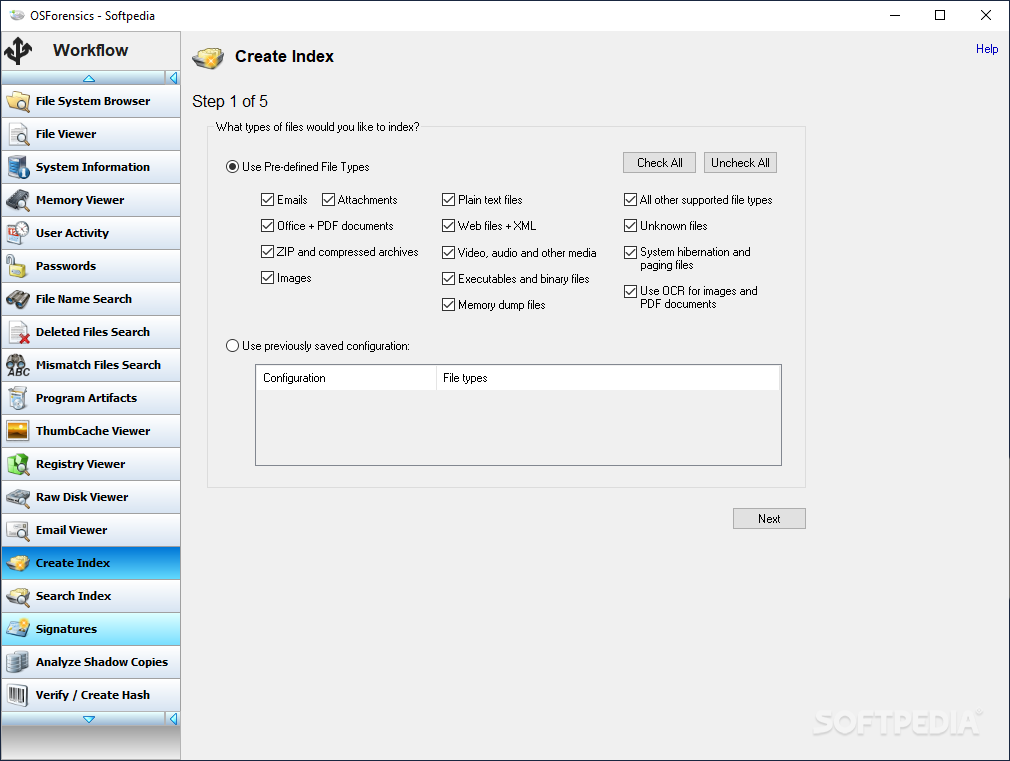
OSForensics is an application that enables you to thoroughly check and scan a computer for any piece of evidence that might offer you insight, by checking anything from email archives, deleted files and even web browsing history. You can organize the evidence by creating separate cases, which can hold the data separate from each other.
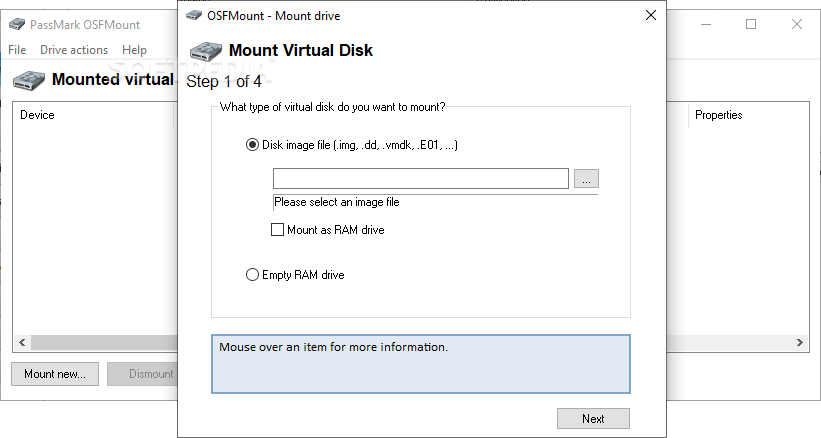
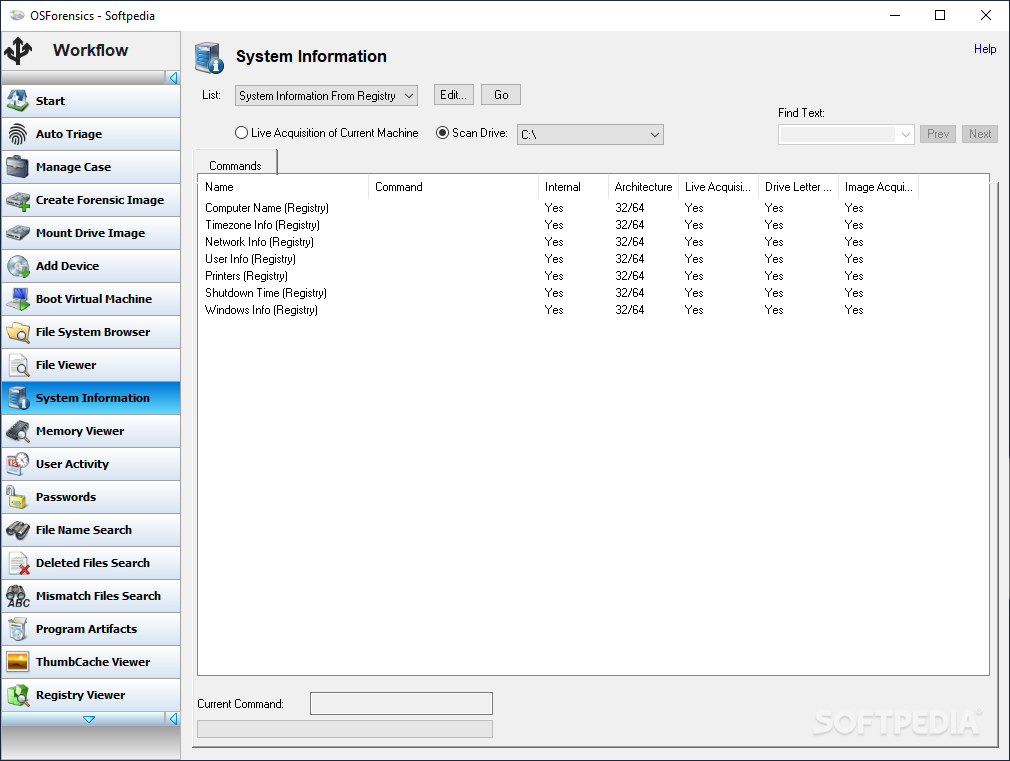
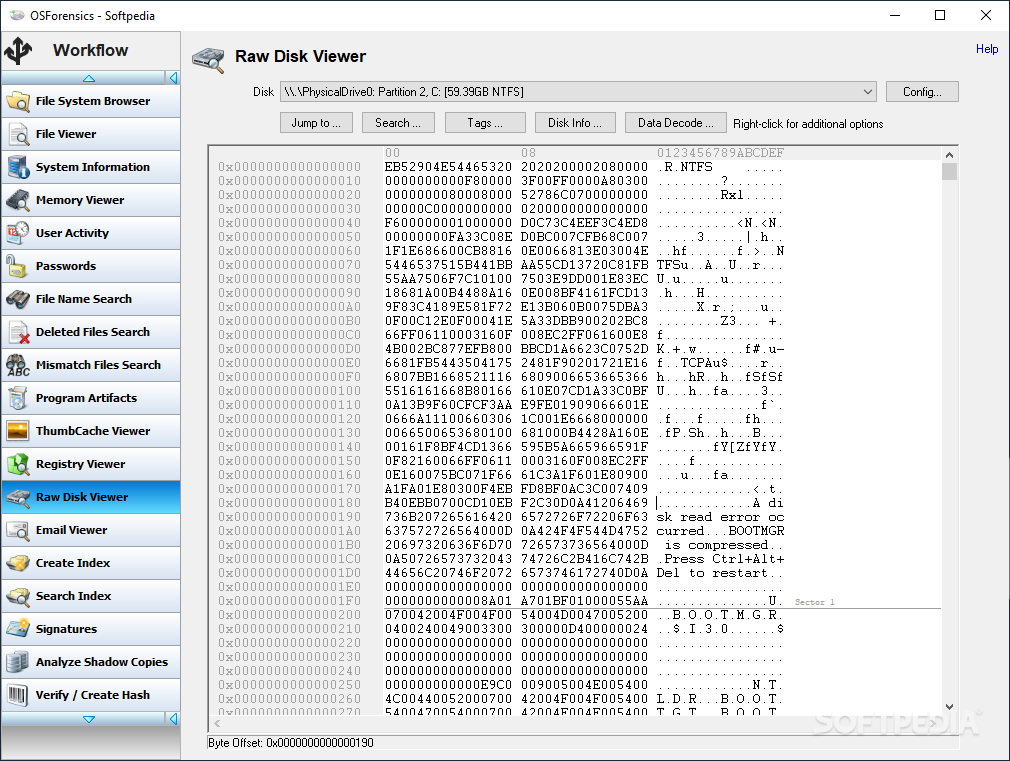
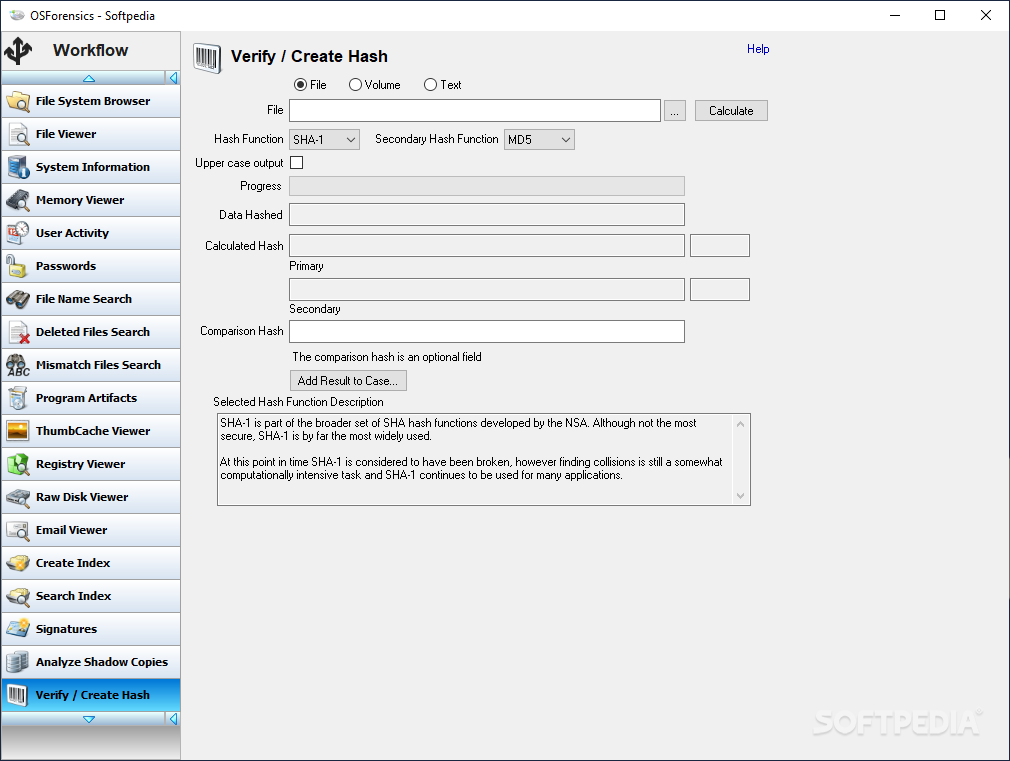
In case you are dealing with encrypted files, the utility can verify and match files using the popular SHA-256 or MD5 hashes, in order to check if their signatures match. Moreover, almost any area of the hard disk and the operating system are accessible, including the registry, volume shadow copies and even the cache.
Since investigations tend to accumulate decent amounts of information, it can get pretty hard to follow and sort through it, especially if you are dealing with more than one case at the same time. In such situations, you can make use of the application's report generator function, which enables you to synthesize the data into more accessible chunks, as well as view the overall progress for each one.
The utility also delivers a few slightly more advanced features, which can be used to recover specific types of data, such as RAID arrays or SQL database files. You can identify the running frequency of various other applications installed on the target computer, as well as view the information recorded by the operating system's prefetcher.
Thanks to the comprehensive list of features, very few things get pass OSForensics, especially when it comes to deleted or hidden files. You can easily make use of all the provided components, thanks to the intuitive interface and the overall simplicity of the application.
What's new in OSForensics 11.0.1007:
- Android Artifacts:
- Added destination target write permissions check before launching acquisition
- Fixed issue that OSFExtract-data.xml file was not created properly under certain conditions (e.g. Failed to create OSFExtract folder in the destination target)
- Fixed issue where the image was not loaded properly when the OSFExtract-data.xml file was placed in the root folder instead of in the OSFExtract folder
OSForensics 11.0.1007
add to watchlist add to download basket send us an update REPORT- runs on:
-
Windows 11
Windows Server 2022
Windows Server 2019
Windows Server 2016
Windows 10 64 bit
Windows Server 2012
Windows 8 64 bit
Windows 7 64 bit - file size:
- 275 MB
- filename:
- osf.exe

- main category:
- System
- developer:
- visit homepage
Bitdefender Antivirus Free

Microsoft Teams

IrfanView

Zoom Client

4k Video Downloader

paint.net

ShareX

7-Zip

Windows Sandbox Launcher

calibre

- 7-Zip
- Windows Sandbox Launcher
- calibre
- Bitdefender Antivirus Free
- Microsoft Teams
- IrfanView
- Zoom Client
- 4k Video Downloader
- paint.net
- ShareX