
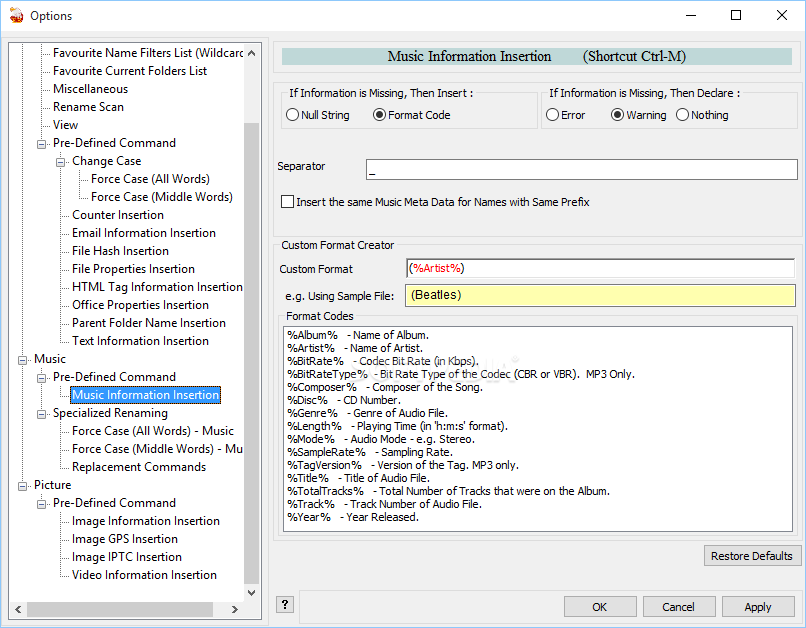
Rename multiple files simultaneously by creating suffix and prefix rules or by taking advantage of the specialized FLAC, MP3 and OGG renaming settings. #Rename file #File renamer #Change filename #Rename #Renamer #Filename
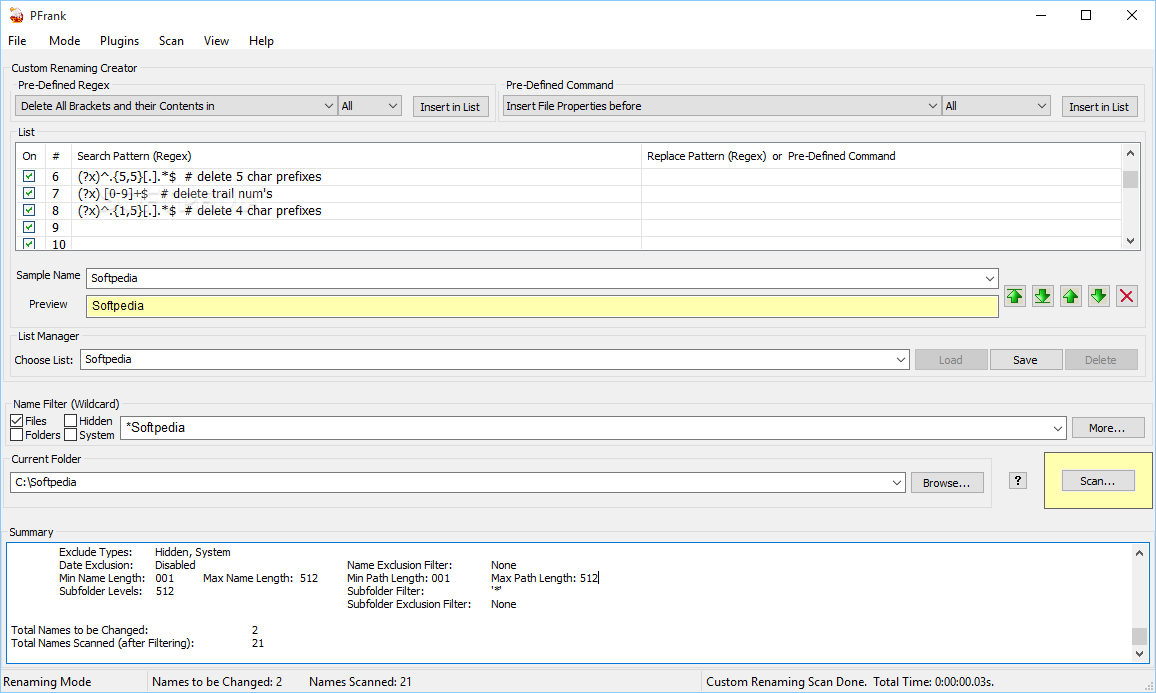
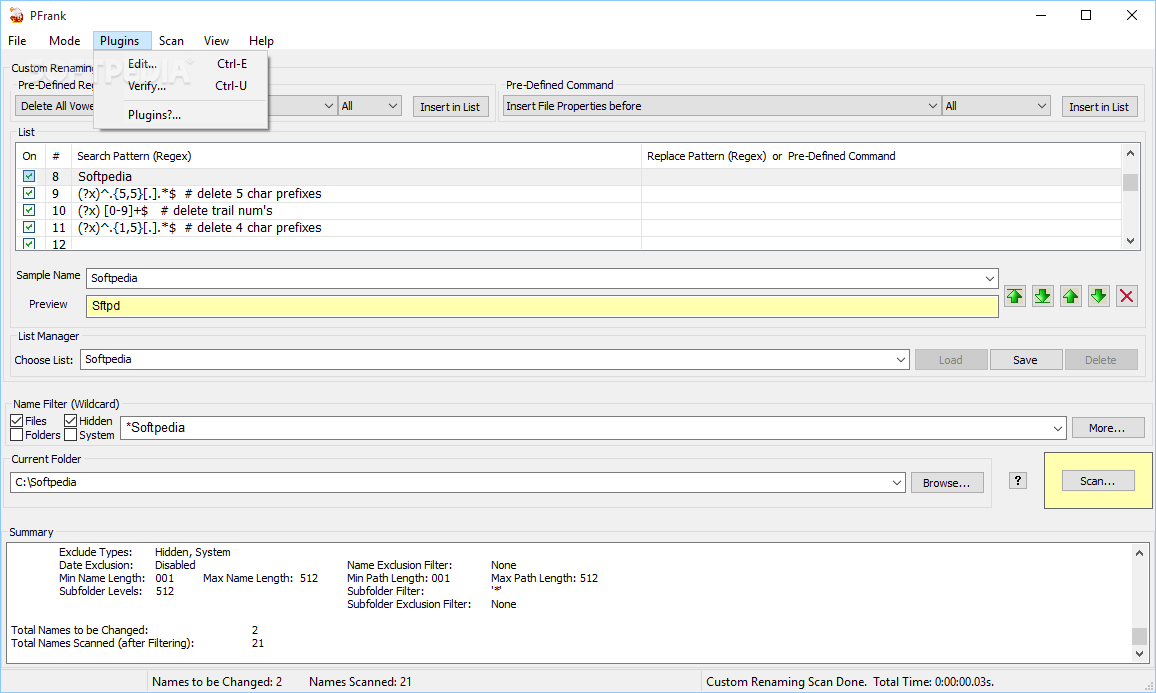
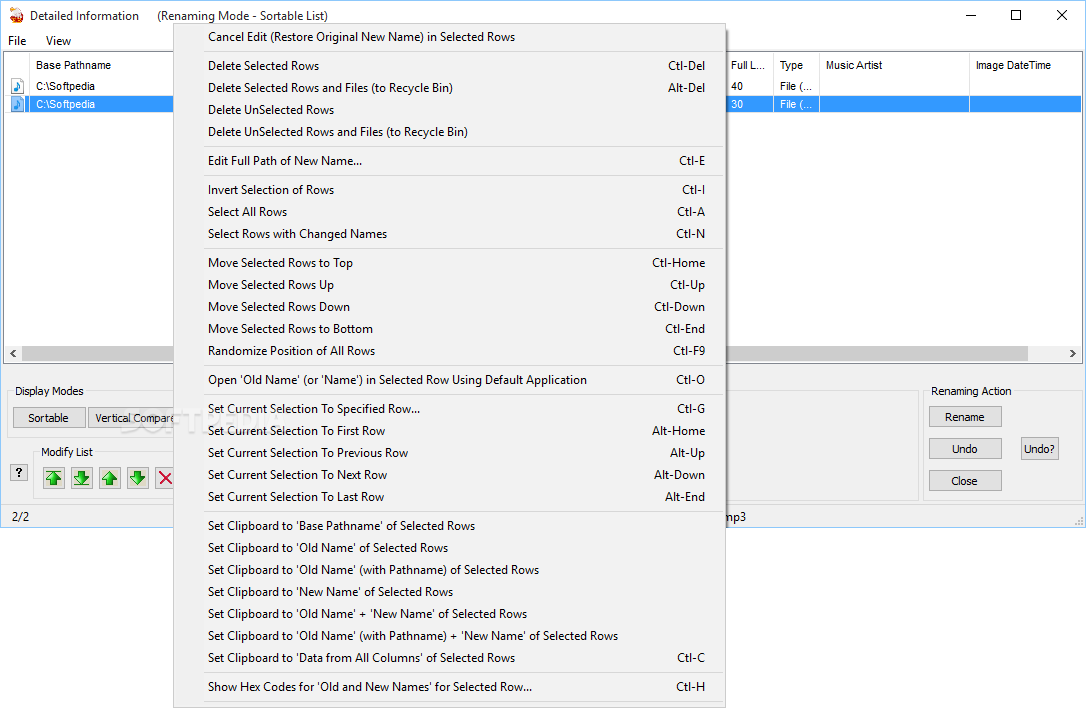
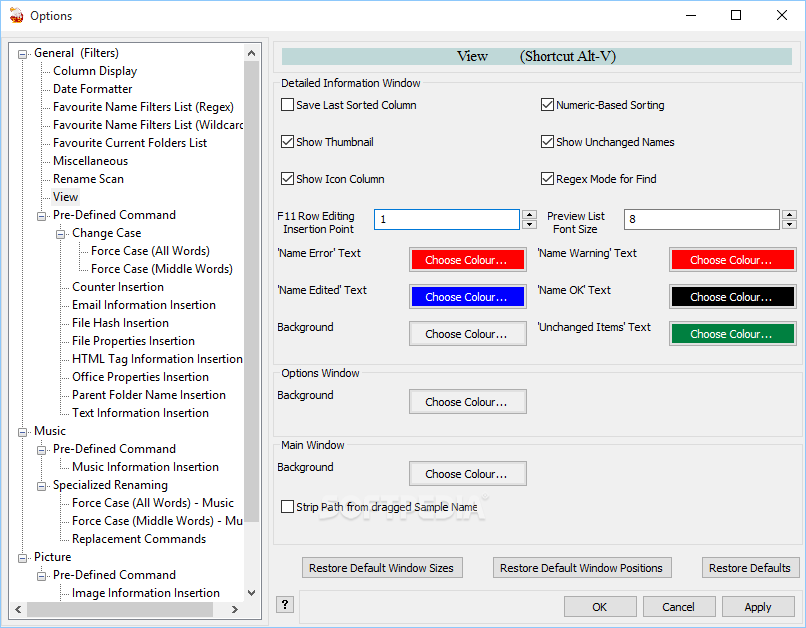
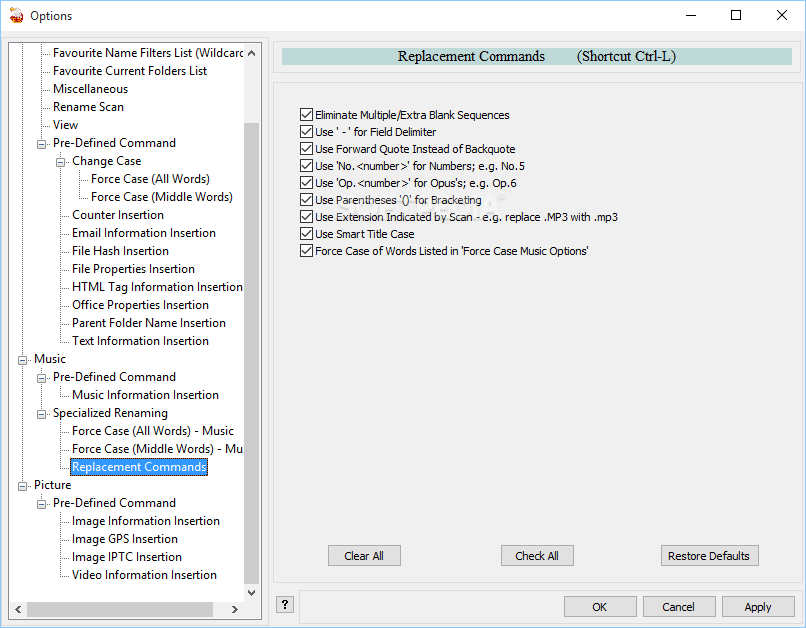
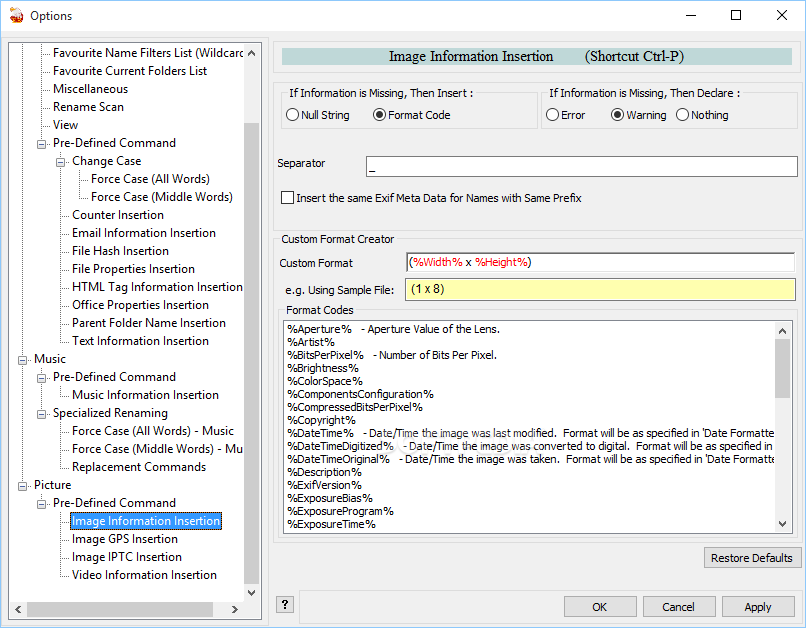
Peter's Flexible Renaming Kit (Pfrank) is a strong renaming tool that can help you process multiple files and folders at once. This is the main function of the program although it can also be used to edit the comments of JPG files and to change the file's properties.
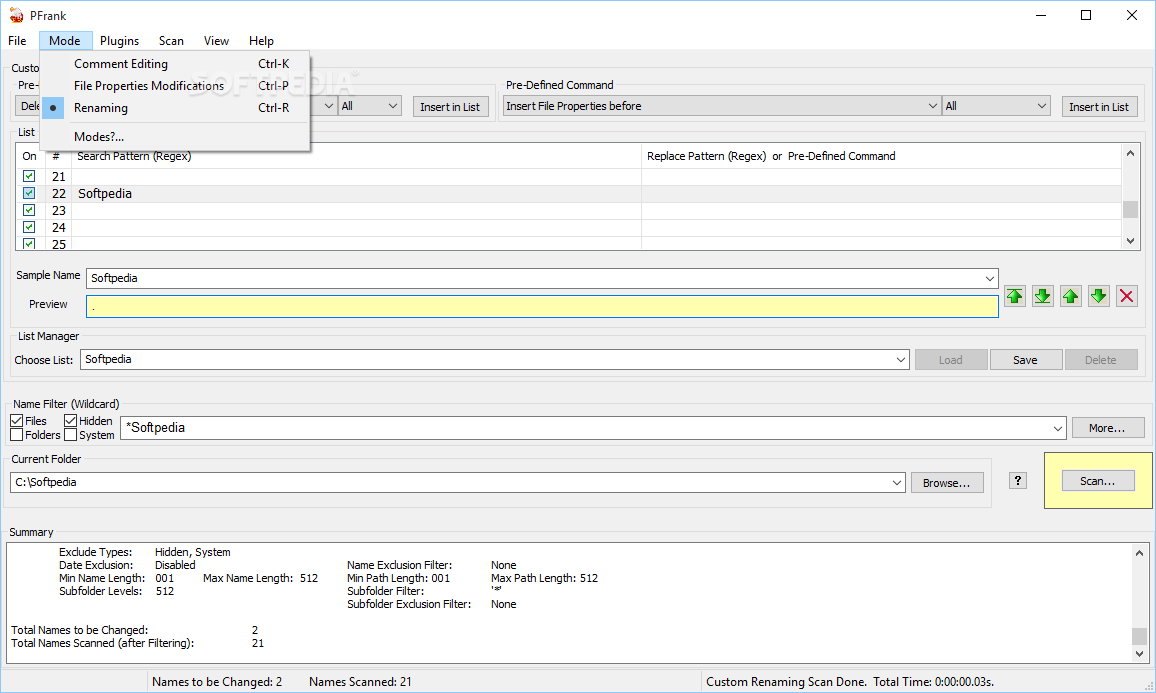
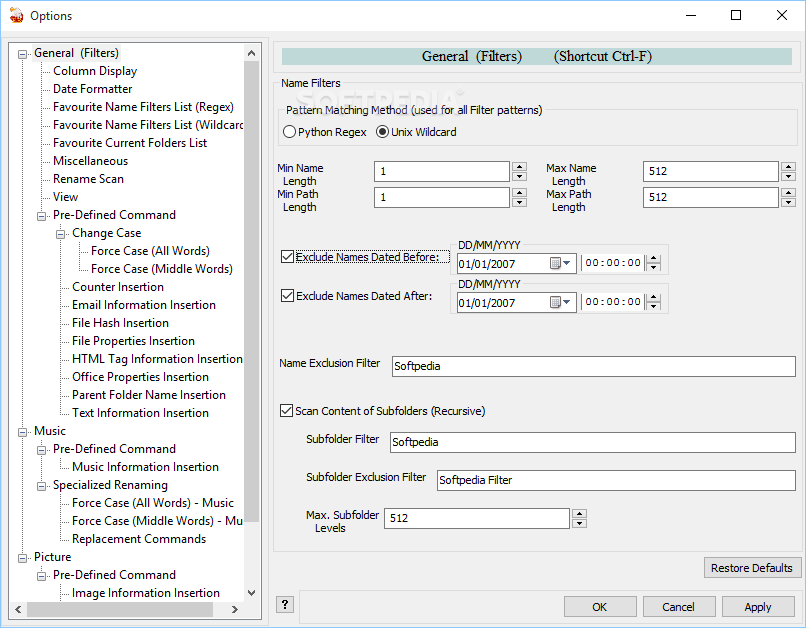
The program has a special mode for each function and the parameters are different. When it works in renaming mode you need to specify the filters that apply in order to select the items to be renamed. You can specify whether the application includes files, folders, hidden files or system files and create a wildcard filter to specify a certain file extension.
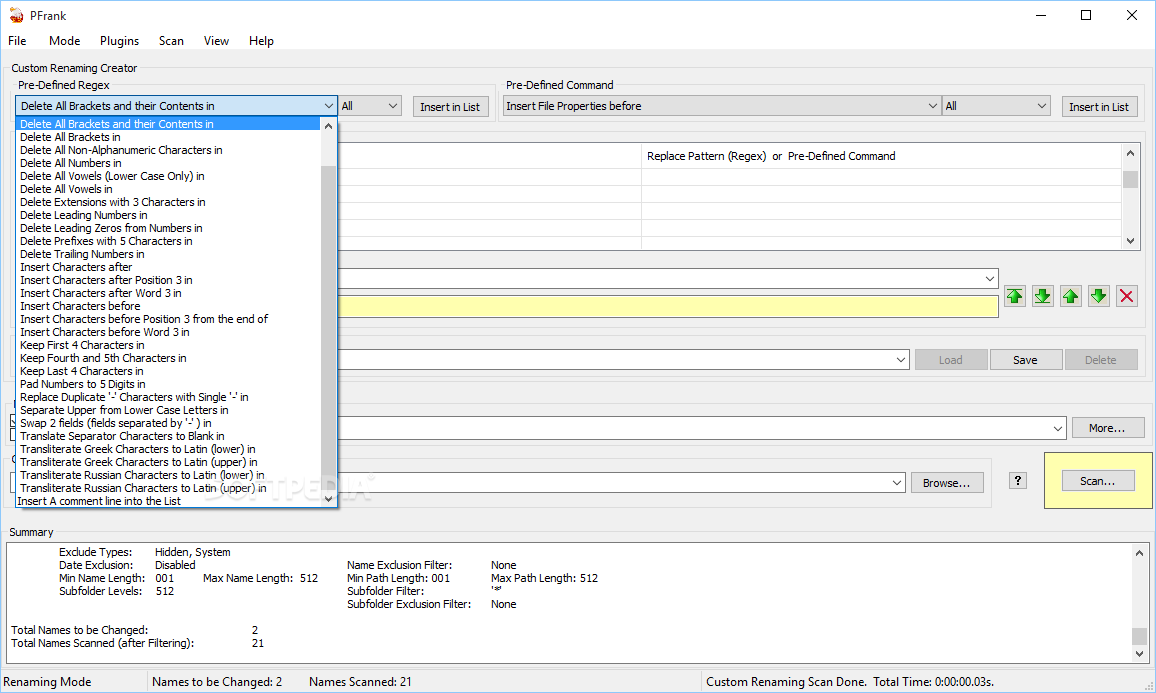
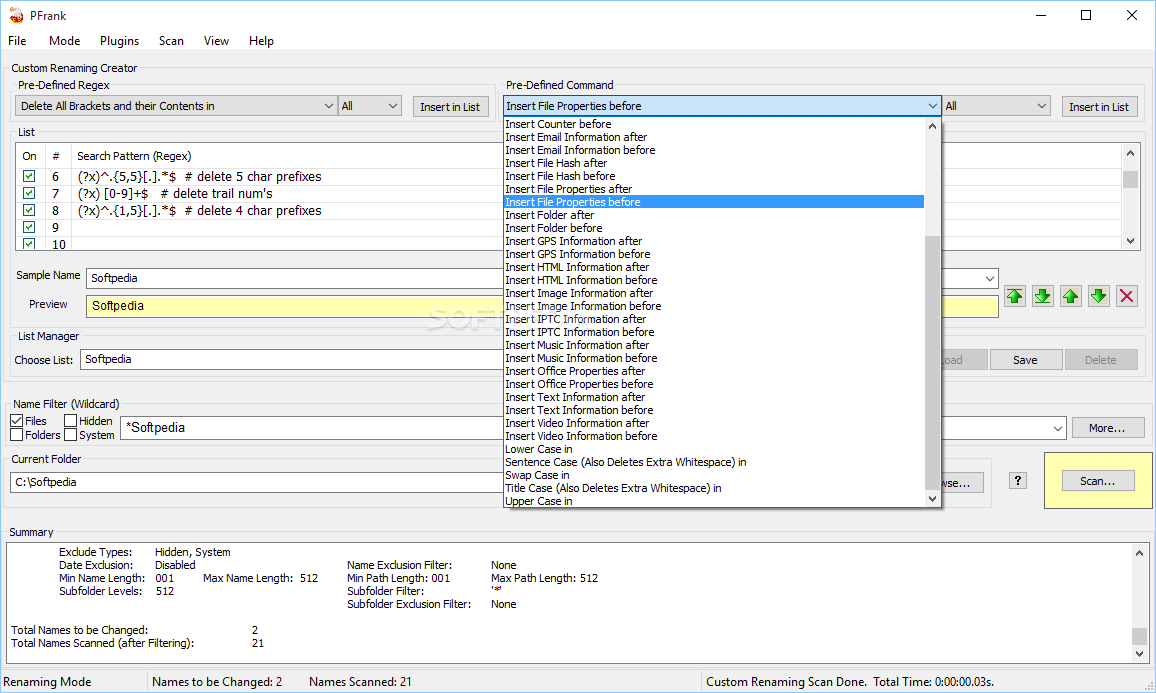
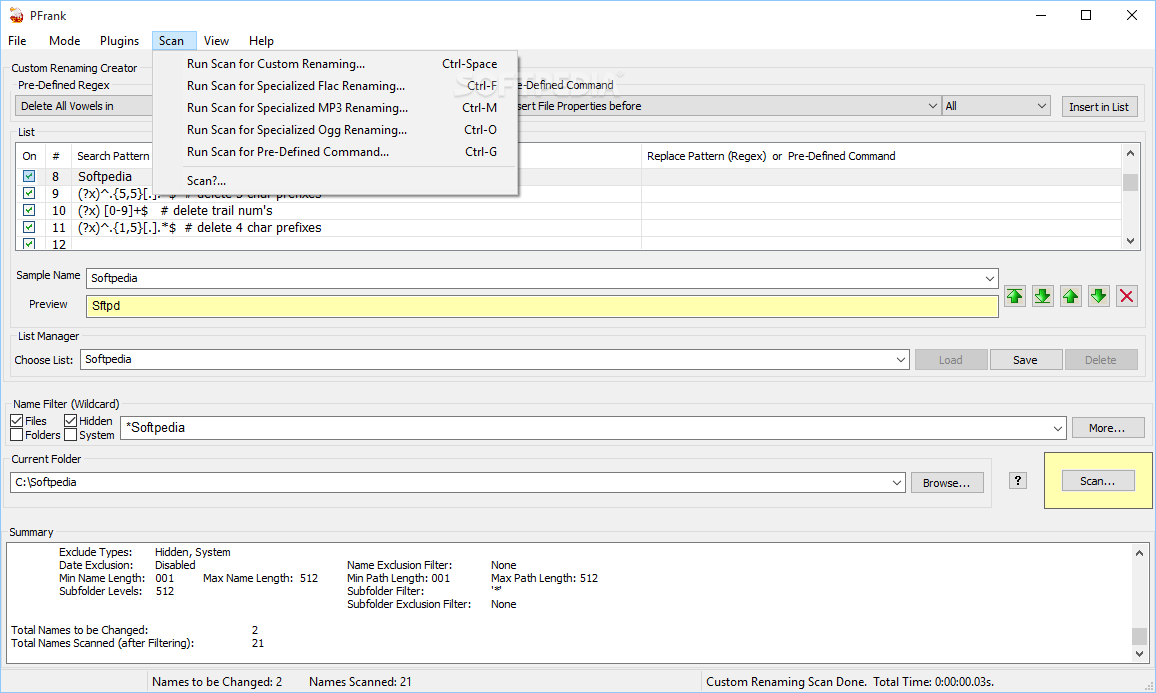
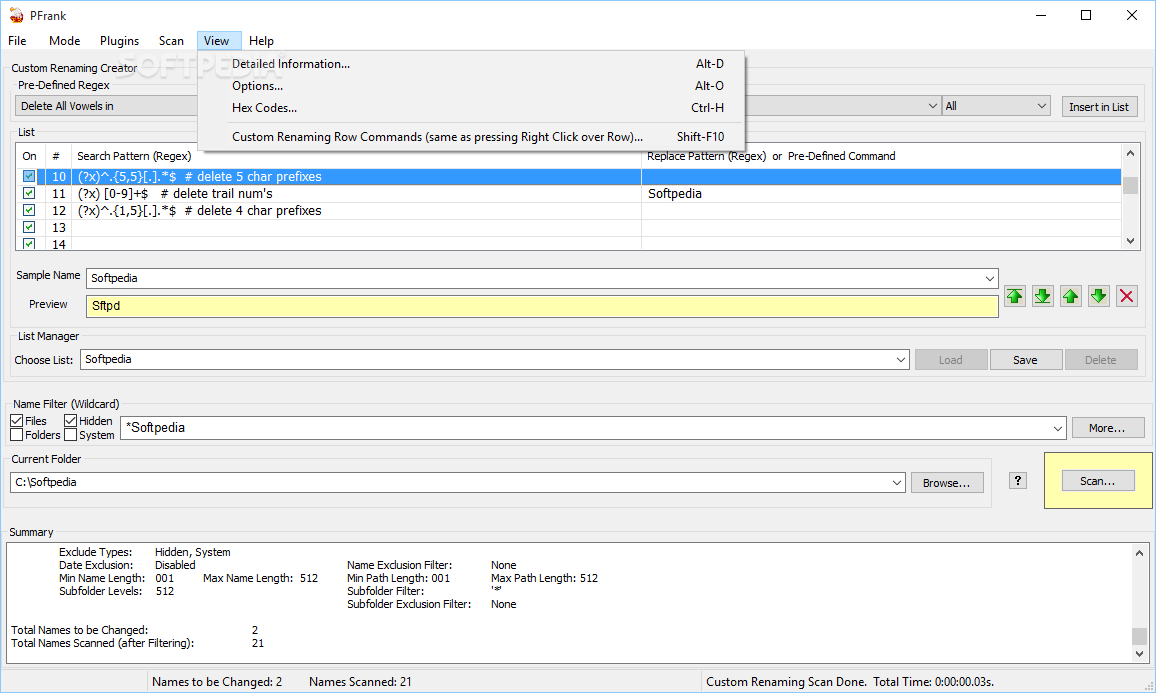
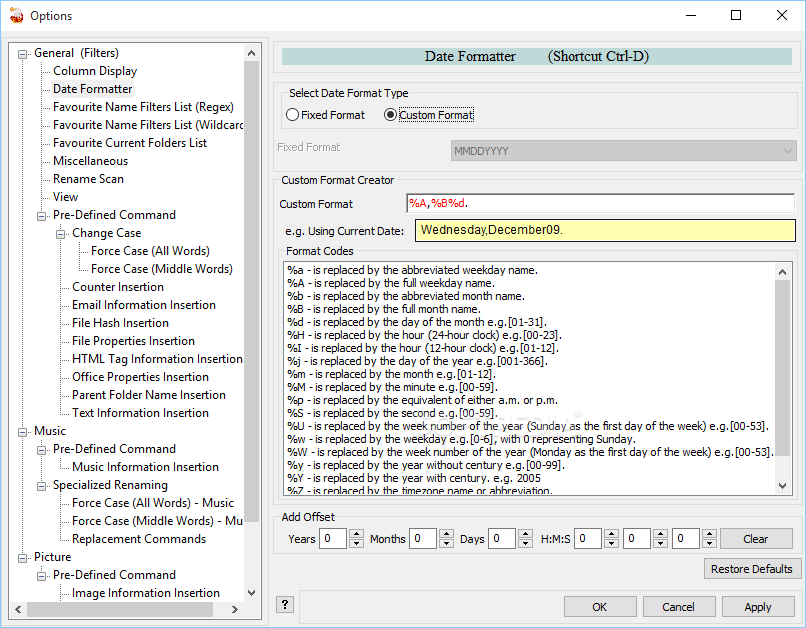
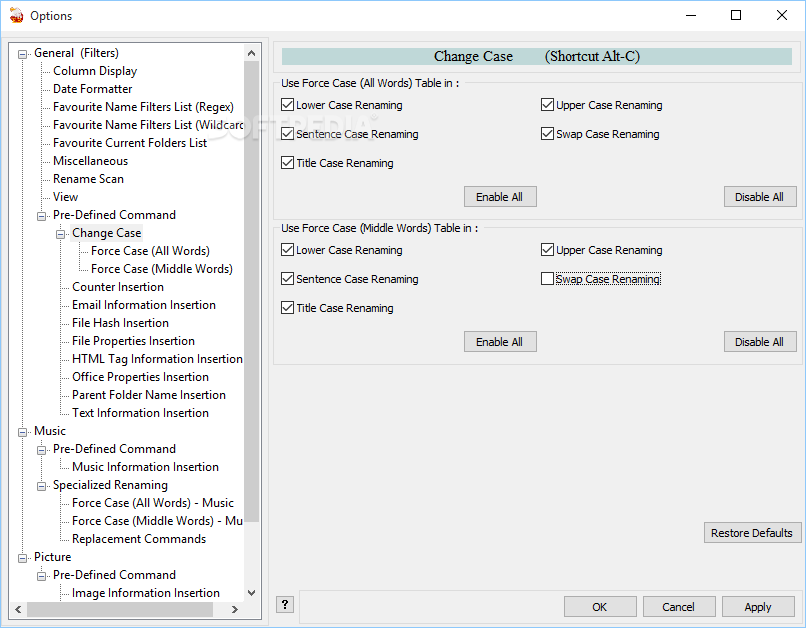
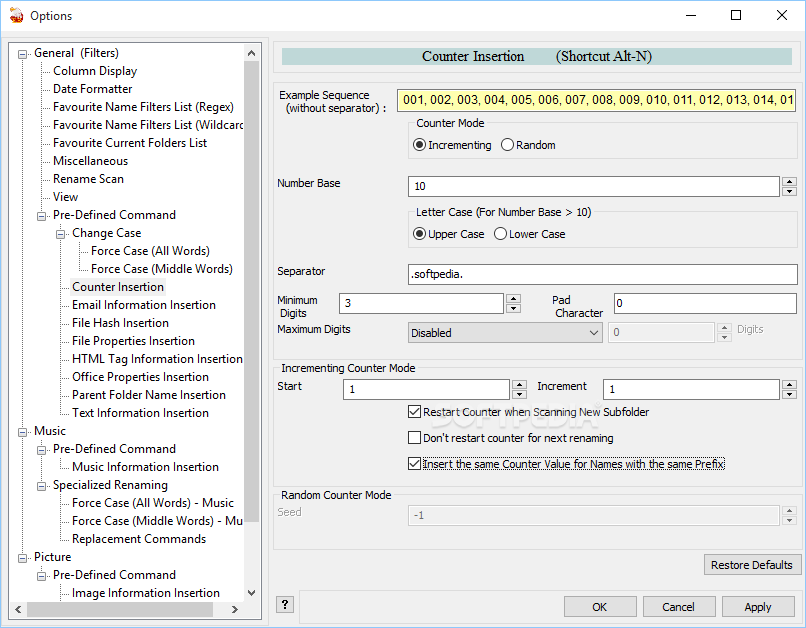
To rename the files the user can choose one of the preset rules available in the application or can create customized rules. This tool is able to apply multiple rules for changing the name of the selected items. For instance, you can remove all the vowels from the file name and change the extension in a single operation.
When you want to change the comments of JPG files the results window displays a field with the file's thumbnail and a comment field where you can enter the text string. You can import the comment from a text file and export the current comment in order to prevent information loss. After you set up the parameters you can choose to apply the changes to the entire list or to modify only certain files.
Pfrank can also be used to change the file properties for a large number of files. The first step is to create the filters for selecting the desired files. In the results window you can choose the properties that you want to set and select only certain files that are affected by the change.
Although the interface is more complex than other similar utilities, Peter's Flexible Renaming Kit is a powerful and highly customizable program that can deal with any file renaming task.
Download Hubs
PFrank is part of these download collections: File Renamer, Rename Images
What's new in PFrank 2.33:
- Added Grouping feature for various insertion options.
- Added more error checking for imports.
- Fixed month offset 'off by 1' error.
PFrank 2.33
add to watchlist add to download basket send us an update REPORT- PRICE: Free
- runs on:
- Windows All
- file size:
- 4.8 MB
- filename:
- PFrankSetup2.33.exe
- main category:
- System
- developer:
paint.net

Windows Sandbox Launcher

7-Zip

Microsoft Teams

Bitdefender Antivirus Free

4k Video Downloader

Zoom Client

IrfanView

ShareX

calibre

- IrfanView
- ShareX
- calibre
- paint.net
- Windows Sandbox Launcher
- 7-Zip
- Microsoft Teams
- Bitdefender Antivirus Free
- 4k Video Downloader
- Zoom Client