
This handy application allows you to quickly and easily rename multiple files and folders from the integrated file explorer or from the Windows Shell context menu. #Rename file #Batch rename #File renamer #Renamer #Rename #Filename

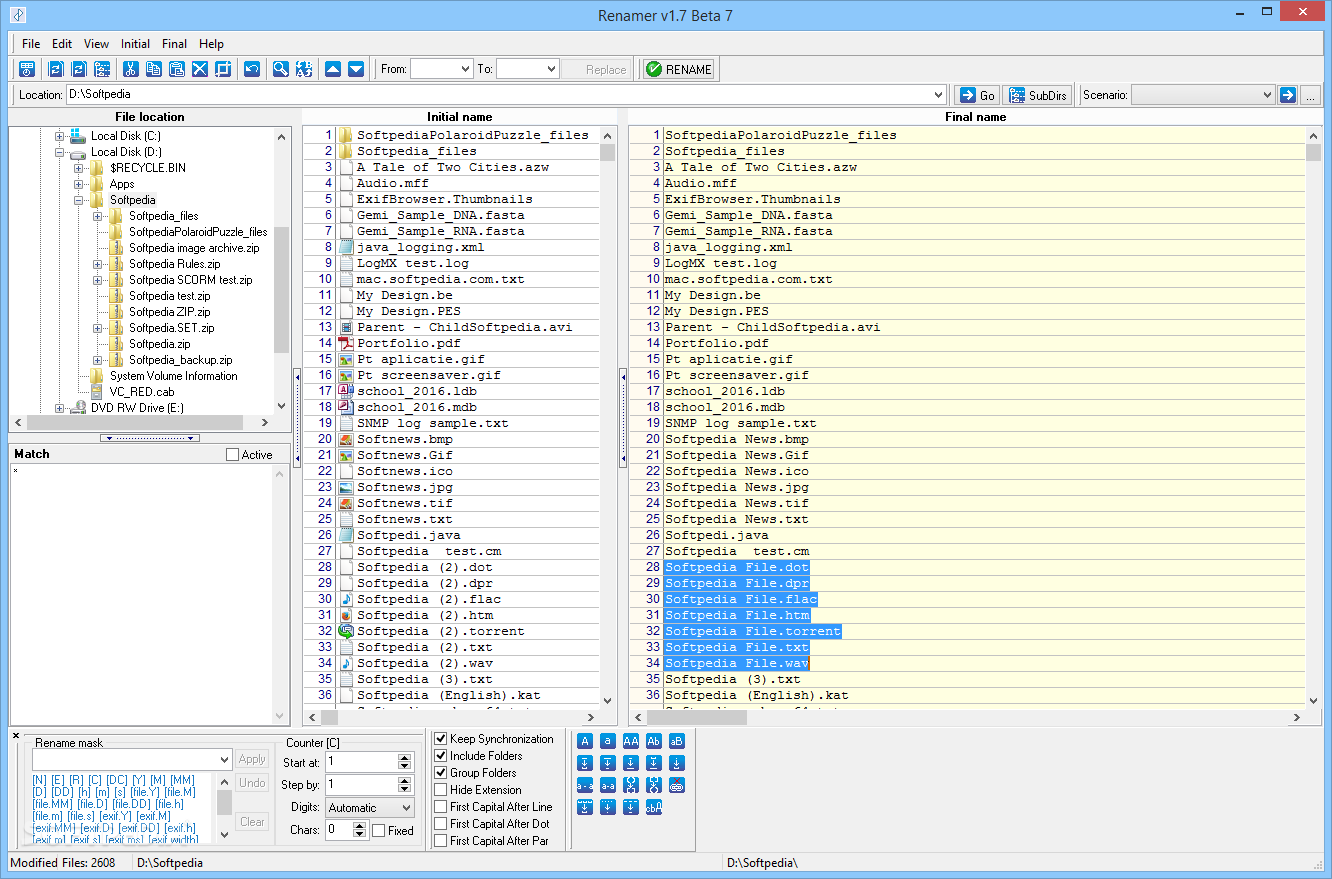
Renamer is a simple-to-use program that lets you rename files and folders in batch mode. It targets all types of users, whether they have experience with this type of tools or not.
The interface the application is represented by a standard window with a well-defined layout. Thanks to the Explorer-based folder structure, you can easily navigate directories to locate items for renaming.
Two panes let you make the necessary modifications to the files and folders on the fly. As far as configuration settings are concerned, you can establish a renaming mask or set up a counter (start position, stepping interval, digits, characters).
You can maintain the synchronization, include and group folders, hide extensions, as well as capitalize the first letter after a line or dot.
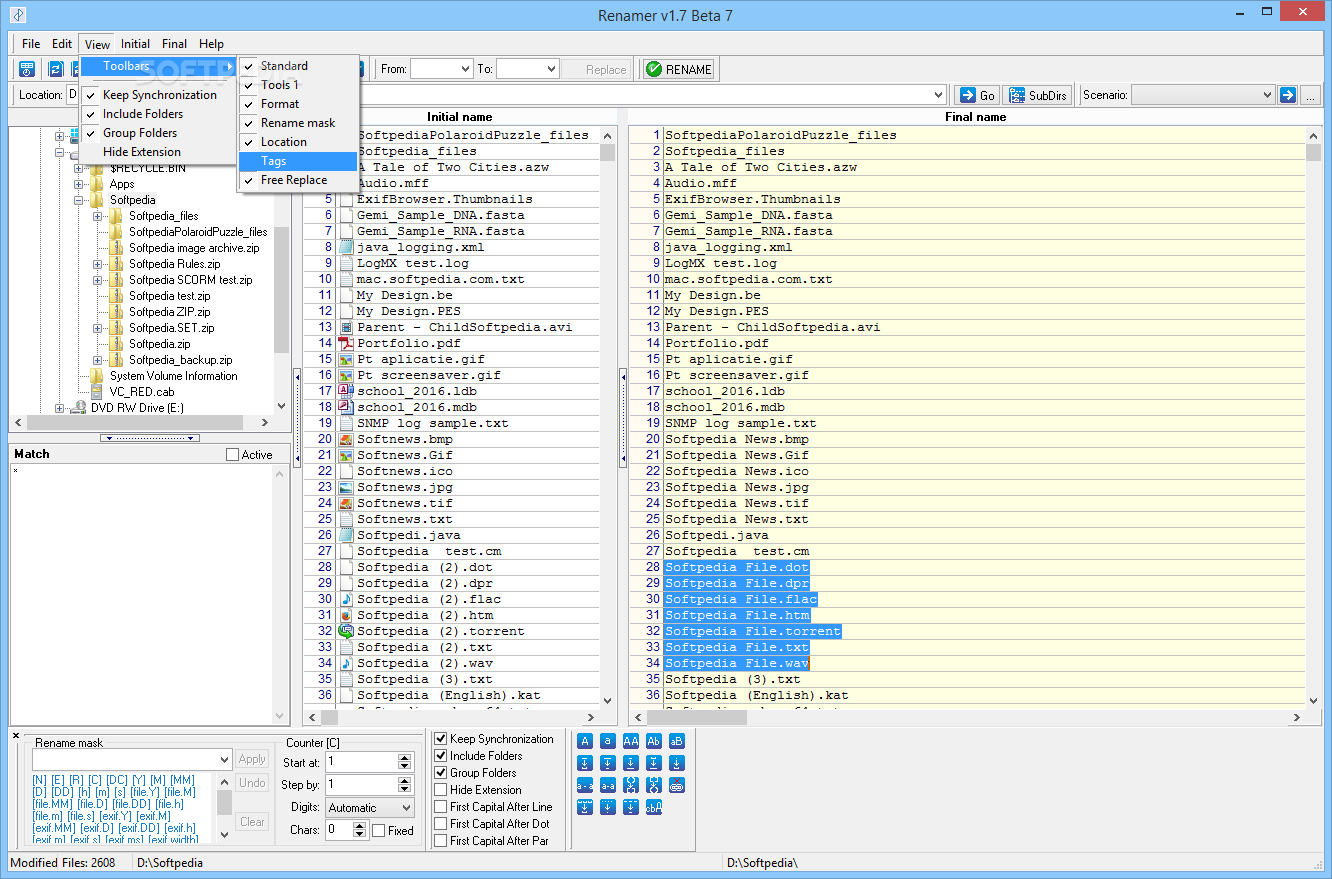
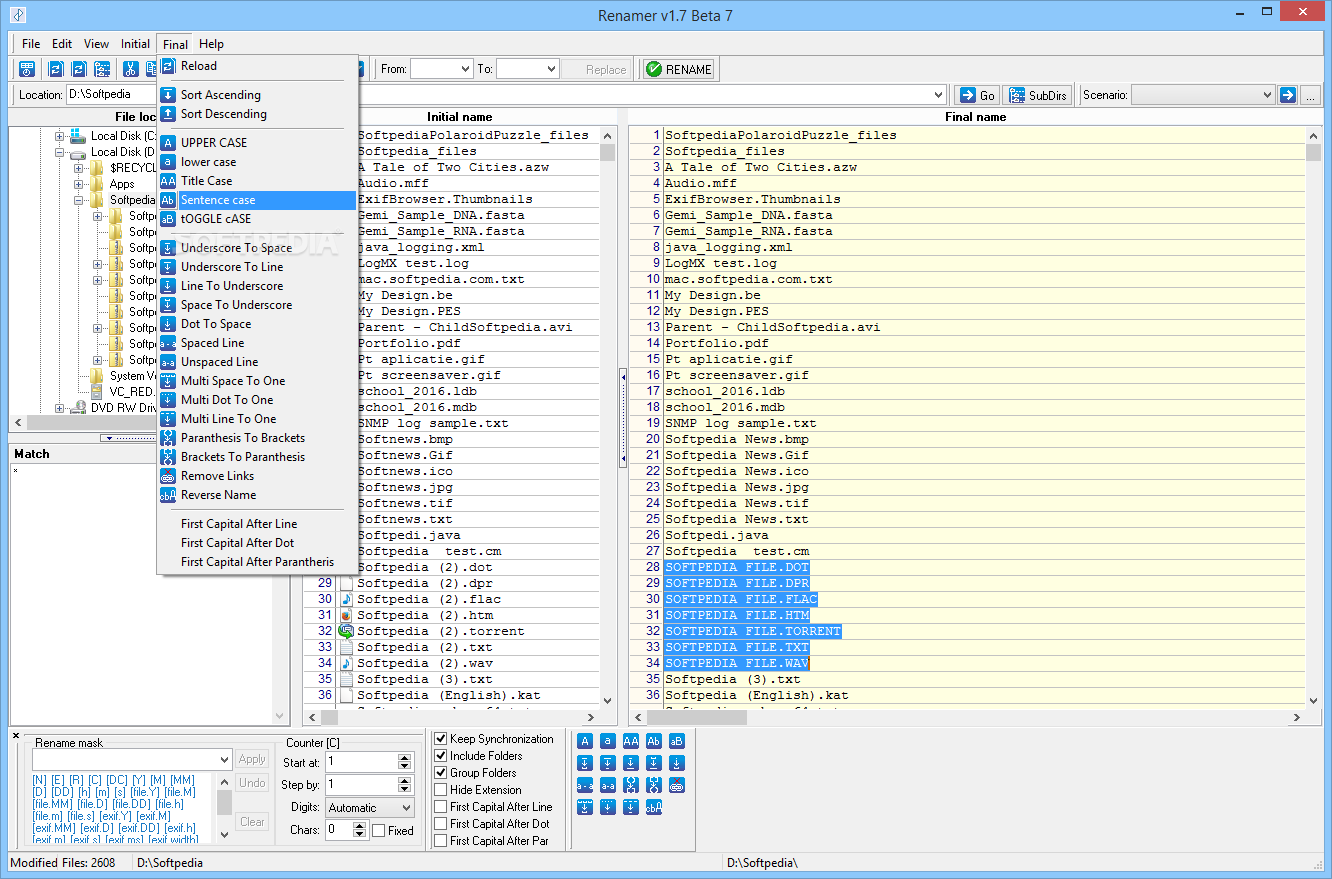
You can use a search and replace function, undo your actions or disable toolbars, as well as make additional on-the-fly changes to the file or folder names (e.g. underscore to space or line, spaced line, remove links, reverse names).
Renamer is very light on the system resources, since it requires a minimum amount of CPU and system memory. The tool has a good response time, carries out a task quickly and includes a help file. We have not encountered any problems throughout our evaluation, since the app did not hang, crash or pop up error dialogs. On the downside, Renamer has not been updated for a pretty long time.
Renamer 1.7 Build 110 Beta 7
add to watchlist add to download basket send us an update REPORT- portable version
- Portable ReNamer Lite
- runs on:
- Windows All
- file size:
- 888 KB
- filename:
- Renamer-1.7.110.exe
- main category:
- System
- developer:
Microsoft Teams

4k Video Downloader

calibre

Zoom Client

Bitdefender Antivirus Free

7-Zip

ShareX

paint.net

IrfanView

Windows Sandbox Launcher

- paint.net
- IrfanView
- Windows Sandbox Launcher
- Microsoft Teams
- 4k Video Downloader
- calibre
- Zoom Client
- Bitdefender Antivirus Free
- 7-Zip
- ShareX