
Compact piece of software that helps you copy, transfer or move files, resume or skip the current transfer, as well as view errors, apply filters and verify checksums. #File transfer #File copy #File copier #Copier #Transfer #Copy

Note: Supercopier is dprecated. Please use Ultracopier, a modern version of Supercopier.
Supercopier is a lightweight file management application whose purpose is to help you copy, transfer or move files using flexible options for pausing the file transfer as well as managing multiple tasks from a single interface.
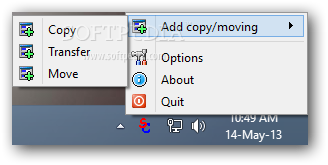
You can find this program located in your system tray area and access its functions by right clicking its system tray icon.
You may opt for copying, transferring or moving files and configure several dedicated parameters.
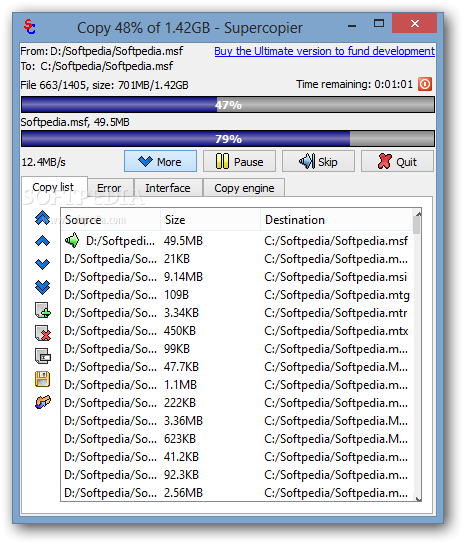
Supercopier asks you to specify the source directory and target location for the file transfer process. Plus, it makes use of a minimal panel for helping you resume or skip the current transfer.
Professional users may press on the “More” button for revealing extra features to play with. The tool displays a list with the items that you intend to copy or move and lets you view details about them (source and destination directories and size).
You are allowed to add new files and folders to the current task using the drag-and-drop support, delete items from the list, perform searches, and export the transfer list to LST file format so you can import it in your future projects.
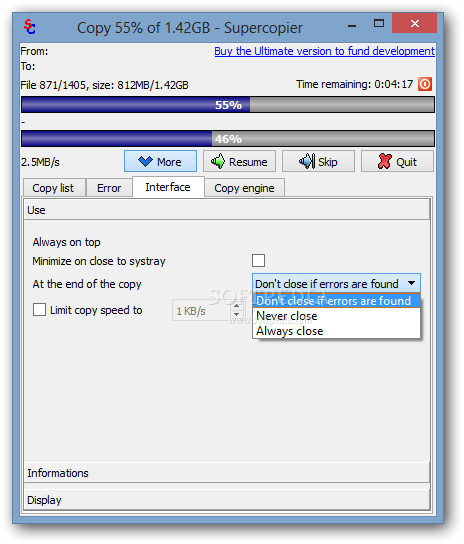
Supercopier displays an error console which provides information about the failed tasks and lets you make the main window remain on top of other windows, limit the copy speed to a user-defined value, reveal the copy speed and progress bar, as well as show the copy progress in the title bar.
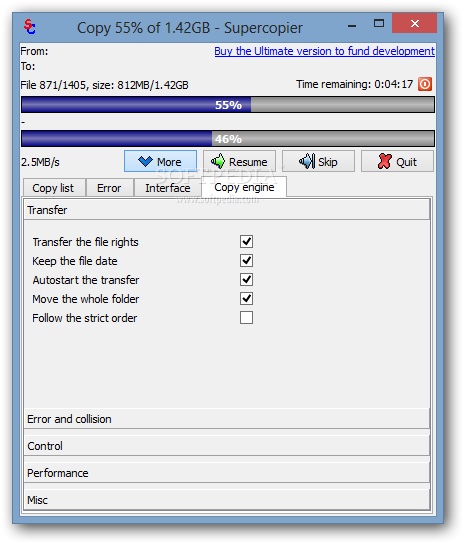
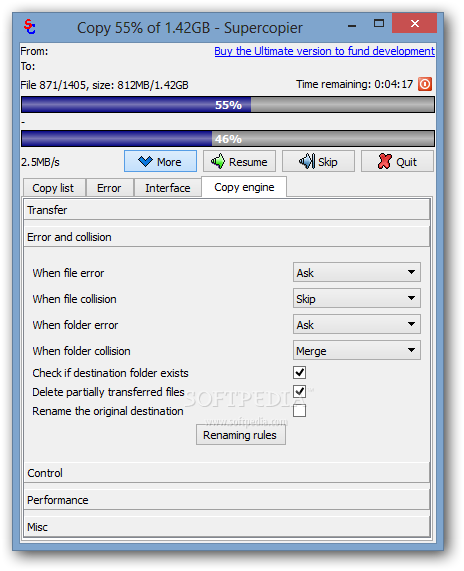
When it comes to tweaking the copy mode, you can make the program transfer the file rights, preserve the file date, and move the whole folder. Plus, if it encounters file and folder errors or collisions, there are several options that you can rely on, such prompting the user, skipping or placing file at the end of the queue.
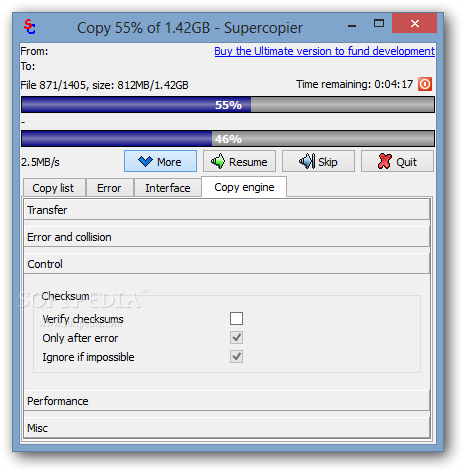
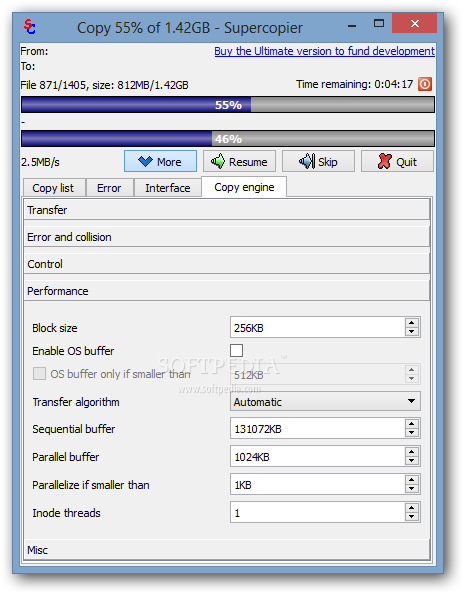
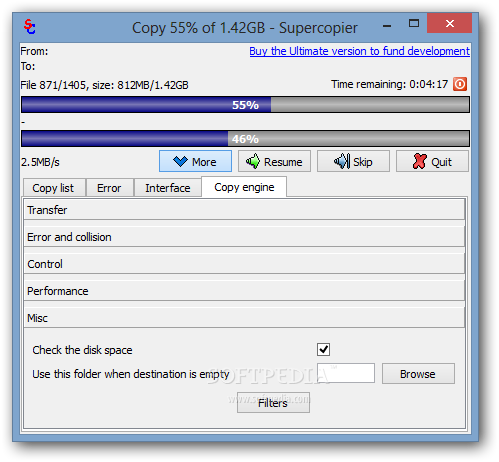
Last but not least, Supercopier is able to verify checksums and helps you alter the transfer performance in terms of block size and algorithm (sequential or parallel), check the disk space and use a custom folder if the destination is not set, as well as create exclusion and inclusion lists.
Although Supercopier can’t outrun Windows Explorer in terms of speed significantly, it certainly brings some advantages for helping you gain control over the file transfer process and is suitable for rookies and professionals alike.
Download Hubs
Supercopier is part of these download collections: File Copy
Supercopier 2.2.6.6
 Softpedia Editor's Pick
add to watchlist
add to download basket
send us an update
REPORT
Softpedia Editor's Pick
add to watchlist
add to download basket
send us an update
REPORT
- portable version
- Portable Supercopier
- runs on:
-
Windows 11
Windows 10 32/64 bit
Windows 8 32/64 bit
Windows 7 32/64 bit
Windows Vista 32/64 bit
Windows XP 32/64 bit
Windows 2K - file size:
- 14.5 MB
- filename:
- ultracopier-windows-x86-2.2.6.6-setup.exe
- main category:
- System
- developer:
- visit homepage
Windows Sandbox Launcher

ShareX

Context Menu Manager

Microsoft Teams

IrfanView

7-Zip

Zoom Client

calibre

Bitdefender Antivirus Free

4k Video Downloader

- calibre
- Bitdefender Antivirus Free
- 4k Video Downloader
- Windows Sandbox Launcher
- ShareX
- Context Menu Manager
- Microsoft Teams
- IrfanView
- 7-Zip
- Zoom Client