
Identify duplicate photos by checking the similarity rating this app puts on items, quickly and easily, without the use of complex algorithms. #Duplicate searcher #Image finder #Remove duplicate #Duplicate #Finder #Dupe

Photos are the best way to remind us of certain moments in life. Whether it is happy or sad memories that these bring. There is no shortage of them in our existence, be they in physical or virtual format. Nowadays, the virtual counterparts seem to become numerous since no more selection is required for printing. We tend to snap two or more pics of the same subject just to be sure we got the right angle.
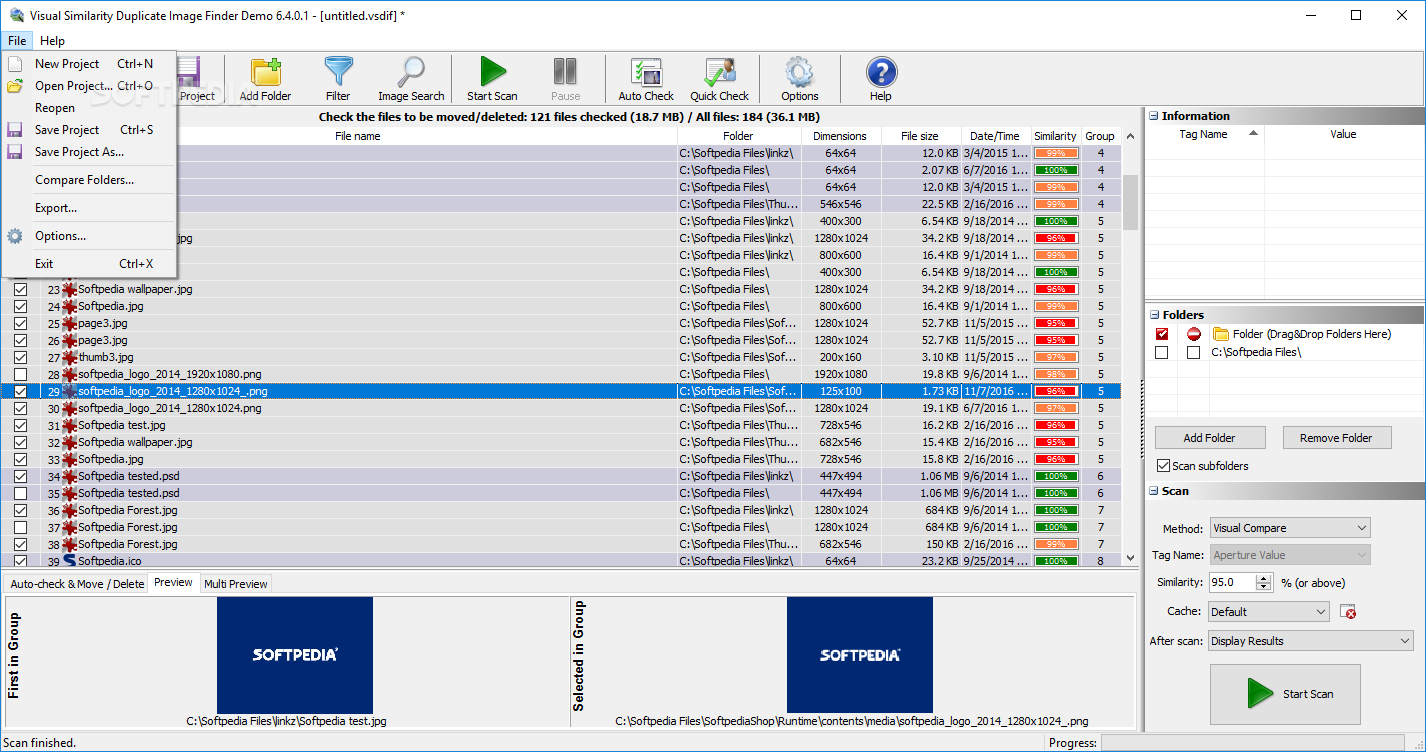
Visual Similarity Duplicate Image Finder is an application dedicated to those users who want to sanitize their virtual space and remove identical or highly similar images from their machine to gain more space for other elements.
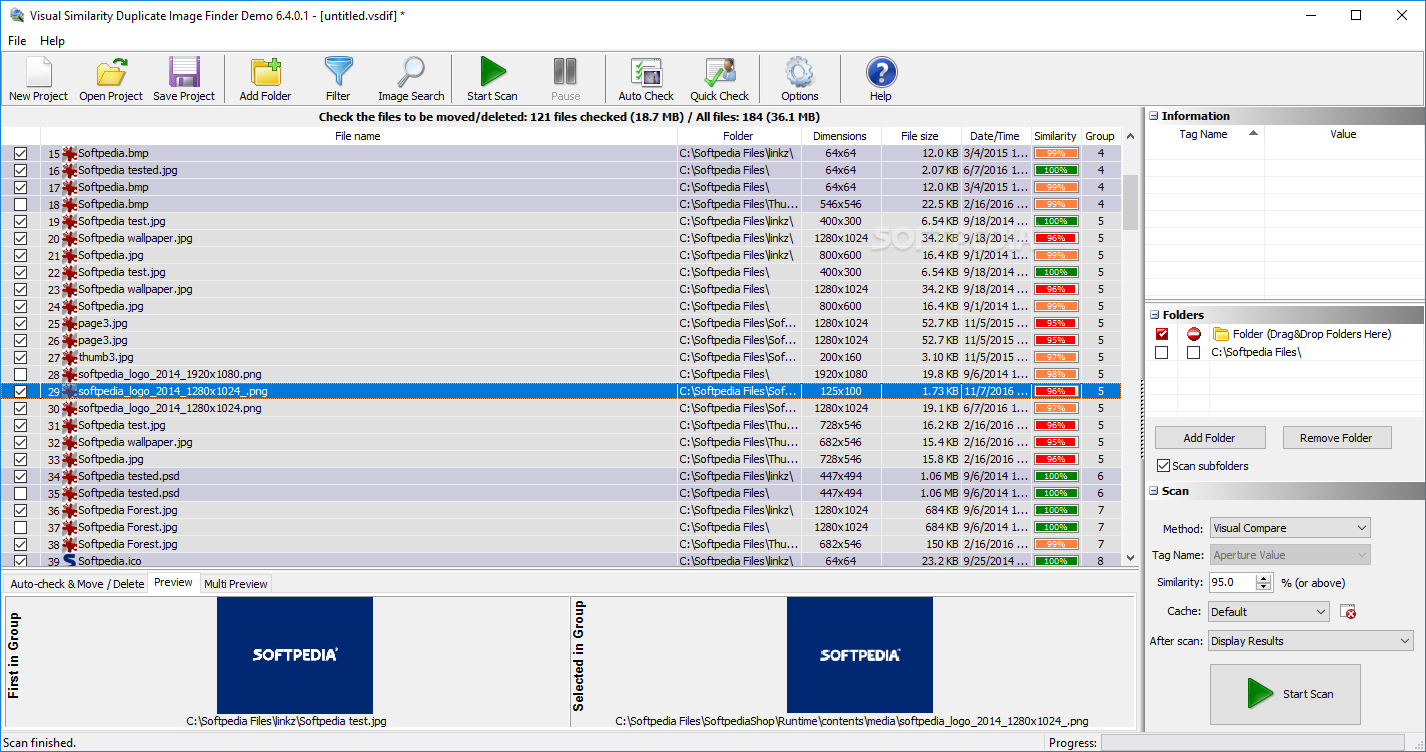
With this program, what baffled me, was the good use of percentage values, which accurately indicate the similarity rate between two identical files. Of course, you need to submit a location for analysis, first and also choose the element to which the element with which the app must compare your photos.
The result is a long list of color-coded elements. Green indicates 100% similarity, meaning identical photos with anything below that value can turn up being yellow, high rate of similarity, or red, with low levels of similarity.
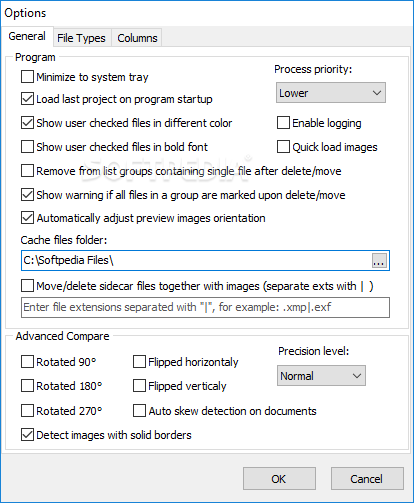
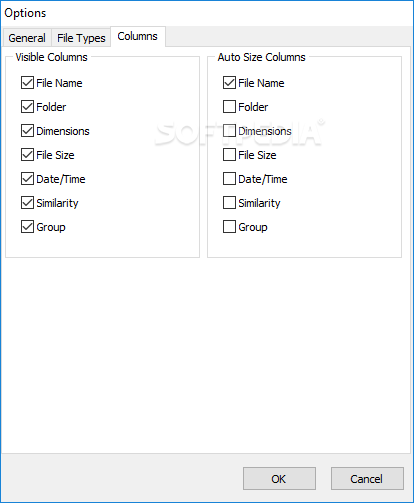
The values can be changed of course, other than the 100% mark which stays the same no matter what. One can add multiple folders in the mix for analysis, then adjust the comparison model and also adjust the level of similarity that is to be of interest in this scanning procedure. Choose the way your results will show up and the caching method too.
Visual Similarity Duplicate Image Finder surprised me with its simplicity and efficient system of similarity identification. If you're looking to clean or simply remove similar pictures, this program is worth a try. Just keep in mind that the program does not take blurry pictures into account when displaying the high similarity mark so better tweak your values or manually check items before deleting if you don't want a tragedy on your hands.
What's new in Visual Similarity Duplicate Image Finder 9.1.0.2:
- Added: Improved "Auto-check"
- Added: Improved error reporting
Visual Similarity Duplicate Image Finder 9.1.0.2
add to watchlist add to download basket send us an update REPORT- runs on:
-
Windows 11
Windows 10 32/64 bit
Windows 8 32/64 bit
Windows 7 32/64 bit
Windows Vista 32/64 bit - file size:
- 9.3 MB
- filename:
- VSDuplicateImageFinder.exe
- main category:
- System
- developer:
- visit homepage
calibre

ShareX

Windows Sandbox Launcher

Zoom Client

Bitdefender Antivirus Free

7-Zip

Microsoft Teams

IrfanView

Context Menu Manager

4k Video Downloader

- IrfanView
- Context Menu Manager
- 4k Video Downloader
- calibre
- ShareX
- Windows Sandbox Launcher
- Zoom Client
- Bitdefender Antivirus Free
- 7-Zip
- Microsoft Teams