
Have files on your hard disk drive constantly indexed to provide an instant search result with the help of this lightweight application. #File searcher #Search file #Index file #Search #Find #Finder
Time is a resource that is constantly used regardless of activity. Even simply looking for a file on a computer takes time and in some situations it is critical to find it as fast as possible. Luckily, with the help of specialized applications like neoSearch, you can find any file on specific disk drives in the blink of an eye.
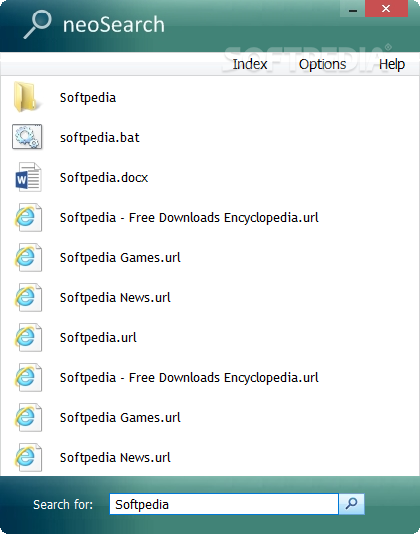
The application spends most of its time hidden in the system tray menu so it does not take up precious desktop space. Whenever needed, a compact window is brought up, fitted with a search field, as well as a list that displays looked up items.
It features a modern design, making it pleasant to work with. Moreover, the amount of system resources used is nothing to worry about, as well as the required space on your hard disk drive.
Unfortunately, there is no implemented hotkey support, which is a shame seeing how it mostly stays in the system tray. There is not even a minimized version to keep on your desktop and gets time-consuming to bring up the main window each time.
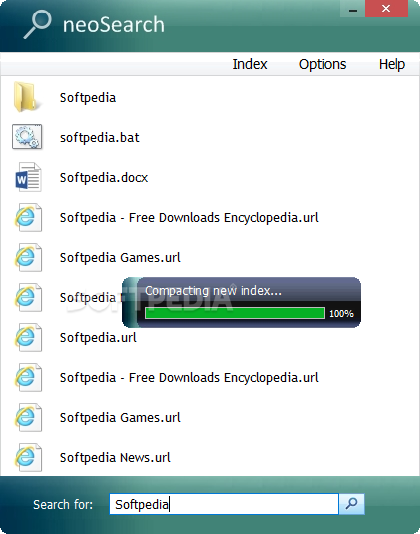
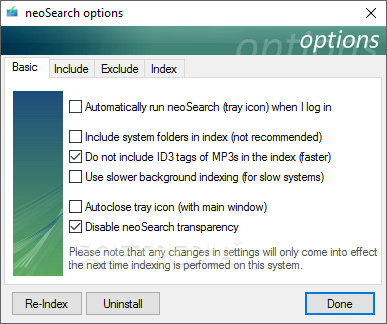
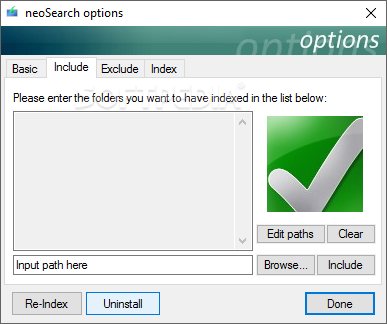
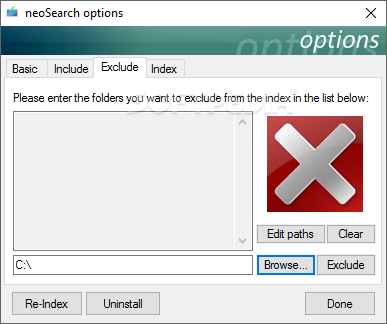
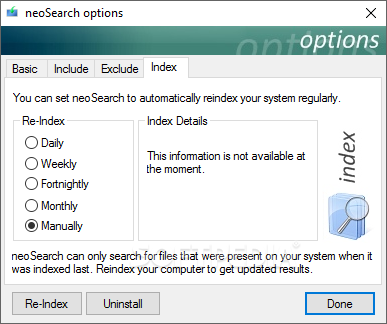
By default, it runs a quick scan to index files on your hard disk drive for faster access later on. You are able to include or exclude folders from the search index, but apparently making no difference at all.
The list is limited to six items, with no possibility to set the amount, making it difficult to find files with similar names. Nor are there any related details, only thumbnails and name being displayed in the result.
Taking everything into consideration, we can say that neoSearch only manages to shine through its modern and pleasant interface. The lack of advanced features and even the ones it comes equipped with do a poor job at finding items, leaving you with more time spent rather than saved.
neoSearch 3.12
add to watchlist add to download basket send us an update REPORT- runs on:
-
Windows 10
Windows 8
Windows 7
Windows Vista
Windows XP - file size:
- 1 MB
- filename:
- neoSearch.exe
- main category:
- System
- developer:
- visit homepage
7-Zip

Bitdefender Antivirus Free

Context Menu Manager

ShareX

IrfanView

Windows Sandbox Launcher

4k Video Downloader

Zoom Client

calibre

Microsoft Teams

- Zoom Client
- calibre
- Microsoft Teams
- 7-Zip
- Bitdefender Antivirus Free
- Context Menu Manager
- ShareX
- IrfanView
- Windows Sandbox Launcher
- 4k Video Downloader