
An intuitive and simple-to-use application that helps users monitor the health status of the hard disk, while offering support for email notifications, S.M.A.R.T. parameters, and critical alerts. #Monitor Drive #HDD Monitor #Check disk health #HDD #Monitor #Disk health

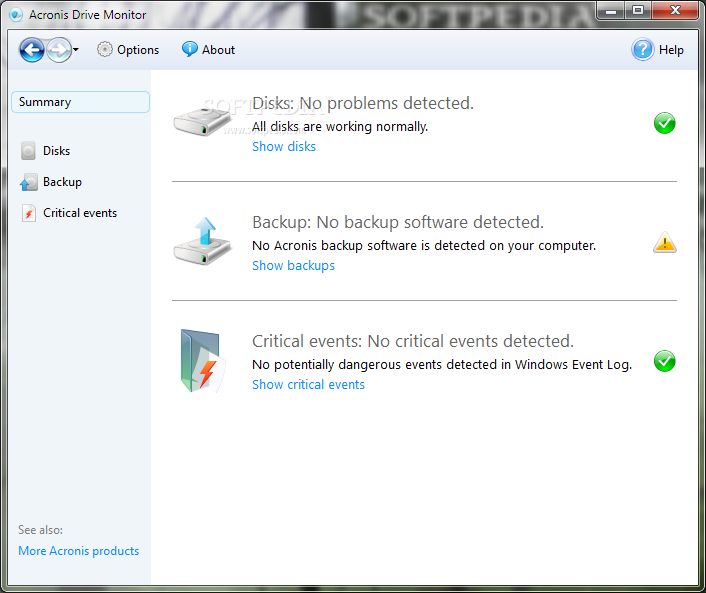
Acronis Drive Monitor is a software application built specifically for helping you detect hard disk failures. The program is able to generate disk failure warning notifications and backup alerts, and keeps you informed about the health status of the hard disk.
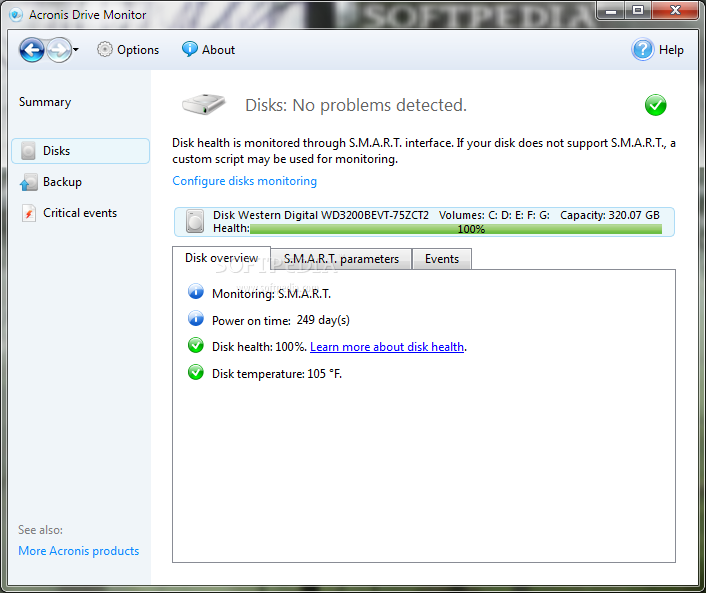
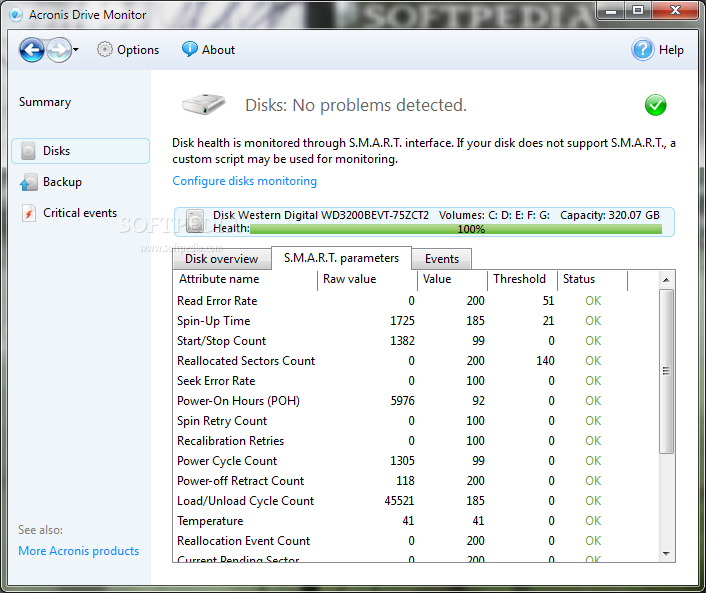
It sports a clean and intuitive layout that gives users the possibility to gather general information about the hard disk, namely health percentage, disk temperature, and S.M.A.R.T. (Self-Monitoring, Analysis and Reporting Technology) attributes readings.
The S.M.A.R.T. parameters display information about the attribute name, spin-up time, power cycle count, command timeout, temperature, total written and red LBAs, and other details. The generated information can be copied to the Clipboard and pasted into other third-party applications.
You can install the Acronis backup solution for making sure that your data is saved in case of unexpected crash or hardware failure.
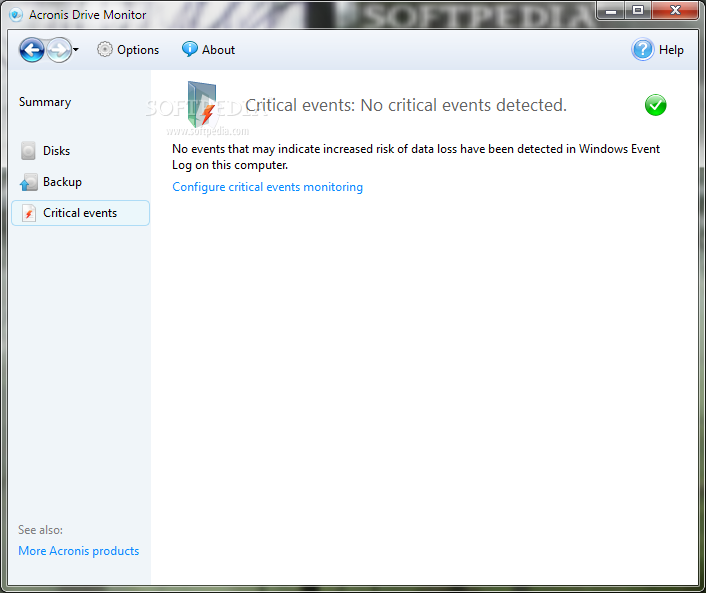
Acronis Drive Monitor lists all the events that present an increased risk when it comes to losing data, and enables users to export the list to XML file format, view details about each event (e.g. date, time, risk level, description), and ignore the selected events.
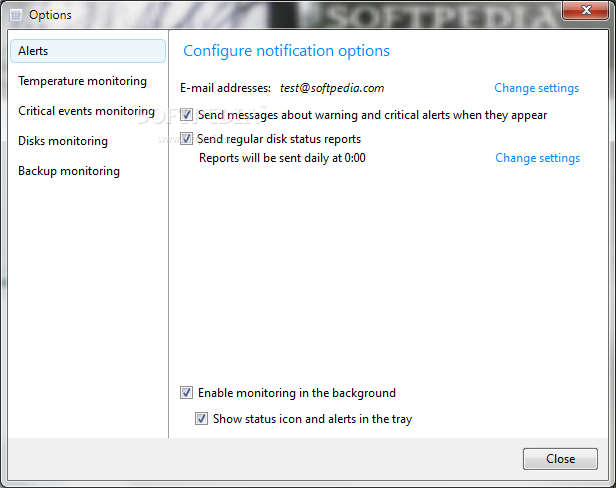
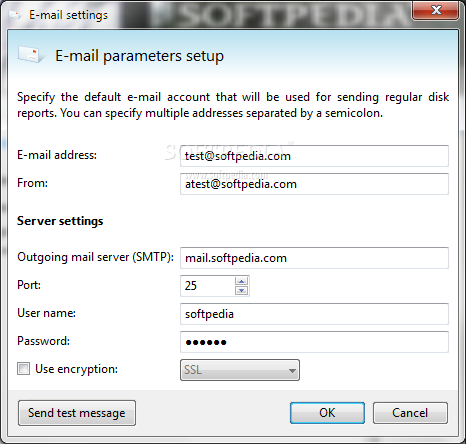
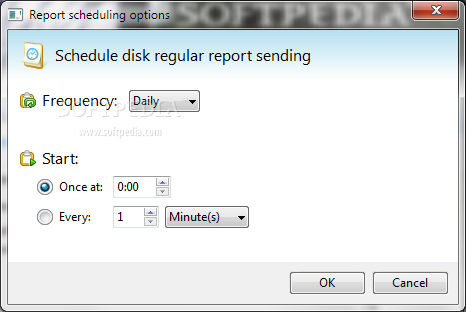
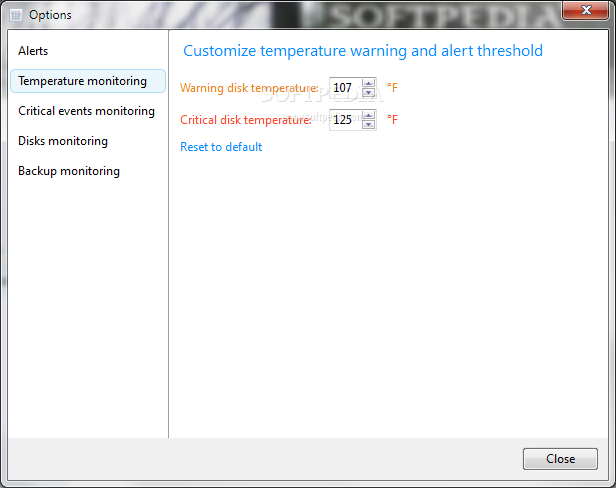
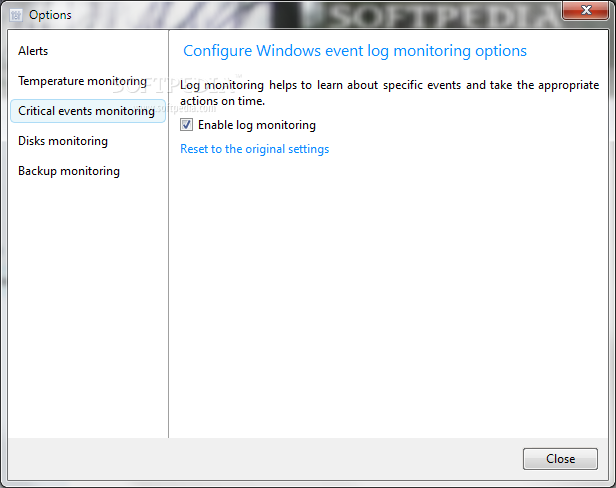
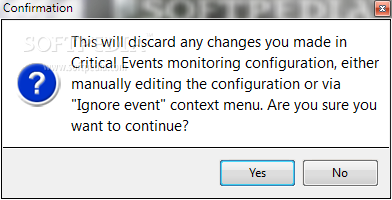
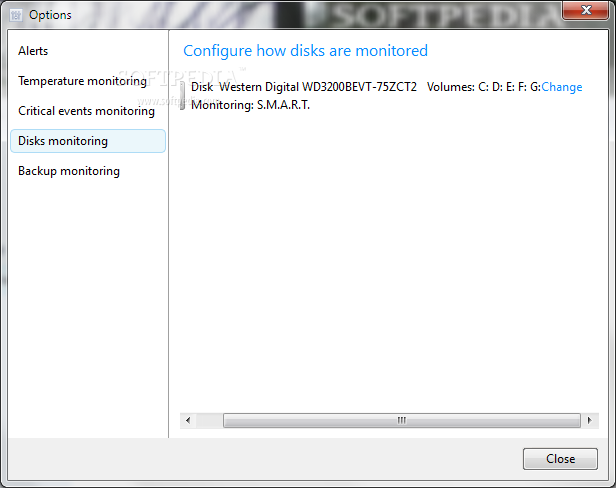
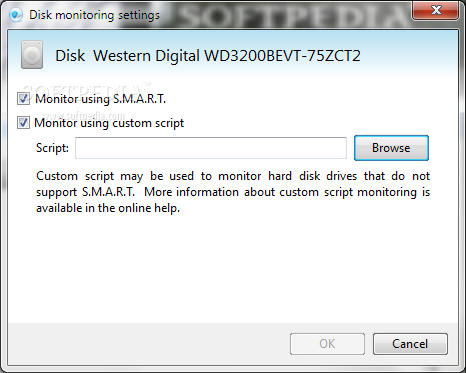
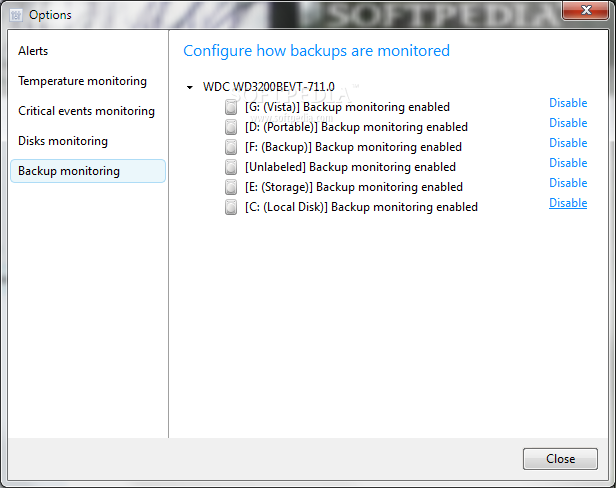
Last but not least, you can make the program send email notifications about warnings, critical alerts, regular disk status reports, set the warning and critical disk temperature, enable the log monitoring process, select the disks to be monitored, as well as activate the backup monitoring operation.
All things considered, Acronis Drive Monitor gives you a hand whenever you need to obtain information about the health status of the hard disk. The best thing about this tool is its overall simplicity that helps even less experienced users read the S.M.A.R.T. attributes with minimum effort.
Acronis Drive Monitor 1.0 Build 566
add to watchlist add to download basket send us an update REPORT- runs on:
-
Windows 2008
Windows 2003
Windows 7 32/64 bit
Windows Vista 32/64 bit
Windows XP 32/64 bit - file size:
- 18.1 MB
- filename:
- ADM_reg_en-US.exe
- main category:
- System
- developer:
- visit homepage
4k Video Downloader

IrfanView

7-Zip

Zoom Client

Bitdefender Antivirus Free

Microsoft Teams

ShareX

Context Menu Manager

calibre

Windows Sandbox Launcher

- Context Menu Manager
- calibre
- Windows Sandbox Launcher
- 4k Video Downloader
- IrfanView
- 7-Zip
- Zoom Client
- Bitdefender Antivirus Free
- Microsoft Teams
- ShareX
