Softpedia
 

WINDOWS CATEGORIES:


GLOBAL PAGES >>
SOFTPEDIA REVIEWS >>
MEET THE EDITORS >>
WEEK'S BEST
  • Sticky Password FR...
  • Parallels Workstat...
  • ESET NOD32 Antivir...
  • BitDefender Total ...
  • WinPatrol 24.6.201...
  • PerfectDisk Free D...
  • Adobe Photoshop CS...
  • PerfectDisk Profes...
  • Windows 8 Consumer...
  • Atlantis Word Proc...
  • Home > Windows > System > Hard Disk Utils
     Report malware

    Ashampoo HDD Control [DISCOUNT 20% OFF] 2.09

    download button

    Downloads: 7,966  Tell us about an update
    User Rating:
    Rated by:
    Very Good (4.2/5)
    38 user(s)
    Developer:

    License / Price:

    Size / OS:

    Last Updated:

    Category:

    Ad-supported / USD 11.99 buy button
    16 MB / Windows XP / Vista / Vista64 / 7 / 7 x64
    [view history]
    C: \ System \ Hard Disk Utils

     Read user reviews (3)  Send to friend   Follow (3 users)

    Ashampoo HDD Control [DISCOUNT 20% OFF] description

    Will perform hard disk maintenance for you

    Softpedia in association with Ashampoo offers you a special discount: Now, only from Softpedia, you can buy Ashampoo HDD Control with a 20% discount. Take advantage of this opportunity and press the Buy Now button; you'll surely notice, the discount has been activated. No coupons, no codes, no questions, no hassle! Get it now, while it's hot!

    As long as the drive is functioning properly, you are lulled into a false sense of security. However, when the trusted hard drive suddenly fails, this is more than just a minor inconvenience. As a consequence, the data that is lost is often very damaging. Ashampoo HDD Control is therefore ideally suited to boost the performance of your drive, guard against disk failure and remove clutter from your hard drives, while performing all three functions of monitoring, maintenance and defragmentation.

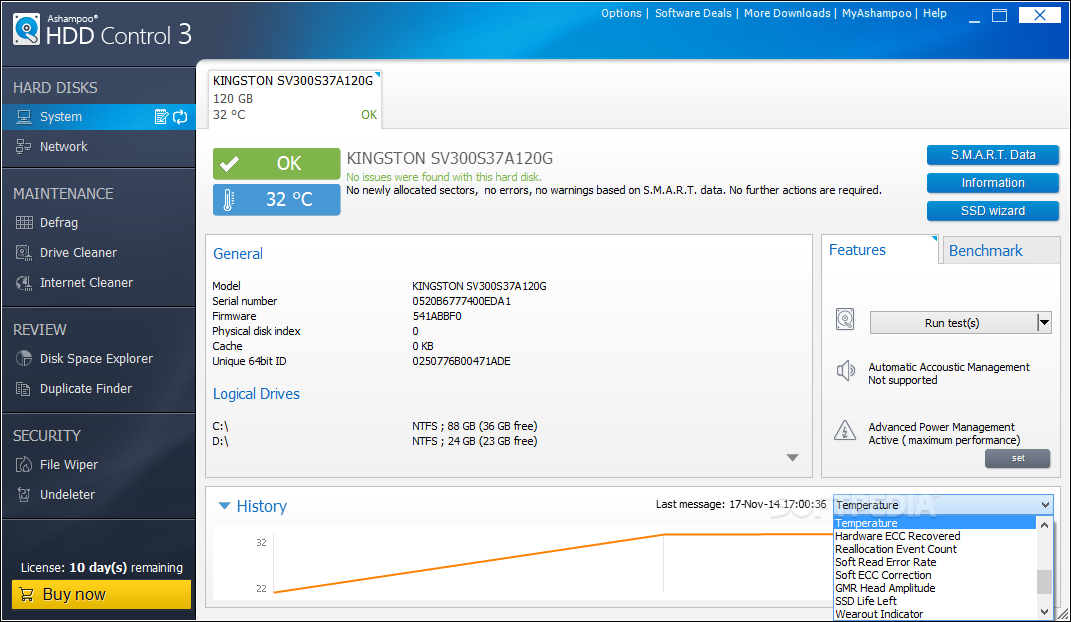
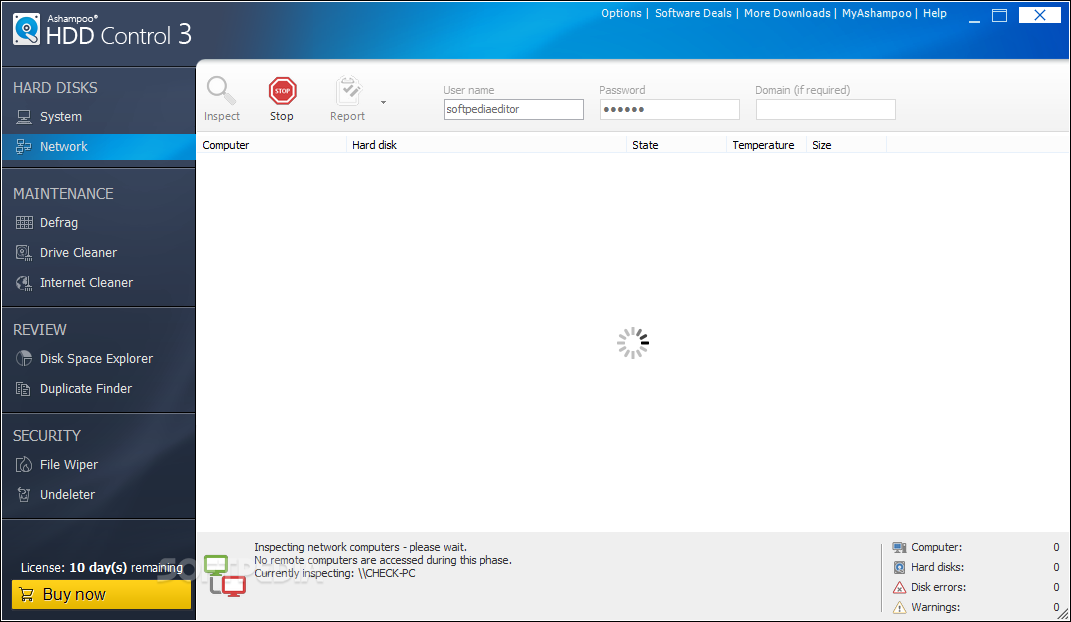
    Monitoring: The software supports all commonly available IDE and serial ATA drives. Devices connected to the system via USB, firewire or RAID controller often do not support this function. Based on the type of drive in use, Ashampoo provides the user with all important facts and information, including the firmware version, cache size, number of configured partitions, drive space and current temperature. In the final report, the program also provides information on the health and performance of the hard drive.

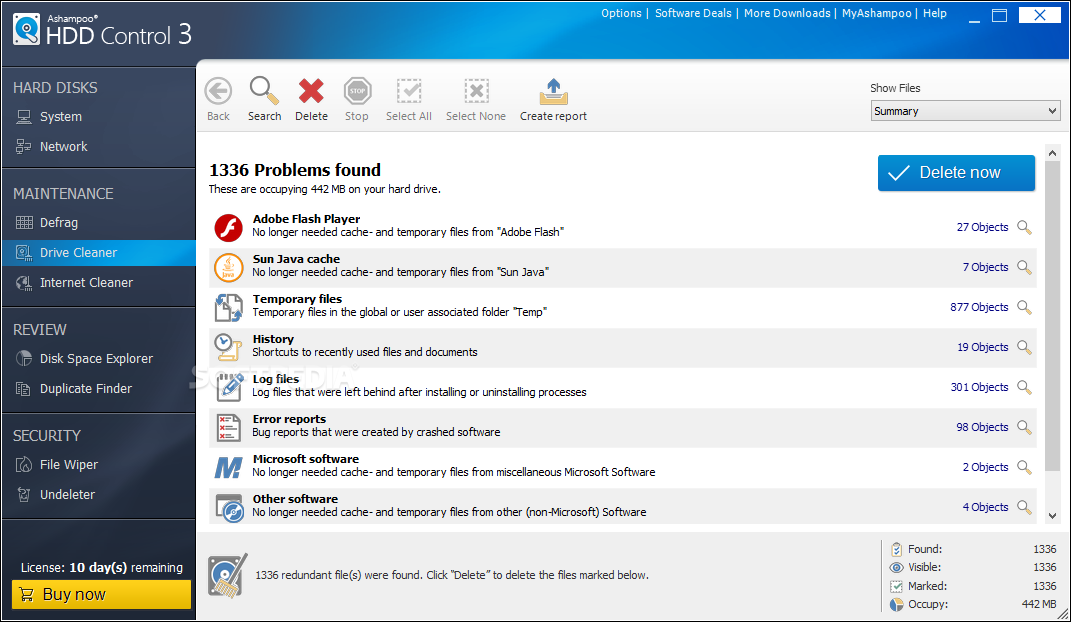
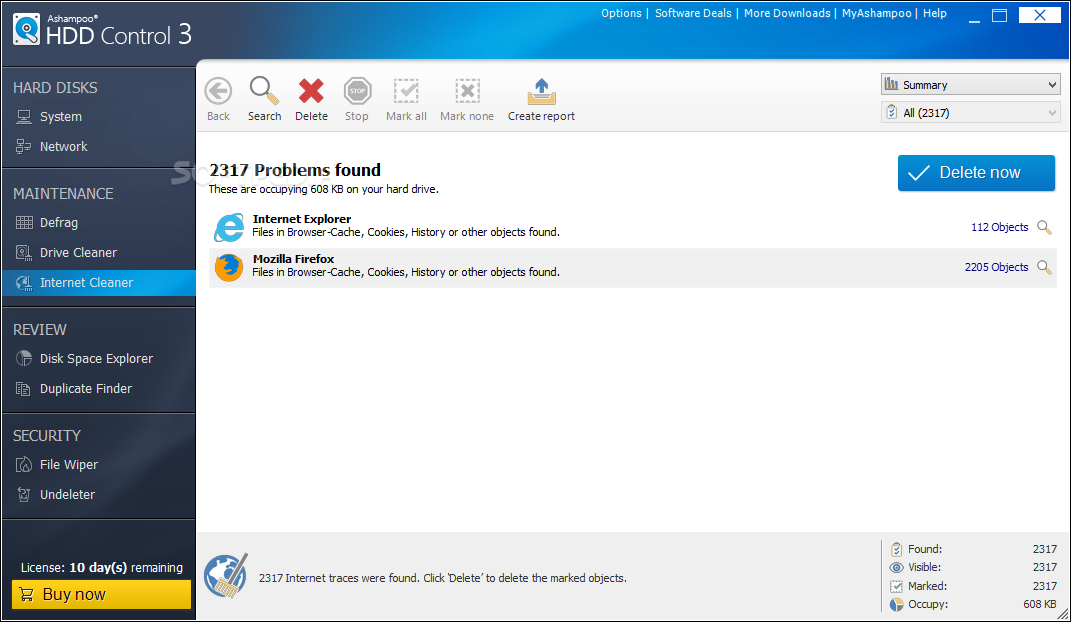
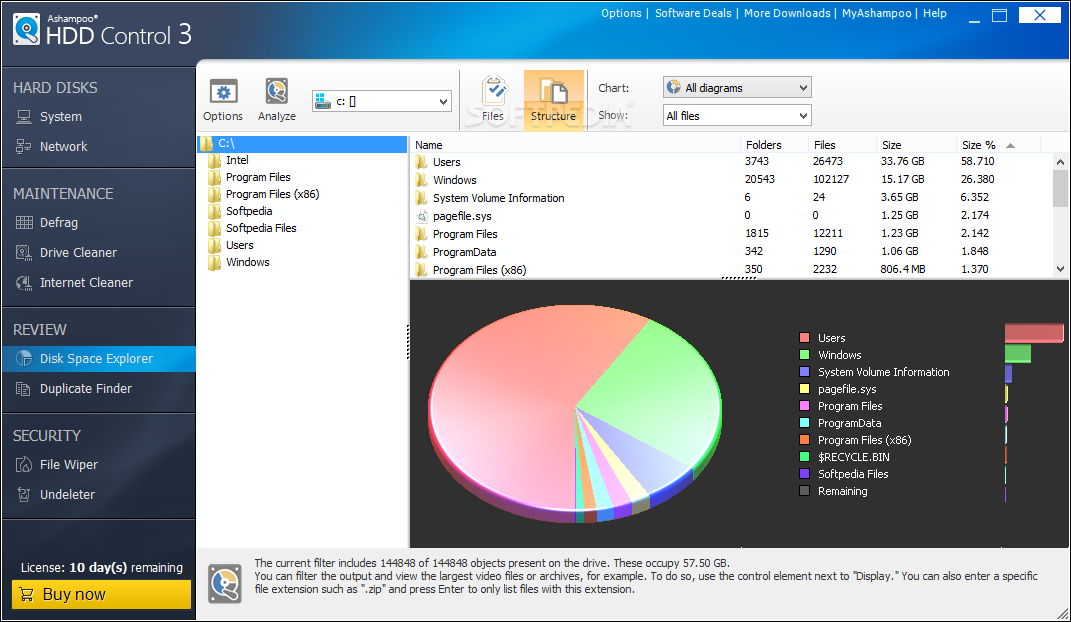
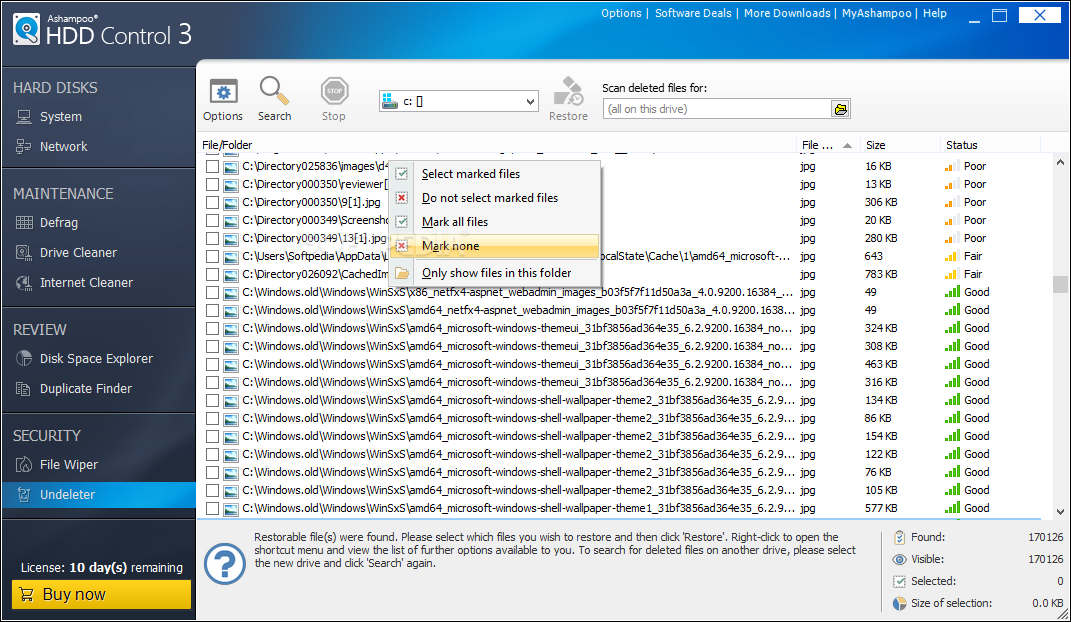
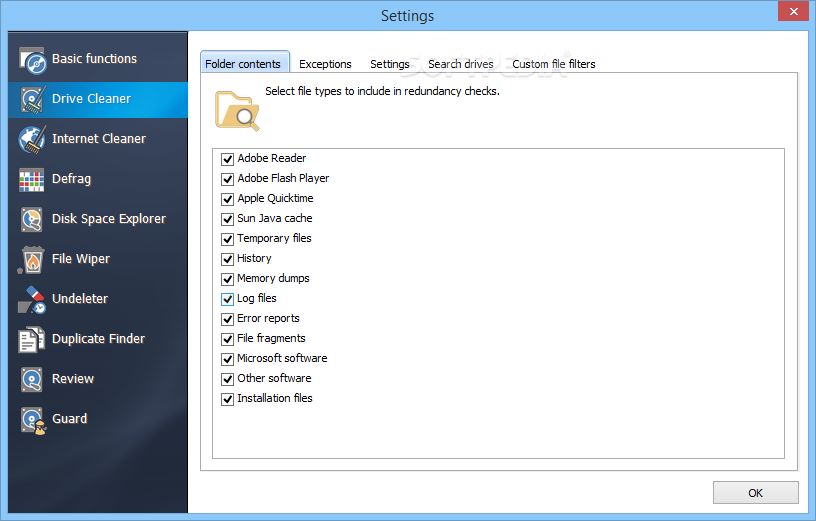
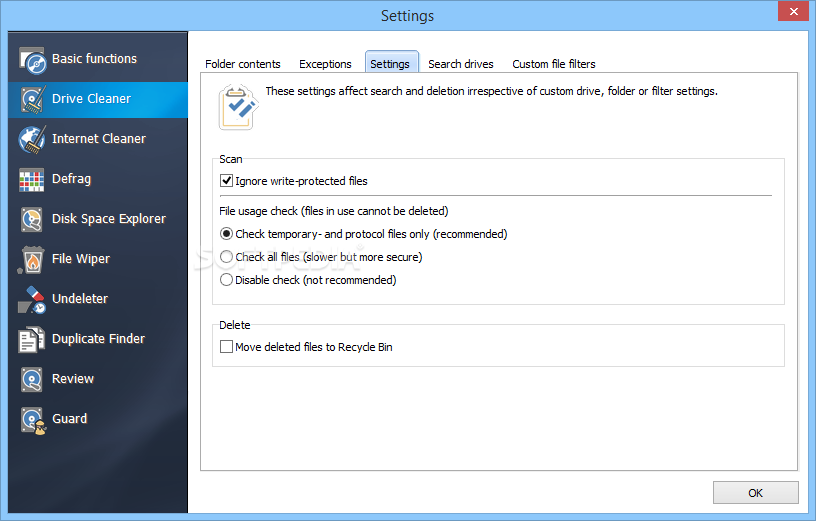
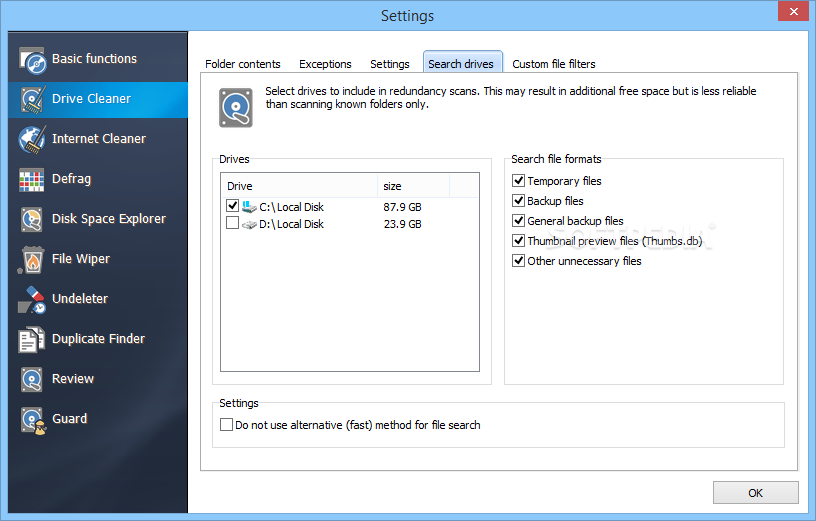
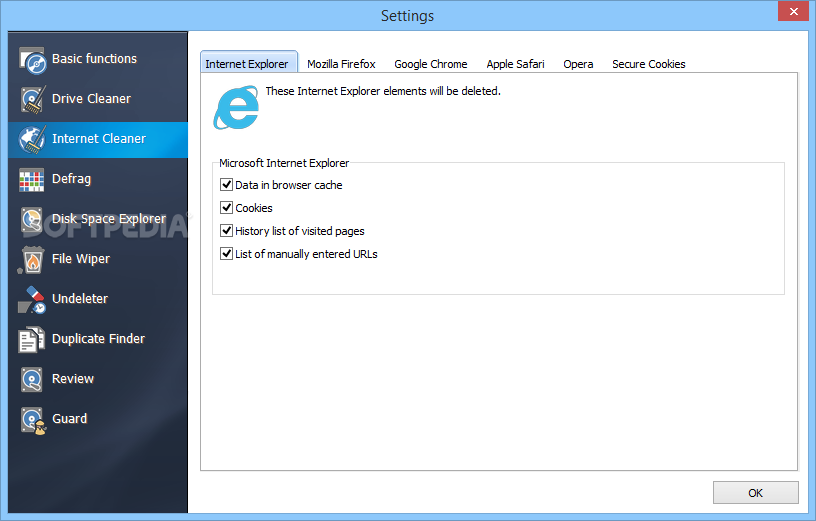
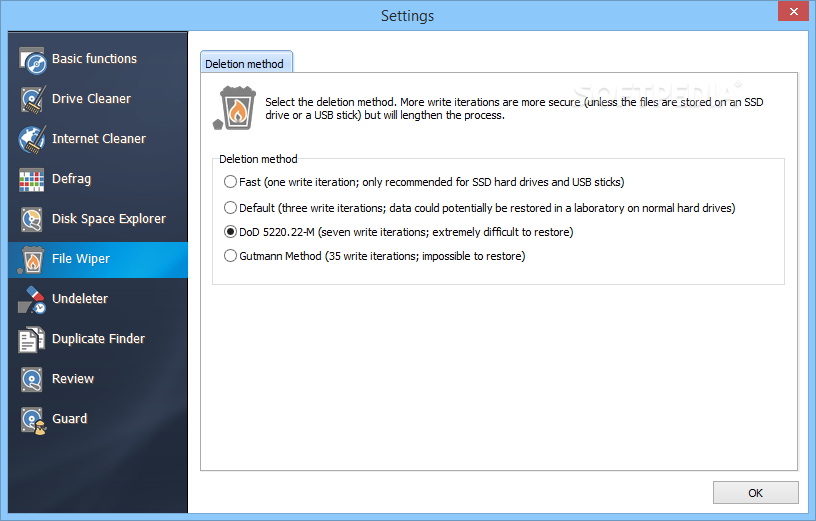
    Maintenance: Over time, an ever-growing number of unwanted and unneeded files accumulate on your hard drive and Ashampoo HDD Control is a useful tool to help you locate and delete these files. Temporary files, files in the recycling bin and backup copies are all removed. In addition, the software empties the cache, clears the browsing history and erases cookies from the Internet browser.

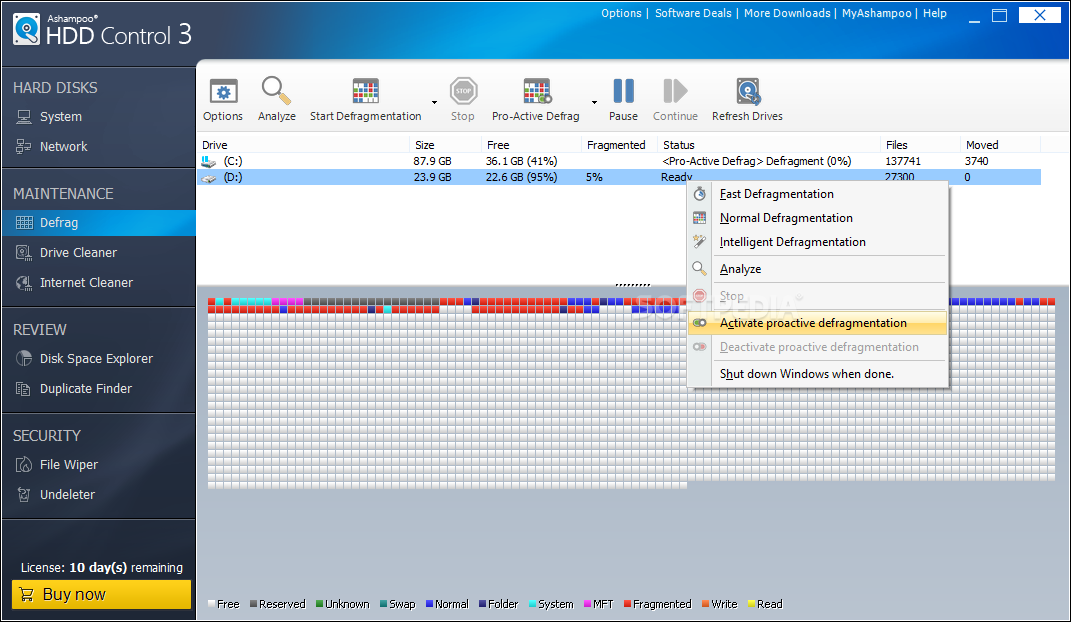
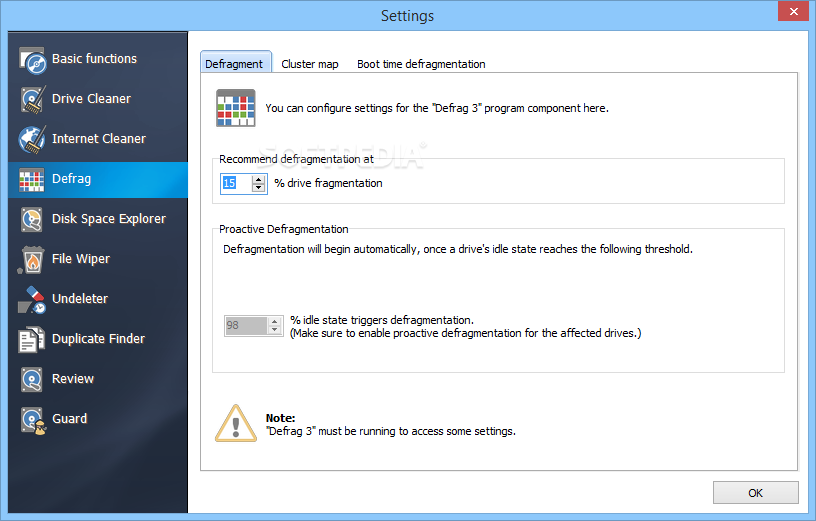
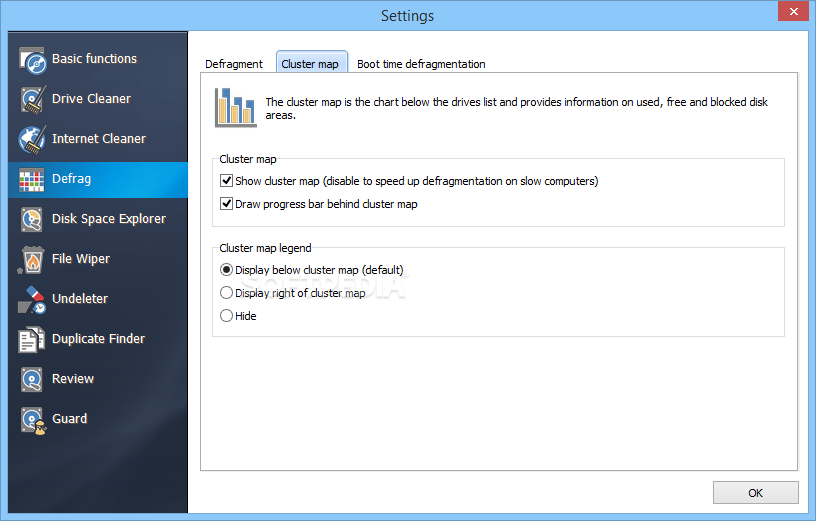
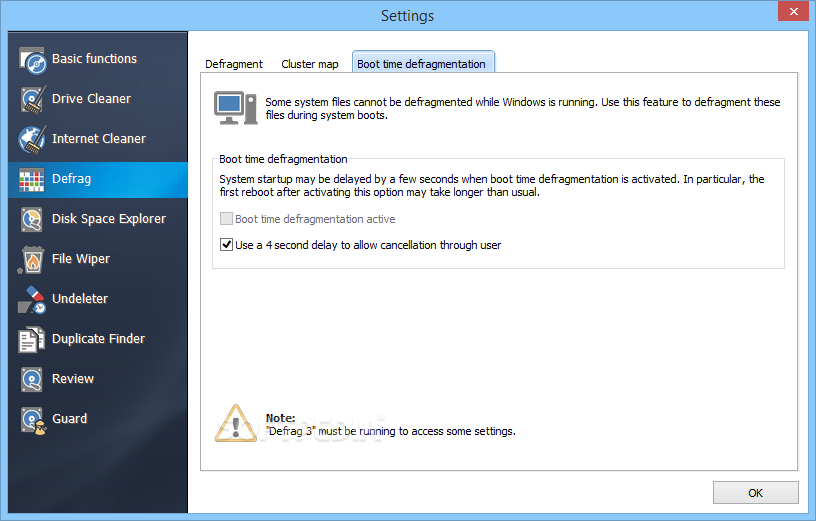
    Defragmentation: With its defrag module, the program is able to read out file fragments and arrange these in one cluster on the hard drive to ensure rapid access. As a result, the hard drive needs to spin less while the performance remains unchanged. As an additional benefit, there is less demand placed on system resources. Proactive defragmentation uses the time when you are not working to measure the level of disk fragmentation. If it needs to be defragmented, the process is started automatically.

    Here are some key features of "Ashampoo HDD Control [DISCOUNT 20% OFF]":

    Basic functions:
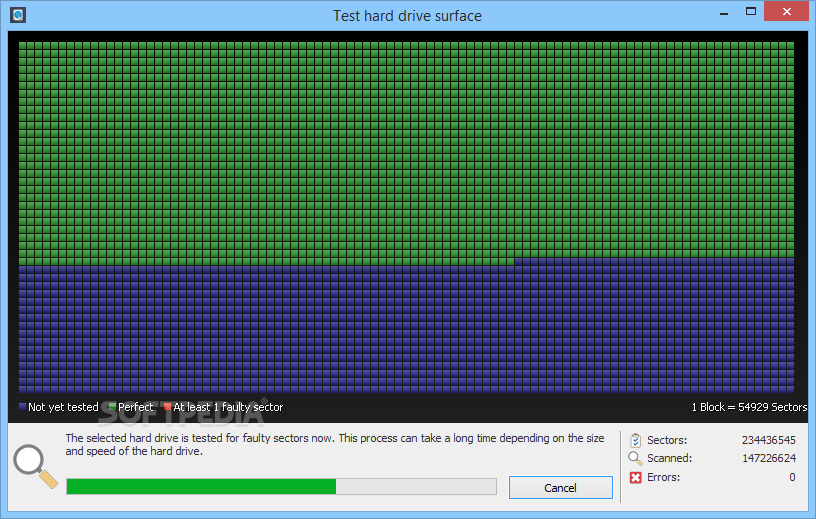
    · Information on serial numbers, firmware, cache, bad sectors on your hard disk(s)
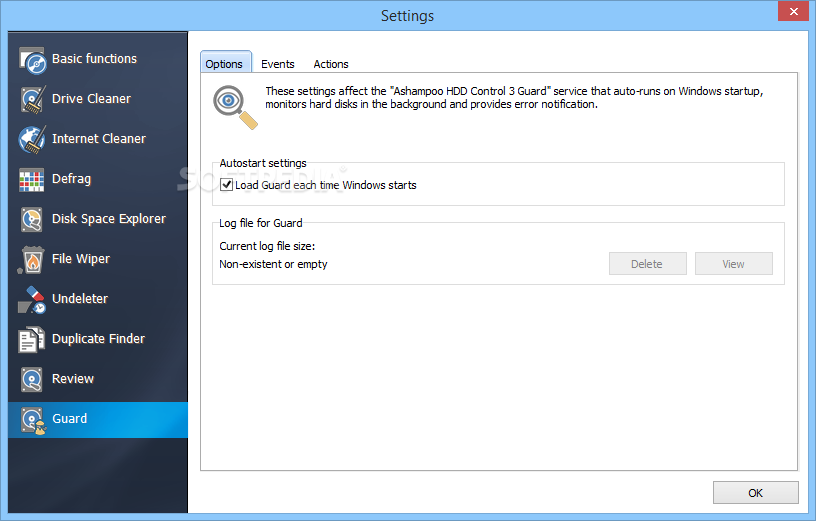
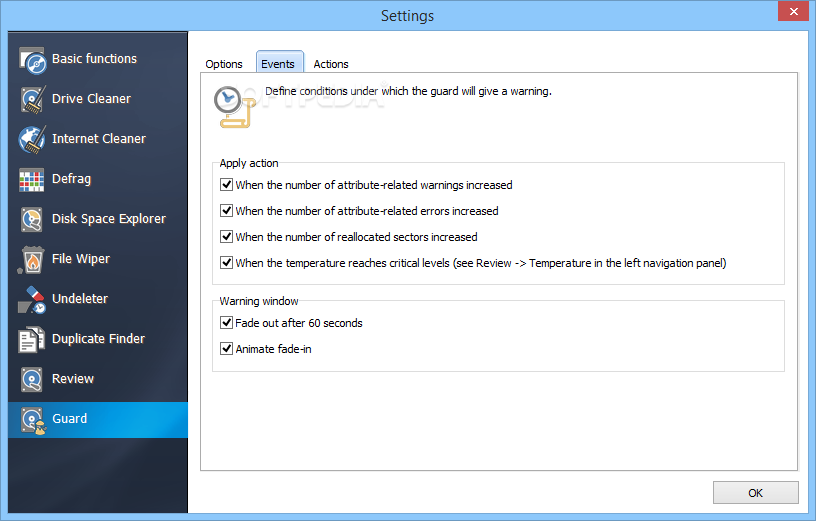
    · Background guard continuously monitors status, performance and temperature
    · In-depth explanations and information on context-sensitive help
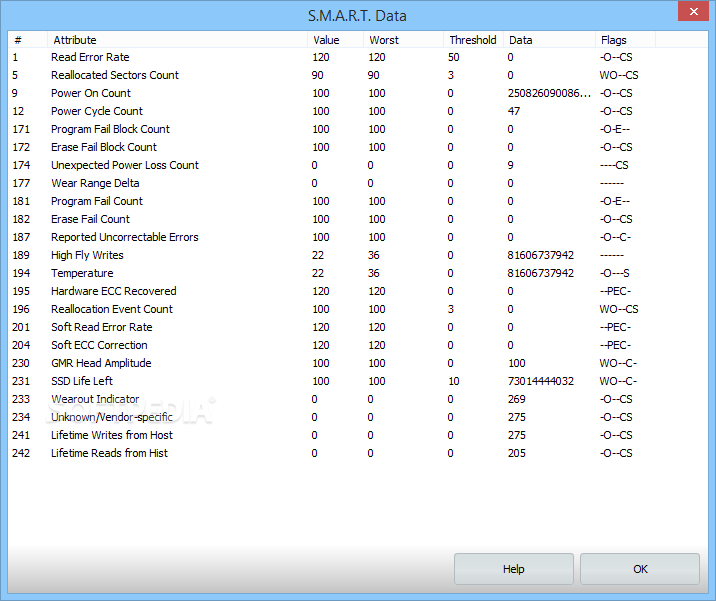
    · Displays all current SMART files with detailed explanations
    · Able to export reports for support purposes
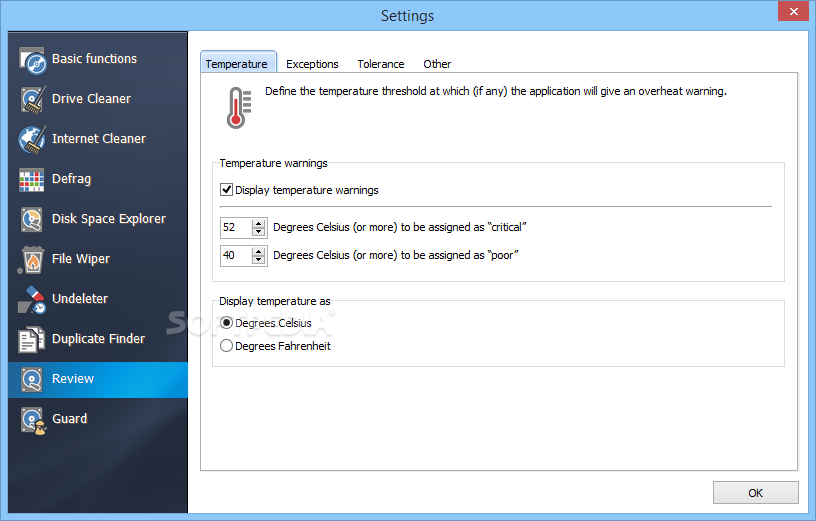
    · Fully configurable temperature monitoring available in Celsius and Fahrenheit
    · Option to automatically save all incidents in separate log
    · Simple controls and GUI including color schemes
    · Easy and automatic software updates

    Cleanup:
    · Powerful, high-speed disk clean-up
    · Objects found can be configured and managed in shortcut menus
    · Objects found can be managed using intelligent filter mechanisms
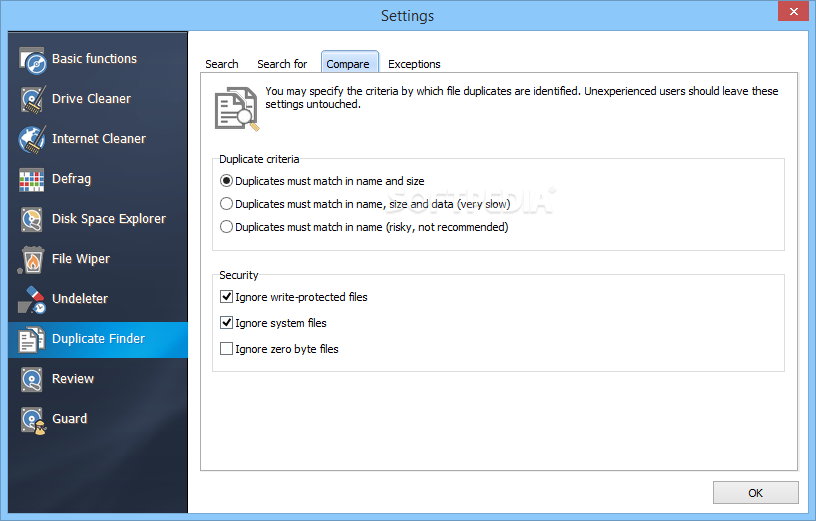
    · New exception rules can be created manually or automatically
    · Supports the latest generation of browsers (Firefox, Internet Explorer, Opera)
    · Wide range of options to customize configuration to meet user requirements
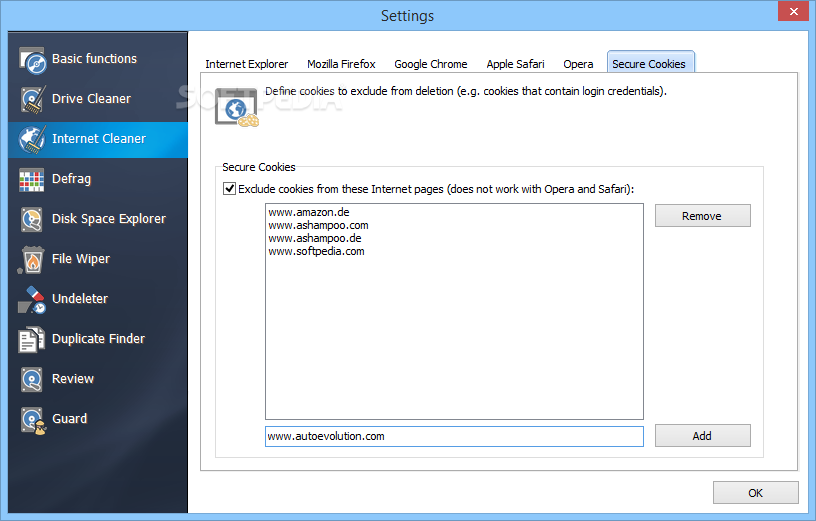
    · High level of security thanks to years of experience and advanced cookie management

    Defragmentation:
    · High-quality defragmentation performed to latest standards
    · Fully automatic ‘proactive’ defragmentation runs in background
    · Defragmentation algorithm with minimum impact on system performance
    · Range of defragmentation options (fast, normal, intelligent)
    · Parallel defragmentation of all drives and/or partitions
    · Comprehensive configuration and customization options

    · Monitoring
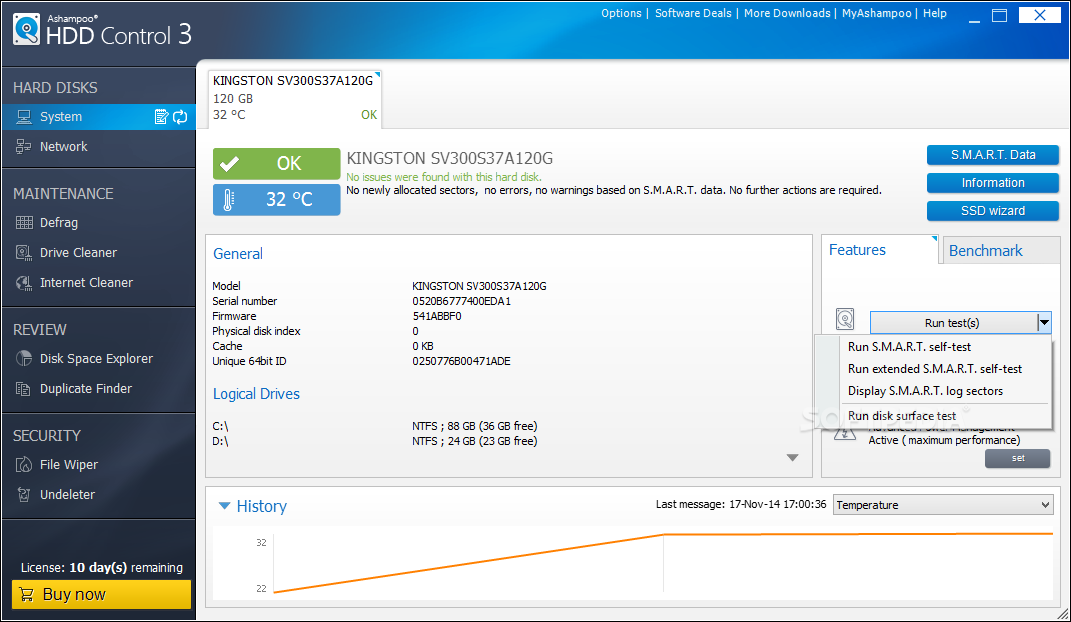
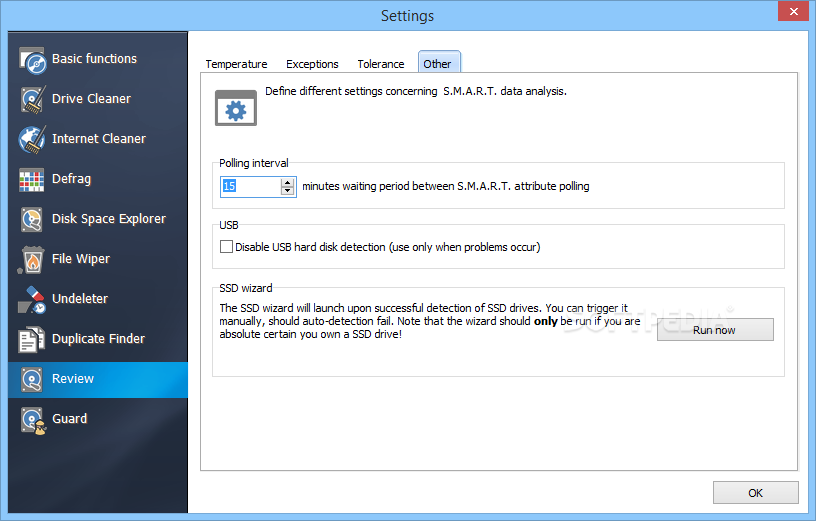
    · Self-monitoring, analysis, status reports on imminent failures
    · Evaluation of health and performance status of your hard drive(s)
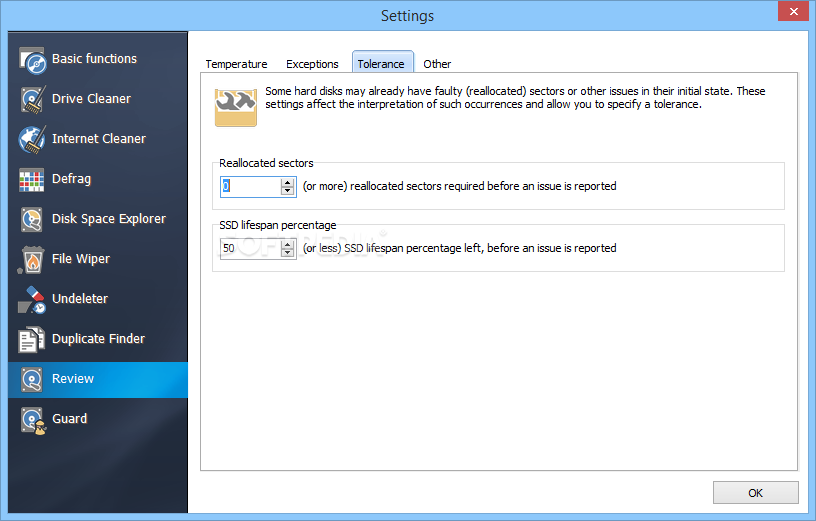
    · Range of evaluation criteria available for customized configuration
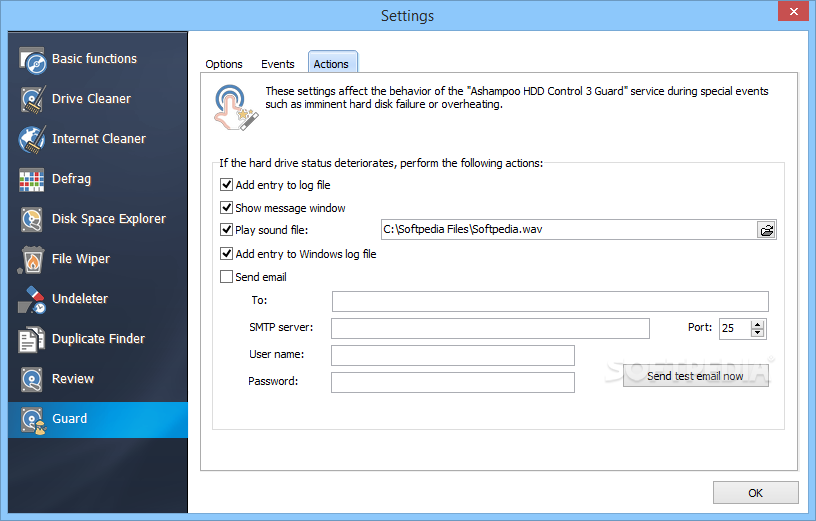
    · Email alerts to notify user that condition of hard drive(s) has deteriorated and failure is imminent
    · Direct link to Windows event log
    S.M.A.R.T. technology provides information on (if supported by drive):
    · Number of hours in operation and start-up processes
    · Error rate during positioning
    · Start/stop processes of drive heads
    · Number of parking sequences for write/read units
    · Disk calibration attempts
    · Reallocations (in event of bad disk sectors)
    · Controller hard drive transfer rate (defective cable)
    · And many more
    · Temperature display including early warning of overheating

    Benchmark:
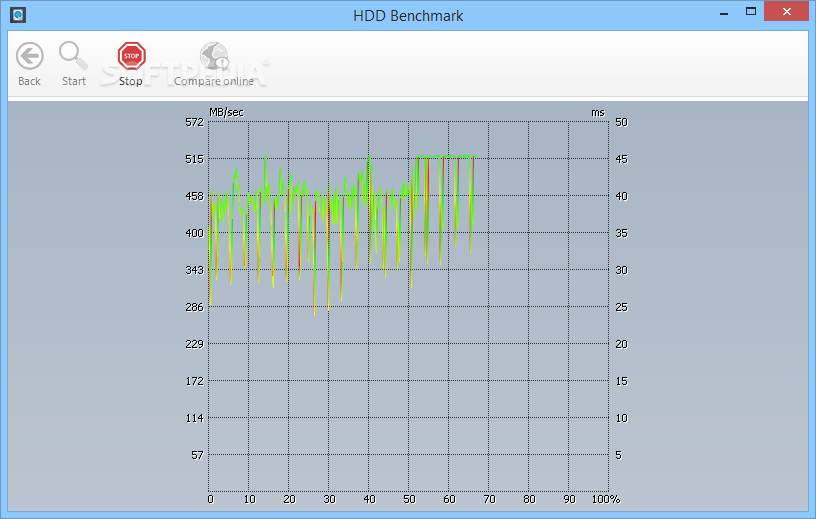
    · Identifies all values required to evaluate the performance of your hard drive(s)
    · Clearly structured GUI for performance evaluation (benchmark)
    · Online database link for direct comparison of your results with other systems
    Clear presentation of information and values on:
    · min./max. data transfer rates
    · average data transfer rates
    · access times

    Requirements:

    · At least a minimum of 128 MB RAM should be available on your system.
    · 10 MB hard disk space.
    · Microsoft Internet Explorer 6.0 or higher is required.
    · Full administrative rights are required to use the program.

    Limitations:

    · 10-day trial (expandable to 30)
    · Nag screen

    What's New in This Release: [ read full changelog ]

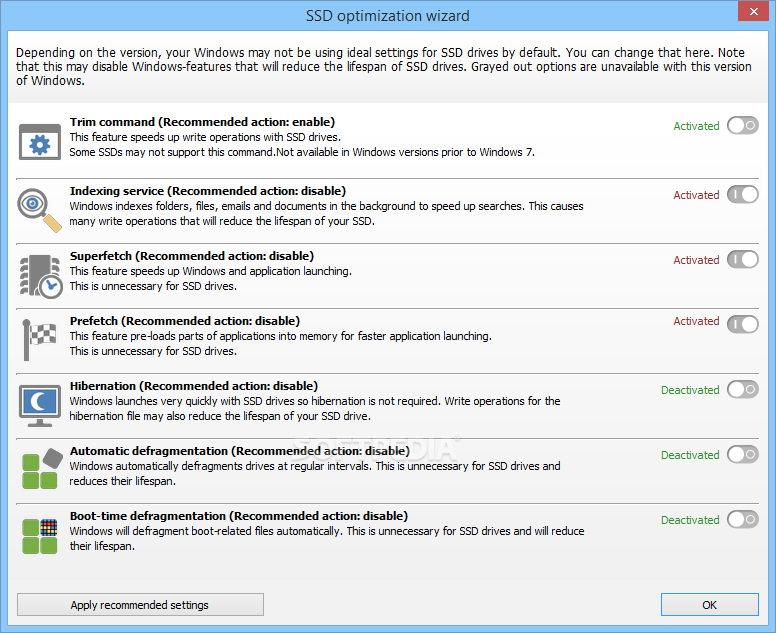
    · Improved support for solid state drives
    · Improved background guard
    · Fixed some minor problems

    Users are advised to pay attention while installing this ad-supported application:

    · Offers to change the homepage for web browsers installed in the system
    · Offers to change the default search engine for web browsers installed in the system
    · Offers to download or install software or components (MyAshampoo Toolbar) that the program does not require to fully function


    TAGS:

    Monitor HDD | HDD Defragmentation | Cookies Cleaner | Defragmentation | Benchmark | Defrag


    HTML code for linking to this page:


    Go to top

    WindowsGamesDriversMacLinuxScriptsMobileHandheldNews

    SUBMIT PROGRAM   |   ADVERTISE   |   GET HELP   |   SEND US FEEDBACK   |   RSS FEEDS   |   UPDATE YOUR SOFTWARE   |   ROMANIAN FORUM