Softpedia
 

WINDOWS CATEGORIES:


GLOBAL PAGES >>
SOFTPEDIA REVIEWS >>
MEET THE EDITORS >>
WEEK'S BEST
  • Bitdefender Total ...
  • Ocster Backup Pro ...
  • Hard Disk Sentinel...
  • FlashFXP [DISCOUNT...
  • DVDFab DVD Copy [D...
  • Kaspersky Internet...
  • Avast! Internet Se...
  • Avira Internet Sec...
  • Webroot SecureAnyw...
  • McAfee Total Prote...
  • Home > Windows > System > Hard Disk Utils
     Report malware

    EASEUS Partition Master Professional 9.2.2

    download button buy button

    Downloads: 31,680  Tell us about an update
    User Rating:
    Rated by:
    Good (3.9/5)
    52 user(s)
    Developer:

    License / Price:

    Size / OS:

    Last Updated:

    Category:

    Demo / USD 39.95 buy button
    14.9 MB / Windows 2K / XP / Vista / XP X64 / Vista64 / 7 / 7 x64 / 8 32-bit / 8 64-bit
    [view history]
    C: \ System \ Hard Disk Utils

     Read user reviews (4)  Send to friend   Follow (7 users)

    Softpedia Editor's Review for EASEUS Partition Master Professional

    EDITOR'S RATING:

    A full-featured hard disk partition management tool

    Written by Mihaela Citea on December 10th, 2012

    As its name suggests, EASEUS Partition Master Professional is an advanced partition manager that addresses business users. It provides a simple method for handling and configuring partitions and the management of the space on your hard disk much more efficiently.

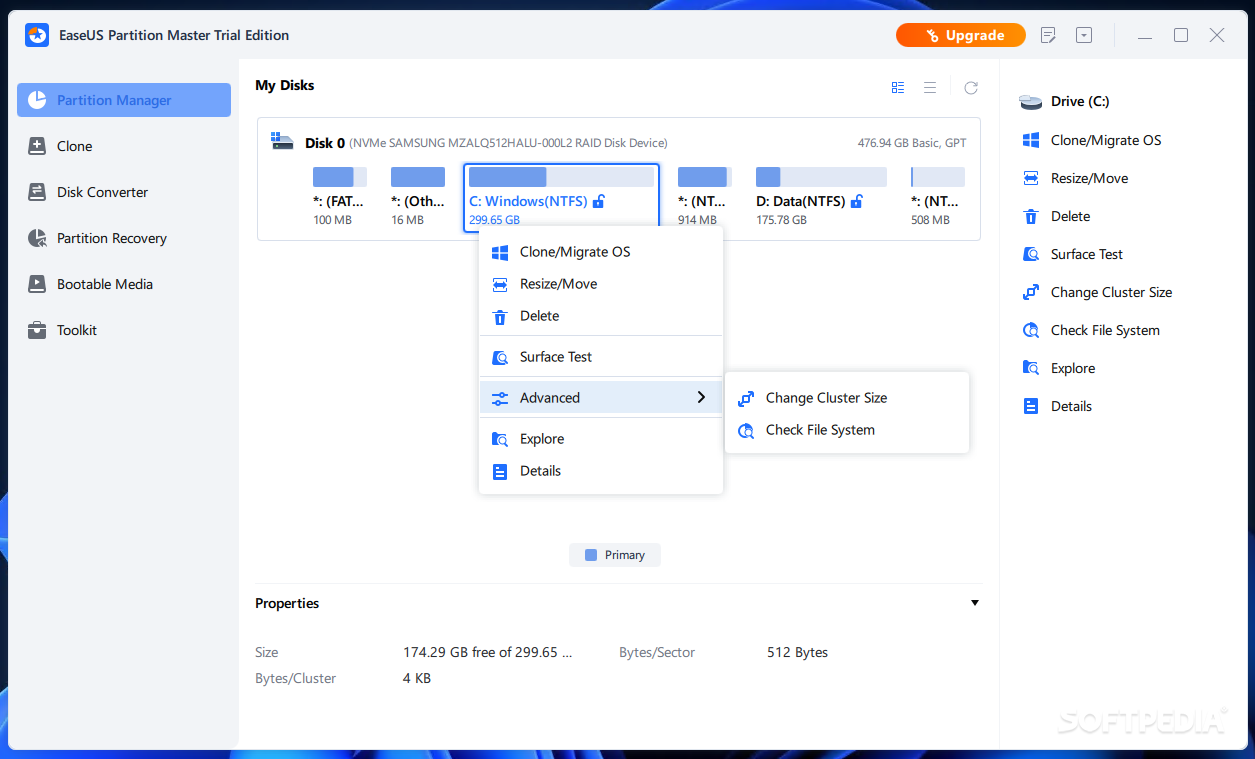
    The interface is clean and well-organized, so all the options are right there, within your reach. Whether you want to resize, move, copy, merge, explore, check, convert partitions or change their label, you can do all this with just a few clicks. Also, the defragmentation tool designed to consolidate fragmented files and folders and store them in a contiguous place on your hard drive.

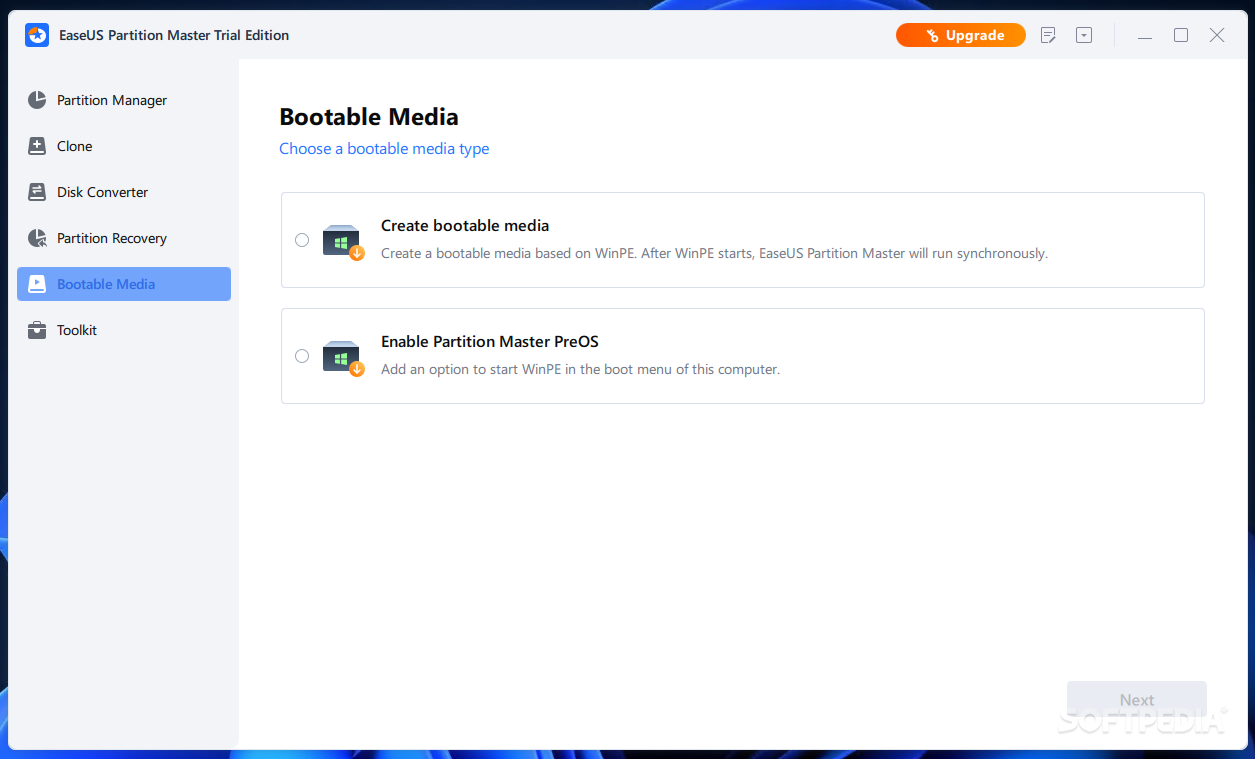
    Unlike the Home version of the application, Partition Master Professional comes with volume resizing capabilities and allows you to manage partitions using a WinPE or a Linux bootable disk.

    After resizing or moving your partitions, you don't have to restart your computer, but you are advised to back up your data. Just set a disk size for the new partition and follow the wizard steps to create it.

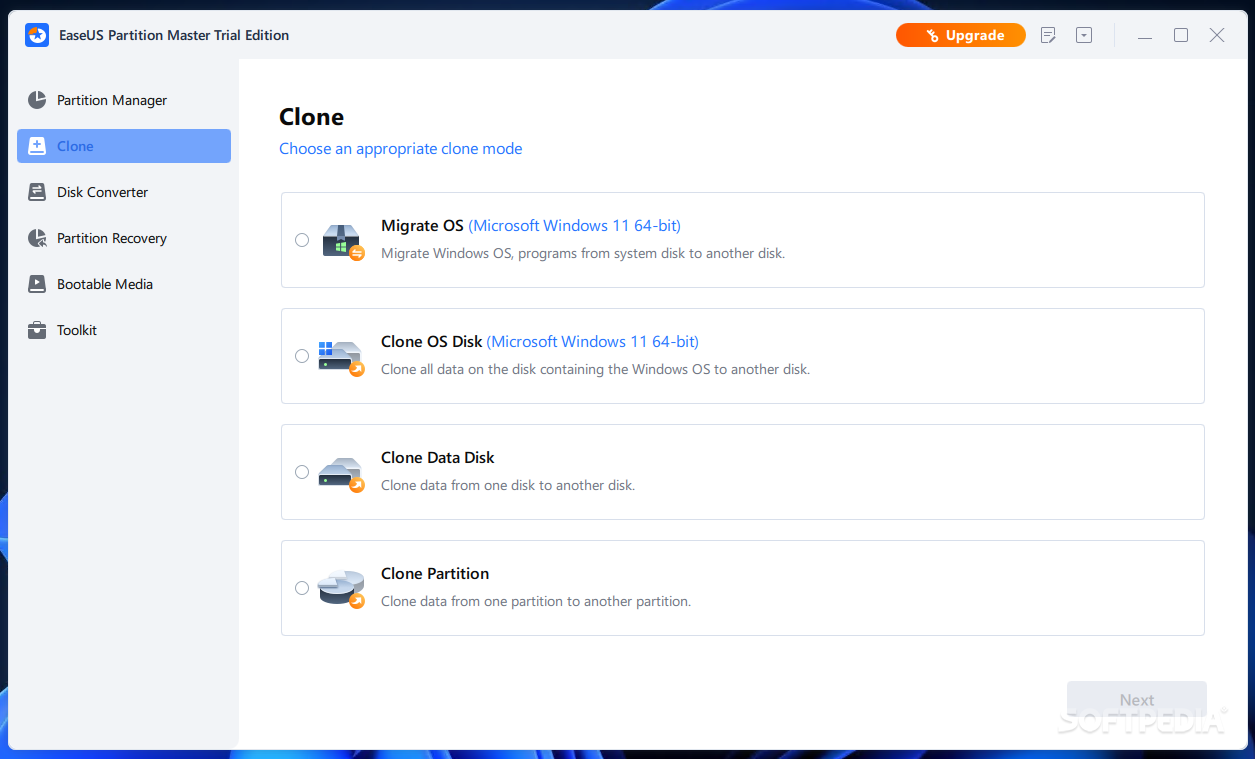
    The 'Clone Disk Wizard' enables you to transfer all data from your disk to a new, bigger one and boot from it. Another option is to simply migrate your partitions to another hard disk with the help of the 'Partition Copy Wizard'.

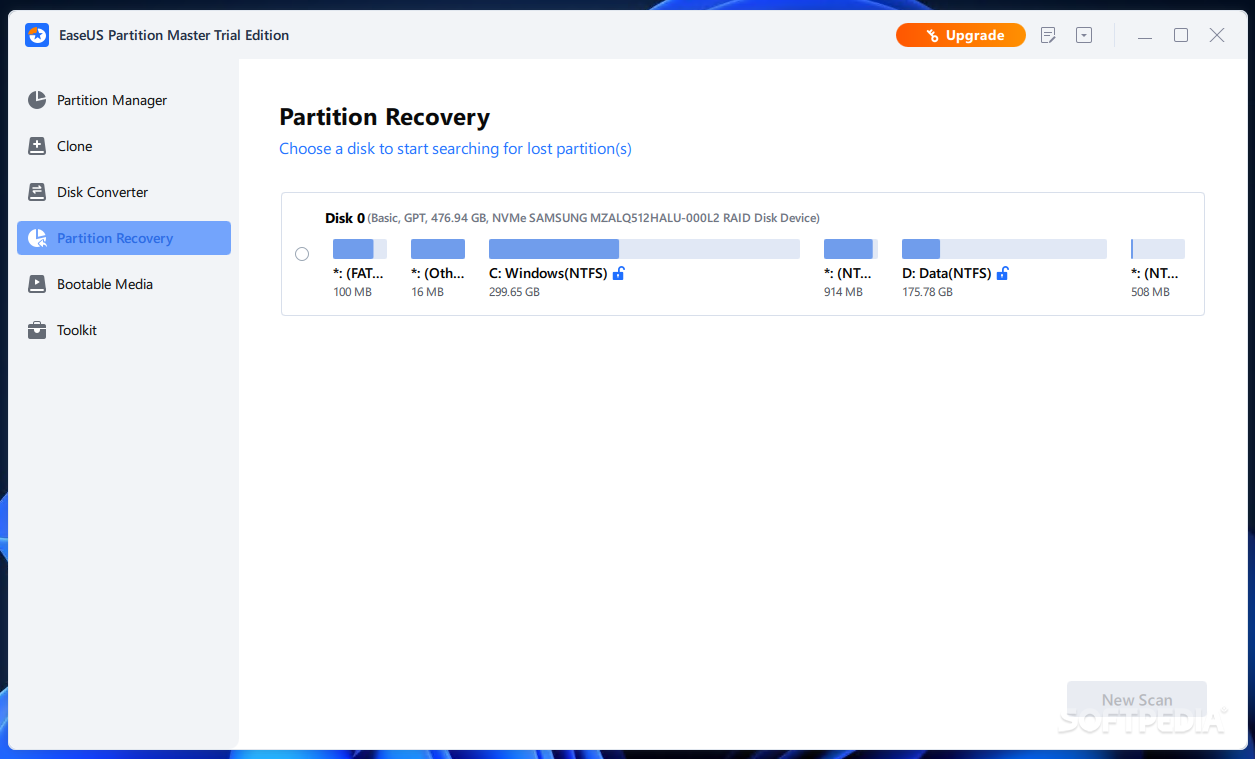
    If you want more, the application can also be used as a solution for recovering lost or deleted partitions on the unallocated space of your hard drive, which really comes in handy if your computer becomes unbootable due to a system crash. This can be done automatic or manually and the latter option offers you full control over the recovery process.

    EASEUS is among the top disk management software developers out there and EASEUS Partition Master Professional stands up to its name. It is a comprehensive solution for managing, copying and recovering disk partitions.


    Read an in-depth analysis in our professional review for EASEUS Partition Master Professional

    EASEUS Partition Master Professional description

    Here are some key features of "EASEUS Partition Master Professional":

    Partition Manager:
    · Resize/Move partitions to avoid data loss, like extending NTFS system partition without reboot to maximize PC performance.
    · New! Support dynamic disk - resize and copy dynamic volume, convert dynamic disk, etc.
    · New! Safely merge two adjacent partitions into a bigger one without data loss.
    · Create multiple-partitions, delete partition, or directly delete all partitions.
    · New! Wipe data on unallocated space.
    · Wipe disk or wipe partition to permanently wipe sensitive data on disk.
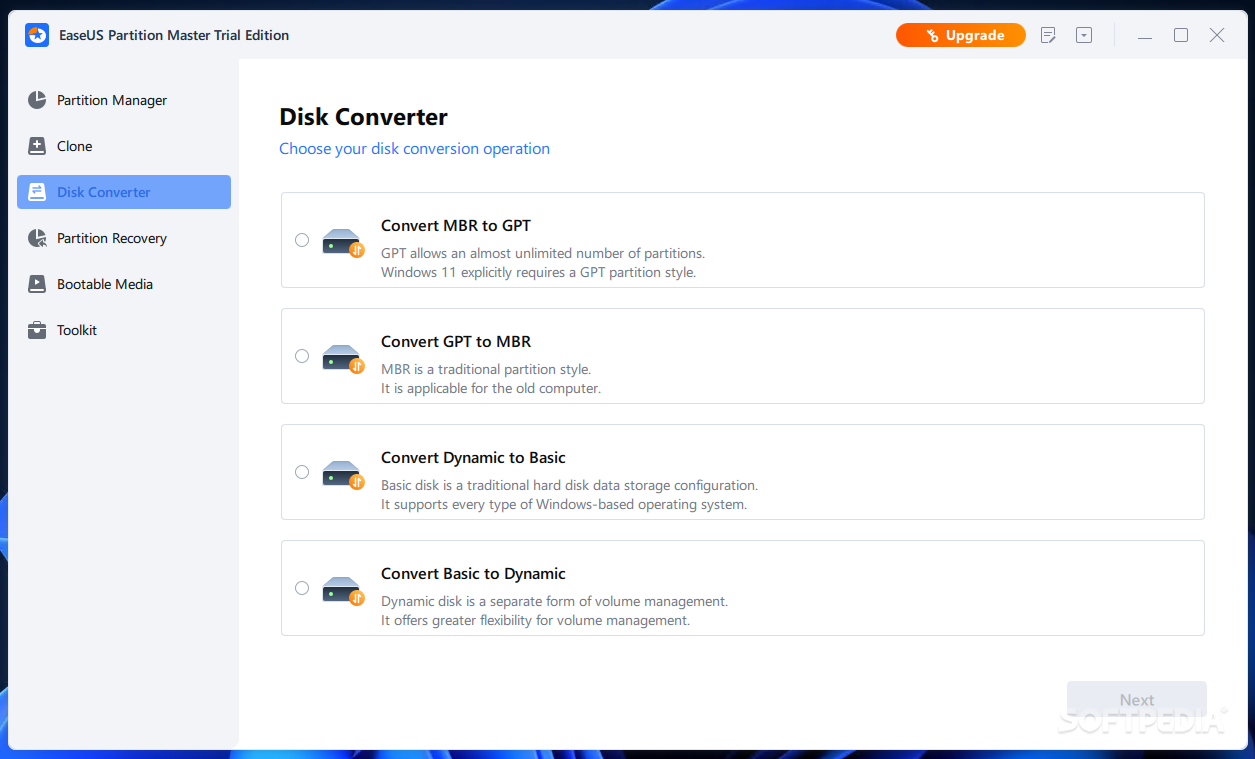
    · Convert dynamic disk to basic disk and Convert FAT to NTFS file system.
    · Convert primary partition to logical partition and vice versa: convert a primary volume to logical to create a fifth volume on a disk with 4 existed primary volumes.
    · Speed up your computer by defragmentation.
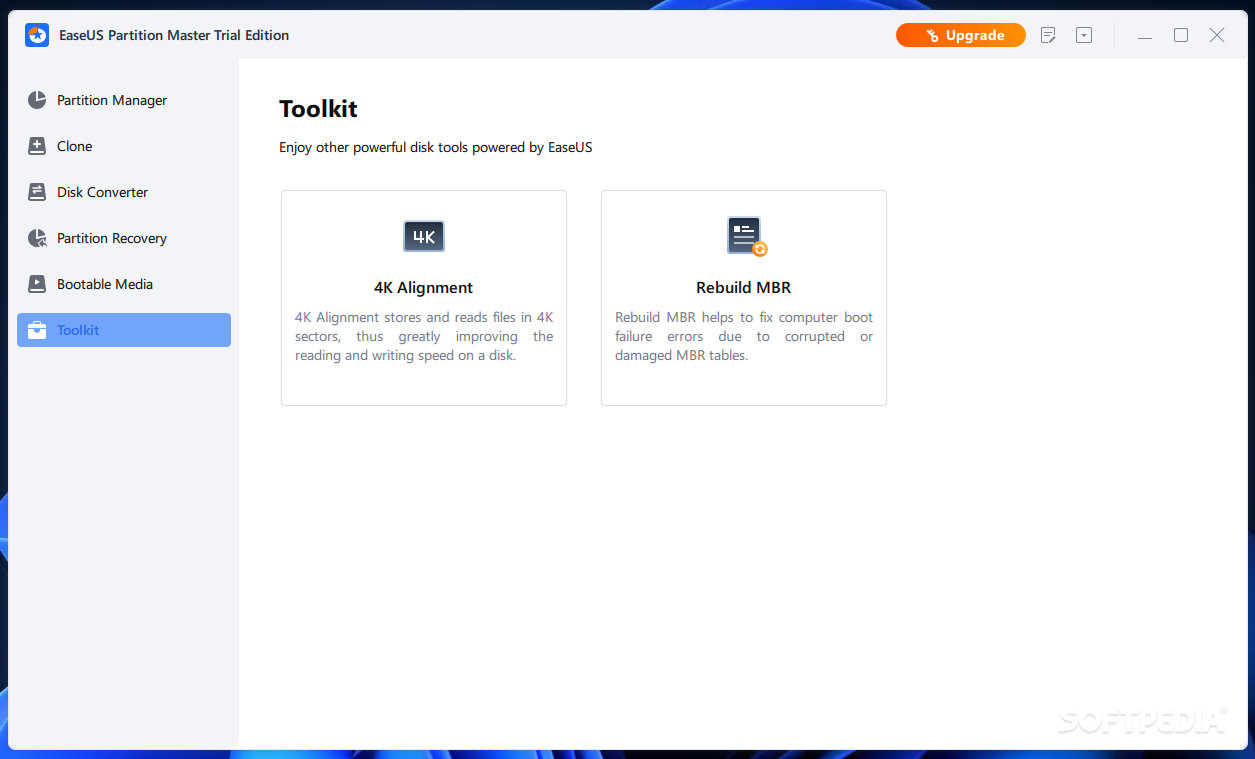
    · Disk surface test to check and find bad sectors and rebuild MBR to boot system again.
    · Linux partition management: delete, create, format, recover EXT2/EXT3 partition, etc.
    · Built-in WinPE 3.0 based bootable CD/DVD or Linux based bootable CD/DVD.
    · Support all hardware RAID, multiple removable storage device, hard disk and GPT disk (support up to 2TB partition on MBR and 4TB size on GPT).

    Disk & Partition Copy Wizard:
    · Copy partition with fast file-by-file copy to protect your data.
    · Copy entire hard disk to another without Windows reinstallation.
    · Safely copy dynamic volume to basic disk and resize the basic disk, etc.
    · Support GPT disk/partition copy.

    Partition Recovery Wizard:
    · Recover deleted or lost partitions
    · Recover lost partitions after repartitioned hard drive

    Requirements:

    · X86 or compatible CPU with main frequency 500 MHz,
    · a standard PC system with mouse,
    · keyboard and color monitor
    · the capability of the RAM memory equal or larger than 256MB.

    Limitations:

    · Batch operations are unavailable
    · Nag screen

    What's New in This Release: [ read full changelog ]

    · Trial Edition can be directly activated, no need to re-download and reinstall application.

       Softpedia guarantees that EASEUS Partition Master Professional 9.2.2 is 100% CLEAN, which means it does not contain any form of malware, including spyware, viruses, trojans and backdoors. [read more >]


    TAGS:

    partition manager | delete partition | move partition | partition | recovery | manager

    Go to top

    WindowsGamesDriversMacLinuxScriptsMobileHandheldNews

    SUBMIT PROGRAM   |   ADVERTISE   |   GET HELP   |   SEND US FEEDBACK   |   RSS FEEDS   |   UPDATE YOUR SOFTWARE   |   ROMANIAN FORUM