
Speed up your system by performing regular defragmentation operations on your hard disk and reduce the Windows boot time with ease. #Disk Defragmentation #Defragment Drive #Hard Disk Speedup #Defragment #Defrag #Defragmentation

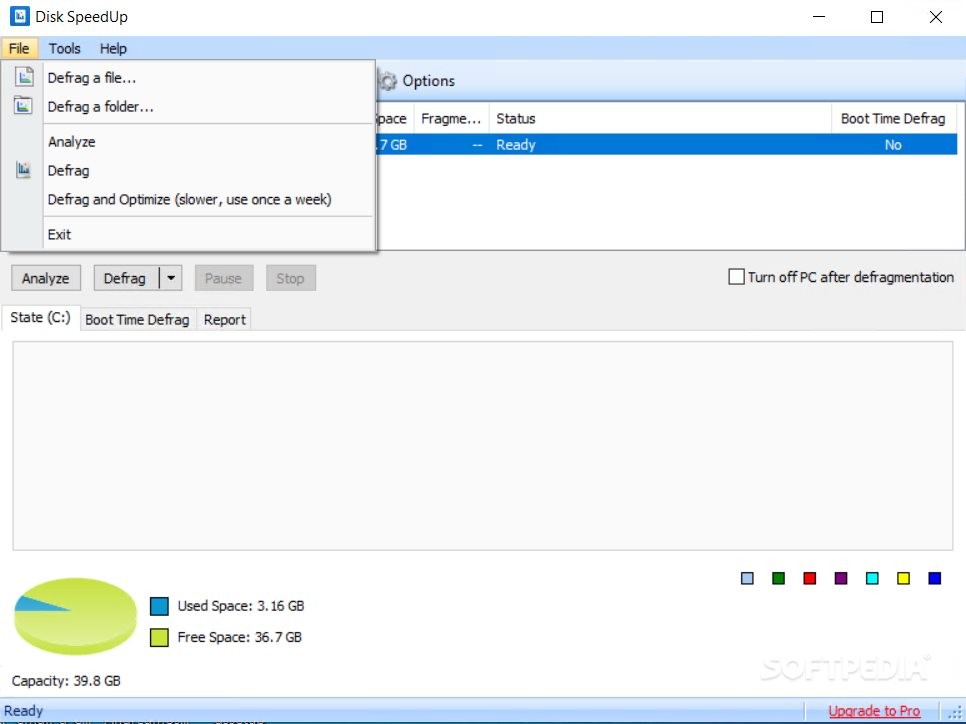
Glarysoft Disk SpeedUp (formerly Disk Defrag) is a comprehensive Windows tool designed to defragment the local drives and optimize space. It integrates some powerful features that should meet the requirements of advanced users, all wrapped up in a clean and attractive GUI.
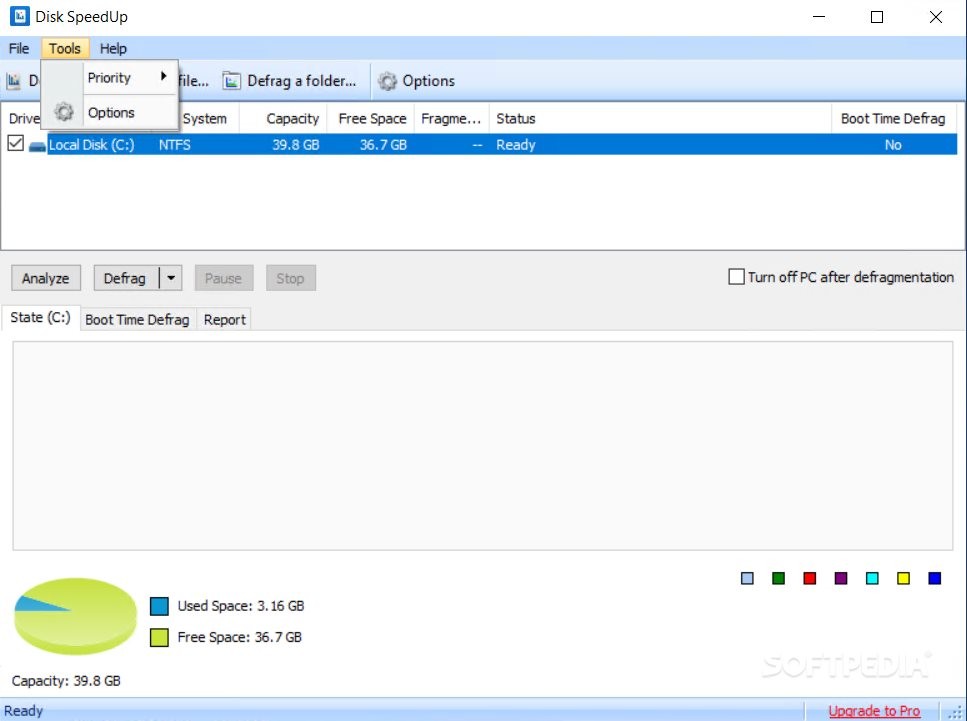
Installing the app takes little time. The main application window is split into two main tabs, dedicated to the defragmenting task and configuring settings, respectively.
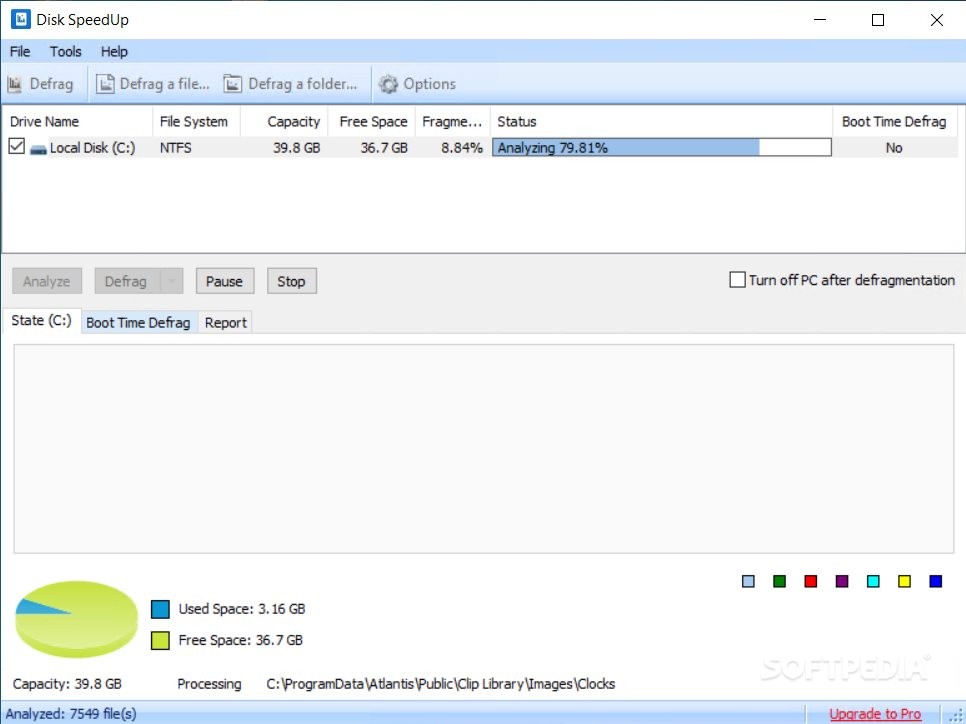
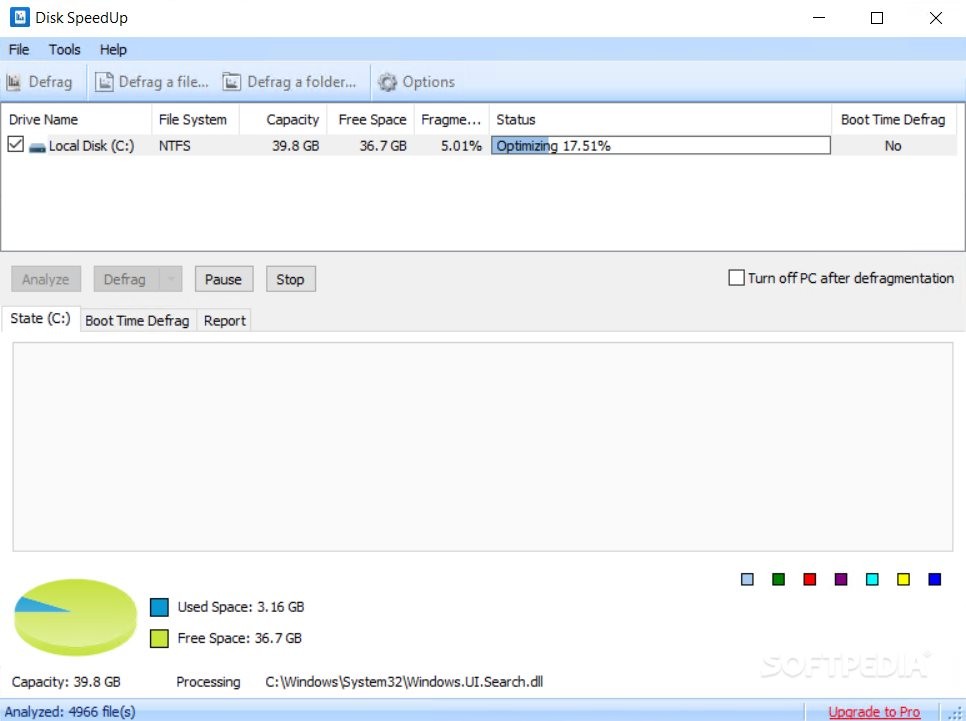
All drives along with their capacity, free space, fragmented space and status are shown in a list. You can select one or more of them and perform an analysis to evaluate the defragmentation status before deciding whether this task is necessary or not.
Defragging or optimizing the selected volumes is done with the click of a button. You can schedule the PC to automatically power off after defragmentation.
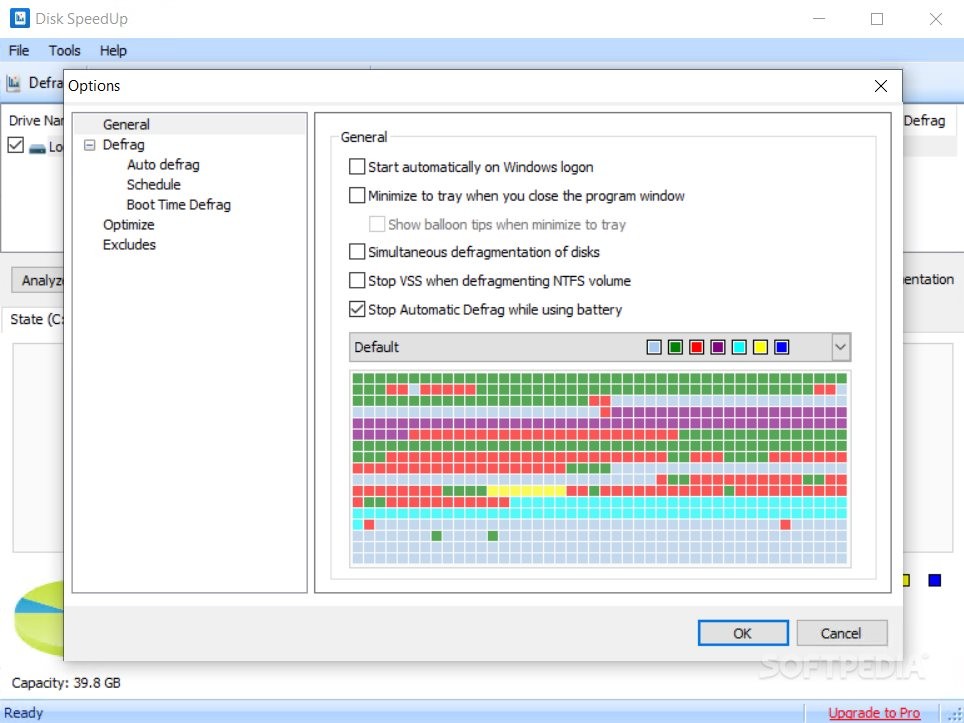
An auto defrag mode can be enabled to run the defragment task automatically when the PC is in idle state, along with the option to pause when the CPU or disk usage exceeds a certain point. This can be done on one or more selected drives at a time. Defrag only, or defrag and optimization can be scheduled on a recurring basis.
As far as settings are concerned, Glarysoft Disk SpeedUp is capable of defragging only files with small or large fragments (depending on the user's specific preferences), while optimization can be applied for user-defined archives, video files, and disk images. Meanwhile, it is possible to exclude files from defragging, change the UI language, set the app to autorun at system startup, and more.
The app does not put a strain on computer performance, since it runs within normal CPU and RAM parameters. It may take a while to carry out a defragmentation job, depending on the size of the selected drive. However, we have not come across any issues throughout our evaluation, as Glarysoft Disk SpeedUp did not hang, crash or pop up error messages. No recent updates have been made, though.
What's new in Disk SpeedUp 6.0.1.9:
- Optimized Disk Defrag: Optimized the defragmentation algorithm to improve user experience.
- Minor GUI improvements
- Minor bug fixes
Disk SpeedUp 6.0.1.9
add to watchlist add to download basket send us an update REPORT- PRICE: Free
- runs on:
-
Windows 11
Windows 10 32/64 bit
Windows 2003
Windows 8 32/64 bit
Windows 7 32/64 bit
Windows Vista 32/64 bit - file size:
- 9.2 MB
- filename:
- dssetup.exe
- main category:
- Tweak
- developer:
- visit homepage
Zoom Client

ShareX

7-Zip

Context Menu Manager

IrfanView

Bitdefender Antivirus Free

Windows Sandbox Launcher

Microsoft Teams

calibre

4k Video Downloader

- Microsoft Teams
- calibre
- 4k Video Downloader
- Zoom Client
- ShareX
- 7-Zip
- Context Menu Manager
- IrfanView
- Bitdefender Antivirus Free
- Windows Sandbox Launcher