
Make your Maxtor 541DX hard disk drive as good as new by having bad sectors fixed with the help of this powerful software application. #Bad Sector Repair #HDD repair #HDD sector #Repair #Fix #Bad sector
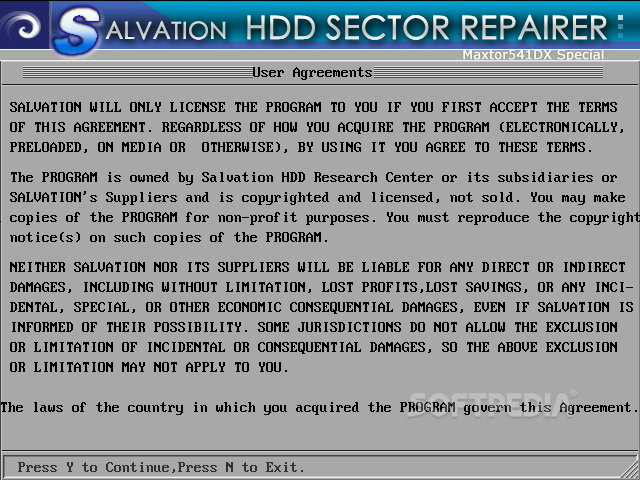
HDD Bad Sectors Repair is a handy utility that, as its name suggests, fixes HDD related errors. It is designed for the Maxtor 541DX series of hard drives, so use it only if you own this particular type of HDD.
Since it’s a recovery product, it works in a similar way as a live CD, which is why it comes bundled in an ISO file. A floppy drive edition is also available, if it provides a suitable alternative.
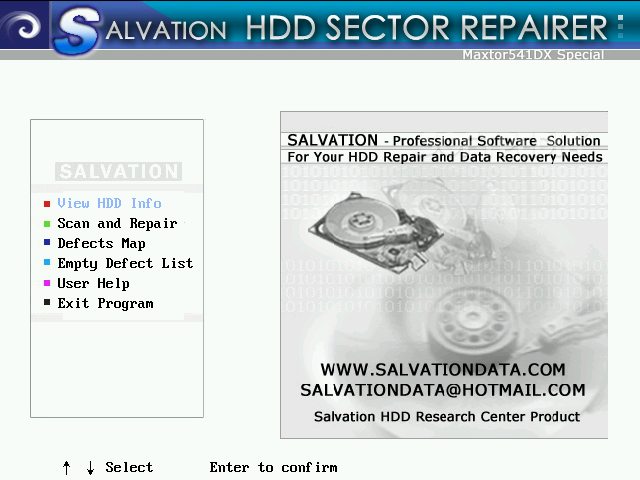
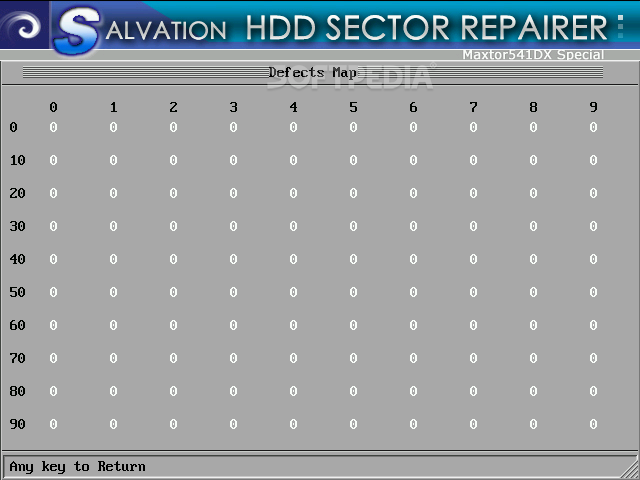
The principle that rules the application is simple: after a thorough analysis of the hard drive, HDD Bad Sectors Repair identifies its defects and moves them from the G-List to the P-List, thus almost restoring the HDD to its original state.
Although they sound majestic, these technical terms have a simple explanation. Professional users may be familiar with them, but beginners may be overwhelmed.
The G-list is a table of defects that occur during HDD use, while the P-list represents the list of bad sectors that are generated during the manufacturing process.
A maximum of number 15,000 of sectors can be moved and once this operation is performed, the application empties, and then resets both lists. Your hard drive no longer contains bad sectors and your computer performs better.
If the number of sectors exceeds 15,000, you could try finding a work-around. The first that comes to our minds involves running the application multiple times, each time removing the maximum allowed, until it’s left clean of errors.
In conclusion, HDD Bad Sectors Repair is a reliable solution if you own a faulty Maxtor 541DX hard drive. Keep in mind that it’s aimed at professionals; incorrect use may lead to permanent damages to your HDD.
HDD Bad Sectors Repair 2.0
add to watchlist add to download basket send us an update REPORT- runs on:
- Windows All
- file size:
- 1.2 MB
- filename:
- hsr2.0cdromsetup.zip

- main category:
- System
- developer:
- visit homepage
Windows Sandbox Launcher

Microsoft Teams

7-Zip

4k Video Downloader

Zoom Client

Bitdefender Antivirus Free

Context Menu Manager

calibre

IrfanView

ShareX

- calibre
- IrfanView
- ShareX
- Windows Sandbox Launcher
- Microsoft Teams
- 7-Zip
- 4k Video Downloader
- Zoom Client
- Bitdefender Antivirus Free
- Context Menu Manager