|
|
|
|
Hard Disk Sentinel Professional 4.00 Build 5237
|
|
|
|
|
|
| Downloads: 12,262 |
Tell us about an update
|
 |
|
User Rating: Rated by: |
Good (3.8/5) 64 user(s) |
|
|
|
Hard Disk Sentinel Professional description
|
An advanced performance monitoring and optimization HDD tool
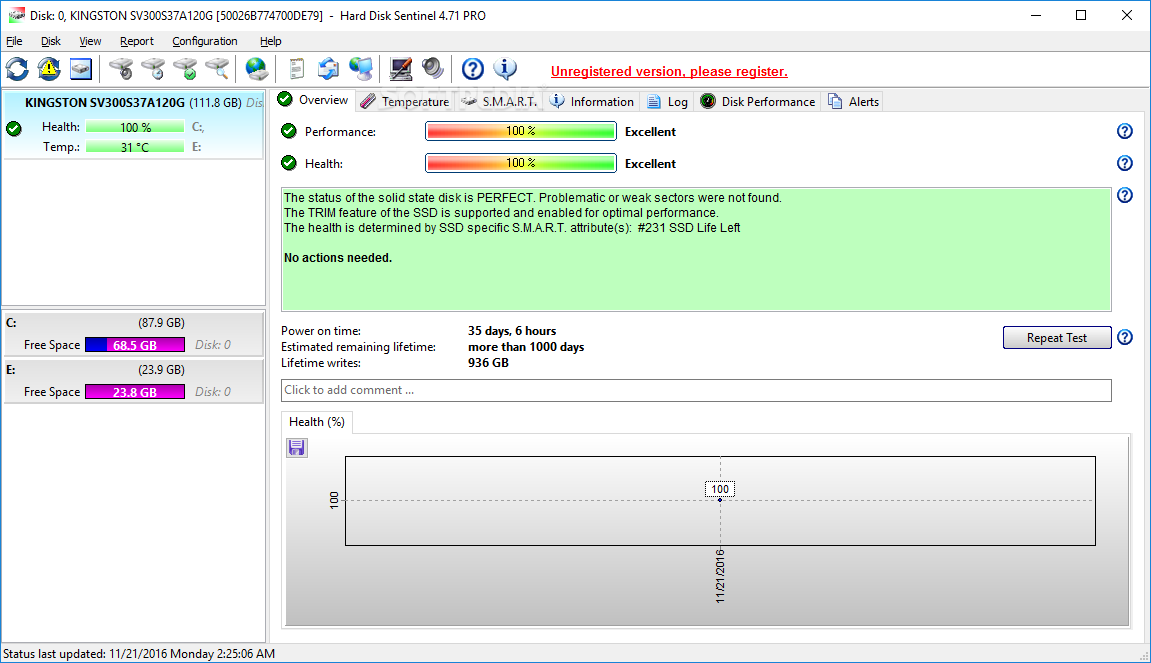
Hard Disk Sentinel is a HDD monitoring tool that will help you find possible hard disk problems, degradations, performance and failures. It can alert if a problem detected or if temperature is too high and it has other reporting options.
As hard disk sizes are constantly increasing, data stored on them are more and more valuable for the user of the computer (and this is especially true for a company or office). Serious problems can occur upon a hard disk failure.
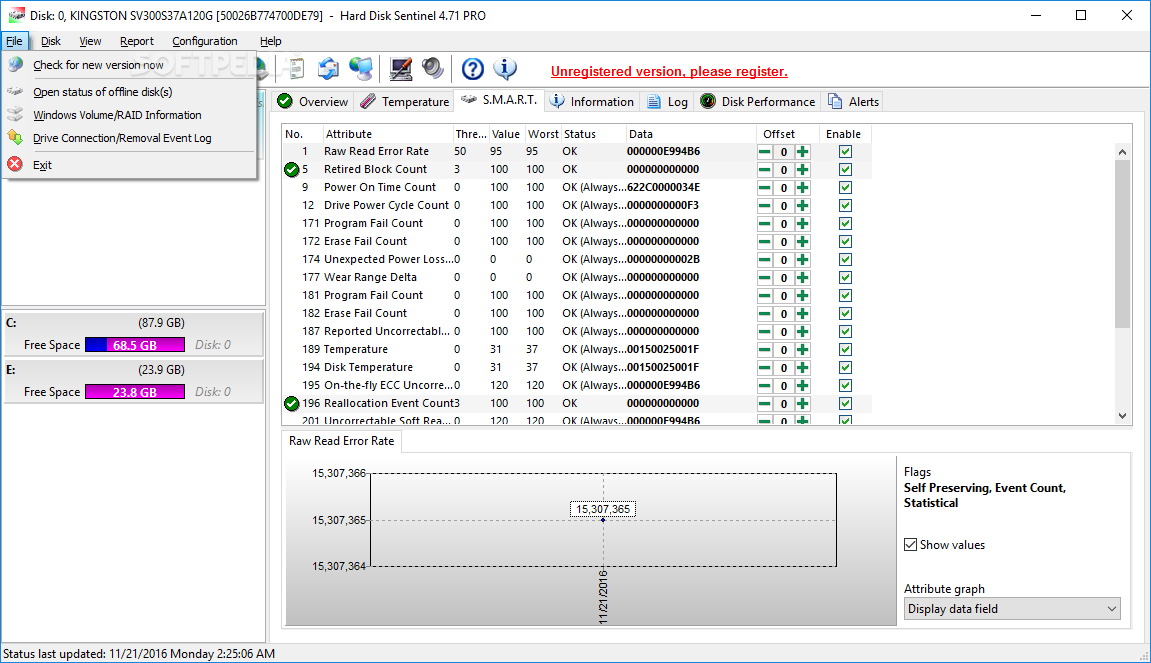
Hard Disk Sentinel can monitor hard disk status, including temperature and S.M.A.R.T. (Self-Monitoring, Analysis and Reporting Technology, built in most hard disks today) values for each hard disks. Also it measures the hard disk transfer speed in real time which can be used as a benchmark or to detect possible hard disk failures, performance degradations.
Hard Disk Sentinel can be used to prevent serious damage or data loss. It warns the user before a problem may occur and this gives opportunity to backup important and valuable data
Here are some key features of "Hard Disk Sentinel Professional":
Easy to use interface:
· All information are displayed in the main window of the application. Quick controls allow easy navigation to access all hard disks, partitions and different information. Intuitive user interface elements display information by using green/yellow/red color to indicate the level of problem. Detailed text description and context sensitive help guides the user thru the features and options.
1. Install > 2. Configure > 3. Stay protected:
· Just install, configure alerts and backup functions and your system is now safe. You'll be notified about the problems - but if everything is correct, Hard Disk Sentinel just sits on tray and displays current status. The data is protected 24 hours daily, 7 days a week.
Disk Management:
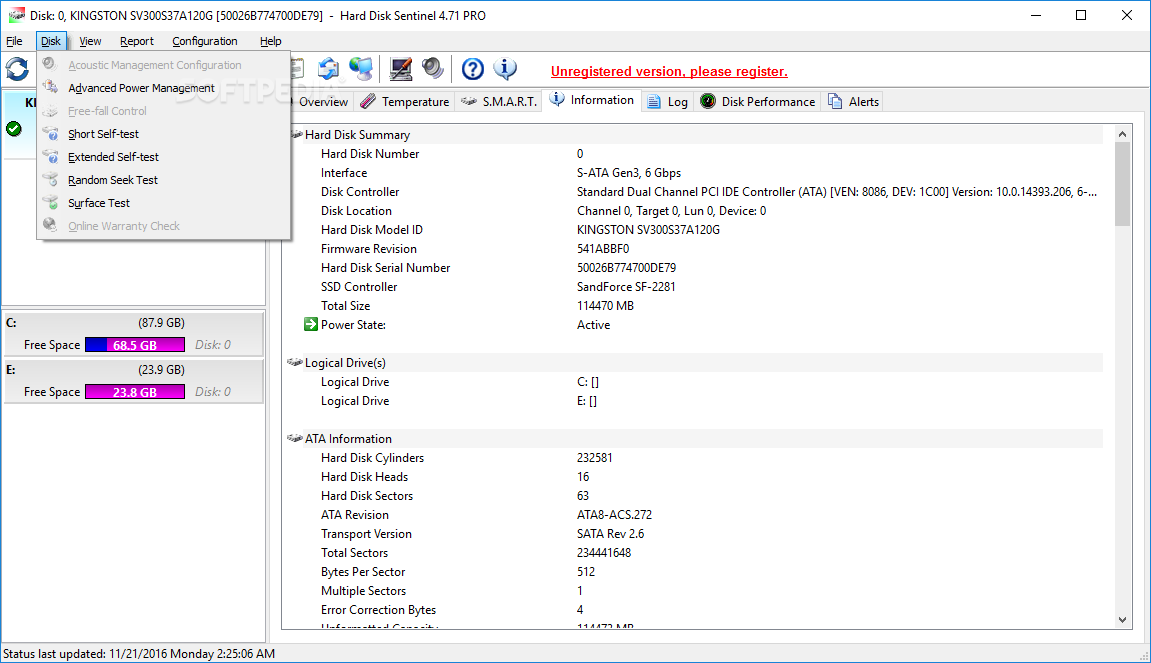
· Control Advanced Power Management level and adjust Free Fall Control sensitivity of hard disks to maximise hard disk performance and data safety.
Backup:
· Wide range of automatic backup methods are available: to backup data to local computer, to a LAN server or to a remote server by transferring files via FTP (or even by e-mail). It is possible to use 3rd party tools to create archives or burn CD/DVD media. Hard Disk Sentinel Professional can manage power status of remote computers in the network, so it is possible to automatically power on and shut down remote computers, for example a backup server.
API Interface For Developers:
· With the API it is possible to query detected hard disk information from the software. This way 3rd party software can log, display or otherwise process detected disk information including temperature, health and so.
Remote Monitoring:
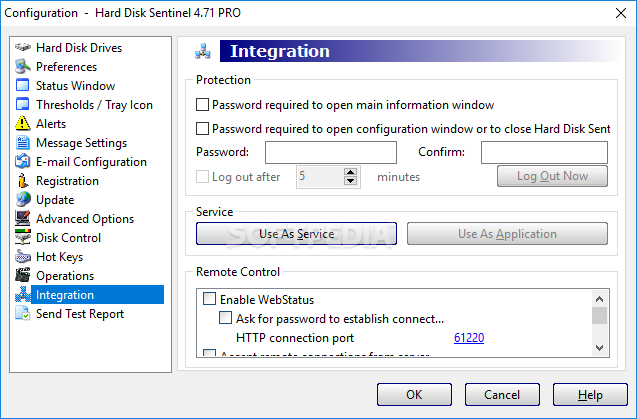
· Hard Disk Sentinel Professional offers extensive remote monitoring capabilities. Hard disk status can be checked remotely by a web browser, even by a mobile phone or a PDA.
Instant S.M.A.R.T. analysing:
· Hard Disk Sentinel can communicate with IDE, Serial ATA, SCSI and most USB HDD and SSD to detect their status and temperature. Disk status are displayed immediately as you launch the application, there is no need to analyse disks for a long period. It displays the current and maximum temperature for the hard disk. It reads all general and vendor-specific attributes and monitor their values. For advanced users, all raw data are displayed also including power-on time and number of read/write errors. Hard Disk Sentinel interprets the performance and fitness related S.M.A.R.T. values and displays the calculated Performance and Health percentage, total power on time and estimated lifetime remaining.
Hard Disk Hardware and Software Tests:
· By using Hard Disk Sentinel, it is possible to start hardware hard disk self tests. These tests can be used to effectively find all hard disk problems because built-in hardware methods are used to verify hard disk components (for example heads, servo, internal buffer in the Short self test). The Extended self test also verifies the complete disk surface, finds and repairs all weak areas and re-allocates the possible bad sectors. This is not possible with the software-based disk surface scan methods (for example, by using scandisk).
Seek Noise Test:
· Seek Test - to verify hard disk noise, seek time performance and temperature. Longer tests can be used as very deep and intensive stress-tests for the disk system and useful to verify if additional cooling is required.
Enhanced Disk Tests:
· Surface Test - to verify hard disk surface with intensive disk testing methods to reveal and fix disk problems. Surface reinitialisation resets all sectors to factory default states. Different destructive and non-destructive tests are available to re-fresh the condition of any hard disks, solid state disks or even your pendrives or memory cards.
Logging:
· Hard Disk Sentinel logs all degradations in all SMART parameters and issues alerts in such cases to maximise data protection. For example, if a new bad sector is found on your hard disk, you will be notified.
Alerts:
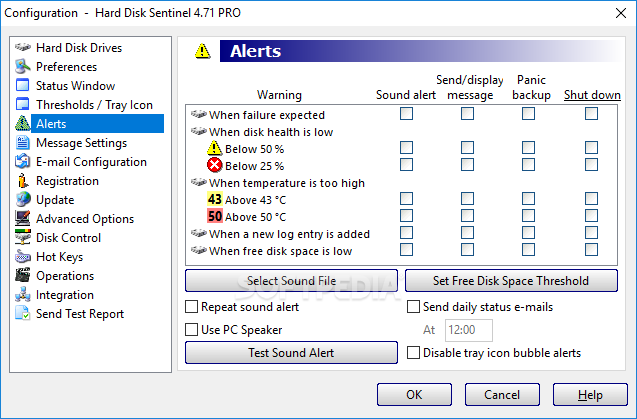
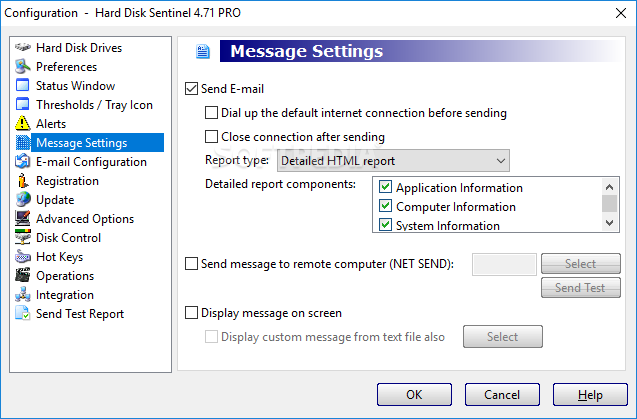
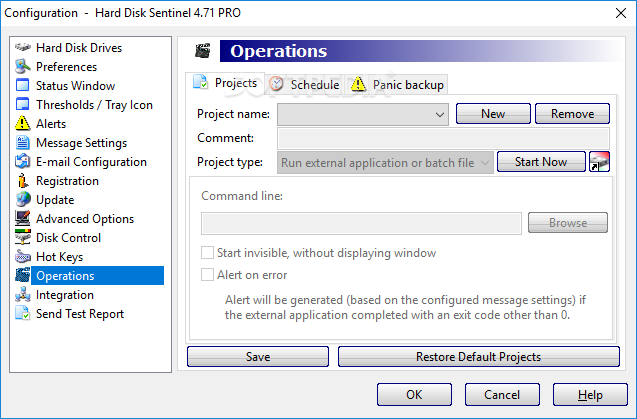
· Hard Disk Sentinel has wide range of alerts upon different problems. It can send e-mail (with e-mail->SMS gateway it can be SMS warning to your mobile), network message, can play sound alerts and so.It can execute various tasks (automatic panic backup or any configured external applications) in case of a problem.There is an option to send daily emails about current status.
Shutdown:
· Offers option to shut down the computer on hard disk failure, HDD overheat or health degradation. This option can be used in combination of the alerts to prevent further data loss.
Hard Disk Details:
· Detects and displays every information about the hard disk, from the revision number and buffer size to all features it has. The maximum available and current transfer modes are also displayed.
HDD status in Windows Explorer:
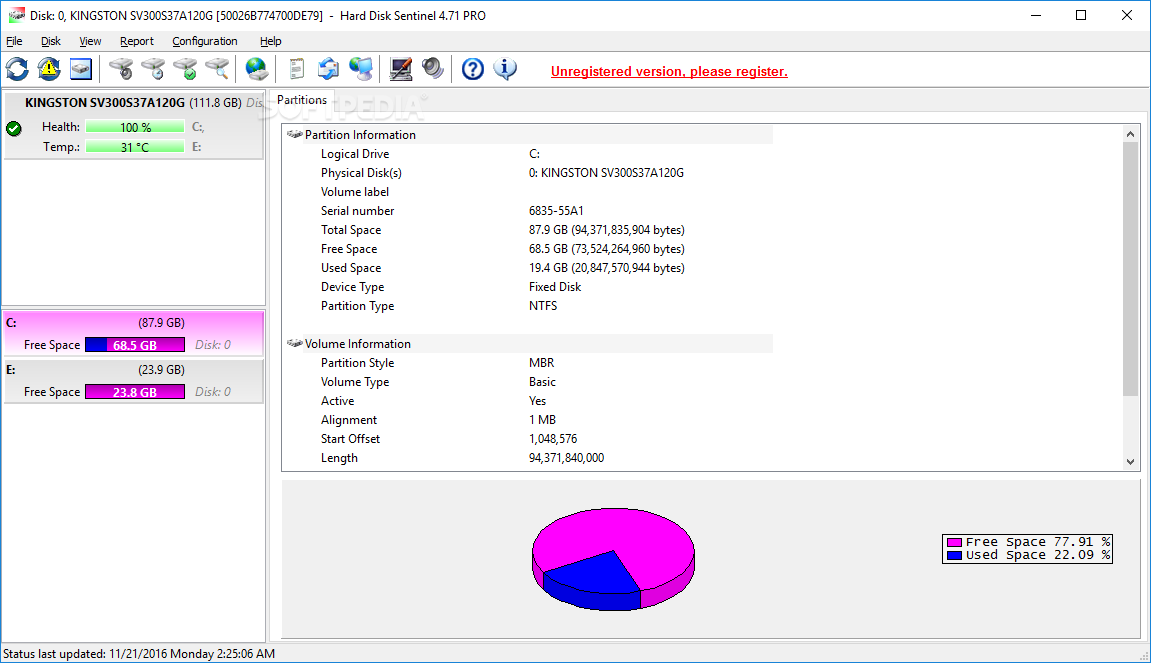
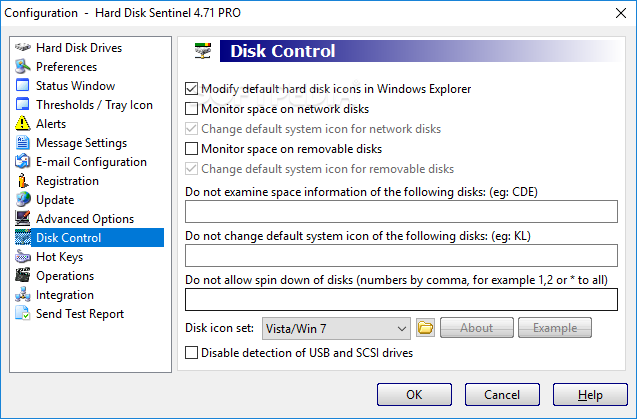
· View the current health status and used space in Windows Explorer or in any other application, so you'll always know the amount of used space for each partitions and the disk condition.
· Hard disk health and used space displayed on disk icons
Information on demand":
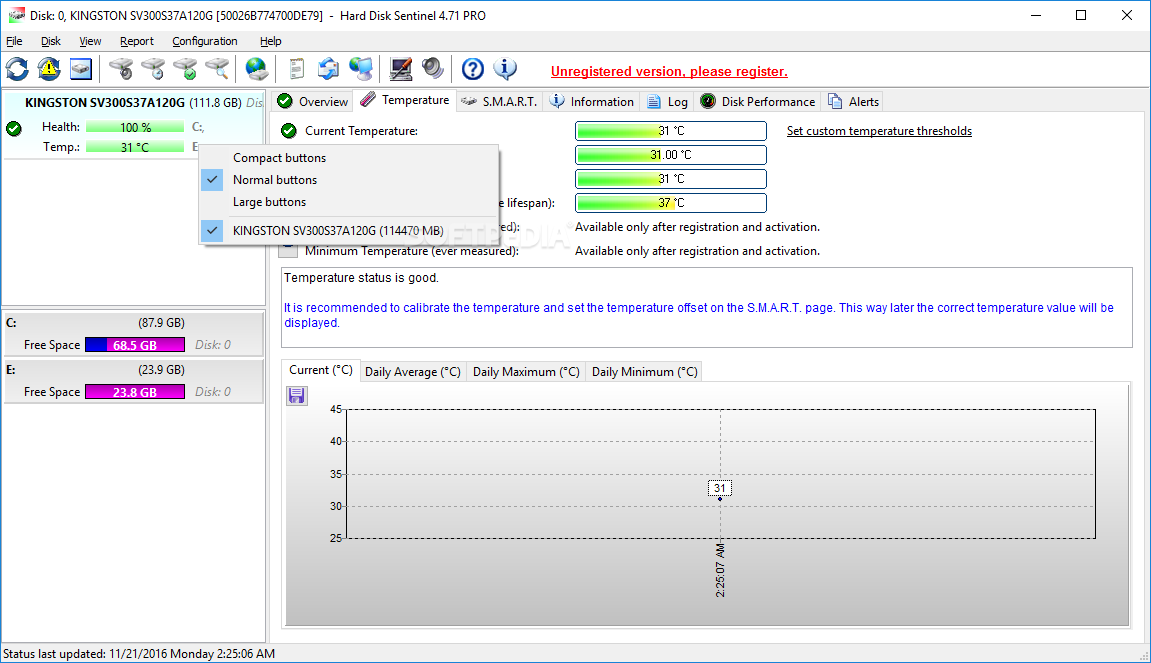
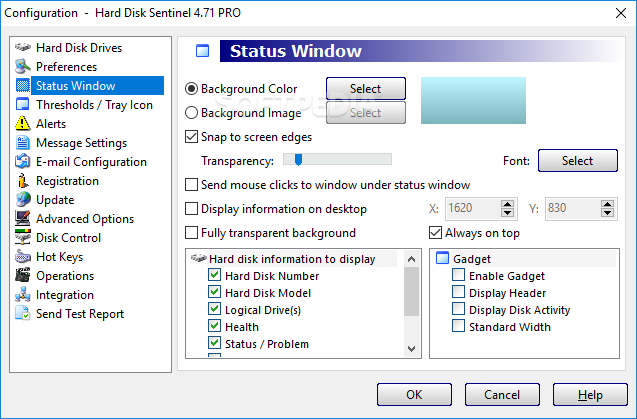
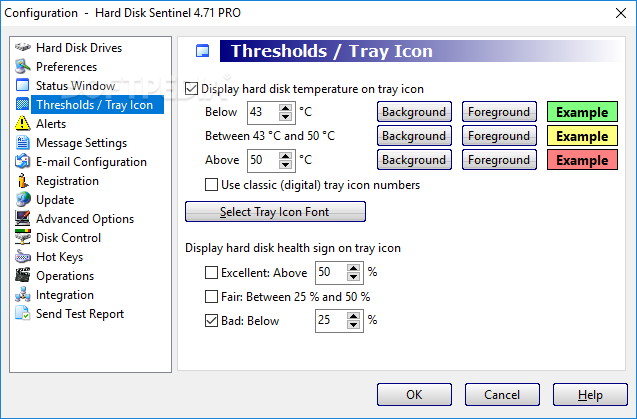
· Current hard disk temperatures and health are displyed on the system tray and can be displayed in a small status window, the desktop itself or in a sidebar gadget (under Windows Vista or newer operating system). Average and maximum temperatures are logged for all hard disks and these informations are displayed in graphs for statistical purposes.
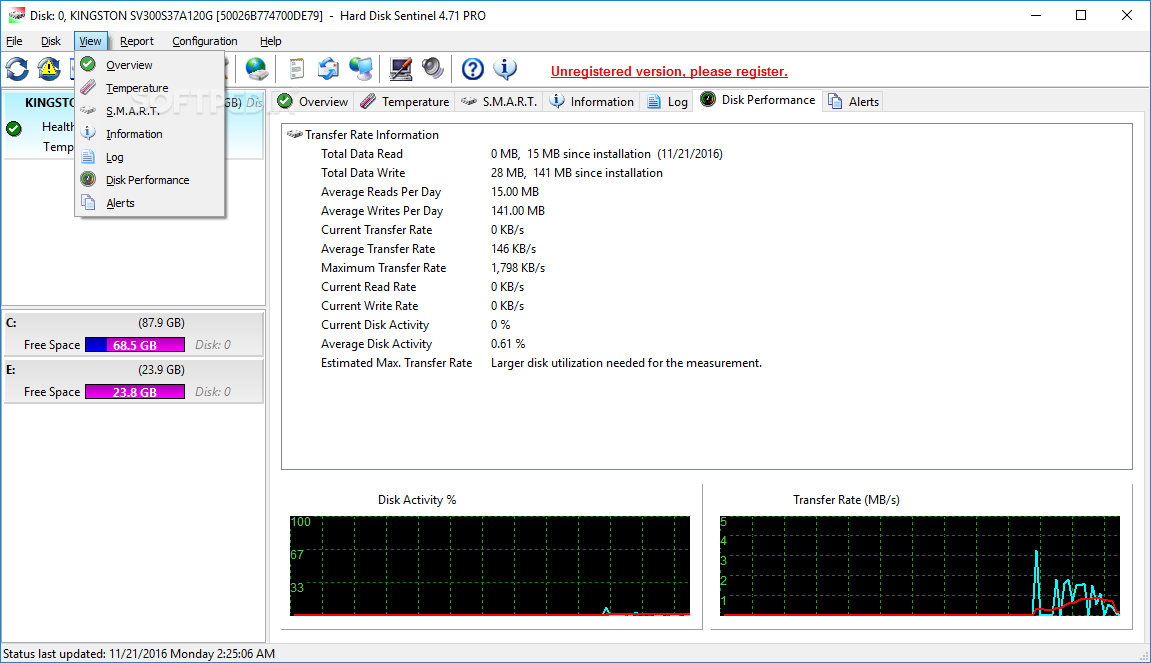
Hard Disk Performance:
· Logs how much data were read from or written to the hard disk. Displays current transfer rates for both reading and writing and estimates the maximum available (theoretical) transfer rate for a particular hard disk.
Requirements:
· System administrator account
· At least 15 megabytes of hard disk space
· Hard disk with ATA or SCSI, SAS USB communication interface.
· External disks (USB or IEEE 1394) are NOT supported.
· Pentium or compatible CPU
· 32 megabytes of system memory
Limitations:
· 30 days trial
· Partial functionality
· Nag screen What's New in This Release: [ read full changelog ]
Improvements and new features:
· displaying lifetime writes for SSDs or lifetime start/stop count for hard disks (if available)
· displaying current TRIM status of SSDs
· displaying daily minimum temperatures
· improved text description for both HDDs and SSDs and special situations
· option to specify standard width for sidebar gadget (Configuration -> Status window)
Improved hardware support:
· improved LSI RAID controller support
· improved power on time detection for mobile hard disks, SSDs and SCSI hard disks
· added Intel SAS RAID controller support (RS2BL080, RS2WC040, RS2WC080, etc.)
· added support for SAS expanders (Intel RES2SV240, Supermicro CSE-M28E2, etc.)
· added Intel Z68 RAID controller support, displaying both SSD and hard disk status
· added support of external RAID enclosures with 2-8 hard disks
· added support for ICY Dock (2x2.5" -> 3.5" converter)
· improved compatibility for some USB hard disks
· improved detection for older hard disks (small capacity Quant...
|
|
 | | Softpedia guarantees that Hard Disk Sentinel Professional 4.00 Build 5237 is 100% CLEAN, which means it does not contain any form of malware, including spyware, viruses, trojans and backdoors. [read more >] |
|
|
|