
Can defrag and clean your harddisk.. #Defrag Partition #Partition Defragmenter #HDD Cleaner #Defrag #Defragmenter #Defragmentation

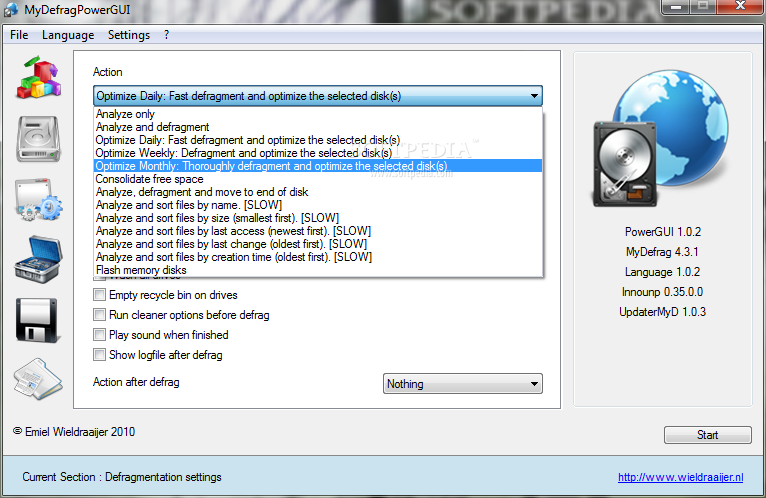
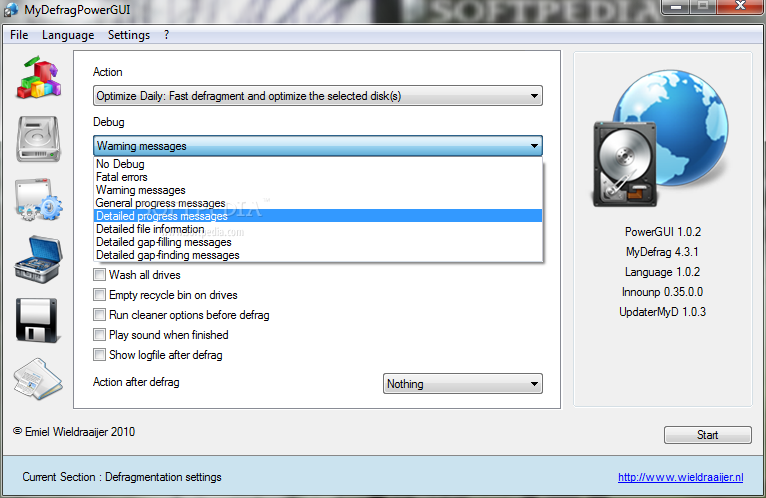
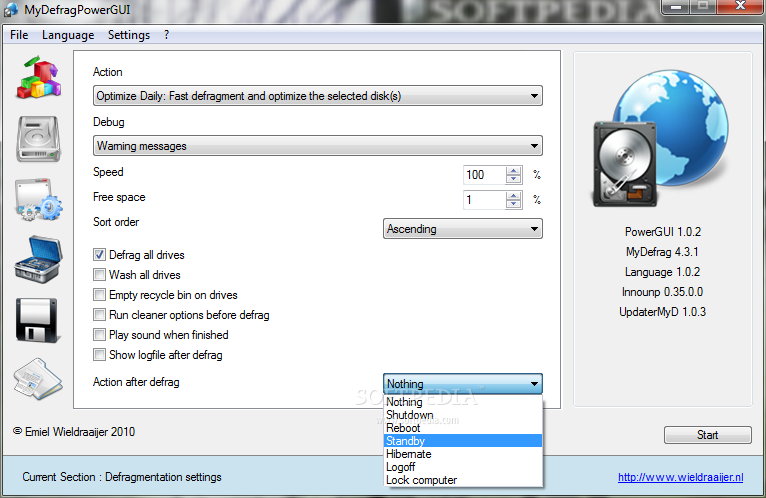
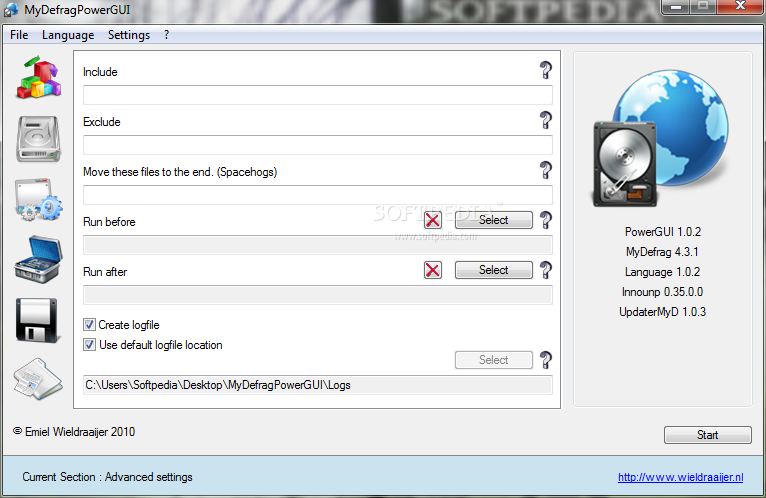
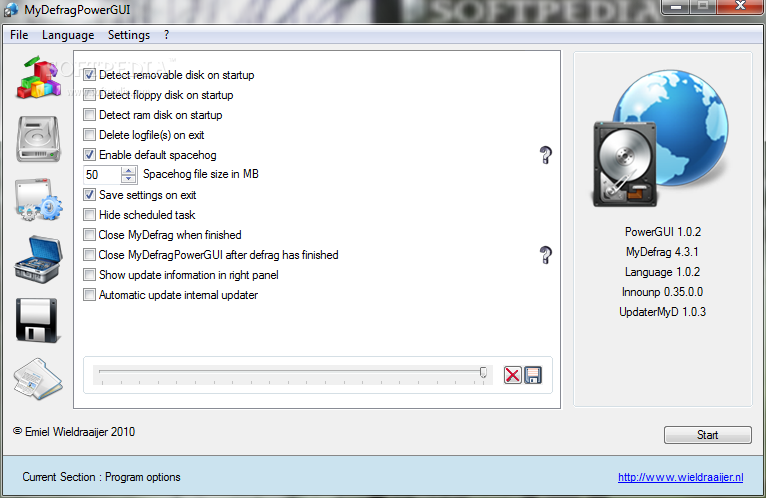
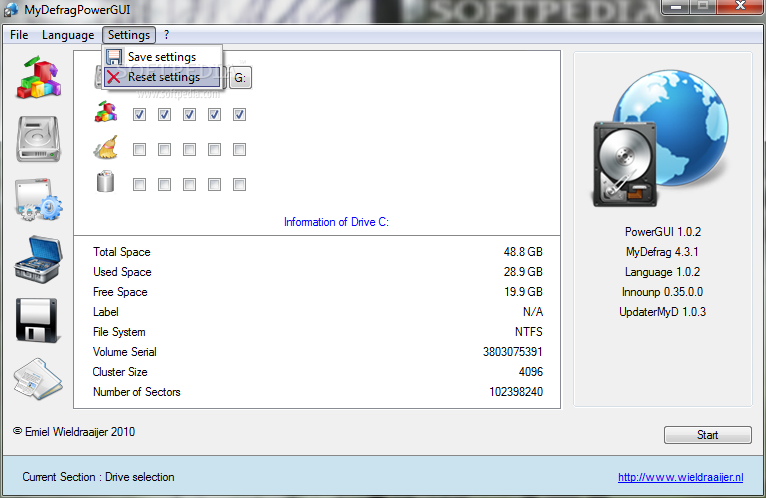
The MyDefragPowerGUI application was developed to be a Graphical User Interface which allows you to easily select all the features MyDefrag. MyDefragPowerGUI can do much more.
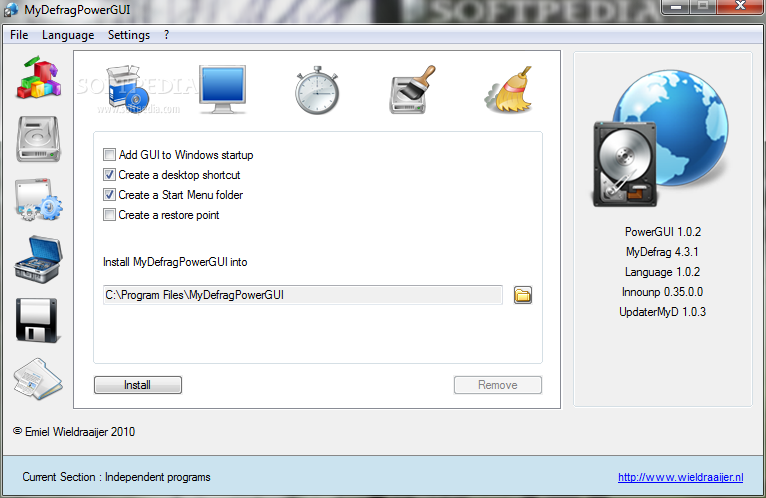
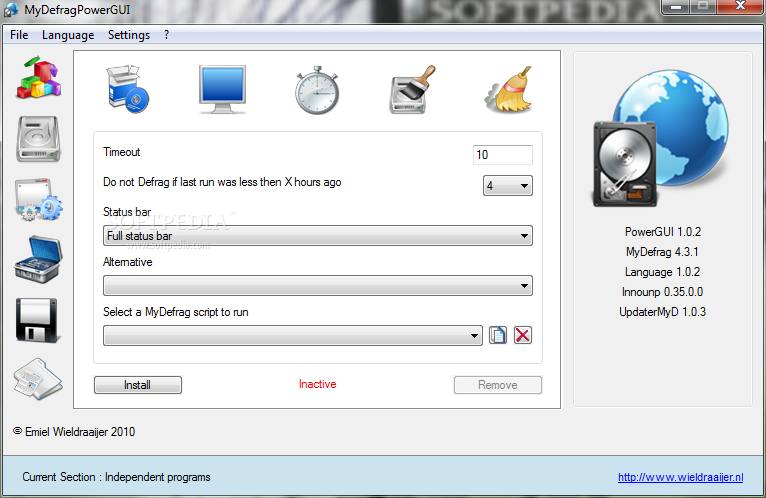
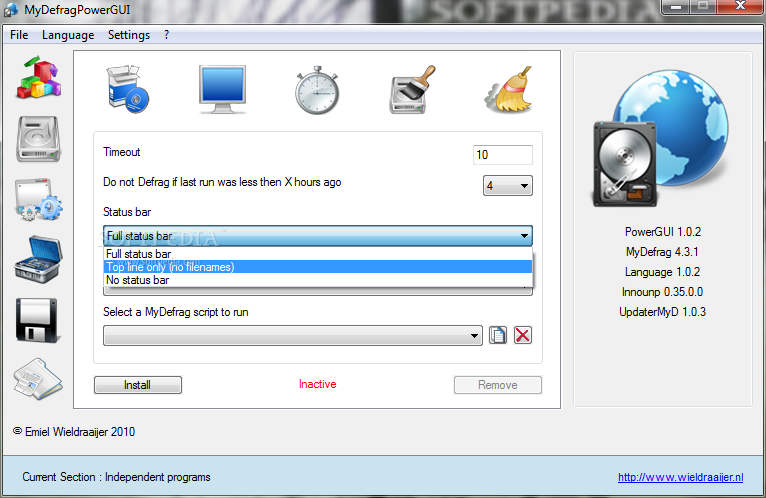
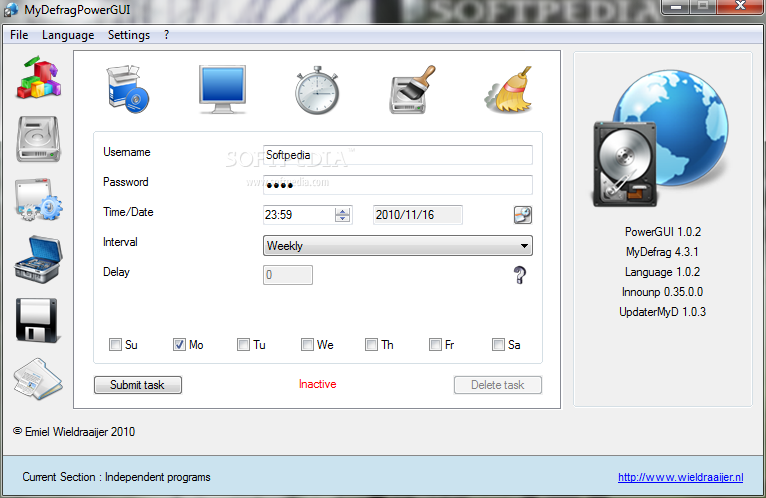
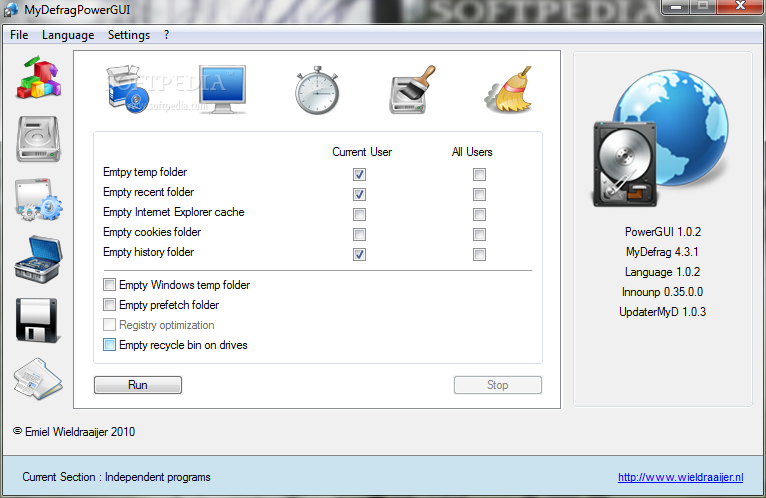
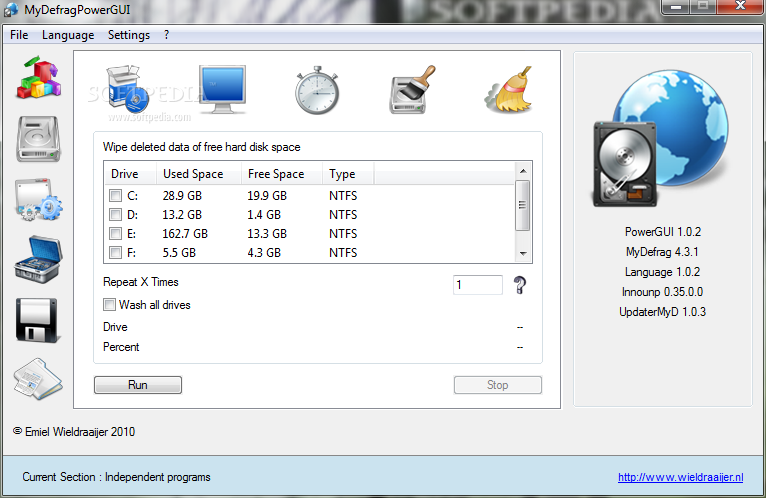
MyDefragPowerGUI can schedule a defragmentation, install MyDefrag or it's screensaver but can also do some small maintenance to your computer. It can be used to schedule a defragmentation of your system files like pagefile and registry files. MyDefragPowerGUI also supports CCleaner which can be used instead of the internal cleaning function. It can also erase any information which is left behind on your hard disk after erasing files.
MyDefragPowerGUI is created for people who don't have the skills of an advanced user but still want to use the powerful features MyDefrag has to offer or for those people who like an advanced GUI instead of manually editing complex scripts.
System requirements
- A minimum of 10 MB of disk space
What's new in MyDefragPowerGUI 1.0.4:
- Added commandline parameter /silent
- Added commandline parameter /verysilent
- Added hotkey [F7] "Save logfile"
- Added hotkey [F8] "Print logfile"
MyDefragPowerGUI 1.0.4
add to watchlist add to download basket send us an update REPORT- runs on:
-
Windows 2008
Windows 2003
Windows 7 32/64 bit
Windows Vista 32/64 bit
Windows XP - file size:
- 2.3 MB
- filename:
- MyDefragPowerGUI.zip

- main category:
- System
- developer:
- visit homepage
Bitdefender Antivirus Free

Microsoft Teams

ShareX

IrfanView

4k Video Downloader

calibre

paint.net

Windows Sandbox Launcher

7-Zip

Zoom Client

- Windows Sandbox Launcher
- 7-Zip
- Zoom Client
- Bitdefender Antivirus Free
- Microsoft Teams
- ShareX
- IrfanView
- 4k Video Downloader
- calibre
- paint.net