
Create system snapshots on demand or on a schedule, ensuring you can return your computer to a previous state or recover deleted files. #Rollback system #Restore system #System snapshot #Rollback #Restore #Recovery
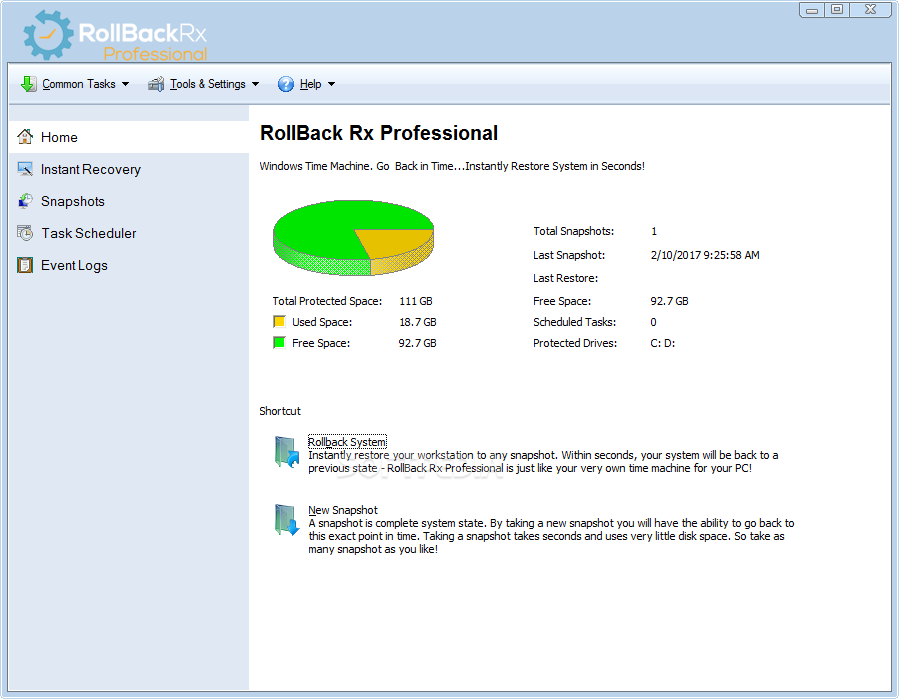
Most, if not all, users have experienced computer freezes or crashes, which lead to losing data, more or less important, depending on everyone’s misfortune.
While it is really helpful to create frequent restore points, sometimes not even these can retrieve the lost data - and this is where RollBack Rx Professional comes in handy.
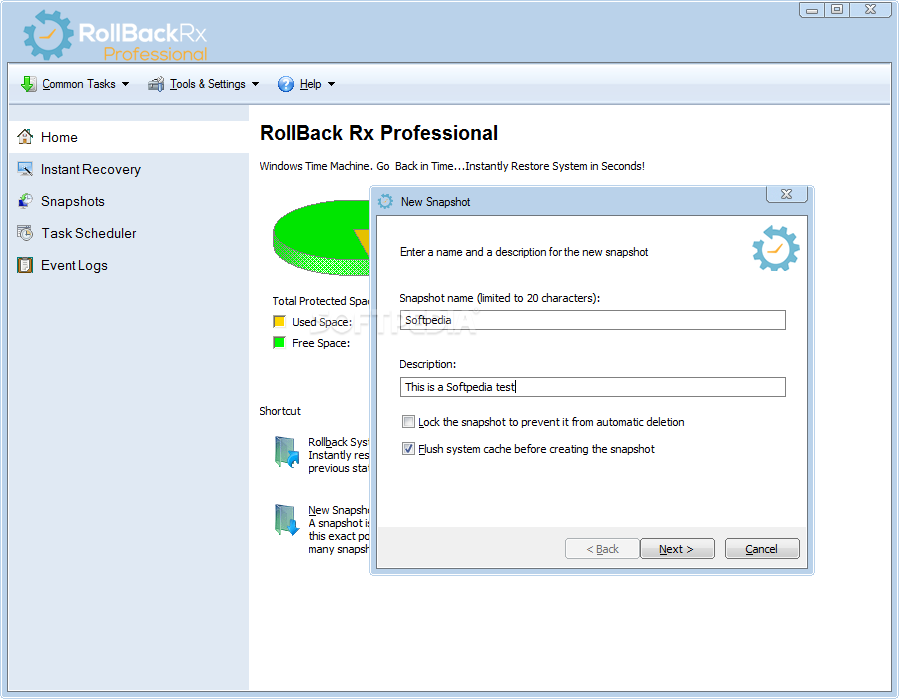
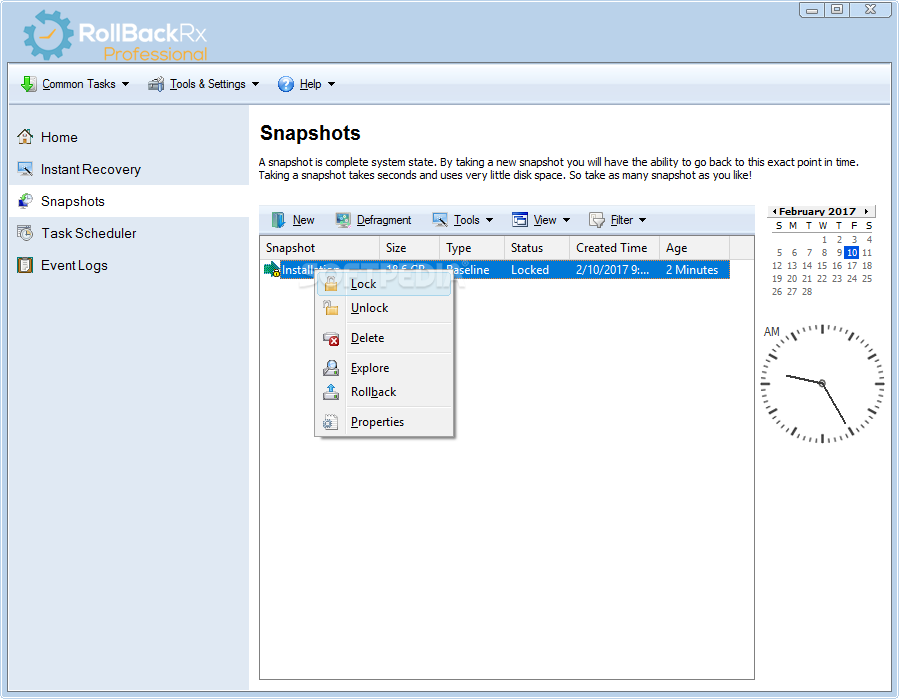
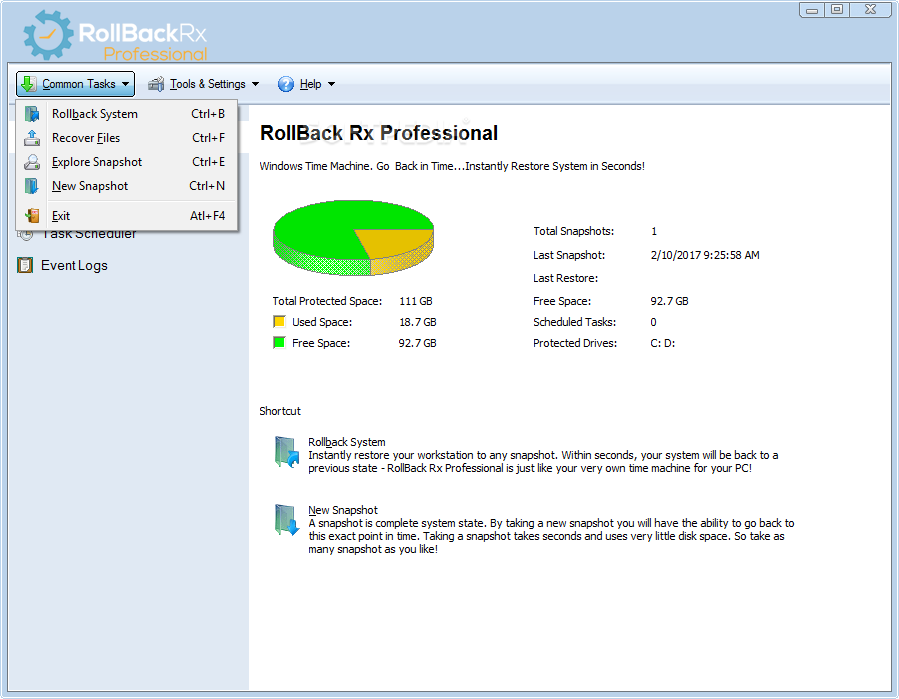
Basically, this application helps users create comprehensive snapshots of their computer without taking up too much disk space - additionally, the entire process takes little time to complete.
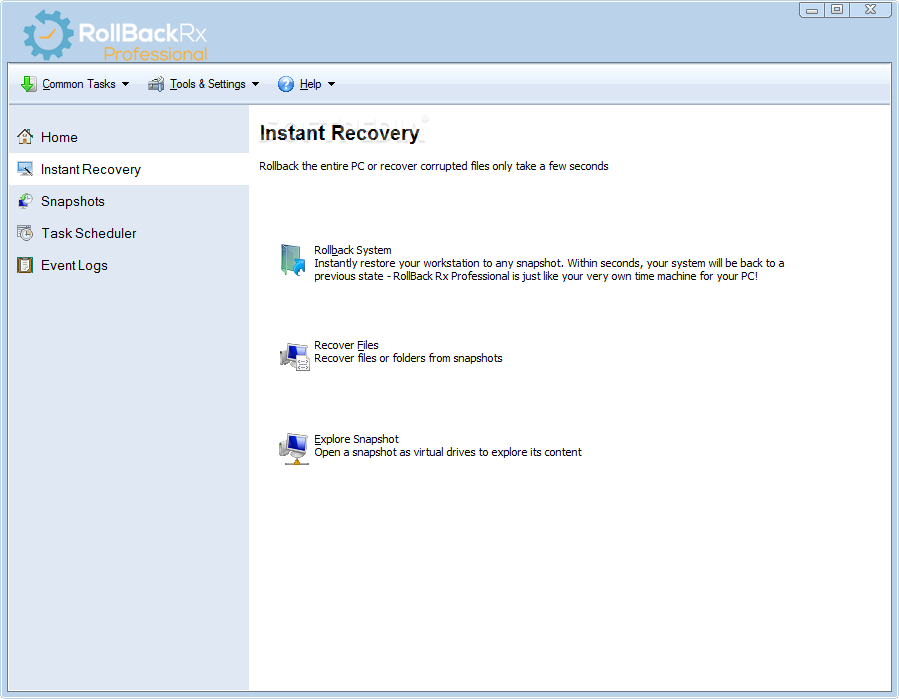
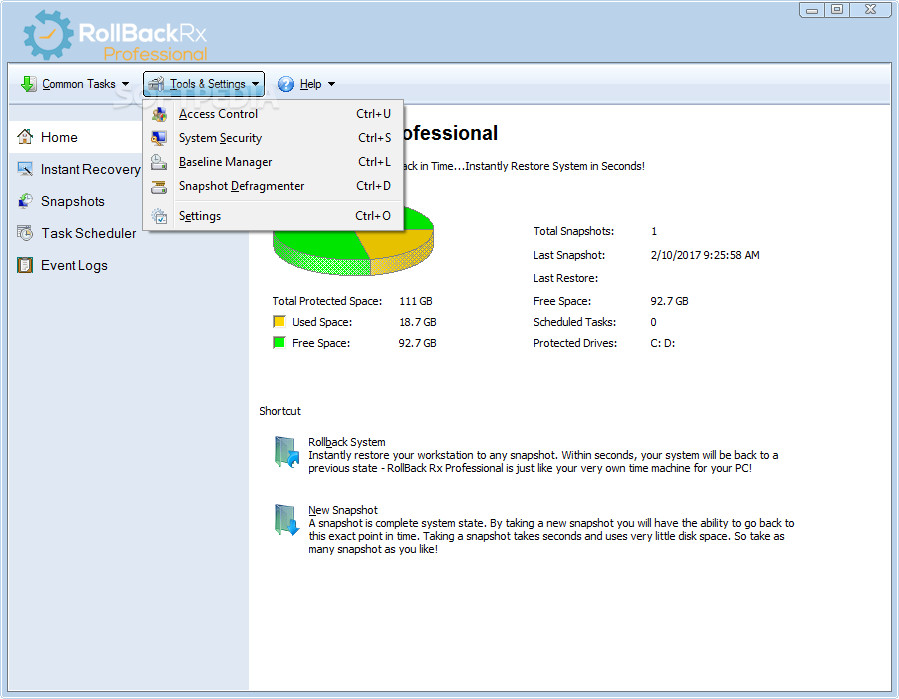
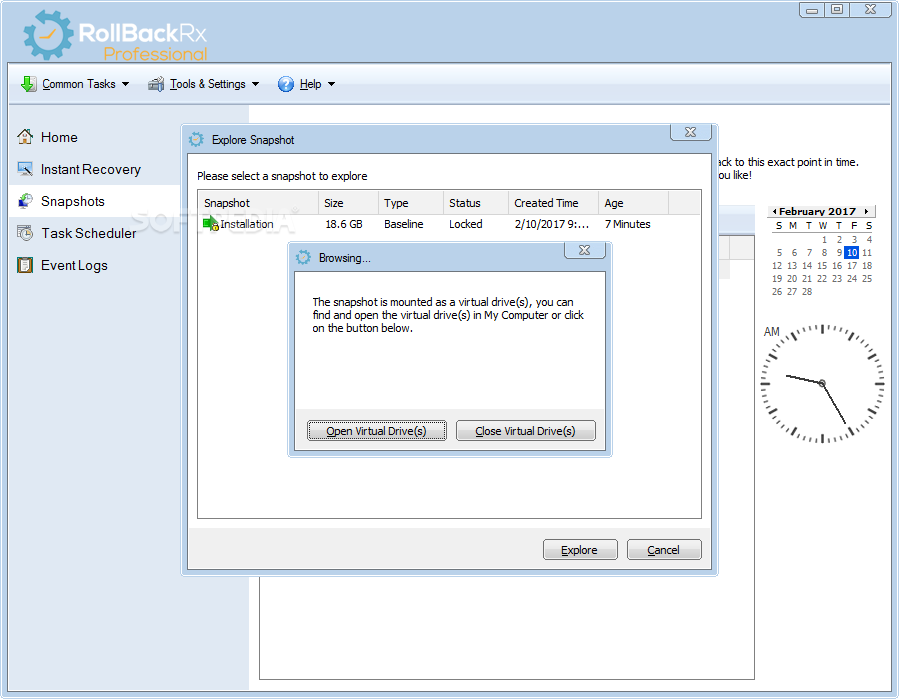
When something goes wrong, you can choose to quickly choose one of the previously created snapshots so as to restore your entire computer to its previous state. Alternatively, you can restore only files and folders from a selected snapshot, or you can simply explore its contents to make sure your documents are safe and sound.
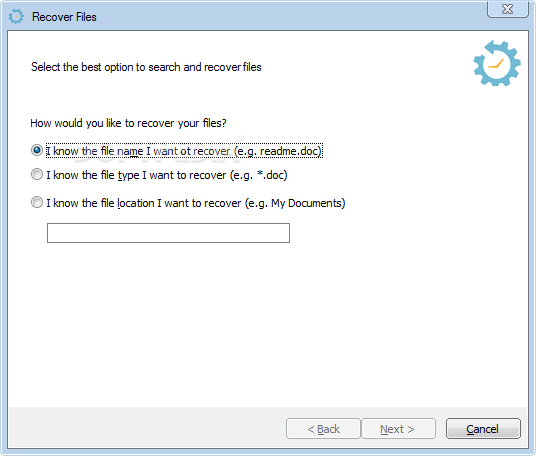
When you choose to retrieve certain items from a snapshot, you can specify their filenames, their file types or their location - the last option can come in handy when you do not remember the exact name of your documents, but you do know the name of the folder where you stored them.
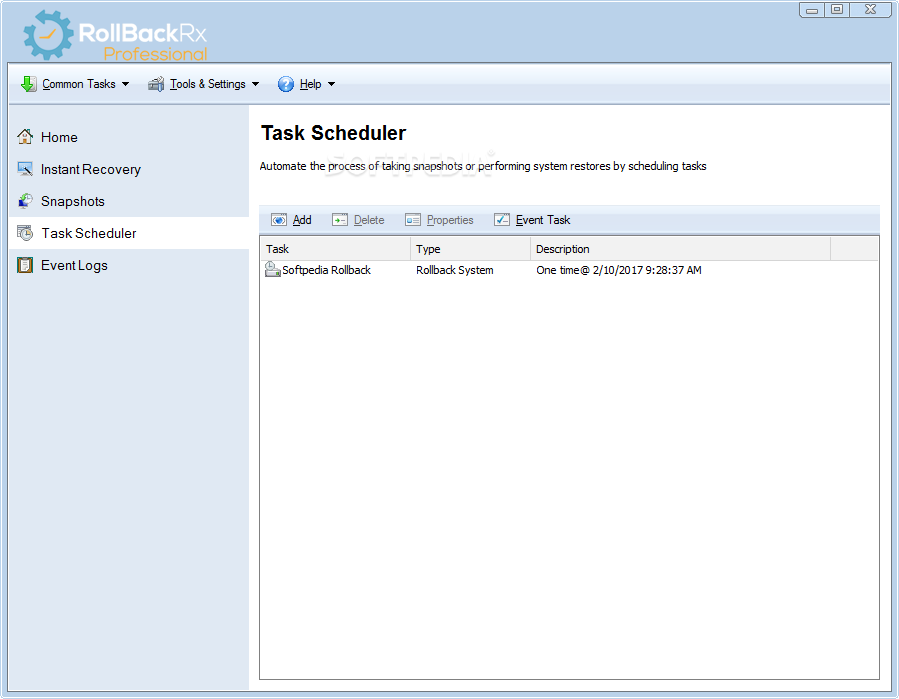
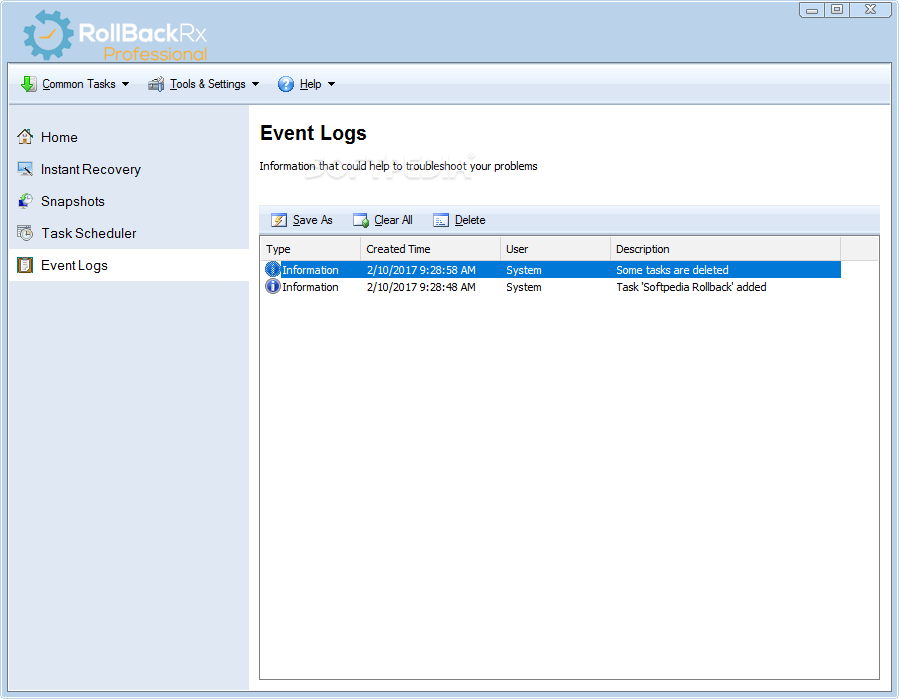
You can also rely on RollBack Rx Professional to automate the process of taking snapshots according to a schedule you set up.
You can also restore your PC to an early state according to a schedule, so as to make sure it is constantly in top shape. You can either rollback to the most recent snapshot or you can set your computer to be restored to a chosen snapshot.
RollBack Rx Professional can help you rest assured that your data and your computer are safe at all times, since you can restore to a previous state with great ease. However, a license needs to be purchased if you want to benefit from the app’s functions indefinitely.
Download Hubs
RollBack Rx Professional is part of these download collections: Create Restore Points
What's new in RollBack Rx Professional 12.5 Build 2708962800:
- Fix on BSOD issue after setup on some select PCs
RollBack Rx Professional 12.5 Build 2708962800
add to watchlist add to download basket send us an update REPORT- runs on:
-
Windows 11
Windows 10 32/64 bit
Windows 8 32/64 bit
Windows 7 32/64 bit - file size:
- 52.4 MB
- main category:
- System
- developer:
- visit homepage
7-Zip

Microsoft Teams

paint.net

Windows Sandbox Launcher

calibre

IrfanView

Zoom Client

4k Video Downloader

ShareX

Bitdefender Antivirus Free

- 4k Video Downloader
- ShareX
- Bitdefender Antivirus Free
- 7-Zip
- Microsoft Teams
- paint.net
- Windows Sandbox Launcher
- calibre
- IrfanView
- Zoom Client