
A handy application that is able to check and undelete partitions, as well as perform recovery and repair tasks for damaged disks. #Recover partition #Partition table #Write MBR #Partition #Recover #Table
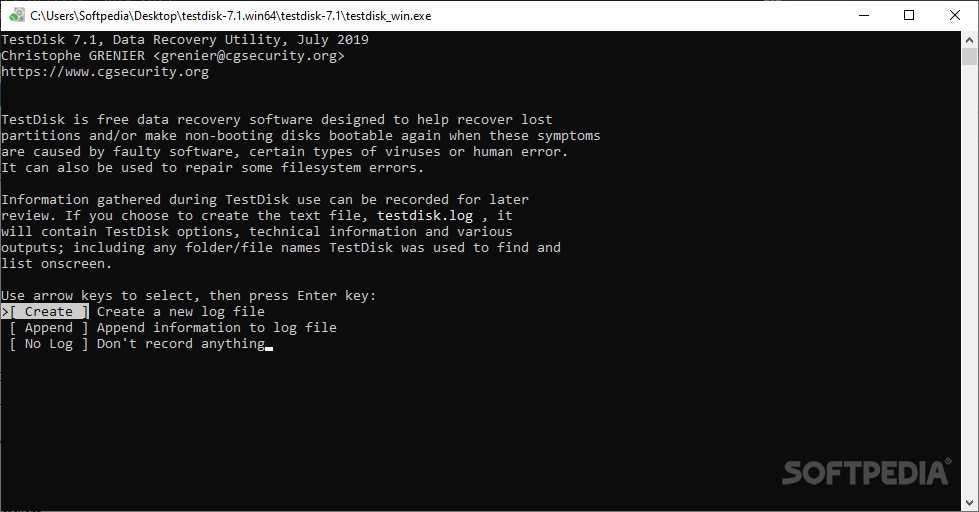
Data recovery and partition repairing are tasks that involve the usage of some specialized utilities that can work in sensitive areas of the system. When it comes to restoring lost data and rebuilding boot sectors, one of the tools that are created just for these purposes is TestDisk & PhotoRec.
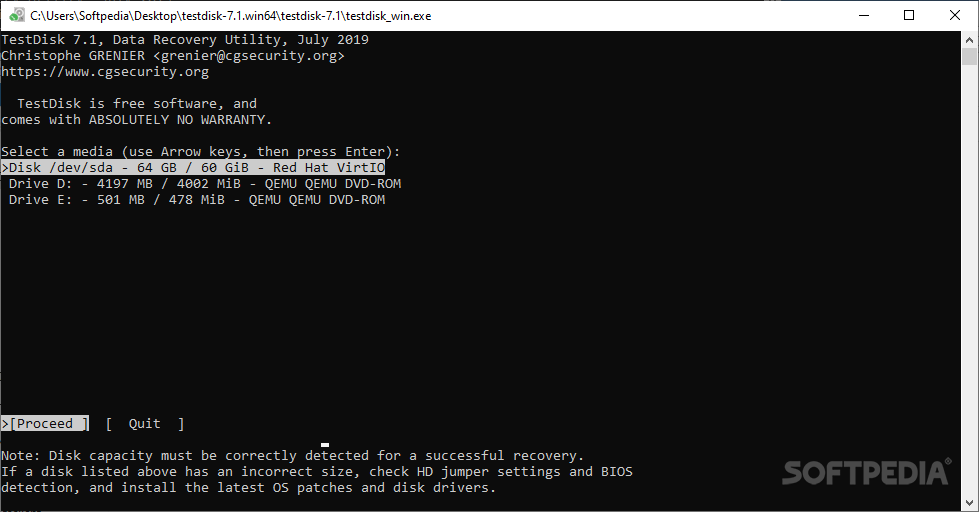
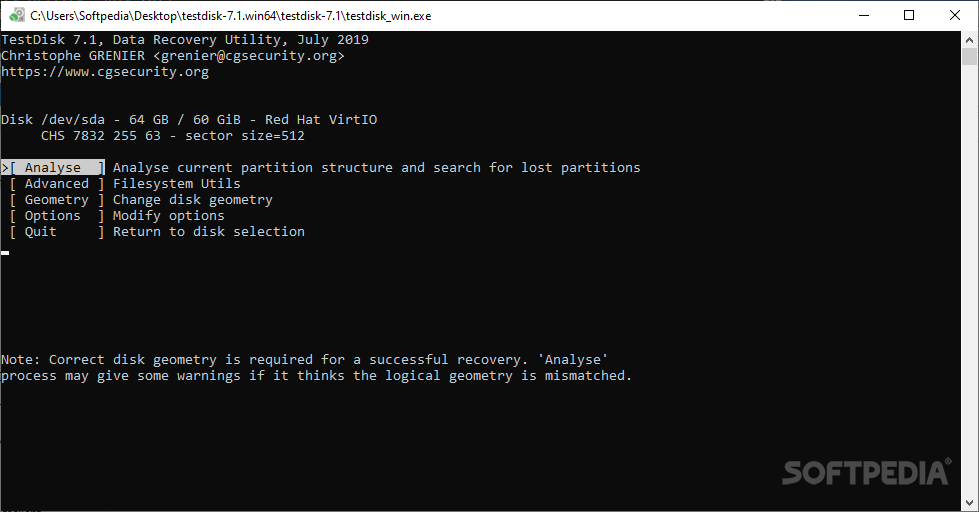
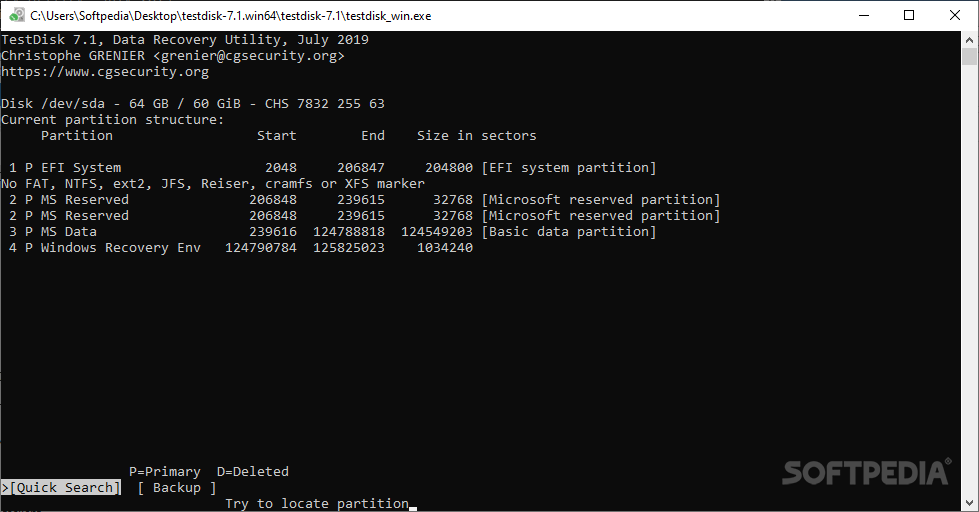
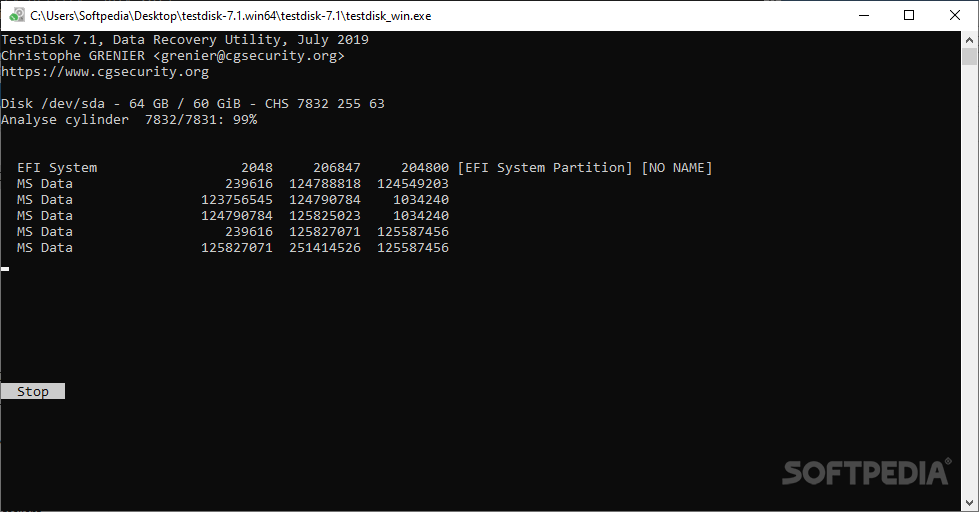
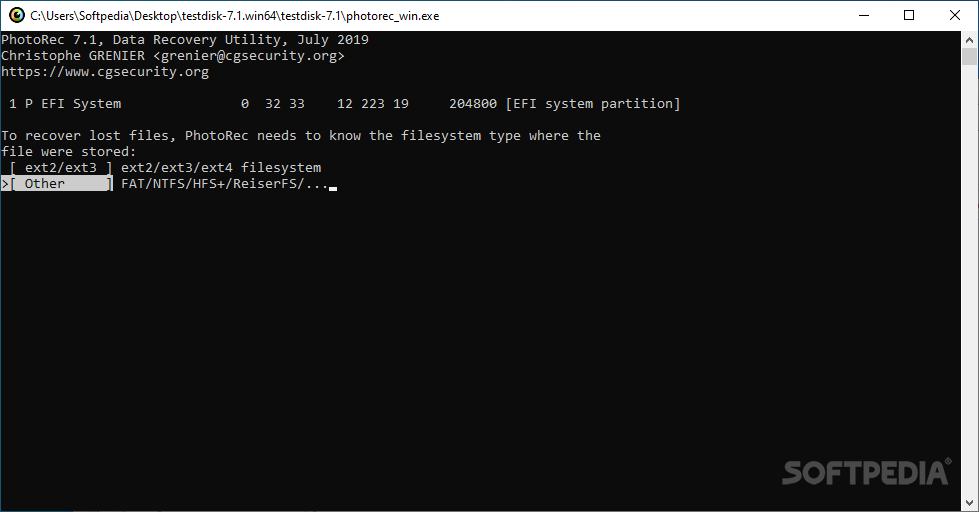
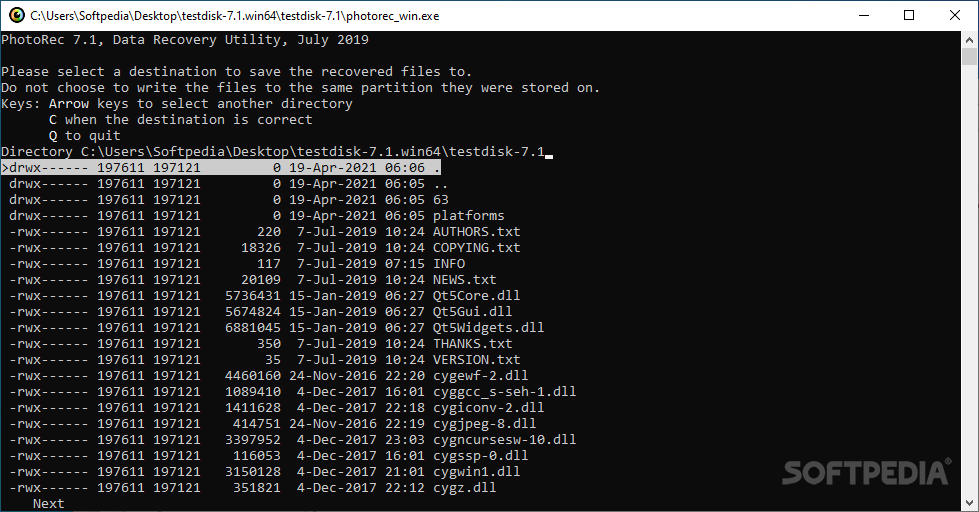
Runnable via command-line, the software checks disks and scans for errors, then allows you to choose the action you want it to carry out. With TestDisk you can analyze the partition structure and check if any lost partitions are to be found on the selected drive.
The program is also able to change the disk geometry and write to the first sector of the disk the MBR code. You can use the application for completely wiping all data from a partition and restoring non-bootable disks to their bootable form.
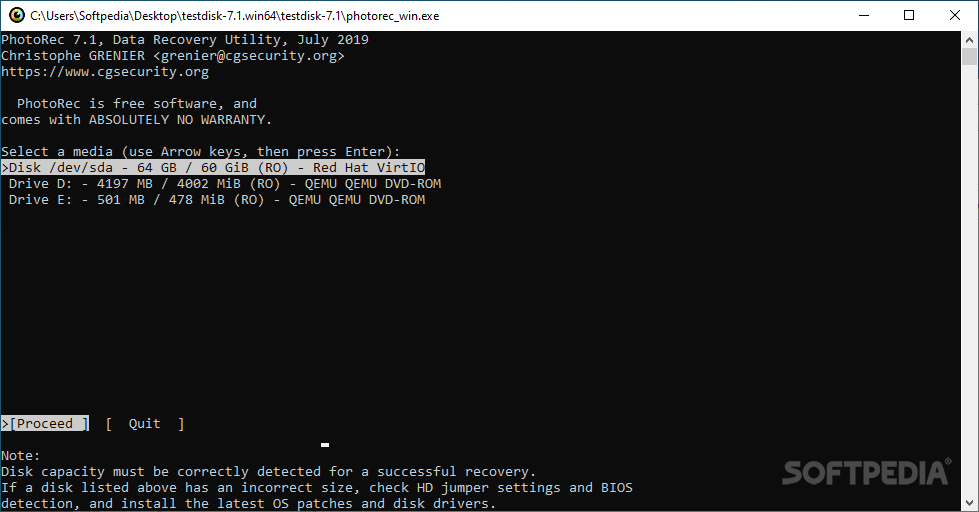
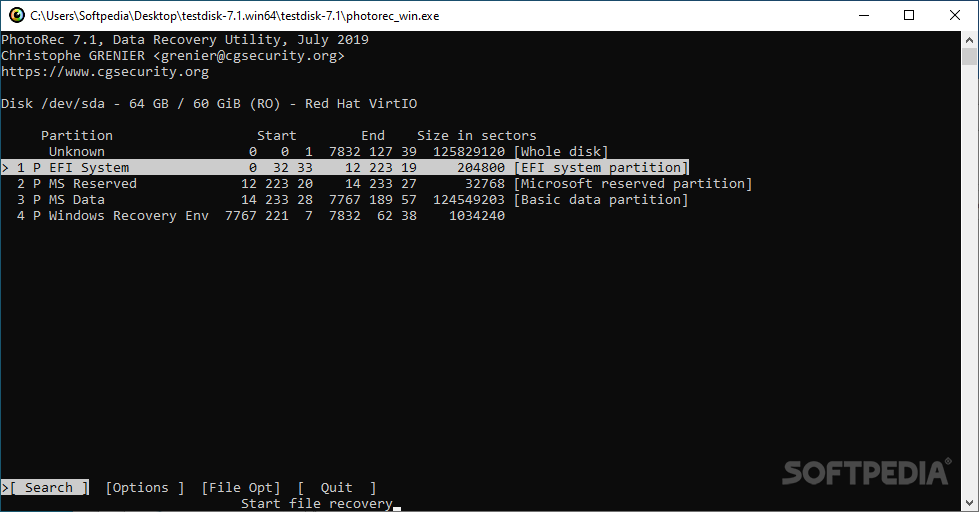
Insofar as the data recovery (undeletion) is concerned, TestDisk comes with support for several file systems, including some that are not common to Windows users. Thus, you will be able to restore files from FAT, NTFS, ext2 and exFAT file systems.
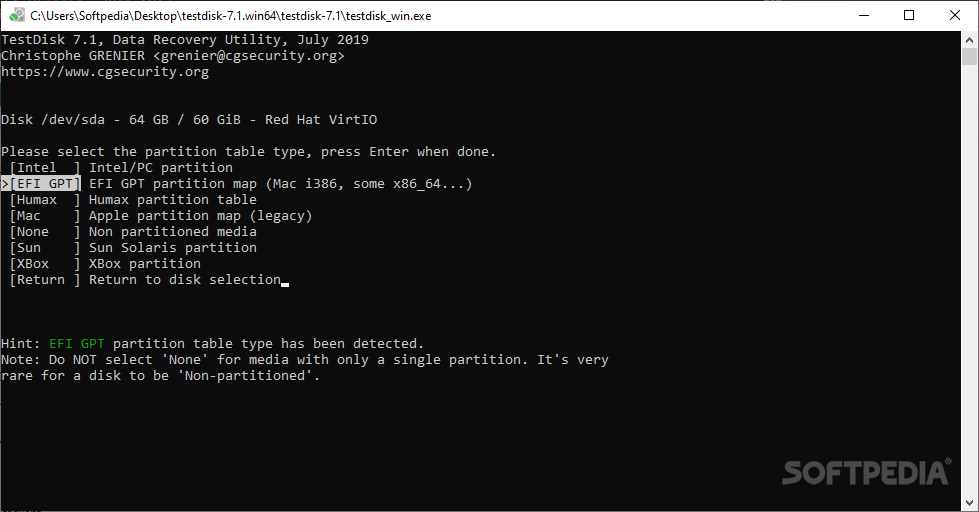
For systems with damaged or empty partition tables, the software offers the possibility to repair the issues. TestDisk can find missing partitions and creating a new table or rewriting a completely new MBR is also feasible.
Designed to be accessible for both advanced and less-experienced users alike, this utility has logging and debugging capabilities that can be easily used from the command-line. This means that TestDisk will gather all available information regarding the state of a drive and the information can then be used for analyzing and fixing the problems.
For anyone who needs to restore files or entire partitions, write partition tables for specific drives and other such tasks, TestDisk & PhotoRec is definitely one of the best choices, especially since it is not hard to operate it.
Download Hubs
TestDisk & PhotoRec is part of these download collections: HDD Managers, Partition Manager
What's new in TestDisk & PhotoRec 7.2:
- Improvements:
- When searching for partition, press '+' key to skip 5% of the disk.
- exfat: Better utf-8 support when iconv is missing
TestDisk & PhotoRec 7.2
 Softpedia Editor's Pick
add to watchlist
add to download basket
send us an update
REPORT
Softpedia Editor's Pick
add to watchlist
add to download basket
send us an update
REPORT
- runs on:
-
Windows 11
Windows Server 2022
Windows Server 2019
Windows Server 2016
Windows 10 32/64 bit
Windows Server 2012 R2
Windows 2008 R2
Windows 2008 32/64 bit
Windows 2003
Windows 8 32/64 bit
Windows 7 32/64 bit
Windows Vista 32/64 bit - file size:
- 26.3 MB
- filename:
- testdisk-7.2.win.zip
- main category:
- System
- developer:
- visit homepage
Windows Sandbox Launcher

7-Zip

calibre

Bitdefender Antivirus Free

Context Menu Manager

Microsoft Teams

ShareX

4k Video Downloader

IrfanView

Zoom Client

- 4k Video Downloader
- IrfanView
- Zoom Client
- Windows Sandbox Launcher
- 7-Zip
- calibre
- Bitdefender Antivirus Free
- Context Menu Manager
- Microsoft Teams
- ShareX