
Get thorough details regarding space and file distribution on your hard disk drive in an intuitive interface with various export options. #Manage hard disk #Manage storage #Analyze disk space #Storage #Hard disk #Analyze
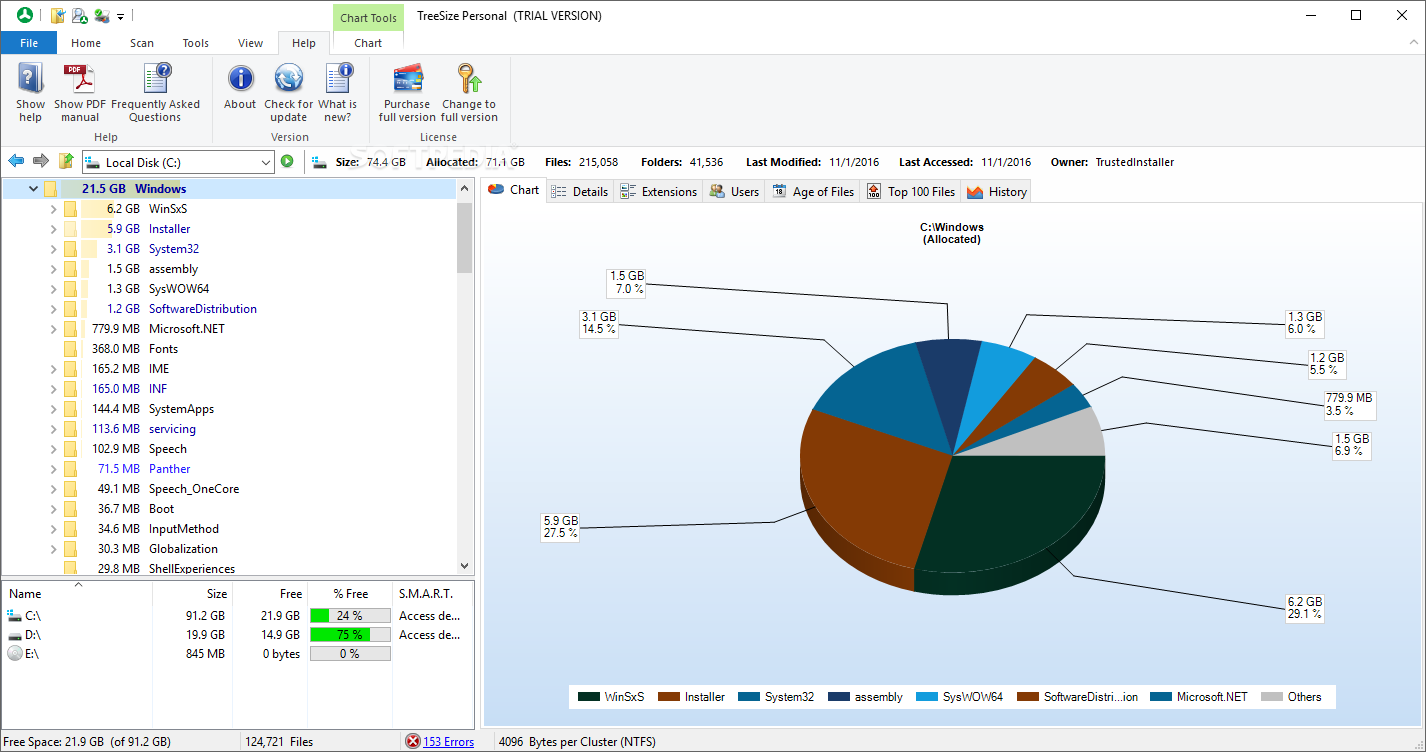
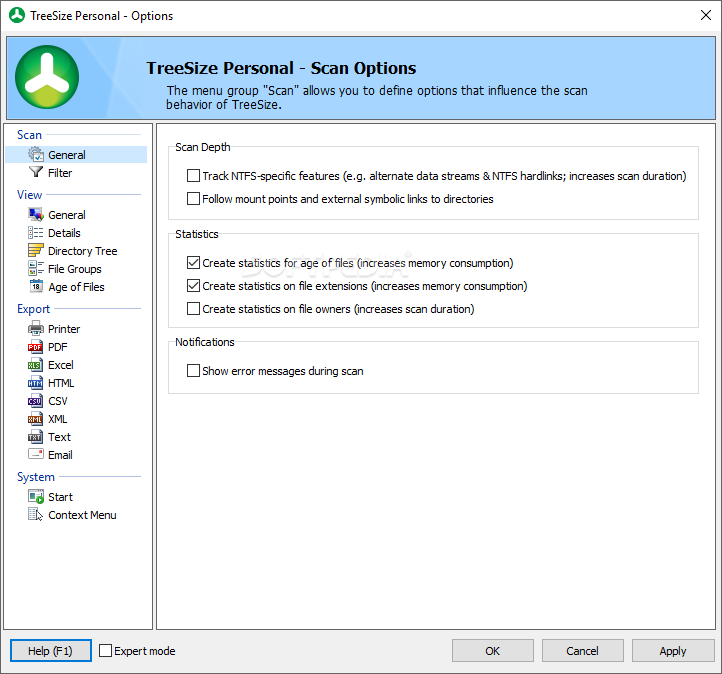
There was a time when disk space was a great concern and you had to use various compression methods to transfer files or simply install only tools you work with. Even if it's amongst the least of your worries nowadays, you still end up with countless GB filled with junk files or programs and games you don't use anymore. This is where applications like TreeSize Personal come in handy, letting you thoroughly view disk space distribution for better management.
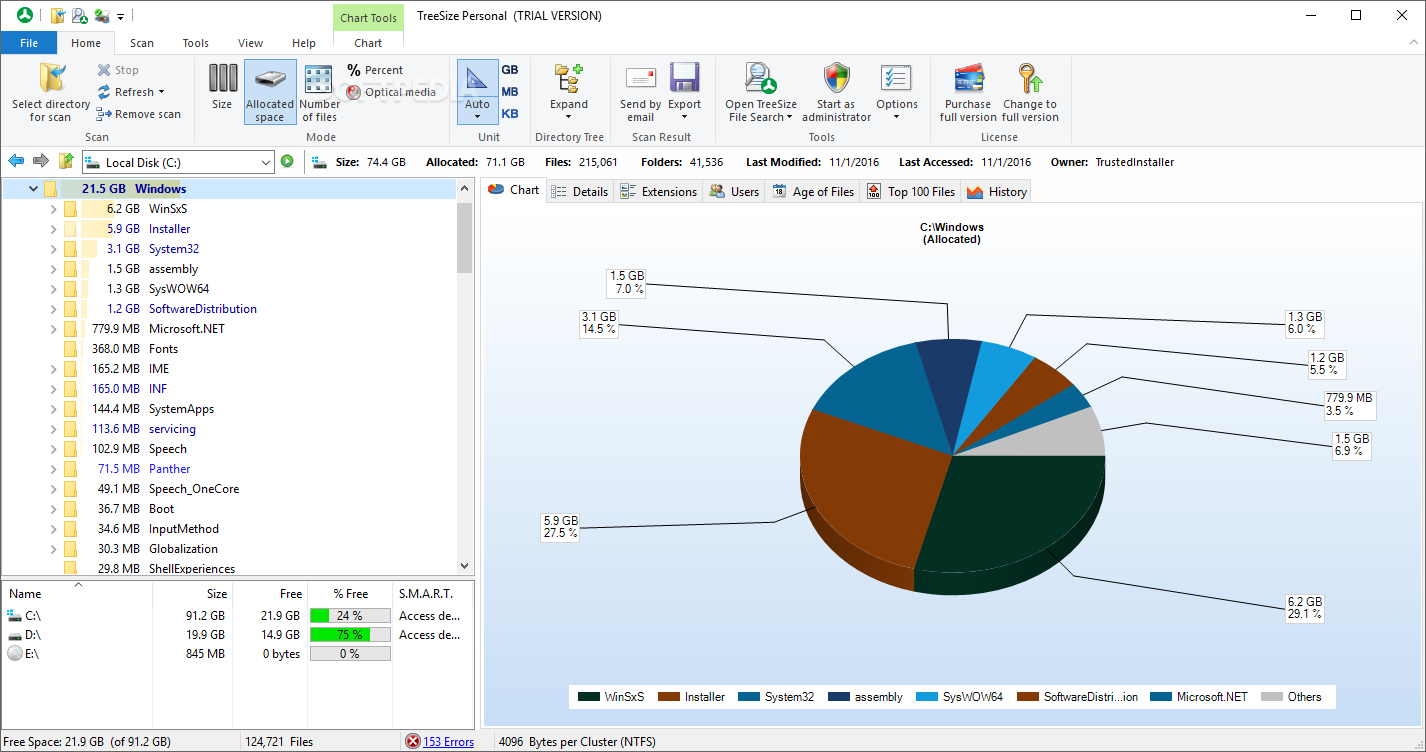
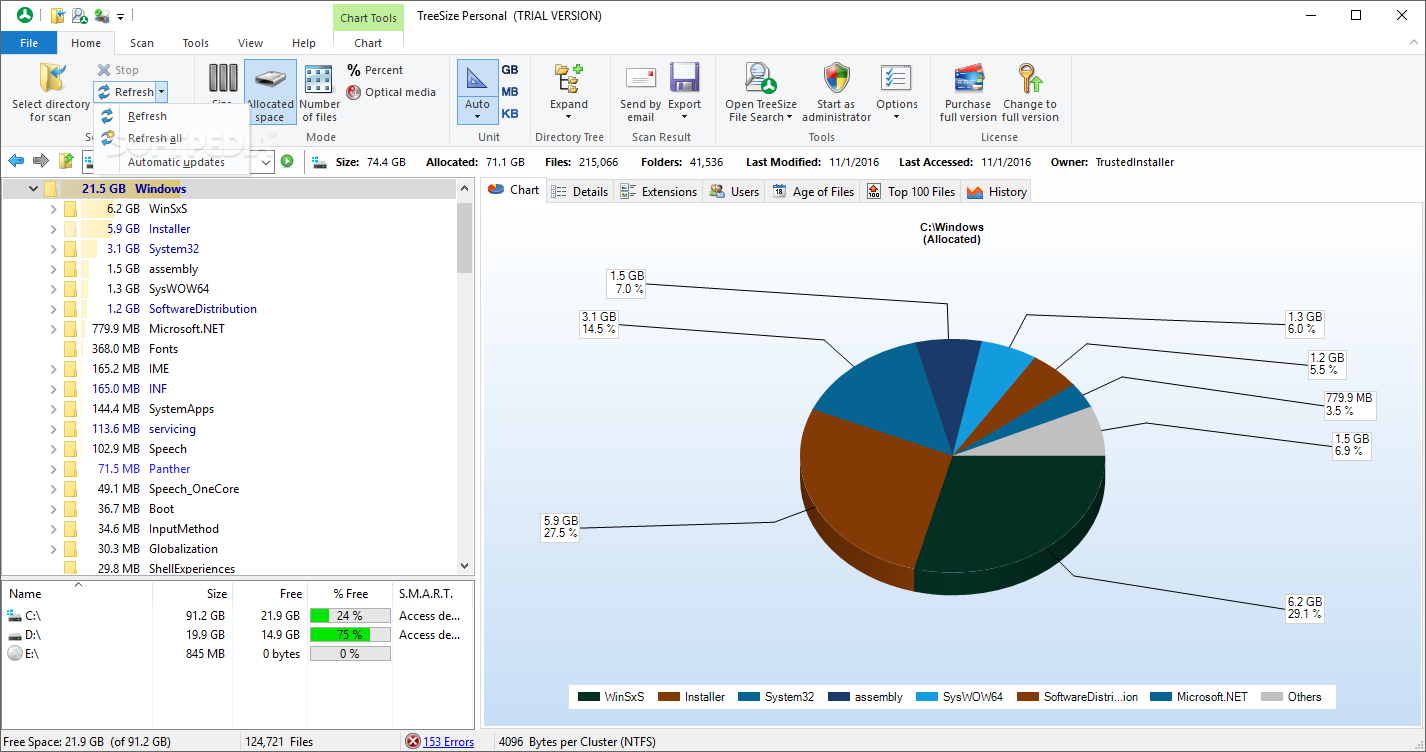
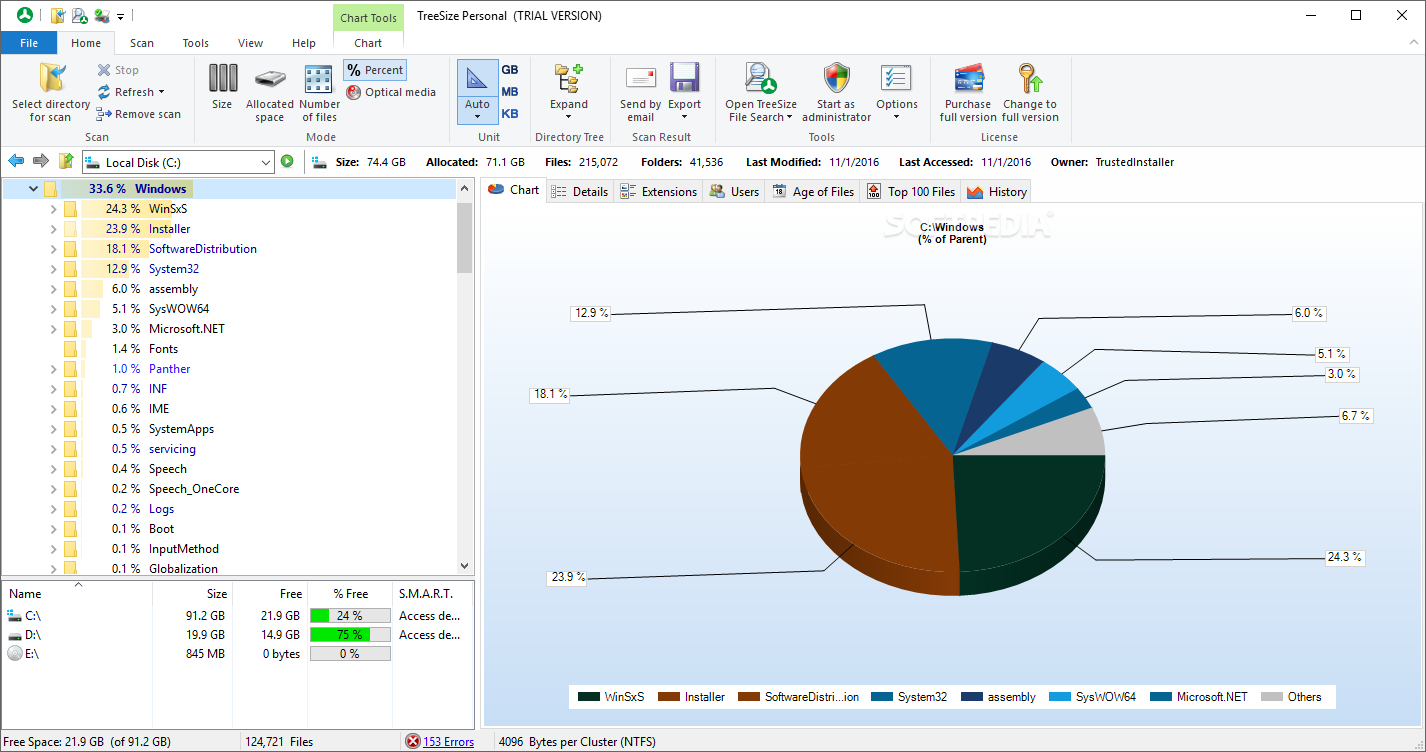
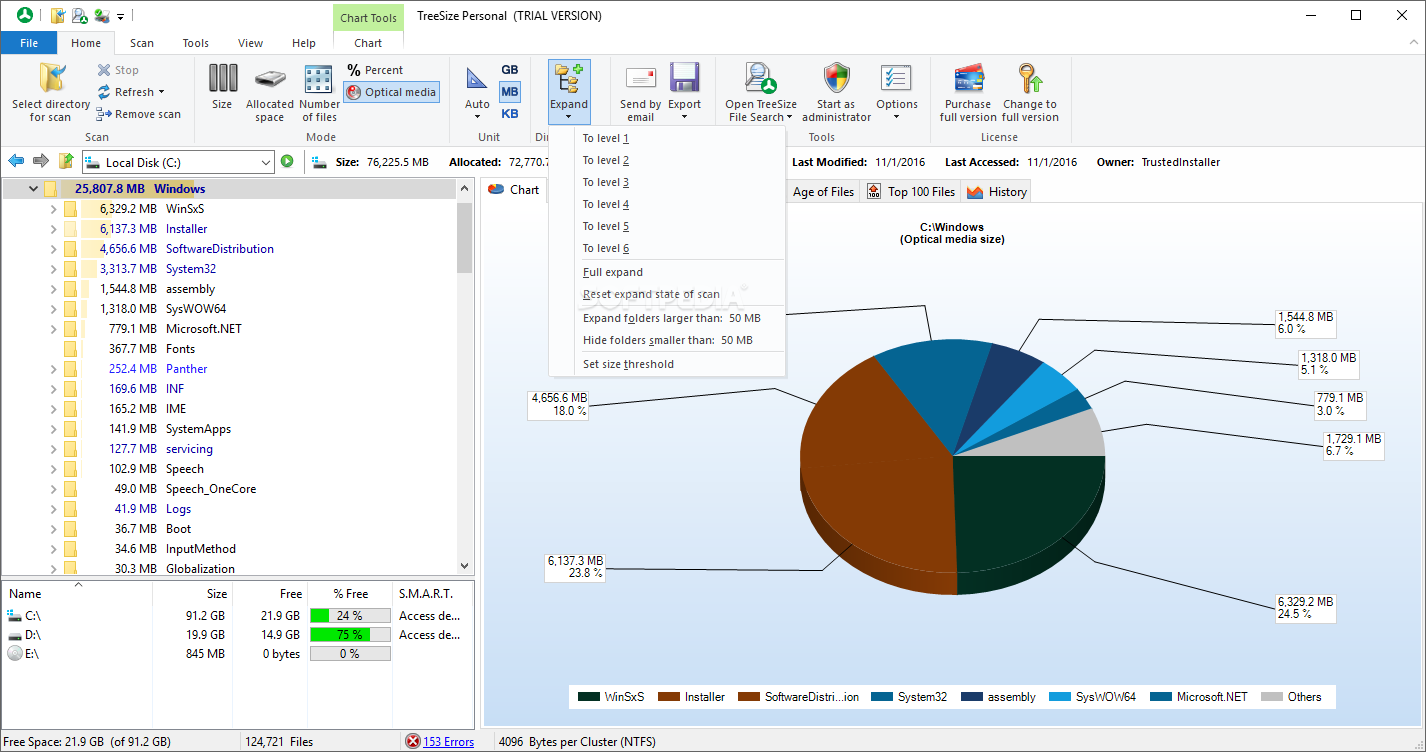
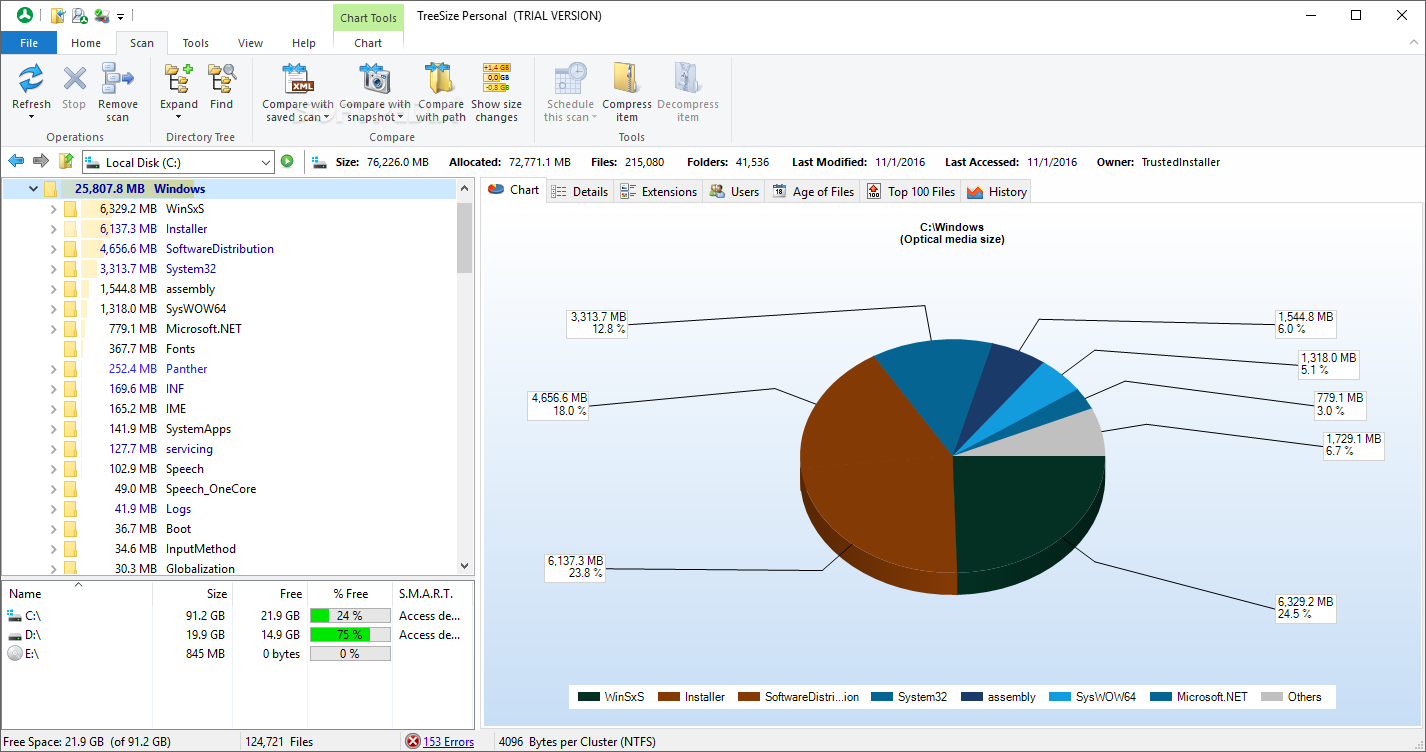
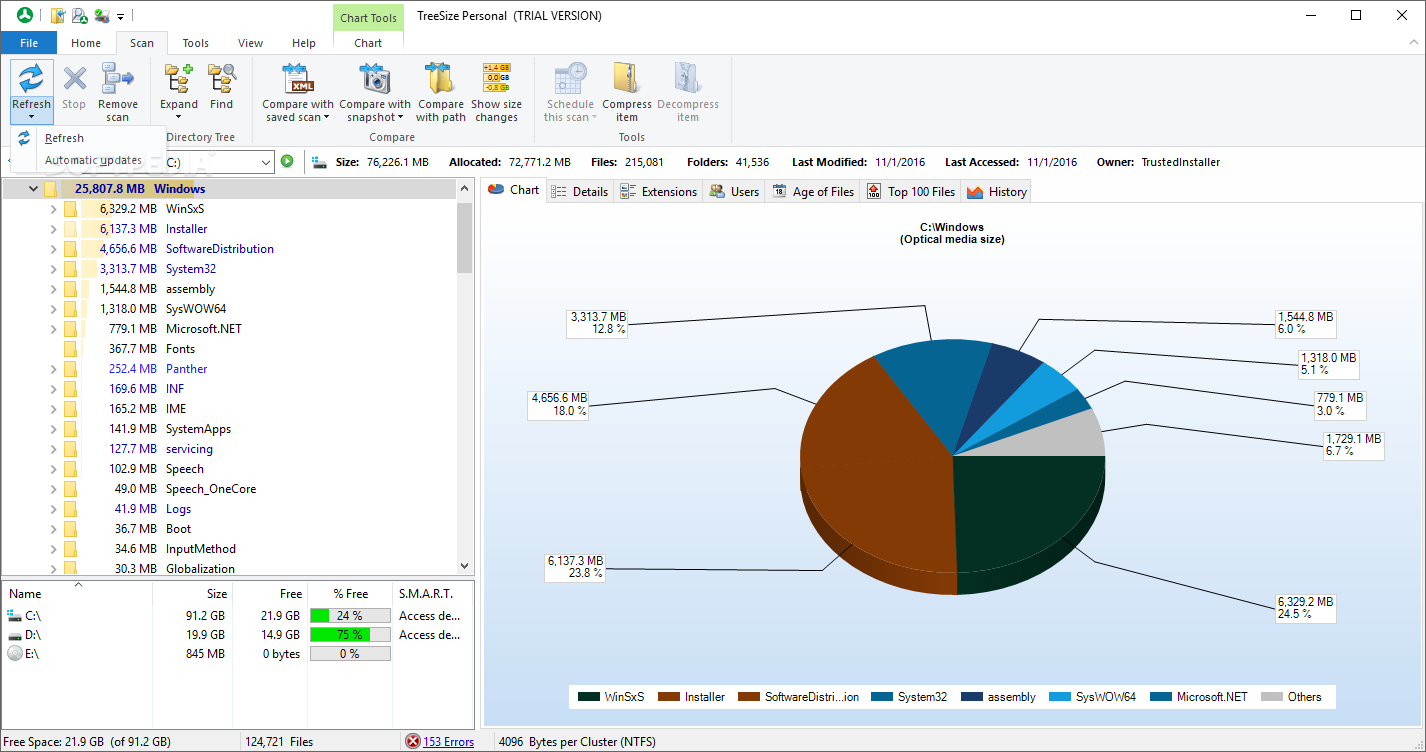
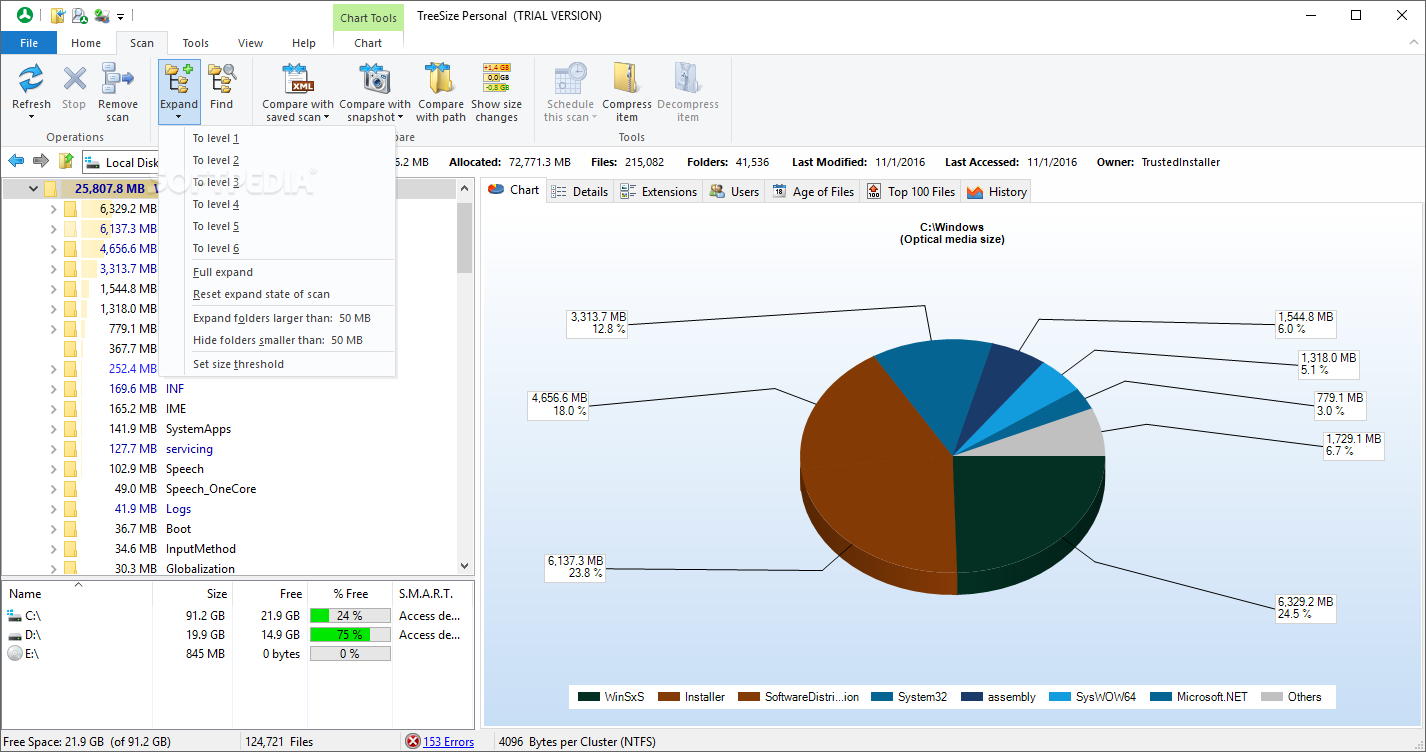
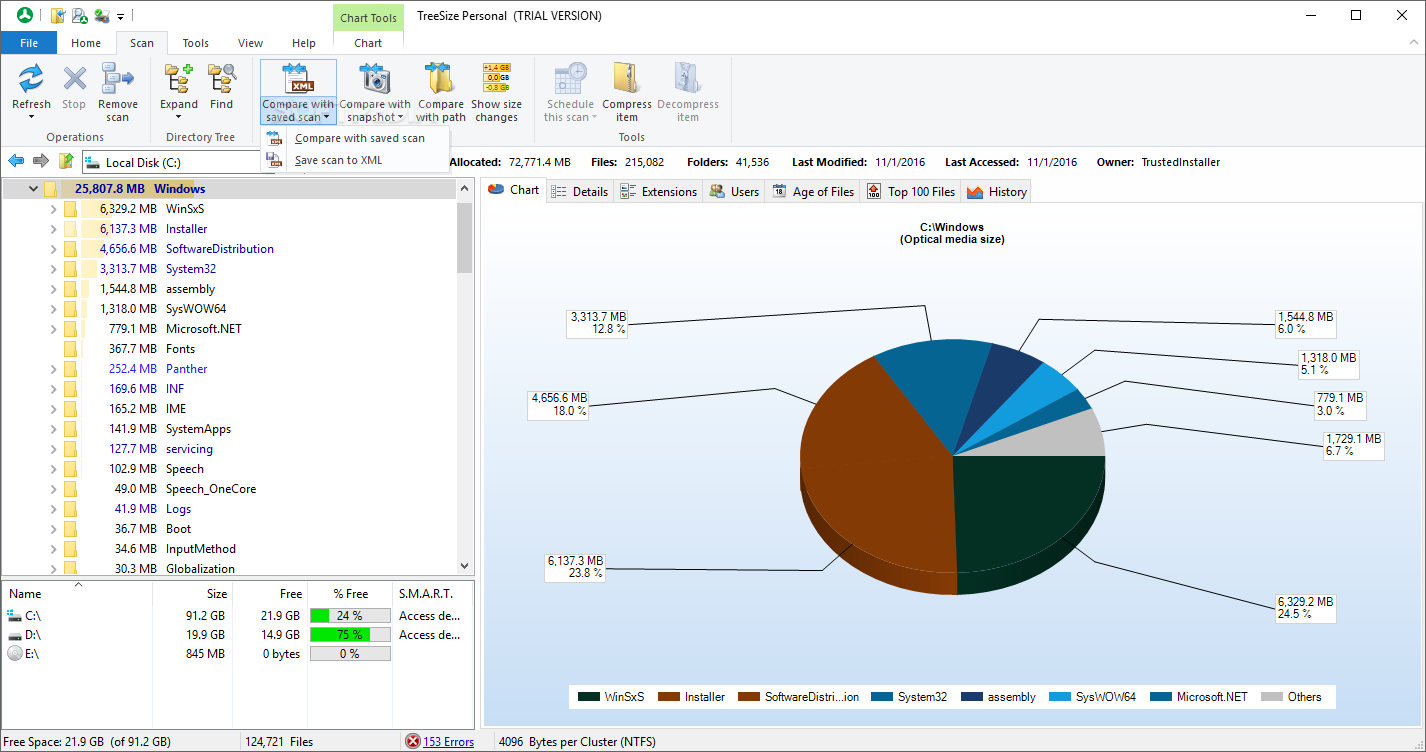
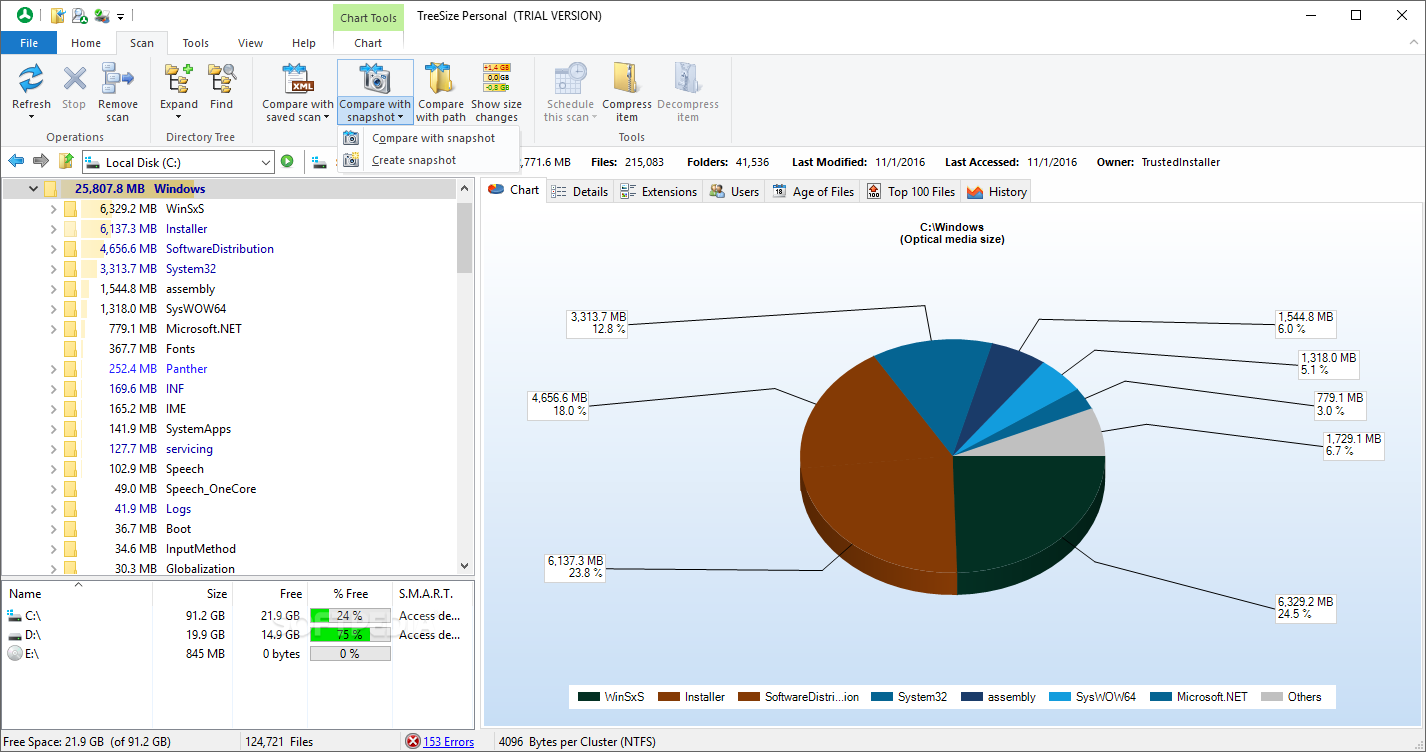
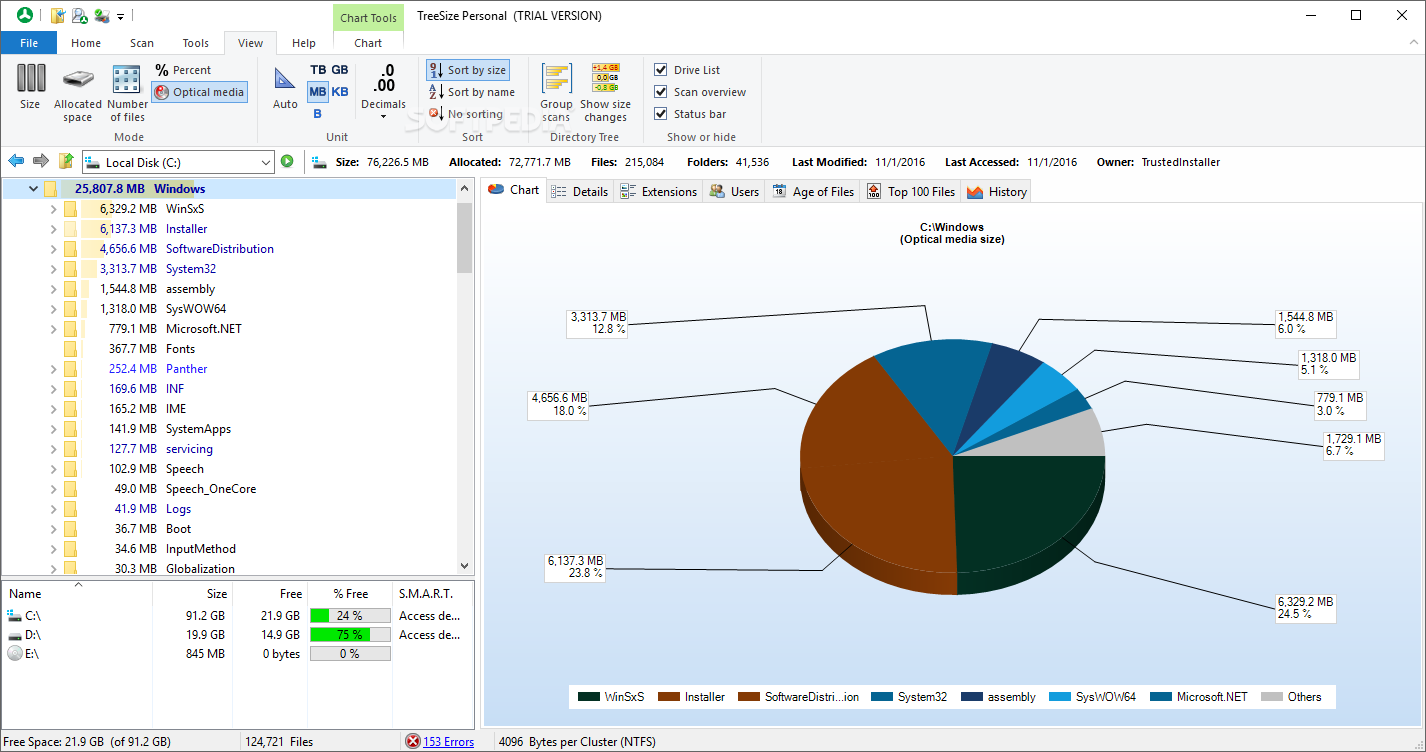
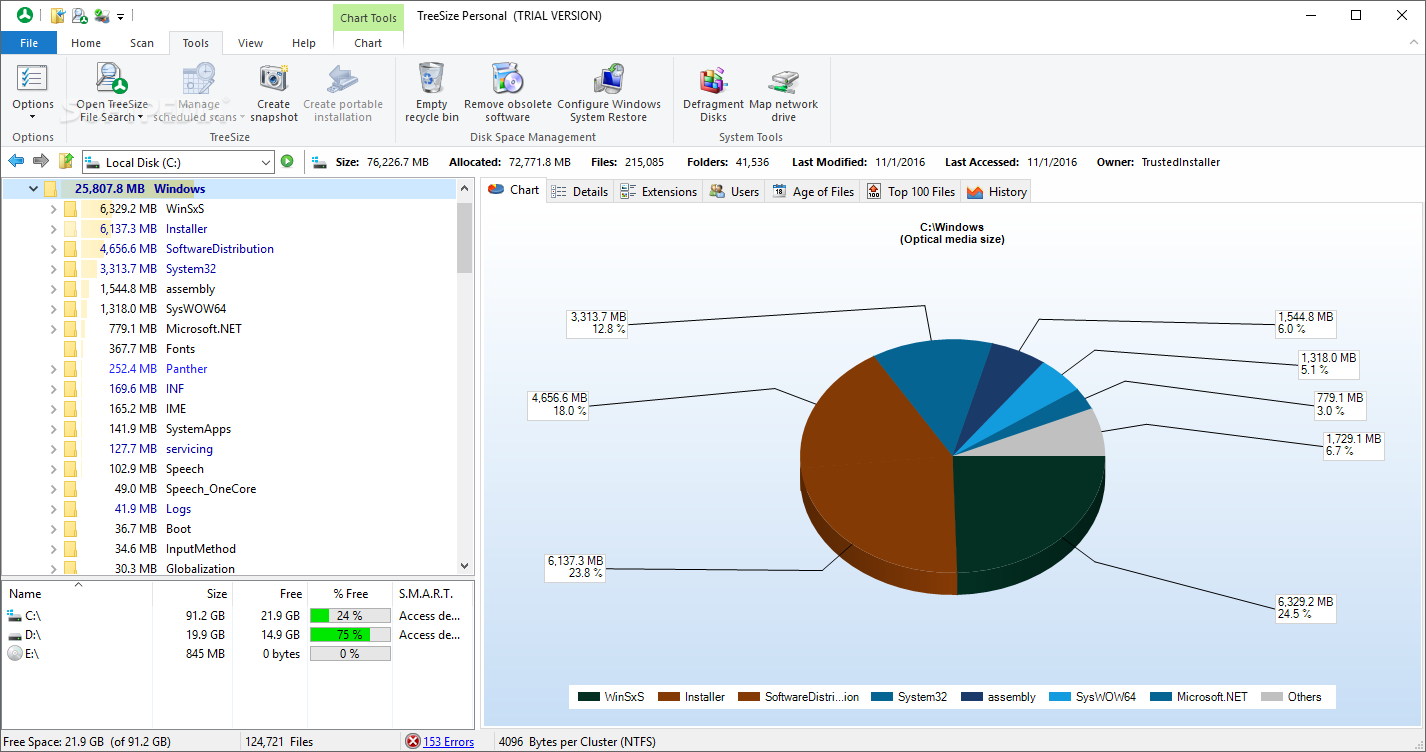
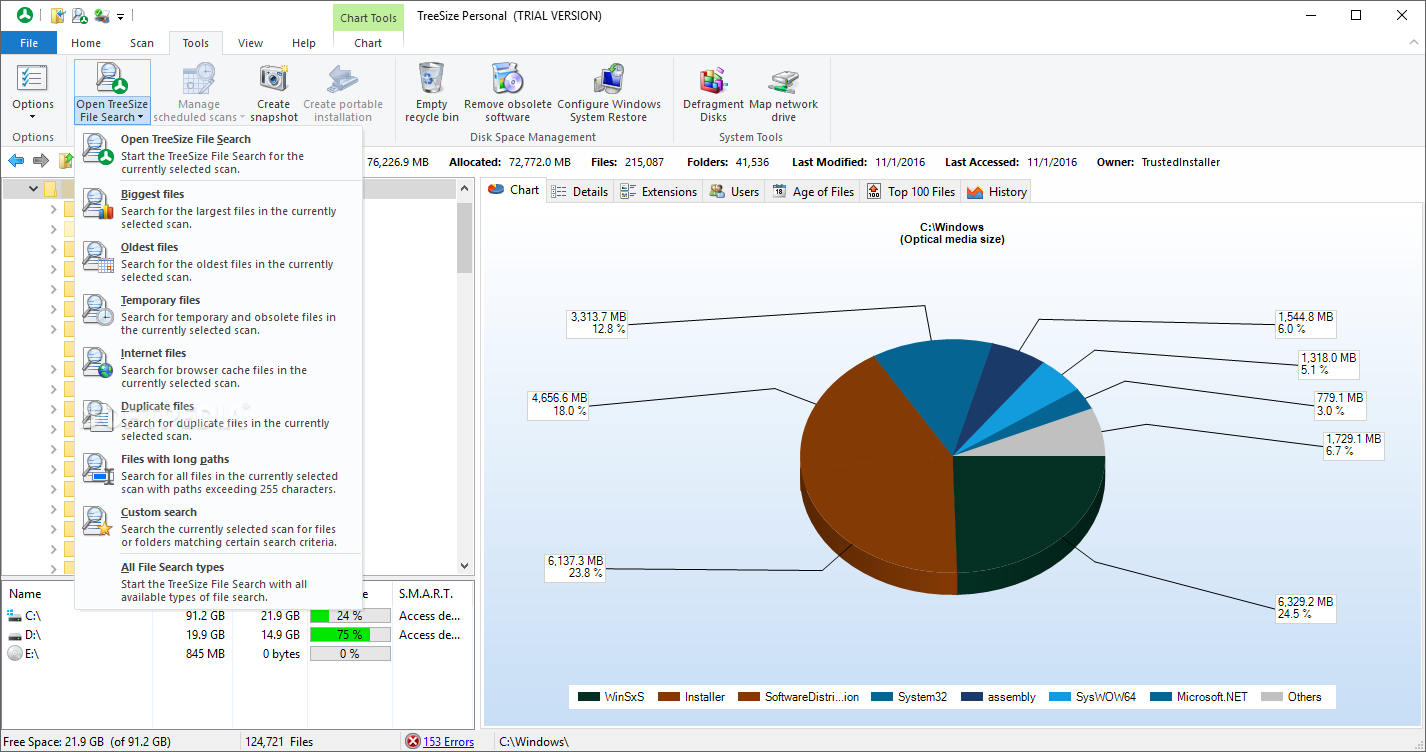
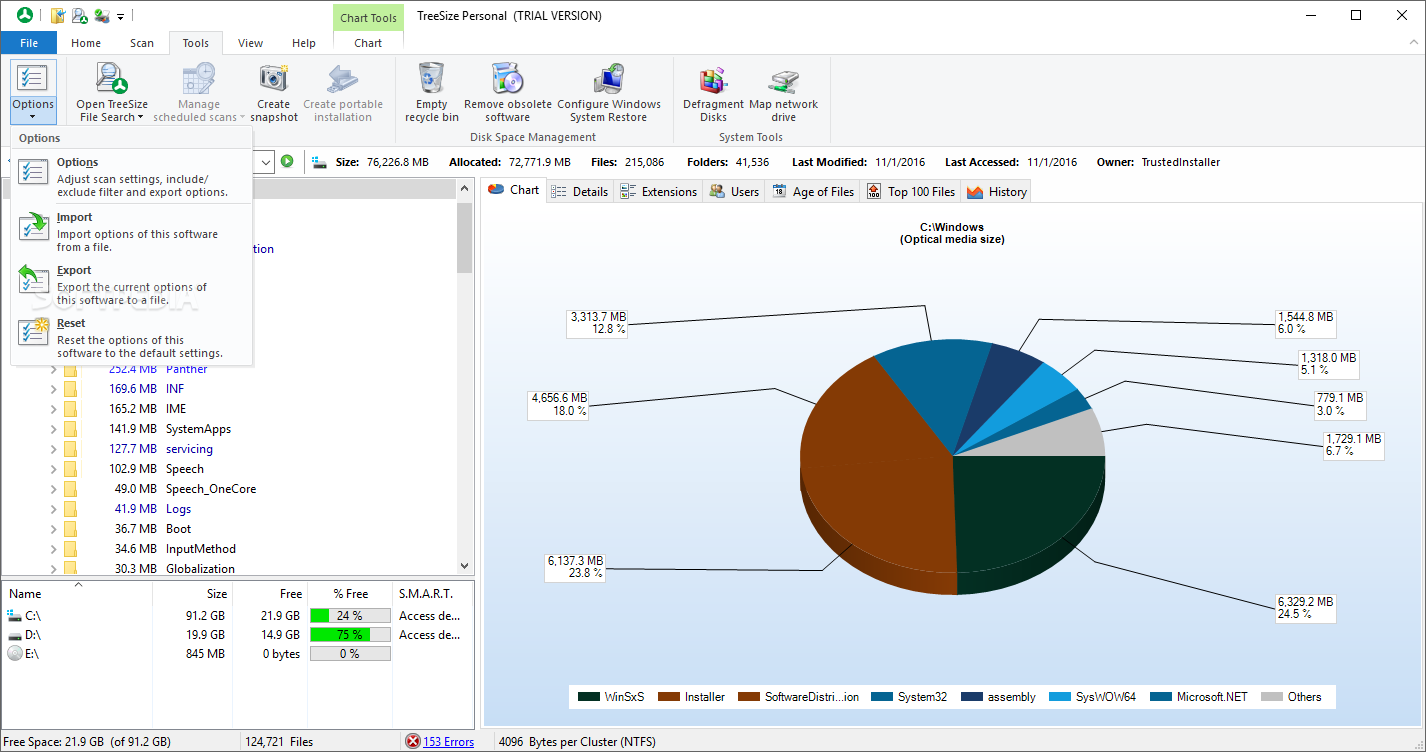
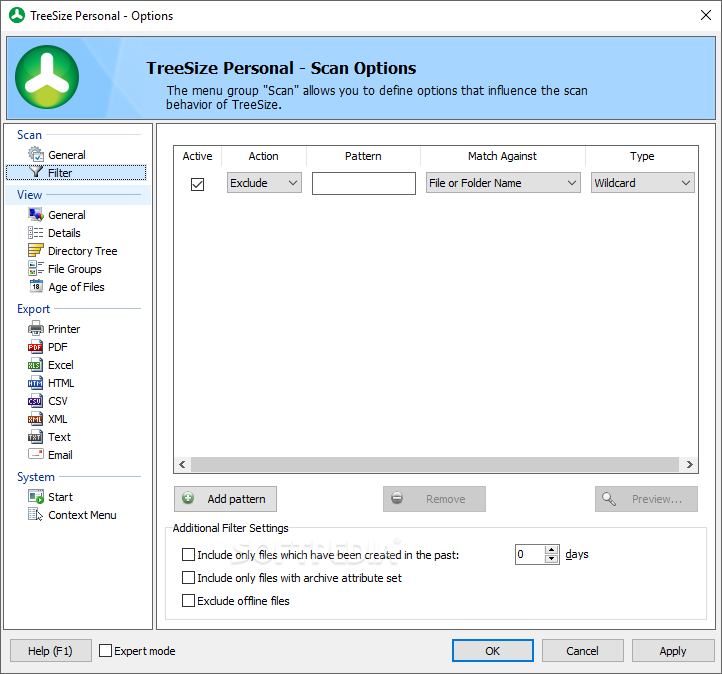
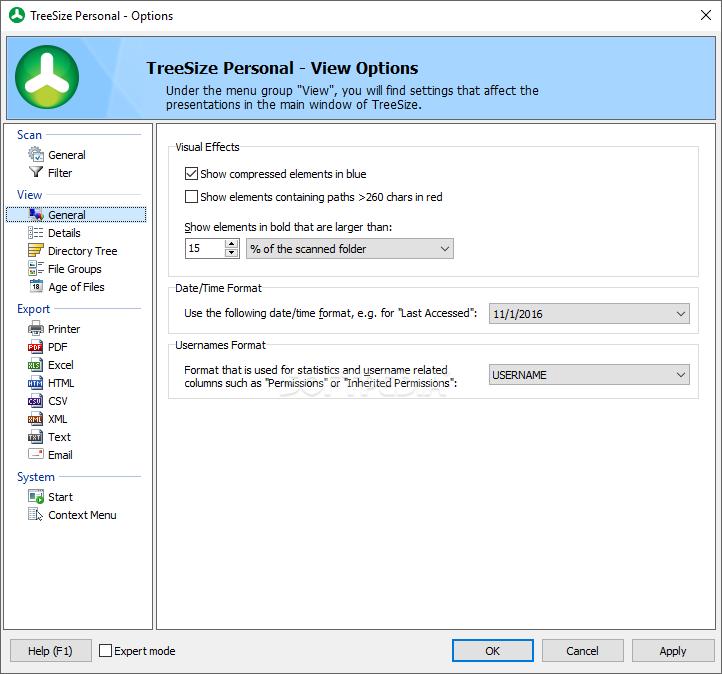
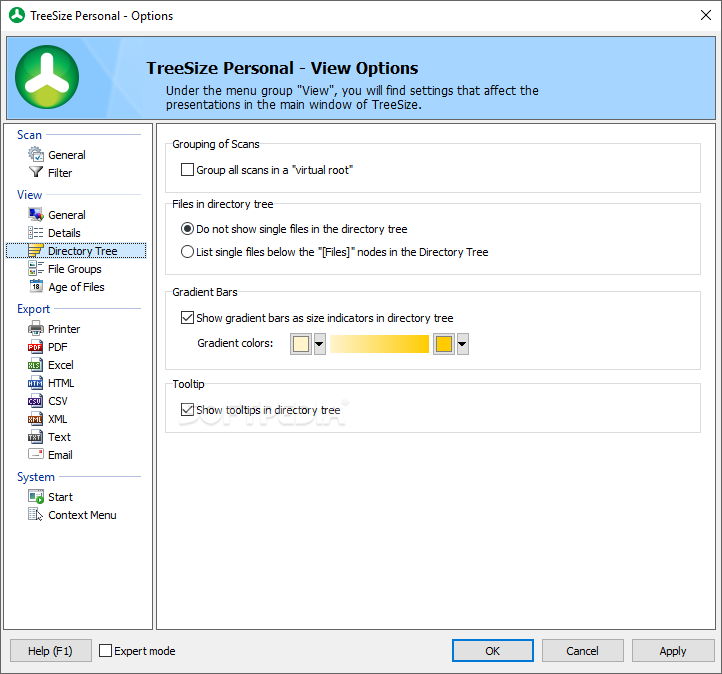
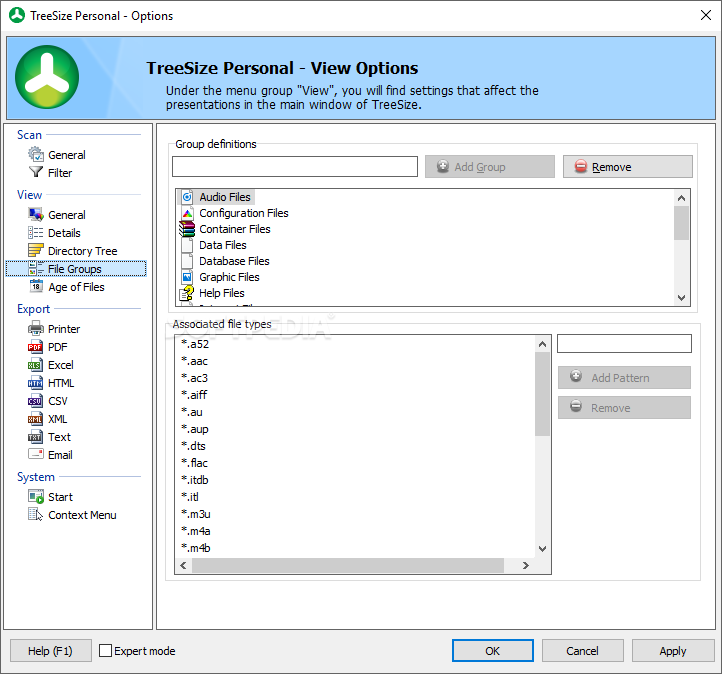
The application is built on the office suite style, with ribbon menus making sure you quickly find your way around and keeping functions under intuitive icons. Various customization options are at your disposal, but not for the interface itself, rather for how and what it displays.
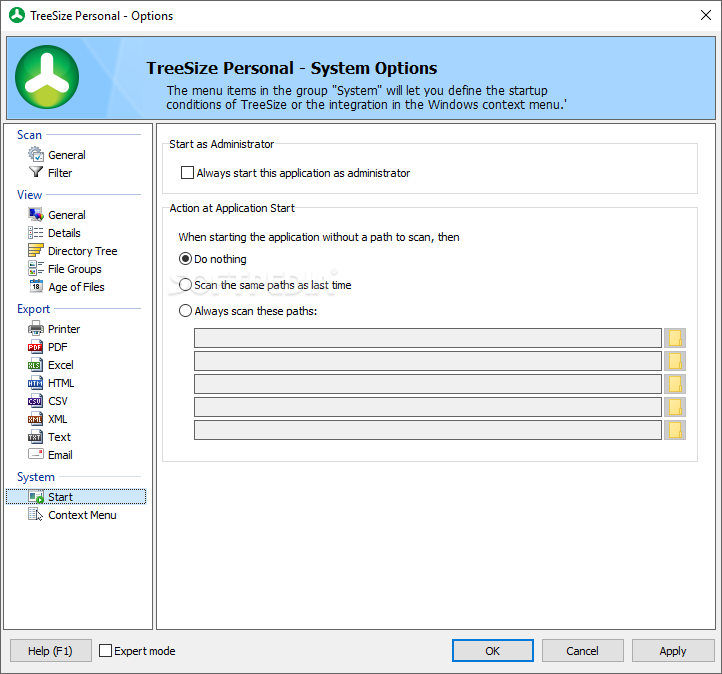
In order to benefit from what the application has to offer, it's best you run it with admin privileges right from the start, so it can gather all details it can about files and folders on your computer. A side panel acts like an explorer, letting you reach any location on your computer with only a few mouse clicks. Sadly, there's no option to add favorites, with the default drop-down menu entries being rather shallow.
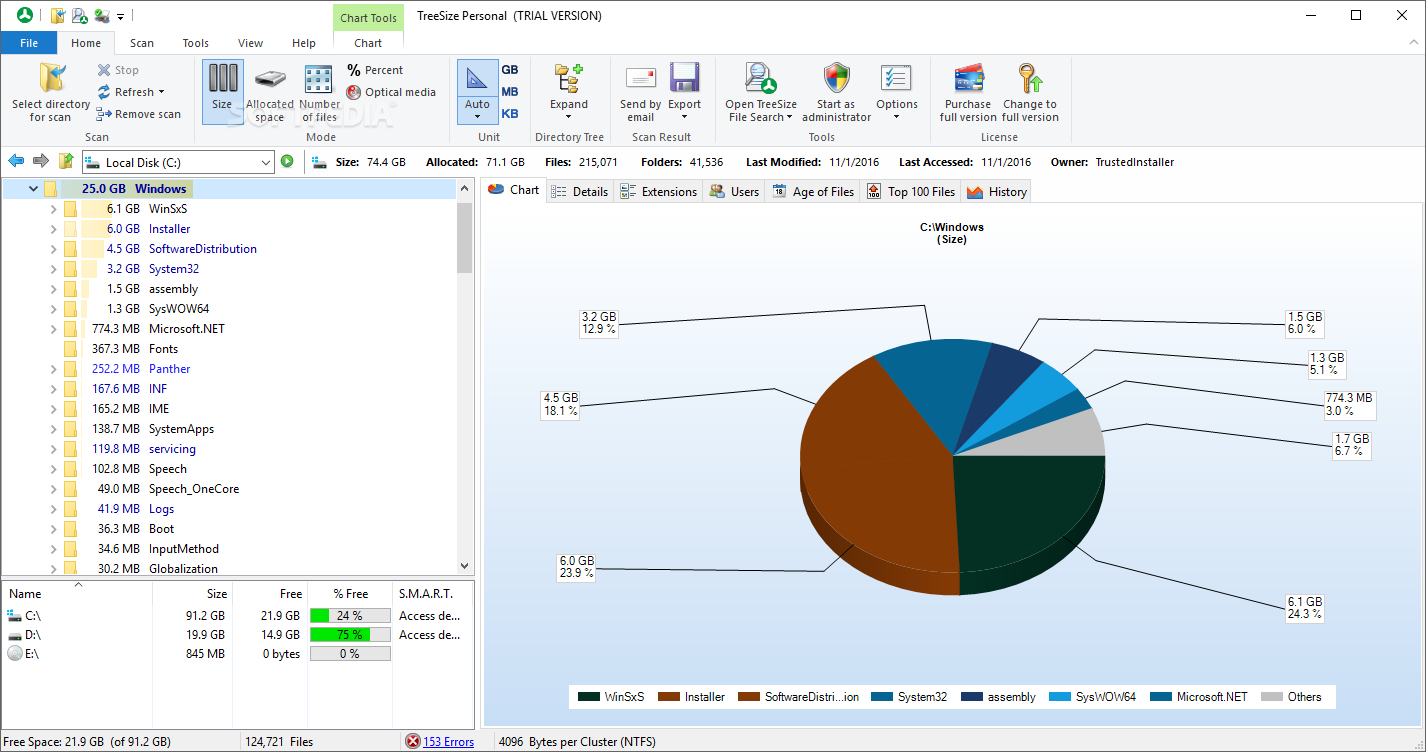
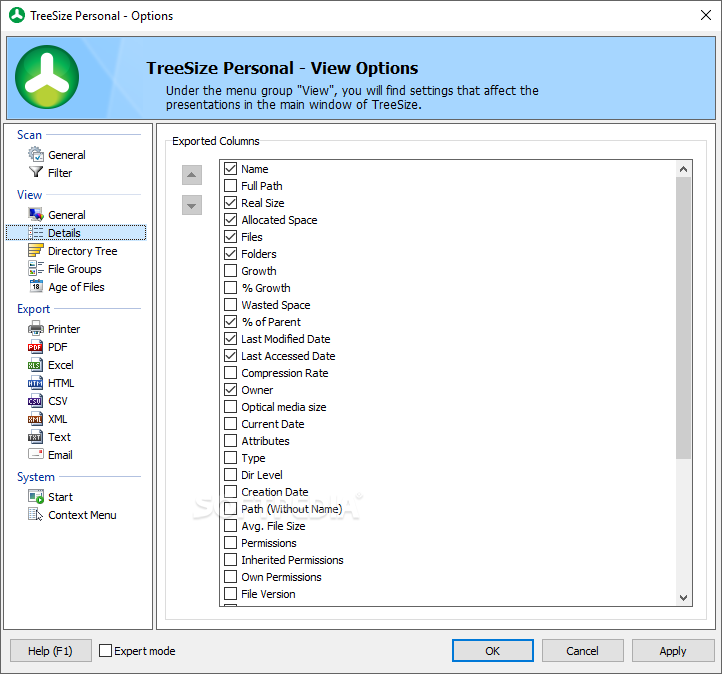
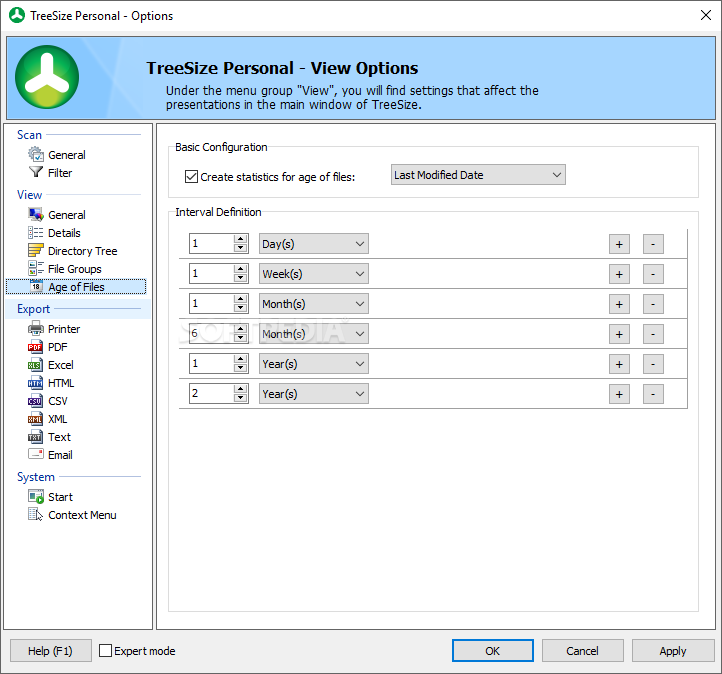
All elements are eye candy, especially because of the amount of customization you can apply. Depending on the area of interest, switching through tabs lets you view details regarding extensions, users, age of files, top 100 files, history, chart and detailed overview.
You might want to have a little patience until everything loads. This is because of the high amount of resources needed to display elements in their highly-detailed representation, with feedback provided in real time, which makes you wait even more. However, it's not a lot of time, with it considerably reduced if you drop 3D representations of graphs and charts.
Several ease of access tools are at your disposal in order to remove programs you no longer need through the Windows built-in feature, configure system restore point, empty recycle bin, as well as perform a disk defragment operation for more performance.
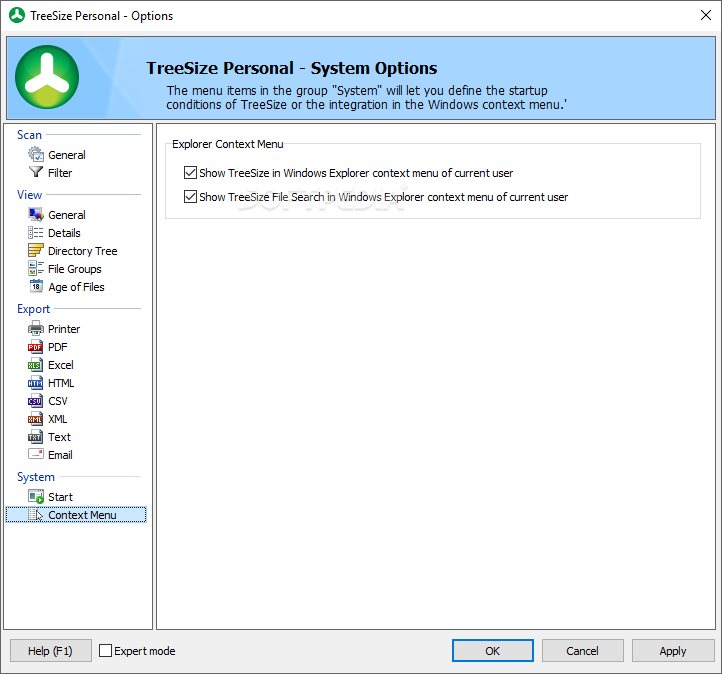
If gathered information is relevant for your day-to-day activities or work, you need to know that an abundance of reports can be issued and saved to file. Depending on the area you're in, export options let you generate TXT, RTF, CSV, XLS, HTML and more. Integration in the desktop context menu is a plus, letting you get info on the spot as you browse through your computer.
Taking everything into consideration, we can say that TreeSize Personal is a powerful file management application, resembling a super-hero version Windows file explorer. It can easily be launched through the context menu in order to get detailed and visually appealing representations of space distribution so you figure out what needs to go and what can stay.
NOTE: You can also try out the Free Edition or enjoy more features with TreeSize Professional.
What's new in TreeSize Personal 9.1.3 Build 1877:
- Bugfixes:
- An error when renaming files with very long network paths via the Bulk Renamer dialog has been corrected.
TreeSize Personal 9.1.3 Build 1877
add to watchlist add to download basket send us an update REPORT- runs on:
-
Windows 11
Windows Server 2022
Windows Server 2019
Windows Server 2016
Windows 10 32/64 bit
Windows Server 2012 R2
Windows Server 2012
Windows 8 32/64 bit - file size:
- 35.6 MB
- filename:
- TreeSize-x64-Demo.exe
- main category:
- System
- developer:
- visit homepage
4k Video Downloader

Bitdefender Antivirus Free

Windows Sandbox Launcher

7-Zip

IrfanView

Microsoft Teams

calibre

Context Menu Manager

Zoom Client

ShareX

- Context Menu Manager
- Zoom Client
- ShareX
- 4k Video Downloader
- Bitdefender Antivirus Free
- Windows Sandbox Launcher
- 7-Zip
- IrfanView
- Microsoft Teams
- calibre
