
Completely change the way shortcuts are placed on your desktop and launched with this innovative and intuitive software application. #Application launcher #Shortcut launch #Shortcut organizer #Launcher #Launch #Shortcut

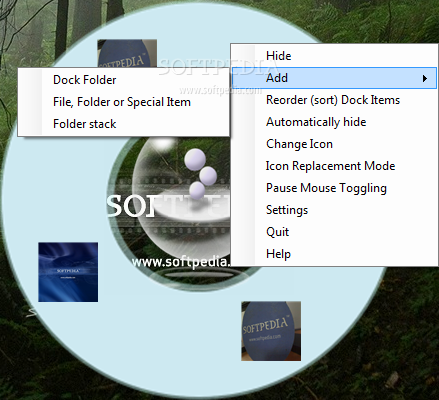
Your desktop can easily get filled with shortcuts that make navigation difficult, or you might simply look for a way to enhance the way items are accessed. If you're still looking for an app launcher and you're not quite into Mac OS X-like docks, you may want to give Circle Dock a try.
This application has been developed as an innovative way to launch programs on the go, without inspiration from the famous start menus or classic dock utilities.
Circle Dock can be safely placed on the desktop with as many applications as you want. It will only create a circular dock with multiple rings, and it's only up to you how many items you wish to place on each ring.
Although Circle Dock doesn't quite excel when it comes to interface, it's just impressive to see how many options it provides.
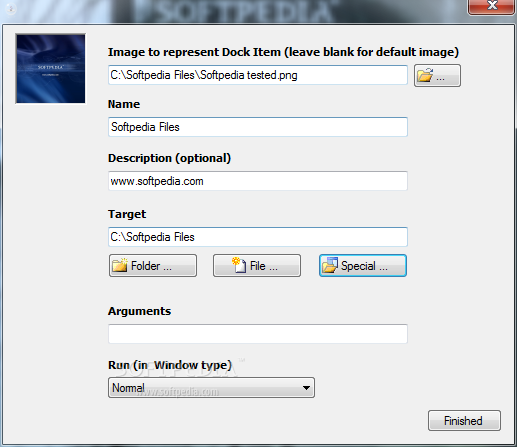
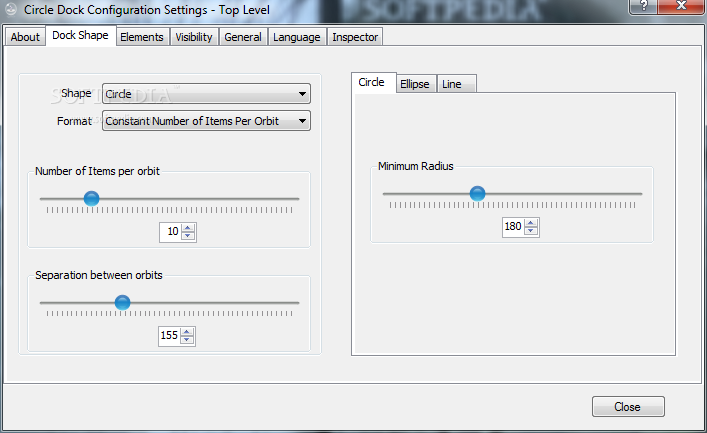
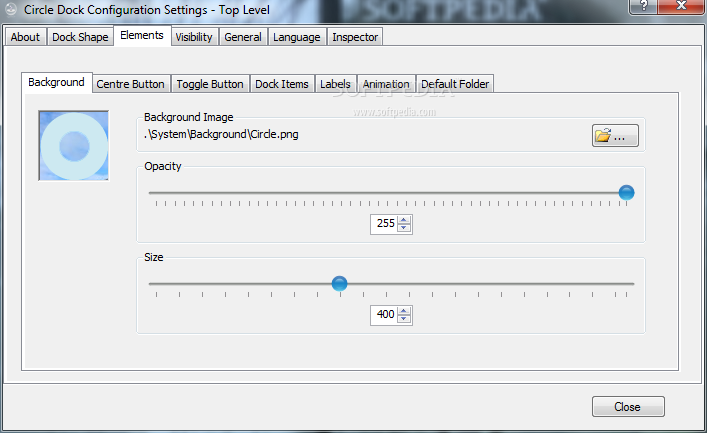
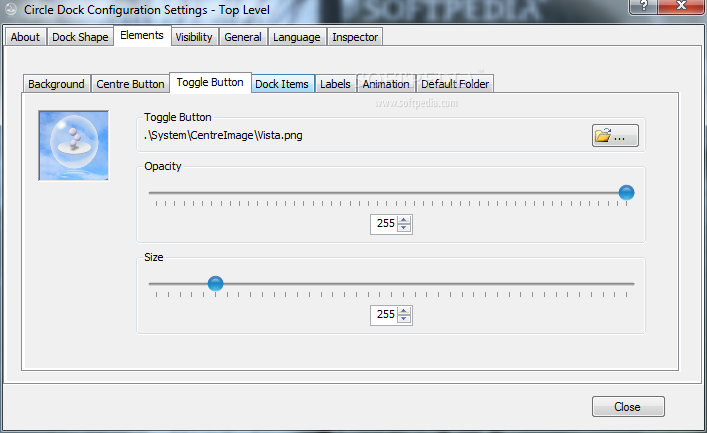
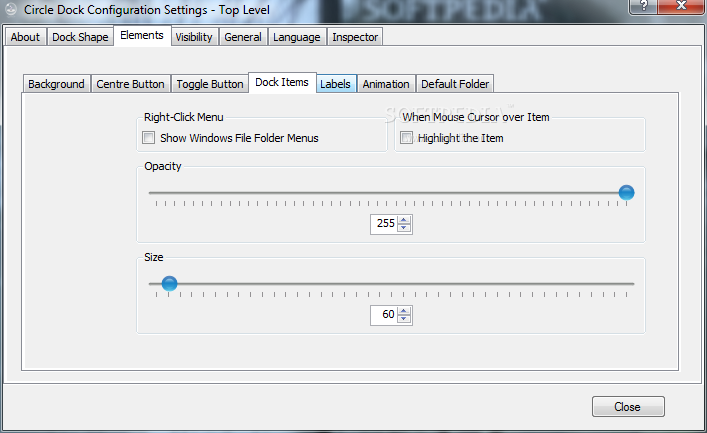
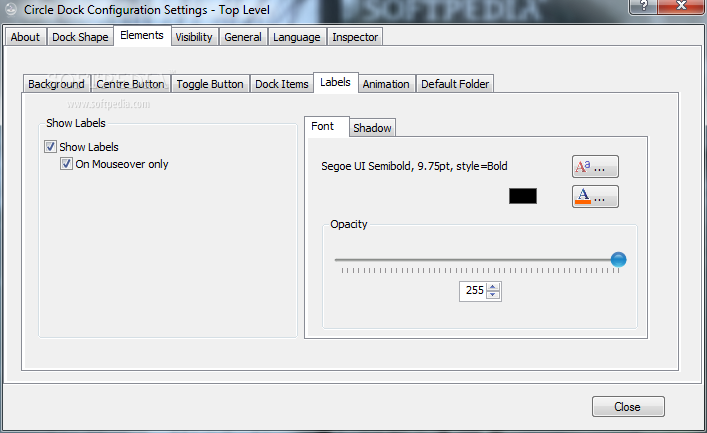
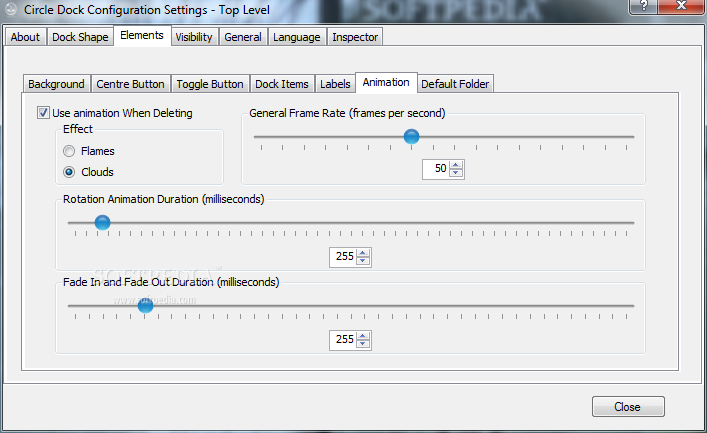
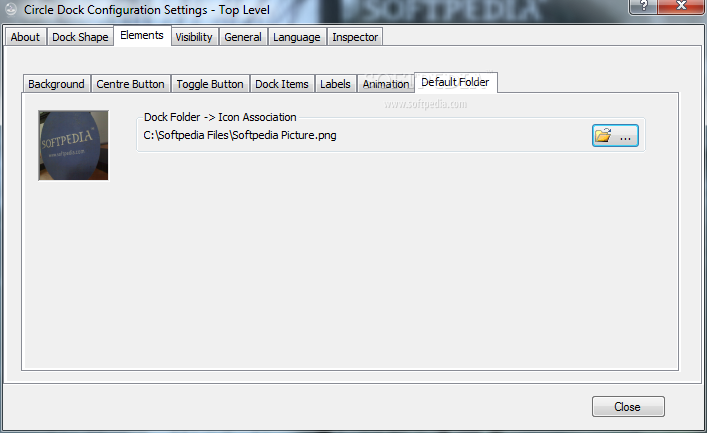
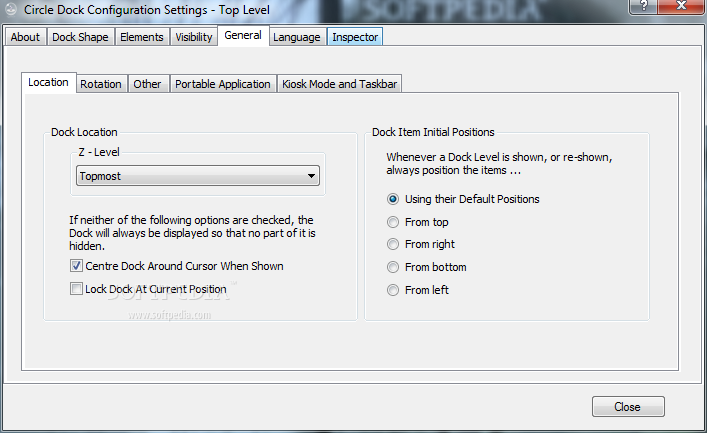
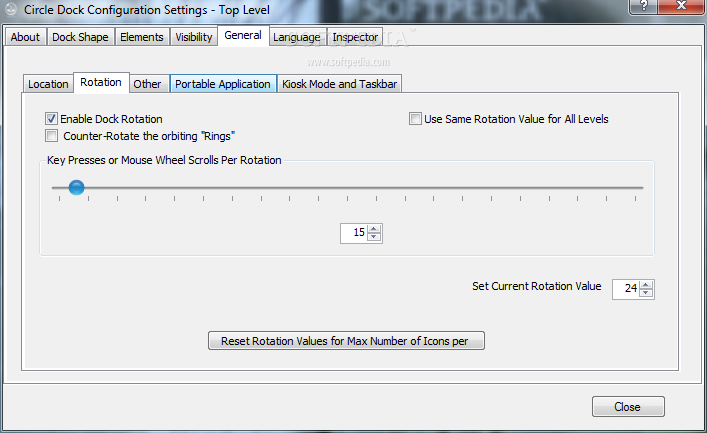
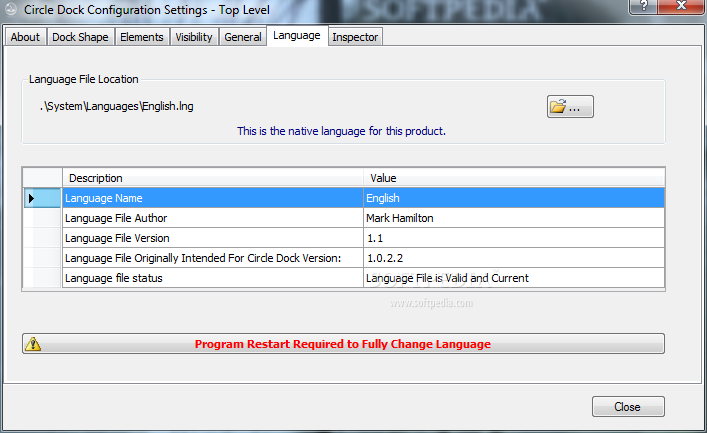
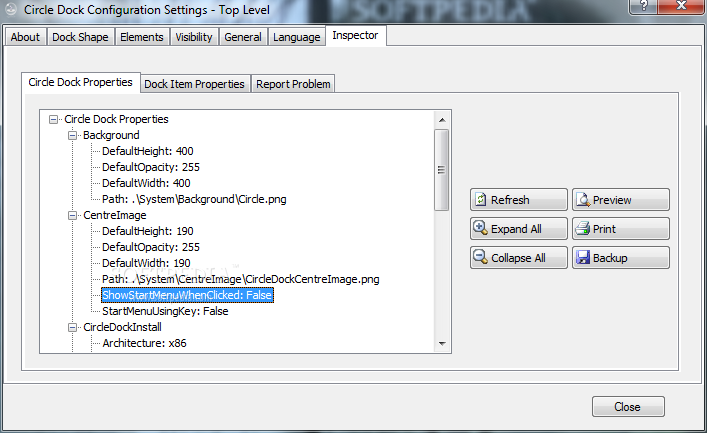
You can configure basically every single thing about it, including the shape, the separation between rings, the minimum radius, the center button actions, the dock items, animation, folder stacks, visibility, language and many other elements.
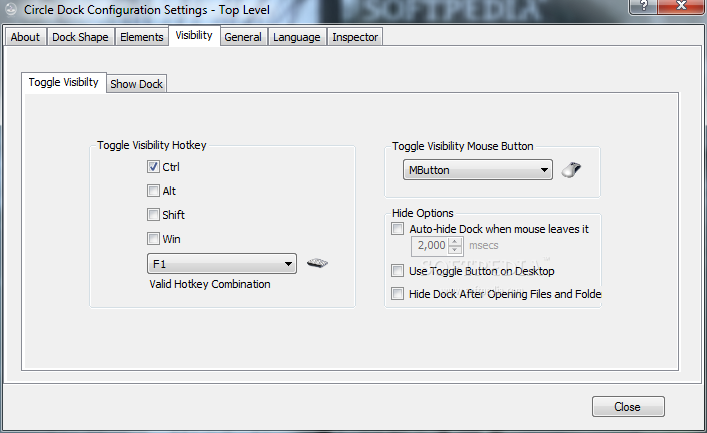
The application also comes with support for hotkeys, so you can 'call' it at any moment, but there are also a few settings to control visibility with your mouse buttons.
Circle Dock doesn't take too much of your CPU and RAM, nonetheless, we noticed during our test some slowdowns in performance, especially when browsing from one folder to another. The app sometimes freezes for a second when doing that, while loading the settings menu takes a few seconds.
Overall, Circle Dock doesn't impress much, but it still offers a nice way to launch applications on the go. However, the host of customizations it comes with can make it a favorite for users who like to fully control the program launcher.
What's new in Circle Dock 1.5.6.30:
- Added an option to prevent the mouse-click that toggles the Dock's visibility from being passed-on to other applications. This prevents ugly side-effects.
- The Toggle Button can display the mouse's status and the name of the application under the mouse pointer.
- Added options to the actions for a left-click on the top level Centre Button.
- Repaired the bug that failed to load the "About" text correctly for languages other than English. (For English there was no problem).
Circle Dock 1.5.6.30
add to watchlist add to download basket send us an update REPORT- runs on:
-
Windows 7
Windows Vista 32/64 bit
Windows XP 32/64 bit - file size:
- 39.4 MB
- filename:
- SetupCircleDock.zip
- main category:
- System
- developer:
- visit homepage
Windows Sandbox Launcher

4k Video Downloader

ShareX

Microsoft Teams

IrfanView

7-Zip

Context Menu Manager

calibre

Bitdefender Antivirus Free

Zoom Client

- calibre
- Bitdefender Antivirus Free
- Zoom Client
- Windows Sandbox Launcher
- 4k Video Downloader
- ShareX
- Microsoft Teams
- IrfanView
- 7-Zip
- Context Menu Manager