
Set any of your computer's power options to trigger when various requirements are met with the help of this easy to use and powerful application. #Timed Shutdown #Shutdown Scheduler #Schedule Shutdown #Shutdown #Timer #Scheduler

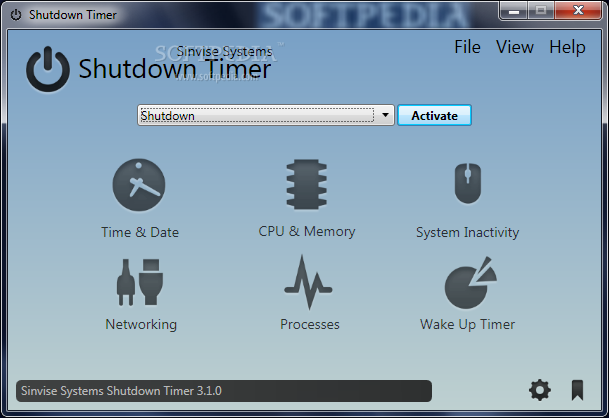
There are situations when you might need to set your computer to power off automatically. Even though your operating system does not provide such an option, there are various applications that can aid you. Shutdown Timer is a tool that allows you to schedule power-related actions on your computer.
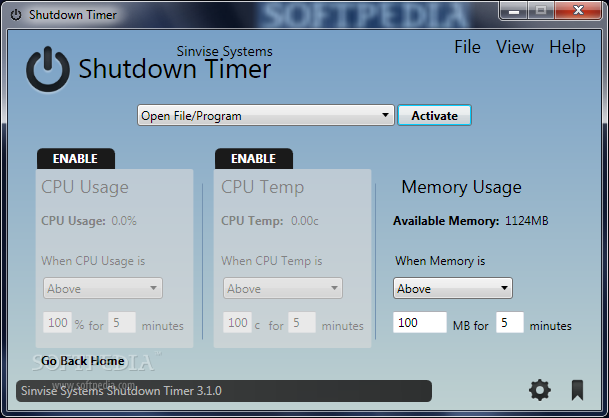
The user interface of the program is clean and easy to use by both rookies and experts. Six buttons allow you to view date and time, CPU and memory, system inactivity, networking, processes, as well as a wake up timer.
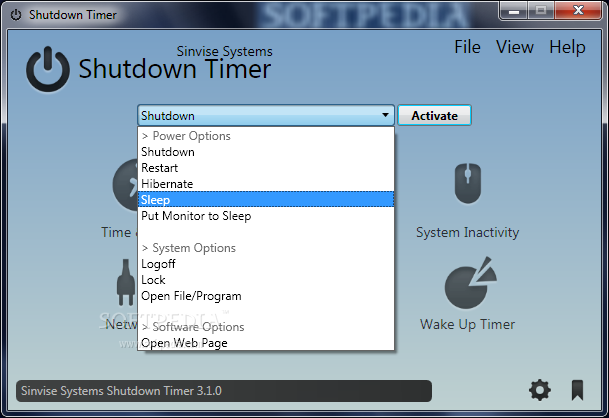
You can initiate commands for shutdown, restart, hibernate, sleep or you can put just the monitor to sleep, log off, lock and open a specific file or program, but you can also open a web page.
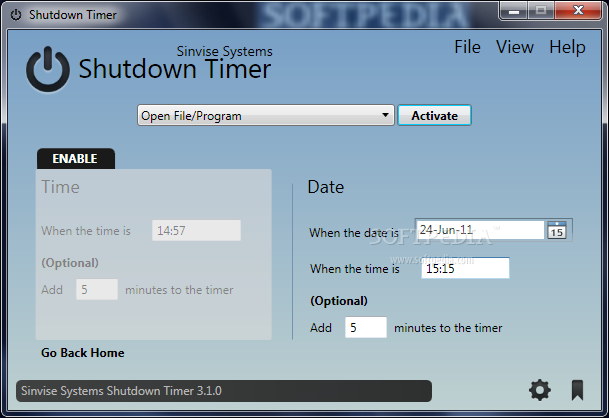
The first thing you need to do is add a task. You can set the application to activate a power, system or software option when you select a date and time, or when the system has been idle for more than a certain number of minutes.
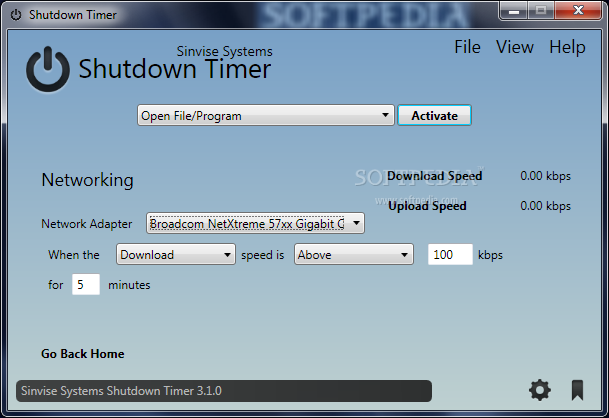
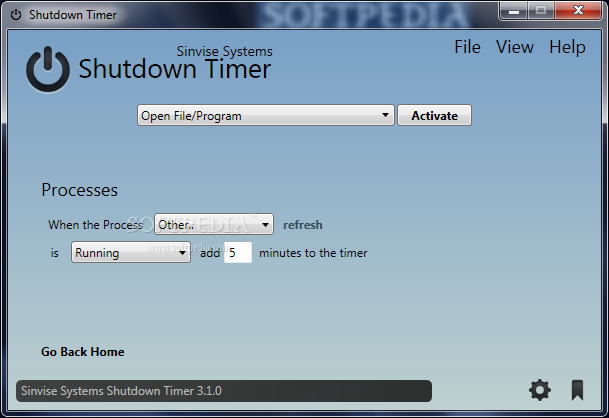
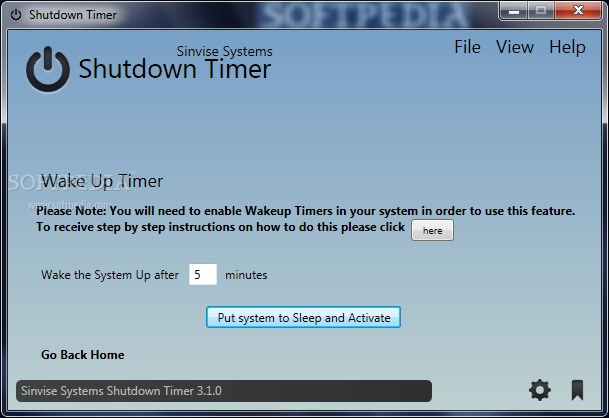
Plus, a shutdown sequence (or other type of action) can be set when the download or upload is above or below a certain speed, or when a selected process is running or not and you can also wake up the system at a given date and time.
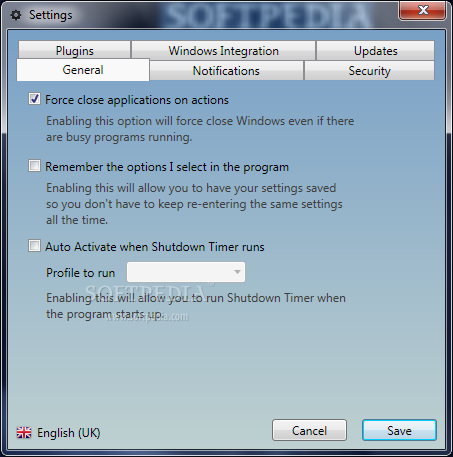
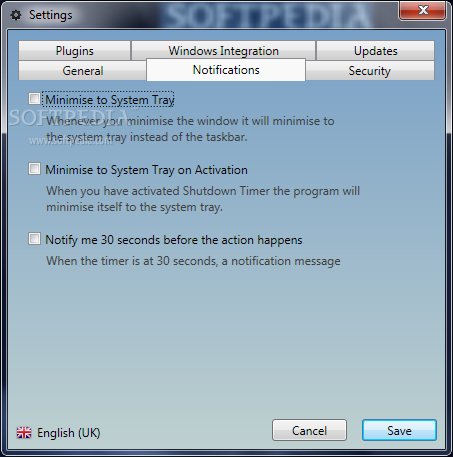
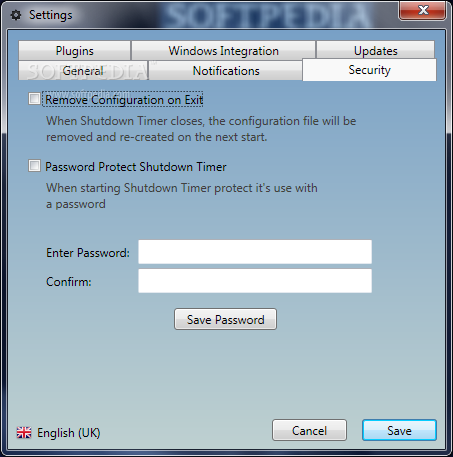
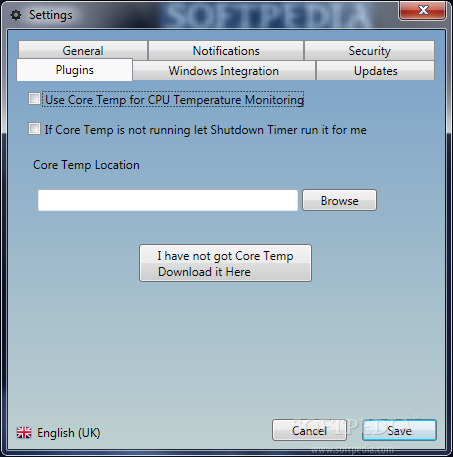
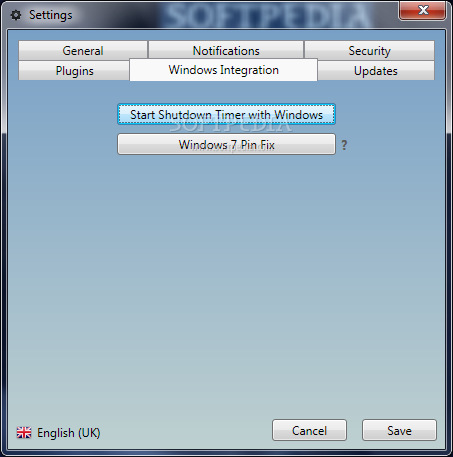
In the 'Settings' menu, you can configure Shutdown Timer to force close applications on actions, remember the options you select in the program, automatically activate a specific profile and run at system startup, but you can also password-protect the software and change the interface appearance.
You must enter time in the 24-hour clock format to schedule a task (although current time is displayed in the 12-hour clock format). Please note that sometimes Shutdown Timer cannot run a task on the same date that you schedule it (it says the date has already gone by).
Shutdown Timer is one of the most advanced software solutions out there when it comes to scheduling computer shutdown sequences and it surely deserves a try. It takes incredibly little time to get used to its features and can come in handy in a large variety of circumstances.
Download Hubs
Shutdown Timer is part of these download collections: Shutdown Schedulers
What's new in Shutdown Timer 3.3.4:
- Backend:
- Fixed incorrect logic
- Features:
Shutdown Timer 3.3.4
add to watchlist add to download basket send us an update REPORT- runs on:
-
Windows 7 32/64 bit
Windows Vista 32/64 bit
Windows XP 32/64 bit - file size:
- 2.9 MB

- main category:
- System
- developer:
- visit homepage
Windows Sandbox Launcher

7-Zip

4k Video Downloader

paint.net

calibre

Bitdefender Antivirus Free

IrfanView

Microsoft Teams

ShareX

Zoom Client

- Microsoft Teams
- ShareX
- Zoom Client
- Windows Sandbox Launcher
- 7-Zip
- 4k Video Downloader
- paint.net
- calibre
- Bitdefender Antivirus Free
- IrfanView