
A feature-packed software solution that enables you to quickly set and adjust transparency levels of any window you might choose. #Customize Window #Transparency Effect #Window Transparency #Opacity #Transparency #Customize

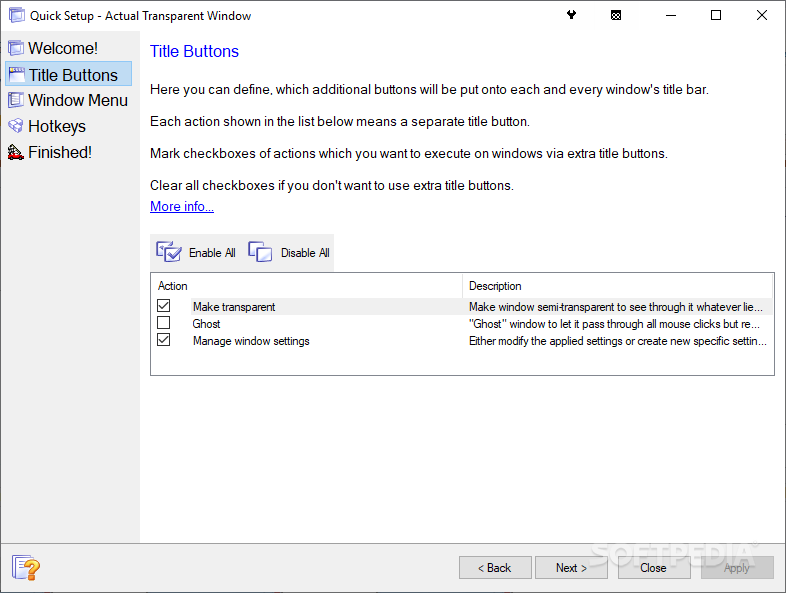
Actual Transparent Window is a very easy to use application that's supposed to not only bring eye candy transparency effects into your Windows operating system, but also boost productivity and improve your workflow.
What it actually does is give you the possibility to add transparency to any window on your screen, either with the help of a dedicated button in the titlebar or by using keyboard shortcuts.
Although we've seen similar software solutions in the past, Actual Transparent Window stands out from the rest of the crowd. It comes with an impressive feature lineup, but also with an easy to use interface that is aimed at beginners and experienced users alike.
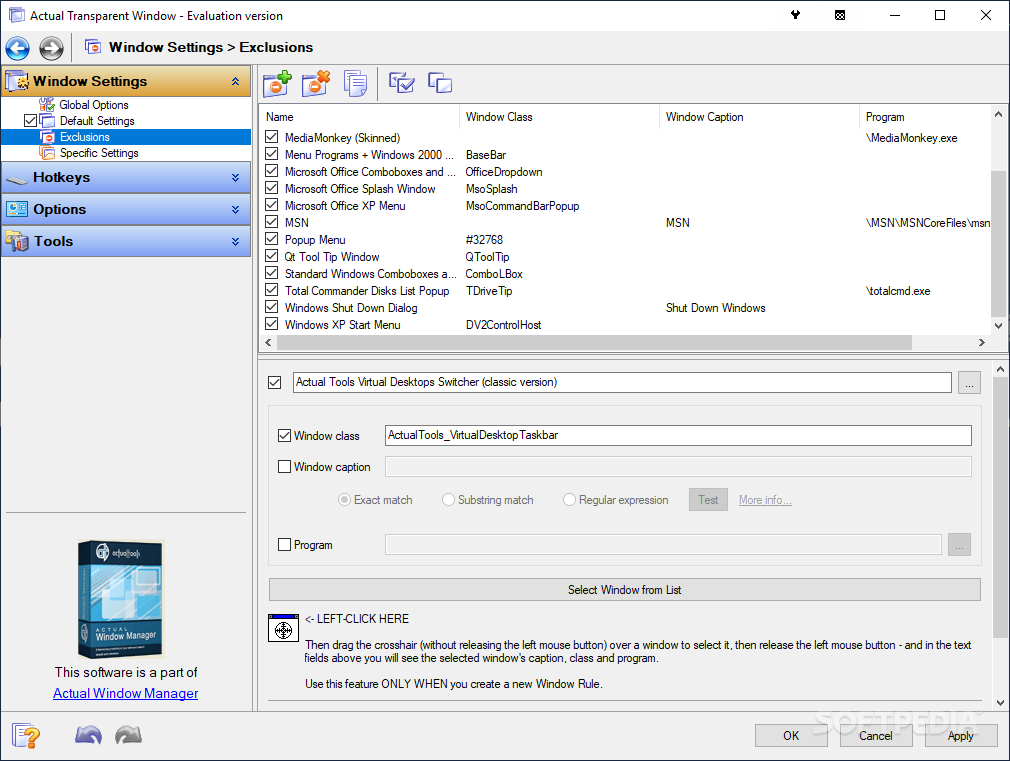
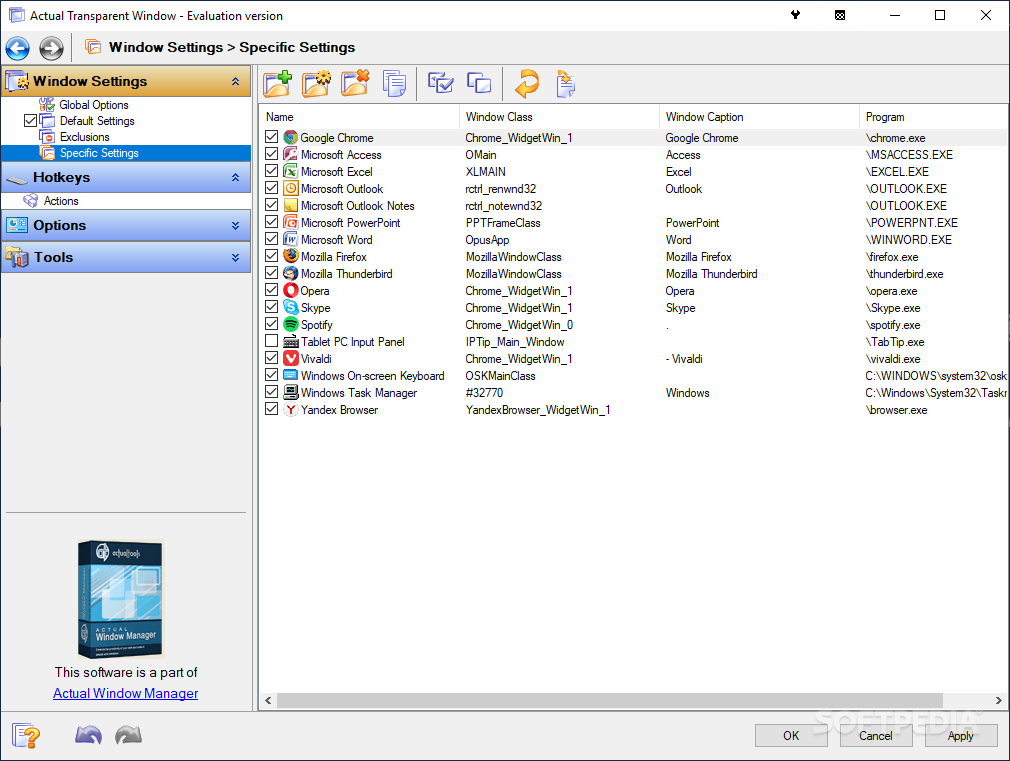
The settings menu is one of the most important sides of the app because it lets you change basically everything about the way the program works. There are two transparency modes, automatic and manual, but also a dedicated tool to set up exclusions and thus avoid adding that visual feature to some user defined windows.
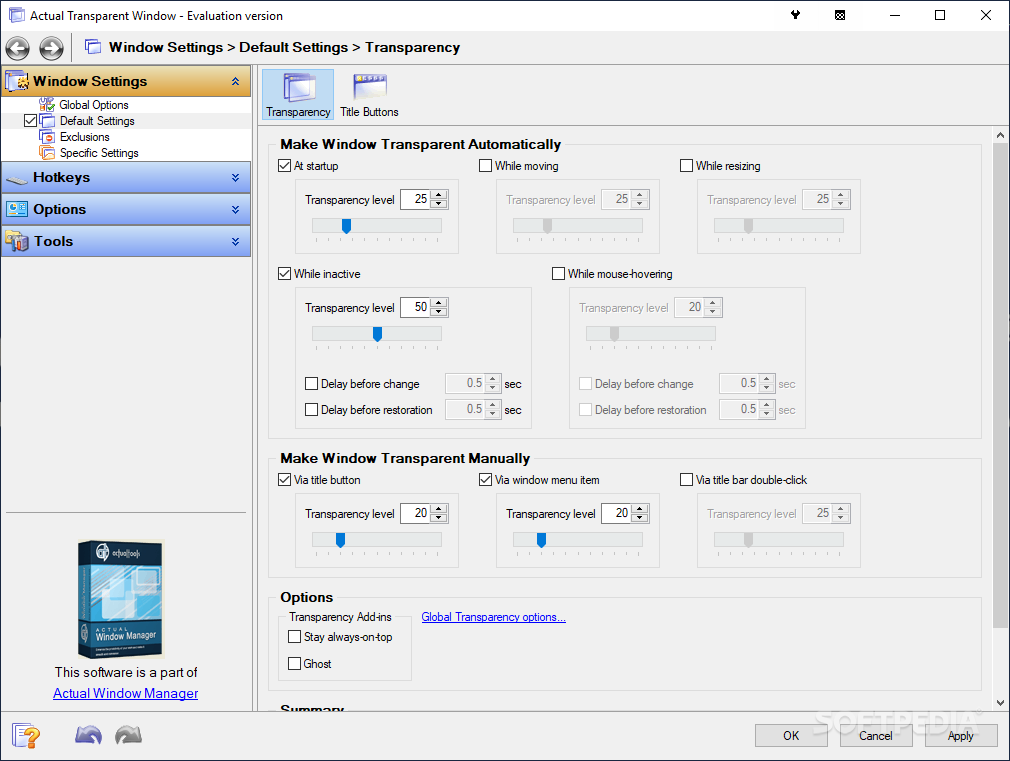
You can thus make windows transparent automatically, at startup, while moving, while inactive or upon hovering the mouse over them. Actual Transparent Window also provides special tools to help you pick the transparency level for each of these options.
On the other hand, you can modify any window manually, with the help of a titlebar button, via the window menu item or by means of a simple double click on the title bar. Again, you can configure the transparency level for each of them.
Actual Transparent Window worked flawlessly during our test and everything went smoothly on our testing machines.
All things considered, it's safe to sat that this application is indeed among the top choices in its software category. Easy to use and with a good feature pack, Actual Transparent Window deserves a try, especially since it is well suited for all users.
What's new in Actual Transparent Window 8.15.0:
- Security: Now all Actual Tools runtime executables natively support the Data Execution Prevention (DEP) and Address Space Layout Randomization (ASLR) security technologies provided by the system. That hardens the overall system security by preventing various exploit attacks.
- Title Buttons: Numerous fixes and improvements in Chromium-based apps:
- Glyphs on extra buttons did not change their color when toggling an app's window active/inactive automatic gradual compact mode did not work in Opera and Vivaldi (so the extra buttons covered the browser tabs and the "New tab" button)
Actual Transparent Window 8.15.0
add to watchlist add to download basket send us an update REPORT- runs on:
-
Windows 10 32/64 bit
Windows 8 32/64 bit
Windows 7 32/64 bit
Windows Vista 32/64 bit
Windows XP 32/64 bit - file size:
- 8.2 MB
- filename:
- atwsetup.exe
- main category:
- System
- developer:
- visit homepage
calibre

Windows Sandbox Launcher

Microsoft Teams

ShareX

Zoom Client

paint.net

Bitdefender Antivirus Free

4k Video Downloader

7-Zip

IrfanView

- 4k Video Downloader
- 7-Zip
- IrfanView
- calibre
- Windows Sandbox Launcher
- Microsoft Teams
- ShareX
- Zoom Client
- paint.net
- Bitdefender Antivirus Free