WINDOWS CATEGORIES:


NEWS ARCHIVE >>
SOFTPEDIA REVIEWS >>

WEEKLY HIGHLIGHTS

DVD Cloner45
Spyware Doctor40
1Click DVD Copy40
Apollo DVD Copy40
ABC Amber BlackBer...45
Protected Music Co...40

7-DAY TOP DOWNLOAD

#
Program
Windows Live
Messenger 2009
14.0.8089.726

205,783
Avira AntiVir
Personal - Free
Antivirus 9.0.0.407

195,395
Avira Antivir Virus
Definition File
Update November 6,
2009

180,844
Nexus Radio 4.1.1
131,987
Windows Live
Messenger
8.5.1302.1018

124,237
FreeZ Online TV 1.30
97,621
Y! Multi Messenger
8.x and 9.x

82,764
Microsoft Office
2007

82,452
DVD Shrink 3.2.0.15
59,713
RemoveWGA 1.2
55,654

WEEK'S BEST

  • Internet Explorer ...
  • Online Armor ++ 4....
  • cFosSpeed 5.01 Bui...
  • SONY Vegas Pro 9.0...
  • Firefox 3.6 Beta 1...
  • Nokia Photos 1.6.434
  • Windows Server 200...
  • Skype Portable 4.1...
  • Google Chrome Port...
  • PCMark Vantage Bas...
  • Kaspersky Anti-Vir...
  • Microsoft Virtual ...
  • Messenger Plus! Li...
  • WinX DVD Author [F...
  • SoftPerfect Networ...
  • System Mechanic Pr...
  • Ad Muncher 4.8 Bui...
  • Windows 7 Upgrade ...
  • Pidgin 2.6.3
  • OpenOffice.org 3.2...
  • VirtualDub 1.9.7 B...
  • Maxthon [Softpedia...
  • Spyware Doctor 7.0...
  • SUPERAntiSpyware 4...
  • Adobe Acrobat Prof...
  • Camfrog Video Chat...
  • Adobe Reader 9.2.0...
  • Foxit PDF Reader 3...
  • Microsoft Maliciou...
  • AVG Identity Prote...
  • Home / Windows / System / OS Enhancements
     Report spyware

    Ashampoo WinOptimizer [DISCOUNT] 6.50 / 5.13

    Download button

    Downloads: 52,102  Add to download basket  Tell us about an update
    User Rating:
    Rated by:
    Very Good (4.0/5)
    249 user(s)
    Developer:

    License / Price:

    Size / OS:

    Last Updated:

    Category:
    ashampoo GmbH and Co KG | More programs
    Trial / USD 24.95 | BUY the full version
    16.8 MB / Windows 2K / XP / Vista
    September 25th, 2009, 13:11 GMT [view history]
    C: \ System \ OS Enhancements

     Read user reviews (5)  Add a review  Refer to a friend  Subscribe


    Ashampoo WinOptimizer [DISCOUNT] description


    An easy-to-use suite of tools for maintaining and optimizing your Microsoft Windows computer

    Softpedia in association with Ashampoo offers you a special discount: Now, only from Softpedia, you can buy Ashampoo WinOptimizer with a 50% discount. Take advantage of this opportunity and press the Buy Now button; you'll surely notice, the discount has been activated. For other Ashampoo products at half price, click here. No coupons, no codes, no questions, no hassle! Get it now, while it's hot!

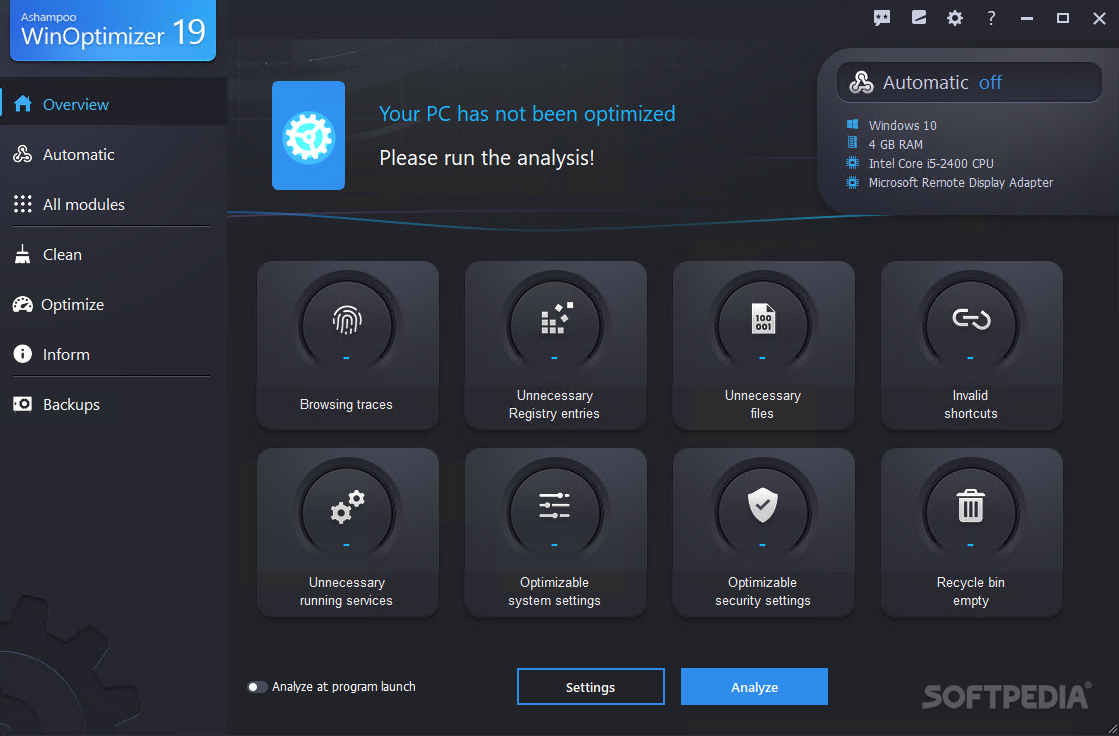
    The Ashampoo WinOptimizer application was designed to is enable both novice and advanced users to cleanse and optimize their Windows system and adapt it to their own needs.

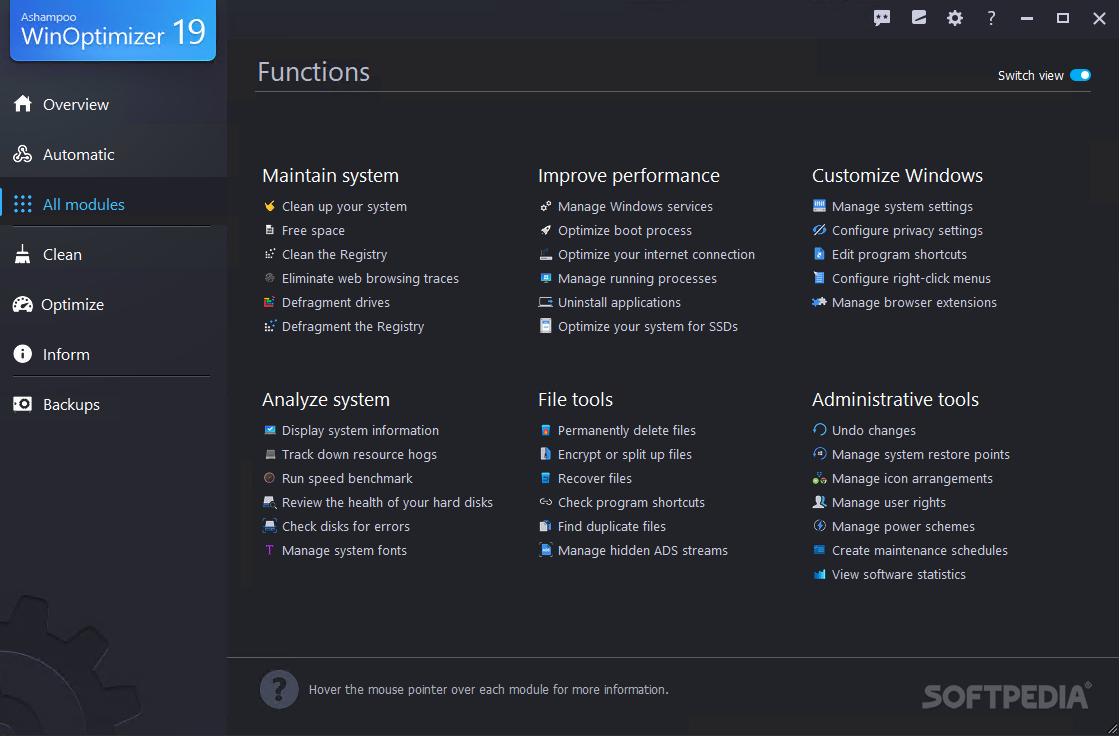
    The extremely easy-to-use menus present the individual modules of Ashampoo WinOptimizer 5 and make it possible to measure system performance, deactivate annoying autostart entries, or delete unnecessary files, all with a click of the mouse.

    The latest version, WinOptimizer 5, boasts two new modules. They restore mistakenly deleted files with the click of a mouse and save the arrangement of icons on the desktop. And a lot has also been done in the realm of Windows optimization.

    Here are some key features of "Ashampoo WinOptimizer [DISCOUNT]":

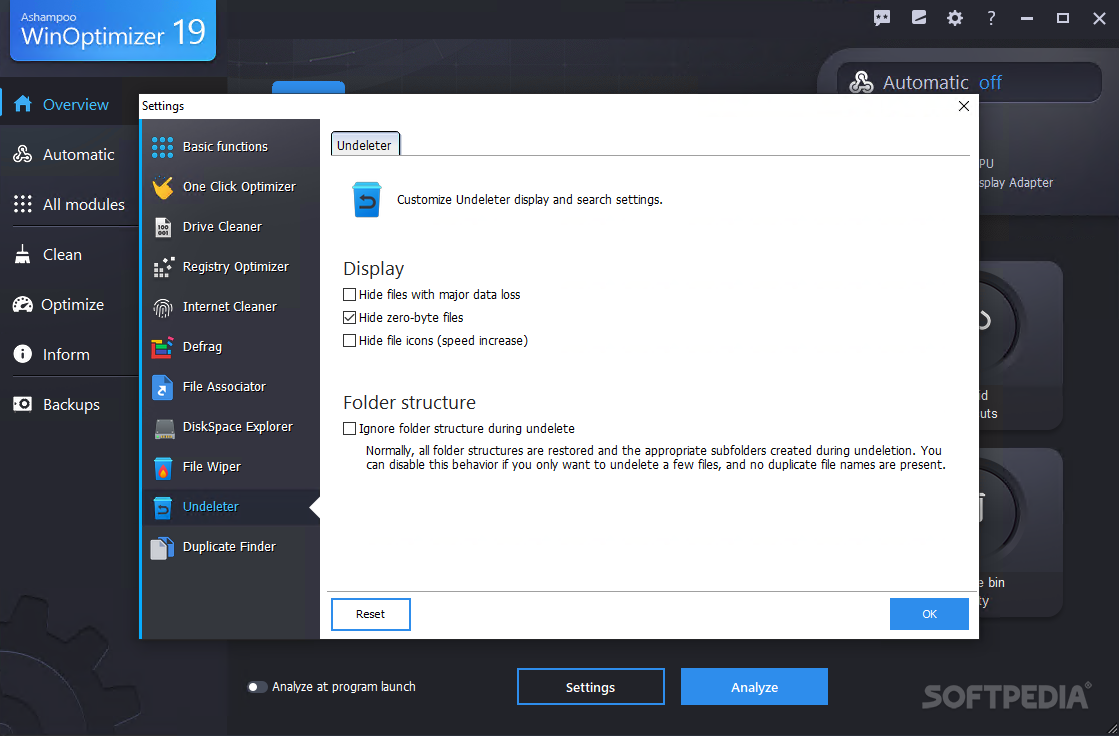
    · Undeleter: One mouse click too many - and an important file is lost forever. Really? Not if Undeleter can help it. Undeleter restores deleted files on NTFS, FAT-16, and FAT-32 partitions. Even compressed and encrypted NTFS files and deleted files for instance on USB sticks can be saved in this way. The health status of deleted files is displayed, letting the user know how good the chances are that the files can be restored.

    · Icon Saver: Many users move icons around on their desktop to make their daily work as efficient as possible. Unfortunately, this icon arrangement is very easily lost. All it takes is switching the screen resolution. Icon-Saver keeps track of the arrangement of icons on the desktop and can restore them at any time. The module can keep track of several stored desktop configurations.

    · Real-time backup: Real-time Backup monitors all key system processes that the user performs with Ashampoo WinOptimizer 5 to back up the original configuration in real time. If necessary, it's easy to restore the original configuration. Extensive notes are included with all backups.

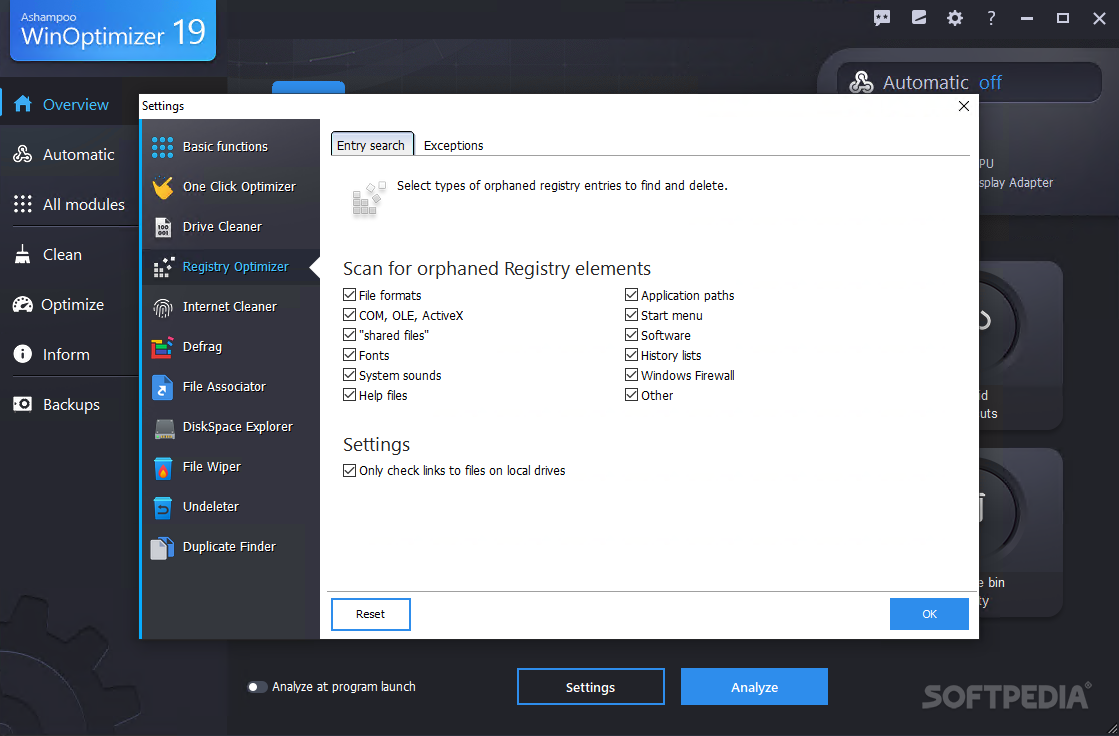
    · Registry Optimizer: Previously referred to as the Registry Cleaner, this module scans the Windows registry. Ashampoo WinOptimizer 5 finds broken links that have empty references and automatically either eliminates or immediately repairs them. The integration with real-time backup here ensures that it is always possible to restore the original condition of the registry.

    · Vista-Gadget: Under Windows Vista, all the cleaner modules of Ashampoo WinOptimizer 5 can be launched from this gadget. Even One-Click Optimization can now be run from the gadget. Users can also view a graphic representation of processes with the gadget and have the available capacity of their hard drives displayed.

    An indispensable favorite: With its two new modules and countless enhancements, Ashampoo WinOptimizer 5 provides many more features than its predecessor. The following old favorites have been thoroughly revised:

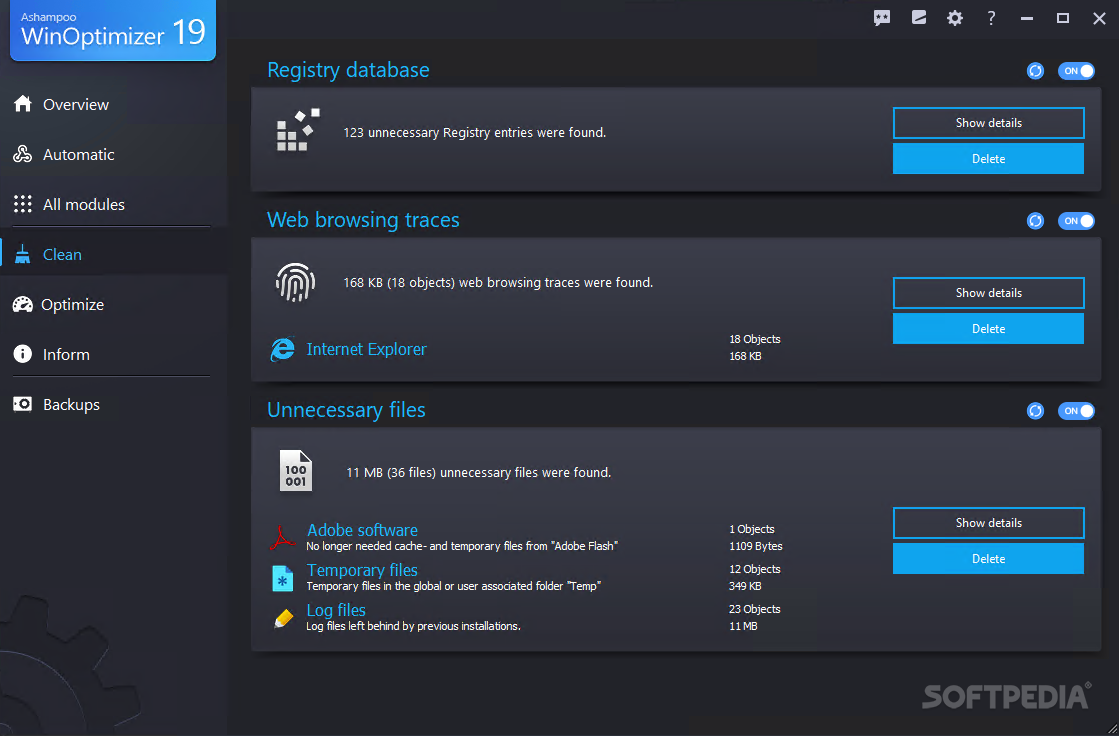
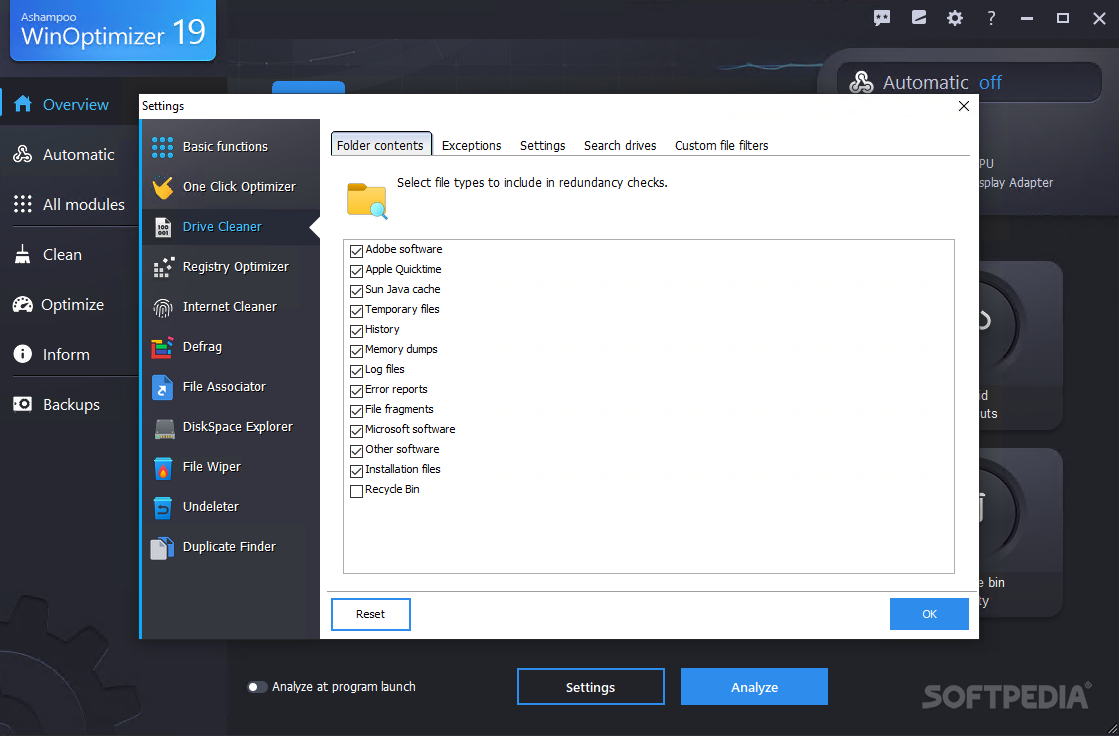
    · Drive Cleaner: Drive Cleaner searches the hard drive for files that are no longer needed so they can be deleted upon confirmation from the user. The search algorithm for this module has been considerably improved for increased efficiency. What's more, comprehensive information is now available for the objects that are found.

    · Tweaking Tools: Hundreds of settings can easily be switched on and off in this module with a click of the mouse. Not only the visual appearance and general behavior of Windows in certain situations is addressed here, but also topics such as security, Internet, and multimedia. The integration with the real-time backup makes it possible to undo all changes at any time here as well.

    · Process Manager: Now, frozen windows from crashed applications are no longer a problem. The Process Manager deals with these applications in short order, kicking them out of memory and off the screen. Suspicious applications can also be immediately terminated in this manner. What's new is that the module not only lists all active processes, but also provides corresponding information on them. A new visual aid also shows which system processes are absolutely necessary so that they are not deleted.

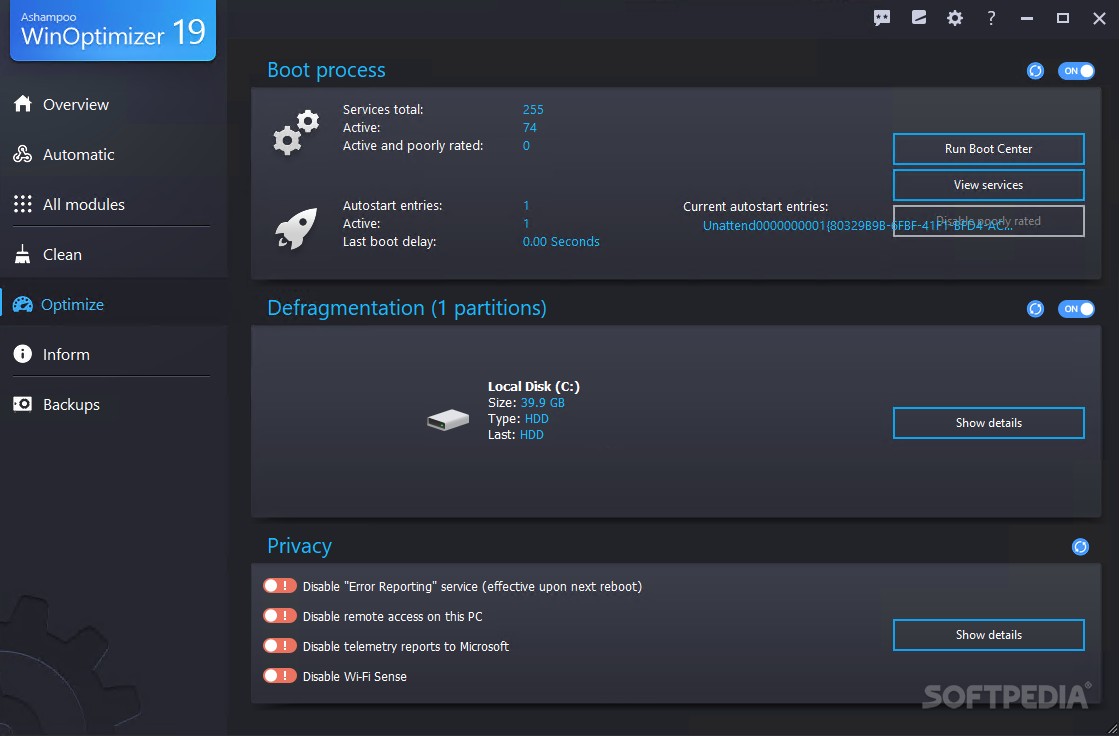
    · StartUp Tuner: This module displays all autostart entries, allowing users to deactivate irritating programs so that they are no longer executed when Windows starts up. This module also now names the autostart entries that are absolutely necessary and should not be switched off by the user. An overview and recommendation for unnecessary services is now also available for Windows Vista. Requested by many users: Now, Internet Explorer plug-ins can be viewed and deleted if necessary.

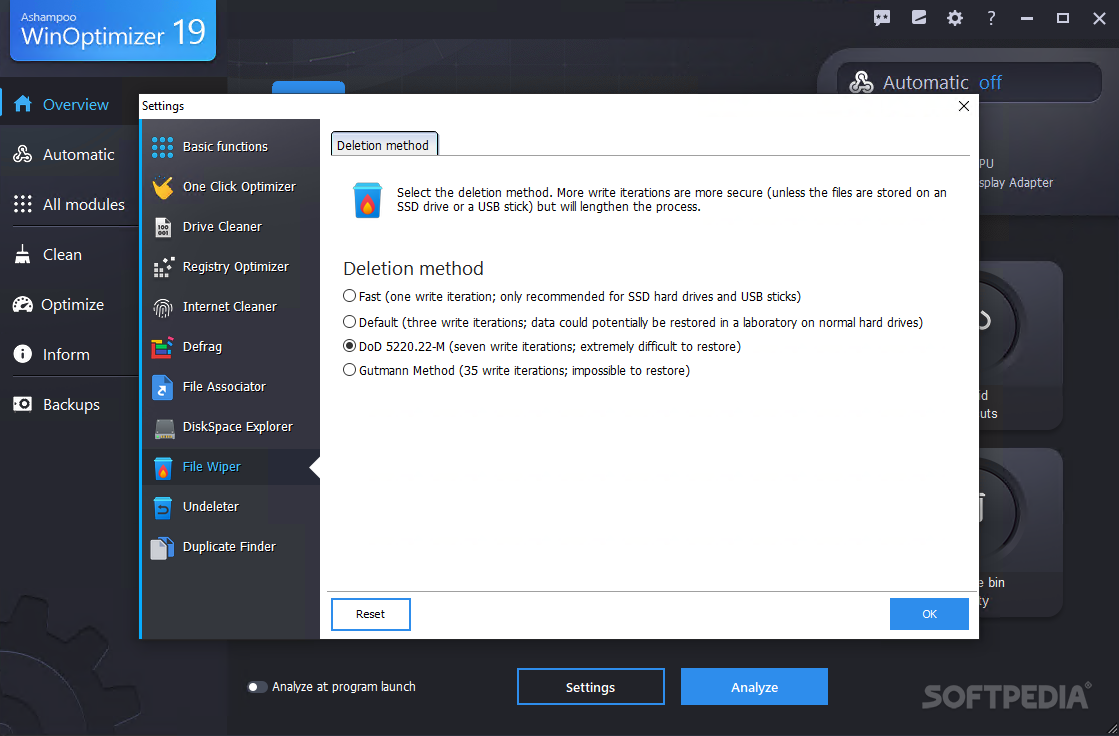
    · File Wiper: When Windows deletes files, they're not really removed, but rather made available for overwriting. In short: Any data thief can easily restore them. The File Wiper deletes data with sensitive contents completely, making it impossible to restore them even with specialized programs. The new version is fully integrated into the Windows Explorer context menu and can accordingly be opened from that location without starting the main application. In addition, performance has been noticeably improved.

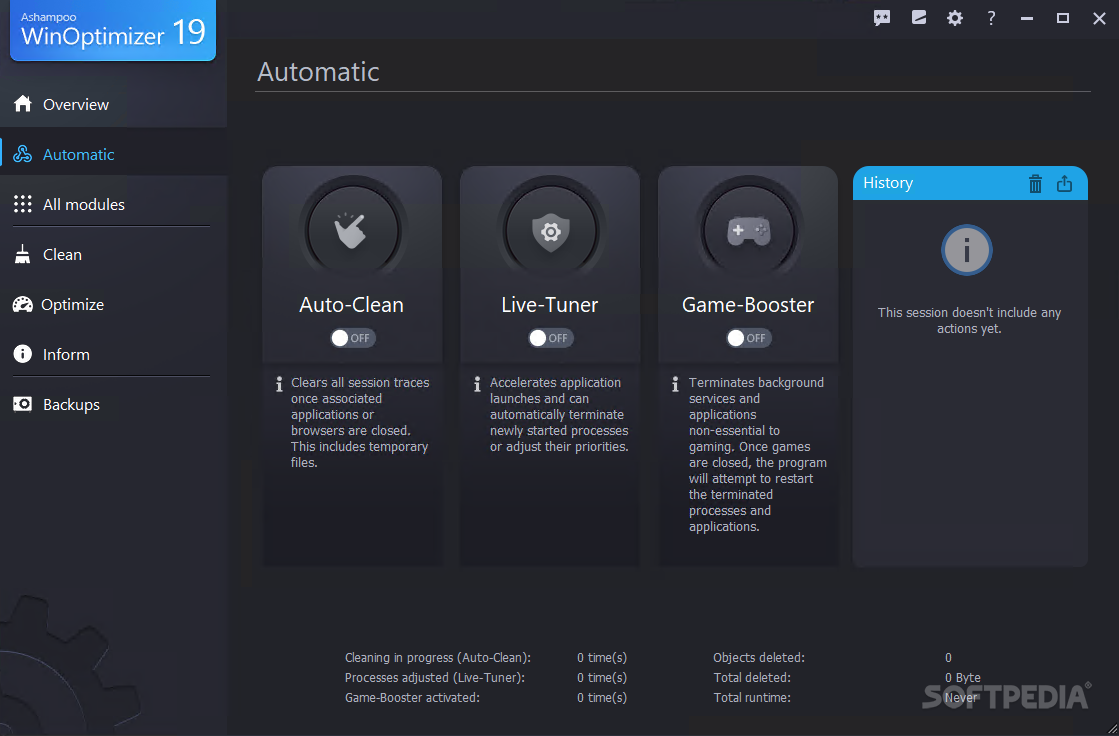
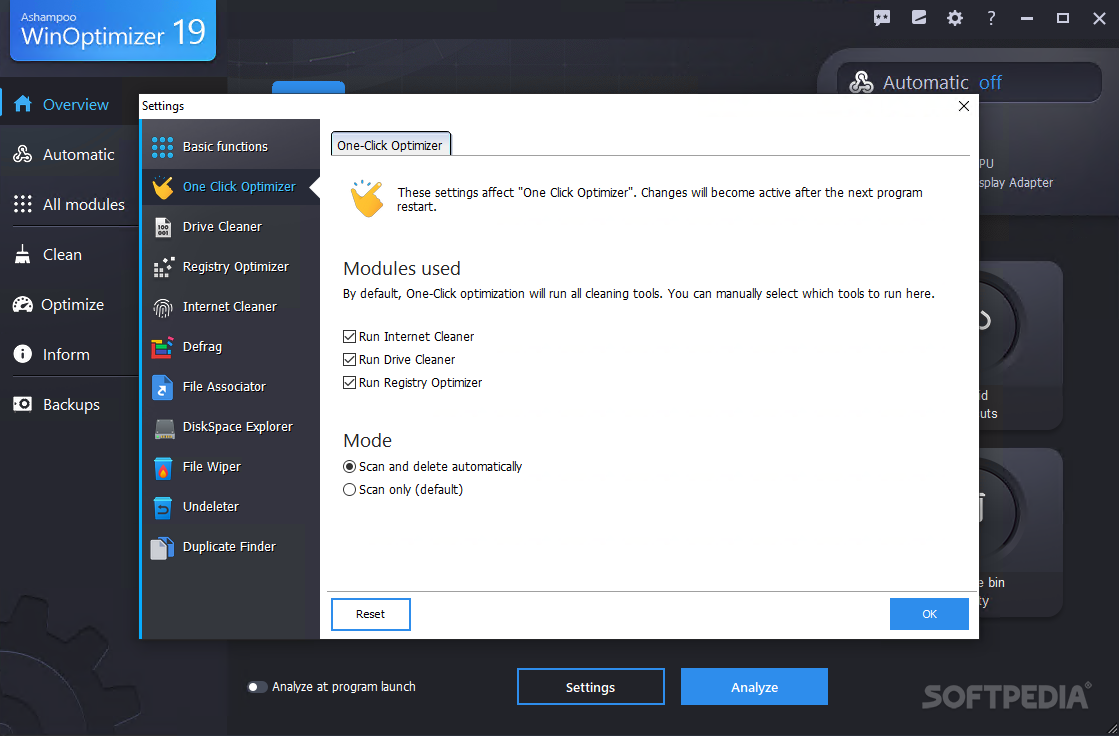
    · One-Click Optimization: No time for anything? One-Click Optimization cleans up any area desired with the single click of a mouse. What's new is the ability to optionally display lists of results.

    Requirements:

    · Any computer that runs one of the above operating systems at a reasonable speed.
    · Main Memory (RAM): At least a minimum of 128 MB RAM should be available on your system.
    · Hard Drive Space: 40 MB for the program files plus some additional space for backup files (minimal).
    · Microsoft Internet Explorer 6.0 or higher is required.
    · Full administrative rights are required to use the program.

    Limitations:

    · 10 days trial.
    · If you register you can test the program for another 30 days free of charge.

    What's New in This Release: [ read full changelog ]

    · Improved problem interception handling
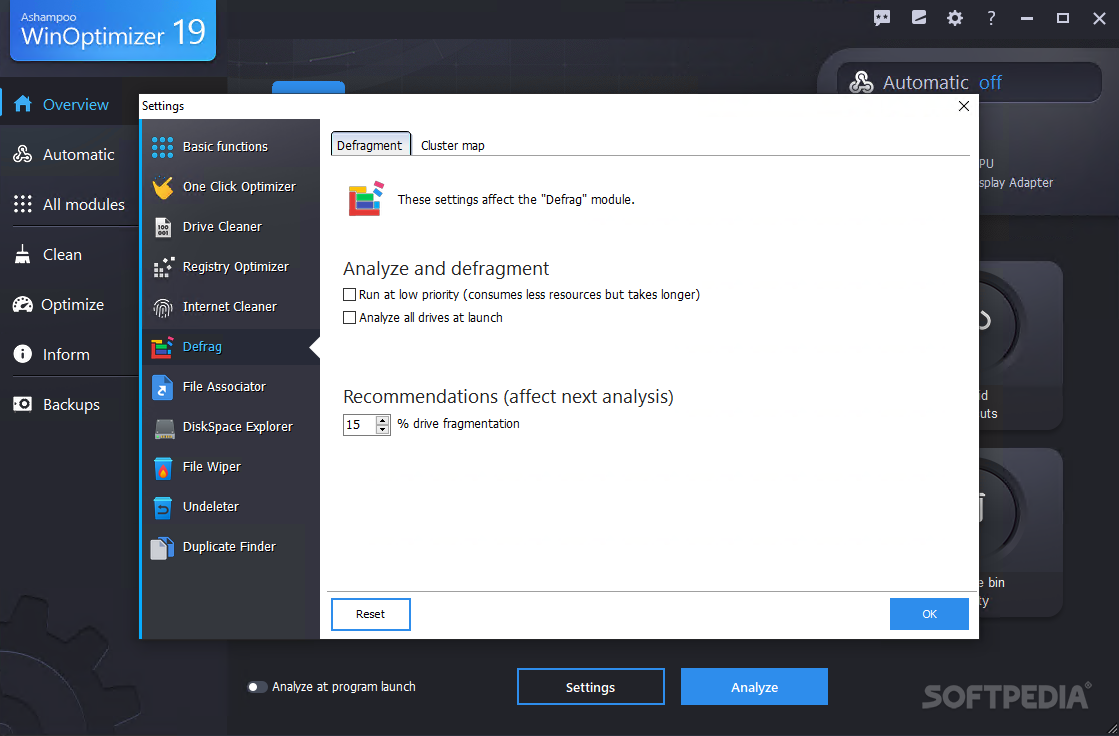
    · Improved service/defrag collaboration
    · Improved defrag performance
    · Fixed a possible reading partitionlist error
    · Fixed a possible startup tuner problem

       Softpedia guarantees that Ashampoo WinOptimizer [DISCOUNT] 6.50 / 5.13 is 100% CLEAN, which means it does not contain any form of malware, including spyware, viruses, trojans and backdoors. [read more >]


    TAGS:

    system optimizer | system cleaner | process manager | optimizer | optimize | optimization


    HTML code for linking to this page:


    Go to top

    Windows tabGames tabDrivers tabMac tabLinux tabScripts tabMobile tabHandheld tabGadgets tabNews tab

    SUBMIT PROGRAM   |   ADVERTISE   |   GET HELP   |   SEND US FEEDBACK   |   RSS FEEDS   |   ENTER NEWS SITE   |   ENGLISH BOARD   |   ROMANIAN FORUM