
A tool designed to manage your Autoplay Handler collection. #Autoplay Repair #Autoplay Handler #Create handler #Autoplay #Repair #Create

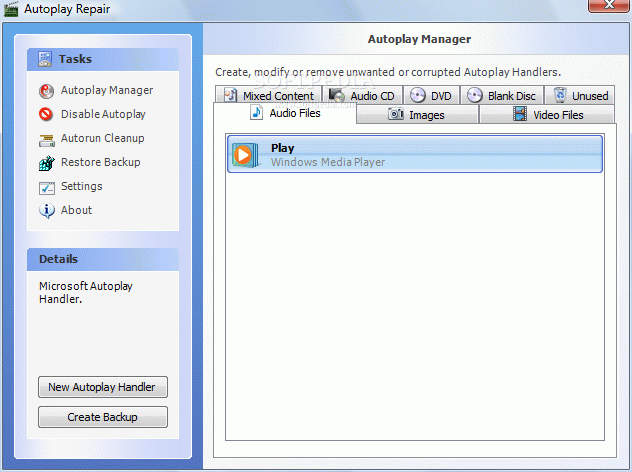
Autoplay Repair is a handy tool designed to help you manage Autoplay entries for multiple types of files, but also to remove the invalid or corrupted ones from the registry.
Although in some cases Autoplay handlers are included in more complex software solutions, this application attempts to address solely this problem, offering users a well-organized interface, as well as backup tools to make sure beginners stay on the safe side.
The main window offers instant access to all its features, so you can either start the “Autoplay Manager”, “Disable Autoplay” and thus fix all problems once and forever, perform an “Autorun Cleanup”, “Restore Backup” or juggle with the available “Settings”.
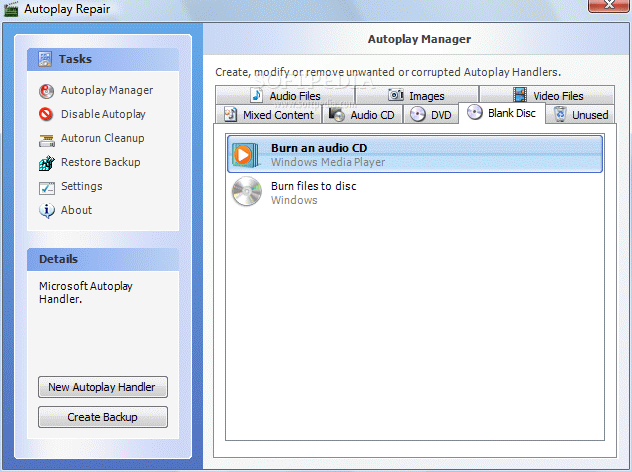
The so-called “Autoplay Manager” screen lets you create, modify or remove unwanted or corrupted handlers, regardless if we're talking about entries designed for audio or video files, images, audio CDs, blank discs, DVDs or mixed content.
Autoplay Repair also enables you to create your very own Autoplay handlers, with dedicated fields to input the action, provider, application and icon. A backup can be created straight from the main window and it takes just a second before your Autoplay configuration is saved.
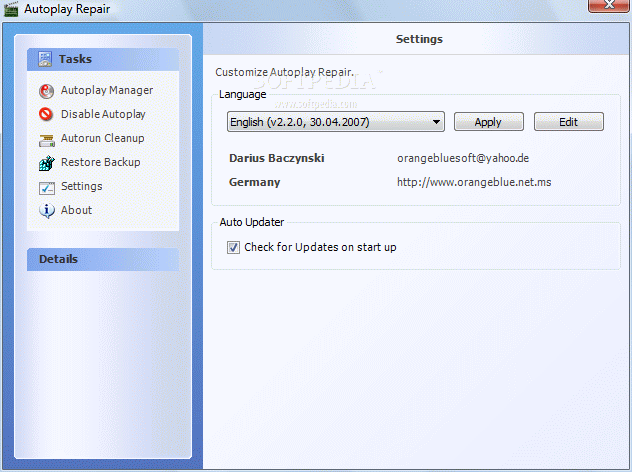
As for the settings, this separate screen provides just a couple of options. Plus, there is no help file, so if you want to read more about Autoplay and the way it works, search the web because there's no other solution.
Autoplay Repair is one of the simplest ways to deal with corrupted or invalid Autoplay entries but keep in mind that it only works on Windows XP machines.
What's new in Autoplay Repair 2.2.2:
- The main window location is recognized on start up
- Modify Autoplay Handler dialog: A part of the application path may end up in the argument field
Autoplay Repair 2.2.2
add to watchlist add to download basket send us an update REPORT- runs on:
- Windows XP
- file size:
- 214 KB
- filename:
- Install_APR.exe
- main category:
- System
- developer:
- visit homepage
4k Video Downloader

IrfanView

Zoom Client

Microsoft Teams

7-Zip

calibre

Windows Sandbox Launcher

ShareX

Bitdefender Antivirus Free

Context Menu Manager

- ShareX
- Bitdefender Antivirus Free
- Context Menu Manager
- 4k Video Downloader
- IrfanView
- Zoom Client
- Microsoft Teams
- 7-Zip
- calibre
- Windows Sandbox Launcher