
A software editor for Windows XP that gives you the freedom to personalize the appearance of the boot screen by changing the default palette and position of the progress bar. #XP boot #Boot screen #XP boot screen #Boot #Screen #Editor
The customization of the operating system is an activity fairly common among most computer users. This is especially true if we take into consideration the large number of Windows XP installations out there.
If you are one of those still using that particular flavor of Redmond's OS, there is a special utility that can help you give a new look to the boot screen, as it is clearly stated in its very name: Boot Editor.
The application comes in a rather light package and doesn't require installation, so it will be ready to run as soon as you unpack all the files in the ZIP archive. Plus, you may copy it on USB flash drive or other devices and take it with you whenever you need to personalize your boot screen on the fly.
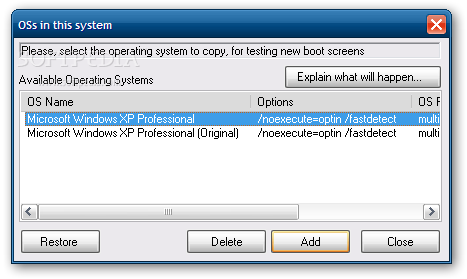
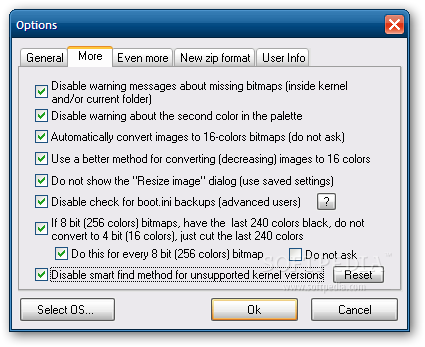
The first thing the program will do is try to locate the 'boot.ini' file that it needs to customize, so it can back it up. You can disable this operation and skip checking for backups of that file, but this is not advisable as you might end up damaging the system.
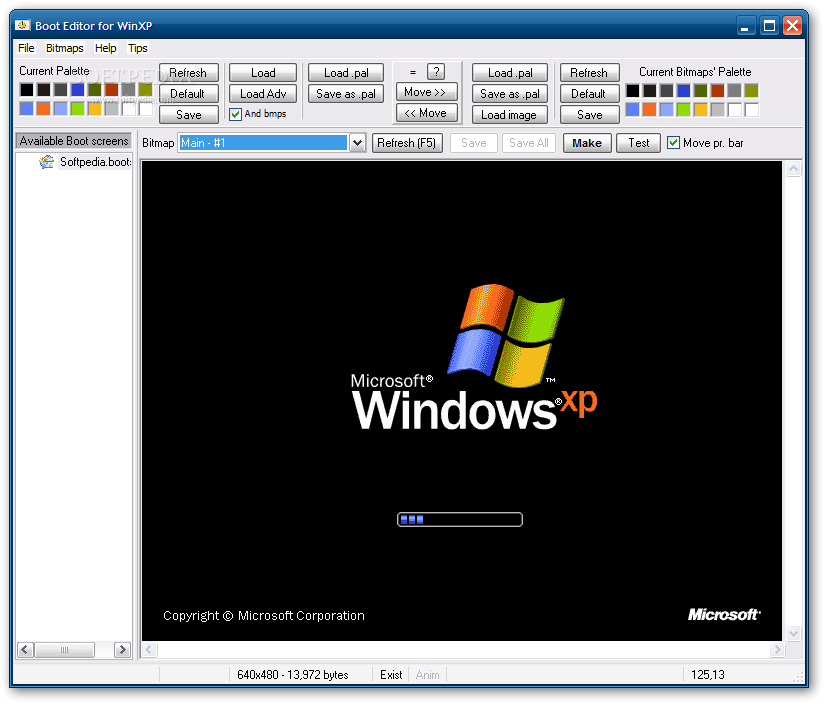
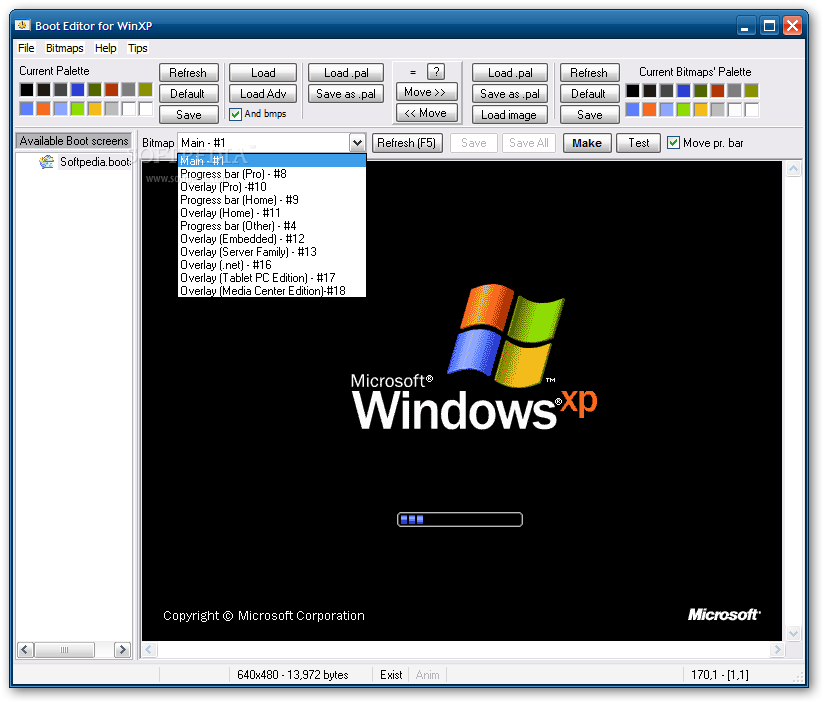
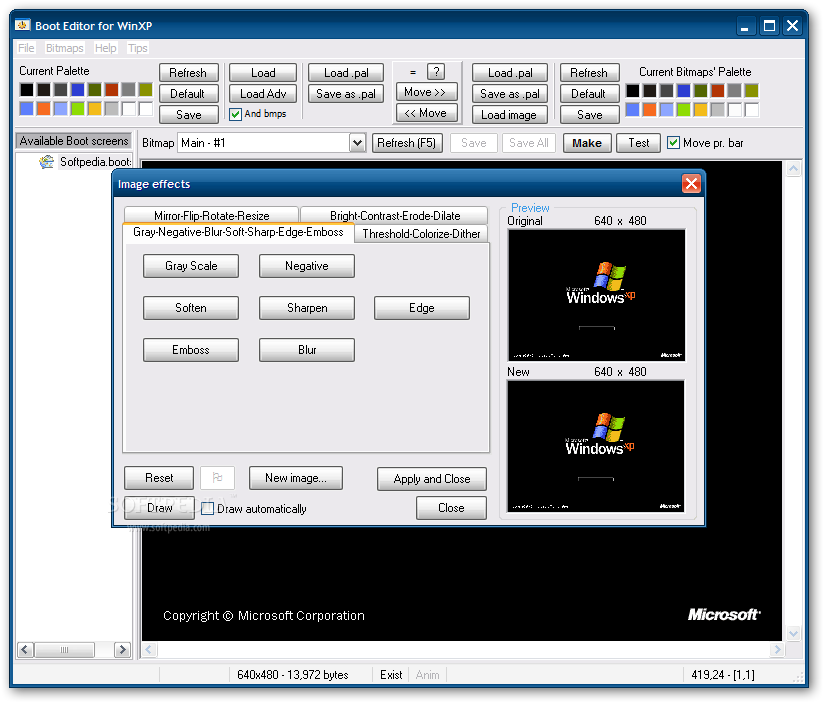
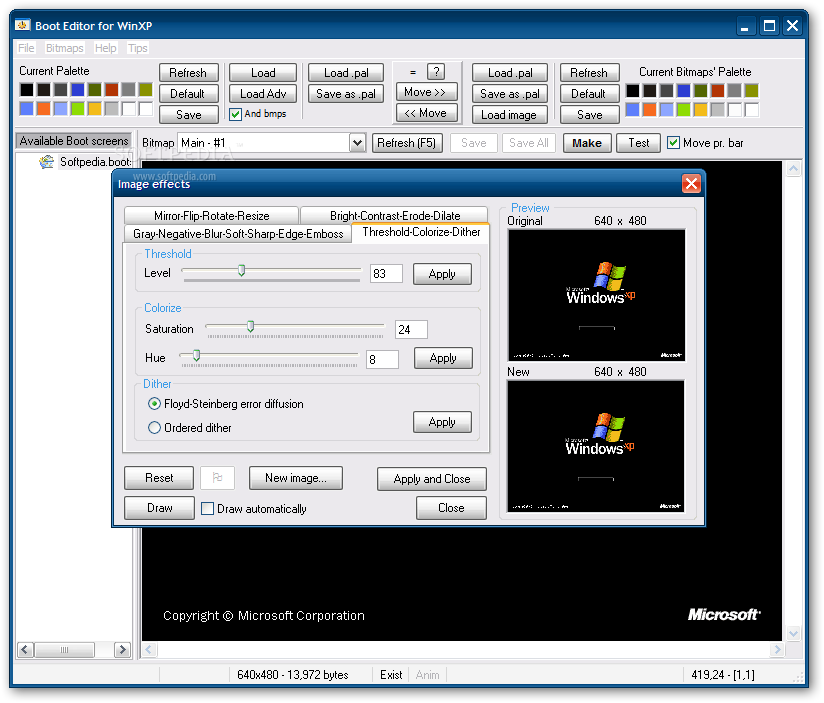
Using Boot Editor you will also be able to modify the default palette of the available boot screens, as well as that of the loaded bitmaps.
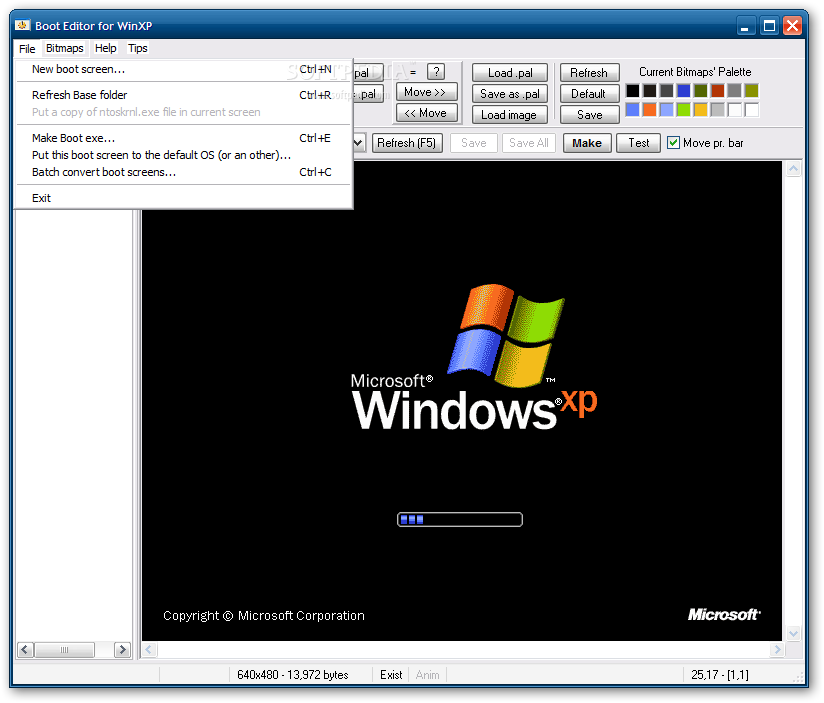
You can change the appearance of all the components of a boot screen by simply selecting the one you want to customize. The main bitmap can be edited, as well as the progress bar and overlay for various Windows XP editions like Home, Pro, Tablet PC or Media Center.
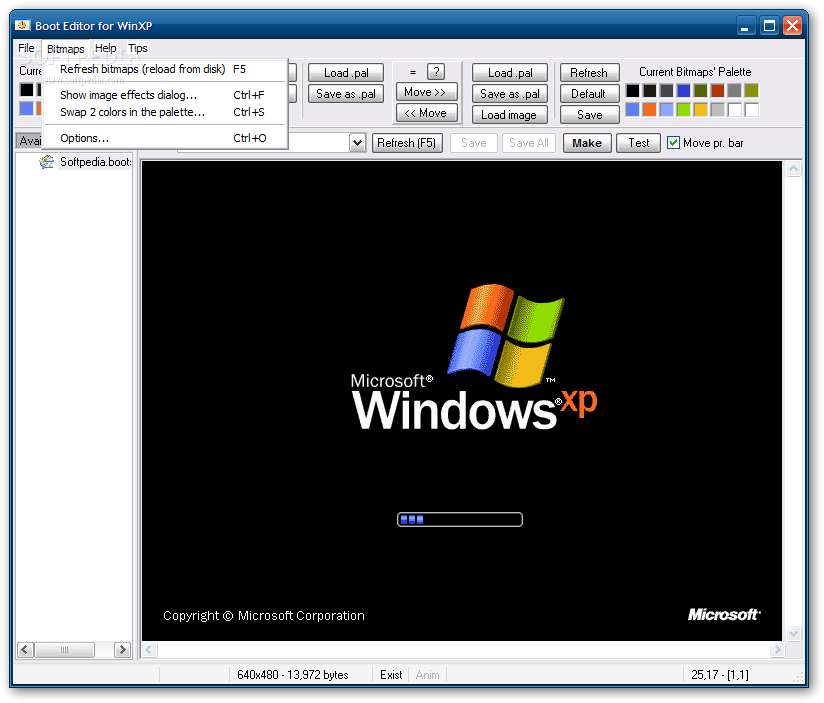
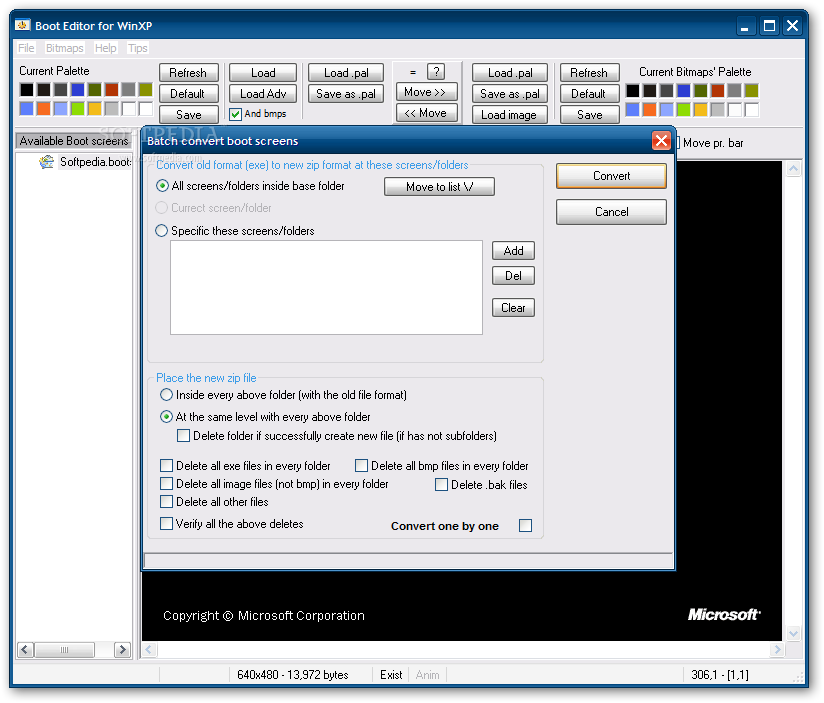
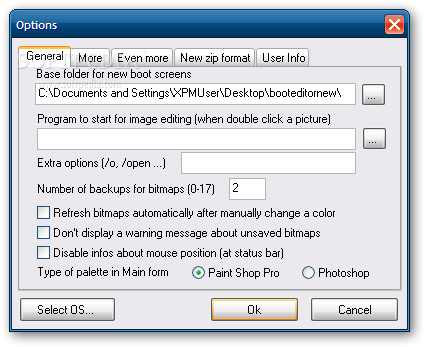
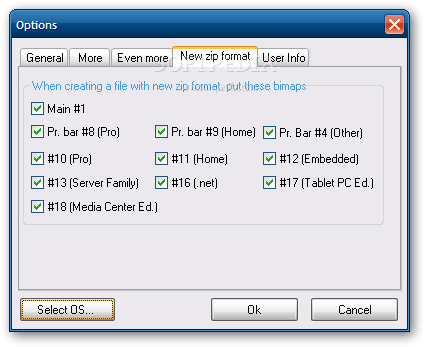
The 'Options' menu offers you the possibility to choose the base folder for new boot screens, the directory that contains the new images and you can also choose the bitmaps to be included when creating a file with new ZIP format.
All things considered, it's safe to say that Boot Editor is well worth at least a try since it can help users modify the boot screen appearance with minimal efforts. Tailored for both advanced and less experienced users alike, the program is uncomplicated and does its job impressively well.
What's new in Boot Editor 1.0.1:
- Full Support for bitmaps #4 - "Progress bar (Other)", #12 - "Overlay (Embedded)", #13 - "Overlay (Server Family)", #16 - "Overlay (.net)", #17 - "Overlay (Tablet PC Edition)" and #18 - "Overlay (Media Center Edition)".
- Relative options at Main screen and at dialog "Make a new Boot exe file"
- Now, a user can load the kernel file version that wants in BootEditor. Right click in a folder (screen) at the "Availiable boot screens" tree and you will see a menu with all "ntoskrnl*.exe" files that are in that folder. Select the one you want and BootEditor will load this file always for all folders.
Boot Editor 1.0.1
 Softpedia Editor's Pick
add to watchlist
add to download basket
send us an update
REPORT
Softpedia Editor's Pick
add to watchlist
add to download basket
send us an update
REPORT
- runs on:
- Windows XP
- file size:
- 986 KB
- filename:
- booteditornew.zip
- main category:
- System
- developer:
- visit homepage
7-Zip

paint.net

ShareX

Zoom Client

calibre

IrfanView

Windows Sandbox Launcher

Microsoft Teams

Bitdefender Antivirus Free

4k Video Downloader

- Microsoft Teams
- Bitdefender Antivirus Free
- 4k Video Downloader
- 7-Zip
- paint.net
- ShareX
- Zoom Client
- calibre
- IrfanView
- Windows Sandbox Launcher