
Easily access Google Search from a Microsoft Store App instead of launching a web browser and benefit from the same set of features. #Search Google #Find Keyword #Preview Result #Search #Result #Google

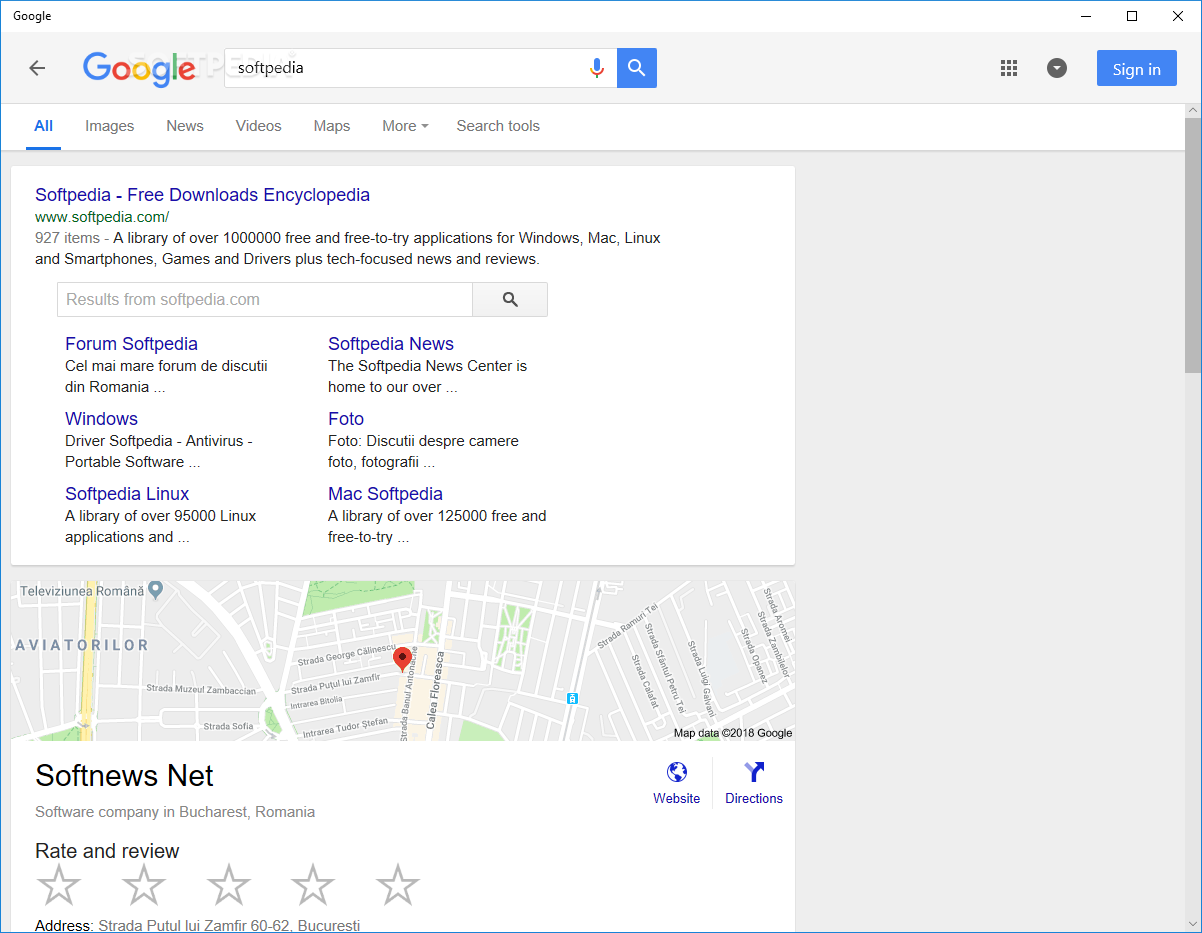
Google Search for Windows 10 is a lightweight application that provides access to multiple Google services in an easy to use interface. You can use this tool for both searching the Internet and browsing the results in the same window.
When you start the program for the first time, the tutorial will walk you through all the available features. It includes details and animations that demonstrate how to use the app on both PCs and touch-enabled devices.
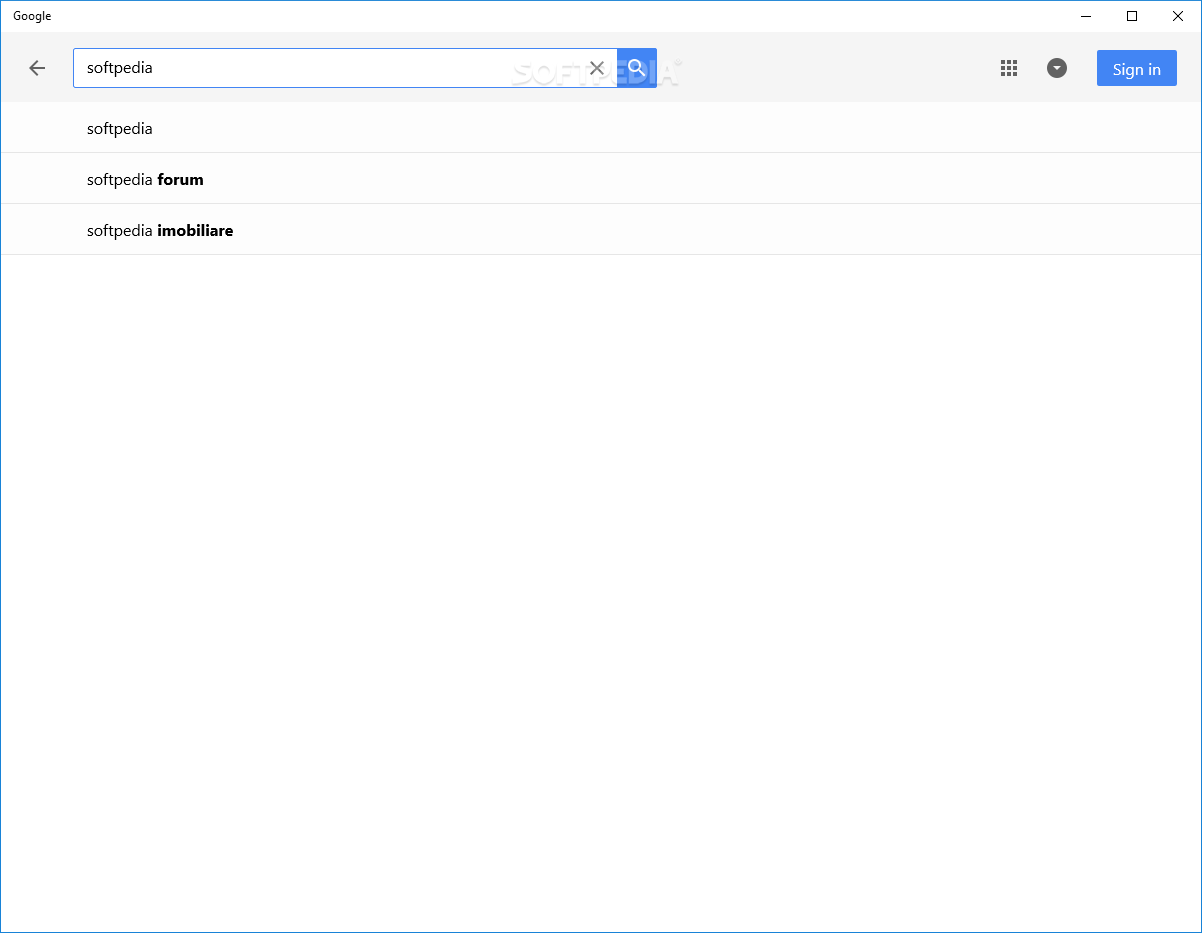
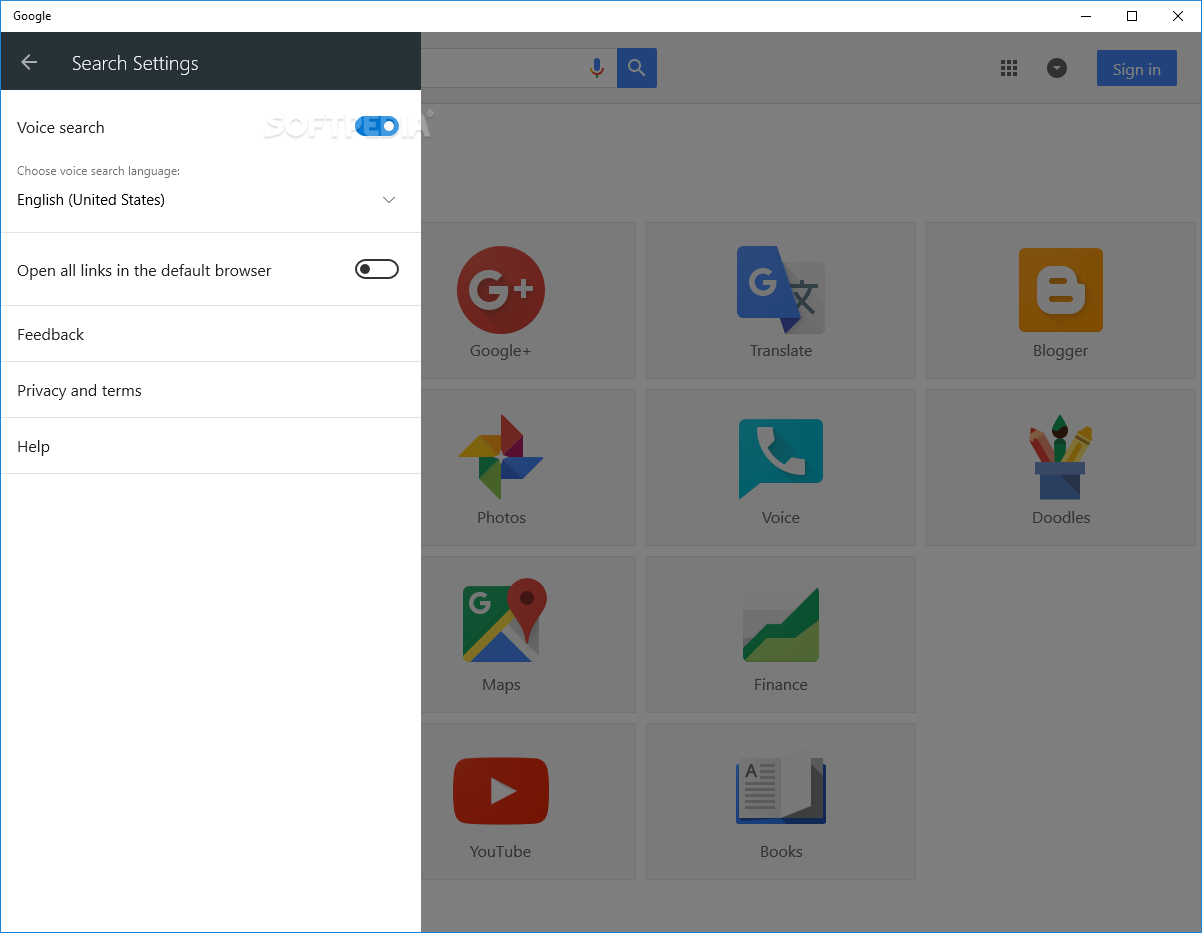
The main purpose of the program is to provide you with all the means of accessing the Google search engine. Thus, you can type in the keywords or use the connected microphone to input the criteria.
If you own a tablet, the voice search feature allows you to greatly improve your efficiency when you need to find online resources. PC users can also access the app from the Charms menu by simply starting to type the keywords and selecting Google Search from the right panel.
Unlike similar tools that only provide the results and use the default Internet browser to open the links, this tool is able to browse any page. For instance, you can search for a movie, visit the official page and watch the trailer without using other applications.
The app can store the search history and the number of visited pages from the result list. This feature enables you to easily remember previous queries and revisit the relevant pages. If you are worried about your privacy you can easily delete certain items from the list.
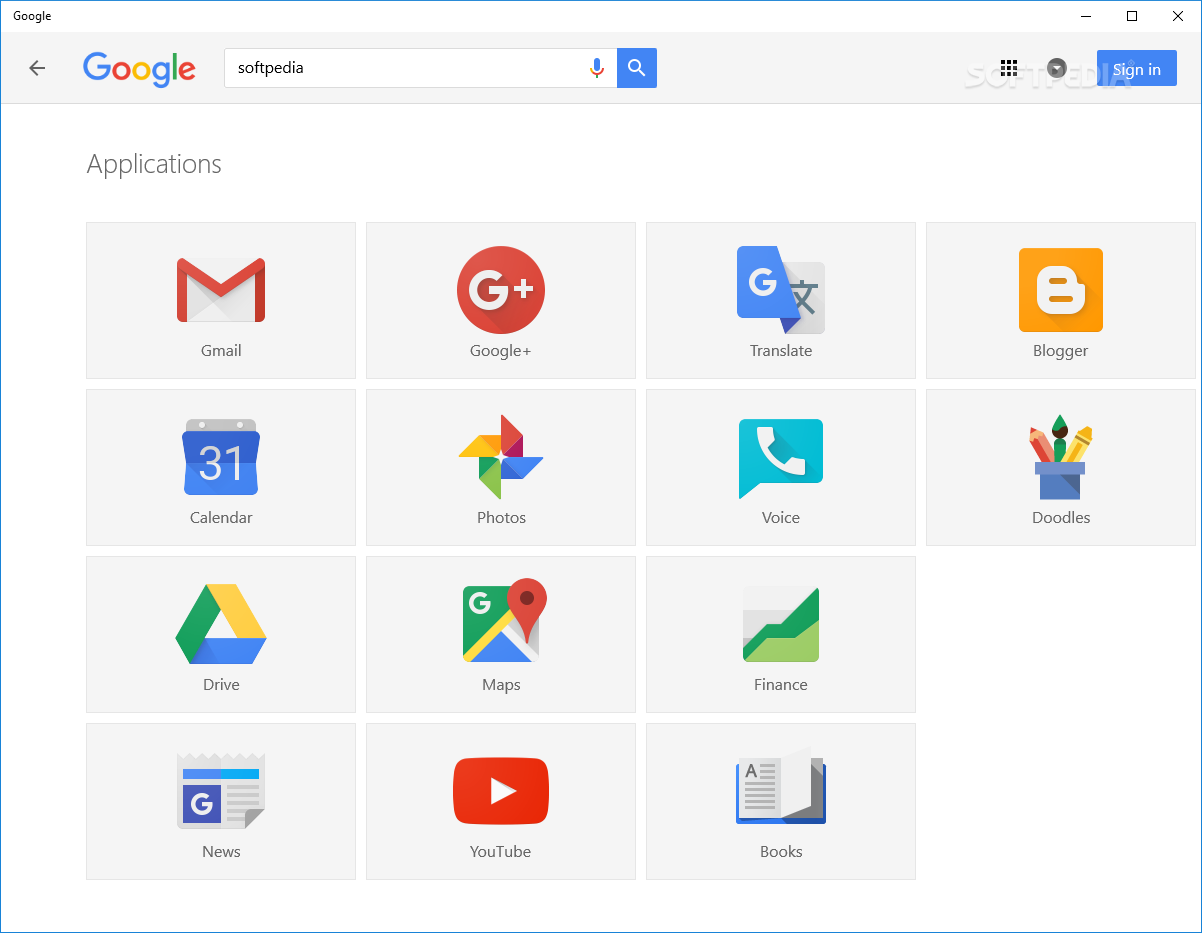
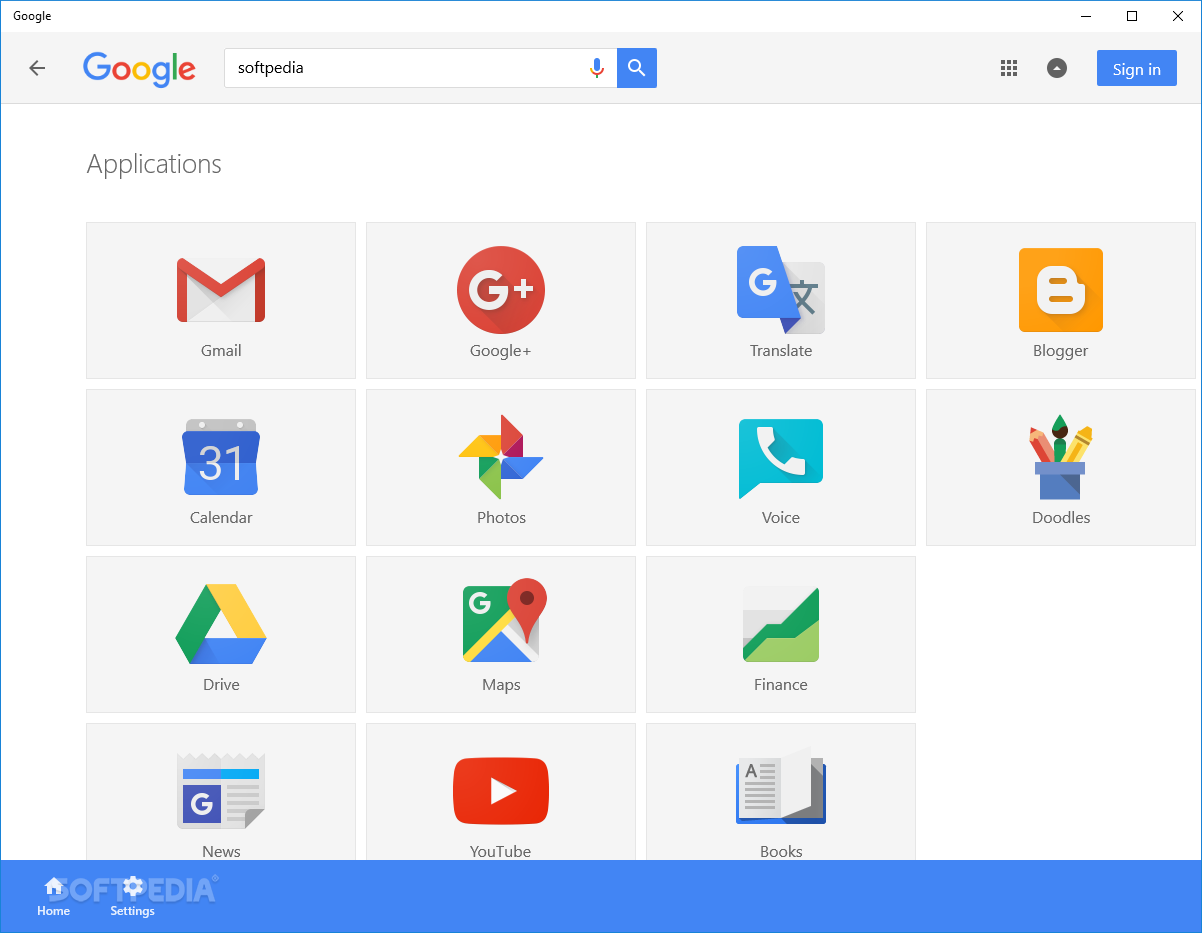
A useful feature is the possibility to access Gmail, Google Docs, YouTube and other Google services. You can search for a keyword in the current page which highlights all the word occurrences.
If Google is your preferred engine, then the Google Search app provides you with a smooth experience whether you are searching, browsing the web pages or using other Google services.
What's new in Google Search for Windows 10 2.1.19.0:
- We've updated Google. Look for our new app icon.
- Bug fixes.
Google Search for Windows 10 2.1.19.0
add to watchlist add to download basket send us an update REPORT- runs on:
- Windows 10 32/64 bit
- file size:
- 15.8 MB
- main category:
- Internet
- developer:
- visit homepage
Bitdefender Antivirus Free

Zoom Client

ShareX

7-Zip

calibre

Windows Sandbox Launcher

Context Menu Manager

4k Video Downloader

IrfanView

Microsoft Teams

- 4k Video Downloader
- IrfanView
- Microsoft Teams
- Bitdefender Antivirus Free
- Zoom Client
- ShareX
- 7-Zip
- calibre
- Windows Sandbox Launcher
- Context Menu Manager