
Bring the look of Mac OS X to your desktop using various iOS graphical elements, such as theme, wallpapers, and system resources. #OS X Transformation Pack #Change theme #Change appearance #Transformation #OS X #El Capitan

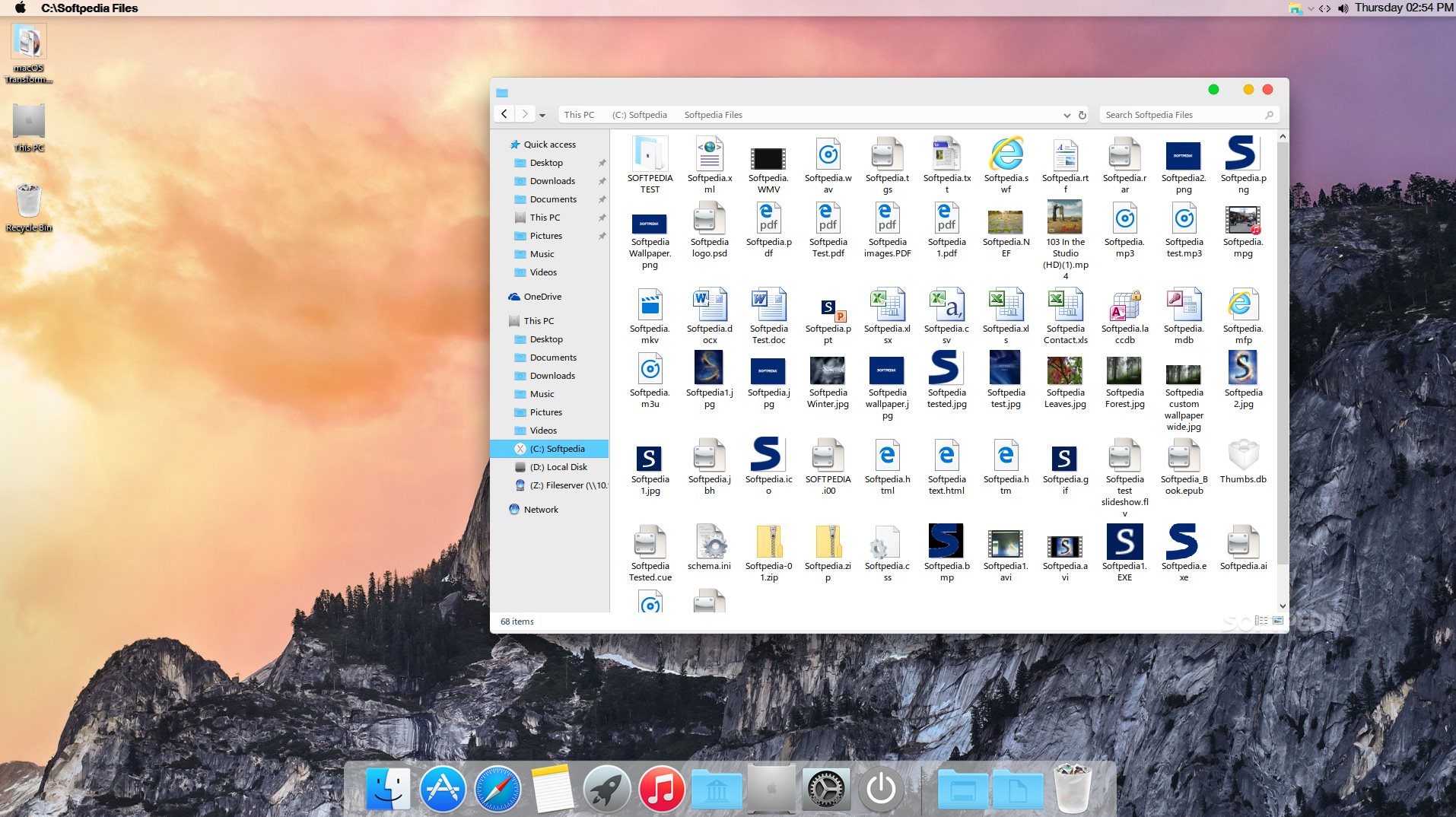
If you love the way the macOS Transformation Pack looks but still want to keep using Windows computer, then all you need is the right app.
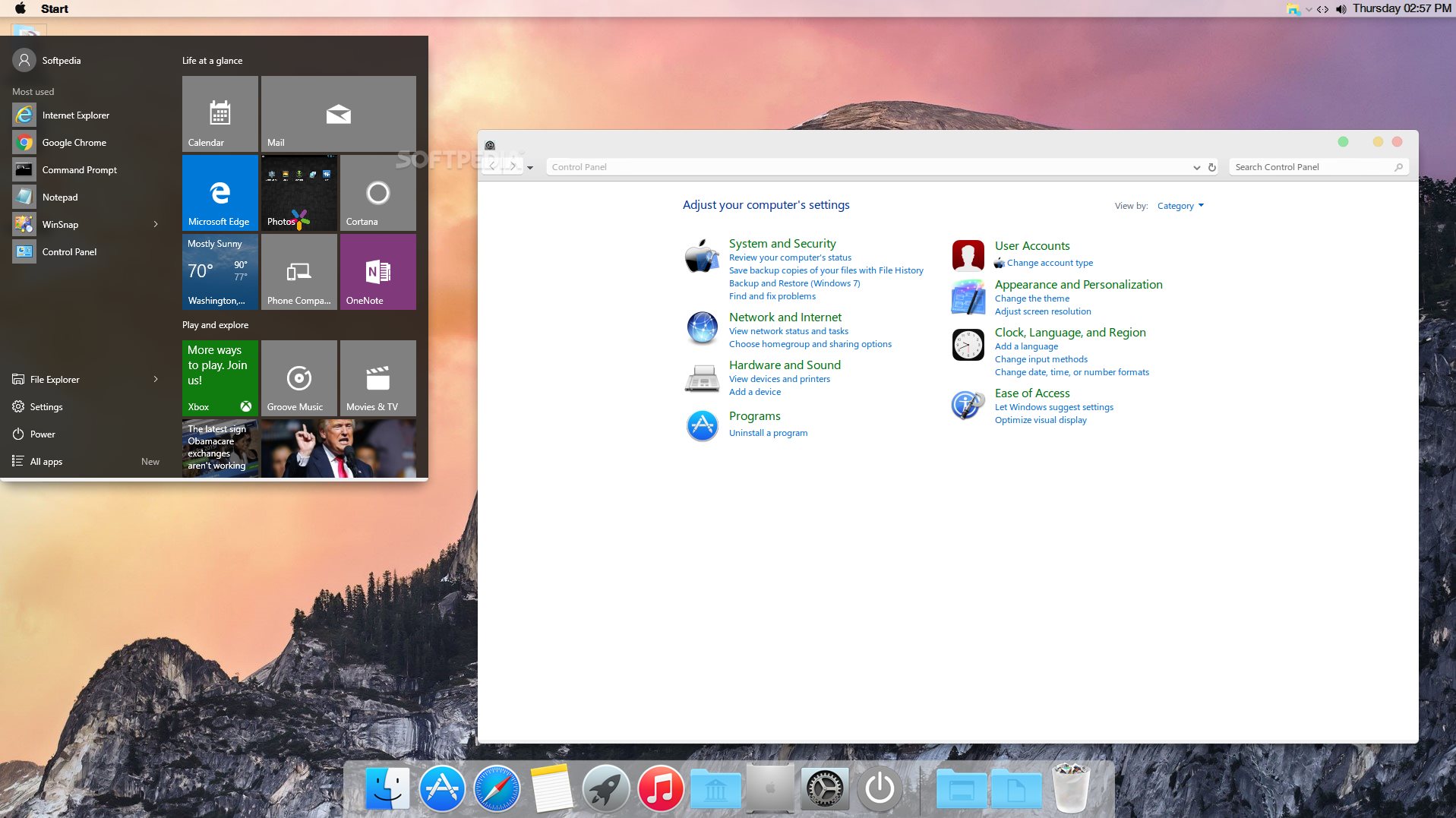
It's a theme pack that mimics the appearance of macOS, providing you with rich Apple features and plenty of customization settings to personalize your desktop in any way you see fit.
The macOS theme pack includes a login screen, wallpapers, themes, fonts, cursors, icons, sounds, finderbar, dock, spaces, dashboard, and launchpad.
This kit simply transforms the aspect of your operating system in an elegant manner, basically installing a new skin. What should be mentioned is that it does not actually install any Apple-related applications, although some of its shortcuts may indicate this.
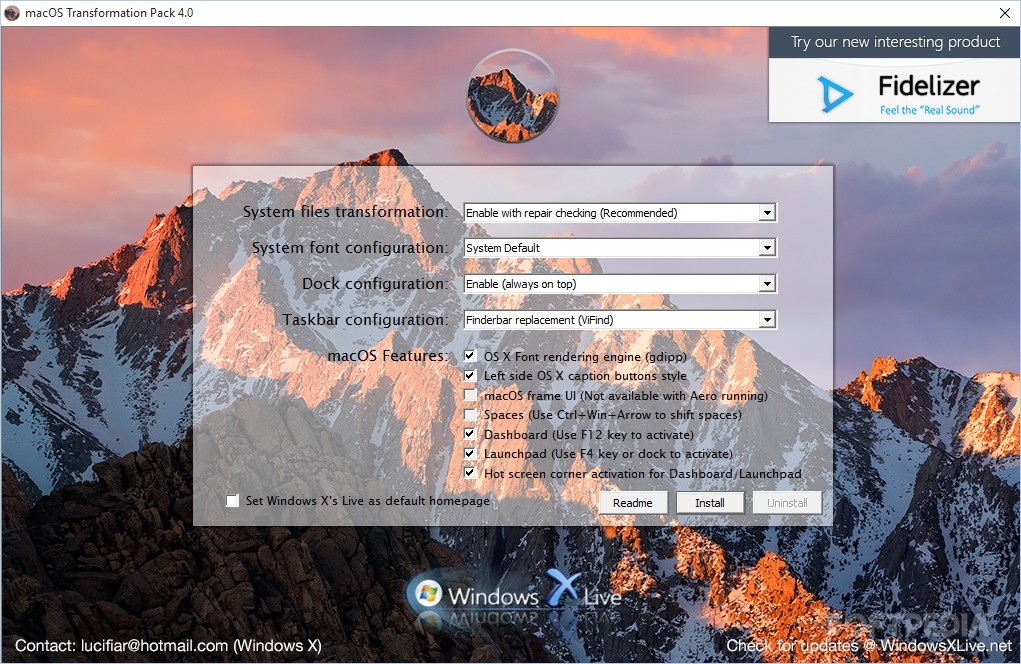
Initially, it's necessary to customize some settings and decide how the skin will look like. There aren't too many options available, but you can control some of its aspects, such as the screen corner activation mode, font style, along with the dock and taskbar.
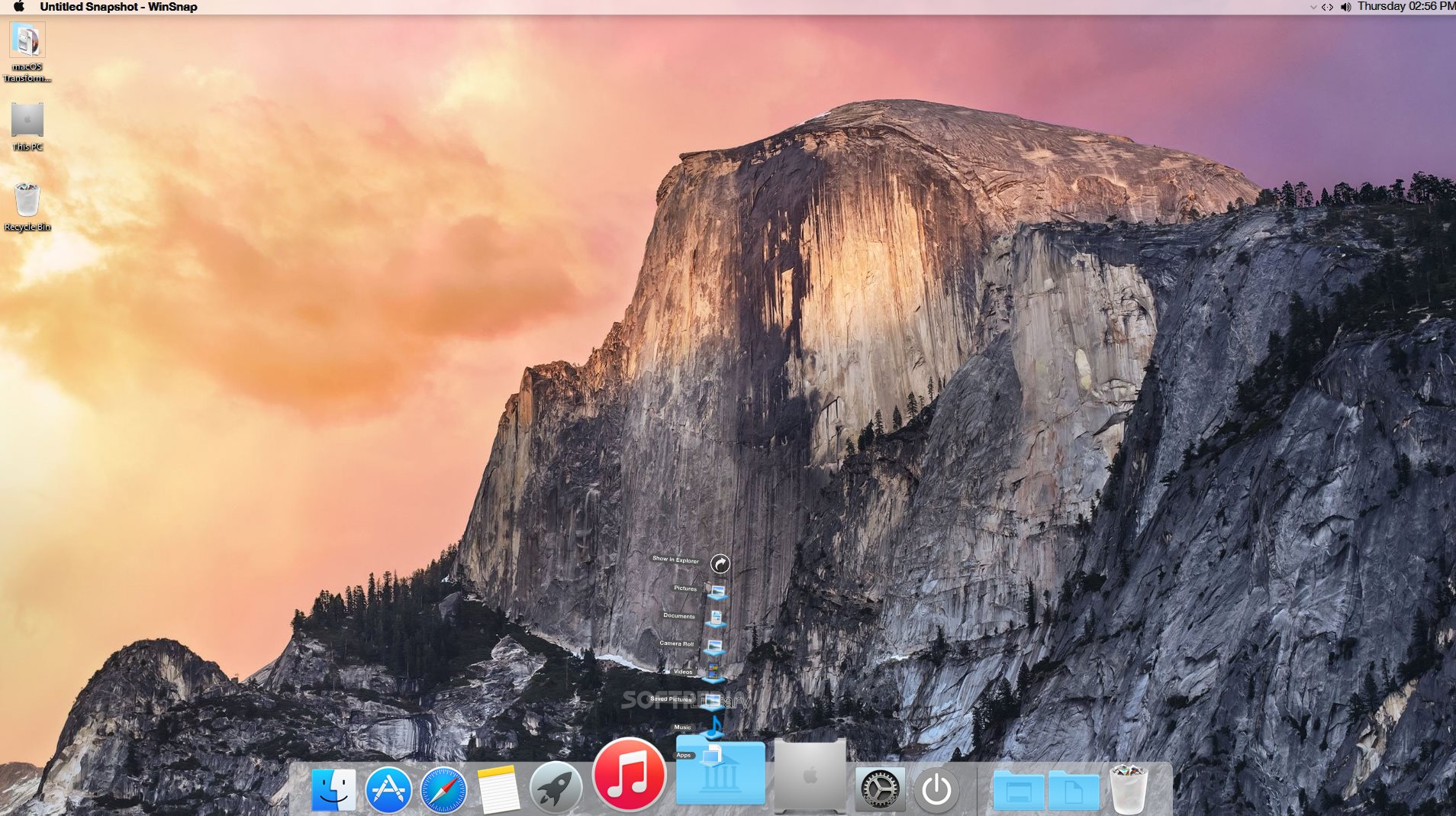
The dock contains shortcuts to some locations on the disk like "Favorites" and "My Computer", as well as to some software applications such as the default web browser, text editor and media player. "Recycle Bin" can be found in the same place.
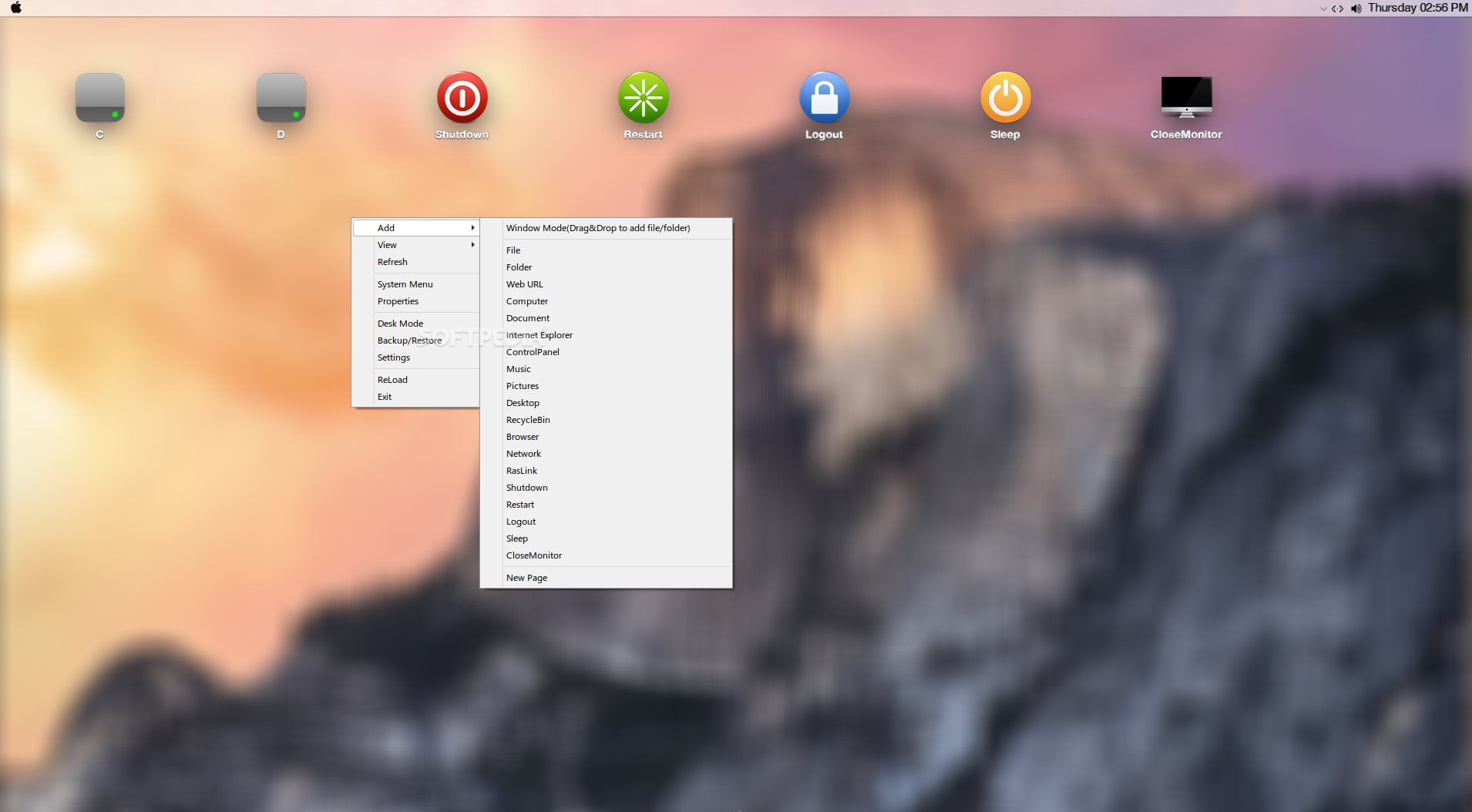
These shortcuts can be removed while new ones can be added with files, apps, URLs, and so on.
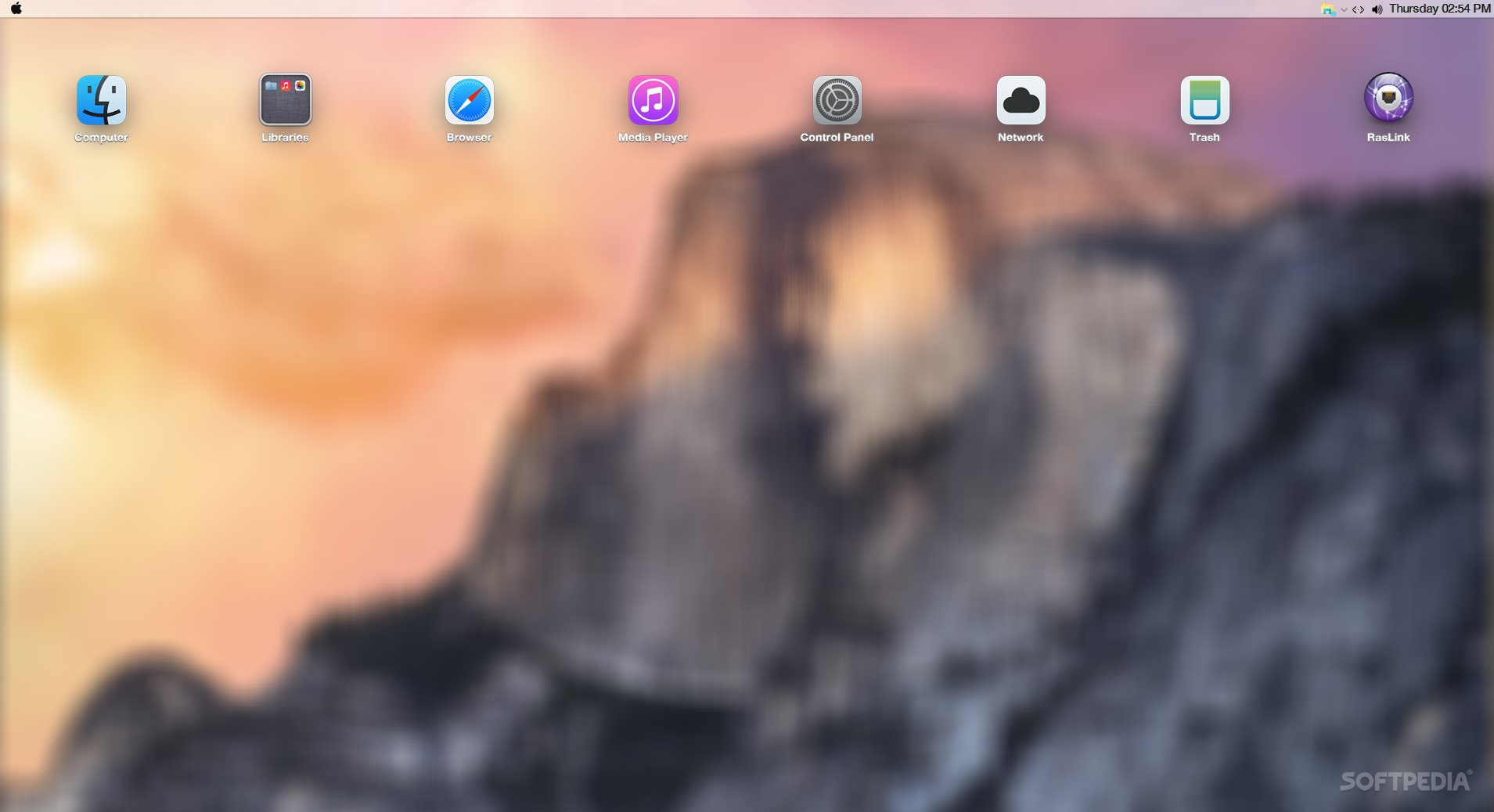
macOS Transformation Pack comes loaded with numerous wallpapers to choose from. It also contains the macOS launchpad that permits you to create pages with numerous files and apps for quick access.
A rich set of configuration options can be altered, and the transformation can be applied to multiple editions of Windows.
MacOS Transformation Pack is a great way to change the look of your operating system, although it needs to work on some bugs and stability issues. Whether you’re a Mac fan and want to have your desktop look the same on your Windows computer, or simply want to try out a new interface, you can try this app.
macOS Transformation Pack 5.0
add to watchlist add to download basket send us an update REPORT- runs on:
-
Windows 10 32/64 bit
Windows 8 32/64 bit
Windows 7 32/64 bit
Windows Vista 32/64 bit
Windows XP 32/64 bit - file size:
- 135 MB
- filename:
- macOS Transformation Pack 5.0.rar
- main category:
- System
- developer:
- visit homepage
Zoom Client

4k Video Downloader

ShareX

Windows Sandbox Launcher

calibre

7-Zip

Context Menu Manager

IrfanView

Microsoft Teams

Bitdefender Antivirus Free

- IrfanView
- Microsoft Teams
- Bitdefender Antivirus Free
- Zoom Client
- 4k Video Downloader
- ShareX
- Windows Sandbox Launcher
- calibre
- 7-Zip
- Context Menu Manager