
This application gives your 2000/XP operating system the cool look of Microsoft Windows Vista and you may choose which elements are to be copied on your computer. #Vista look #Change look #Enhance Windows #Vista #Enhancement #Look

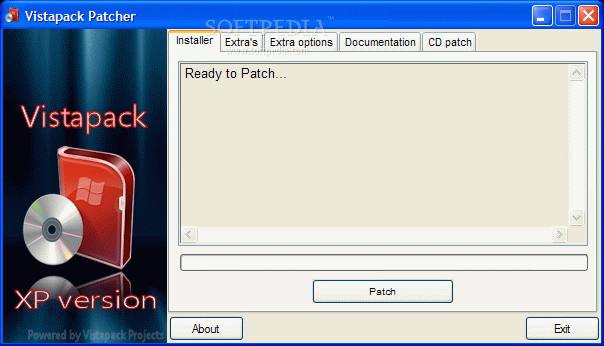
An eye-candy interface is a must have nowadays, not only to boost performance, but also if you intend to make the whole working experience a lot more pleasant. Windows XP users are somewhat left behind, since newer versions of the operating system provide a lot more customization options, not to mention the way they look.
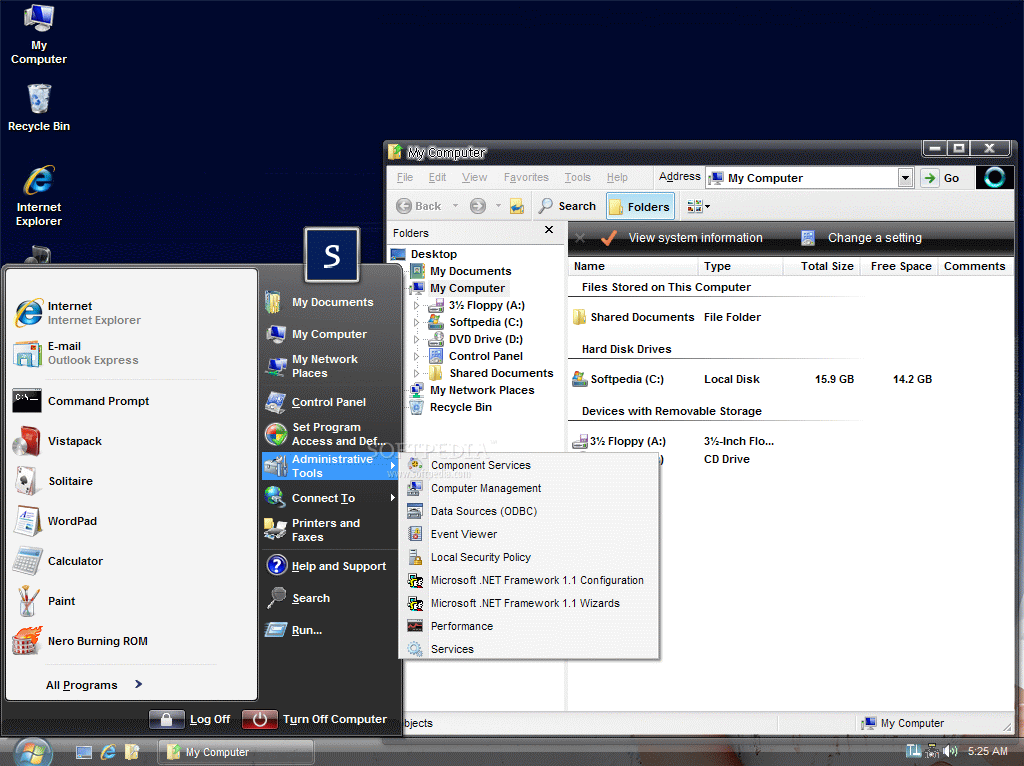
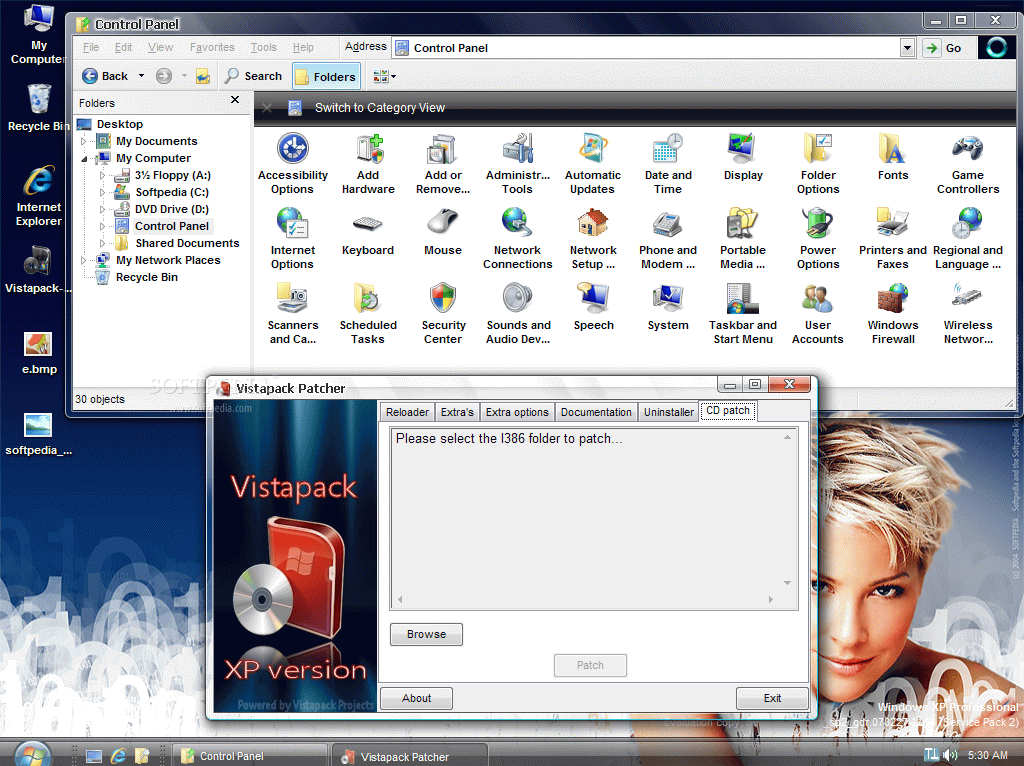
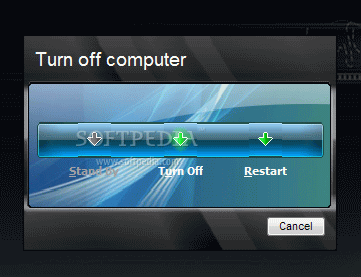
Well, those who want to make their Windows XP machines look like Vista can do that using software like Vistapack, which is a whole suite of enhancements that change most of the operating system’s appearance.
Before starting the installer it is recommendable to create a restore point because in some cases this kind of software apps might break down Windows, so it is better to stay on the safe side.
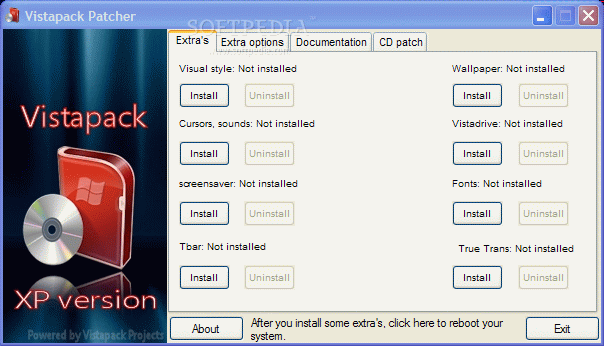
Installation is actually the most important process when working with Vistapack because this is the moment when you have to choose which elements are to be copied on your computer. Besides the main files, you can also install the Vista cursors, screensavers, wallpapers and fonts, so your experience gets closer to the genuine one.
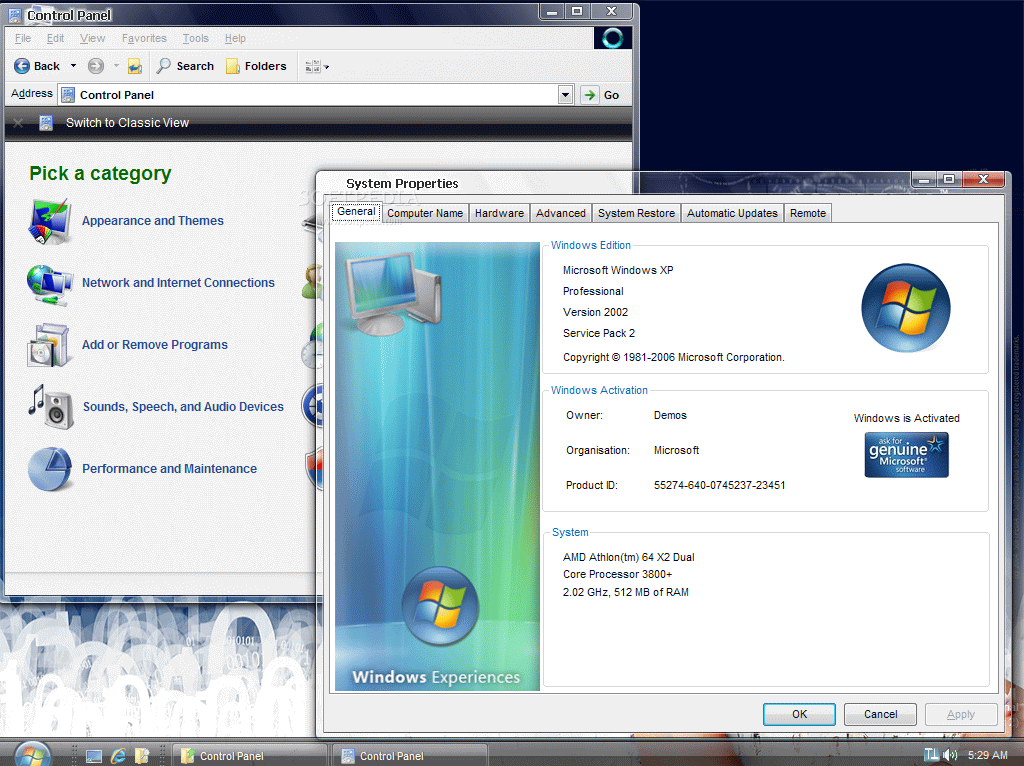
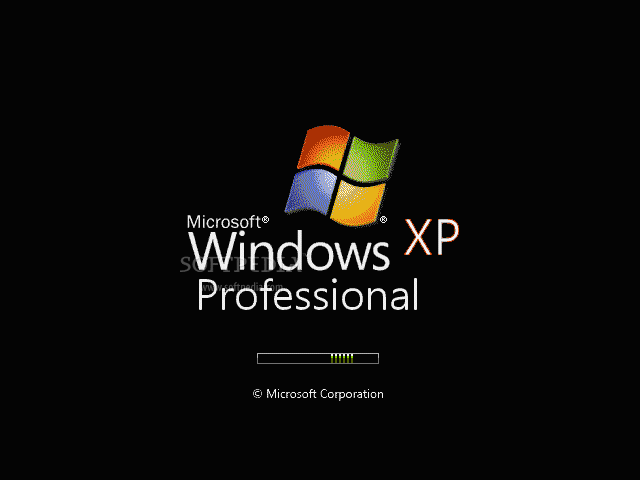
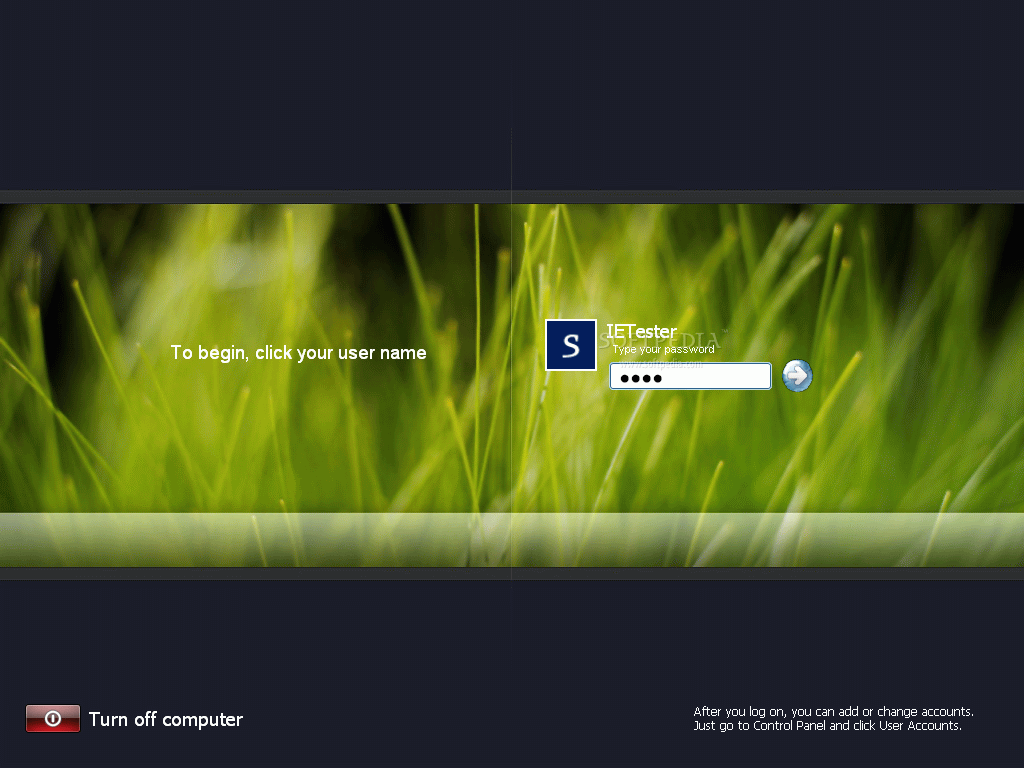
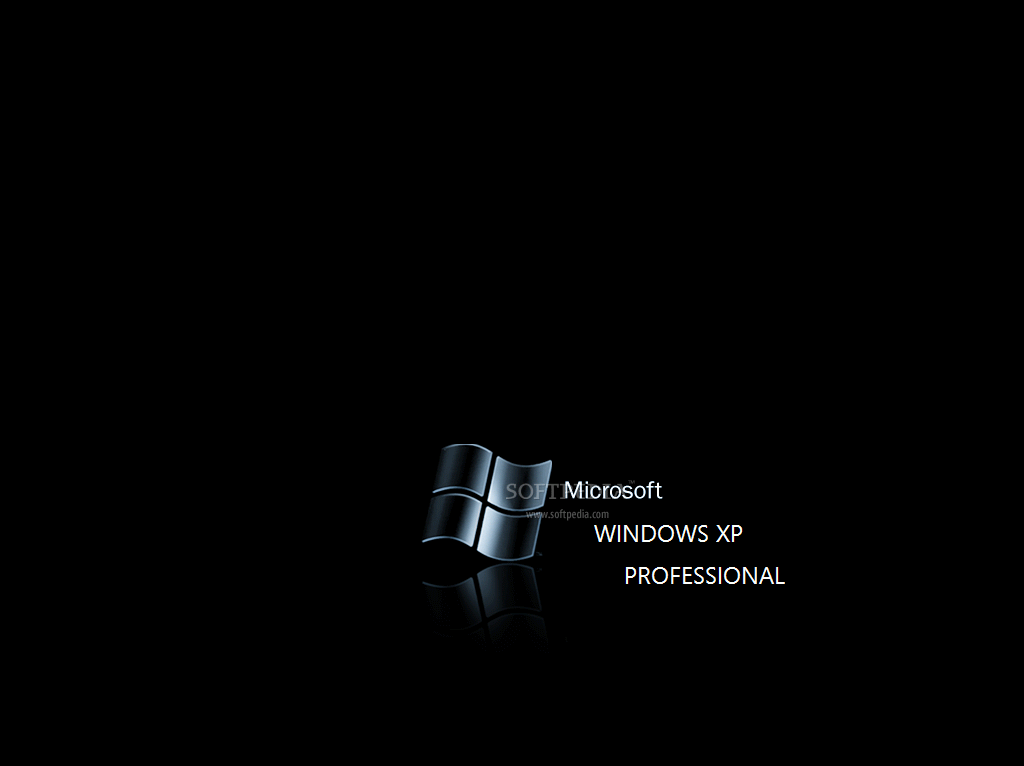
Once you make the selection, everything works like a charm and your XP testing machine gets a new and fancy look. The result does look great, but it might slow down Windows a little bit on older machines.
Unlike some other similar software app, Vistapack also brings the Aero experience to XP, thus offering you the chance to appreciate the new look to its full value.
Typically, the removal process also works smoothly, but, as previously mentioned, it is better to have a restore point just to be sure nothing goes wrong.
Vistapack is one of the tools to be considered when looking to pimp your Windows, but it is always better to try the newer Windows if you still fancy about its interface.
What's new in Vistapack 2.6:
- Changed the icon overlay icon, made smaller
- Changed some icons in the wmploc.dll
- Changed the explorer flag bmp
- Fixed a huge bug which caused a IE7 update to install time and time again
Vistapack 2.6
add to watchlist add to download basket send us an update REPORT- runs on:
-
Windows XP
Windows 2K - file size:
- 19.4 MB
- filename:
- Vistapack-XP.zip

- main category:
- System
- developer:
- visit homepage
Windows Sandbox Launcher

Bitdefender Antivirus Free

7-Zip

ShareX

Zoom Client

paint.net

calibre

Microsoft Teams

IrfanView

4k Video Downloader

- Microsoft Teams
- IrfanView
- 4k Video Downloader
- Windows Sandbox Launcher
- Bitdefender Antivirus Free
- 7-Zip
- ShareX
- Zoom Client
- paint.net
- calibre