|
|
|
User Rating: Rated by: |
Very Good (4.0/5) 351 user(s) |
|
|
|
Softpedia Editor's Review for AIDA64 Business Edition (EVEREST)
|
An essential Windows network management solution for small and medium scale enterprises
Written by Bogdan Popa on December 19th, 2011
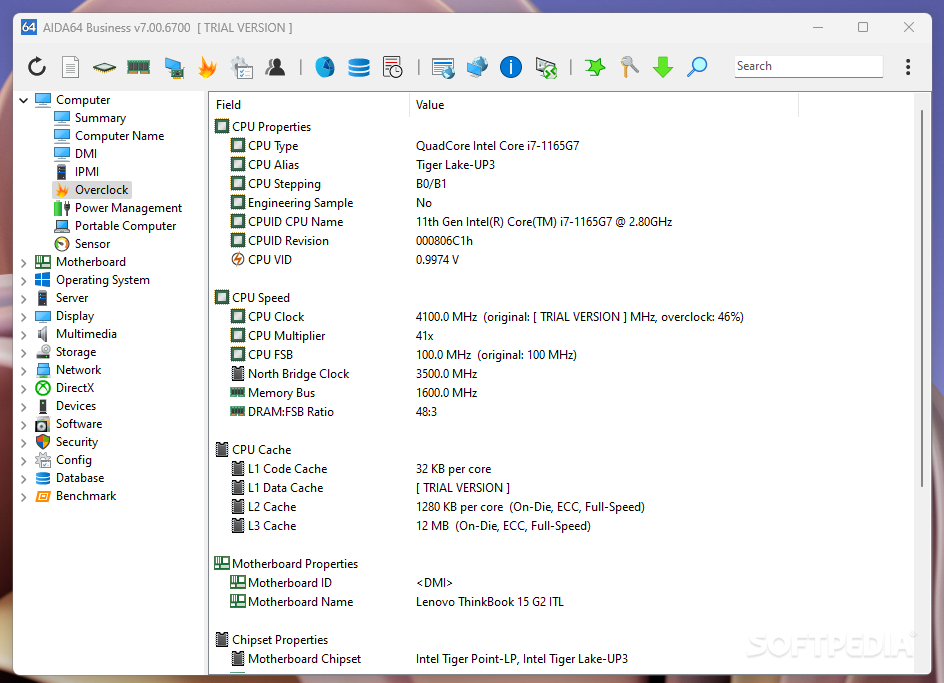
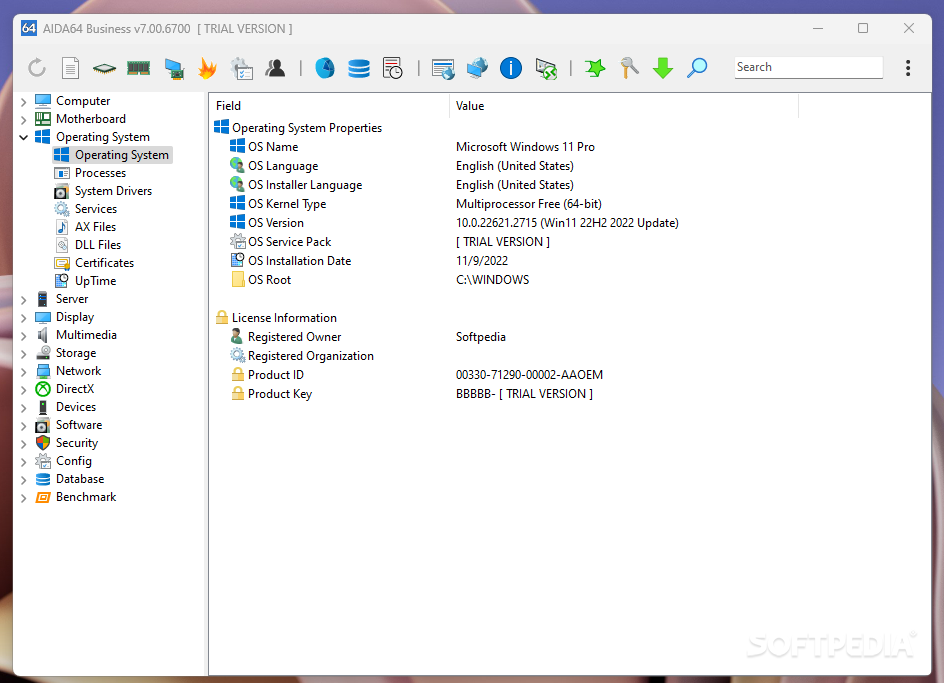
Formerly known as Everest, AIDA64 comes as a very advanced software solution designed to tell you everything about your computer, including information regarding the motherboard, the operating system, the multimedia or display devices, the installed software and many others.
Additionally, the Business Edition tag in its name is the living proof that this tool is also prepared to work in large corporate environments where it can investigate the whole network.
At the first glance, the app might look a bit overwhelming. The main window, which by the way is pretty clean and easy to use once you know what you need, has a lot of options, a fact that perfectly demonstrates how powerful AIDA64 Business Edition actually is.
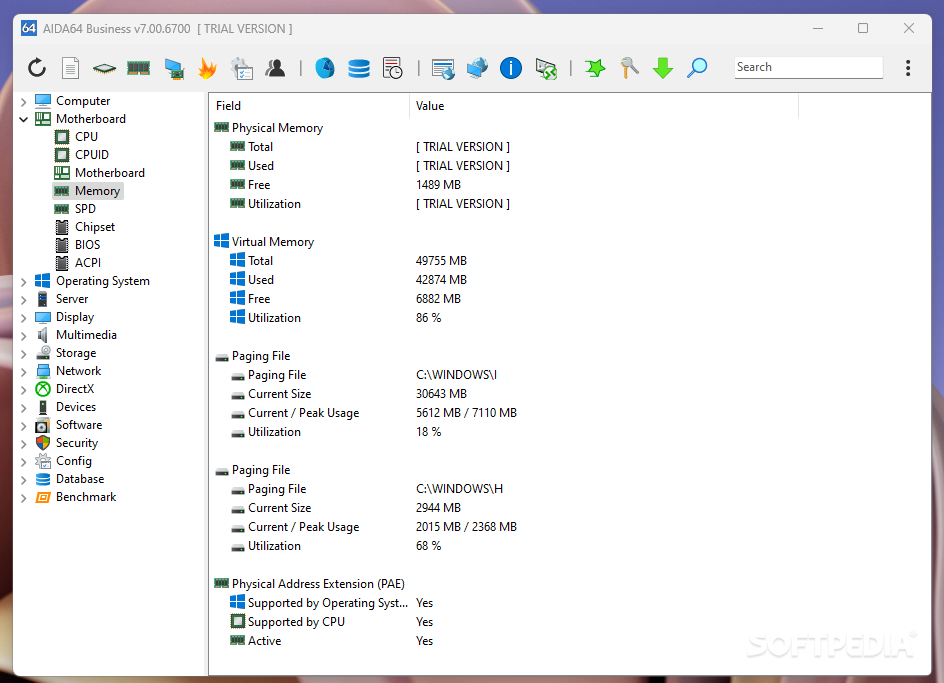
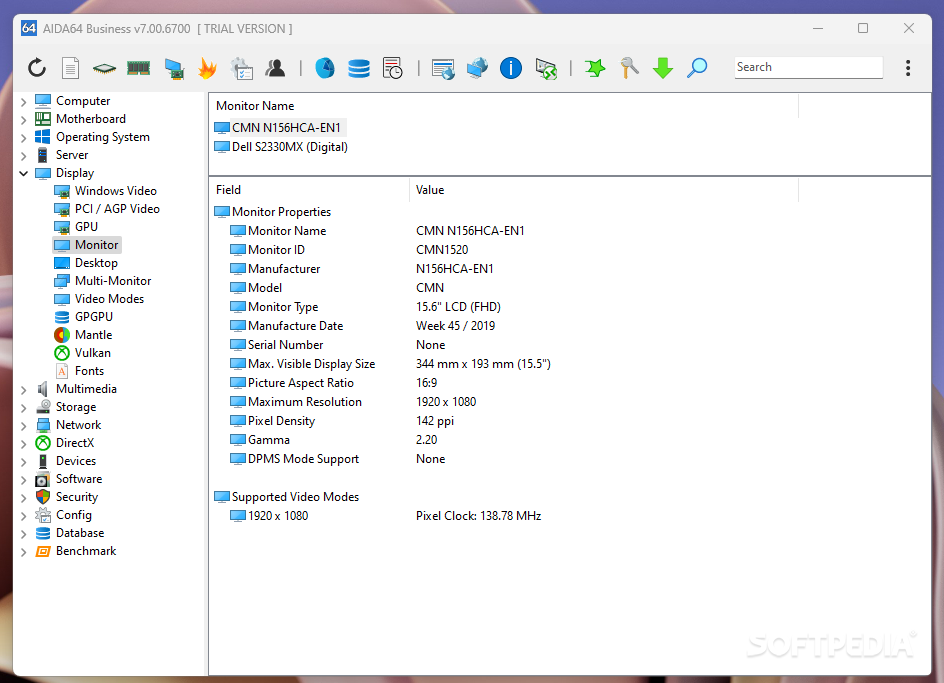
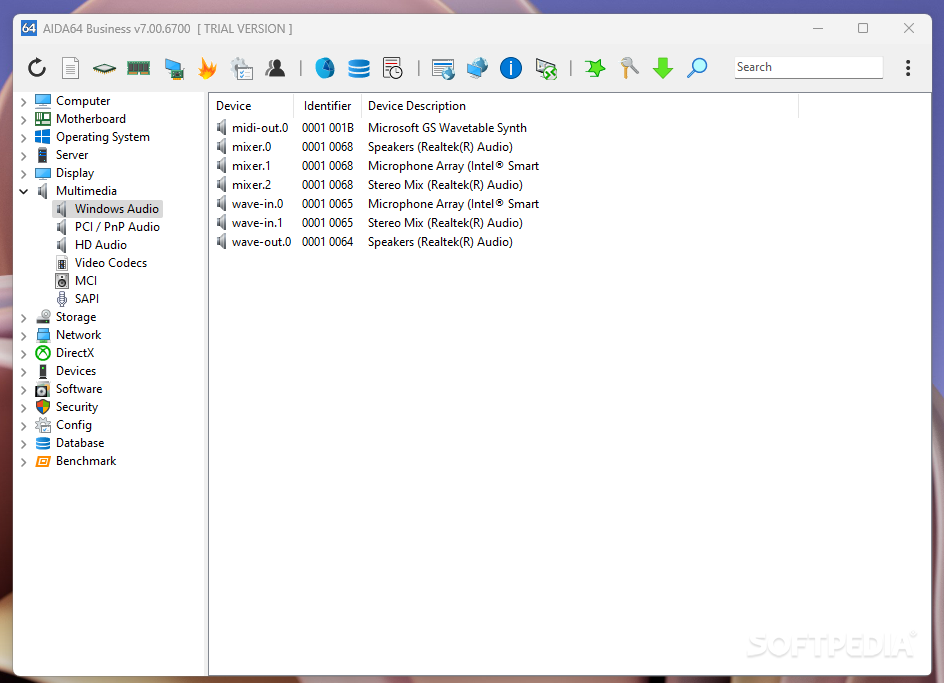
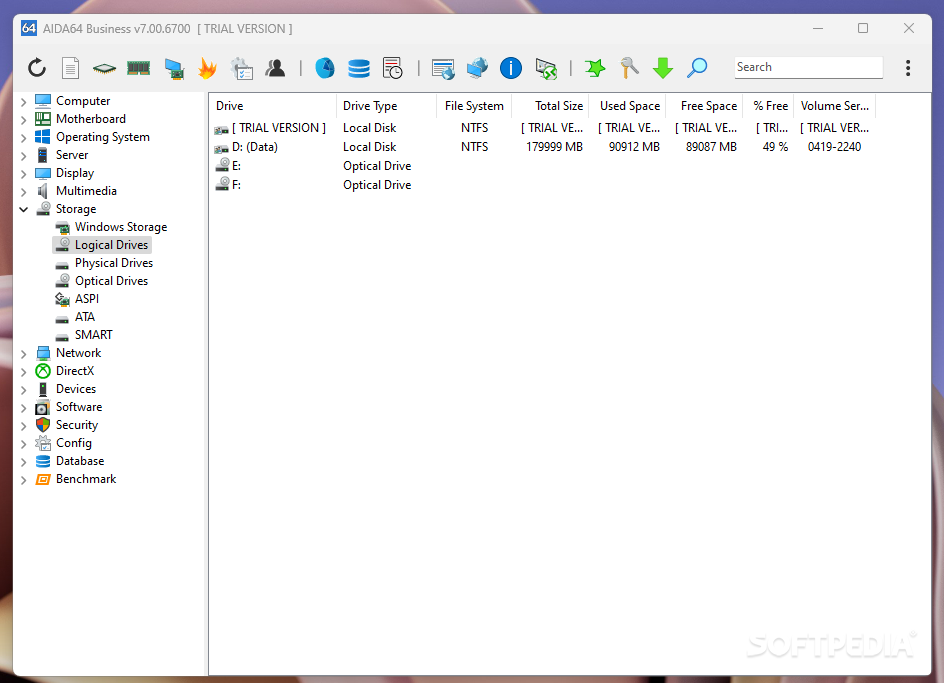
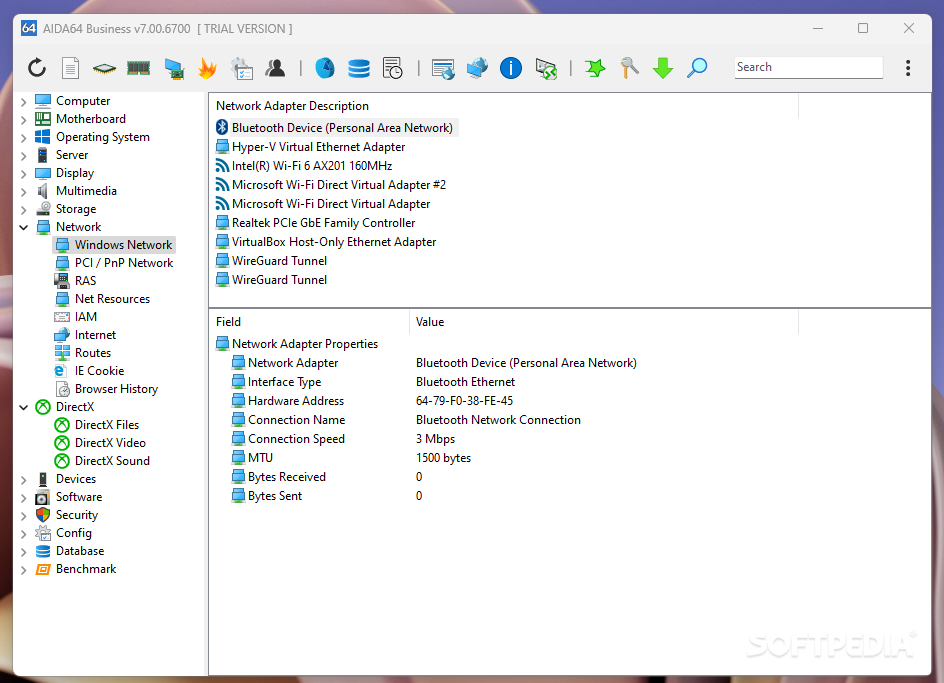
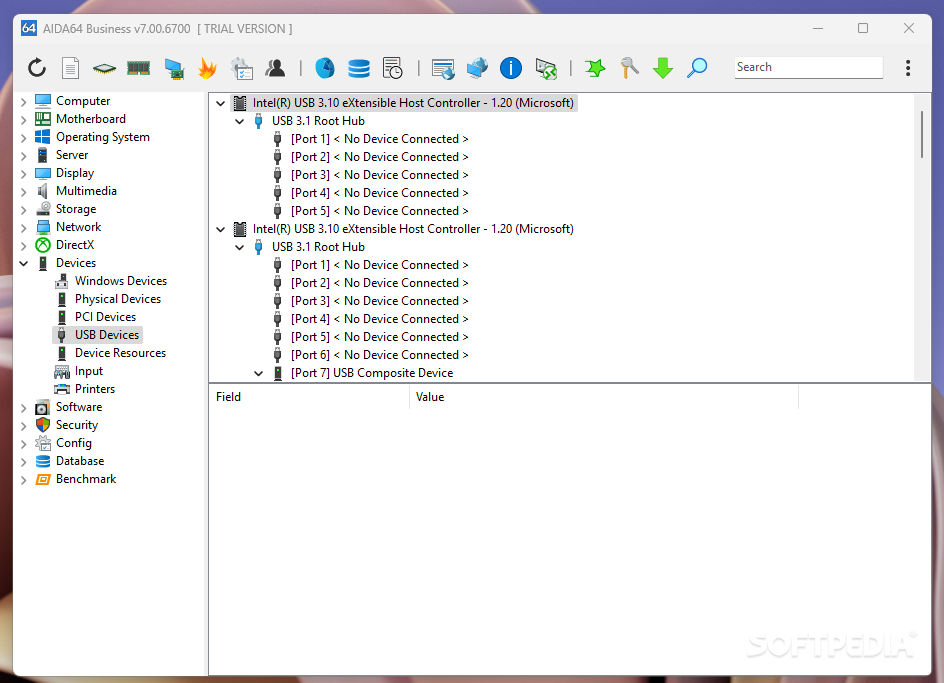
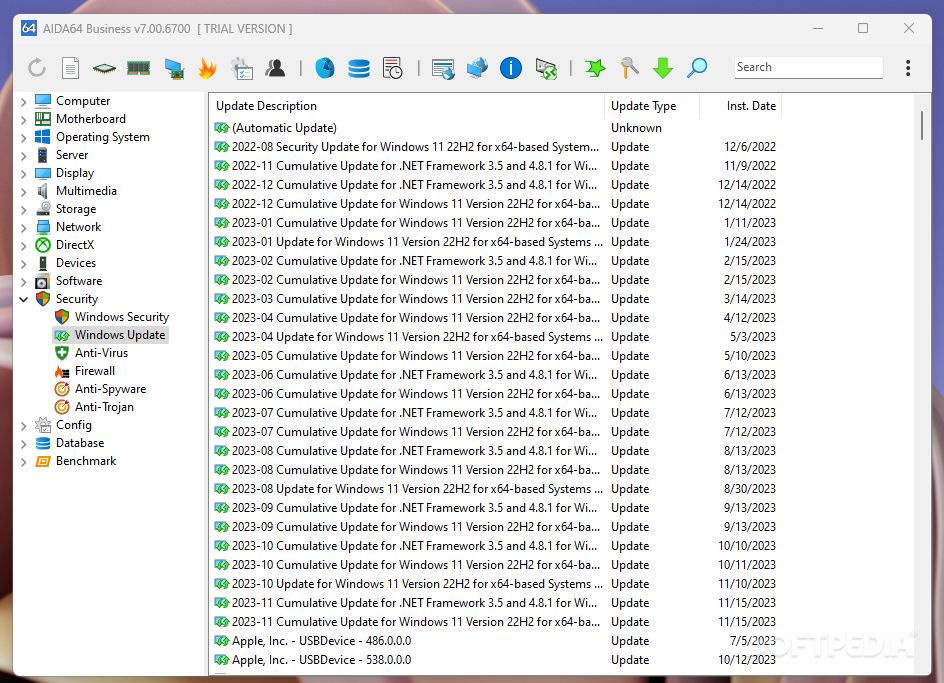
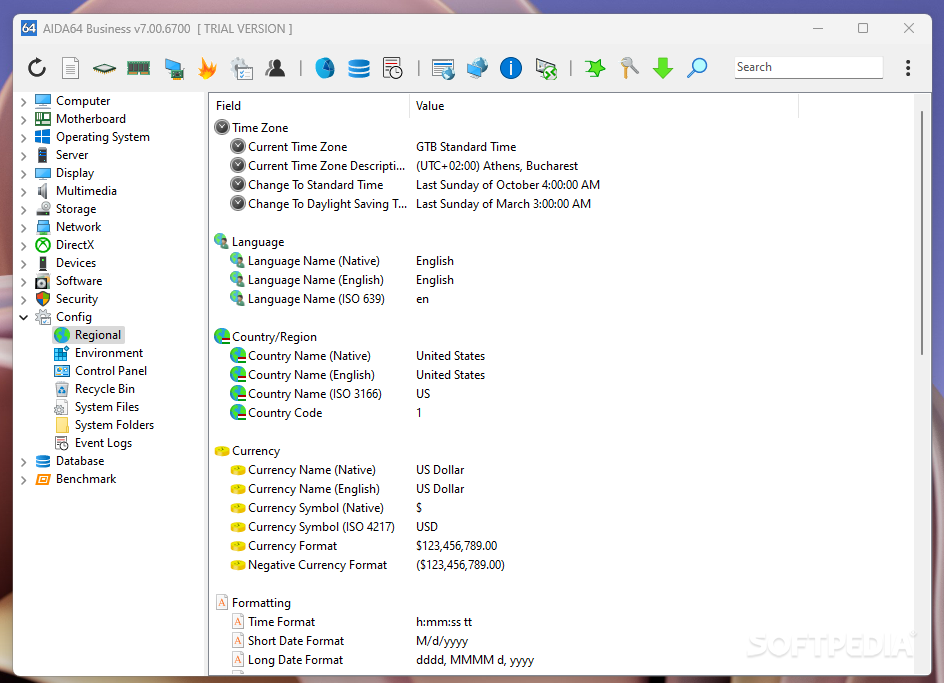
The application can get inside every single part of your computer and bring your valuable information about what’s underneath the case, regardless if we’re talking about the motherboard, the operating system, displays, multimedia or network.
The gigantic report is generated in just a few seconds after loading the program, so you won't have to wait much time to find out CPU physical info, motherboard manufacturer, memory bus properties, video adapter details or network address.
The amount of information this software solution provides is also its strong point, but besides all the aforementioned features, the app also includes tools to diagnose the monitor and test the system stability.
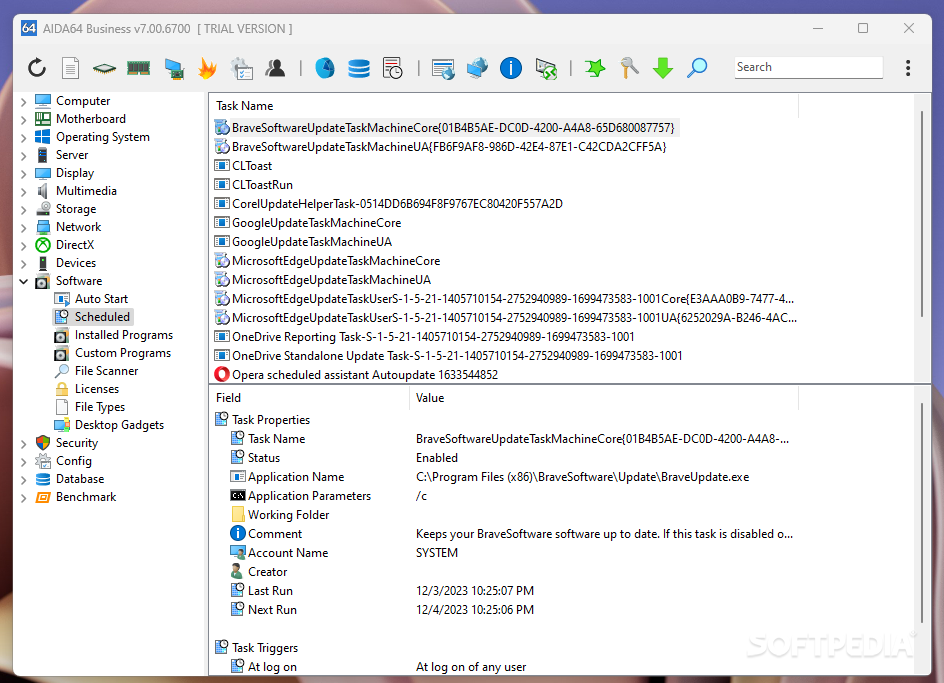
Among the things we liked we should also mention the way it provides information about the installed programs, which is great for those users who install and remove several programs every day. Double-clicking on an installed program will uninstall it, while right clicking its name will give you a few other options.
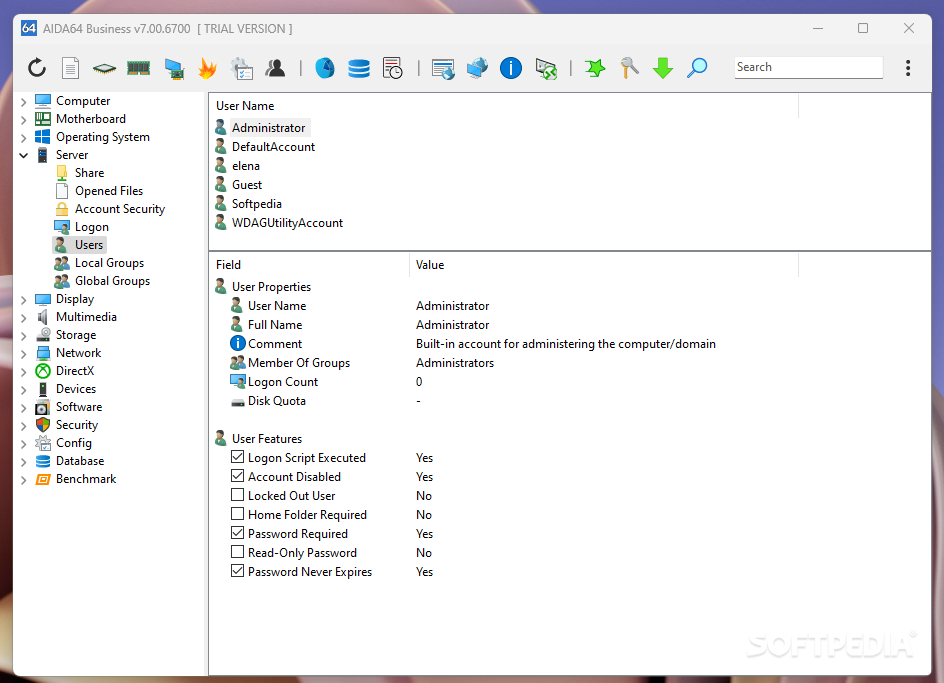
But AIDA64 hides much more than that. Since it’s addressed to businesses, it allows supports remote connections, but it can also create detailed reports to be analyzed at a later date.
The bottom line is that AIDA64 Business Edition is really worth its money, although it might seem a bit too expensive. It's still one of the best tools of its kind, so it's worth at least a try.
|
AIDA64 Business Edition (EVEREST) description
|
Here are some key features of "AIDA64 Business Edition (EVEREST)":
Generic features:
· Low-level hardware information: 46 pages
· Software and operating system information: 47 pages
· Security related information: 6 pages
· DirectX information including Direct3D acceleration features
· Diagnostics module that simplifies troubleshooting
· Tweaking features
Unique features:
· Change Manager detects all software and hardware changes in corporate networks
· Alerting warns system administrators about critical system status changes
· UpTime and DownTime statistics with critical errors counter
· Monitor Diagnostics to check the capabilities of CRT and LCD displays
· System Stability Test with thermal monitoring to stress CPU, FPU, memory and disks
· Smart Battery information
· ACPI BIOS, IPMI System Event Log, IPMI Sensor information
· Web links: IT portals, software and driver download
· Manufacturer links: product information, driver and BIOS download
· Hardware information database for over 121,000 devices
· Fully localized user interface: 35+ languages
· No installation or setup procedure required
Network audit features:
· Command-line options for automatic report creation
· TXT, HTML, MHTML, XML, CSV, MIF, INI report file formats with Report Converter
· Reports submitted via e-mail, FTP server upload, automatic compression
· Audit Manager with audit list and audit statistics + diagrams
· Custom Variables: audit Registry entries and environment variables
· Software audit: 3 different methods including file scanning
Database connection:
· Borland InterBase, Firebird, MS Access, MS SQL Server, MySQL, Oracle, PostgreSQL, Sybase database support
· Special optimizations for MS SQL Server, MySQL
· Database Manager with report file exporting/importing for AIDA64 SQL databases
Remote features:
· Secure remote connection within an IP network
· Advanced Remote Monitor monitors system status, network traffic, SMART disk health and anti-virus database status remotely
· Remote process monitoring and management
· Remote report creation with direct report transfer
· Automatic remote reporting via command-line
· Graphical Remote Control with file transfer
Requirements:
· Processor: Pentium or later
· System memory: 32 MB or more
· Required disk space to install: 10 MB
Limitations:
· 30 days trial
· Nag screen What's New in This Release: [ read full changelog ]
· anti-virus software support for Symantec Endpoint Protection v12
· Intel Processor Number detection for Celeron G550
· detection of AMD Catalyst 12.4 driver
· GPU information for nVIDIA GeForce GTX 670 (GK104)
· GPU information for nVIDIA GeForce GTX 690 (GK104)
· improved GPU information for AMD Trinity
· extended GPU information for AMD Radeon HD 7xxxM Series
· optimized Fintek sensor chip support
· improved sensor support for ThinkPad EC
· PCH temperature measurement on Intel Patsburg
· motherboard specific sensor info for Biostar A55MH, A75MH, T77, TH67, TZ68, TZ75, TZ77 Series
· motherboard specific sensor info for Gigabyte G1.Sniper 3, G1.Sniper M3 Series
· motherboard specific sensor info for MSI MS-7735
· fixed: motherboard specific sensor info for MSI MS-7760
· fixed: Custom Variables / HKLM Registry entry readout under 64-bit Windows
|
|
 | | Softpedia guarantees that AIDA64 Business Edition (EVEREST) 2.30.1929 Beta / 2.30.1900 is 100% CLEAN, which means it does not contain any form of malware, including spyware, viruses, trojans and backdoors. [read more >] |
|