
Manage startup applications, browse and kill processes, check running processes and send running applications to VirusTotal to have them checked for viruses. #Startup manager #End process #Task manager #Process #Startup #Optimize

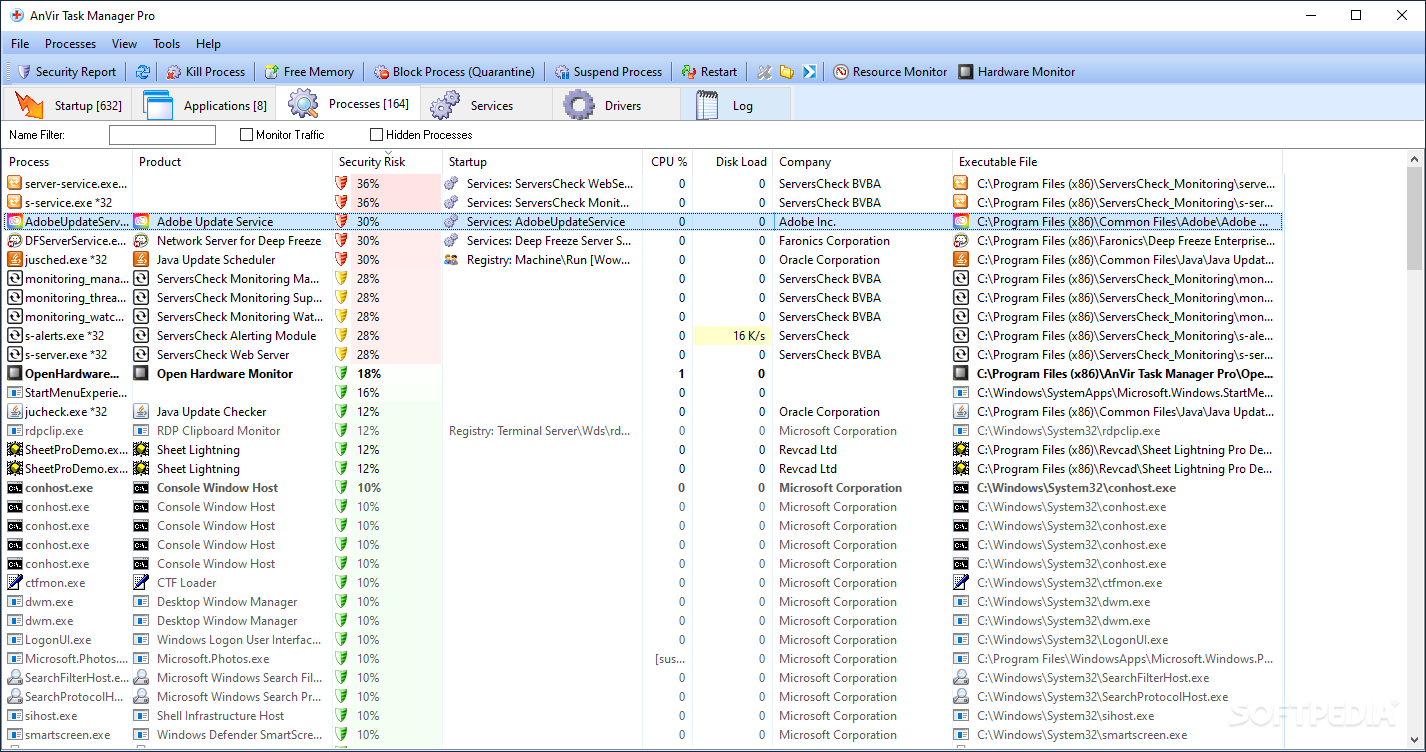
AnVir Task Manager Pro is an application suite that integrates several powerful utilities for tweaking startup entries, active applications, processes and services. It is mainly oriented toward users with at least some minimal background in system tools.
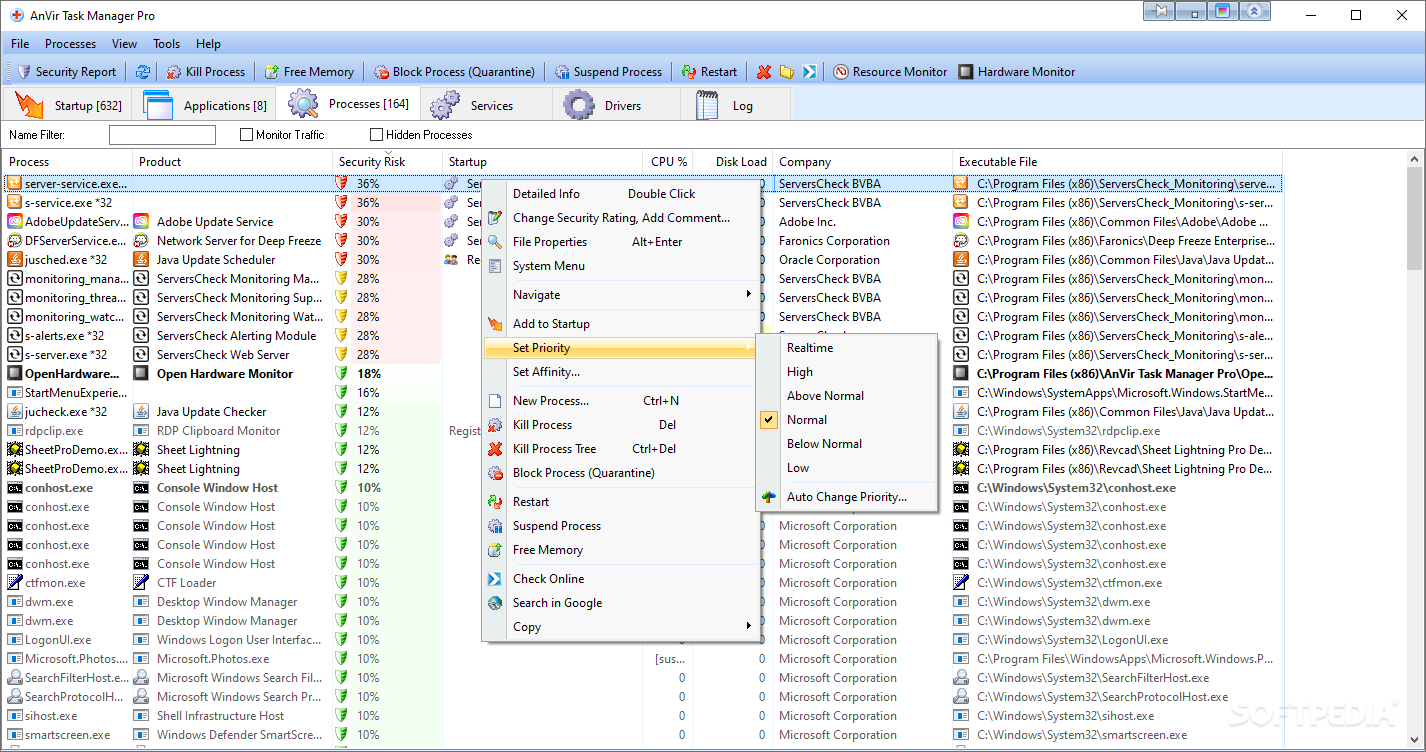
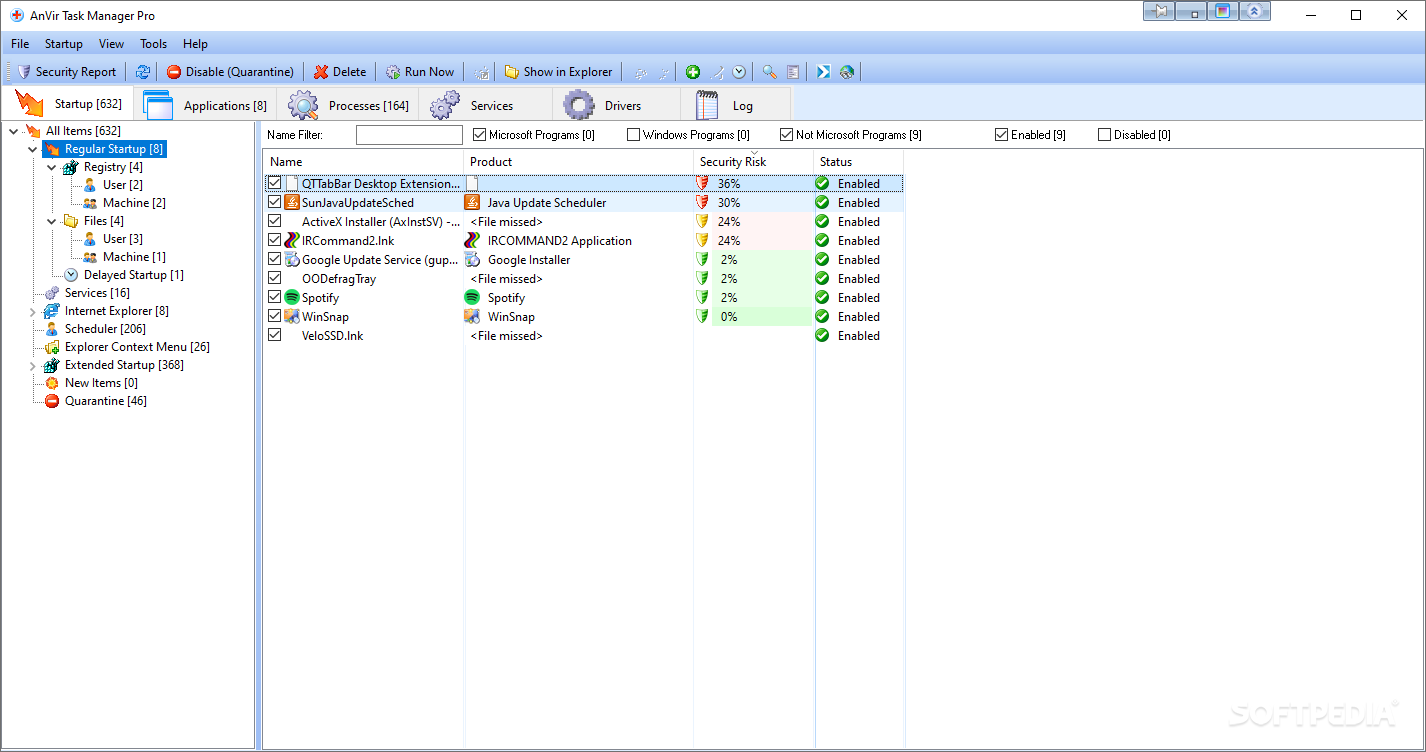
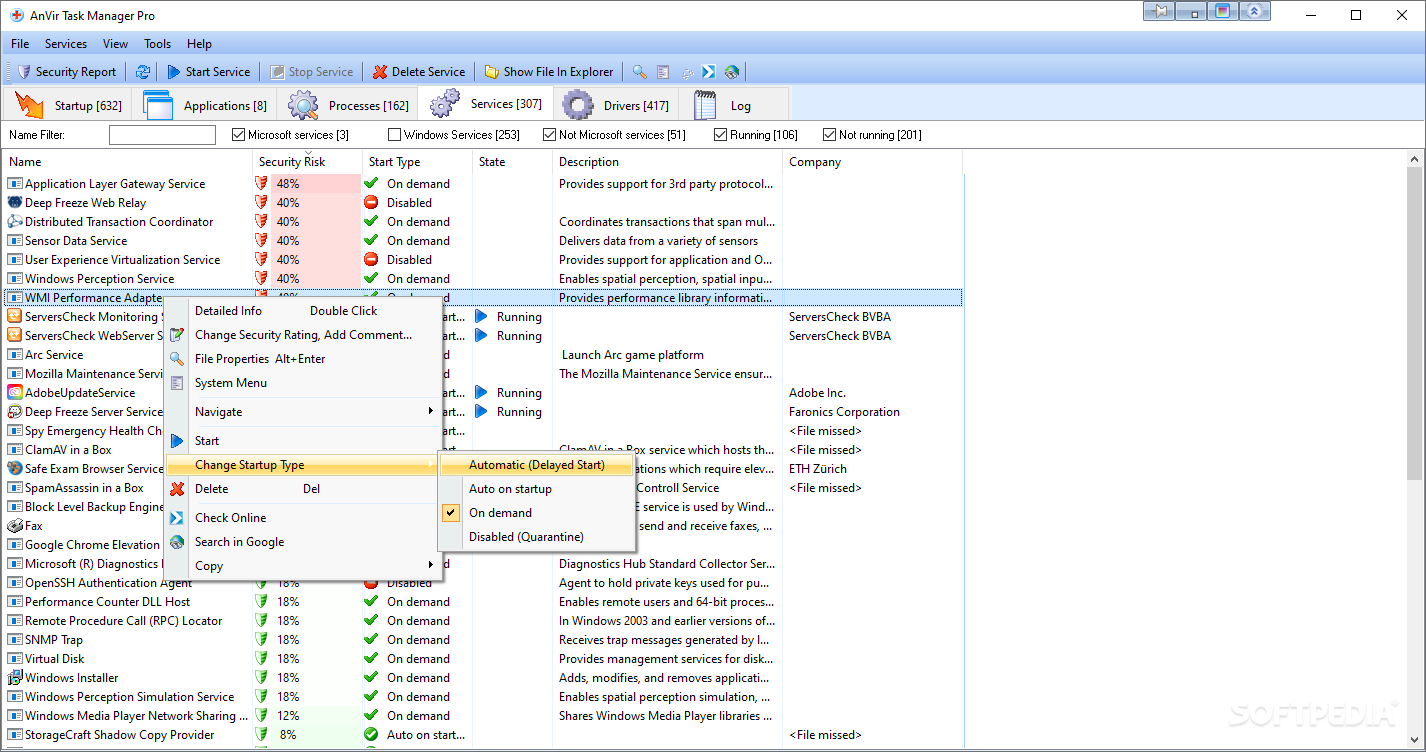
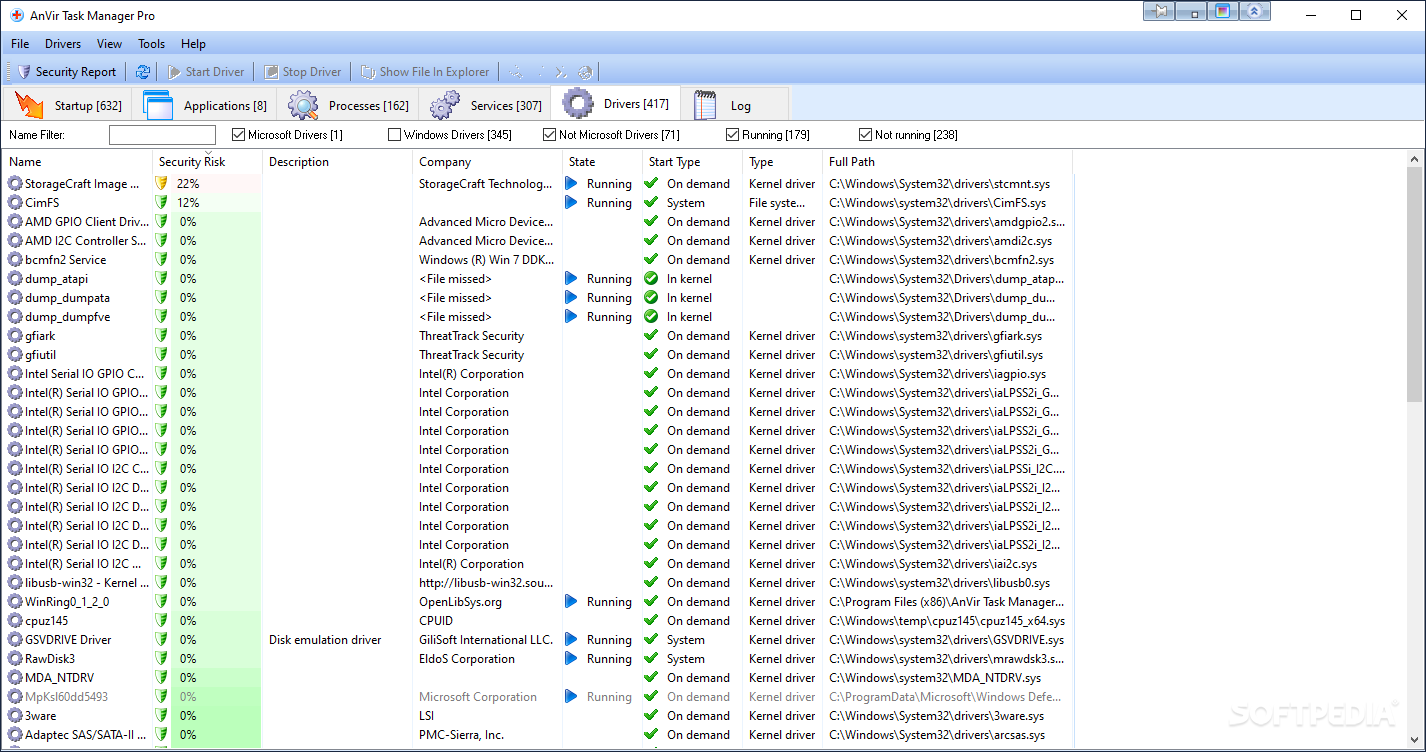
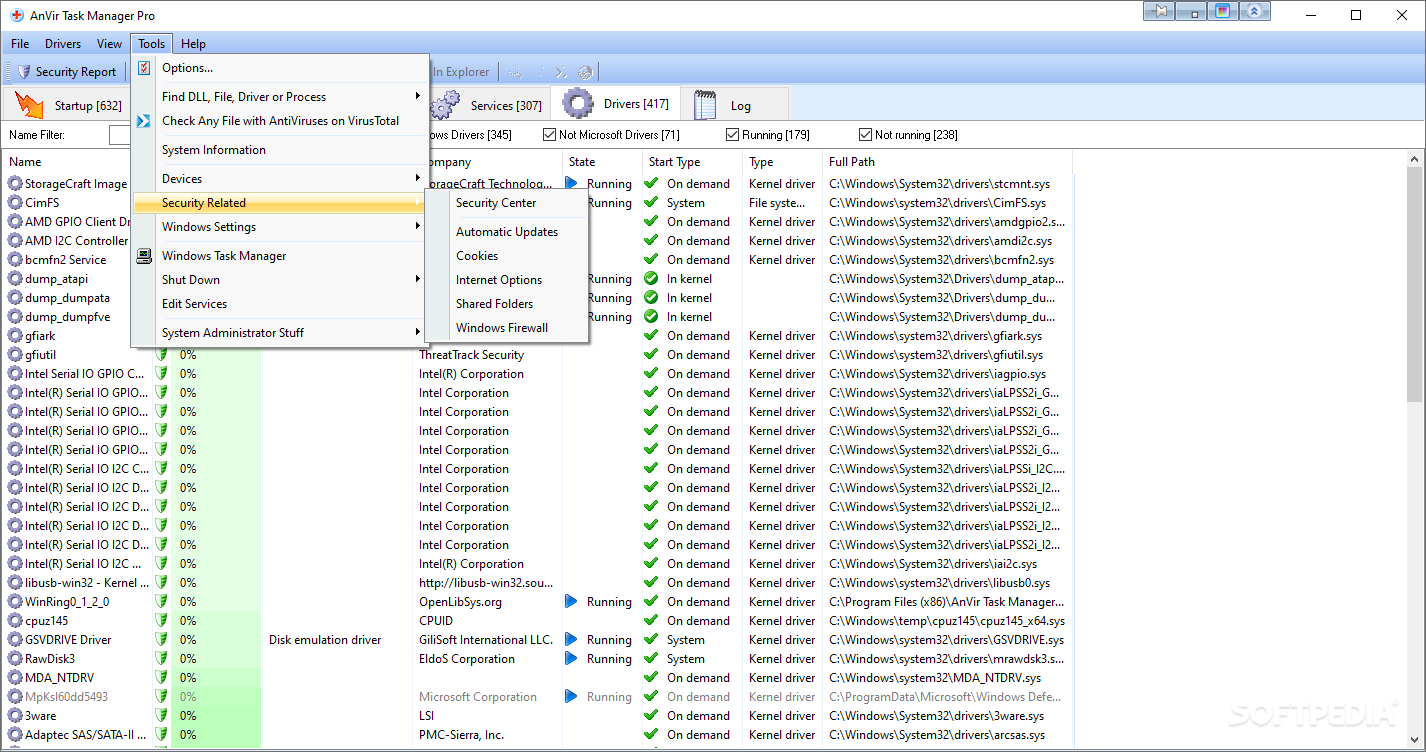
The interface of the application may seem confusing at a first glance, but the layout is put together well. You can terminate active processes, as well as add other entries to the startup sequence and filter them by type (Microsoft, Windows, non-Microsoft).
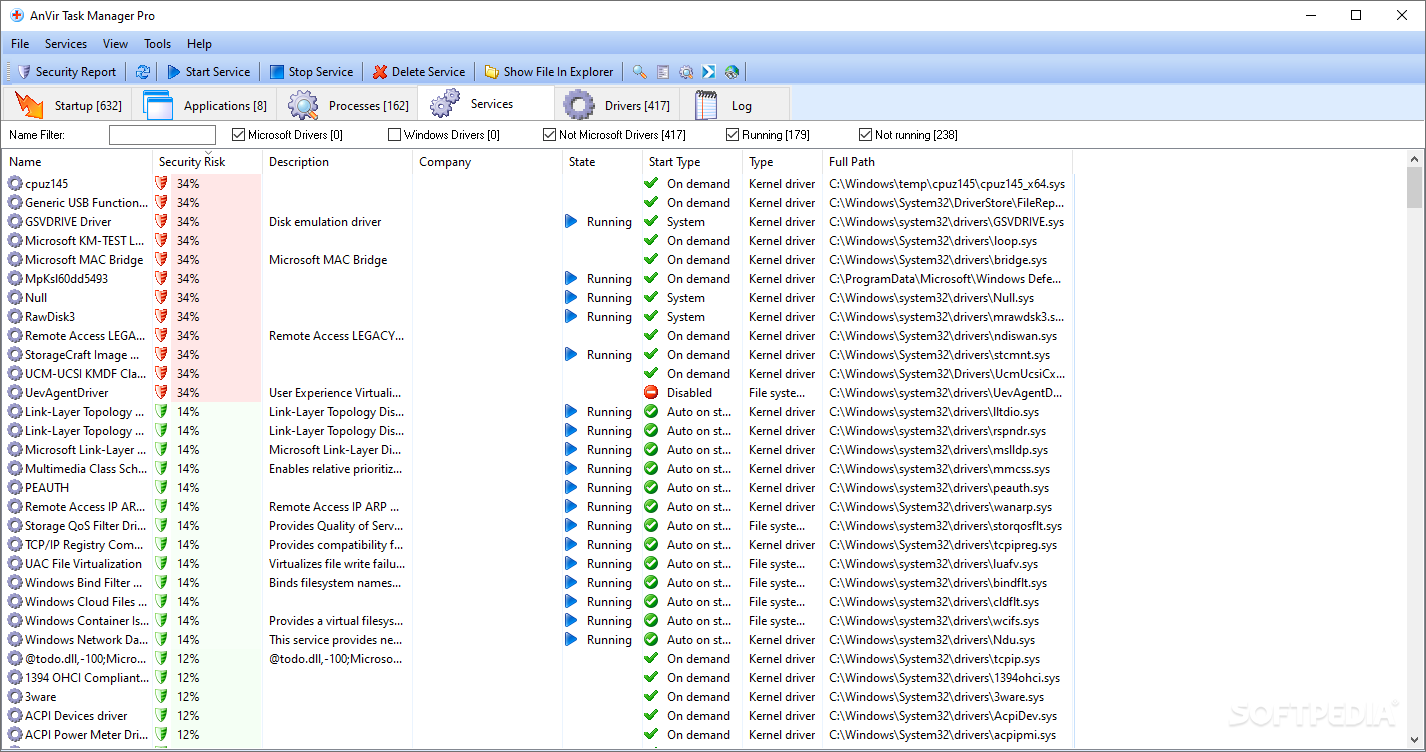
You can switch to another process, bring its window up front or minimize it to the system tray area, and perform text operations (e.g. copy text to the Clipboard). But it is also possible to find out which processes and services are high-demanding on the CPU and which present a security risk, as well as enable the app to monitor traffic and to show hidden processes.
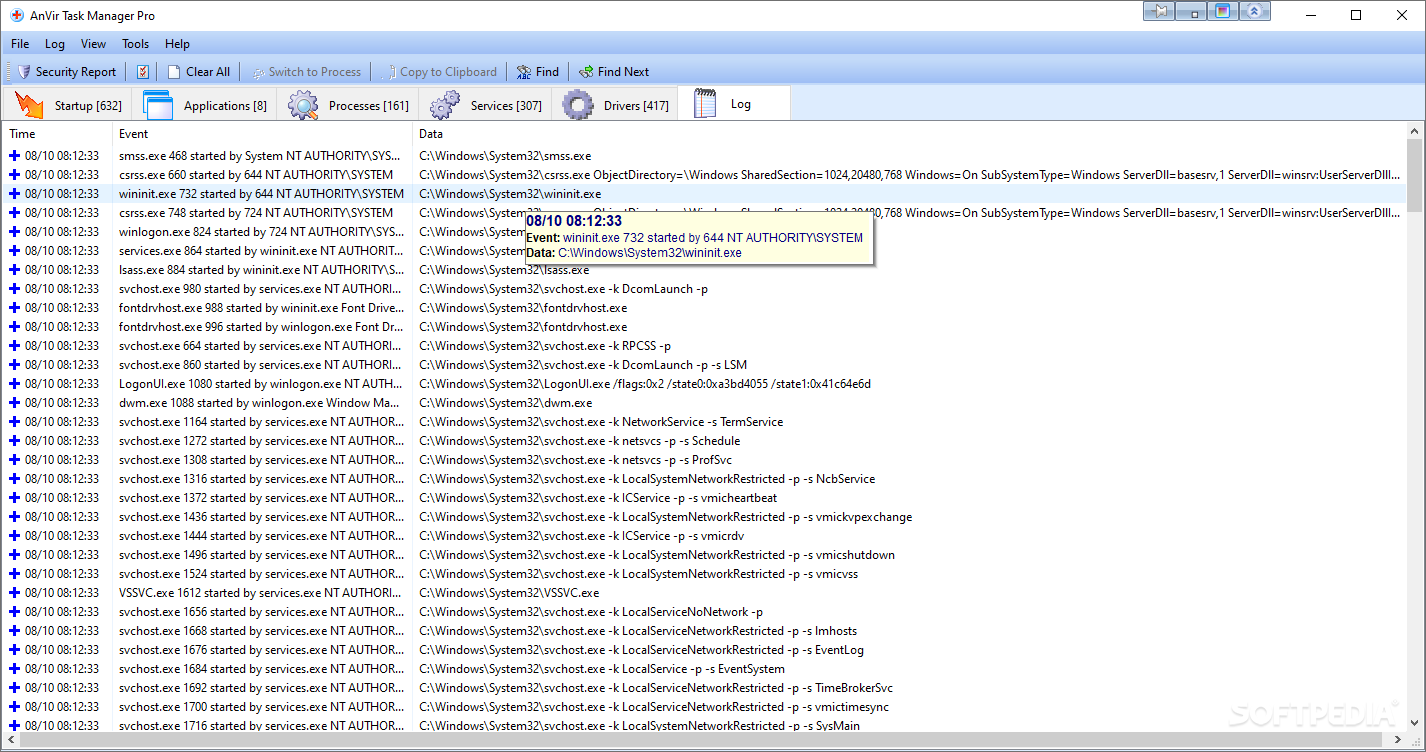
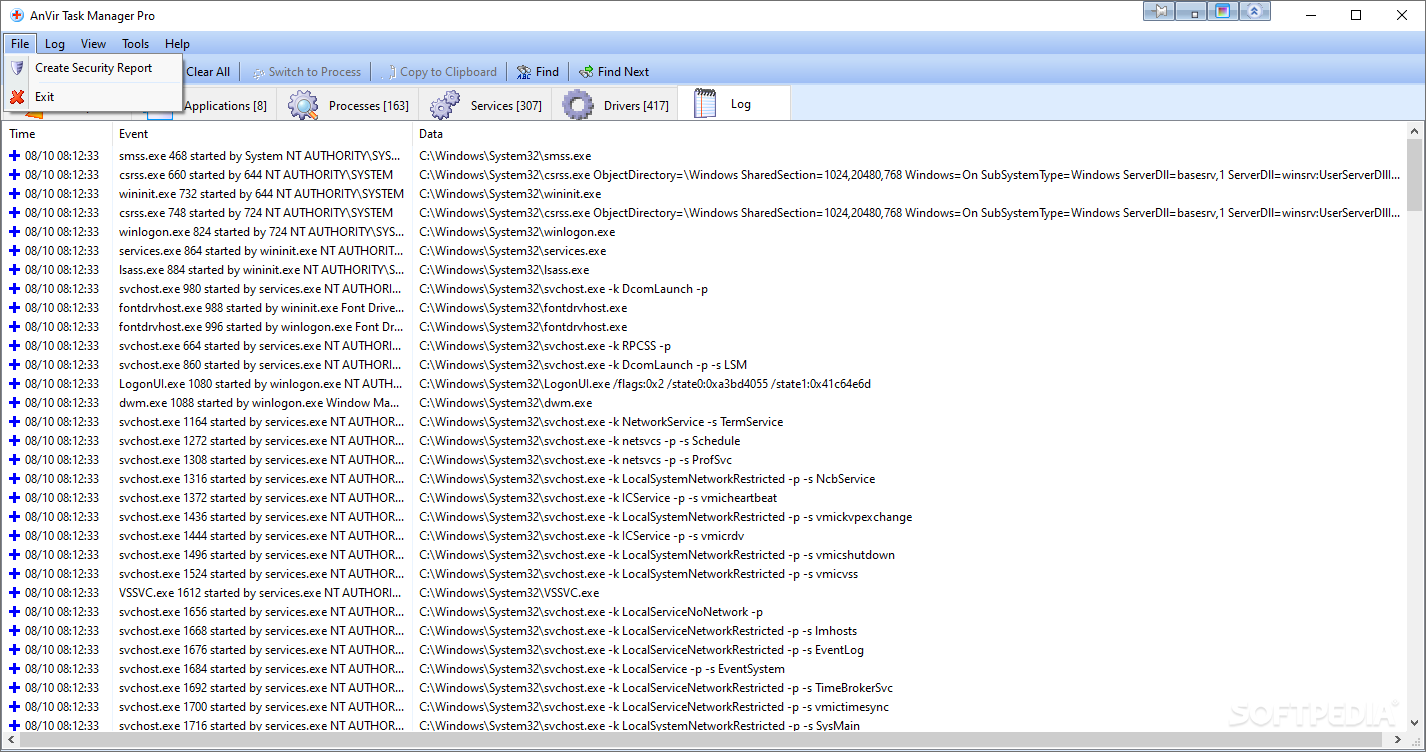
All events are marked in a log file that you can export to the HTML, TXT or LOG format. You can customize columns, choose another language for the UI, locate a particular DLL, file, driver or process, verify items for malicious agents via VirusTotal.com, quickly access power management functions and Windows devices (e.g. Device Manager, Mouse), as well as edit services, among others.
AnVir Task Manager Pro is backed by user documentation, has a good response time and requires a pretty low amount of CPU and system memory. Its frame can be set to minimize to the system tray area or to stay on top of other windows. We have not encountered any issues in our tests, since the utility did not hang, crash or pop up error dialogs.
There's another edition of the program available, called AnVir Task Manager Free. Although it's free to use, some features are limited concerning system monitoring (e.g. CPU, video card and external USB HDD temperature), security (e.g. permanently block undesired processes), computer performance (e.g. memory usage) and, evidently technical support.
What's new in AnVir Task Manager Pro 9.4.0:
- Update of CPU temperature and hardware monitoring module.
- Update of startup programs database.
AnVir Task Manager Pro 9.4.0
add to watchlist add to download basket send us an update REPORT- runs on:
-
Windows 11
Windows 10 32/64 bit
Windows 8 32/64 bit
Windows 7 32/64 bit - file size:
- 4.4 MB
- main category:
- System
- developer:
- visit homepage
Windows Sandbox Launcher

Bitdefender Antivirus Free

7-Zip

paint.net

Microsoft Teams

Zoom Client

IrfanView

calibre

ShareX

4k Video Downloader

- calibre
- ShareX
- 4k Video Downloader
- Windows Sandbox Launcher
- Bitdefender Antivirus Free
- 7-Zip
- paint.net
- Microsoft Teams
- Zoom Client
- IrfanView