
Measure the actual speed of your Intel or AMD processor using this simple software application that compiles CPU scores, ideally for CPU overlocking. #CPU speed monitor #Processor speed #CPU performance #CPU #Processor #Measure

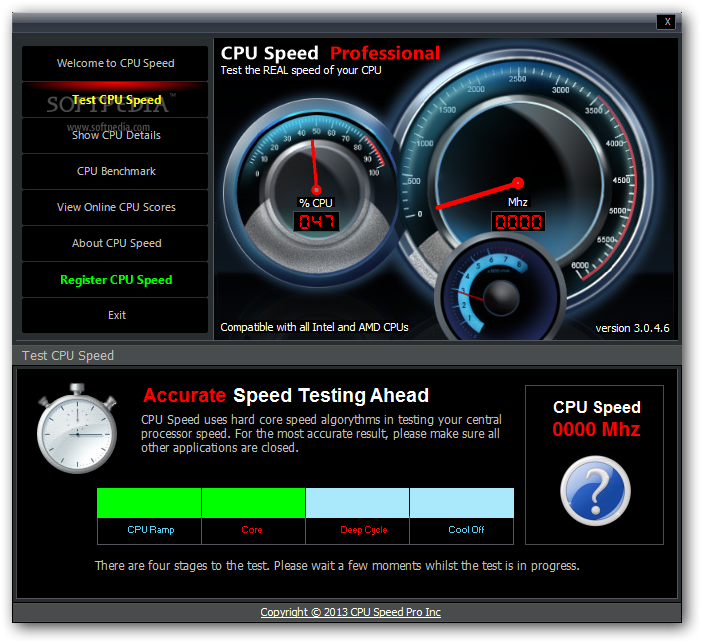
CPU Speed Professional is a simple-to-use software utility that tests the abilities of your computer's CPU by submitting it to various tests, which can be helpful to users who want to overclock their CPUs. Although it may sound complicated to work with, the tool can actually be handled by any kind of users, even those less experienced with system benchmarking software.
The installation procedure does not take a long time to finish, since no special configuration is required. As far as the interface is concerned, CPU Speed Professional is wrapped in a user-friendly window that shows several options neatly organized.
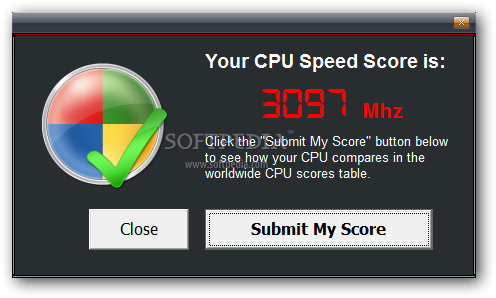
Testing the CPU speed is done with the click of a button, after which the program analyzes the CPU ramp, core, deep cycle and cool off times, in order to compute a result representing the average out of the four. It can be submitted to the developer's websites to compare it with the CPU time score of other users.
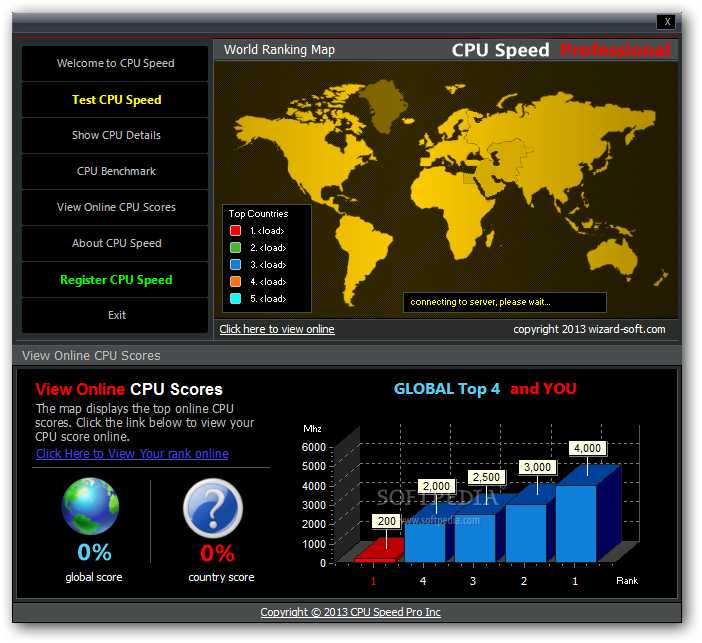
CPU Speed Professional shows CPU data pertaining to the machine description, vendor, family, published and actual speed, operating system and system memory, along with MMX, SSE3 and SSE2 support. Unfortunately, these details cannot be copied to the Clipboard or exported to file. CPU scores of other users can be checked out online.
It is obvious that CPU Speed Professional uses high CPU during runtime to stress the system's resources, but it remains low during idle states. No error dialogs were shown in our evaluation, and the program did not hang or crash. On the other hand, the tool showed the actual CPU speed of our computer inaccurately, and it doesn't exactly include professional functions for advanced PC users, as hinted by its name.
Download Hubs
CPU Speed Professional is part of these download collections: CPU Monitors
CPU Speed Professional 3.0.4.6
add to watchlist add to download basket send us an update REPORT- runs on:
-
Windows 8 32/64 bit
Windows 7
Windows Vista
Windows XP - file size:
- 1.5 MB
- filename:
- setupcpuspeedpro.exe
- main category:
- System
- developer:
- visit homepage
paint.net

Zoom Client

7-Zip

calibre

4k Video Downloader

IrfanView

ShareX

Microsoft Teams

Windows Sandbox Launcher

Bitdefender Antivirus Free

- Microsoft Teams
- Windows Sandbox Launcher
- Bitdefender Antivirus Free
- paint.net
- Zoom Client
- 7-Zip
- calibre
- 4k Video Downloader
- IrfanView
- ShareX