Search Perform an advanced search query SOFTPEDIA
 
SOFTPEDIA
Updated one minute ago
HomeSubmit a program for being reviewedAdvertise on our websiteGet help on surfing our websitesSend us your feedbackGet information about our XML/RSS backend and how to use itBrowse the news archiveVisit our discussion forumVizitati forumul in limba romana


Program Finder NormalFreeware onlyShareware only

CS Fire Monitor 3.0.0 Report spyware 

Click to download CS Fire MonitorCS Fire Monitor - Softpedia Pick Award (If you developed this product, click here to download your award)
View more CS Fire Monitor screenshots (8)
 Downloads: 38,102
Rating: Very Good (4.1/5) | Rated by: 154 user(s)
Add to download basket     Send us update information
 Developer: Shane Croft | More programs by this producer
 License: Freeware  
 Size / OS: 5.73 MB, Windows 2K/XP/2003/Vista/Server 2008
 Last Updated: June 17th, 2008, 17:20 GMT
 Category: C: \ System \ System Info
 Read user reviews (3) Add a review Refer to friend Subscribe
    Download CS Fire Monitor

CS Fire Monitor description
A complete system monitor application for your computer.

CS Fire Monitor is a comprehensive monitoring tool for the Windows 2000, Windows XP and Windows 2003 platforms.

It has an extensive range of live monitoring screens that capture data from many areas within a PC and since the application has its own inbuilt database it is also capable of producing a number of reports which can be saved in a variety of ways.

In addition, the Remote Viewer allows the user to access other PCs on the same LAN or over the Internet to extract key information.

CS Fire Monitor is highly configurable and incorporates several methods of monitoring the same info so that each user can choose the most appropriate method to meet their needs

Bandwidth Monitor
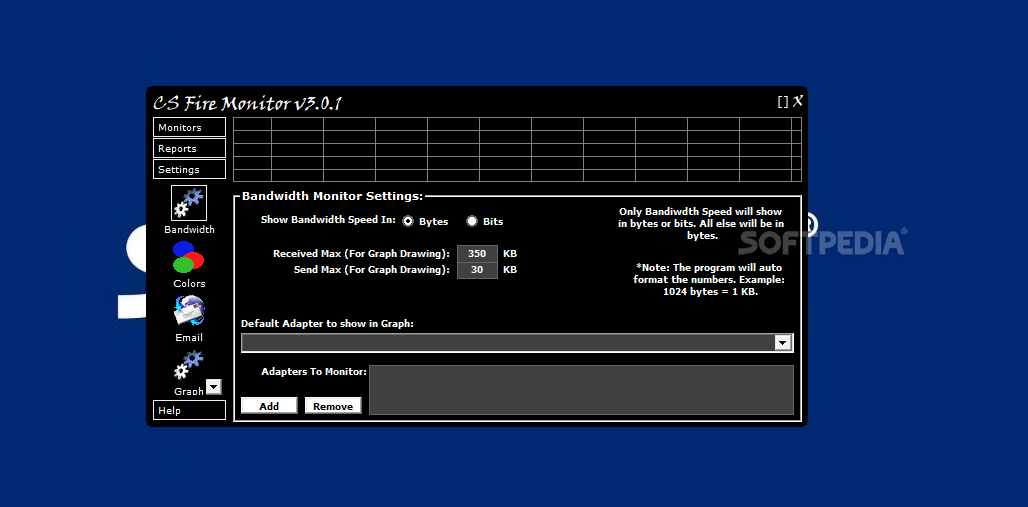
The bandwidth monitor detects all connections on the system and monitors the amount of data going to and from each connection. Displaying current send speed and receive speed of each connection. The monitor also stores the amount of data into the stats database. Allowing reports to show how much data has been sent and received for the past year.

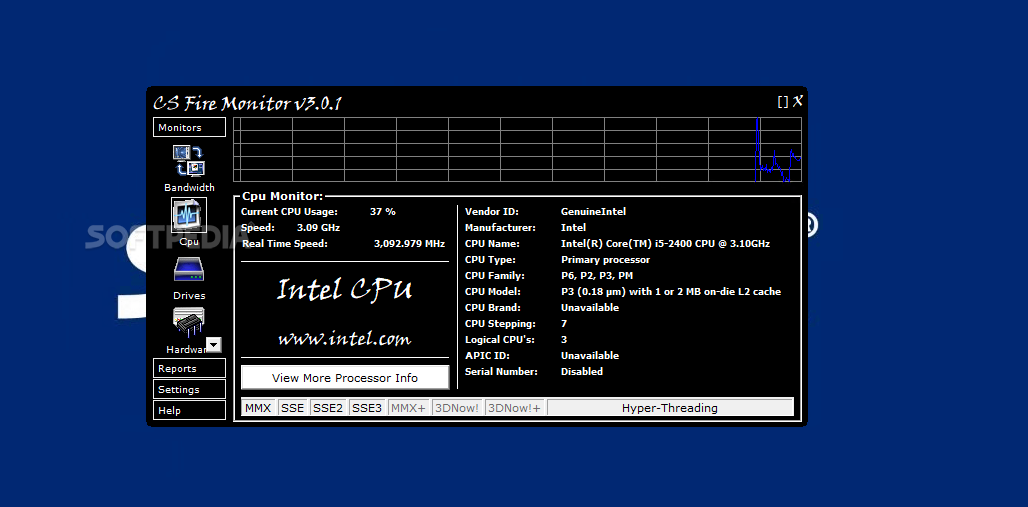
CPU Monitor
The CPU monitor detects the current CPU usage of the system. Also detects current speed of the CPU as well as many other facts on the CPU installed. A real time clock speed is part of the monitor to show real time current CPU speed.

Drives Monitor
The drives monitor detects the amount of used, and
free space of a selected hard drive. Also gives detailed info for each hard drive and shows total capacity of all hard drives combined.

Hardware Monitor
Shows all hardware ever installed on the system that Windows has kept track of. You should see old hardware that is no longer installed but once was and not uninstalled, along with all current hardware. Also it can track any hardware that has been added or removed. It will then store the changes in the stats database for future reports.

IP Monitor
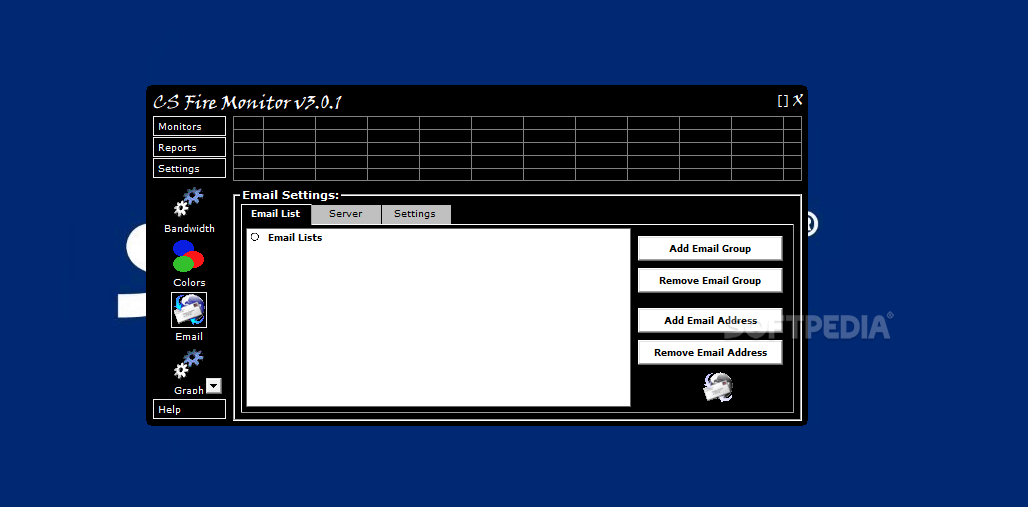
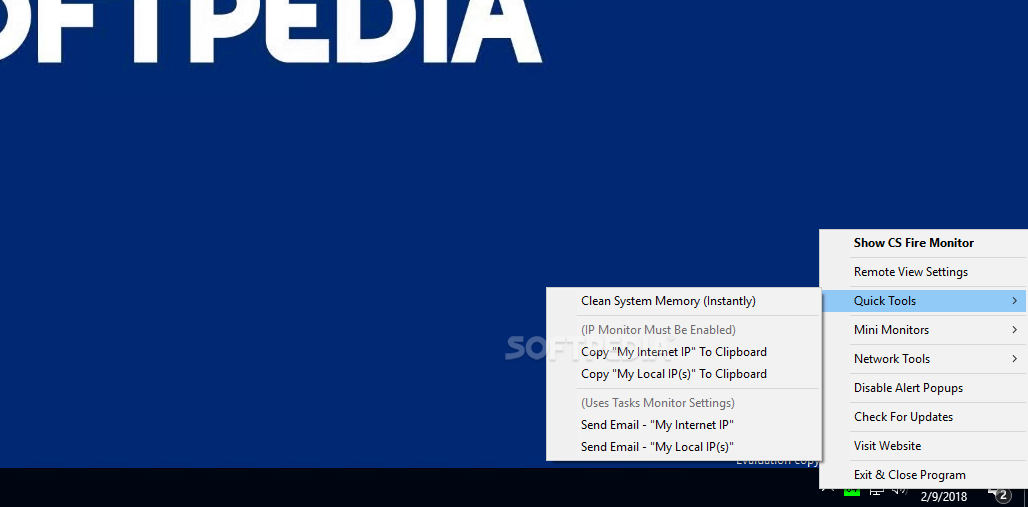
Monitors your internet IP and/or your local IP. When your IP changes it stores it in the stats database. Also you can enable the email feature under task monitor to email you or a group when the change of a IP address happens sending them the new IP.

Memory Monitor
Monitors physical memory, virtual memory, and Page File. Also shows how many physical memory chips are installed and the size of each.

Netstats Monitor
Only works on Windows XP, 2003 or newer. Shows all current connections on the computer, but also shows which programs are making those connections. This uses a undocumented API call that is only available from XP and above.

Processes Monitor
Shows all running processes and very detailed info on each running process.

Services monitor
Shows all services running on the system. Gives detailed info on each service.

Software Monitor
Monitors all current installed software. Tracks when software is installed or removed and stores the data in the stats database for reports.

Task Monitor
The tasks monitor will be the biggest part of the program as time moves on. Right now the tasks only do 2 things and that is email alerts when your IP address changes. In future updates more and more tasks will be added, a example would be " If this does this then do this". More will be added as per user feedback.

If you would like the program to run a tasks when a certain event happens just contact us and we will add it into the program if it isn't already there.

NOTE: - It has been discovered that "Window Blinds" interferes with the setup process. Please disable "Window Blinds" if you have it installed.)
- "Window Blinds" doesn't interfere with the CS Fire Monitor itself.
- CS Fire Monitor Has been tested on the new service pack 2 for Windows XP.

If you use the CS Fire Monitor Screen saver, CS Fire Monitor must be running for the screen saver to get the data.

CS Fire Monitor v1.6.1 and later can now start as a service. So if you have the program start as a service you can also change the default logon screen screen saver to the CS Fire Monitor screen saver using this easy method from Microsoft. http://support.microsoft.com/kb/314493


What's New in This Release:

· removed shadow options and fade in and out options as they would just take up resources. This program is meant to take as little as possible out of the system. So to me these options are pointless, and thus now removed.
· added option to bandwidth mini monitor to show total for all connections, not just the selected one. Also any connection that is set not to be stored in the database will be skipped in combining speeds. Example: I have 3 network connections on my system, 2 internet and 1 LAN. I only want to monitor the speeds of the 2 internet ones and I could care less about the lan connection. Under bandwidth settings I set the lan adapter to not be stored in the database. Then under mini monitor settings I have it combine all speeds. Now since the lan was not being sotred in the database only the 2 internet connections will be combined. This DOES NOT affect the main monitor and graph, this only affects the bandwidth mini monitor. Also the progress bar of the mini monitor is afftected as well. The program will take the number of connections it is combining and multiply that to the send and recv. speed under bandwidth settings. This is perfect for multiple connections with the same speed.
· removed and redid tons of code making the app more efficient.
· Fixed bug where tasks didn’t remember email groups
· Fixed bug if you had 2 or more nic cards that where the same then the bandwidth settings didn’t set the right adapter.
· Changed the option to save the current graph as a bmp to jpg. Saving the graph in a bmp had an avg. size of about 110kb or so. As a jpg it now is around 10kb. Main reason for this change is now 4 more keywords have been added for the templates which allow you to save jpgs of the graph with the file.
· Added new keywords for templates and email to now include jpg's of the graph.
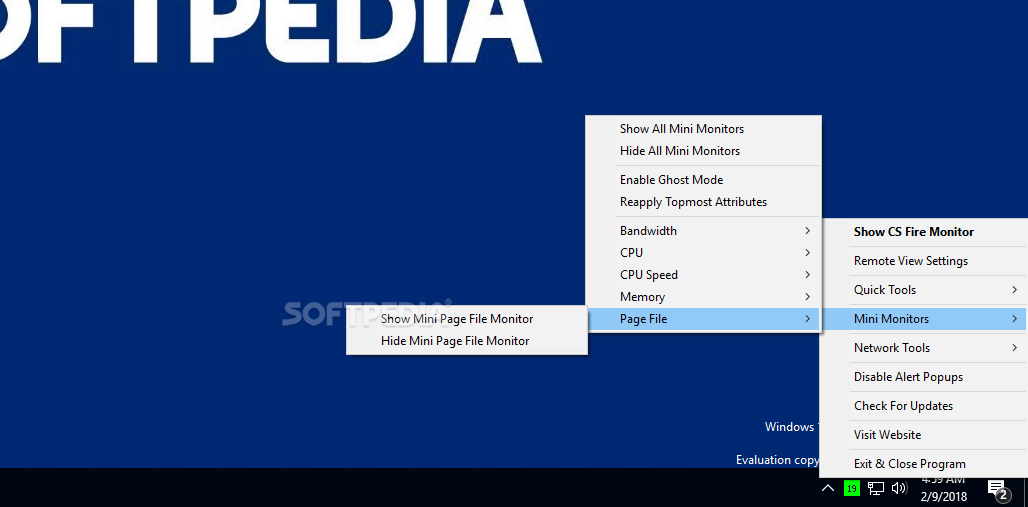
· Added new page file mini monitor. I have found that while your system memory may not be used up some programs can have page file memory leaks, now with the mini monitor you can keep an eye on page file usage a little better.
· Increased font size of the mini monitors from 6 bold to 7 bold. This makes it a little easier to read.
· Updated all mini monitors tooltip text, now when you put the mouse over a mini monitor you get a little extra info.
· Added new right click option on the graph to show all current graphs at once. Normally you could only do this by going to the graph settings. Now if a user whish, no matter what section they are in they can view all graph drawings at once... [ read full changelog ]


Softpedia guarantees that CS Fire Monitor 3.0.0 is 100% FREE, which means it is a freeware product (both for personal and commercial use) that does not contain any form of malware, including but not limited to: spyware, viruses, trojans and backdoors.

This software product was tested thoroughly and was found absolutely clean, therefore it can be installed with no concern by any computer user.

However, it should be noted that this product will be retested periodically and the award may be withdrawn, so you should check back on this page from time to time. (click here for more information)


Related downloads IT News Popular downloads New additions   Latest reviews  
MobileMeter 0.3.1.0
MobileMeter is a system monitoring utility designed for laptop PCs running under the Windows environment
EF System Monitor 4.60
An application that shows information about your local or remote system resources and performances.
System Monitor 1.5
System Monitor - monitor and manage the computers on your network
System Up Time Monitor 5.0.0.157
System Up Time Monitor - dynamically displays system started / elapsed time
ekinx 2.1
Ekinx is a small utility realizing monitoring system and complex actions
EndTask Pro 3.2.40
EndTask Pro is a unique pop-up blocker, task manager, System/Internet monitor
Sentinel Professional 4.0
System Monitoring: Sentinel Takeover all the control of Windows based Computers
Small Operation Center 1.2 b051106
A utilization monitor application for system and network devices
TypeSafe AntiHook Keyboard Security Tool 1.0
is a keyboard security tool that monitors the system for any attempts by an application or process to Hook or Record
Envious Lite 1.2 alpha
Envious Lite makes your PC a part of a virtual supercomputer that maps out the performance of the Internet in real-time

go to top Use the following code to link to this page:


Welcome!
Hello, Guest

Login if you have a Softpedia.com account.

Otherwise, register for one.

Main categories:
  • Antivirus
  • Compression tools
  • CD/DVD Tools
  • Office tools
  • Programming
  • Authoring tools
  • File managers
  • Desktop Enhancements
  • Internet
  • Network Tools
  • IPOD TOOLS
  • Mobile Phone Tools
  • Multimedia
  • Tweak
  • System
  • Security
  • Others
  • Science / CAD
  • UNIX
  • Windows Widgets
  • PORTABLE SOFTWARE

  • Week's best:
  • Adobe Media Player 1...
  • Registry Mechanic 8....
  • BitSpirit 3.3.2.263
  • AnyDVD 6.4.5.6
  • Firefox 3.0.1 / 2.0....
  • AutoCAD 2009
  • Norton AntiVirus 200...
  • Norton Internet Secu...
  • The Bat! Professiona...
  • WinRAR 3.80 Beta 3 /...
  • GMail Drive shell ex...
  • DAEMON Tools Lite 4....
  • UBCD4WIN 3.2.0
  • Adobe Reader 9.0.0 /...
  • Total Commander Ulti...
  • System Mechanic 8.0....
  • Adobe Acrobat Profes...
  • iPhone PC Suite 1.0....
  • Portable Firefox 3.0...
  • MPlayer for Windows ...
  • Vista Codec Package ...
  • Windows Live Messeng...
  • WinBubble 1.73
  • Kaspersky Anti-Virus...
  • Malware Removal Tool...
  • Royale Noir Theme fo...
  • IBM Lotus Symphony 1...
  • Adobe Dreamweaver 10...
  • Adobe Fireworks 10.0...
  • BitDefender Total Se...
  • © 2001 - 2008 Softpedia. All rights reserved.
    Softpedia™ and Softpedia™ logo are registered trademarks of SoftNews NET SRL.
    Copyright Information | Privacy Policy | Terms of Use | Contact Softpedia | Update your software | Archive