
Record your game progress, take screenshots and easily broadcast the resulting videos over a network with this easy-to-configure tool. #Measure frame rate #Screenshot capture #In-game recorder #Capture #Screenshot #Framerate

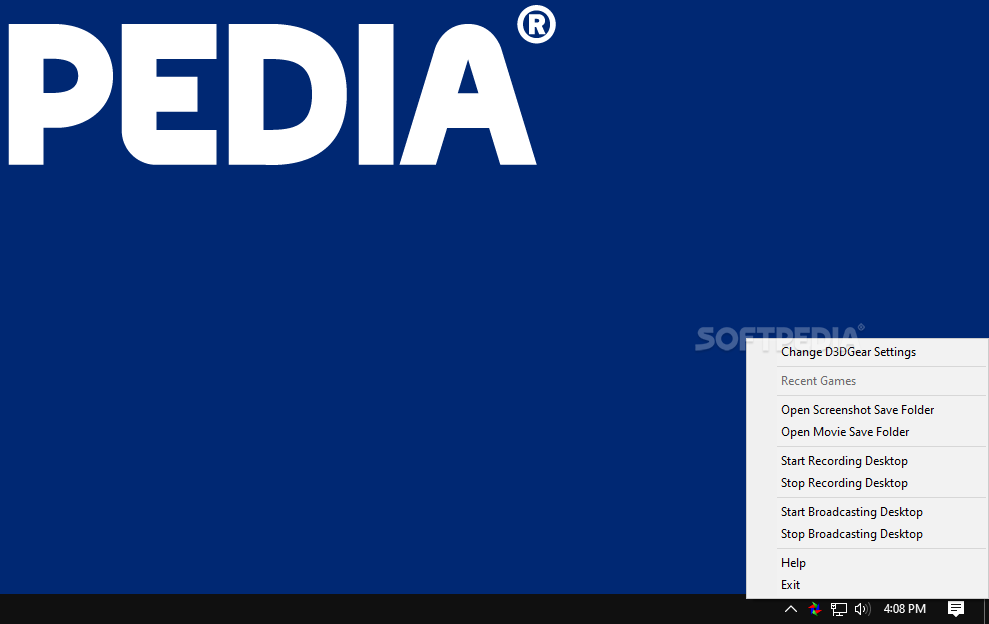
If you’re a passionate gamer, then you might want to record the latest boss fight or create a tutorial about how to complete a difficult quest in order to help other player. D3DGear is a program that was created to help you record the activity on your desktop.
The app has a simple interface that is very easy to figure out.
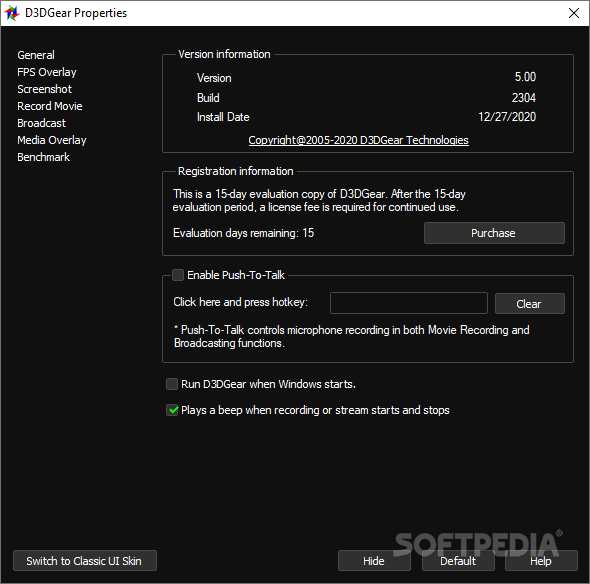
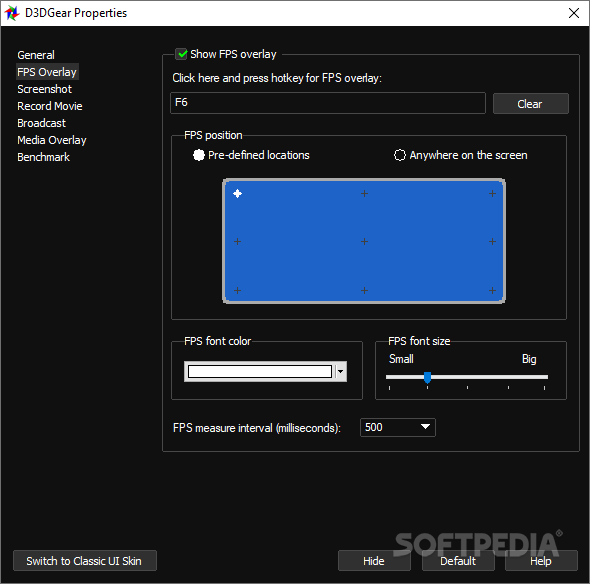
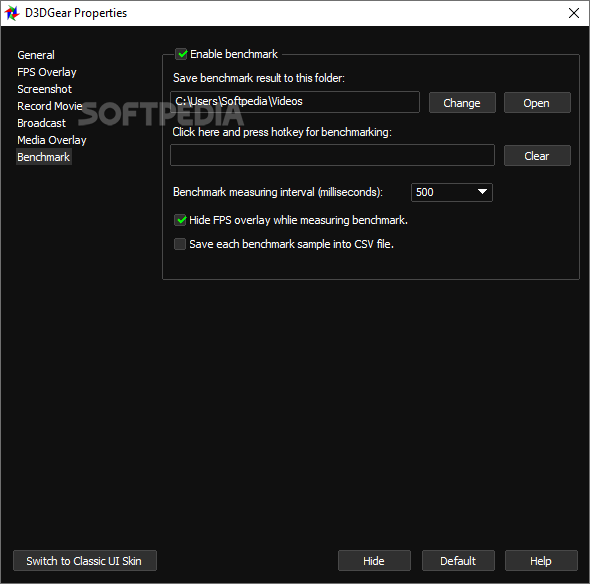
Thus, when you launch the app for the first time, several settings can be made. For instance, you can have the program display the number of frames per second in one of the defined locations on the screen and choose a font color.
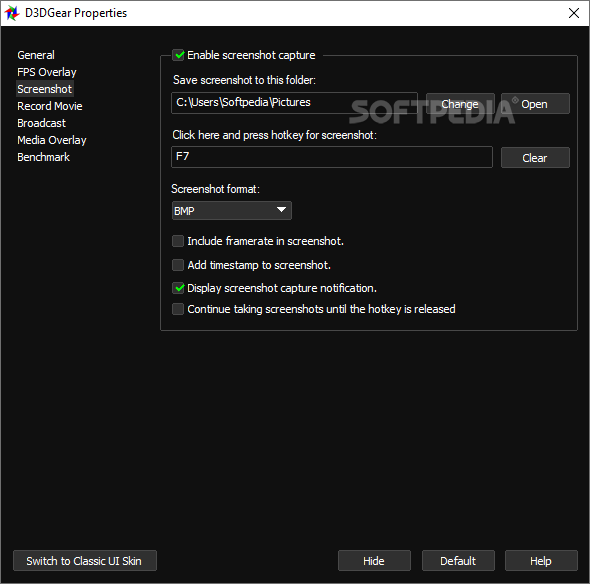
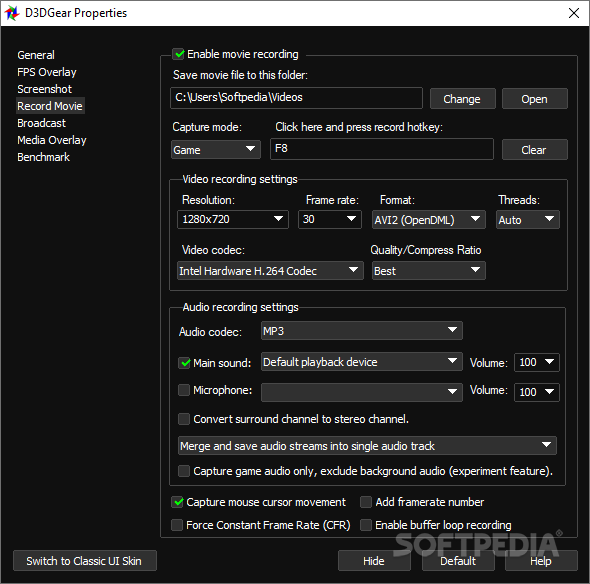
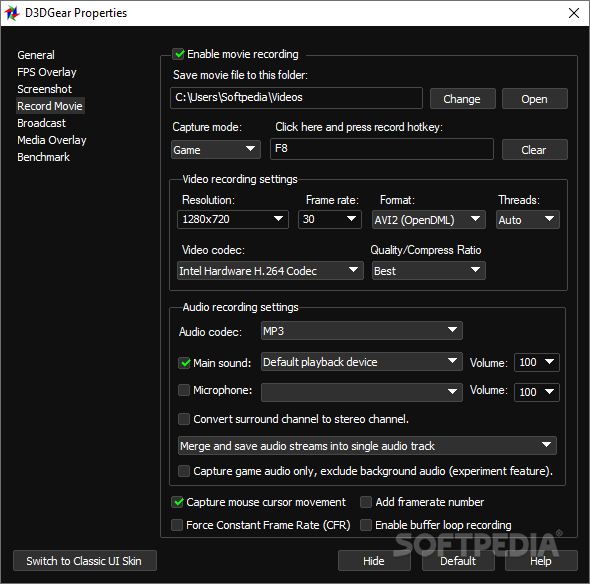
You may also enable screenshot capture and movie recording and assign a keyboard shortcut for each task. While the program already has some output locations defined, these can be changed with ease.
The app supports several image formats, such as BMP, JPG, GIF and PNG. Also, it can save videos to AVI and WMV formats. The movie’s resolution may be modified to one of the available preset options.
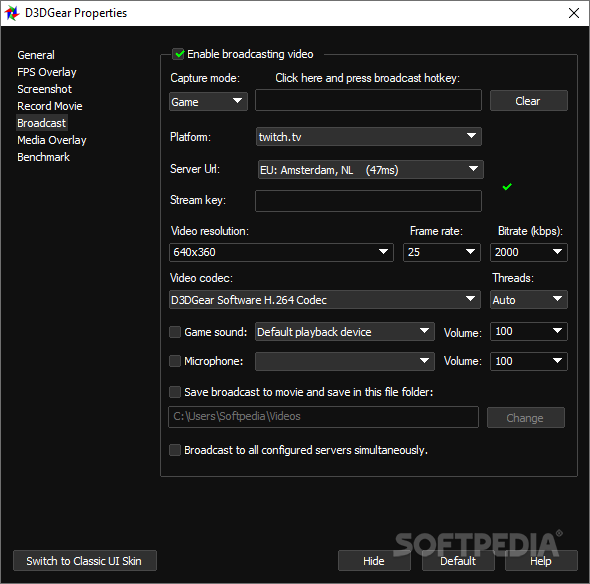
The program can broadcast the videos you are recording to a certain URL from a specialized website. If you want to speak, you can choose to also broadcast the microphone.
The bottom line is that D3DGear is a nice program that is easy to work with. Inexperienced users shouldn’t have any problems while installing or customizing this utility, thanks to the simple interface and intuitive layout.
D3DGear 5.00 Build 2318
 Softpedia Editor's Pick
add to watchlist
add to download basket
send us an update
REPORT
Softpedia Editor's Pick
add to watchlist
add to download basket
send us an update
REPORT
- runs on:
-
Windows 11
Windows 10 32/64 bit - file size:
- 21 MB
- filename:
- D3DGearSetup.exe
- main category:
- Gaming Related
- developer:
- visit homepage
Windows Sandbox Launcher

ShareX

4k Video Downloader

IrfanView

Bitdefender Antivirus Free

7-Zip

Zoom Client

Microsoft Teams

Context Menu Manager

calibre

- Microsoft Teams
- Context Menu Manager
- calibre
- Windows Sandbox Launcher
- ShareX
- 4k Video Downloader
- IrfanView
- Bitdefender Antivirus Free
- 7-Zip
- Zoom Client