
Manage your networks with this suite of tools that gives the user all possible solutions to any unwanted scenarios requiring swift and efficient intervention. #Server Connection #Network Connection #SpectorSoft Server Manager #Connect #Connection #Network

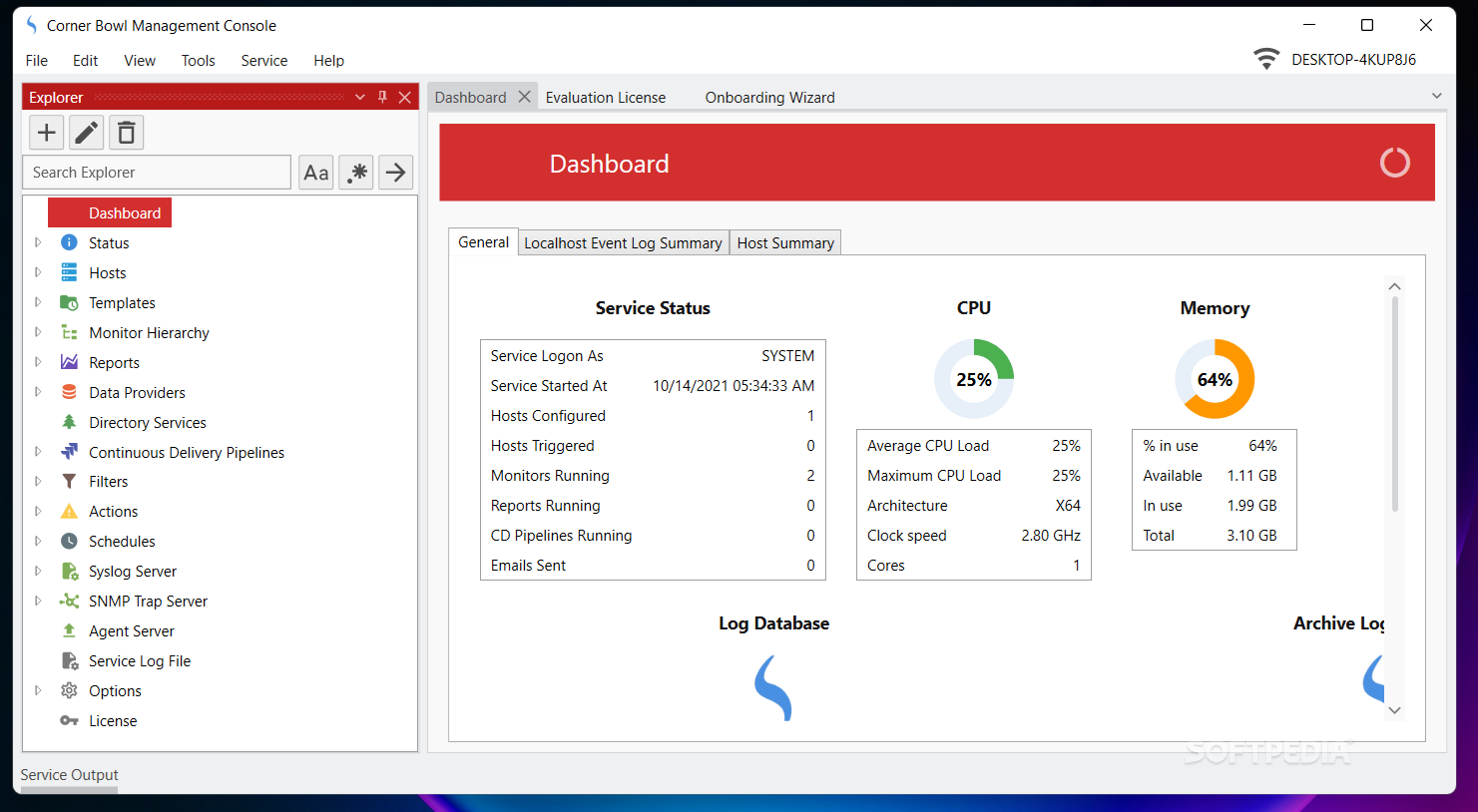
Corner Bowl Server Manager is not an application destined for all users. Just like the name suggests, this program was created for managing networks and servers without much hassle. Of course, the user is required to know the basis on which servers and networks run, in order to be able to operate efficiently with the help of this program. This program is a powerhouse for servers, offering a suite of tools for any imaginable issue you could encounter.
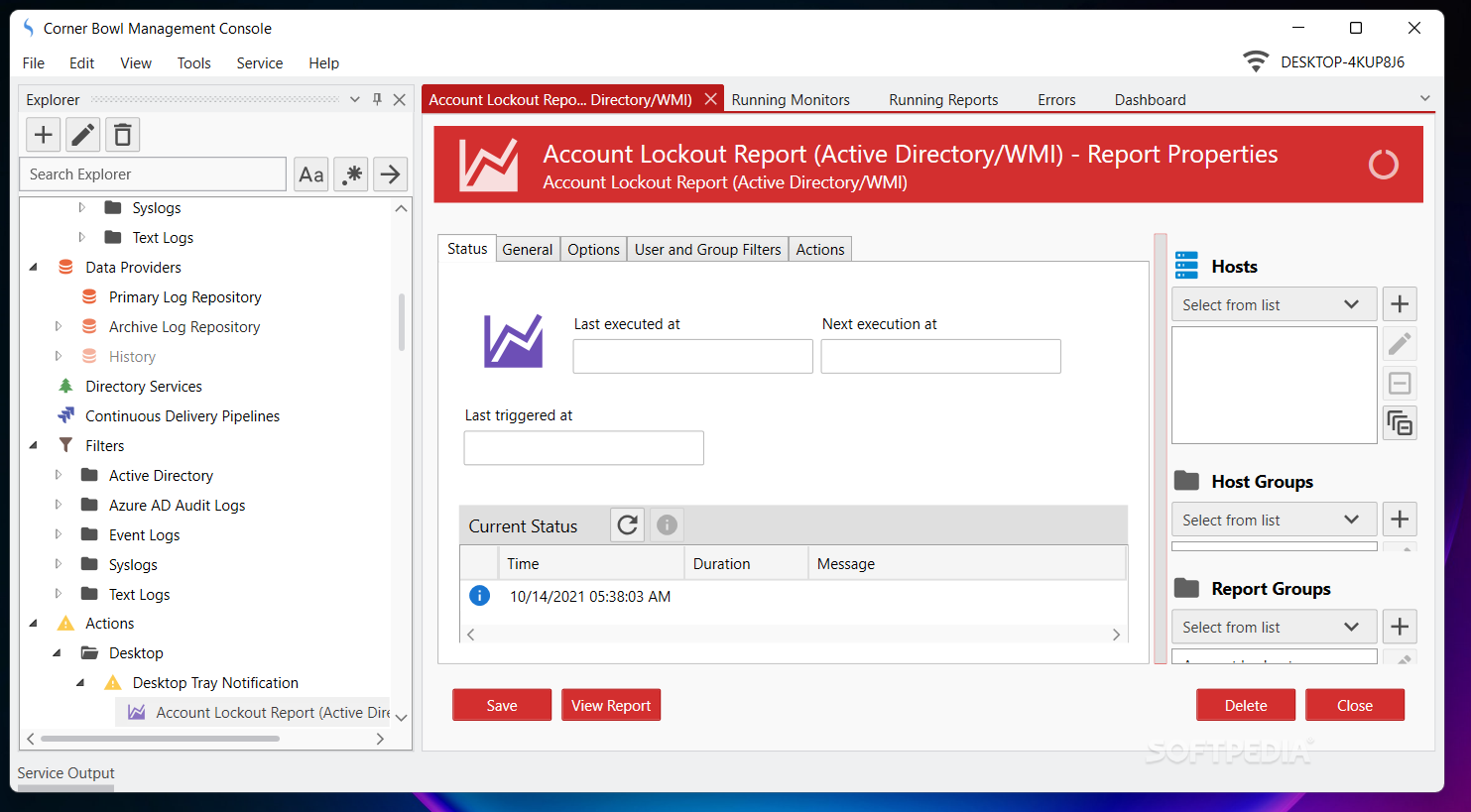
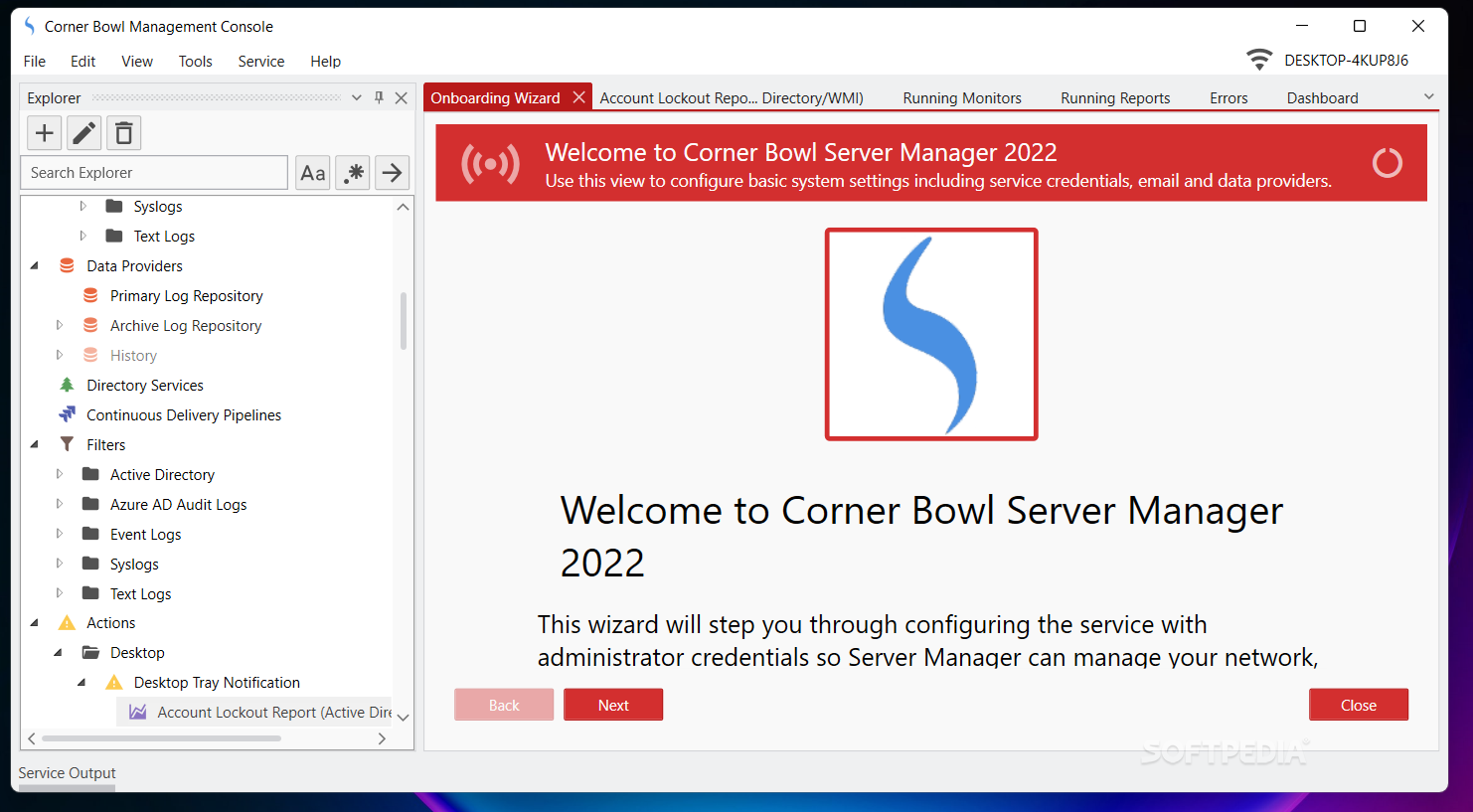
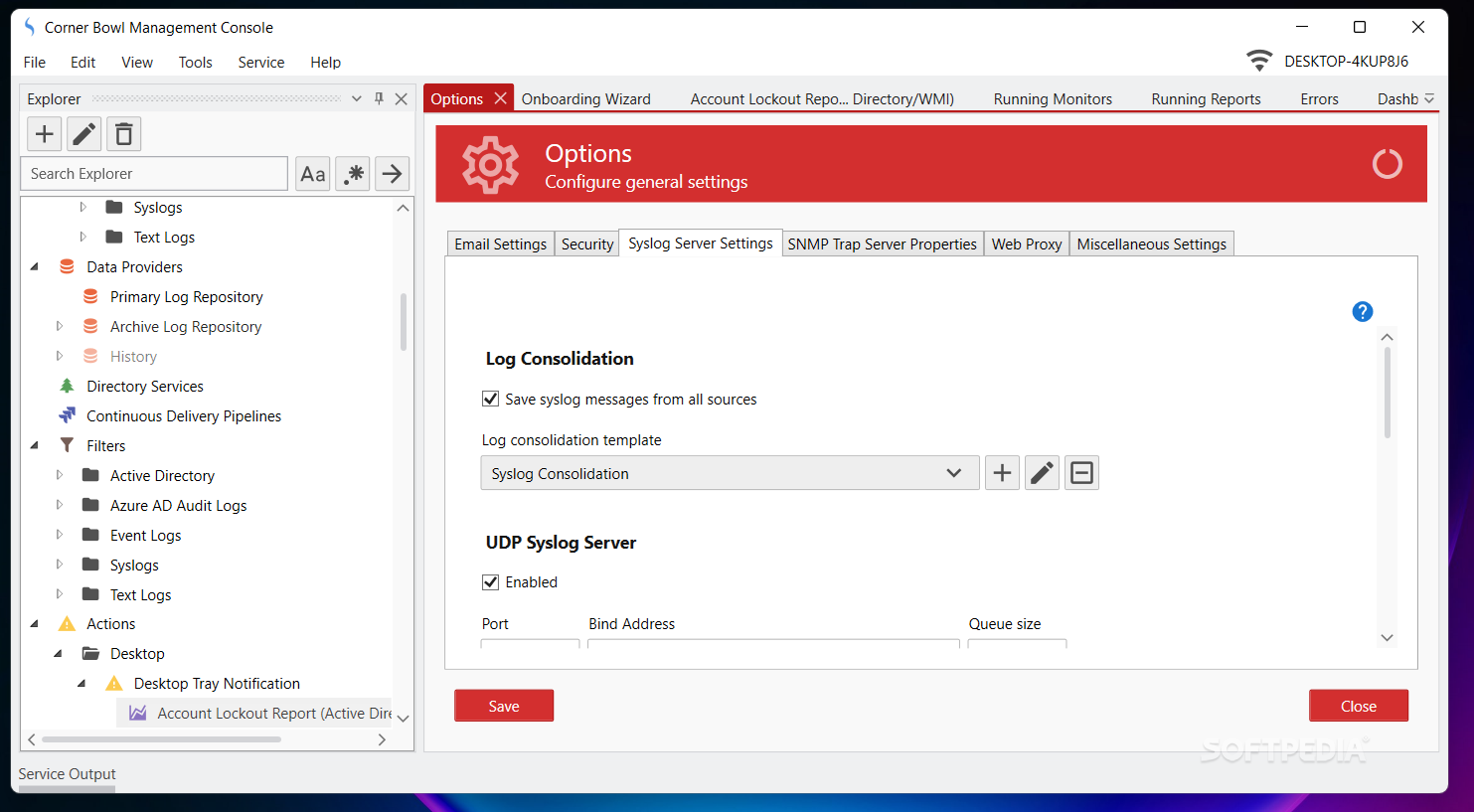
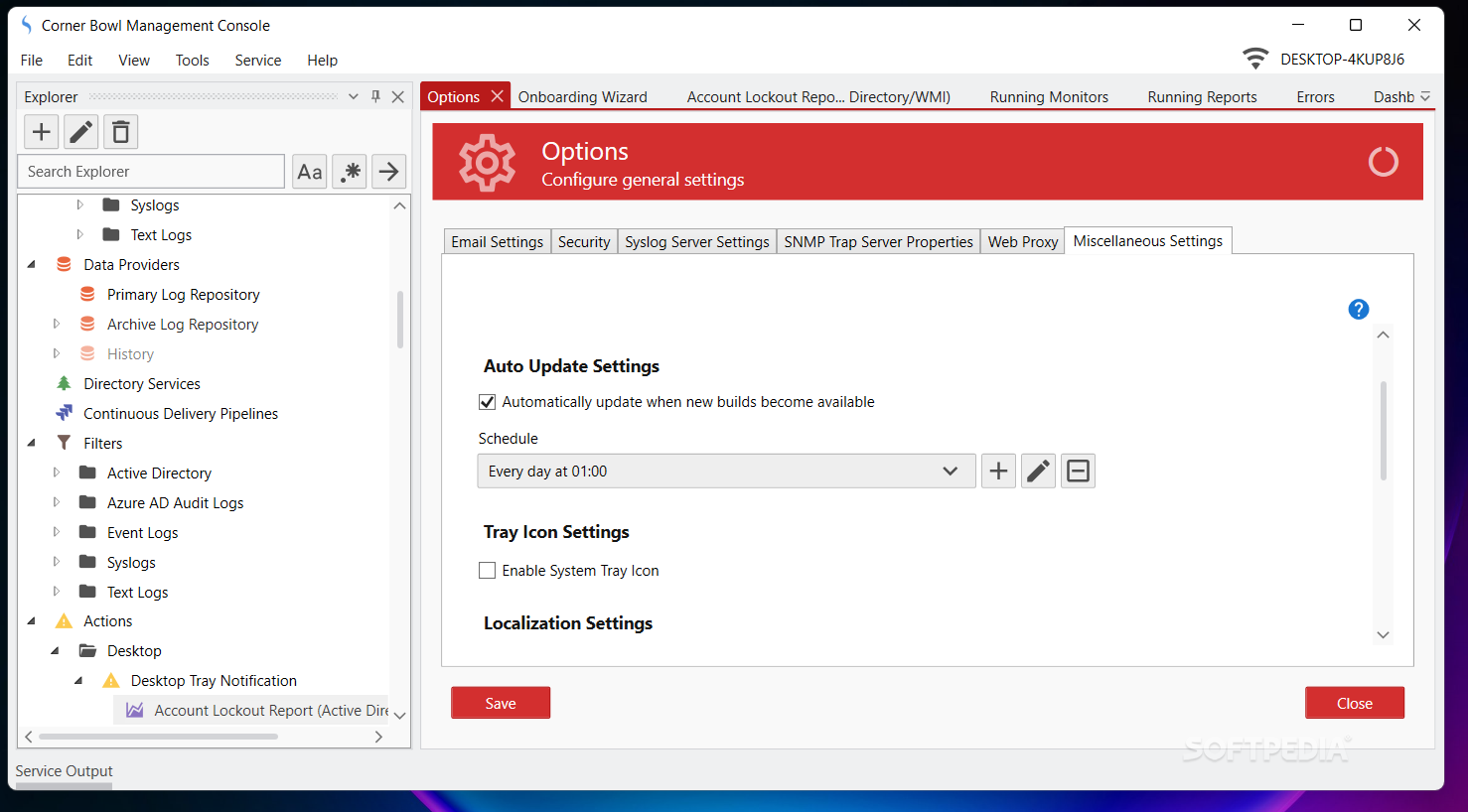
Since we're dealing with a tool, you wouldn't normally expect much attention to be given to the program's interface. On the contrary, one would expect a very functional style. This is not the case with Corner Bowl Server Manager, although it doesn't overdo things either. The application is well organized. All the options ad features are neatly placed in their respective category. The interface is simple and modern.
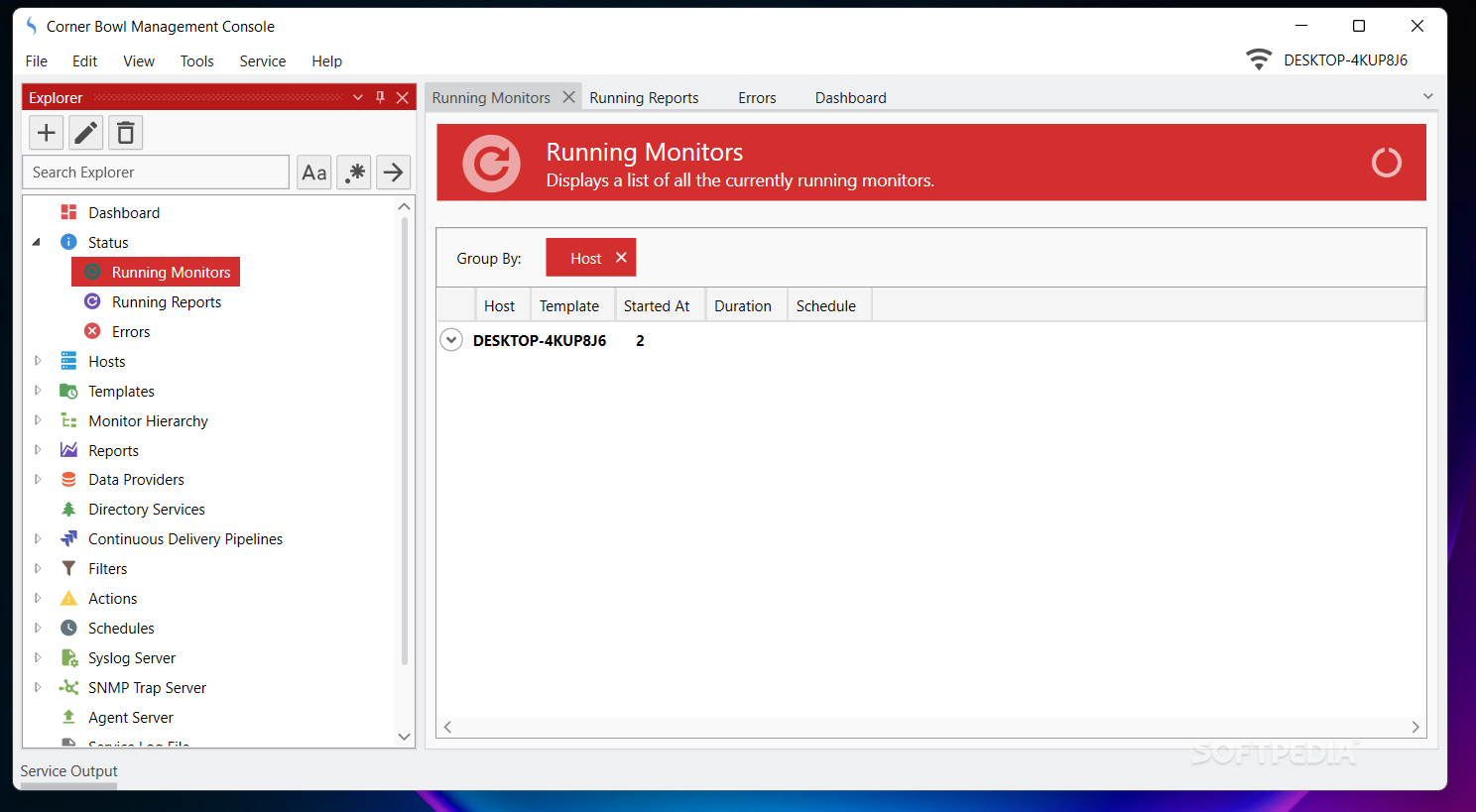
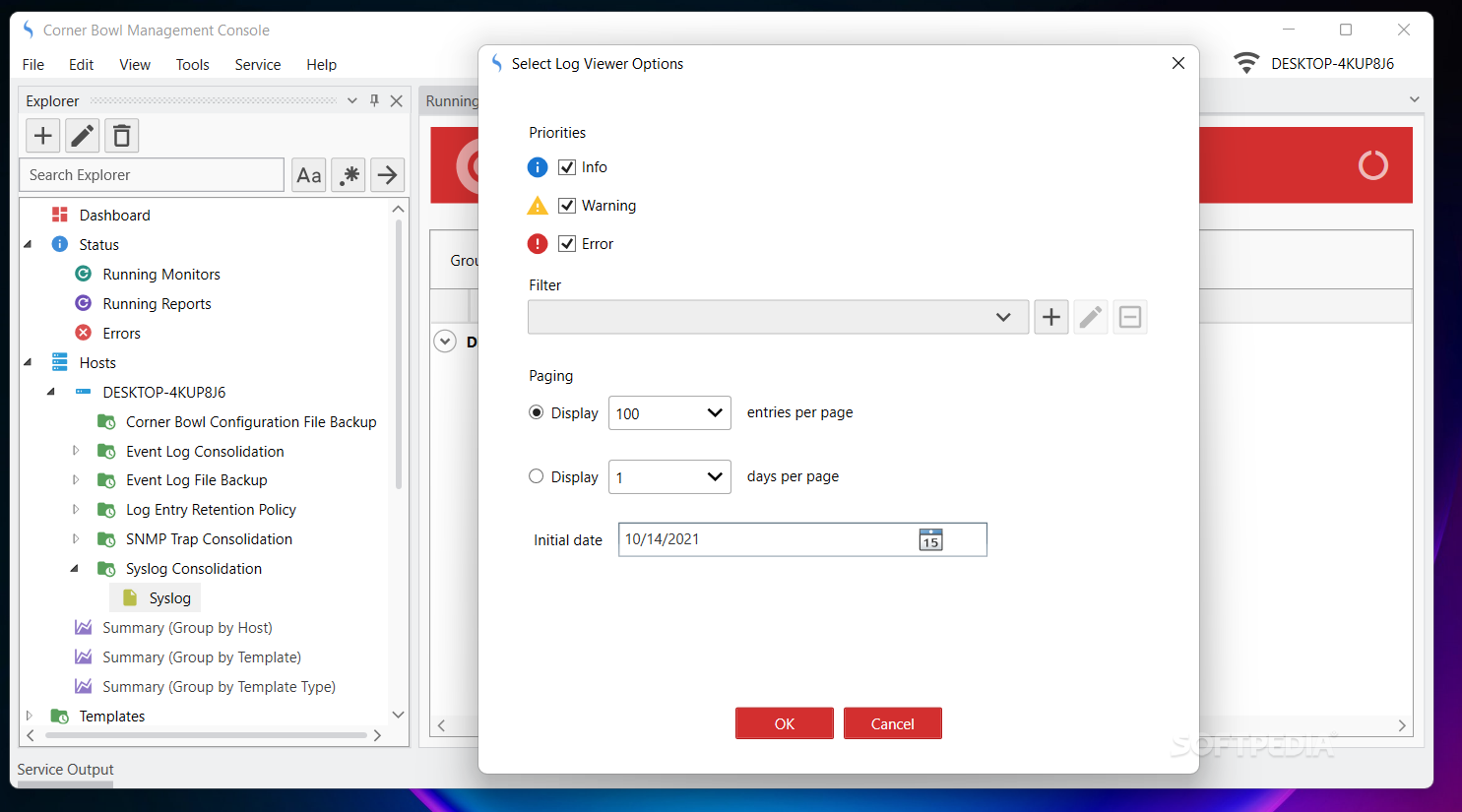
Users can keep an eye on various features of their network and server units. From general information to hosts, specialized reports, and various types of logs, this program can offer the assistance any network creator needs in order to keep the maintenance times of these elements to a minimum. The program can also show the number of resources currently in use, a great feature if you're trying to establish if your hardware is working as expected.
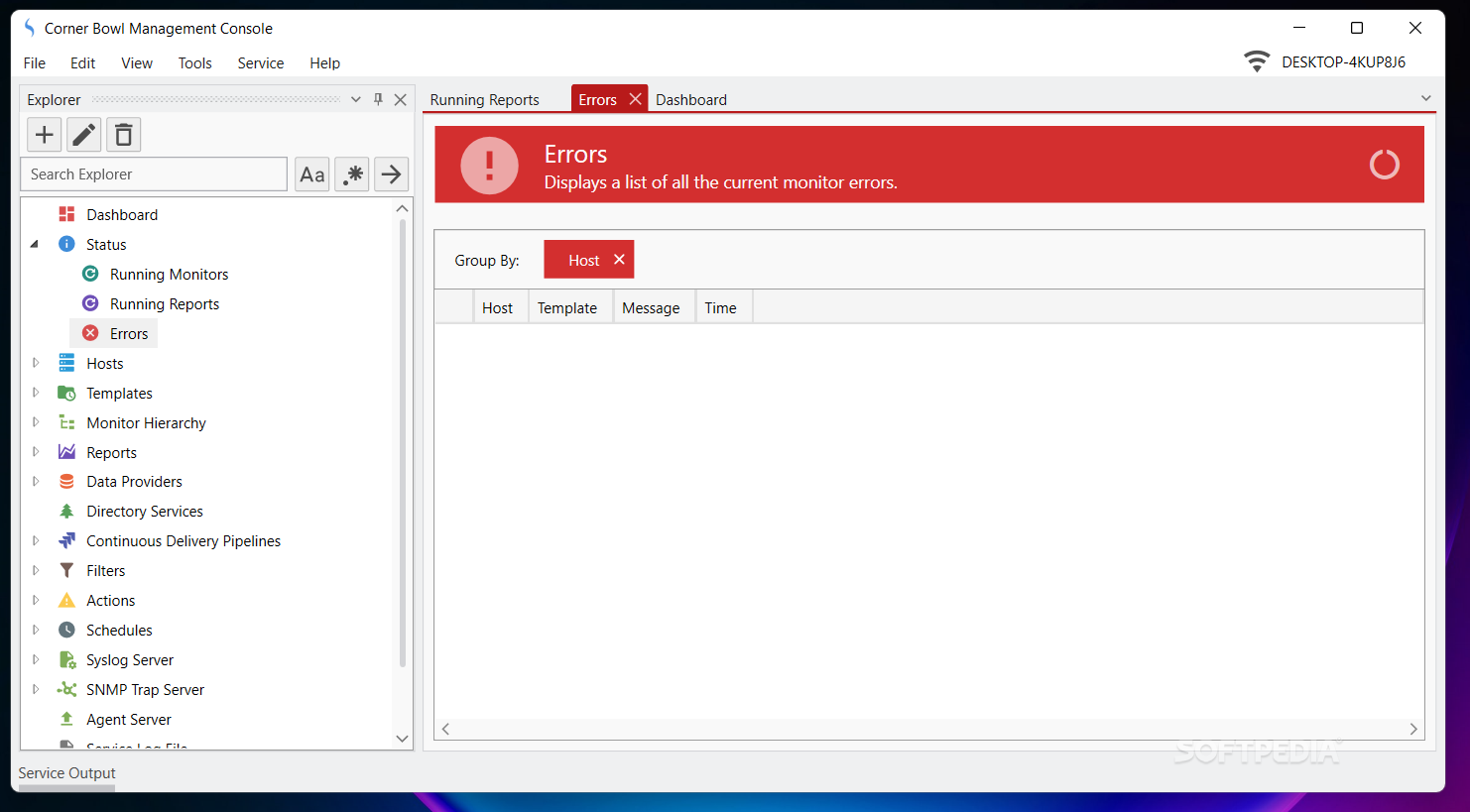
This program seems to want to make sure you do not require any extra tools for running a server. The diagnostics reports are complete, although kept simple and informative. Errors are also grouped within a specialized tab that will sort them in order of their importance. You can keep an eye on error discovery in real-time, giving you the opportunity of fixing them quickly.
The bottom line with this program is that although it might not be interesting to the general user, it's a gold mine for those that understand its meaning in terms of server and network functionality importance.
Corner Bowl Server Manager 23.0.0.416 .NET 7.0 / 23.0.0.416 .NET 4.7.2
add to watchlist add to download basket send us an update REPORT- runs on:
-
Windows 11
Windows Server 2022
Windows Server 2019
Windows Server 2016
Windows 10 64 bit
Windows Server 2012 R2
Windows Server 2012 - file size:
- 53 MB
- main category:
- Network Tools
- developer:
- visit homepage
Zoom Client

4k Video Downloader

calibre

ShareX

Windows Sandbox Launcher

paint.net

7-Zip

Bitdefender Antivirus Free

IrfanView

Microsoft Teams

- Bitdefender Antivirus Free
- IrfanView
- Microsoft Teams
- Zoom Client
- 4k Video Downloader
- calibre
- ShareX
- Windows Sandbox Launcher
- paint.net
- 7-Zip