
Centrally monitor and analyze Windows Event Logs from the host computer or other PCs in your network, with this user-friendly tool. #Log viewer #System monitor #Event notification #Logger #Monitor #Viewer
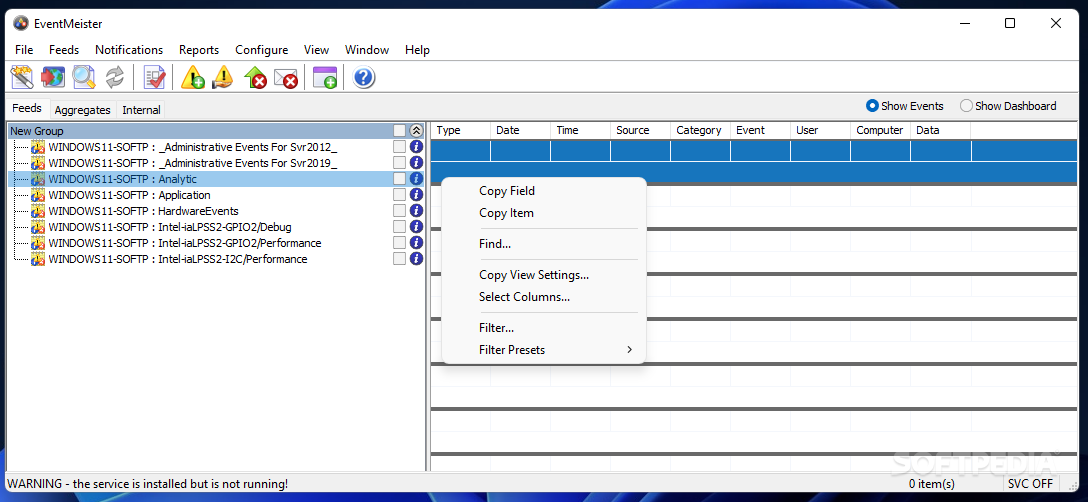
The importance of monitoring one or several computers' event logs can probably be understood best by network administrators and other professionals in the field, who might have come across situations that could only be explained by the logs.
EventMeister is a reliable and easily customizable program developed to collect log data from one or more PCs in a LAN, enabling you to filter the results, create notifications and analyze the information.
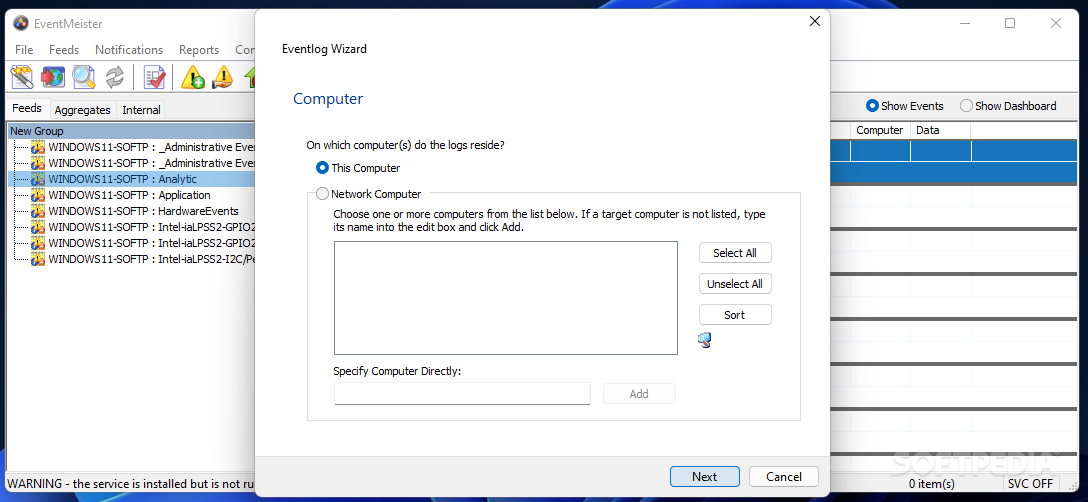
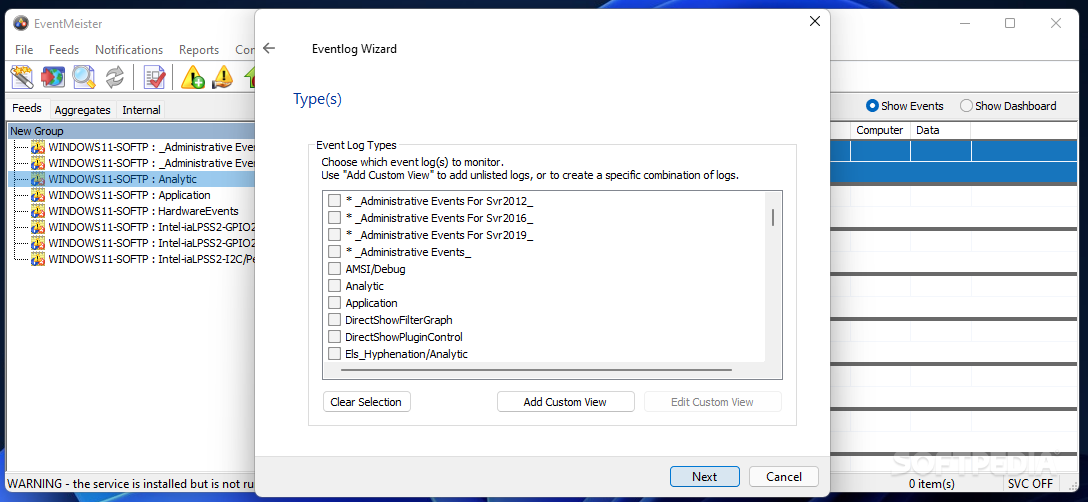
Following the brief and simple setup operation, you can launch the application and begin adding the computers that you want to keep an eye on, a wizard guiding you through all the steps.
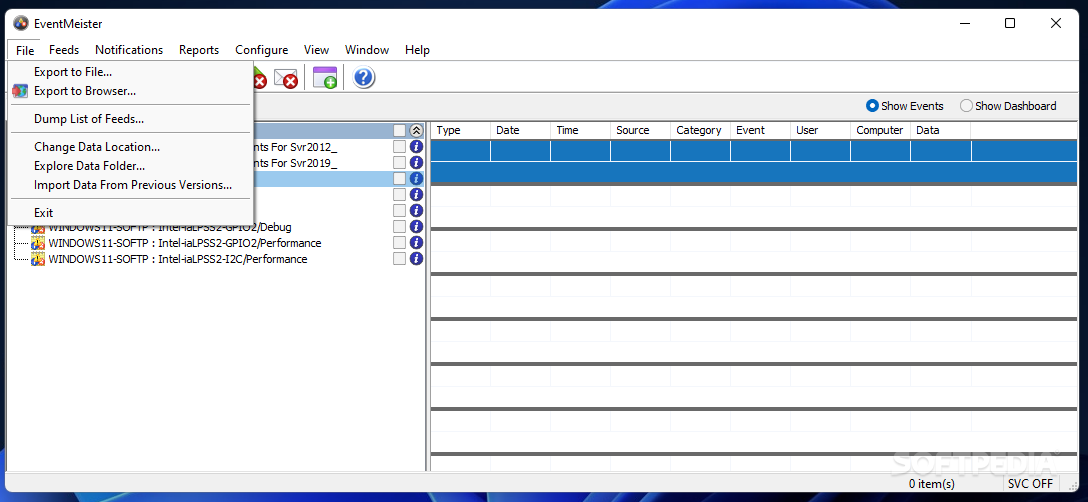
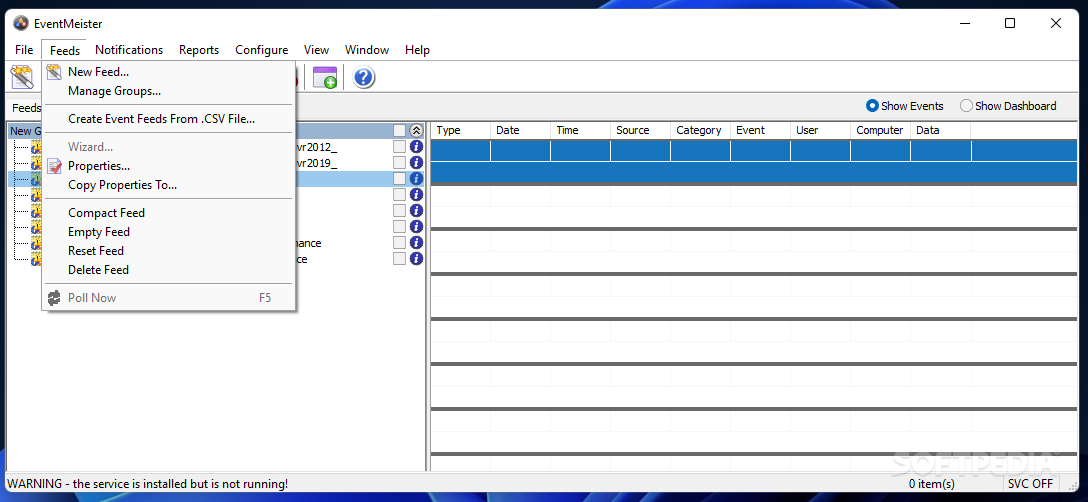
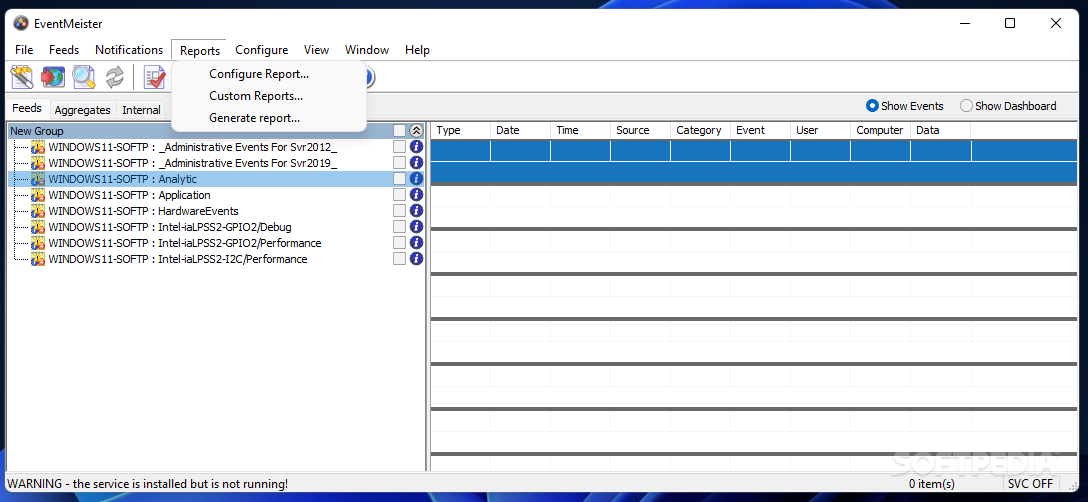
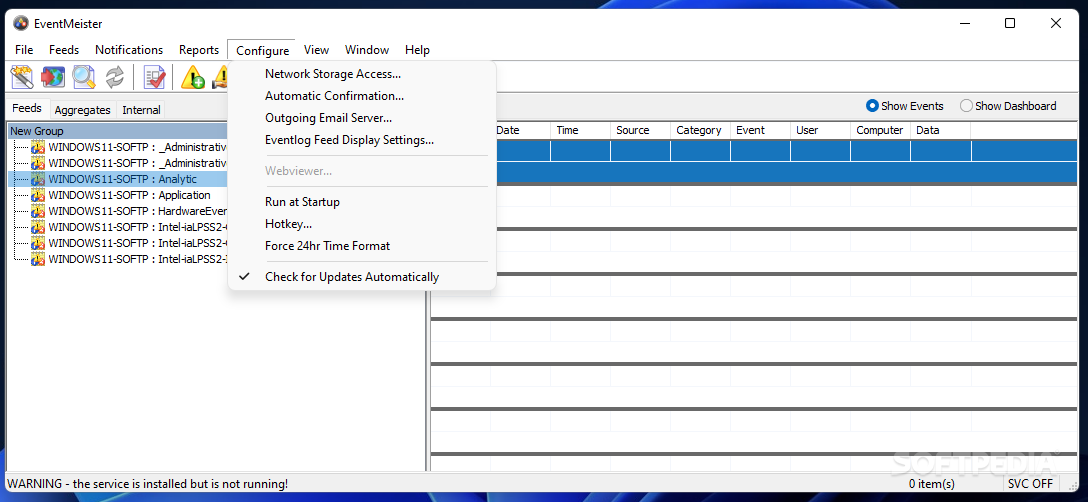
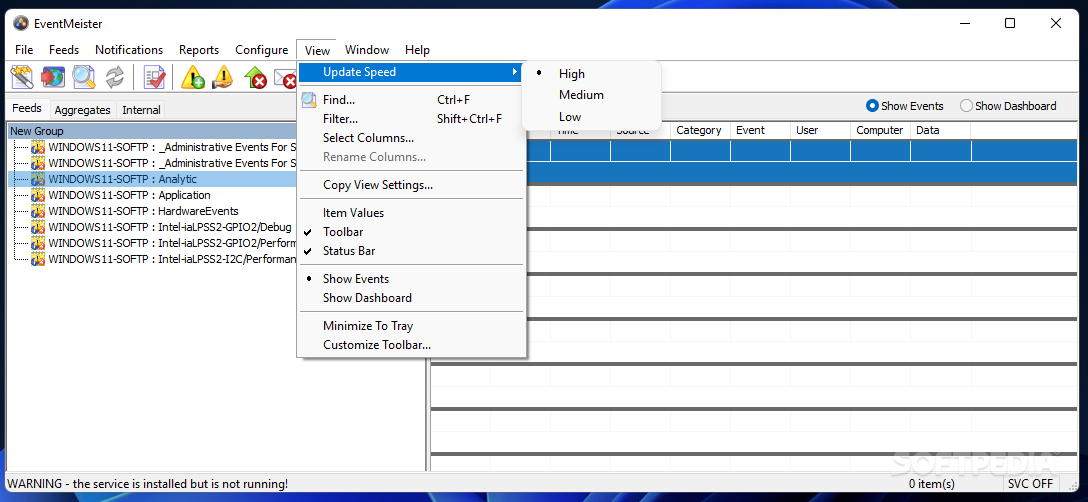
The main window will then display the feeds for the selected devices, with details about each one, enabling you to configure custom notifications for various events.
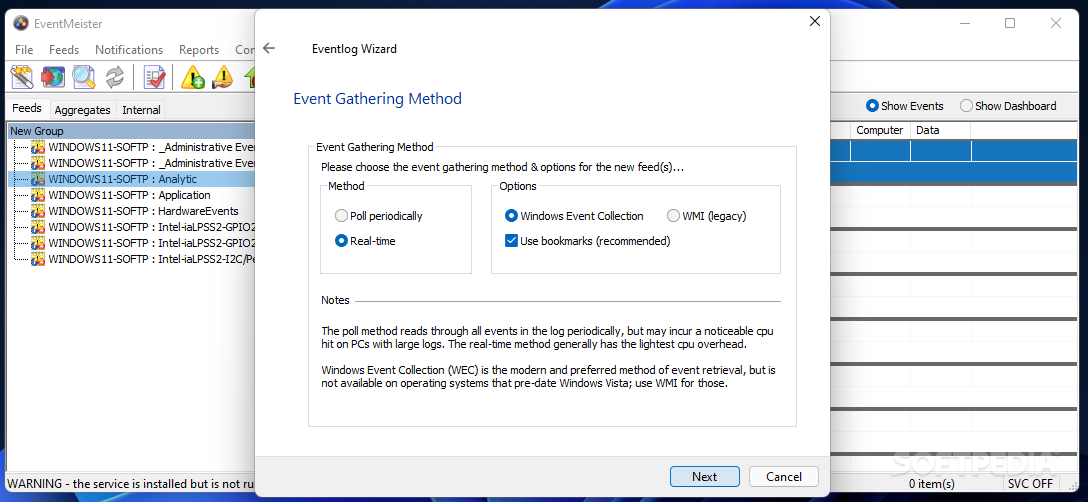
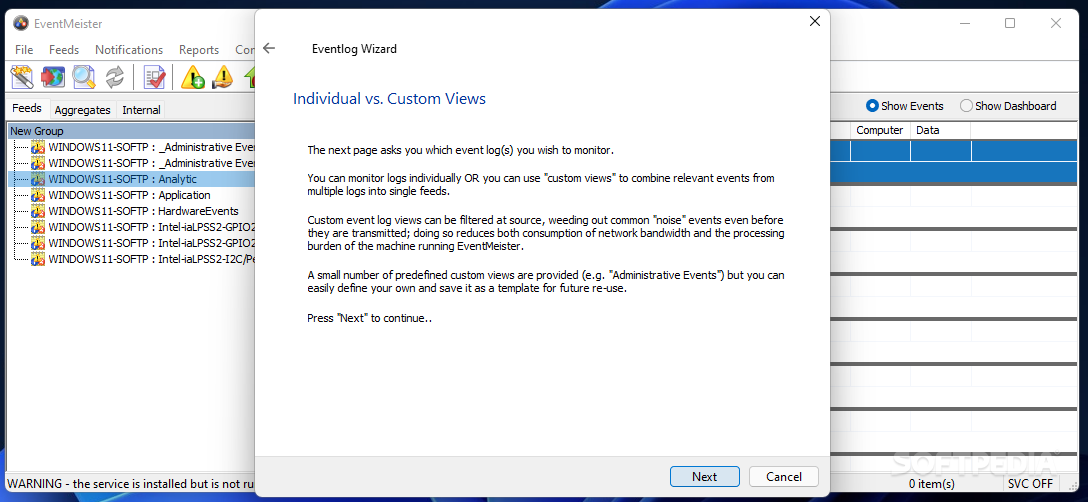
When adding a computer or a new feed to the utility, you can rely on the provided wizard, as it will take you through all the various steps necessary for a successful operation, thus limiting the possibility of error and also making it accessible to less experienced individuals.
Firstly, the targeted computer(s) needs to be specified, and it can be the current host as well as devices in your LAN. Subsequently, the event log types that you need to focus on should be selected (for instance ‘Application’, ‘HardwareEvents’, ‘Internet Explorer’ and many others).
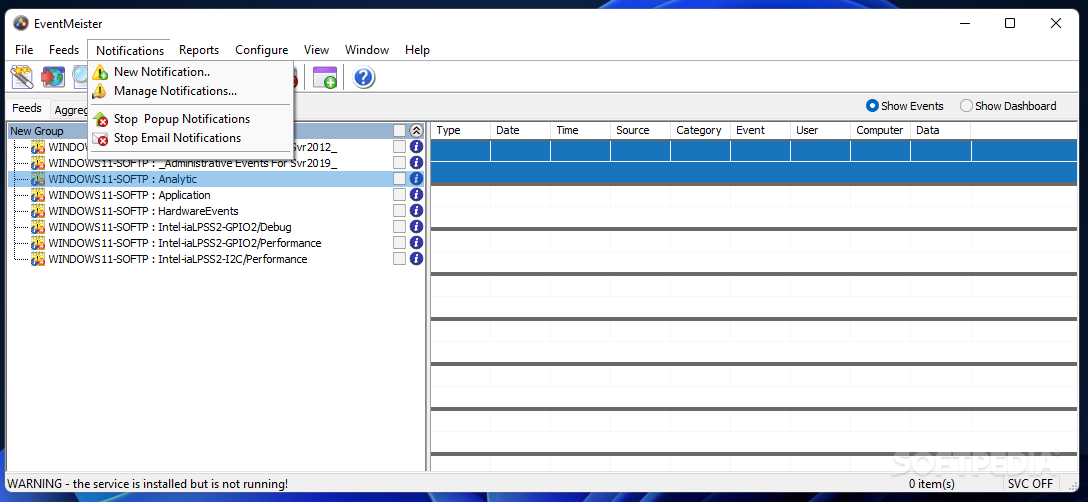
You can define the event gathering method, with more options to pick from, along with the date and time specifics, being able to also apply filters to refine the results. The feed can be assigned to a particular group, and that finalizes the task. Custom notifications for various events can also be configured for individual feeds so that you can be alerted through popups, sounds or email about a new occurrence.
Overall, EventMeister proves to be an intuitive and reliable software solution that can successfully assist you in gathering and monitoring system logs, from one or multiple computers, with little to no effort entailed.
What's new in EventMeister 5.4.5.0:
- Corrected output for Data field in event logs when polling is selected and formats have been chosen.
- Dropped SHA1 dual code-signing now that timestmp services have been deprecated.
EventMeister 5.4.5.0
add to watchlist add to download basket send us an update REPORT- runs on:
-
Windows 11
Windows Server 2019
Windows Server 2016
Windows 10 32/64 bit
Windows Server 2012
Windows 2008 32/64 bit
Windows 2003
Windows 8 32/64 bit
Windows 7 32/64 bit
Windows Vista 32/64 bit
Windows XP - file size:
- 8.3 MB
- main category:
- System
- developer:
- visit homepage
IrfanView

Windows Sandbox Launcher

Bitdefender Antivirus Free

calibre

Context Menu Manager

Zoom Client

7-Zip

ShareX

Microsoft Teams

4k Video Downloader

- ShareX
- Microsoft Teams
- 4k Video Downloader
- IrfanView
- Windows Sandbox Launcher
- Bitdefender Antivirus Free
- calibre
- Context Menu Manager
- Zoom Client
- 7-Zip