
Collects system information when it comes to the software and hardware configuration, featuring support for reports and benchmarks. #Hardware Info #System Info #System Report #Hardware #Benchmark #Diagnostic

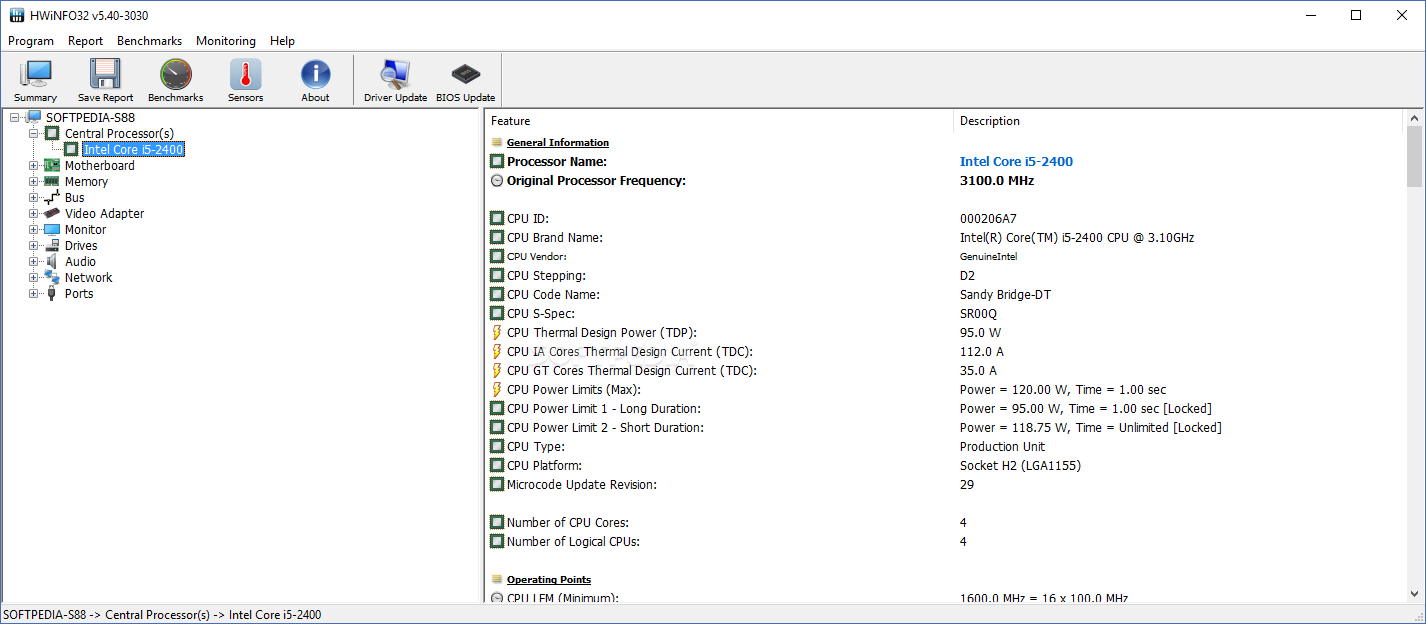
HWiNFO32 is an advanced software application that diagnoses your computer's hardware and software configuration to find out its capabilities. It can also be set to benchmark the system.
There is no setup pack involved, which makes HWiNFO32 portable. You can drop the executable file in any part of the hard disk and just click it to launch. Another option is to save HWiNFO32 to a USB flash disk or similar storage unit, in order to run it on any PC effortlessly and without previous installers. Plus, it does not create new entries in the Windows registry or Start menu.
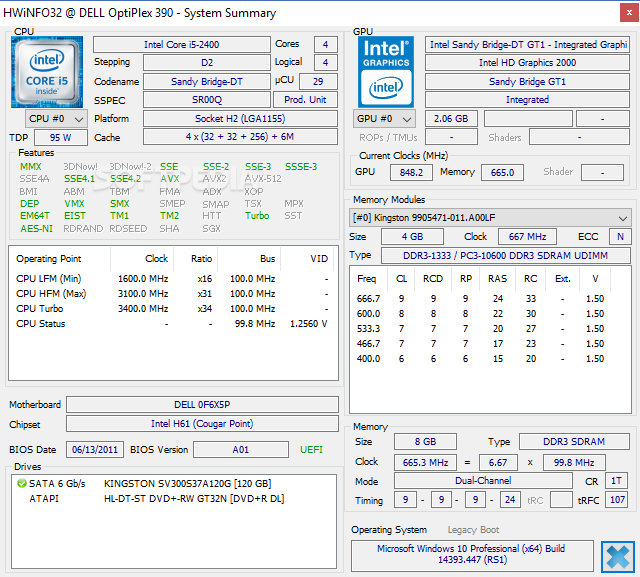
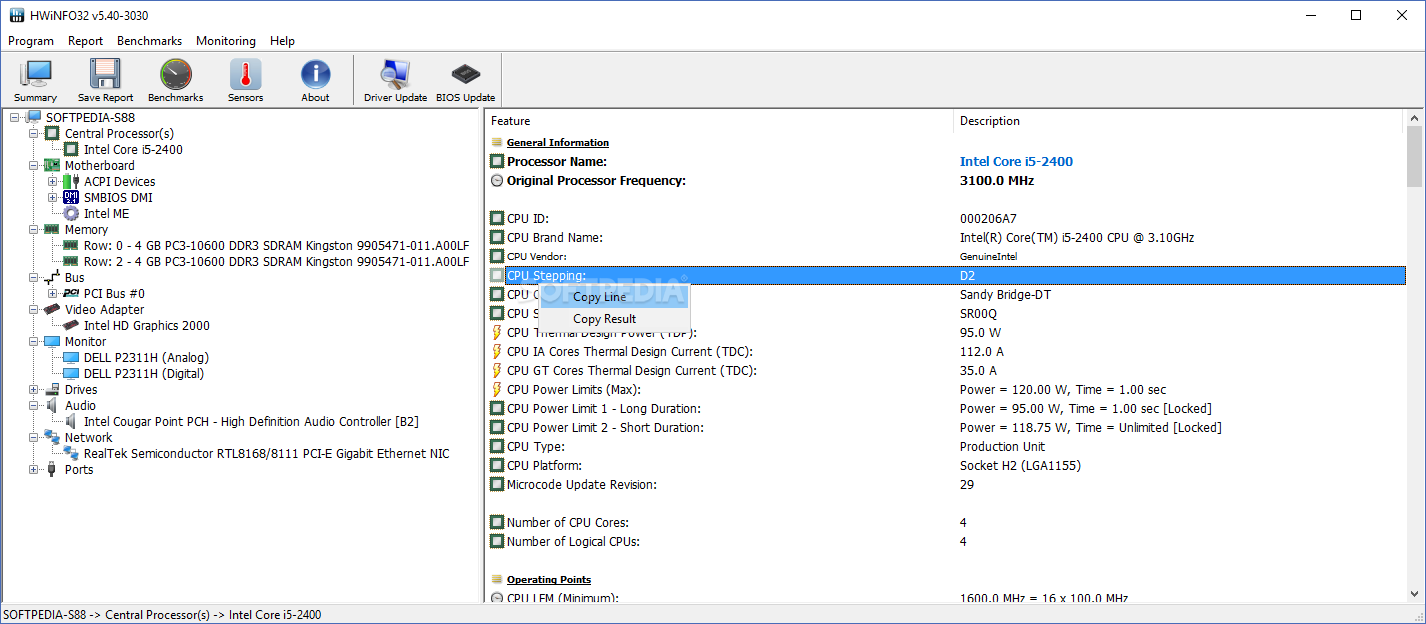
At startup, you can run the tool with the default configuration or view only sensors information or the summary. HWiNFO32 may take a while to load data. Detailed information revolves around the central processors, motherboard, memory, bus, video adapter, monitor, drive, audio devices, network, and ports.
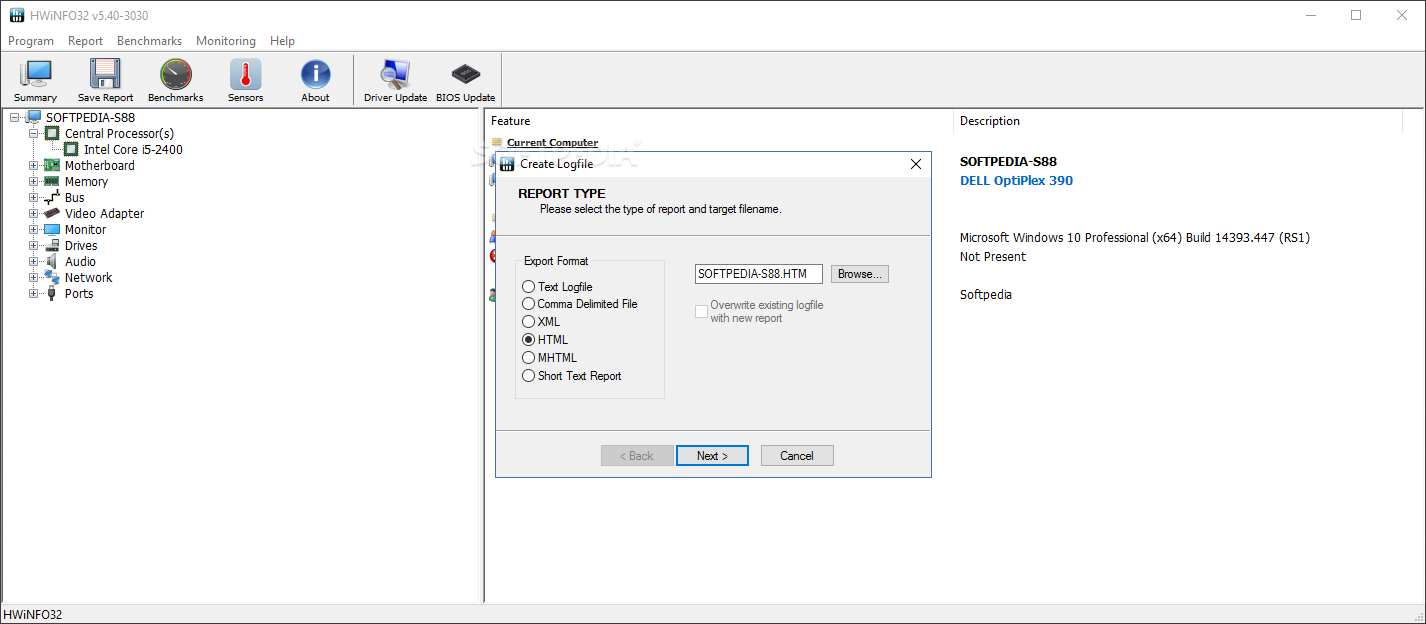
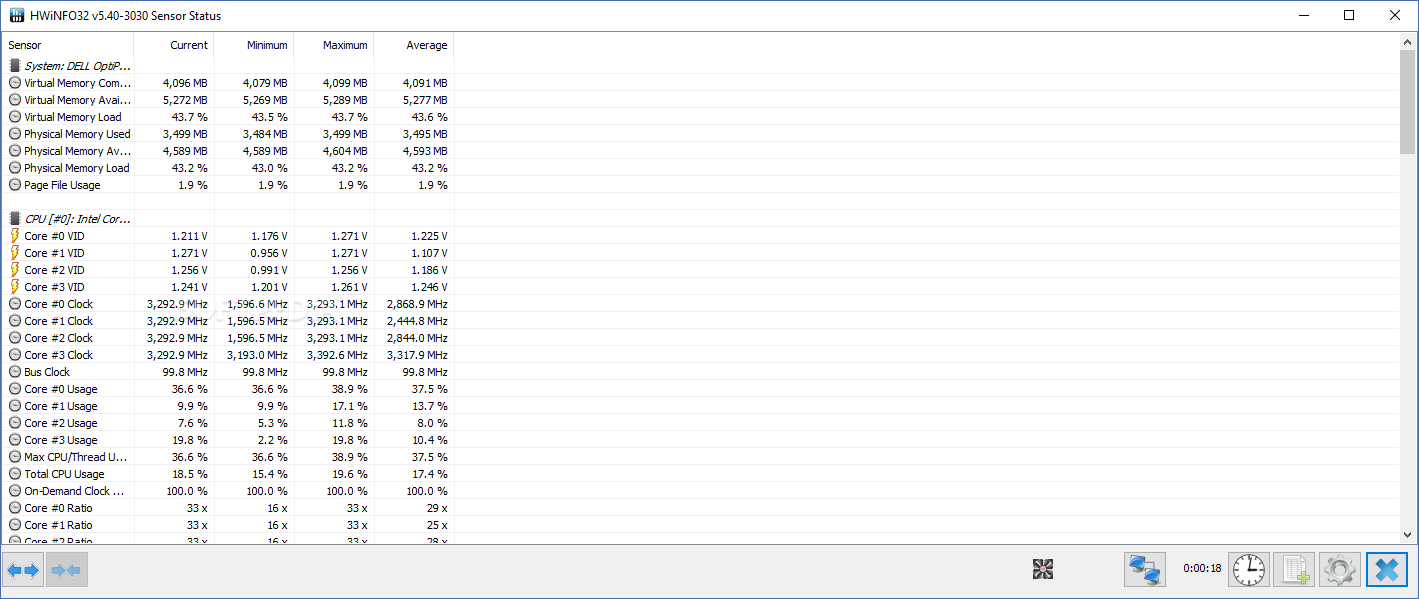
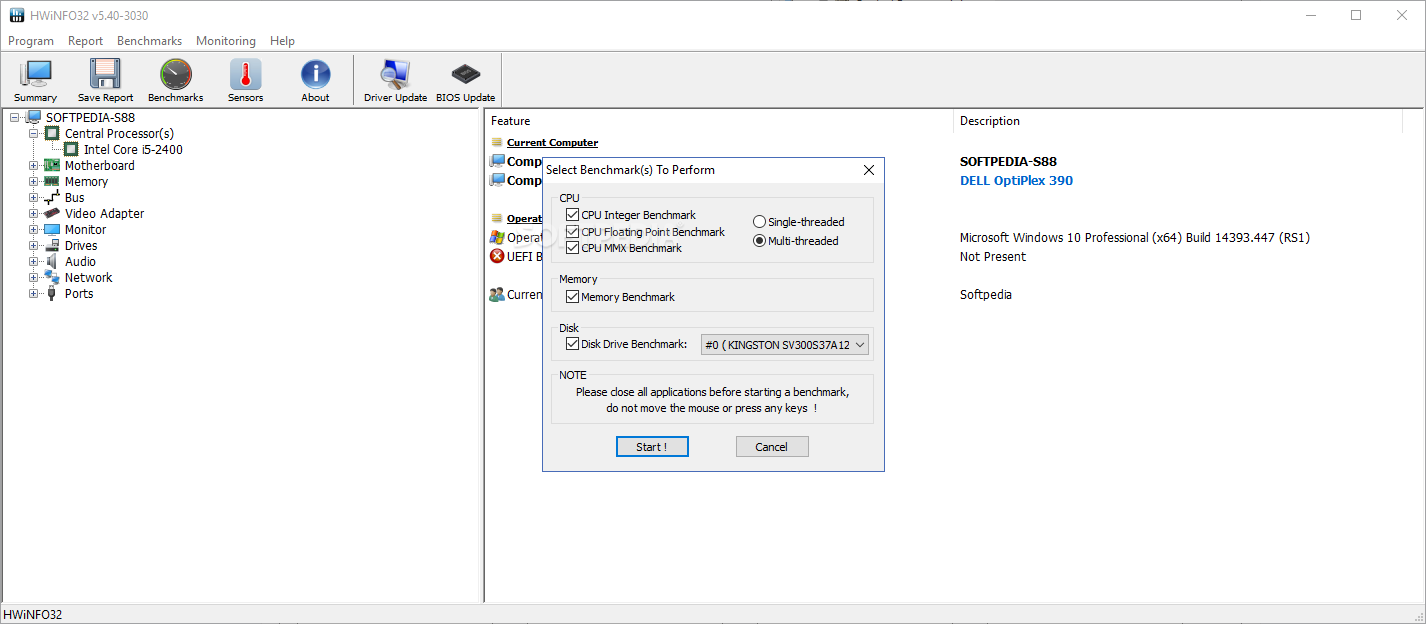
It is possible to copy data to the Clipboard or save it to a report (text, CSV, XML, HTML, MTHML), get an overview on the sensors (e.g. current, minimum, maximum and average CPU usage, temperatures), as well as to run benchmarks based on the CPU, memory or disk.
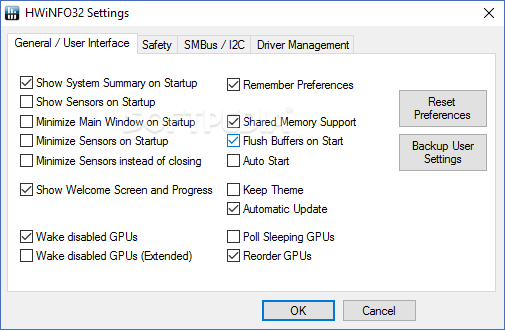
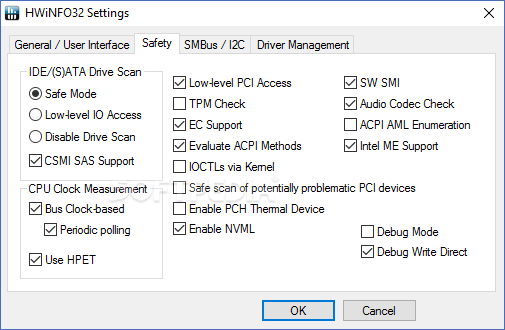
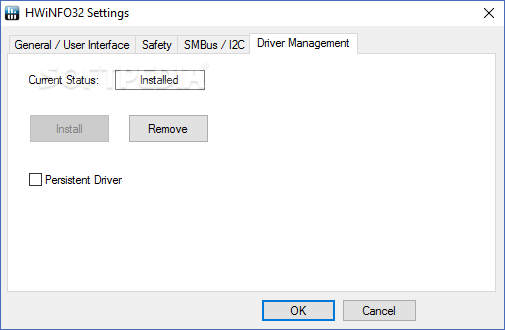
The main window can be minimized to the system tray area at startup. HWiNFO32 can be set to run at every Windows boot until further notice, automatically check for software updates online, select the drive scan and CPU clock measurement mode, and so on.
Unless it is performing benchmarks, HWiNFO32 uses low CPU and RAM, so it does not affect the PC's overall performance. We have not come across any problems in our tests, since it did not hang, crash or pop up error messages. To sum it up, HWiNFO32 is a necessary tool to any serious PC users who wants to monitor the status of their computers, accessible to both novices and experts.
Download Hubs
HWiNFO32 is part of these download collections: Benchmark CPU, CPU Monitors, Hardware Inventory
What's new in HWiNFO32 7.72 Build 5355:
- Fixed a possible crash on some older NVIDIA GPUs.
- Fixed erratic behavior during hiding of sensor items.
HWiNFO32 7.72 Build 5355
 Softpedia Editor's Pick
add to watchlist
add to download basket
send us an update
REPORT
Softpedia Editor's Pick
add to watchlist
add to download basket
send us an update
REPORT
- portable version
- Portable HWiNFO32
- runs on:
-
Windows 11
Windows 10 64 bit
Windows 8 64 bit
Windows 7 64 bit
Windows Vista 64 bit
Windows XP - file size:
- 12.7 MB
- filename:
- hwi_772.exe

- main category:
- System
- developer:
- visit homepage
Zoom Client

Windows Sandbox Launcher

Microsoft Teams

Context Menu Manager

Bitdefender Antivirus Free

IrfanView

7-Zip

ShareX

4k Video Downloader

calibre

- ShareX
- 4k Video Downloader
- calibre
- Zoom Client
- Windows Sandbox Launcher
- Microsoft Teams
- Context Menu Manager
- Bitdefender Antivirus Free
- IrfanView
- 7-Zip