
Maximize a directory/file list to fit on any given media like a ZIP/THUMB/CD/DVD. #Scan directory #Compare size #File sizer #Scanner #Comparer #Scan
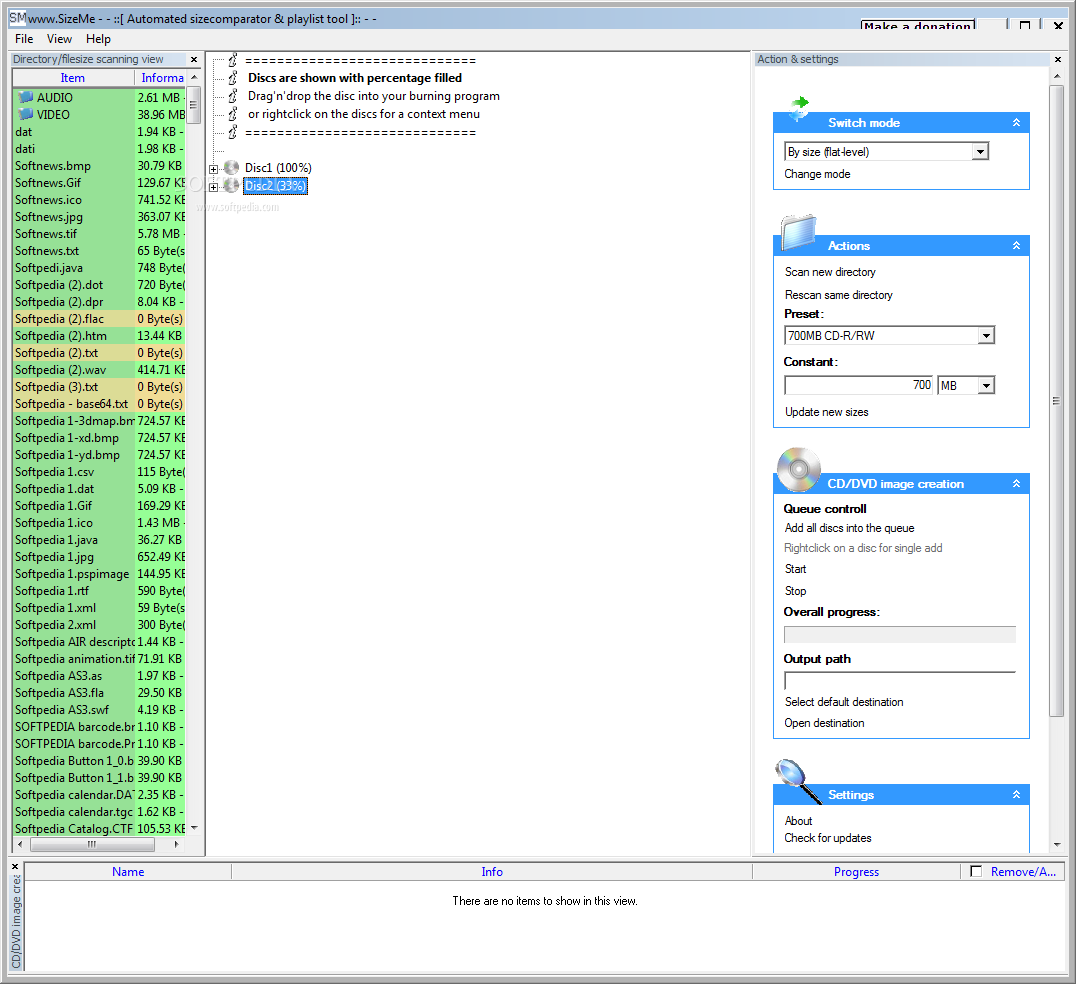
SizeMe scans a selected directory for the size of each item. Then it compares that to the given media size, and gives you a list over how many items you need. SizeMe is a software that allows you compare directory size.
Each item will contain how many percent a item takes. When you want to copy/move/burn you can just drag'n'drop the items into any given place. Example: If you want to burning your "My documents" you might select CD (700MB) and then it will create several discs as close to 100% full!
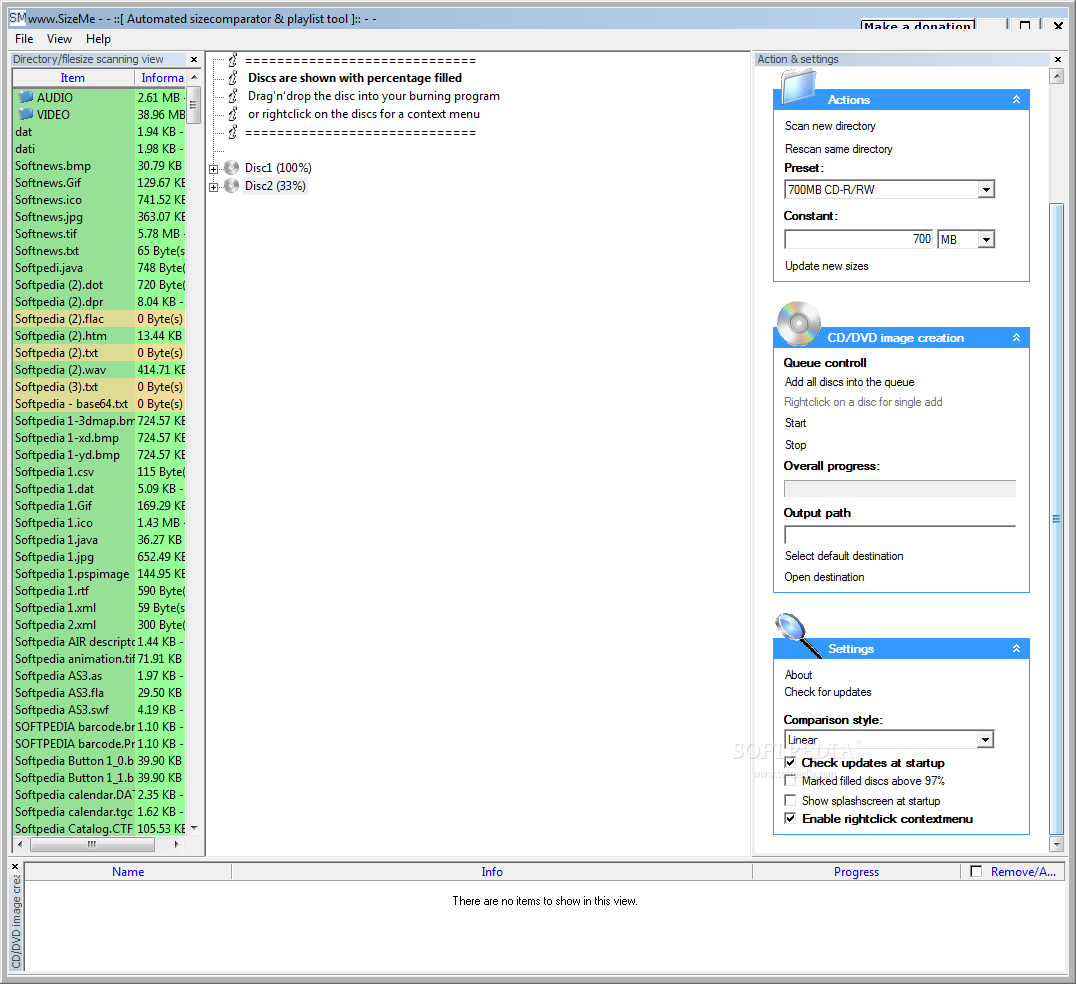
SizeMe makes it possible to scan a directory and compare it to how many floppy/zip/CD-R/DVD-discs you need. It tries to fill each disc up as much as possible, and gives you the result on each disc.
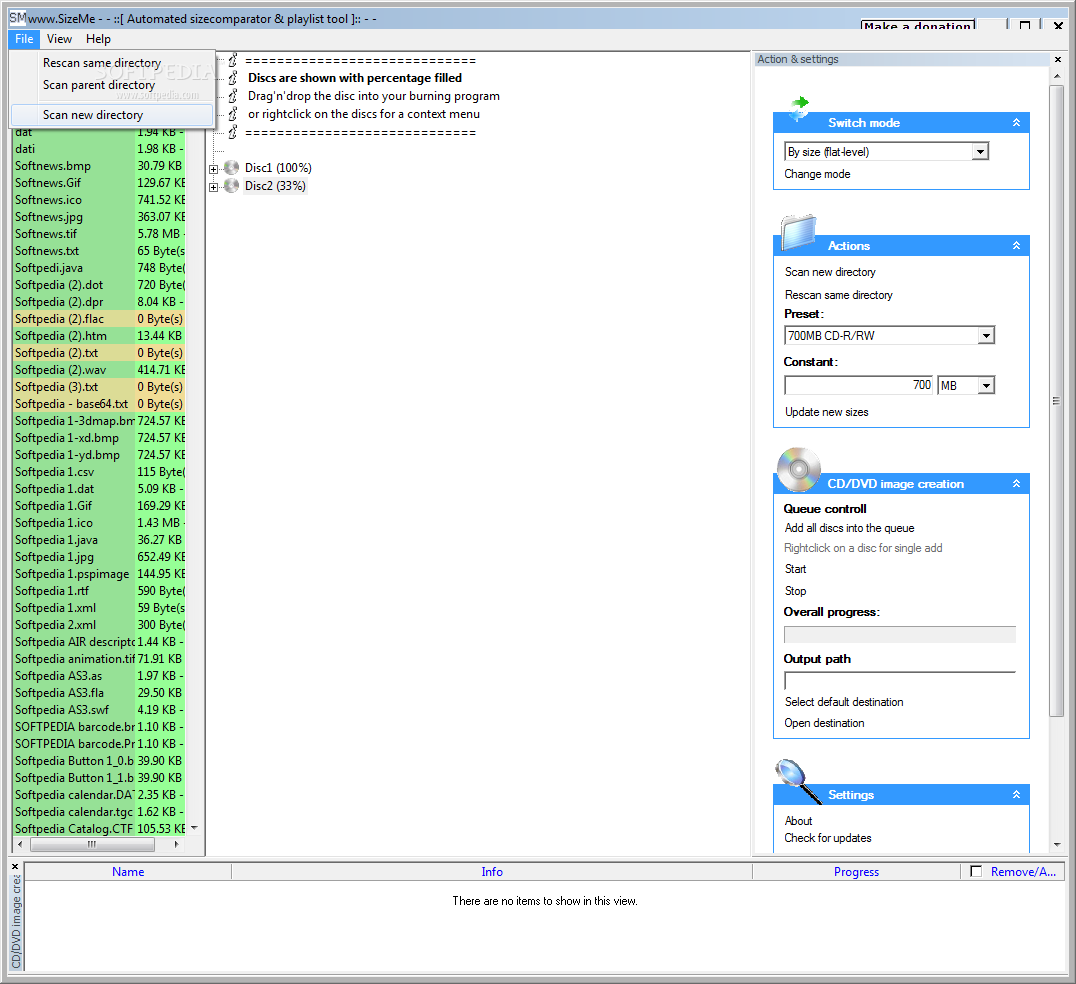
Right click a directory anywhere in Explorer, and press "Find sizes with www.SizeMe". Change the size you want to compare it against. If the directory/file is marked RED the directory does not fit on the given media size.
What's new in SizeMe 2.0.0 Build 1926:
- Added musicmode and wizard
SizeMe 2.0.0 Build 1926
add to watchlist add to download basket send us an update REPORT- runs on:
- Windows All
- file size:
- 1.3 MB
- filename:
- SizeMeInstallation.exe
- main category:
- System
- developer:
- visit homepage
Bitdefender Antivirus Free

7-Zip

ShareX

Windows Sandbox Launcher

Zoom Client

Context Menu Manager

4k Video Downloader

IrfanView

Microsoft Teams

calibre

- IrfanView
- Microsoft Teams
- calibre
- Bitdefender Antivirus Free
- 7-Zip
- ShareX
- Windows Sandbox Launcher
- Zoom Client
- Context Menu Manager
- 4k Video Downloader