
Get detailed information about various processes and connections on your system by using this lightweight and easy to understand piece of software. #Suspend process #Startup manager #Uninstall application #Explorer #Startup #Explore

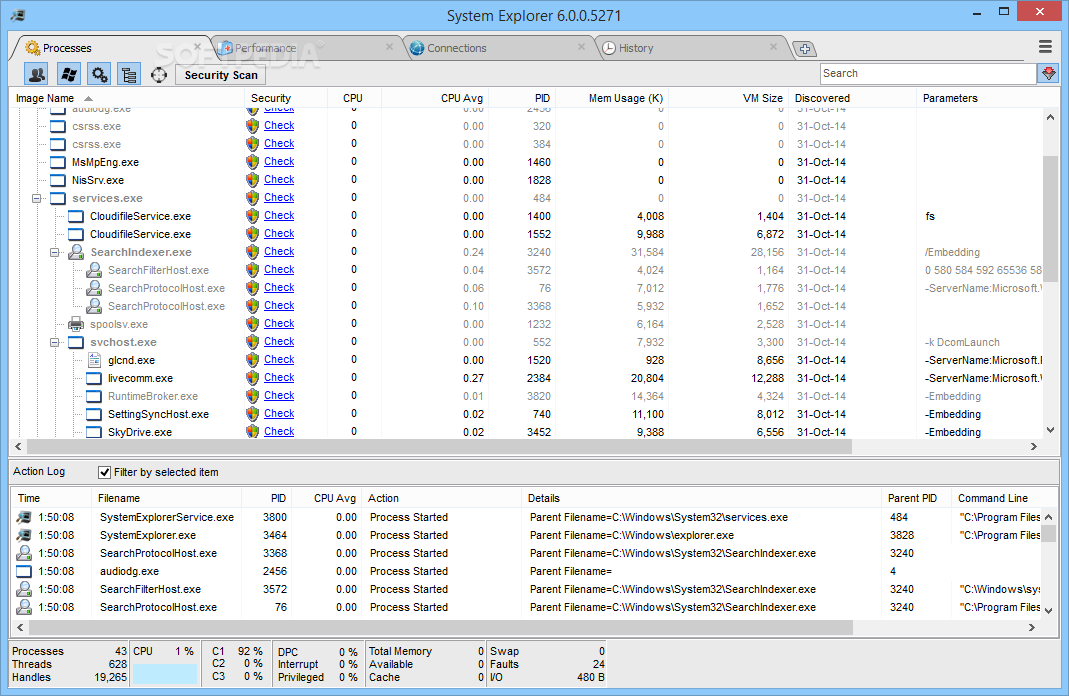
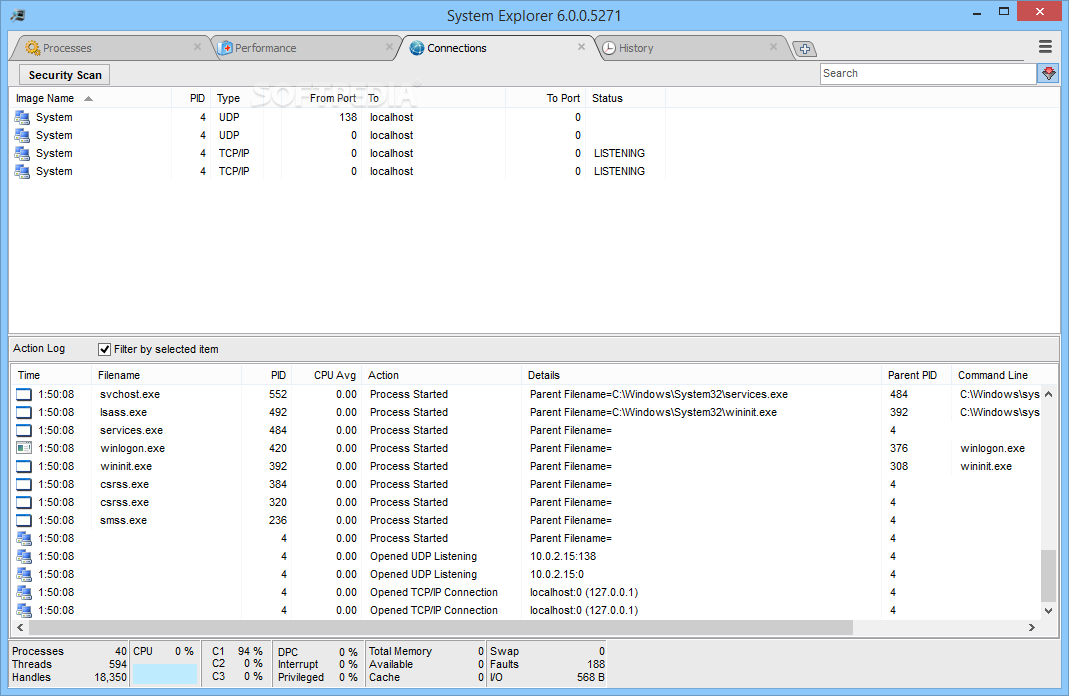
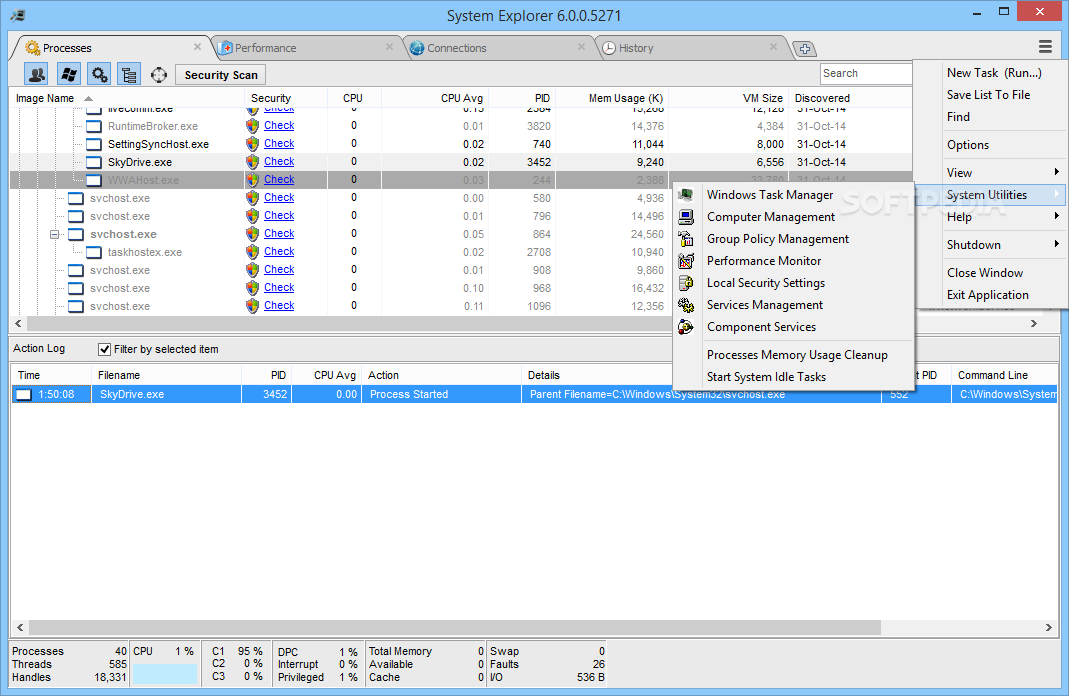
System Explorer is one of the tools able to provide an in-depth analysis of your computer, displaying valuable information concerning the start-up programs, the running processes or the network connections.
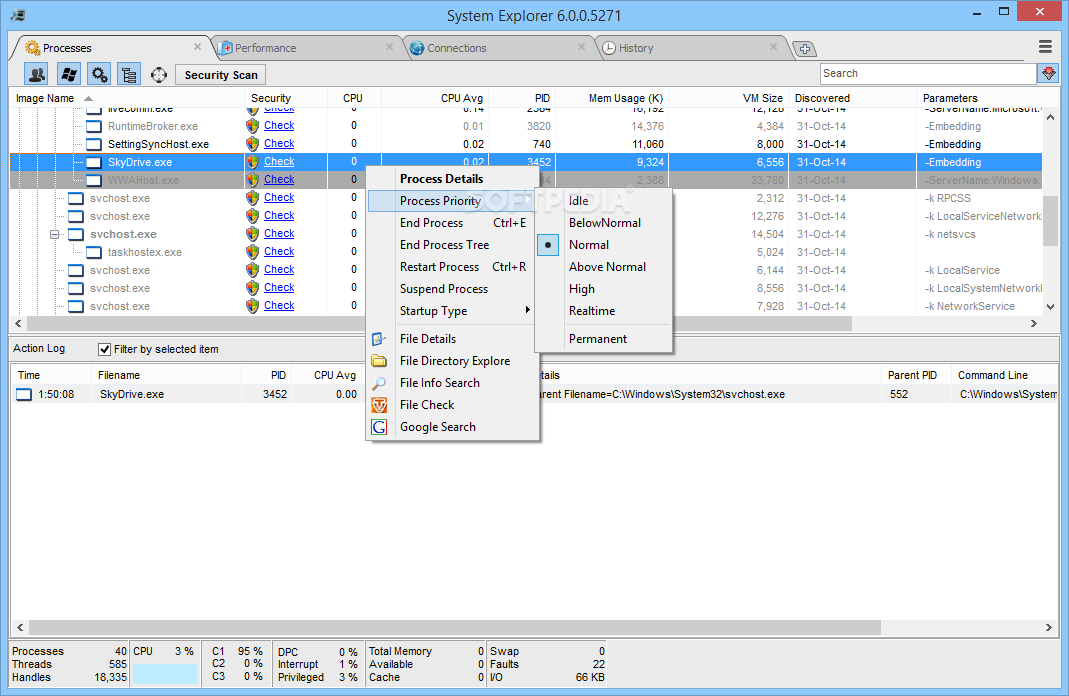
One of the aces up its sleeve is definitely the interface. Very pleasant and intuitive, with nifty tabs at the top of the main window, System Explorer's GUI makes everything very easy to use, thus addressing not only advanced users, but also beginners.
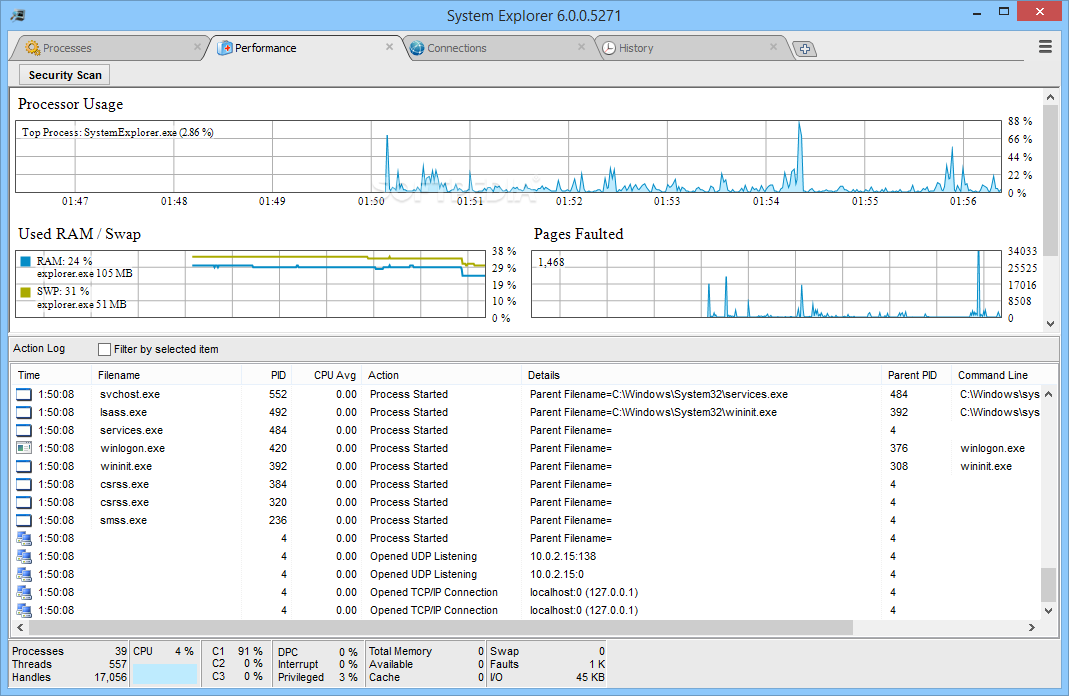
The tab bar can be fully customized to show exactly the information you want, so there are many choices to be made among tasks, processes, performance, additional info, uninstallers, modules, connections, autoruns, services, drivers, networking, WMI browser, history, snapshots, users and security info.
One of the most useful goodies in the whole application is the security scan that checks the running processes for suspicious activity using an online security database. In plain English, the processes will be scanned online through VirusTotal and Jotti services, so you should be on the safe side all the time.
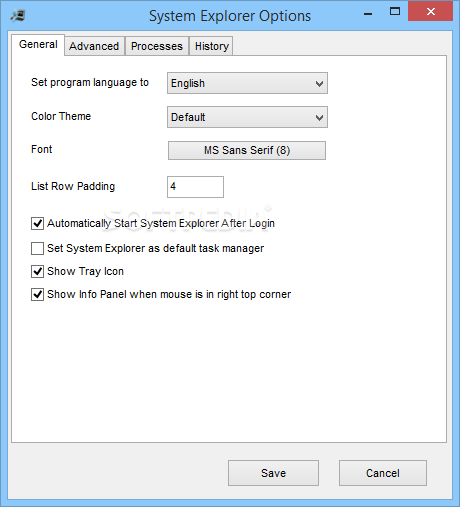
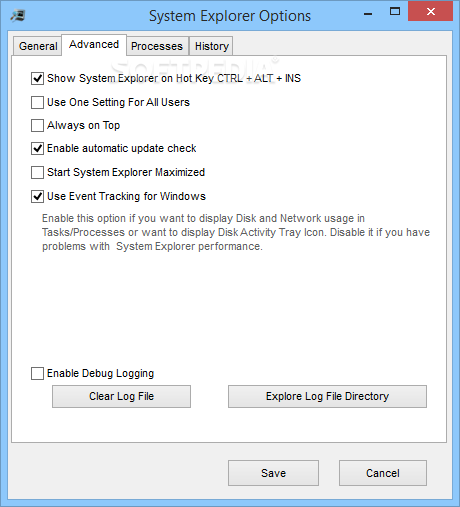
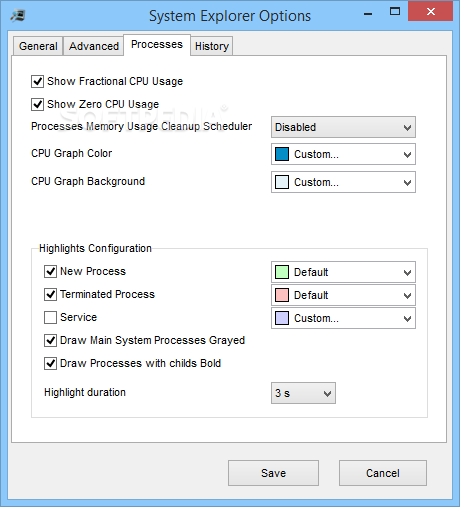
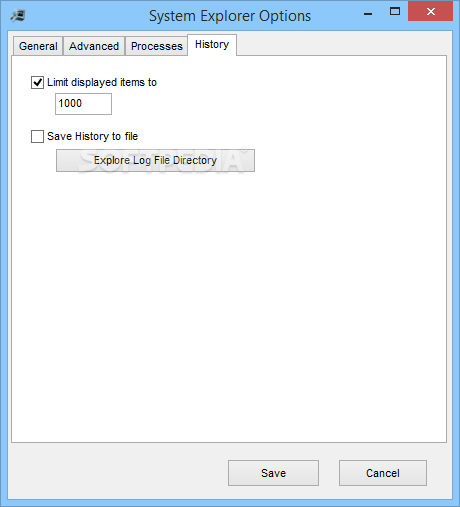
System Explorer also comprises a settings screen with options concerning the way the app looks and works. For instance, you can choose to show fractional CPU usage and graphs, set System Explorer as the default task manager or enable history monitoring.
The amount of information provided by System Explorer is absolutely impressive and this is the thing you will definitely like the most. There are tons of details in every single tab, along with graphs and useful tips, keeping the user up-to-date with what's happening with the system all the time.
All things considered, it's hard not to be impressed with System Explorer. It provides virtually all the information you will ever need on your computer and it runs on low resources.
System Explorer 7.1.0.5359
add to watchlist add to download basket send us an update REPORT- portable version
- System Explorer Portable
- runs on:
-
Windows 10 32/64 bit
Windows 2003
Windows 8 32/64 bit
Windows 7 32/64 bit
Windows Vista 32/64 bit
Windows XP - file size:
- 2 MB
- filename:
- SystemExplorerSetup.exe
- main category:
- System
- developer:
- visit homepage
Microsoft Teams

Bitdefender Antivirus Free

Zoom Client

4k Video Downloader

7-Zip

IrfanView

Context Menu Manager

Windows Sandbox Launcher

calibre

ShareX

- Windows Sandbox Launcher
- calibre
- ShareX
- Microsoft Teams
- Bitdefender Antivirus Free
- Zoom Client
- 4k Video Downloader
- 7-Zip
- IrfanView
- Context Menu Manager