
Manage, configure and fix system settings and resources easily and in one place. #Manage system resources #System resources manager #View system configuration #Organize #View #Edit
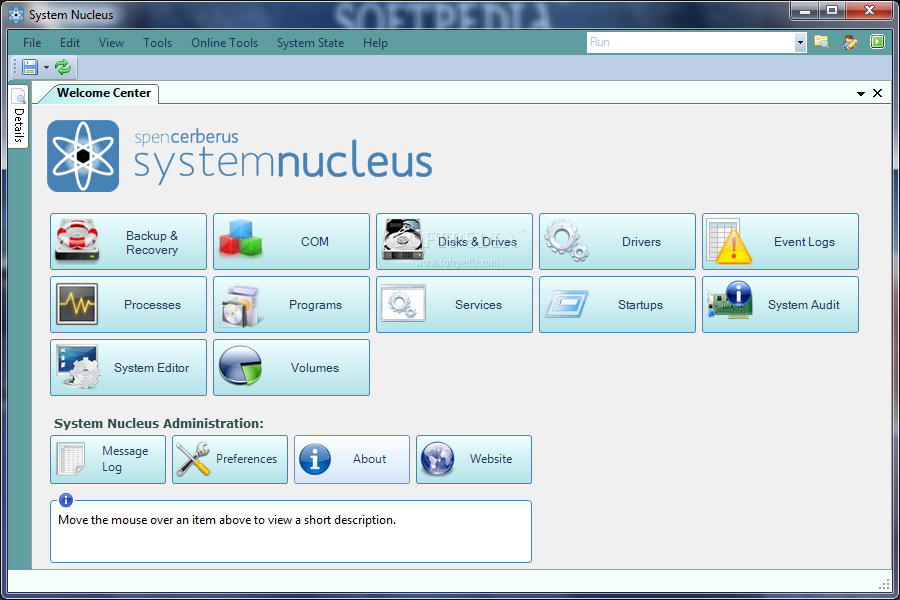
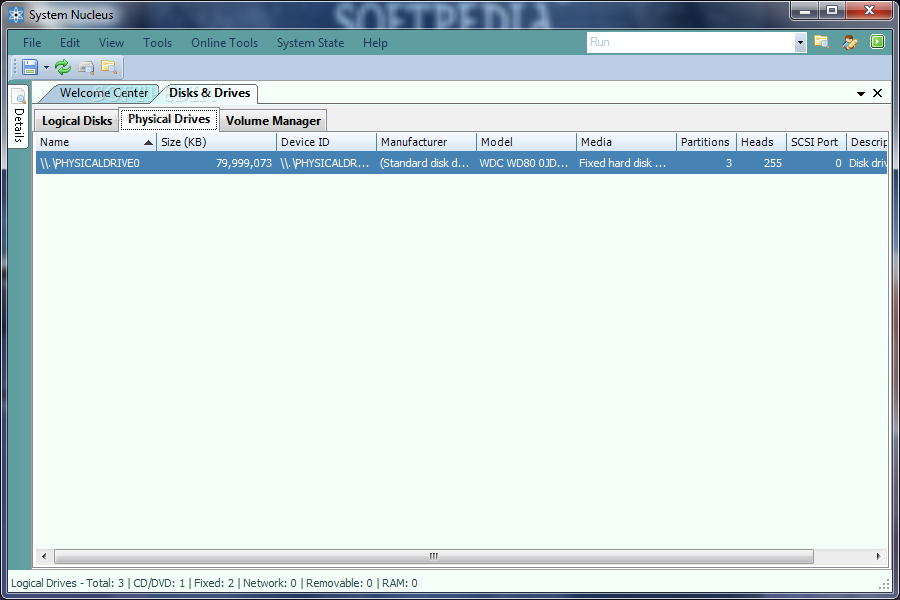
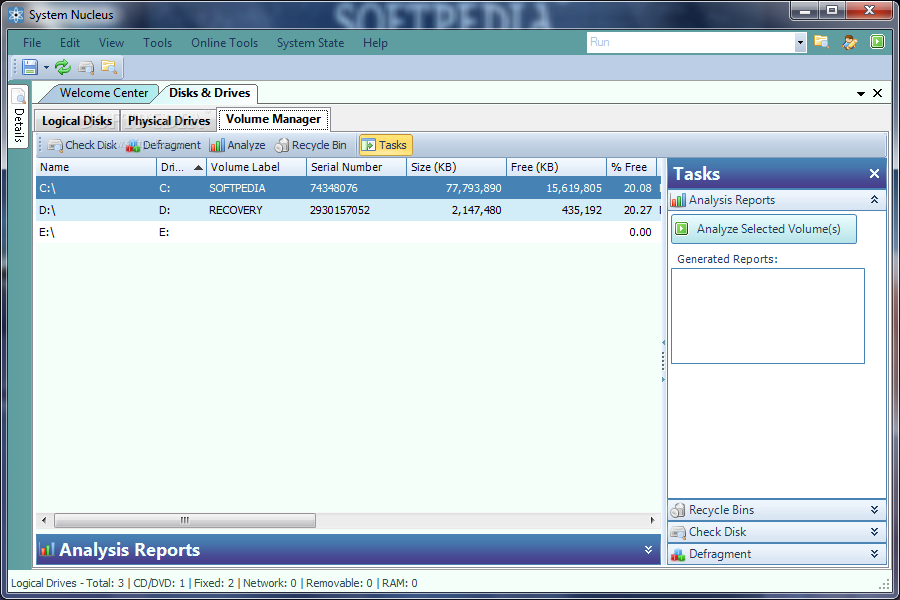
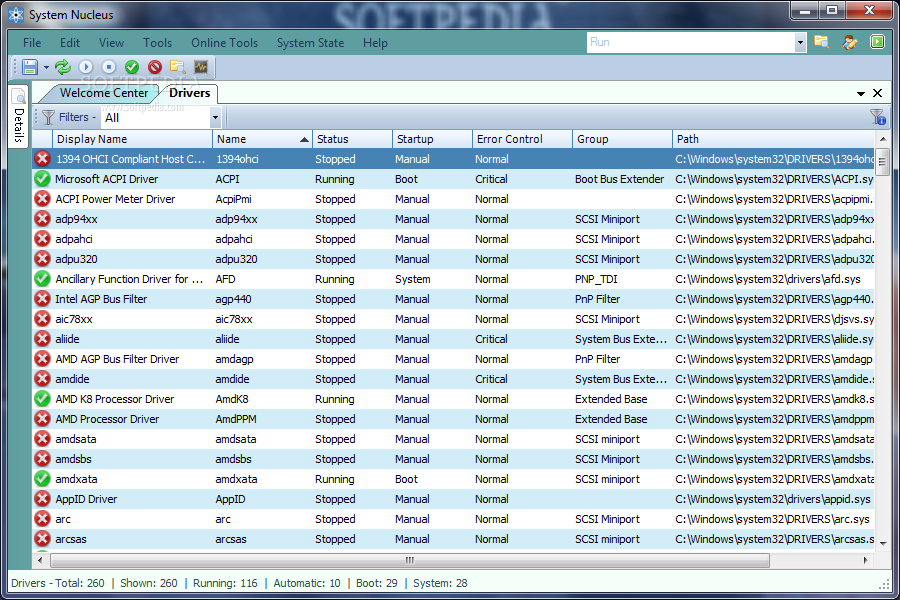
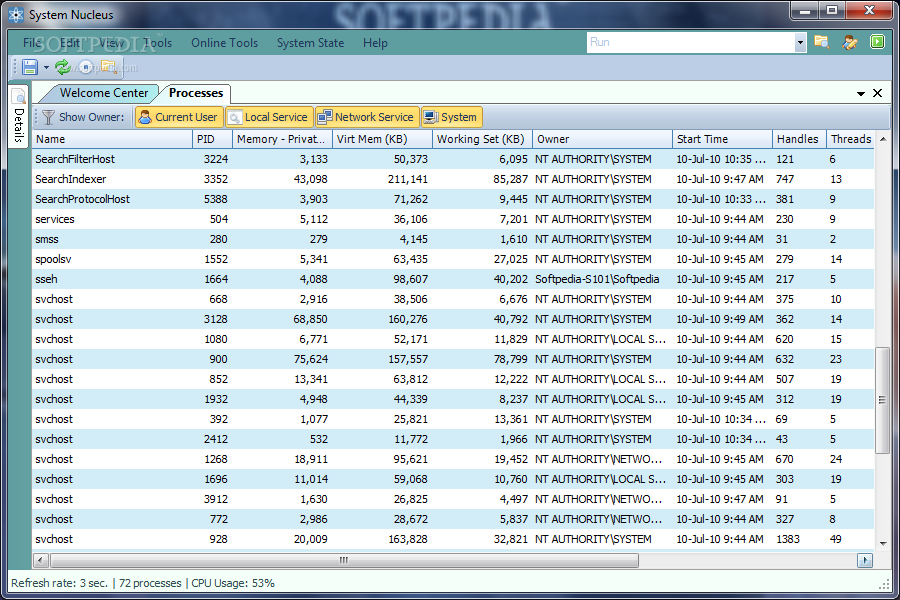
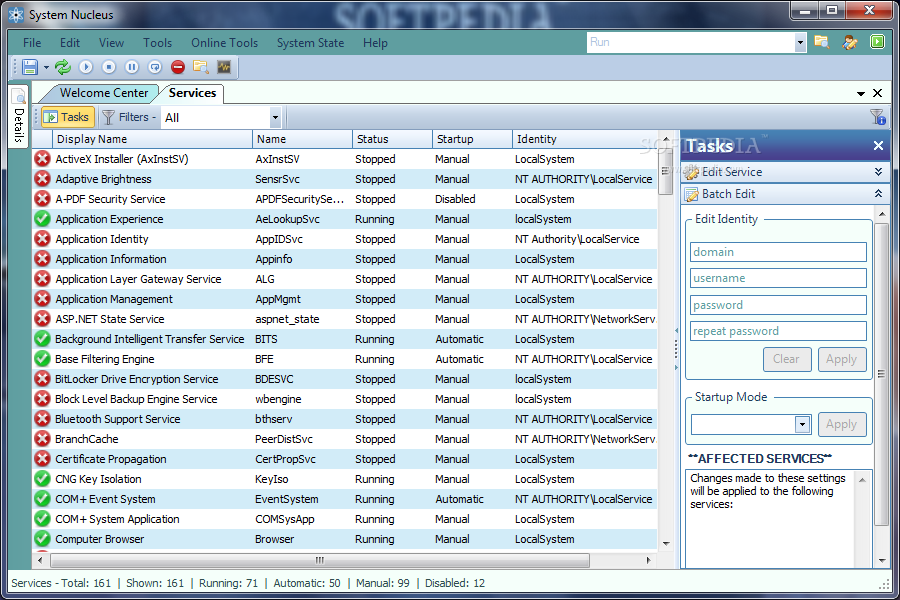
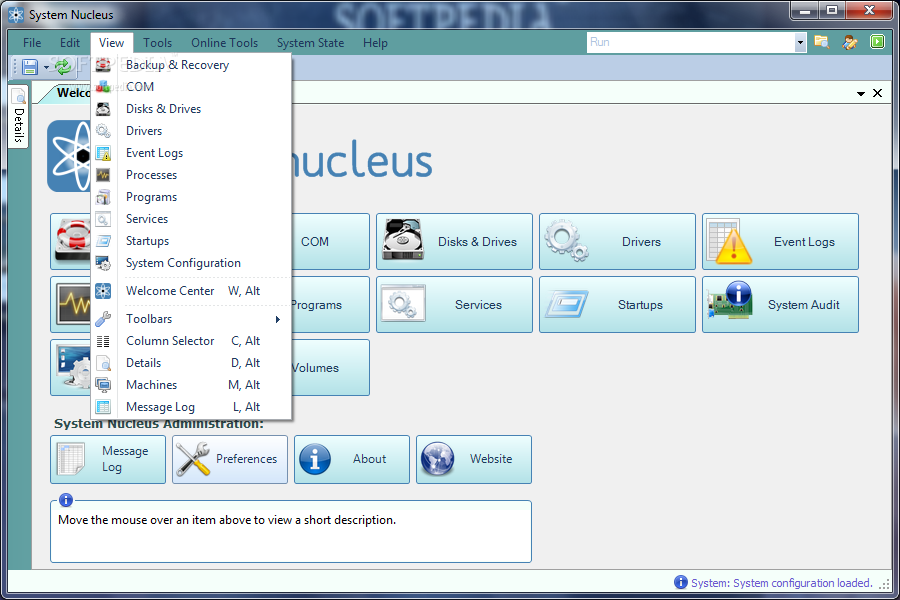
System Nucleus provide you with a toolbox comprising various task-specific components capable of performing various maintenance jobs such as backup, recovery, checking, fixing, configuring or managing your personal computer.
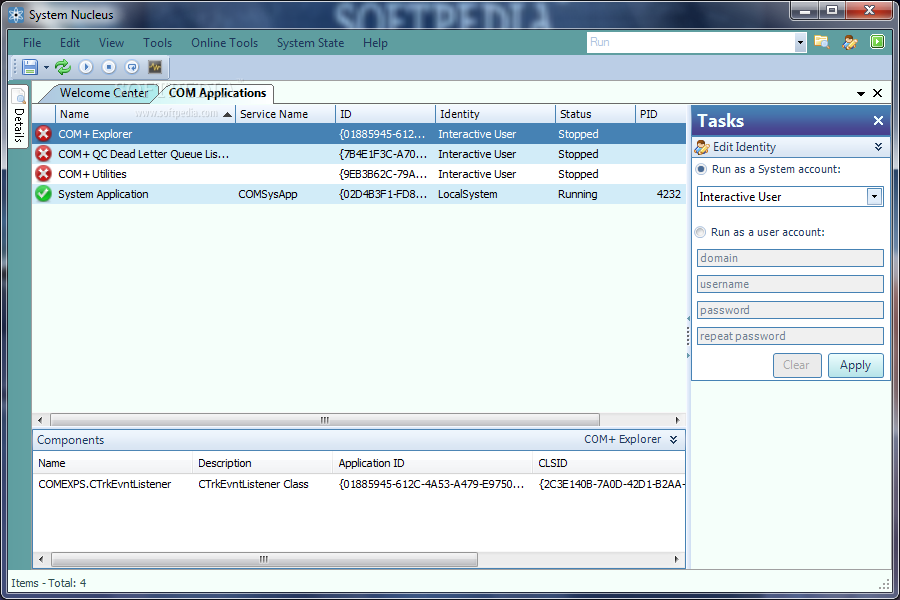
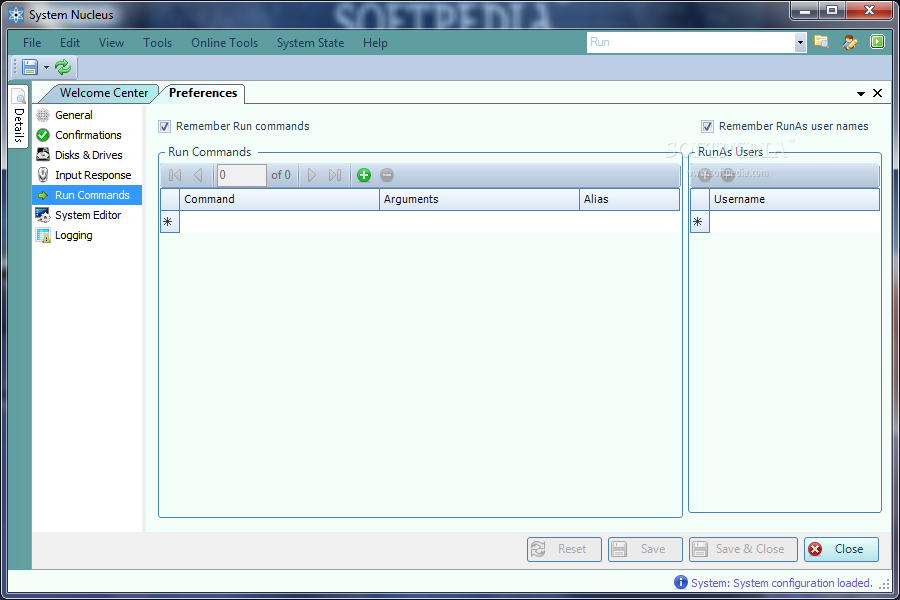
The main difference between System Nucleus and other software from its category consists of the ability to perform batch operations, whether simultaneously stopping two processes or uninstalling five programs. Other distinctive operations include leftover data deletion, service and driver updated status, event log entry export or shortcuts for you Run commands.
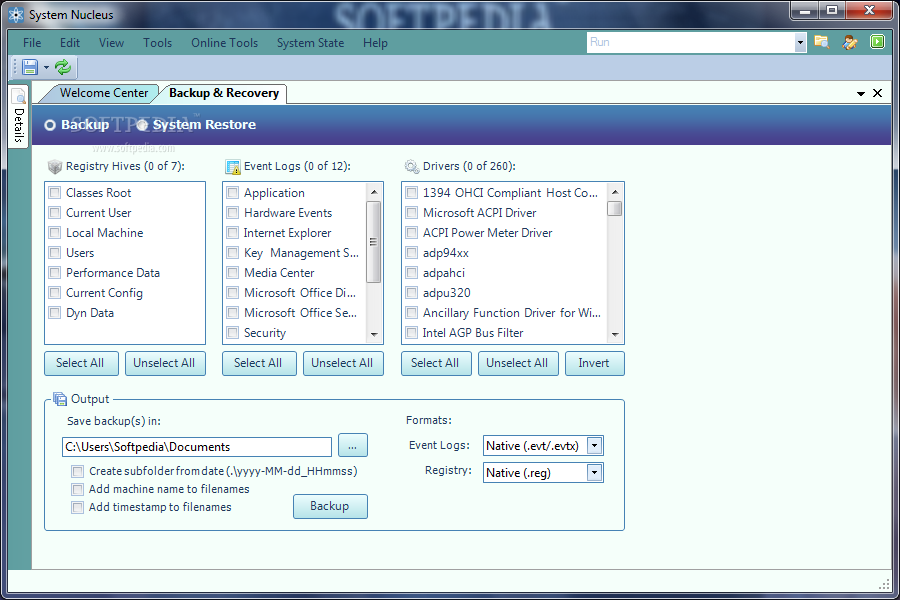
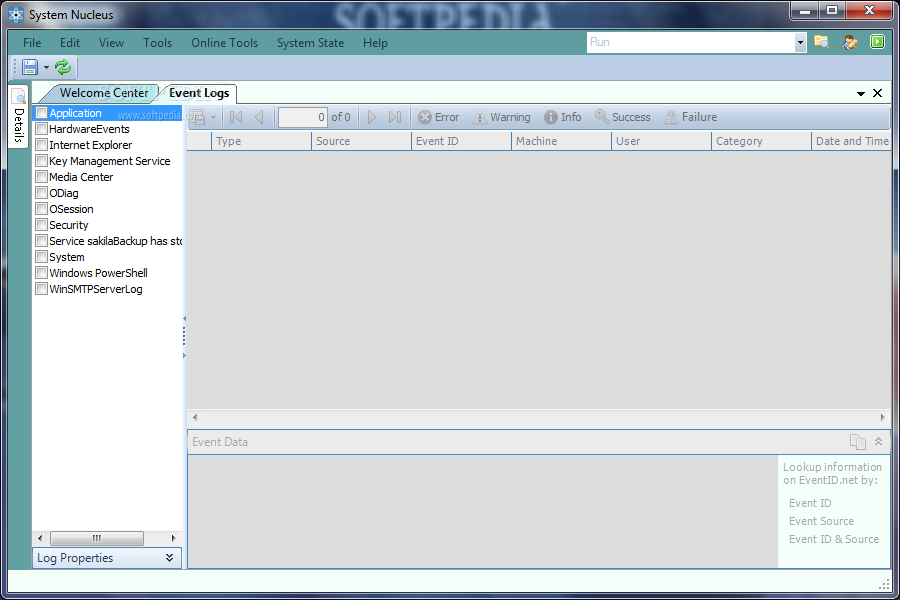
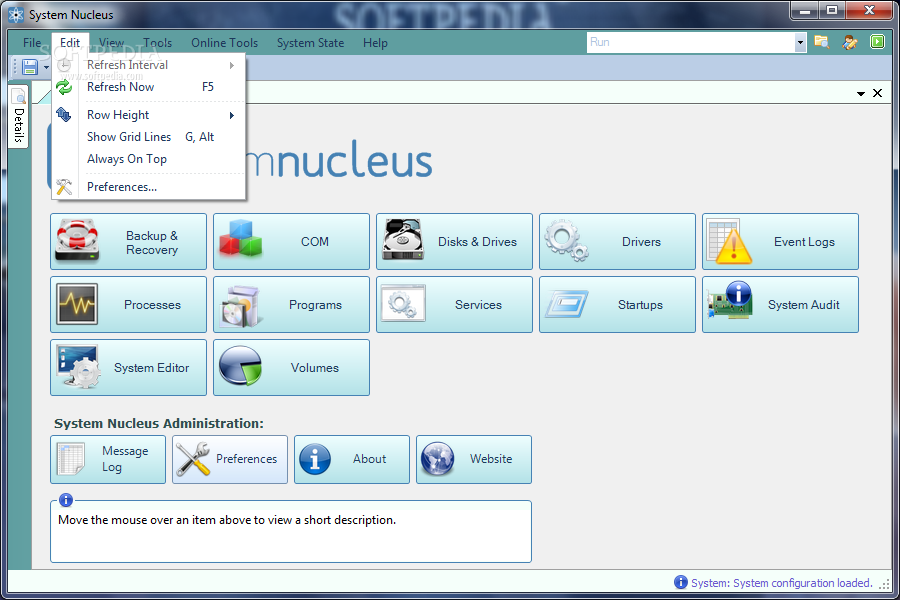
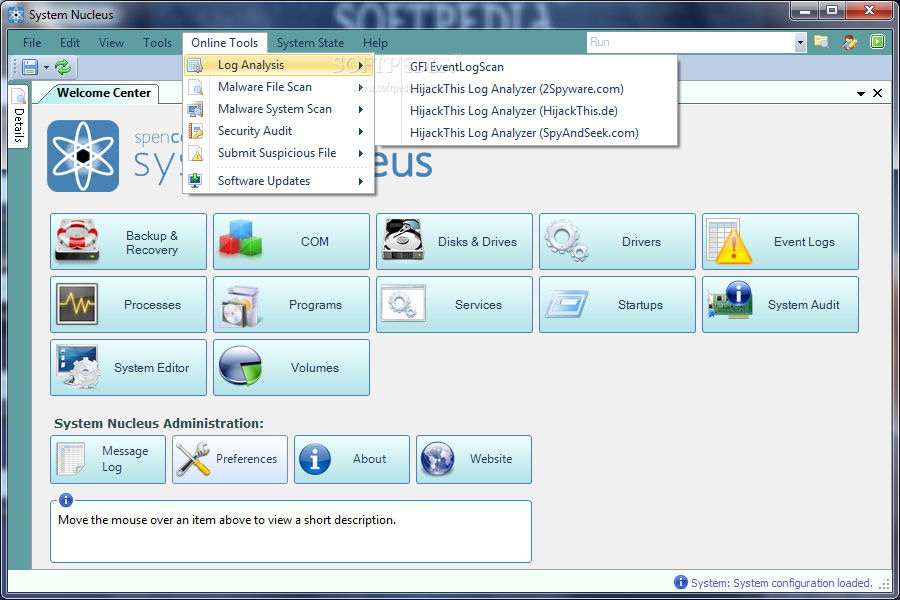
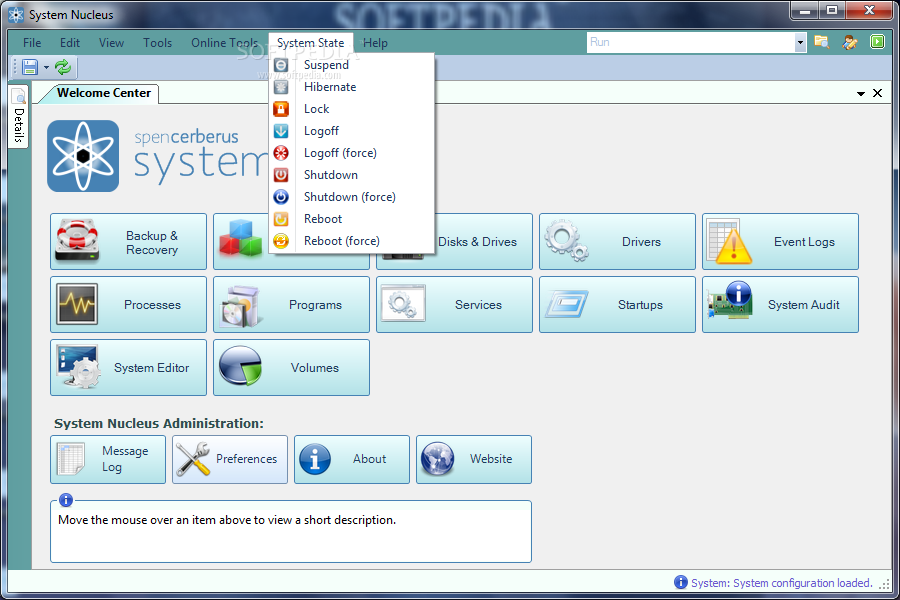
The intuitive graphical interface of the application manages to keep things simple and organized. Every button accesses a certain feature such as Backup & Recovery. This particular area of System Nucleus helps you backup selected registry hives, event logs and even drivers in order to ensure a long lasting operating system that can be restored any time you want.
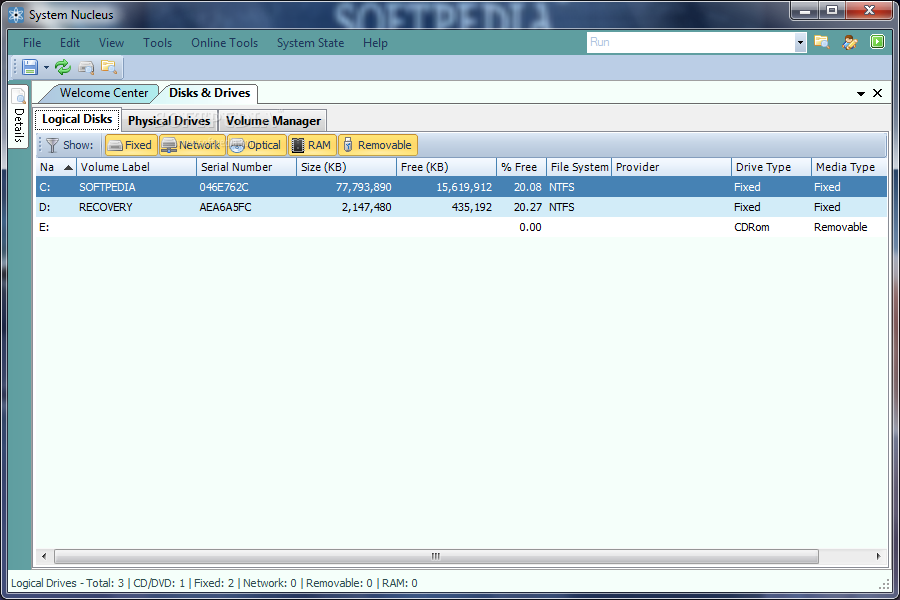
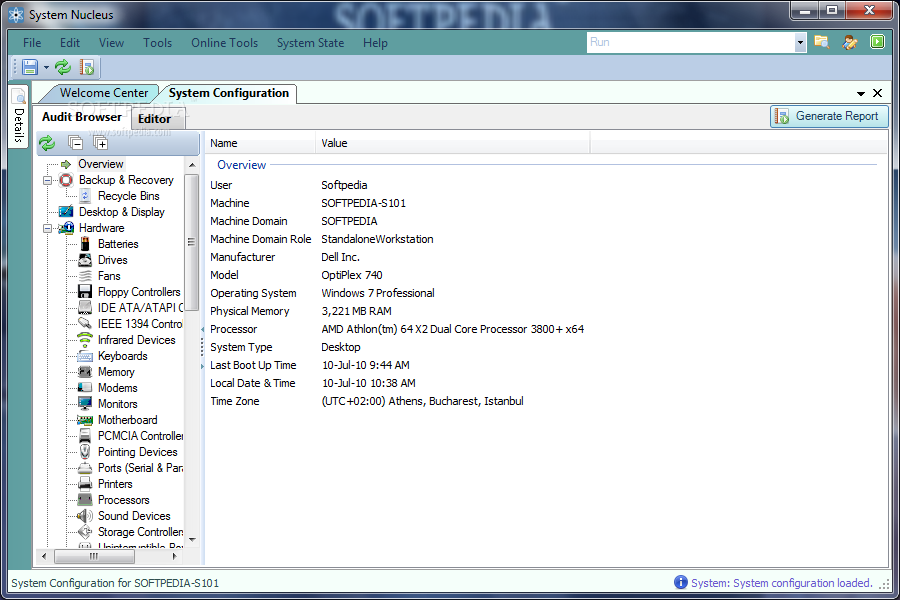
You can also easily audit your system and receive both software and hardware detailed reports, configure and tweak your computer’s settings, manage your startup items or the Windows application menu. The degree of information generated by System Nucleus can also require more than just the basic PC knowledge, thus the software can also be used by more advanced users.
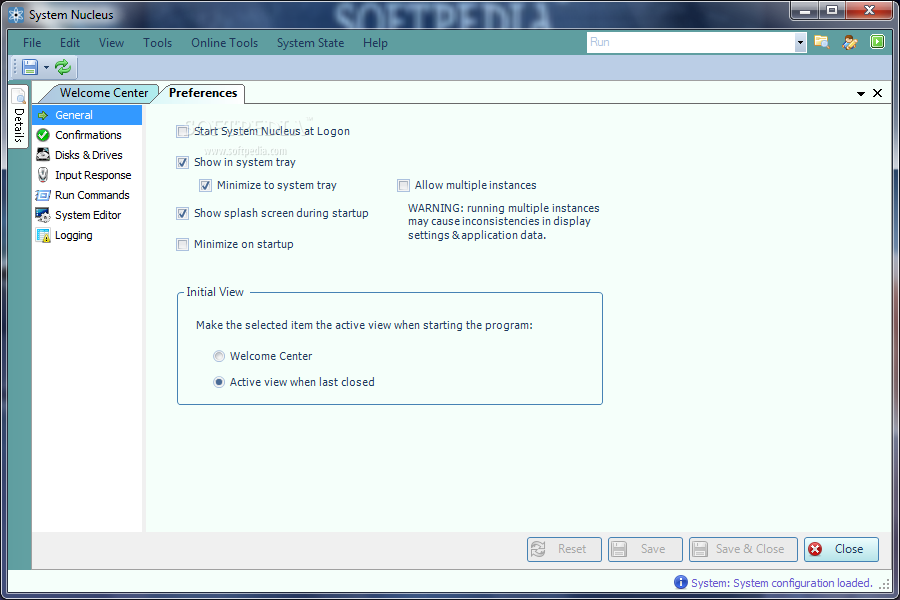
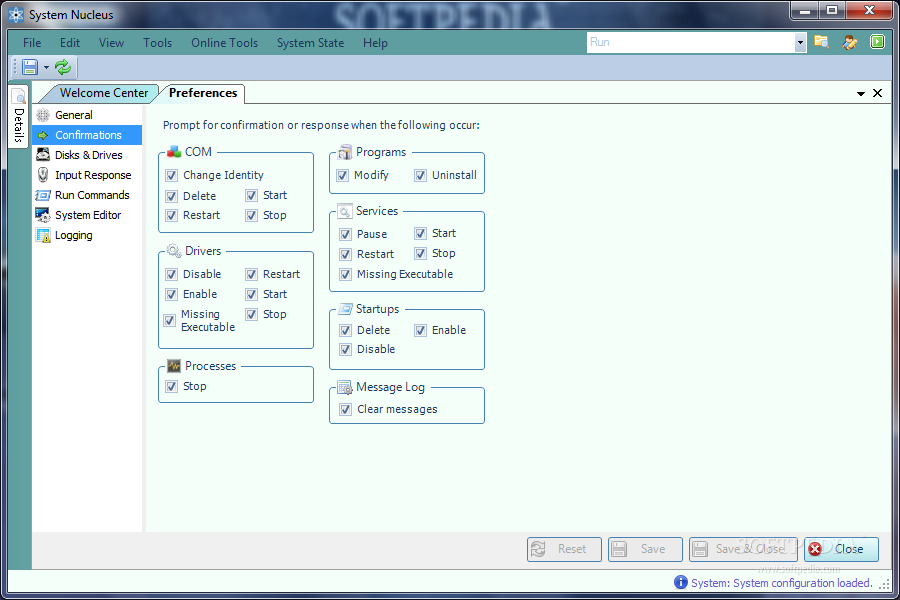
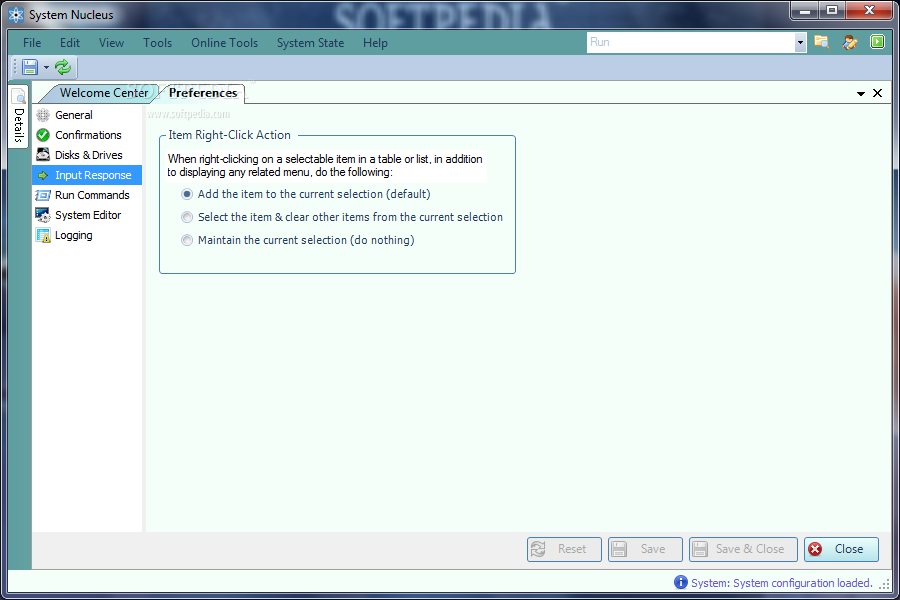
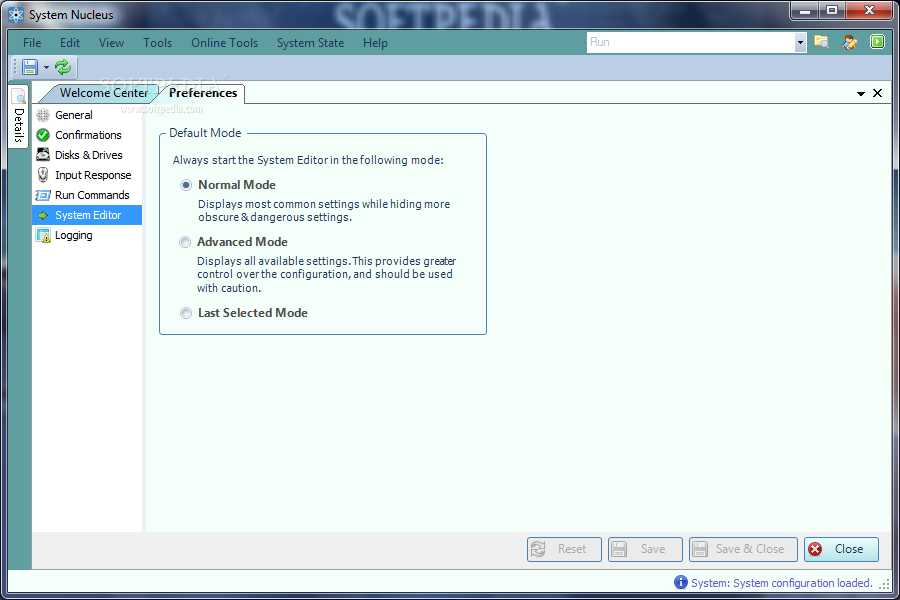
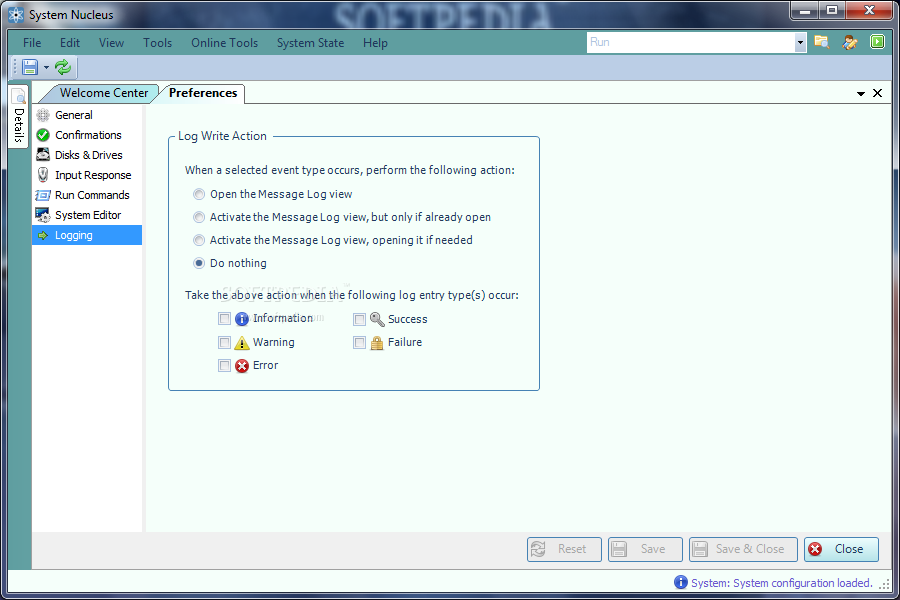
The application sports automation capabilities that you can take advantage of. This way, you are able to set almost everything in the program from appearance to functionality in order to create macro-like batch operations. These settings are not lost once you close System Nucleus, hence the fact that you can enjoy your personalization every time you start it.
System Nucleus puts together a great assembly of tools to fix, maintain and configure your computer in order to keep it running as smooth as possible. Hassle-free systems are the result of hours and hours of work and tedious jobs and the only real help can come from applications such as System Nucleus.
What's new in System Nucleus 2.3.2:
- Added WMI checkpoints & repair options if needed at start up
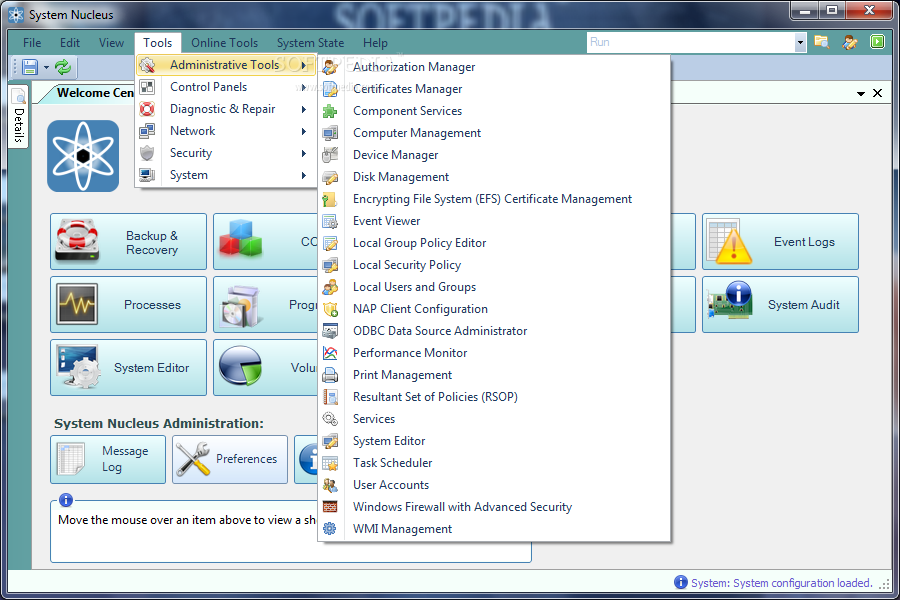
- Added shortcuts to over 30 additional Windows applications in Windows 7
- Added support for additional languages during installation
- Mouse over log message in status bar now shows ToolTip containing complete message text
System Nucleus 2.3.2
add to watchlist add to download basket send us an update REPORT- runs on:
-
Windows 7 32/64 bit
Windows Vista 32/64 bit
Windows XP - file size:
- 3.5 MB
- filename:
- SystemNucleusSetup.exe
- main category:
- System
- developer:
- visit homepage
Windows Sandbox Launcher

Bitdefender Antivirus Free

IrfanView

Microsoft Teams

calibre

4k Video Downloader

7-Zip

Context Menu Manager

ShareX

Zoom Client

- Context Menu Manager
- ShareX
- Zoom Client
- Windows Sandbox Launcher
- Bitdefender Antivirus Free
- IrfanView
- Microsoft Teams
- calibre
- 4k Video Downloader
- 7-Zip
