
Thanks to this intuitive application you can easily search for available hardware driver updates and install them to your computer. #Driver updater #Update driver #Driver scanner #Driver #Updater #Update

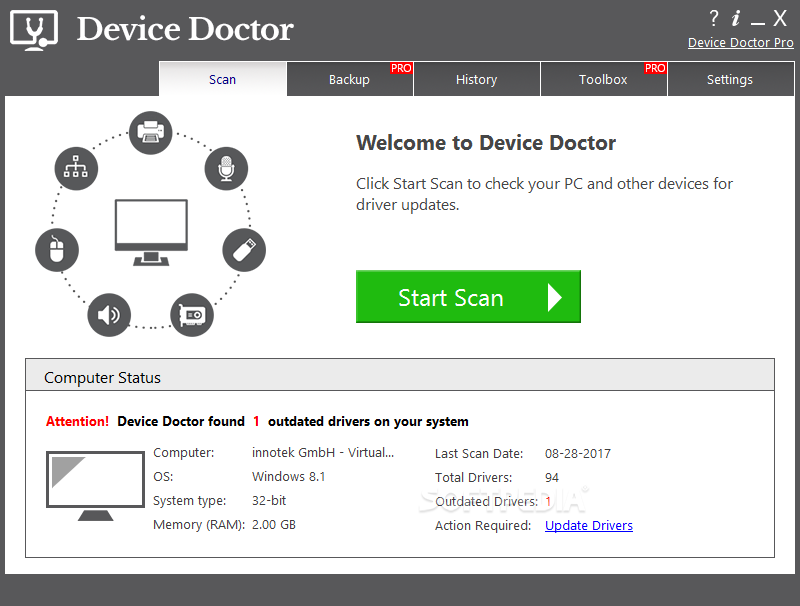
Downloading, installing and updating drivers is quite a risky job unless you're a more experienced user, that's for sure. And that's exactly the kind of issue Device Doctor tries to tackle, offering a user-friendly approach to make working with hardware drivers a breeze.
The application has been designed with a single goal in mind: allow users to easily download and install new drivers for every single piece of hardware hidden underneath their PC cases.
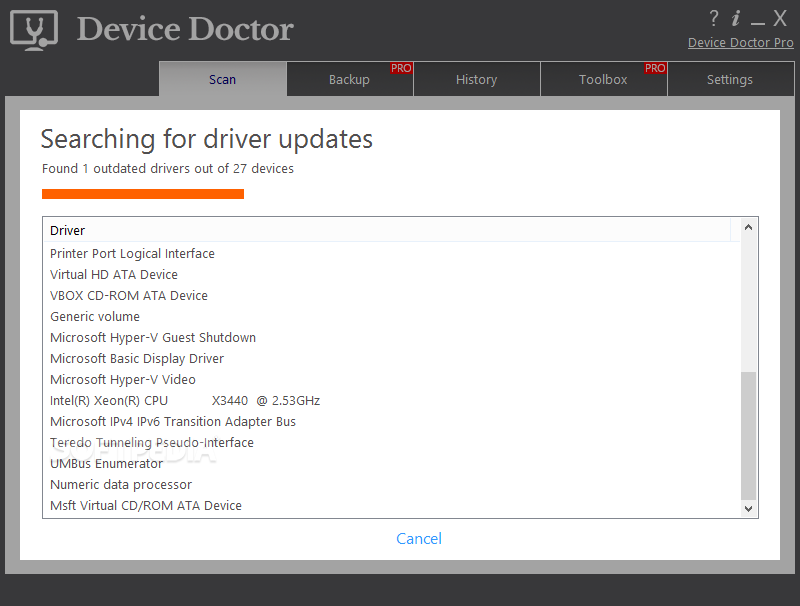
And it does that with ease, mostly thanks to a straightforward interface that automatically scans the existing hardware and lets users pick the drivers to update. Device Doctor downloads and installs new packages regardless of how many devices you pick, so it can be used for updating one or multiple items at the same time.
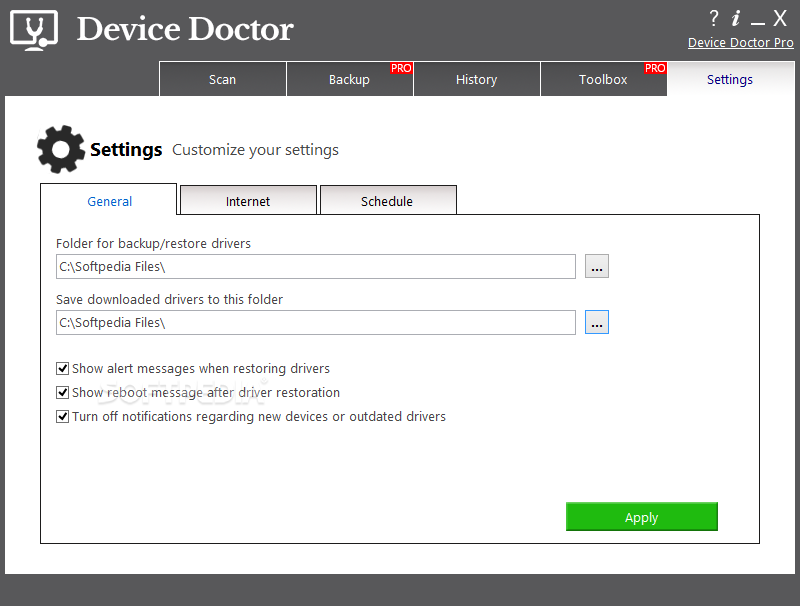
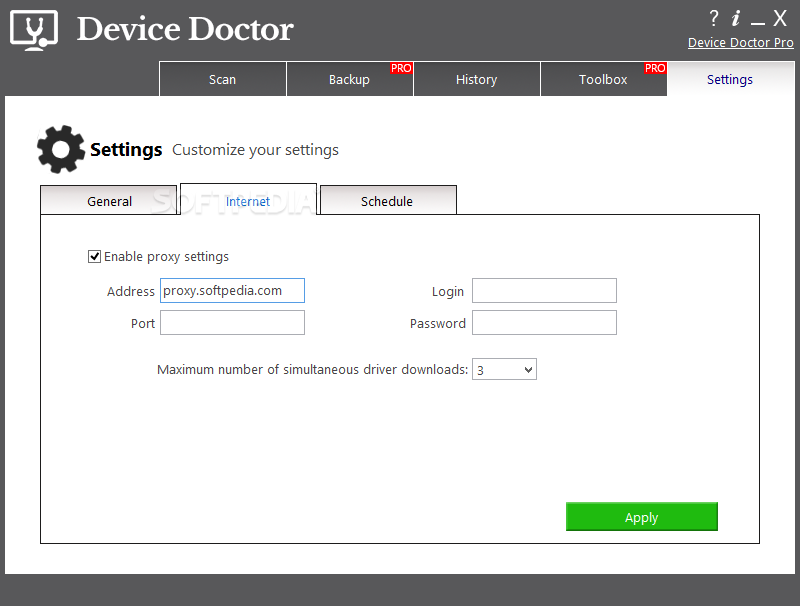
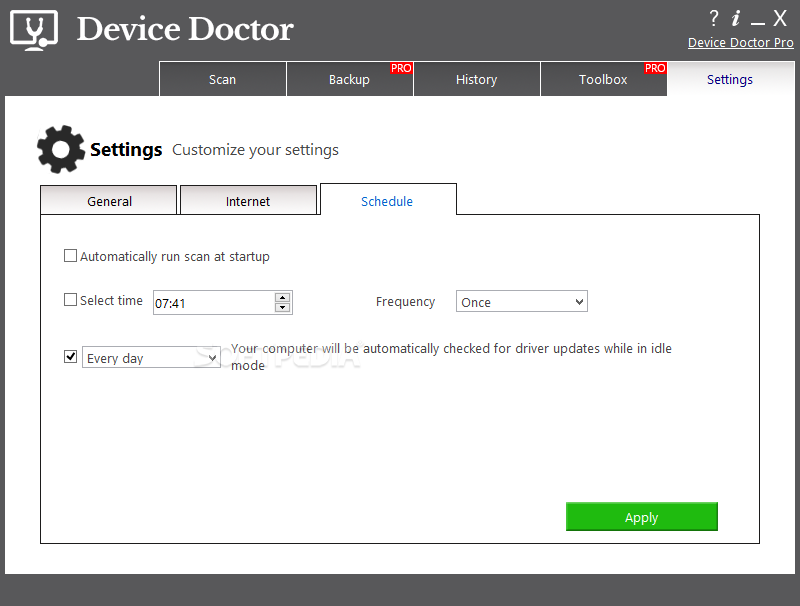
What's more, thanks to its rather basic settings screen the application can also initiate a scan at system startup and detect if any driver update is available automatically. Plus, you can set up scheduled scans, either daily, weekly or on specific days.
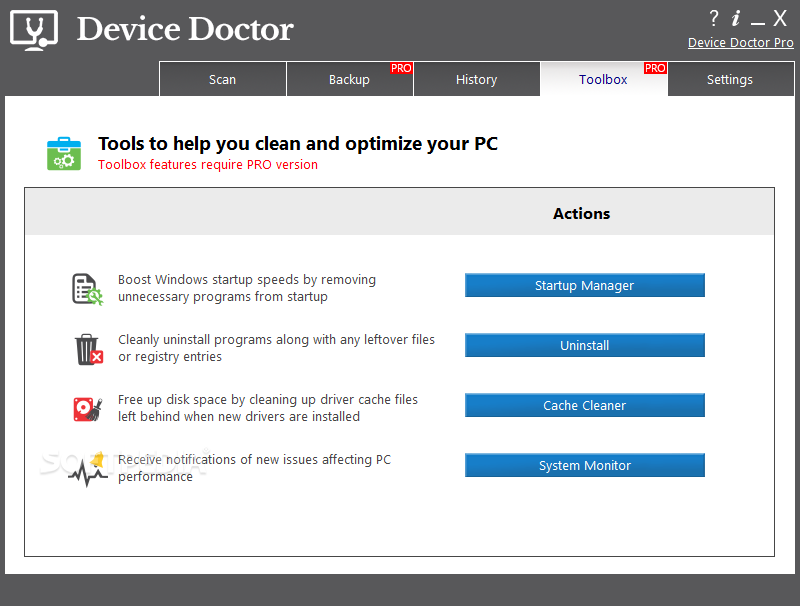
While everything sounds like milk and honey, it's not, and Device Doctor lacks some critical features that could play a key role in such an application.
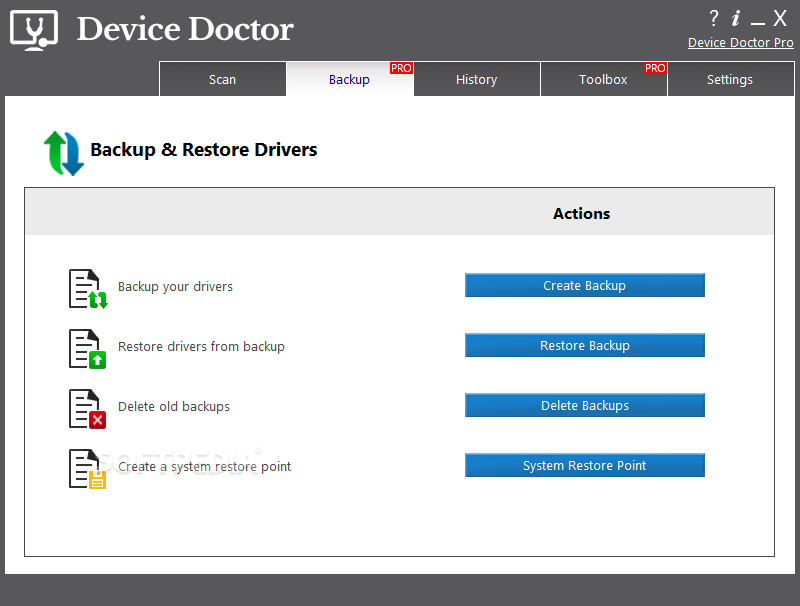
For example, it doesn't create a restore point or a backup to make sure everything is fine after updating the drivers in the demo version, so you need to perform the whole task manually every time. Which is quite comfortable when setting up scheduled scans.
Device Doctor is indeed a handy piece of software but, as you can see, there are still some areas to be improved here and there. It does what it says though and works like a charm on all Windows versions.
Download Hubs
Device Doctor is part of these download collections: Drivers Manager
Device Doctor 5.5.630.0
add to watchlist add to download basket send us an update REPORT- runs on:
-
Windows 11
Windows 10 32/64 bit
Windows 8 32/64 bit
Windows 7 32/64 bit - file size:
- 6.5 MB
- filename:
- DeviceDoctor_Bundle.exe
- main category:
- System
- developer:
- visit homepage
IrfanView

4k Video Downloader

Microsoft Teams

Context Menu Manager

calibre

7-Zip

ShareX

Bitdefender Antivirus Free

Zoom Client

Windows Sandbox Launcher

- Bitdefender Antivirus Free
- Zoom Client
- Windows Sandbox Launcher
- IrfanView
- 4k Video Downloader
- Microsoft Teams
- Context Menu Manager
- calibre
- 7-Zip
- ShareX