
Take control of your computer to view and manage system devices, drivers, processes and services, study information, and export it to file. #Device manager #Remove device #Device lister #Device #Remove #Remover

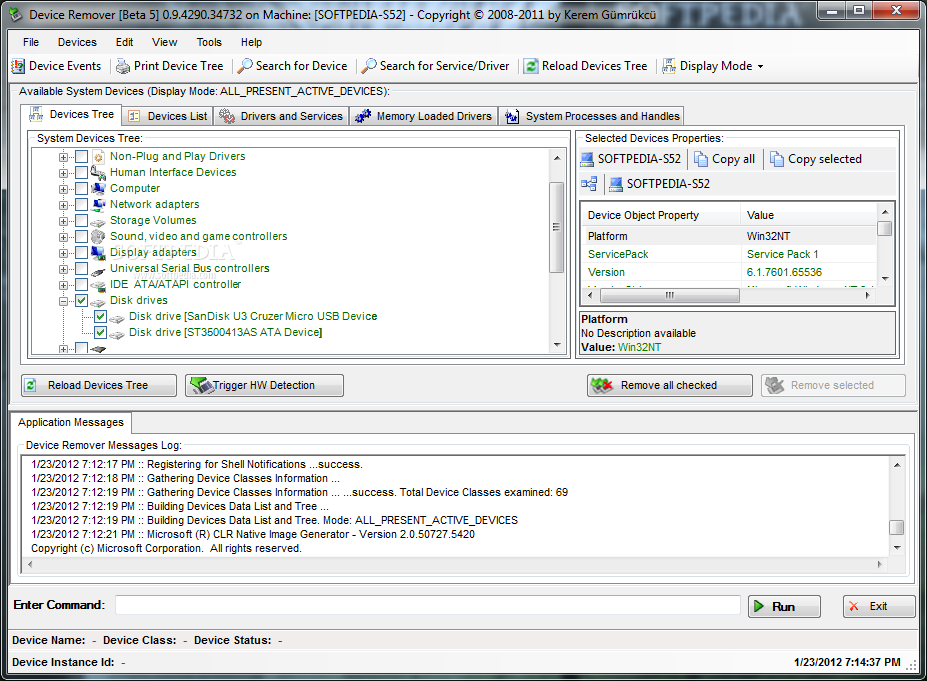
Device Remover is a comprehensive software application that you can use to take over your machine to administer devices, drivers, services and system processes.
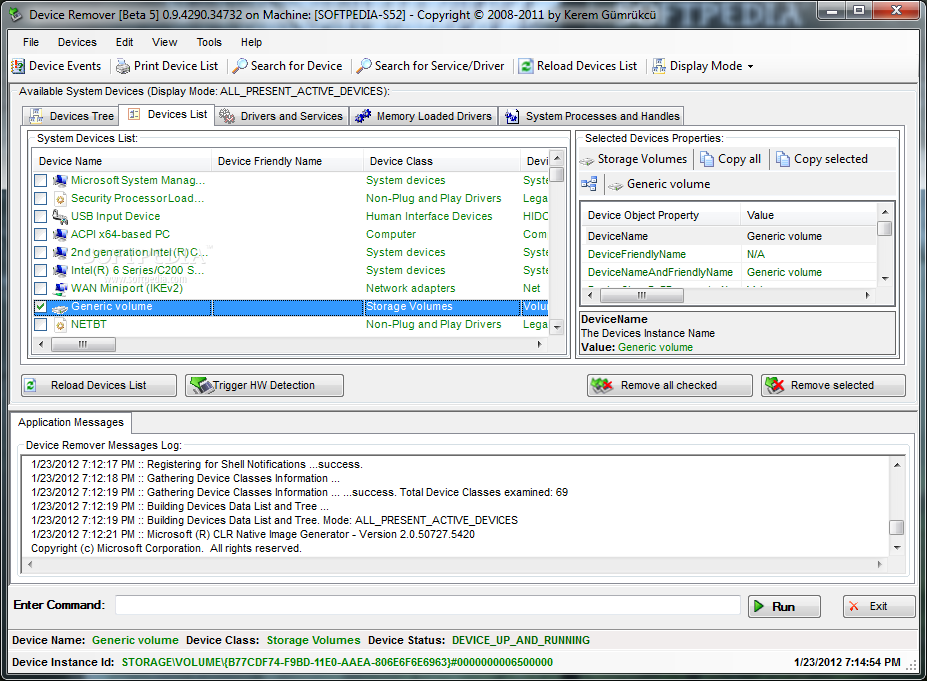
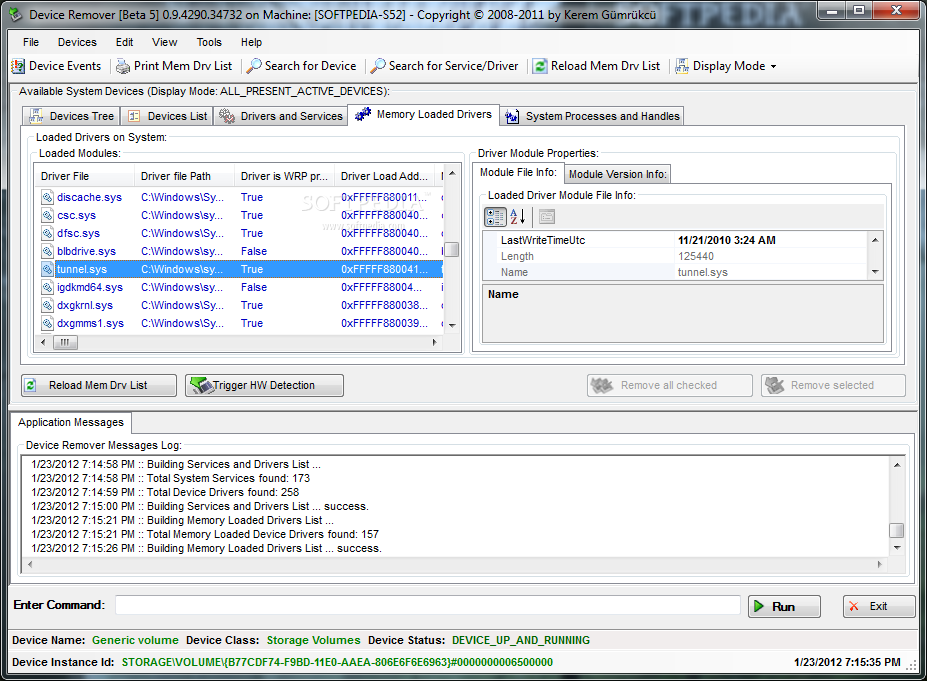
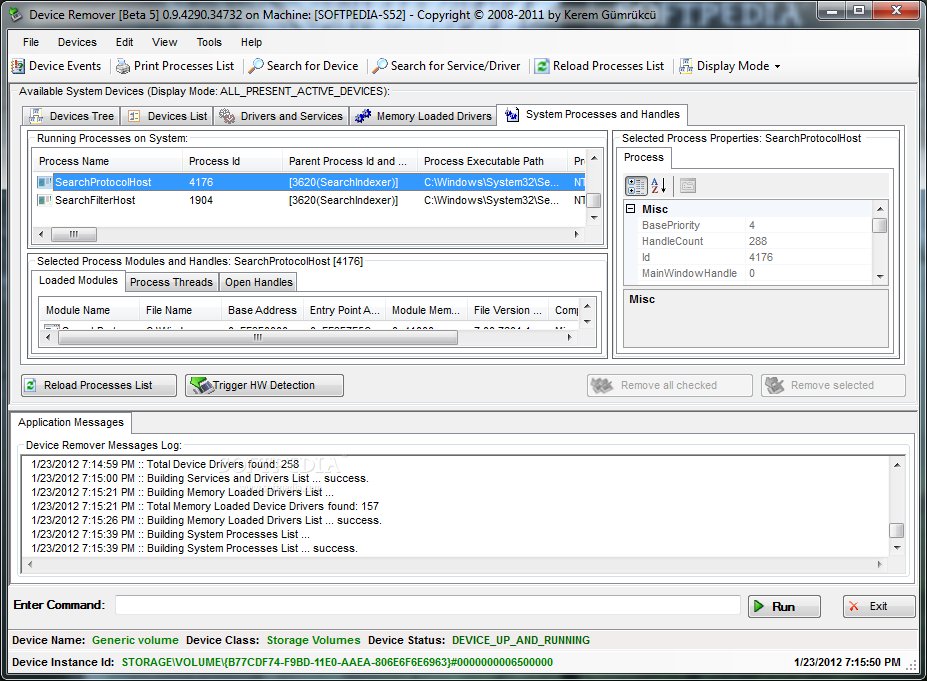
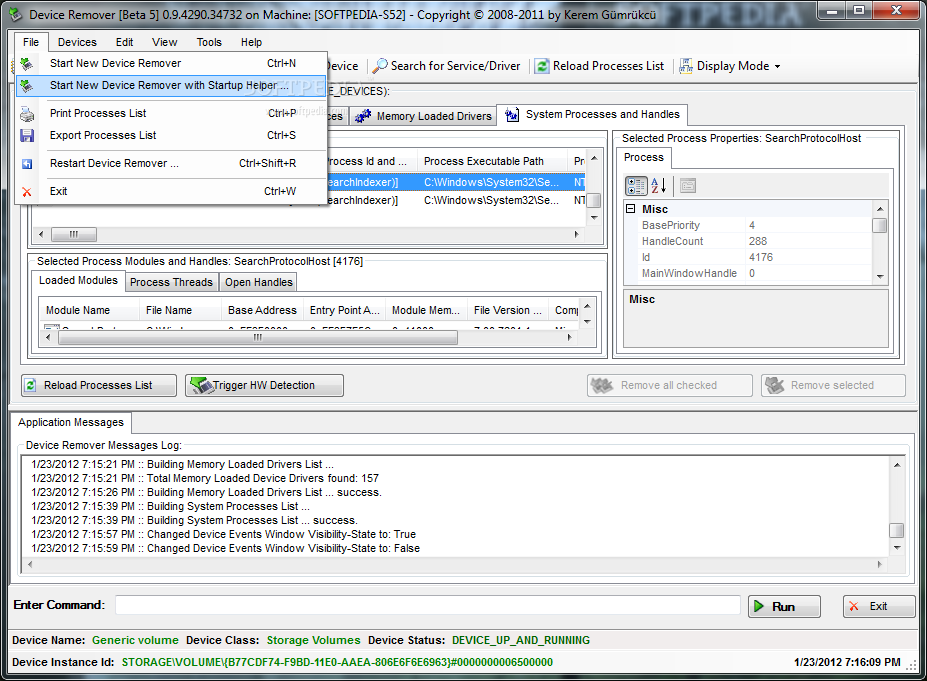
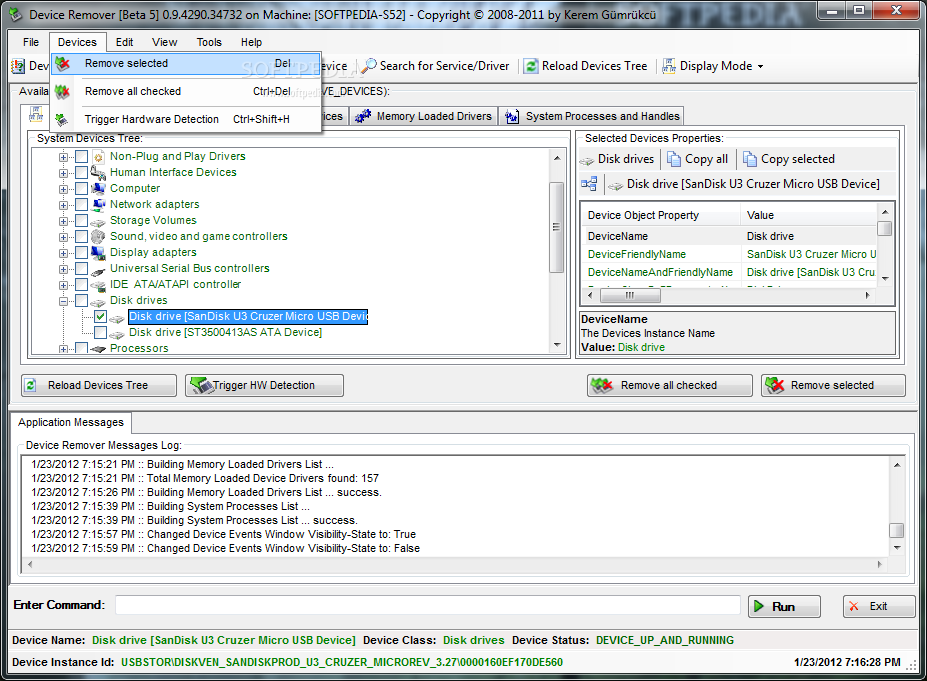
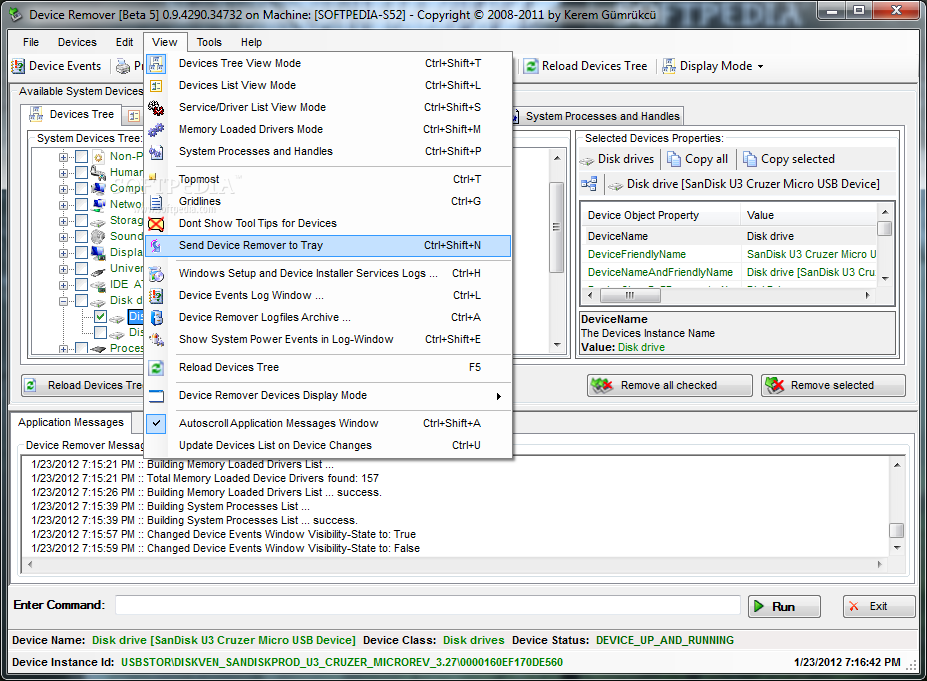
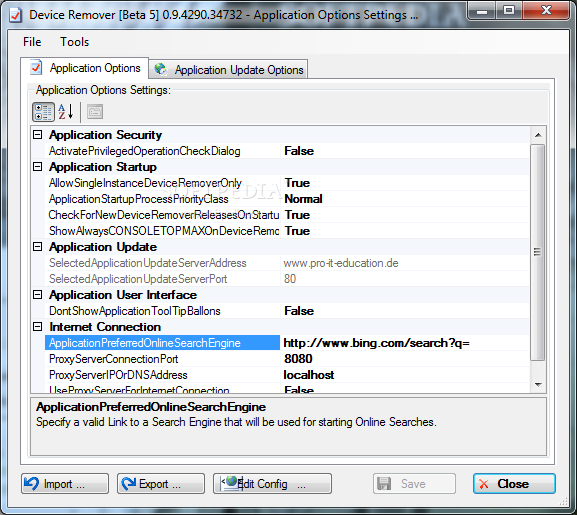
Wrapped up in a large window that shows a lot of information, the interface is neatly organized. It gathers data in a devices tree and list, drivers and services, memory loaded drivers, as well as system processes and handles. Apart from the primary panel, the tool launches an app debugging console that can run minimized to the taskbar.
For each selected item you can check out all information available, export it to file, print it or copy it to the Clipboard, and look up additional details online.
It's possible to trigger hardware detection, resort to a search function to locate objects, run command-line parameters, start, stop, enable or disable devices, update or back up device drivers, uninstall driver packages and binaries, open device registry keys in Registry Editor, or export device registry info to file.
What's more, you can start, stop, pause, disable or delete services, create new ones, get all the details on a service's corresponding process, as well as terminate currently running processes or mark them for the next boot time deletion.
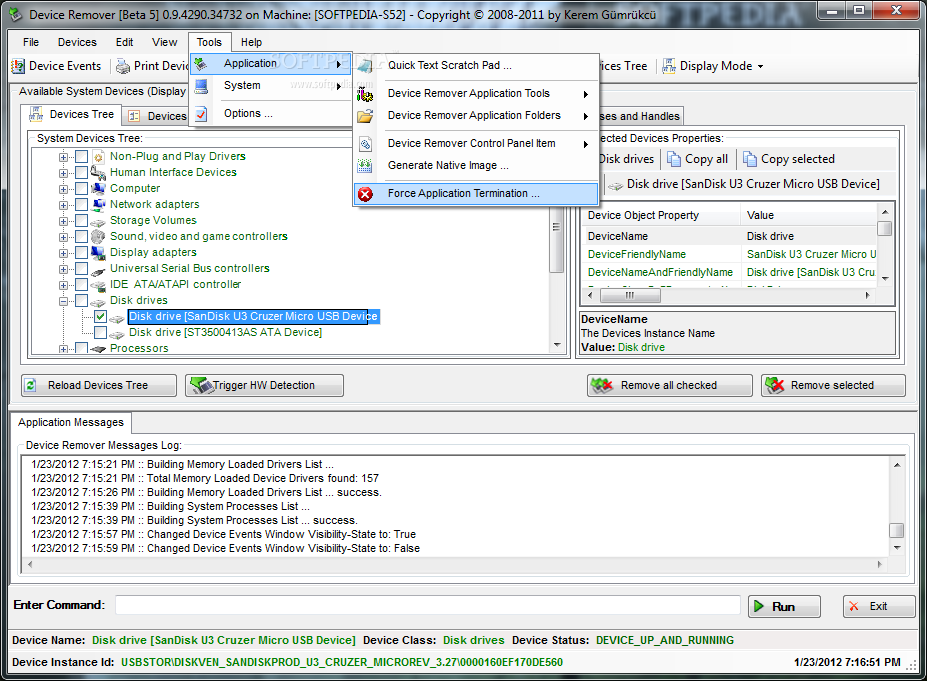
Device Remover comes equipped with a few bonus tools you might be interested in. For example, you can use a simple notepad to take notes, generate native images on the system, install, repair or delete Control Panel items, or examine log, configuration, database, plugin, extension and library files.
The app may take a while to load all the necessary information, which is normal. It had minimal impact on computer performance throughout our evaluation and didn't hang, crash or display error messages. Plus, it can be sent to the system tray to make it non-intrusive.
Taking into account its resourceful options, Device Remover should meet the requirements of most users looking to manage devices, services and drivers.
Device Remover 0.9.5354.41410
add to watchlist add to download basket send us an update REPORT- runs on:
-
Windows 8 32/64 bit
Windows 7 32/64 bit
Windows Vista 32/64 bit
Windows XP
Windows 2K - file size:
- 5.6 MB
- filename:
- DeviceRemoverSetup.exe


- main category:
- System
- developer:
Microsoft Teams

7-Zip

Zoom Client

ShareX

Context Menu Manager

IrfanView

Bitdefender Antivirus Free

calibre

4k Video Downloader

Windows Sandbox Launcher

- calibre
- 4k Video Downloader
- Windows Sandbox Launcher
- Microsoft Teams
- 7-Zip
- Zoom Client
- ShareX
- Context Menu Manager
- IrfanView
- Bitdefender Antivirus Free