
Ensures a proper and smooth performance of devices used by your computer by keeping drivers constantly up to date, featuring driver backups. #Install Driver #Update Driver #Driver Updater #Driver #Updater #Installer
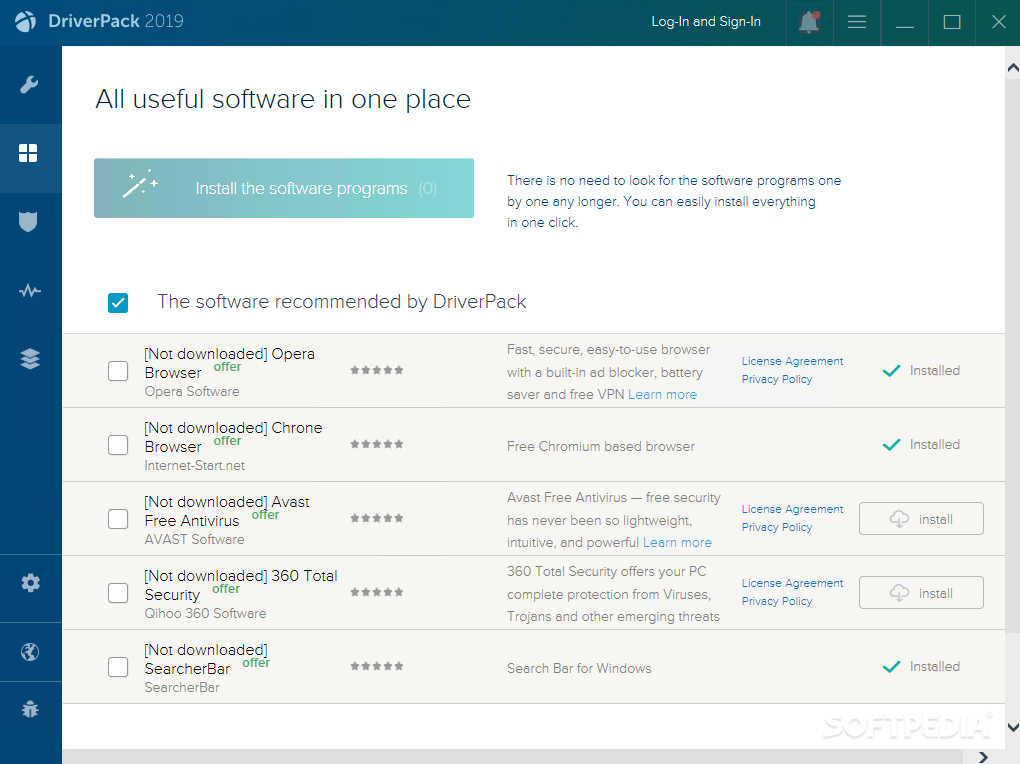
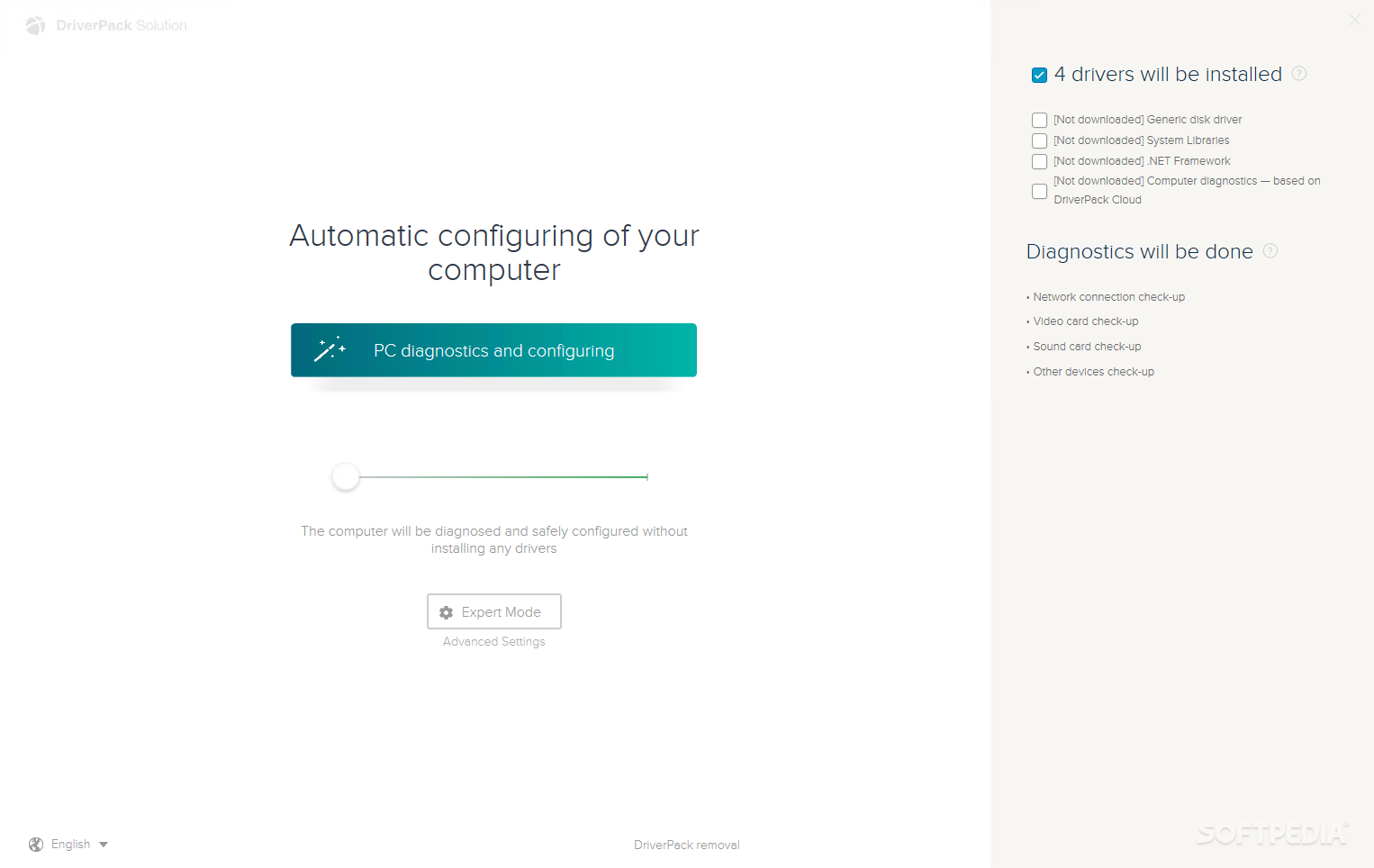
NOTE: We are no longer offering download links for DriverPack Solution. We have found that the automatic diagnosis and configuration tool is unacceptably misleading, as it installs unrelated software without informing the user or letting them opt out. For the time being, we suggest using alternative applications like Snappy Driver Installer or Driver Genius.
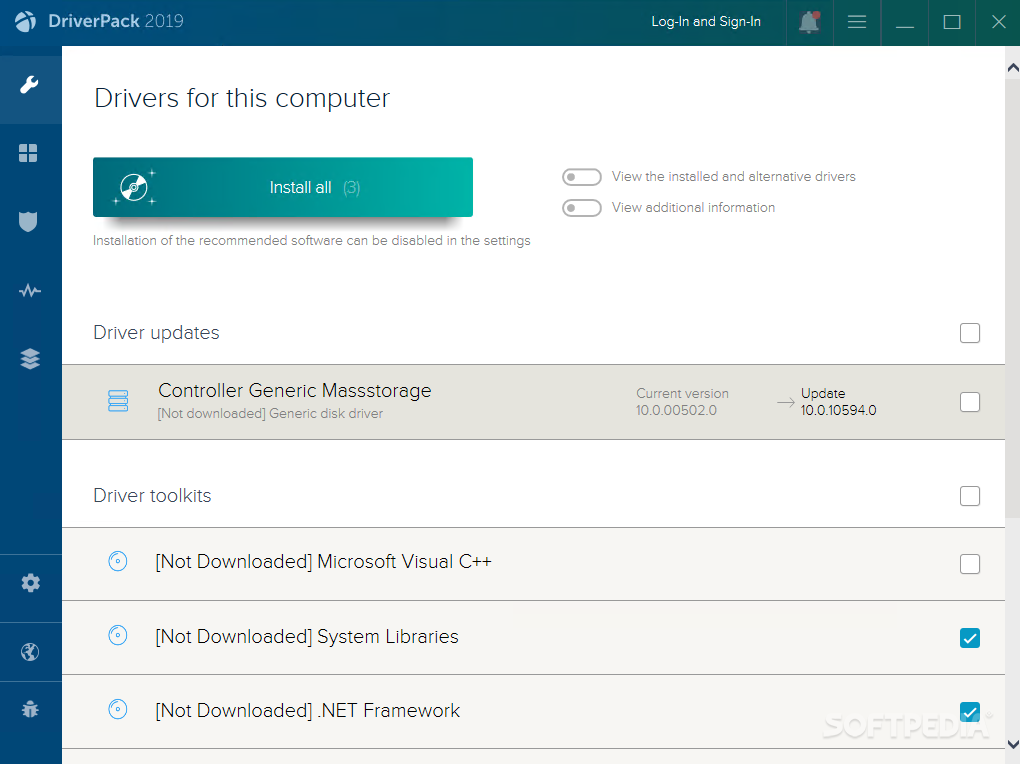
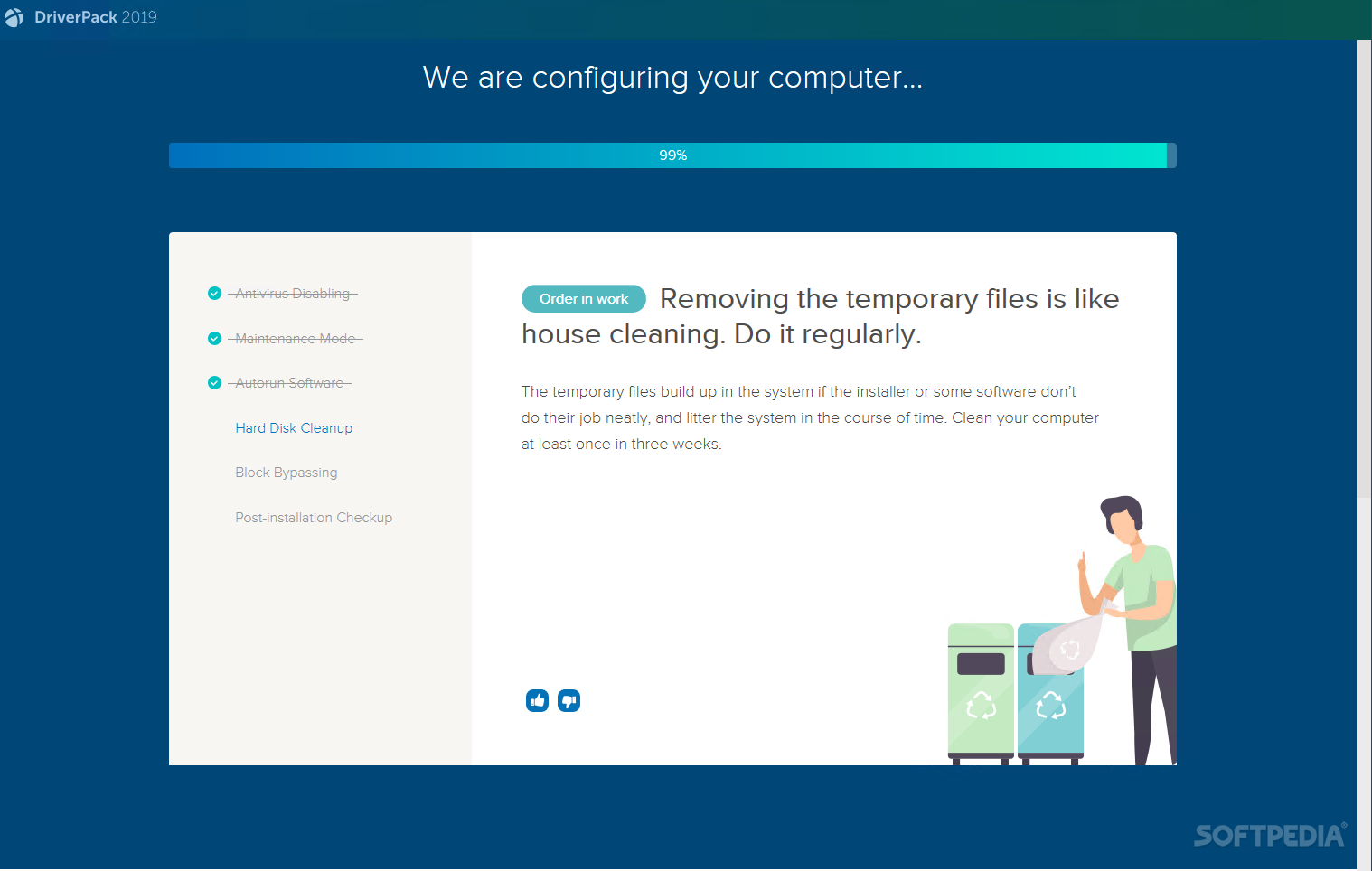
DriverPack Solution is a comprehensive application designed to simplify the driver installation and updating process to a couple of clicks. All the drivers your system needs in order to work properly are detected automatically and deployed faster than a manual operation.
Such a piece of software is essential, especially for older Windows editions that require you to manually install the drivers after reinstalling the operating system. The first step is to identify the drivers your computer needs, and the second is to install each one to prevent system errors. Making this happen without any help takes forever and doesn’t always result in the expected outcome.
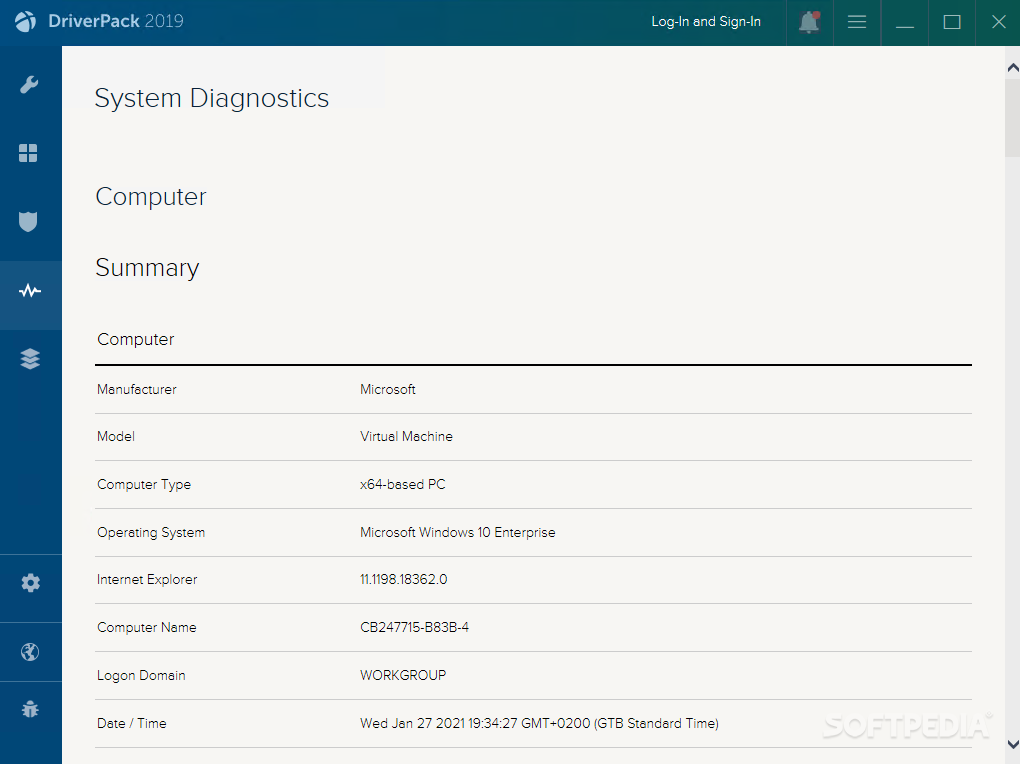
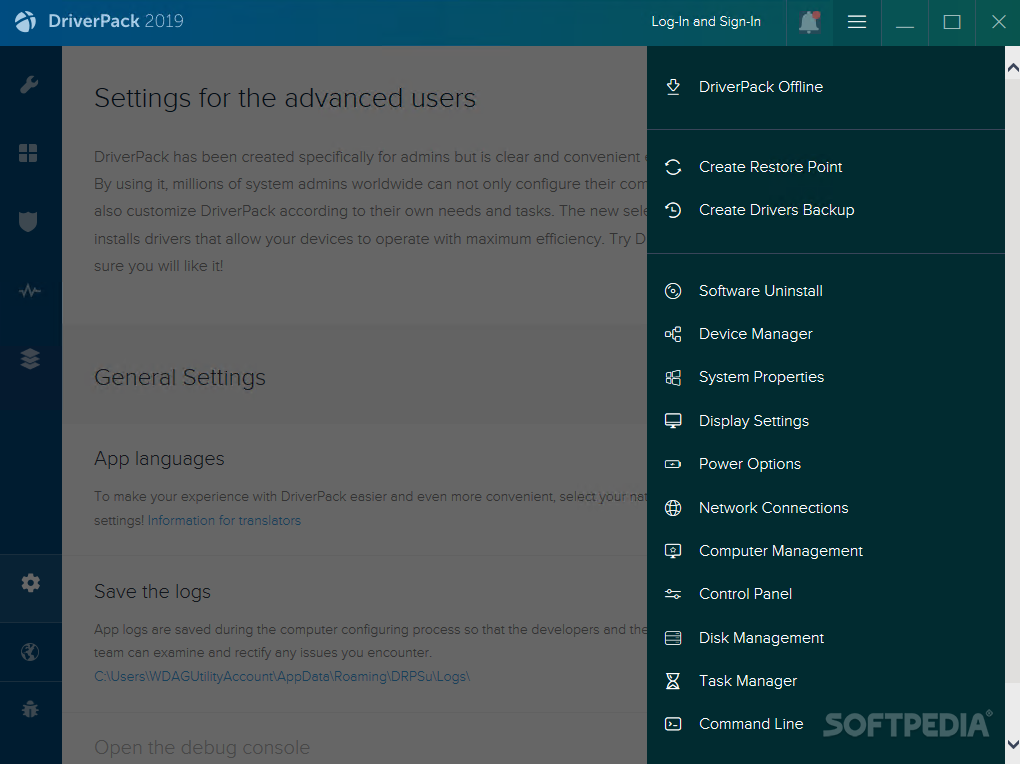
DriverPack Solution stands out not only with its driver detection and installation features but also with in-depth driver diagnostics and backup features that reduce efforts and maximize efficiency. Also, unlike other similar tools, the program is available in an online edition (smaller file to download but requires an Internet connection) and offline edition (larger file but contains all drivers, doesn't need web access).
The biggest advantage is that, instead of searching the Internet for drivers, the program comes ready with a driver collection and simply matches the drivers to your requirements to figure out what you need.
The interface of the program has a professional, yet user-friendly appearance, with all the options shown in plain view. You can start the diagnostics process right away, which takes surprisingly little time, after which an overview is displayed.
The scan report shows missing drivers and updates for existing installations. You can solve all at once by pressing the ‘Update All’ button. Another treat is represented by the backup function, which lets you save a copy of existing drivers. This way, when the situation requires that you update or fix drivers, you can use these backups to simplify the process.
The program can save you a lot of time and effort when ti comes to finding, installing and updating drivers. Whether you reinstalled Windows or you’ve experienced a system crash due to driver issues, you’ve got a reliable companion in DriverPack Solution.
Download Hubs
DriverPack Solution is part of these download collections: Drivers Manager
- PRICE: Free
- runs on:
-
Windows 10 32/64 bit
Windows 8 32/64 bit
Windows 7 32/64 bit
Windows Vista 32/64 bit
Windows XP
- main category:
- System
- developer:
- visit homepage
Zoom Client

Windows Sandbox Launcher

IrfanView

ShareX

Bitdefender Antivirus Free

calibre

paint.net

7-Zip

4k Video Downloader

Microsoft Teams

- 7-Zip
- 4k Video Downloader
- Microsoft Teams
- Zoom Client
- Windows Sandbox Launcher
- IrfanView
- ShareX
- Bitdefender Antivirus Free
- calibre
- paint.net