
An easy method to quickly find the MAC addresses of local and remote computers in your network, using an IP range as a search criteria. #Find MAC #Retrieve MAC #MAC finder #MAC #Address #Find

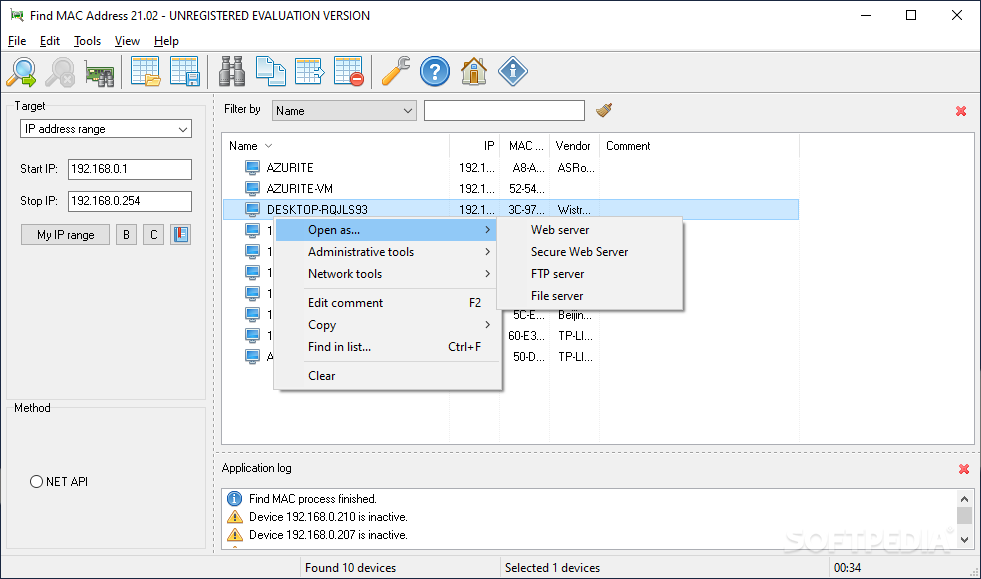
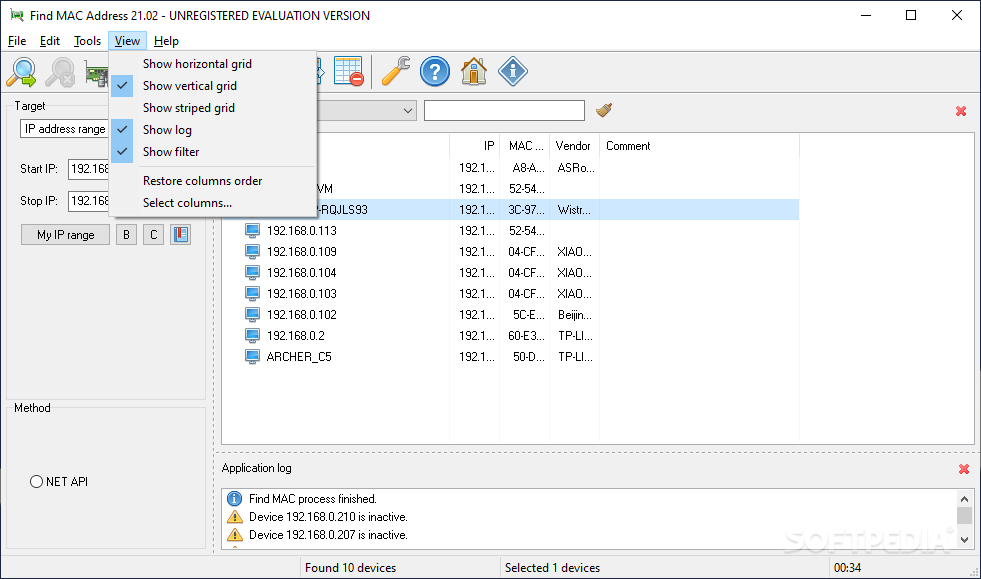
We’ve all been there, at least once or twice since using a personal computer, and regardless of the final purpose of the inquiry, finding your PC’s MAC address can be a quite challenging task, especially if you’re a novice or less tech-savvy. Nevertheless, short of manually searching for it, you can rely on dedicated solutions, such as Find MAC Address, which will help you find the said address of any computer on a given network, in a simple fashion.
Simplicity is essential, and this aspect has been well addressed in both the design and handling of this app. Right after deployment, it will automatically determine the IP range for the respective PC, leaving users with the sole task of simply running a scan for determining the address.
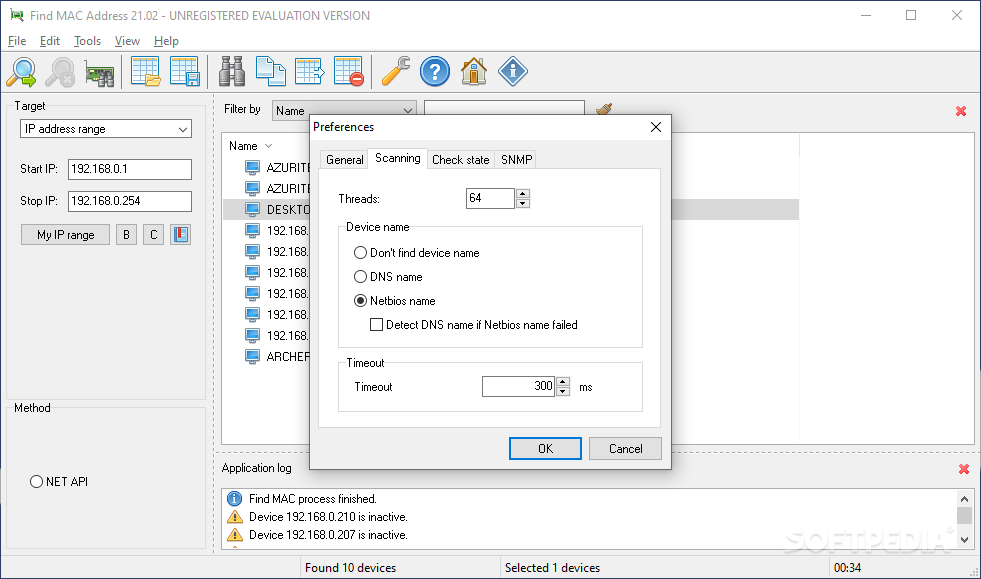
However, if you’re a bit more knowledgeable, and wish to determine the MAC address for a particular IP range, the app allows you to input the start and end addresses, and run a scan for that range, respectively.
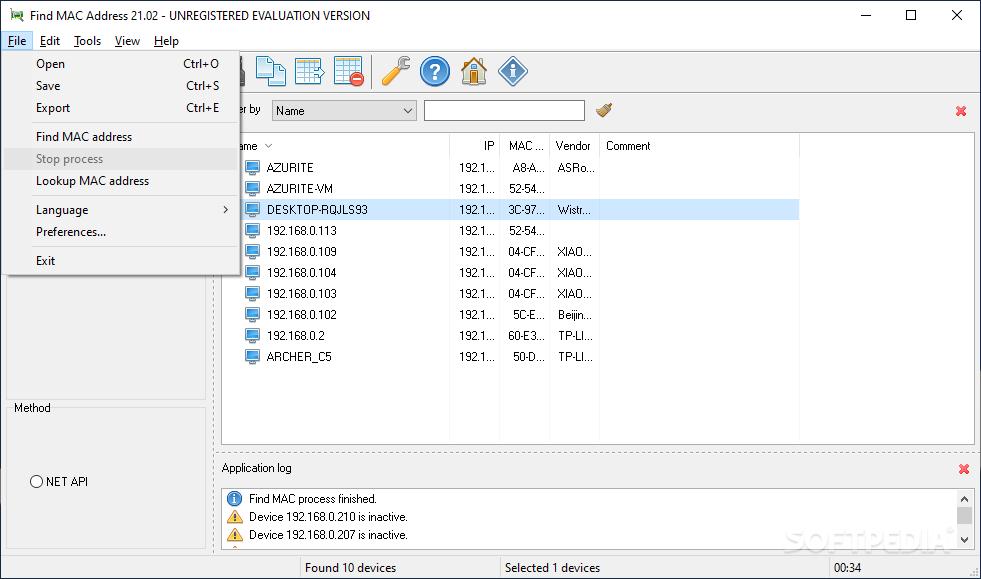
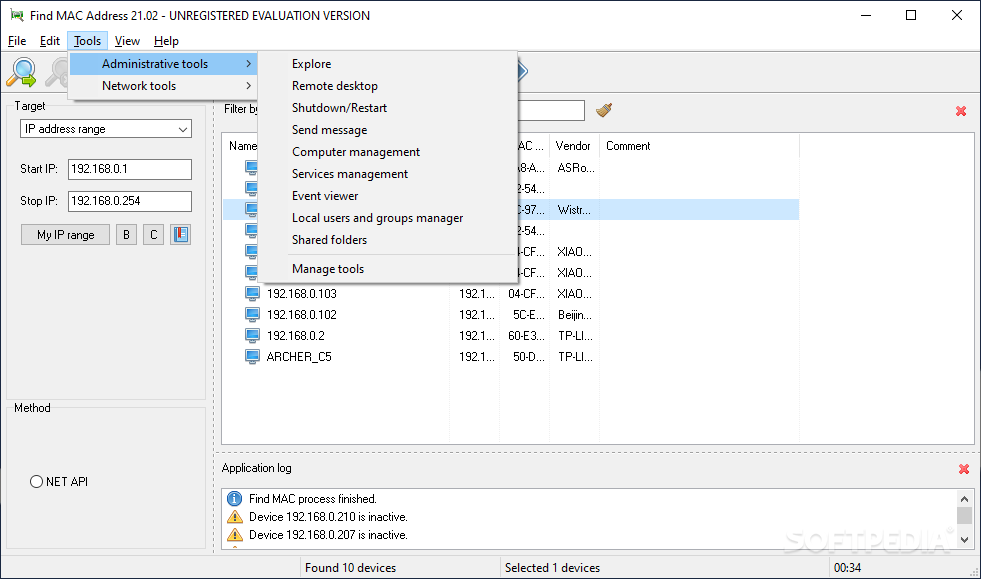
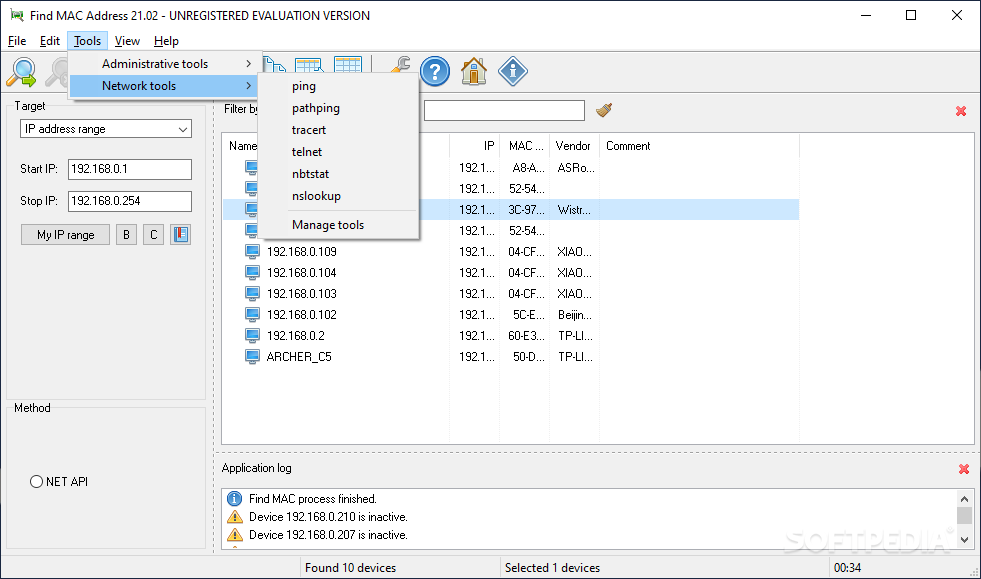
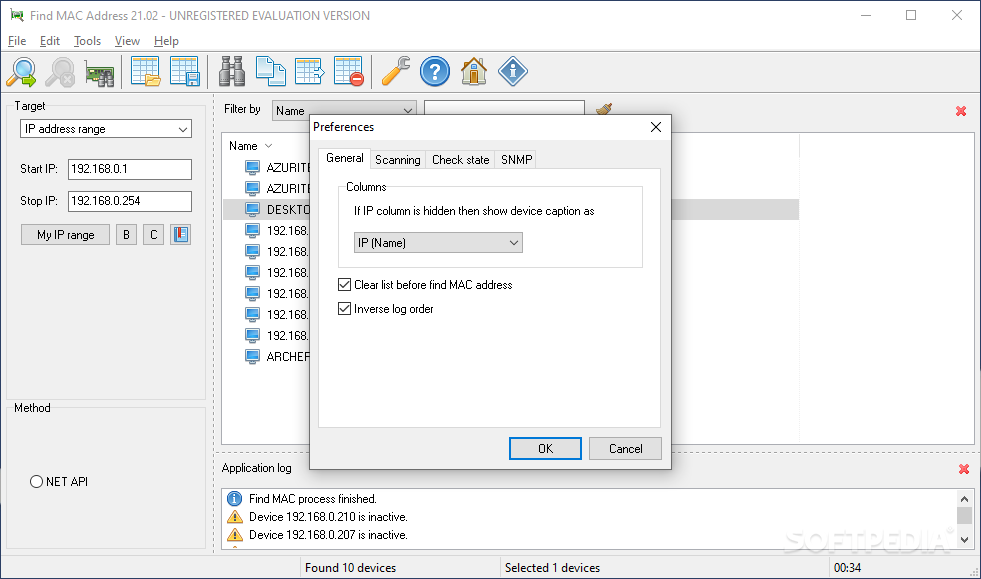
Aside from the flexibility in finding the MAC address, which was discussed in the previous paragraphs, the app also provides users with a nifty collection of tools, whose scope could be considered as general for PC maintenance or other operations.
For instance, you will be able to access both network and administrative-specific tools, which allow you to perform classic operations, such as PC state operations, sending pings, and much more.
If you’ve also stumbled upon the “question of the ages” – “Which is my MAC address?”, this application can prove a quick and facile resolve to it.
What's new in Find MAC Address 23.04:
- Updated: Number of network card vendors is increased to 51210.
Find MAC Address 23.04
add to watchlist add to download basket send us an update REPORT- runs on:
-
Windows 11
Windows Server 2016
Windows 10 32/64 bit
Windows Server 2012 R2
Windows Server 2012
Windows 2008 R2
Windows 8 32/64 bit
Windows 7 32/64 bit - file size:
- 5.8 MB
- filename:
- findmac_setup_24.03.exe

- main category:
- System
- developer:
- visit homepage
IrfanView

Windows Sandbox Launcher

4k Video Downloader

Zoom Client

calibre

7-Zip

Microsoft Teams

paint.net

Bitdefender Antivirus Free

ShareX

- paint.net
- Bitdefender Antivirus Free
- ShareX
- IrfanView
- Windows Sandbox Launcher
- 4k Video Downloader
- Zoom Client
- calibre
- 7-Zip
- Microsoft Teams