
HotKey Manager is a free and useful tool that comes with many features. #HotKey Manager #Process killer #Application switcher #Hotkey #Manage #Manager

HotKey Manager is a program designed to help you configure global keyboard shortcuts, in order to increase navigation speed. It can be easily handled, even by less experienced users.
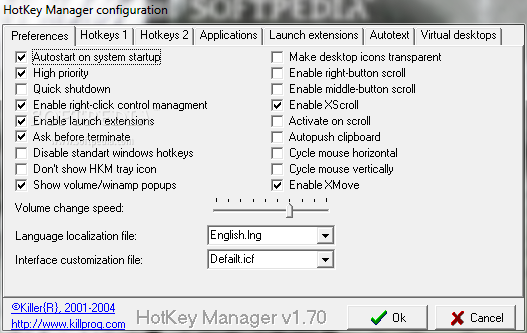
From the configuration screen of the app you can customize some general settings regarding the tool - thus, you can have HotKey Manager automatically run at system startup, for example.
In addition to this, you can enable quick shutdowns and right-button scroll, as well as adjust the volume change speed and select the language localization file.
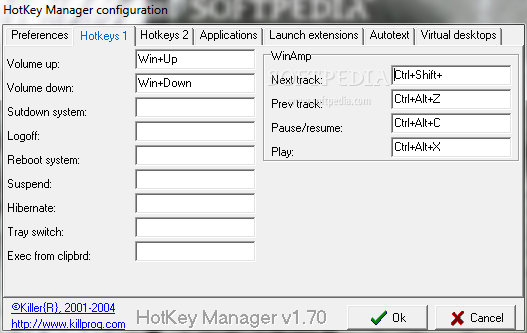
Several hotkeys can be altered; this includes the volume, computer shutdown, log off, reboot, hibernate and suspend, tray switch, as well as some Winamp controls (e.g. next track, play).
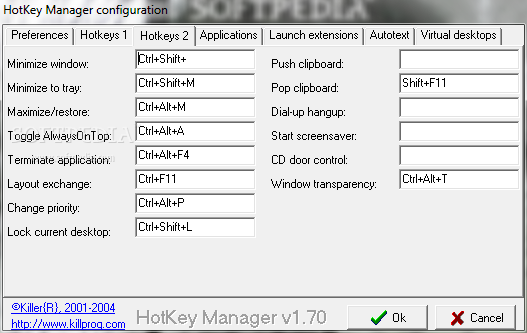
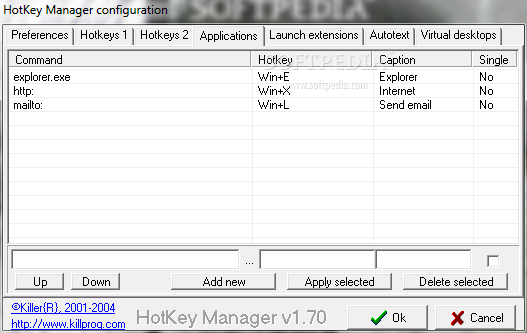
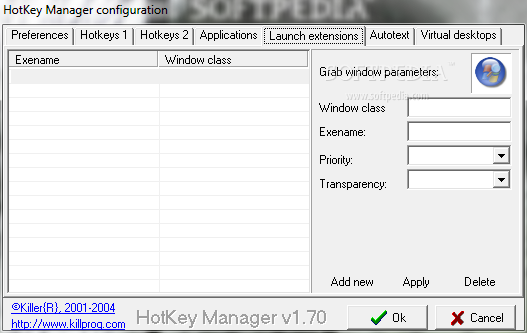
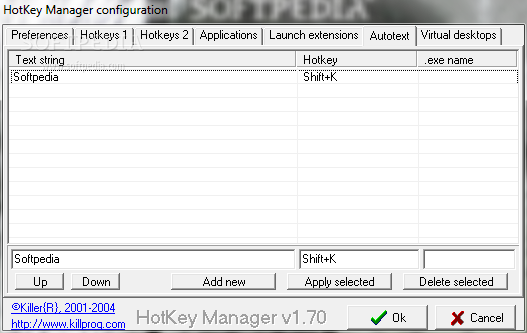
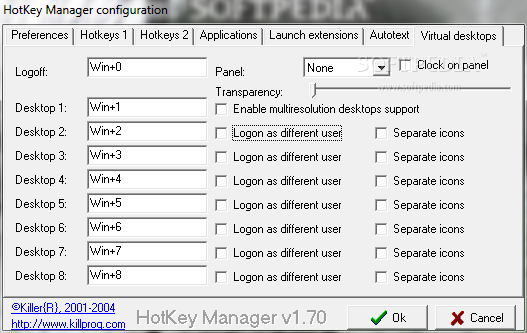
Additional keyboard shortcuts center on minimization to the system tray, window restore, 'always on top' toggle, app termination, priority change, Clipboard and others. You can create or edit existing shortcuts to launching applications, set launch extensions, generate auto text and configure hotkeys in regard to virtual desktops.
The straightforward program uses a low amount of system memory and CPU, has a good response time and quickly applies modifications. We have not encountered any issues during our tests; HotKey Manager did not freeze, crash or pop up error dialogs. On the other hand, the interface needs some major improvements; HotKey Manager has not been updated for a long time.
HotKey Manager 1.70
add to watchlist add to download basket send us an update REPORT- runs on:
- Windows All
- file size:
- 1 MB
- filename:
- HKMinst.exe
- main category:
- System
- developer:
- visit homepage
Context Menu Manager

calibre

4k Video Downloader

IrfanView

Microsoft Teams

Windows Sandbox Launcher

Zoom Client

7-Zip

ShareX

Bitdefender Antivirus Free

- 7-Zip
- ShareX
- Bitdefender Antivirus Free
- Context Menu Manager
- calibre
- 4k Video Downloader
- IrfanView
- Microsoft Teams
- Windows Sandbox Launcher
- Zoom Client