
A powerful automation software that helps you configure programs to start different activities on your computer, assign keystrokes for performing various operations, define abbreviation strings for your frequently used text, and manage mouse gestures. #Shortcut manager #Customize start menu #Application launcher #Launcher #Shortcut #Hotkey
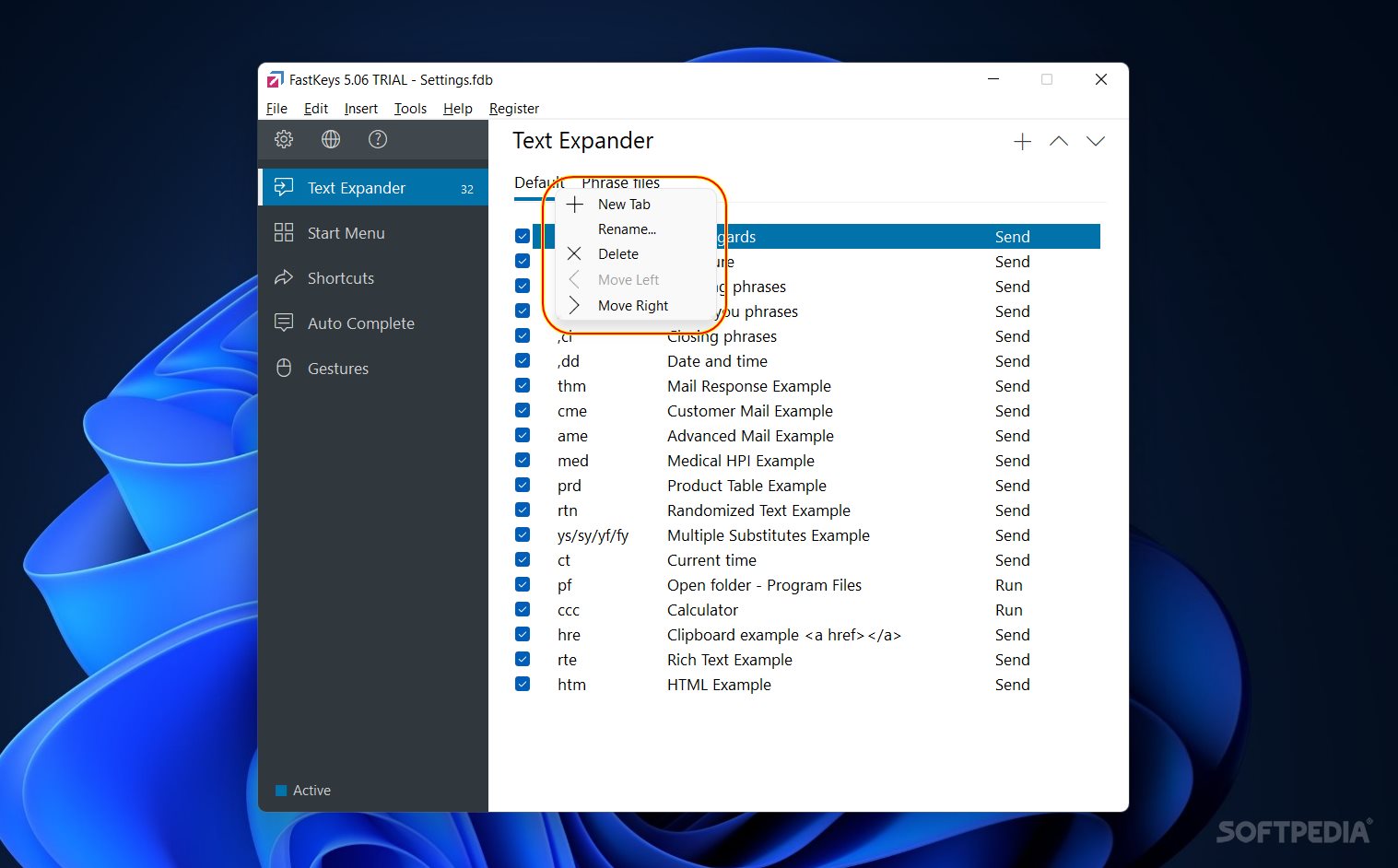
FastKeys is a versatile and flexible instrument for users who type a lot, want to configure automation on mundane, repetitive tasks and typing patterns, and want to enjoy a personal assistant ready to learn their working habits and improve their work with the computer.
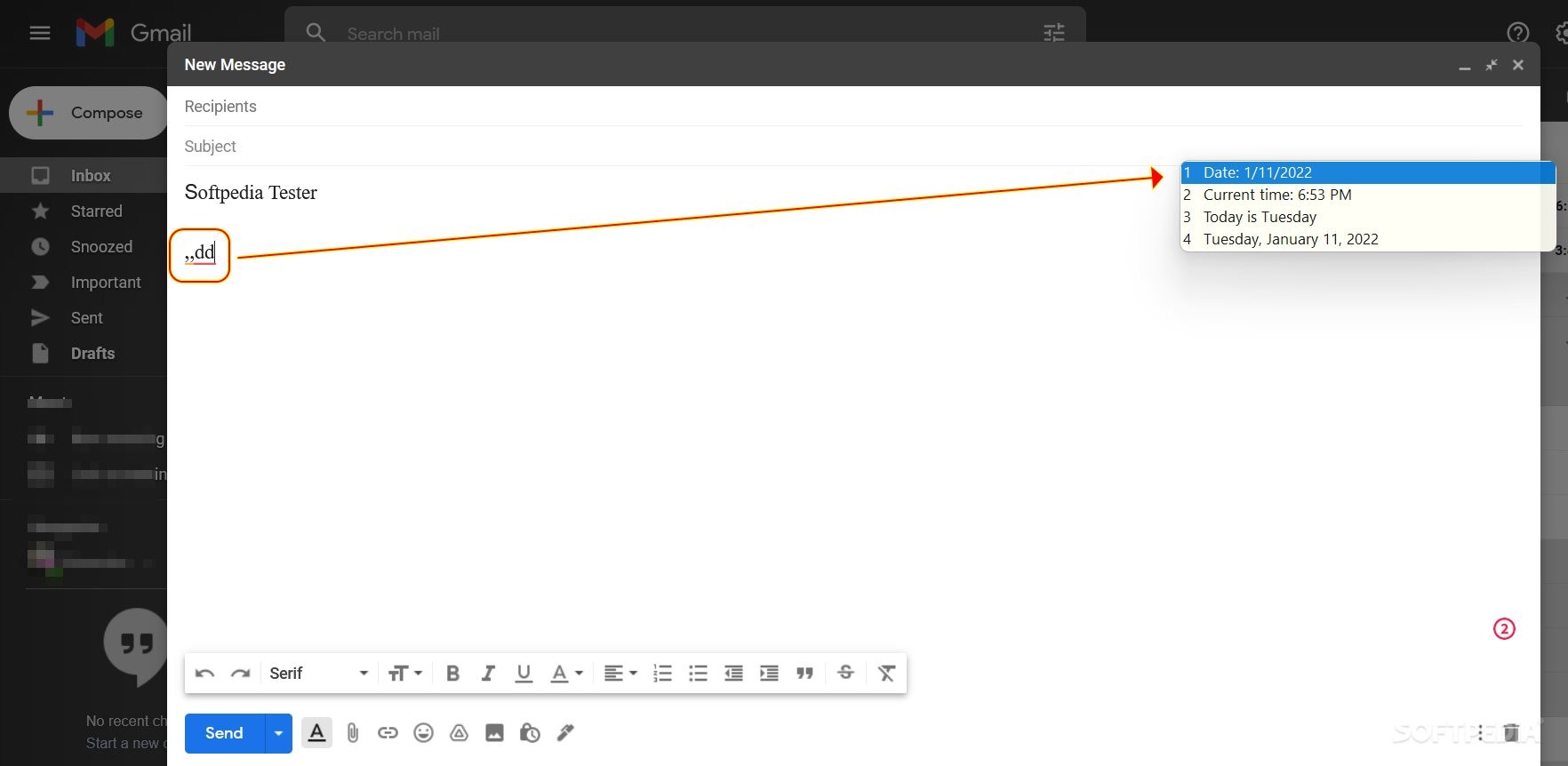
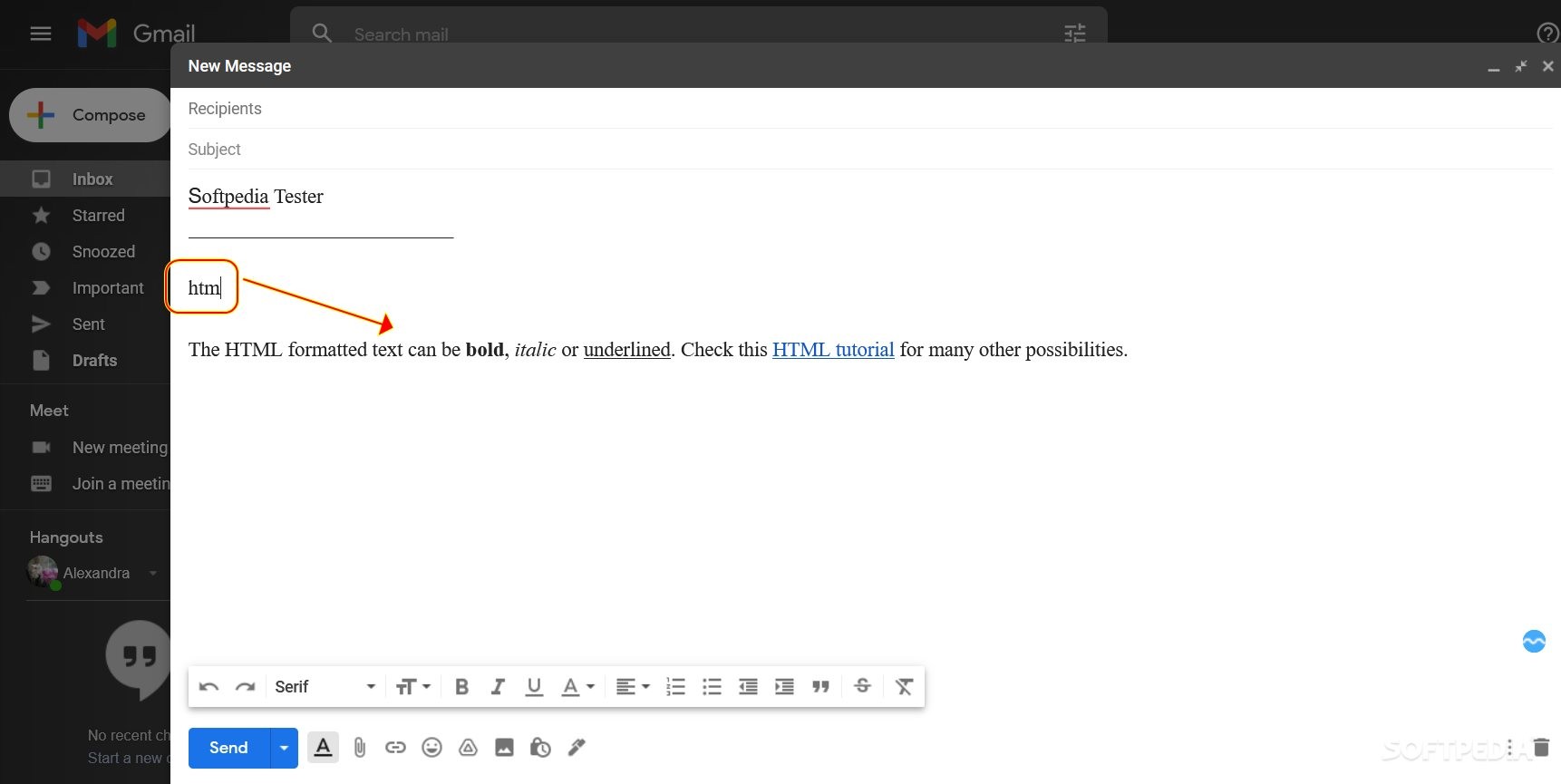
With this application, you have bundled together, into one package, a multitude of features and options for creating the coolest working environment. As a result, every time you will hit a preset key pattern, you will find yourself smiling because this tool manages to help you insert entire templates and phrases with dynamic, context-changeable content into your emails, notes, and searches.
FastKeys is a time saver for professors, writers, journalists, office workers, students, project managers, and even people who use the PC for fun, like gamers.
The program's capabilities can be used in diverse contexts. As such, setting the tool up and using it is more a matter of creativity and how you want to improve your working/playing environment.
Also, if you want to understand your options better and find out more about what FastKeys can do for you, you can check a couple of video tutorials on the developer's website, here, and the written documentation, here.
FastKeys integrates seamlessly with your machine. As such, once initiated and configured properly, the tool will run in the background, making your tasks easier, and your work more time-efficient.
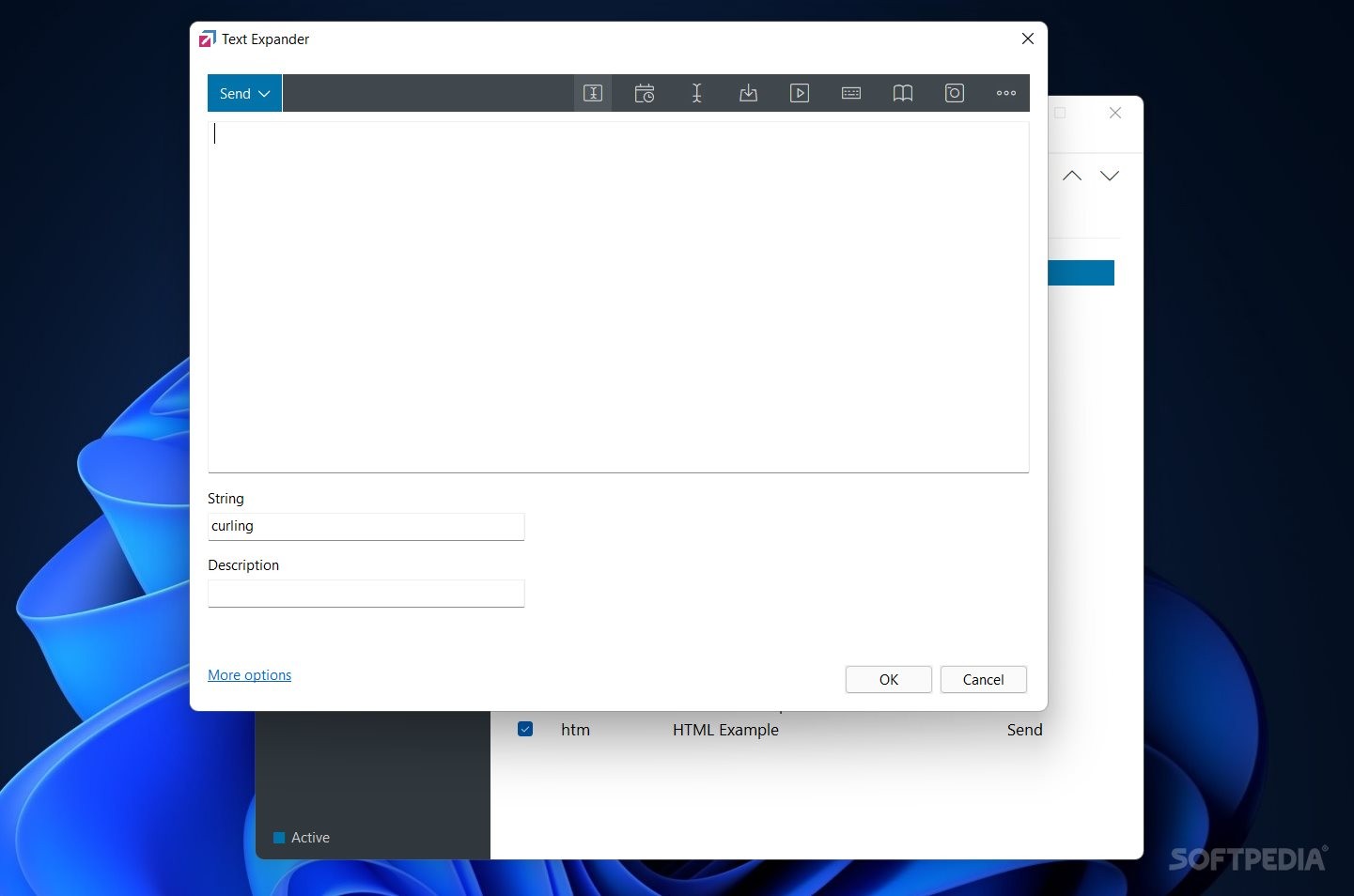
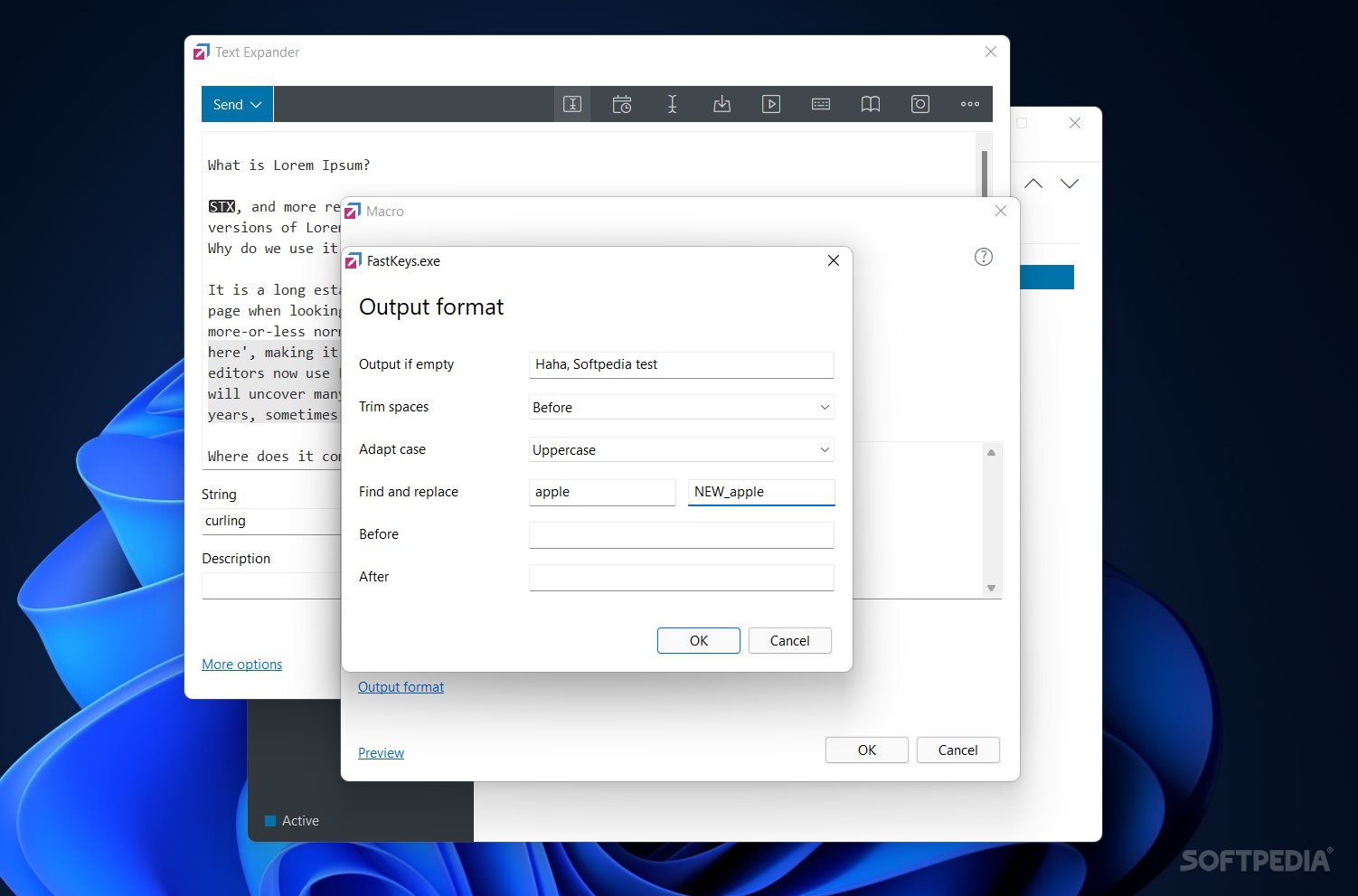
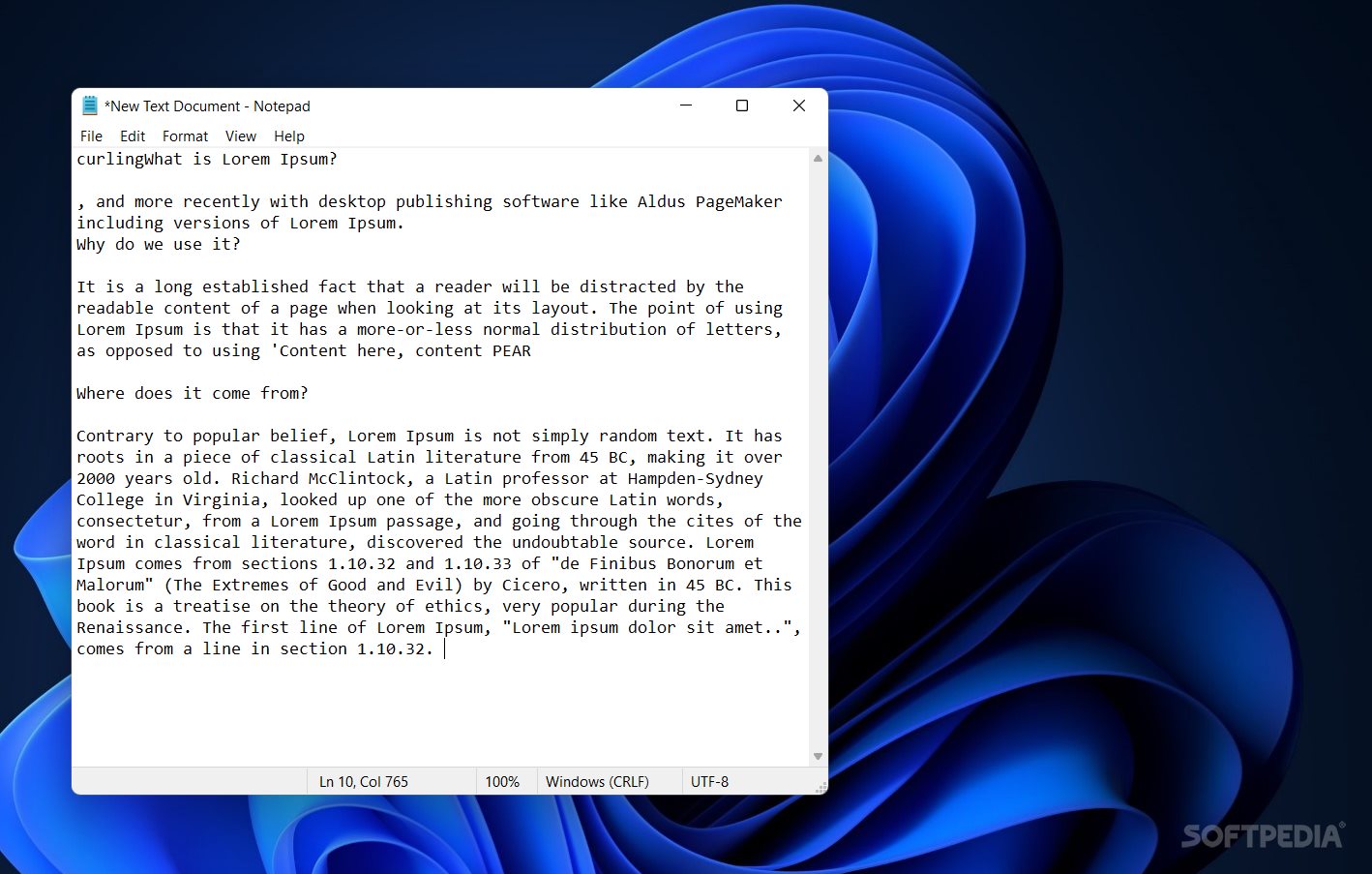
The 'Text Expander' option displays a couple of default options; however, it allows you to add an unlimited number of phrases, shortcuts, and even entire phrase files, which can be extremely useful for those who learn a new language.
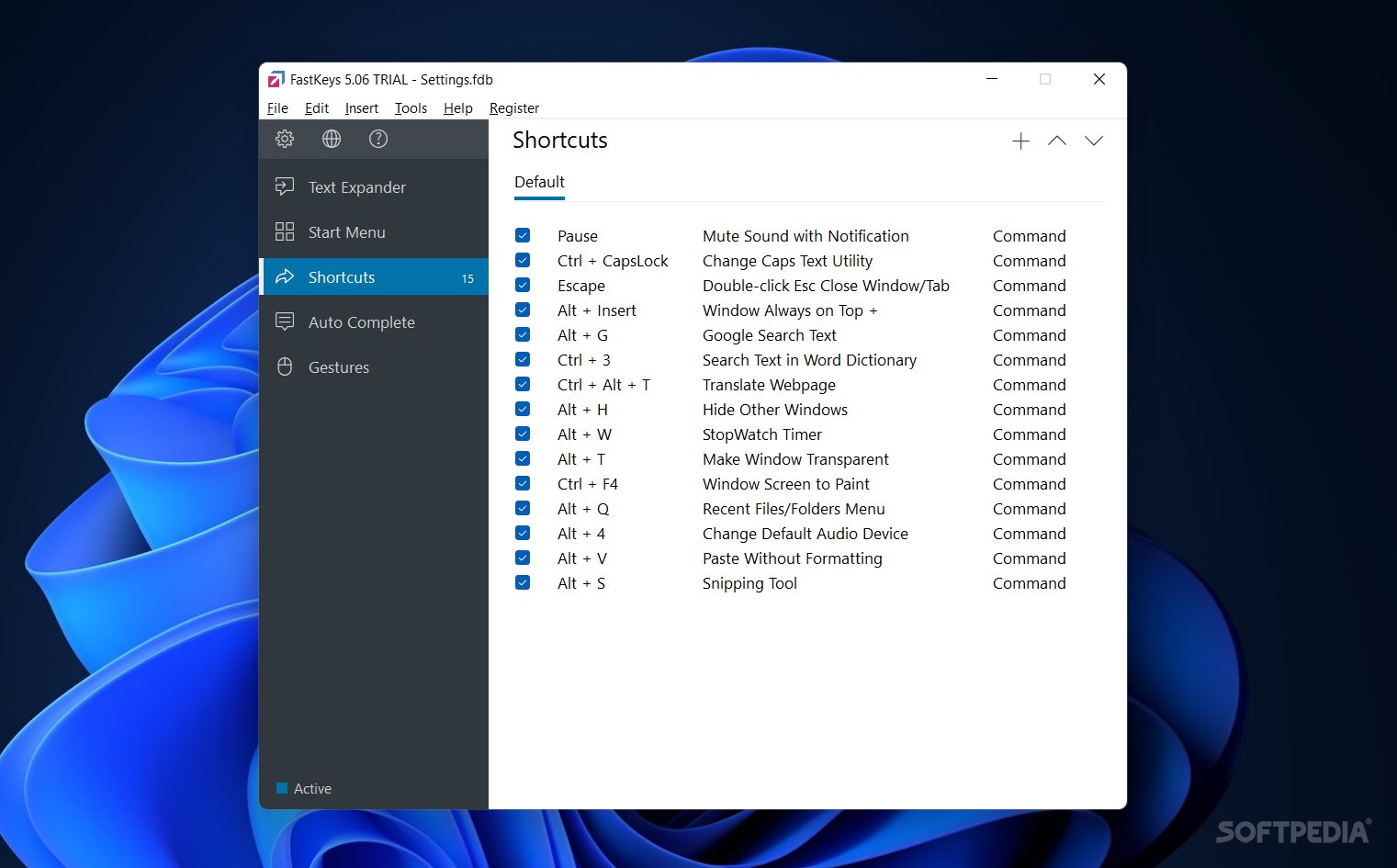
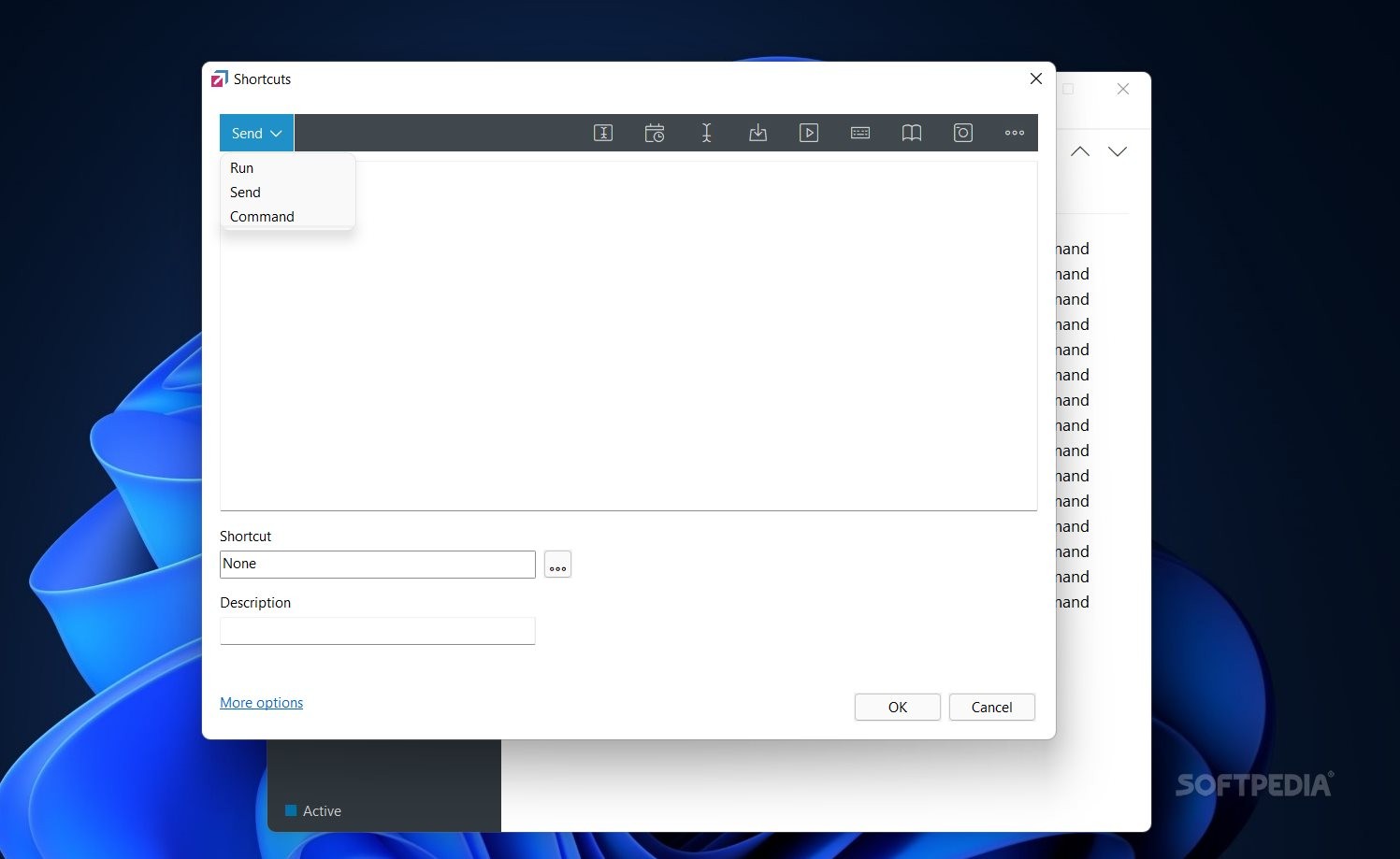
Likewise, the 'Start Menu' and 'Shorcuts' fields allow you to configure the keystrokes for accessing or running system/software commands on your PC. With a great deal of customization, you can implement crazy system execution models into these sections.
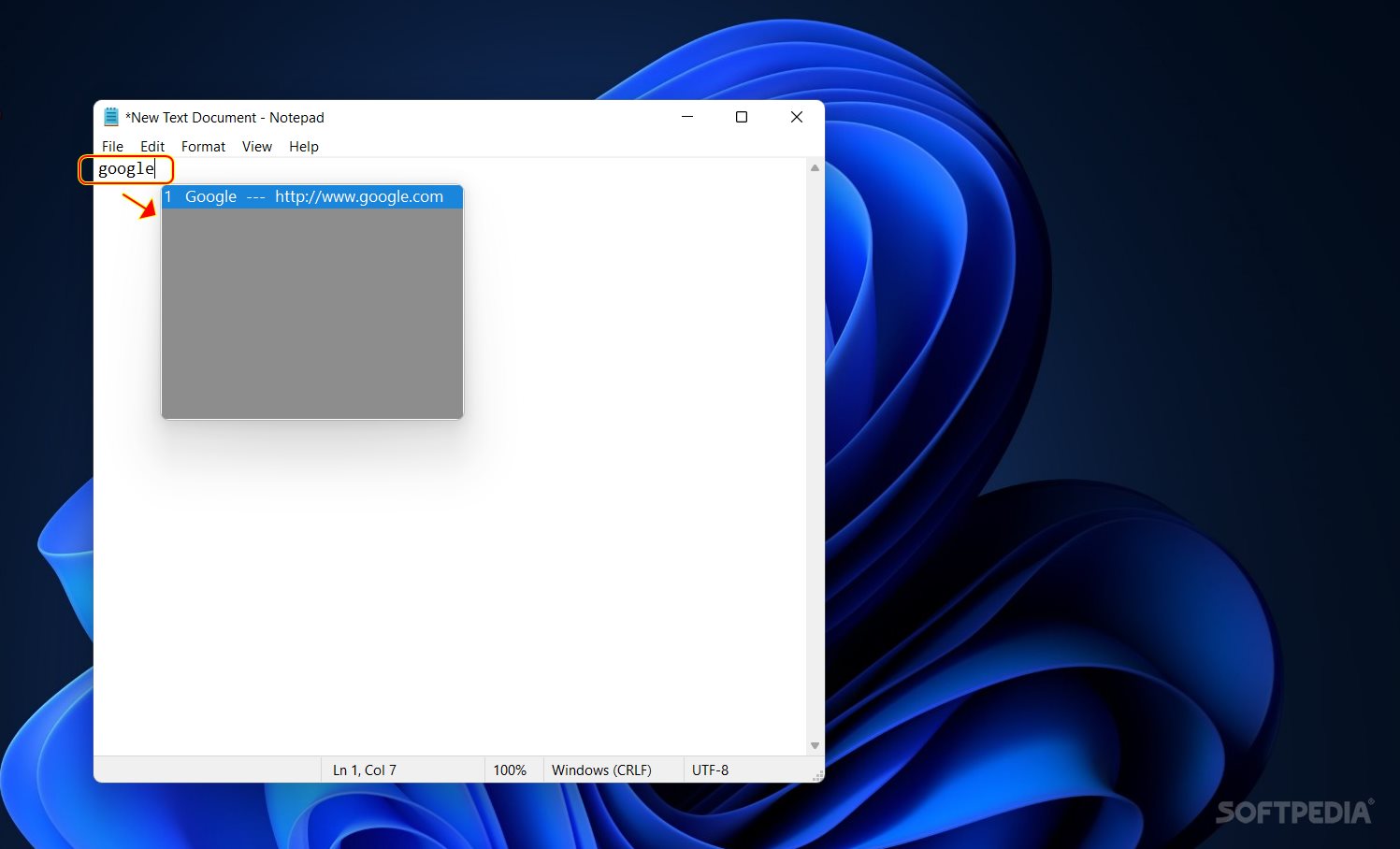
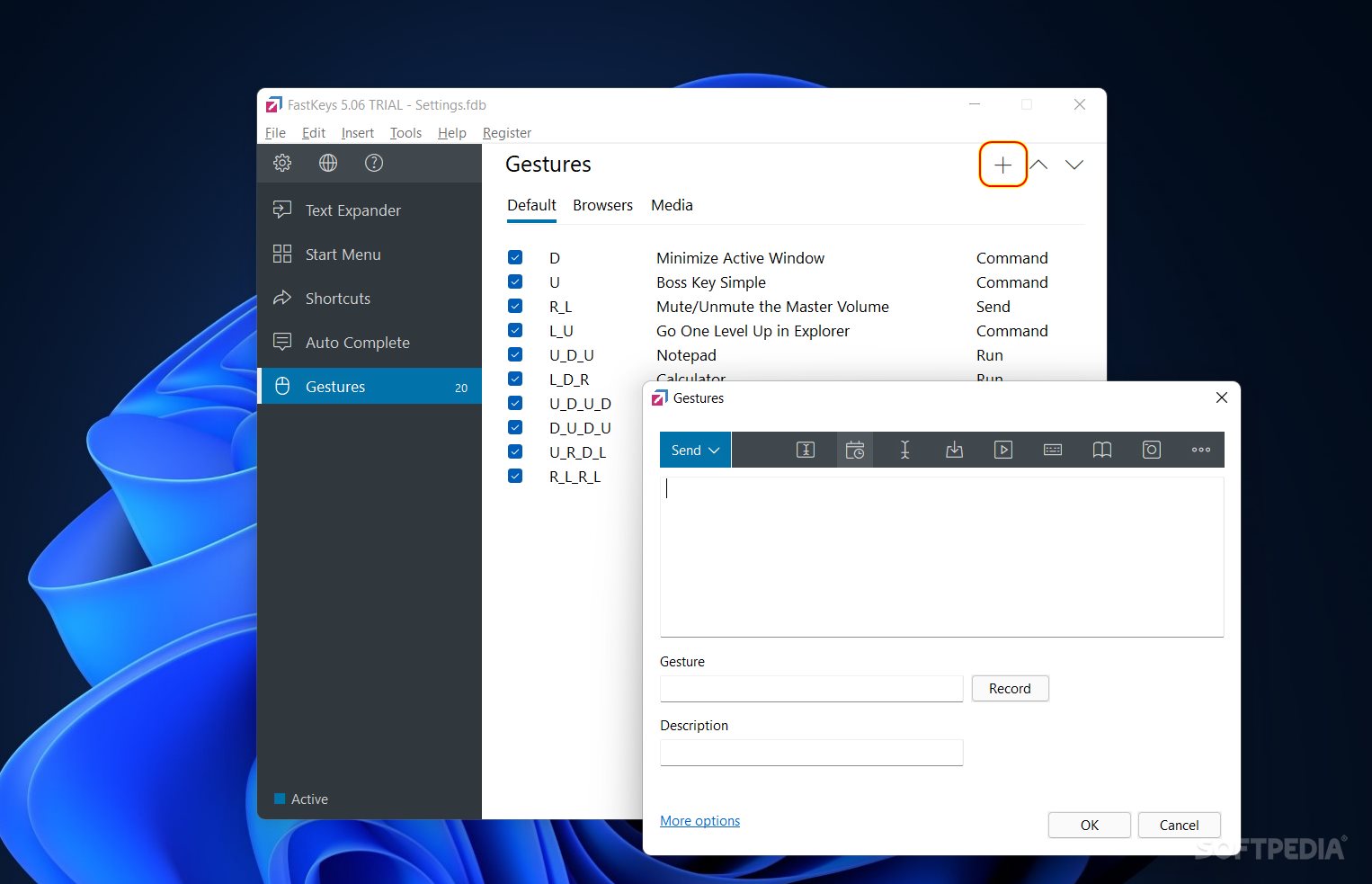
Finally, the 'Auto Complete' and 'Gestures' areas display, as suggested by their names, options for users who recurrently need to fill in the same information, respectively, for those who want to generate actions based on their most common gesture patterns.
Based on the above-listed options and our software testing process, FastKeys deserves a thumbs up! The tool is modern, works well, lets you create your process optimization methods, and even includes a dictionary with real-time writing suggestions (the feature must be enabled from the settings area).
Moreover, FastKeys does not interfere with your processes and silently runs in the background. Also, the configured popups are discrete and responsive. Overall, FastKeys offers a great user experience and looks amazing.
What's new in FastKeys 5.14:
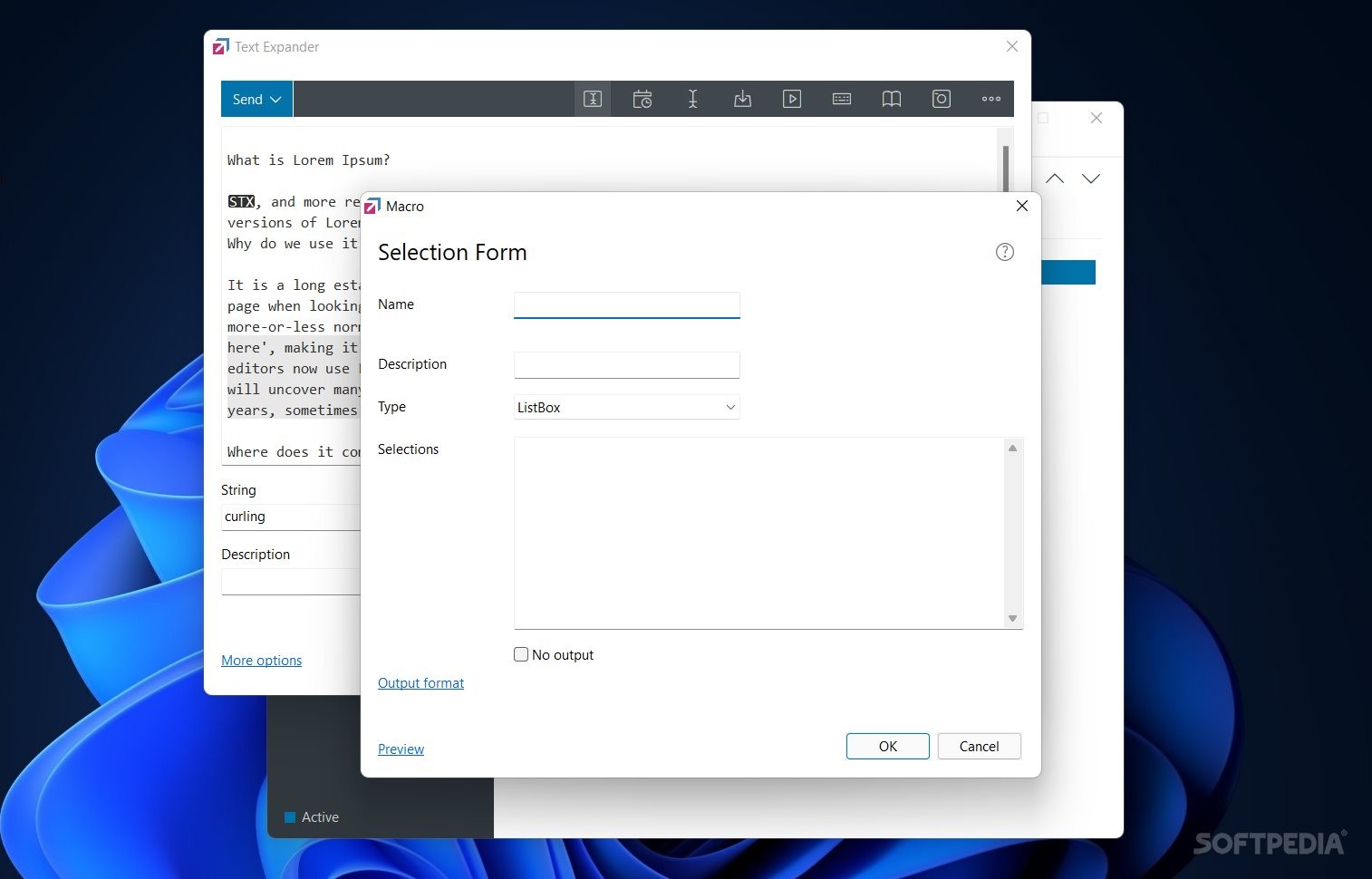
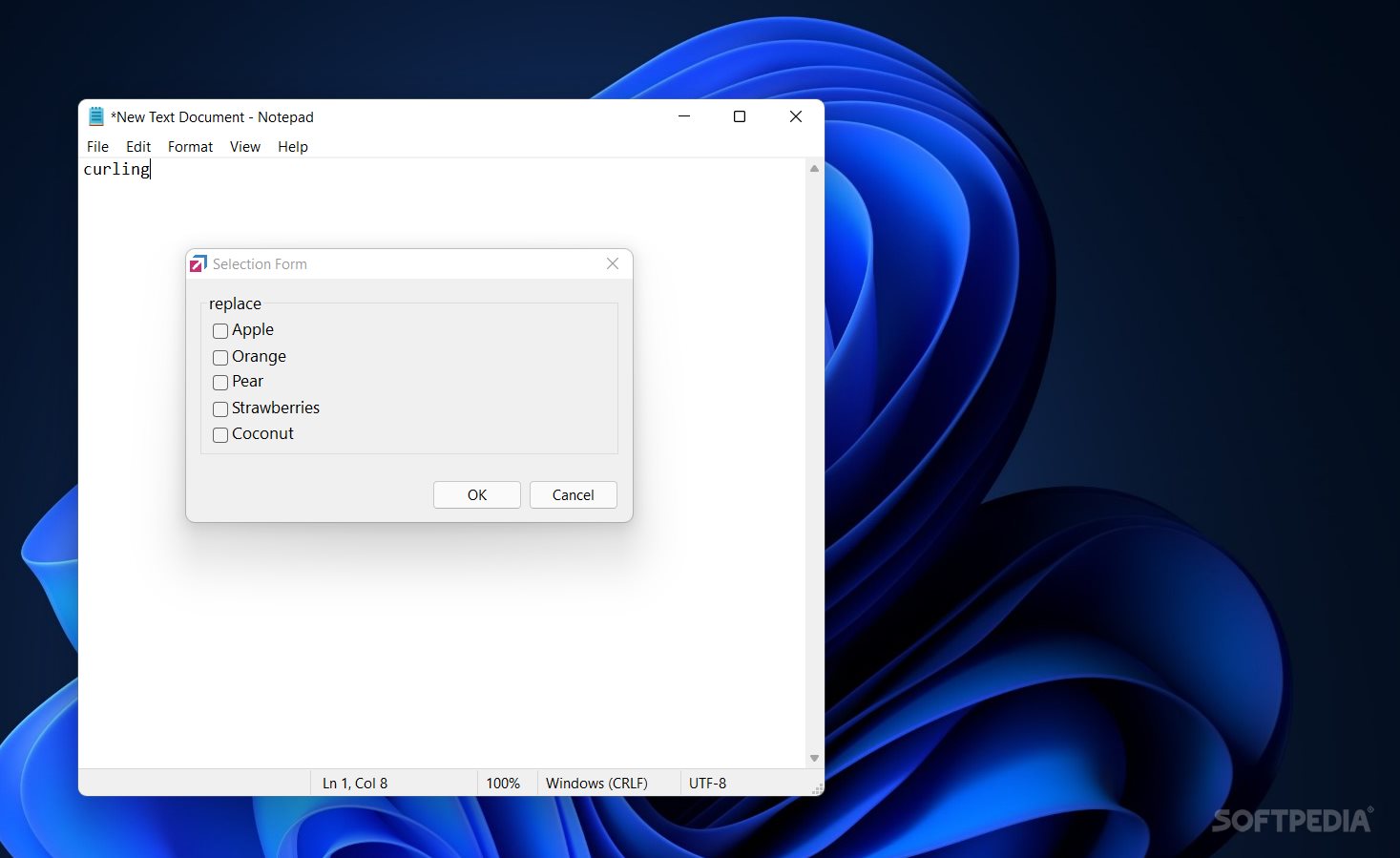
- New alternative Selection Form view (full text),
- Improved Selection form positioning (following caret in browsers)
- Improved Selection Form previews,
- Startup script can now contain functions and subroutines,
FastKeys 5.14
add to watchlist add to download basket send us an update REPORT- portable version
- Portable FastKeys
- runs on:
-
Windows 11
Windows 10 32/64 bit
Windows 8 32/64 bit
Windows 7 32/64 bit - file size:
- 3 MB
- filename:
- FastKeys_Setup.exe


- main category:
- System
- developer:
- visit homepage
Context Menu Manager

IrfanView

Windows Sandbox Launcher

ShareX

Microsoft Teams

calibre

7-Zip

4k Video Downloader

Zoom Client

Bitdefender Antivirus Free

- 4k Video Downloader
- Zoom Client
- Bitdefender Antivirus Free
- Context Menu Manager
- IrfanView
- Windows Sandbox Launcher
- ShareX
- Microsoft Teams
- calibre
- 7-Zip