Search Perform an advanced search query SOFTPEDIA
 
SOFTPEDIA
Updated one minute ago
HomeSubmit a program for being reviewedAdvertise on our websiteGet help on surfing our websitesSend us your feedbackGet information about our XML/RSS backend and how to use itBrowse the news archiveVisit our discussion forumVizitati forumul in limba romana


Program Finder NormalFreeware onlyShareware only

RoboTask 3.0 Report spyware 

Click to download RoboTask
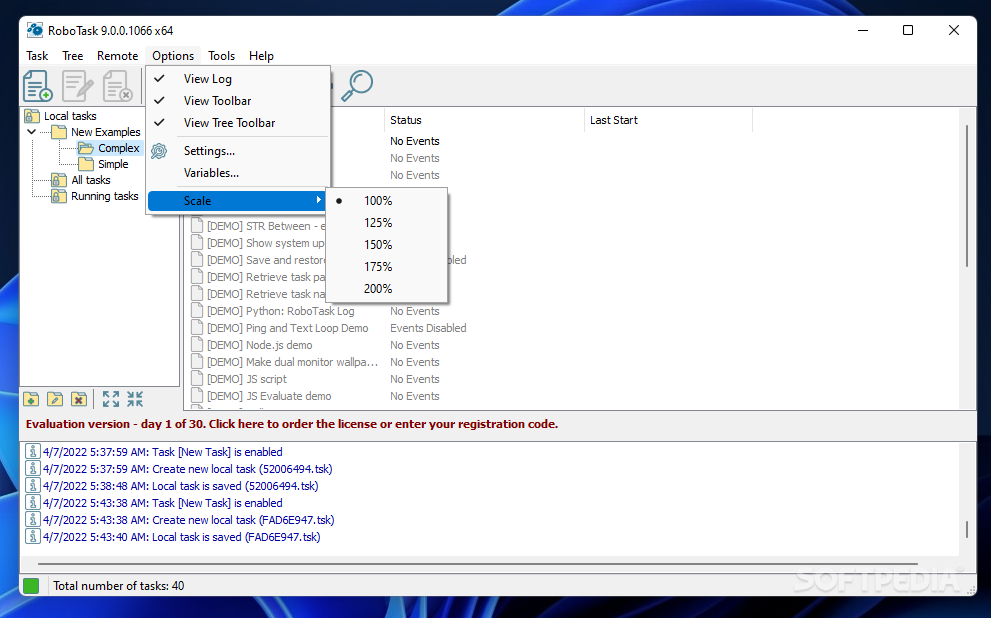
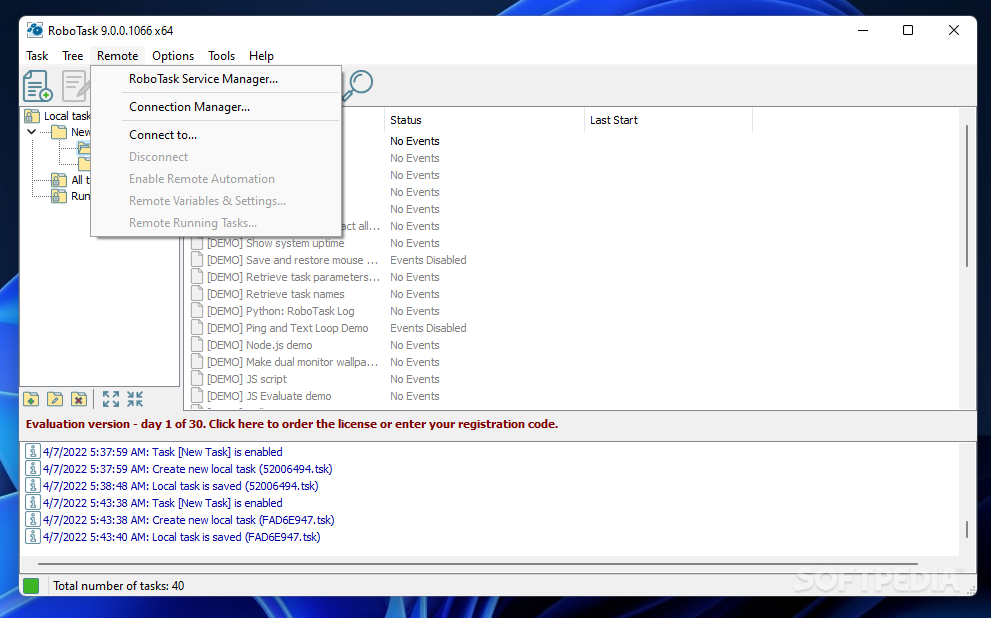
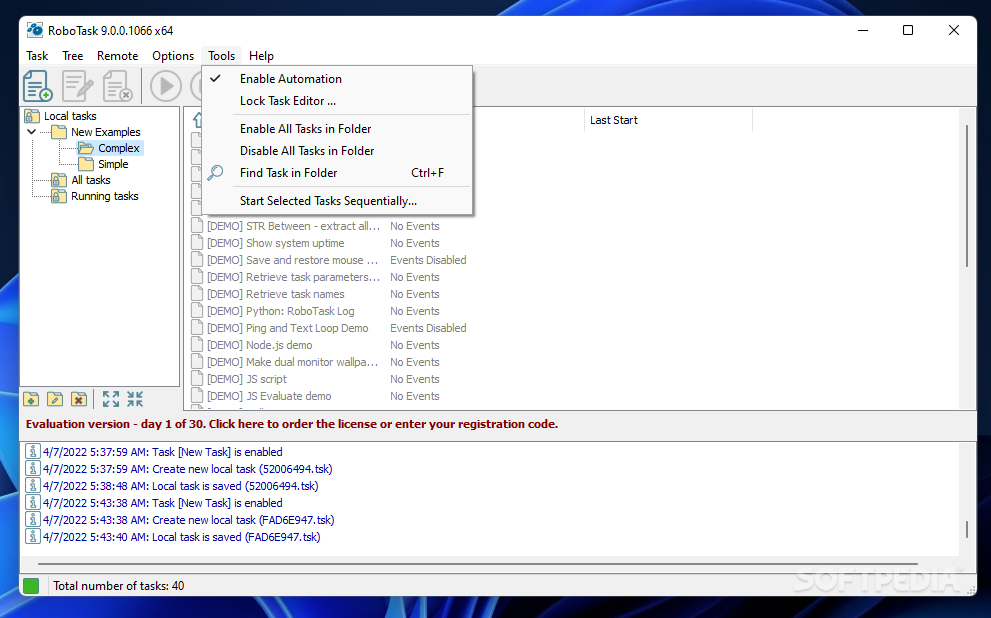
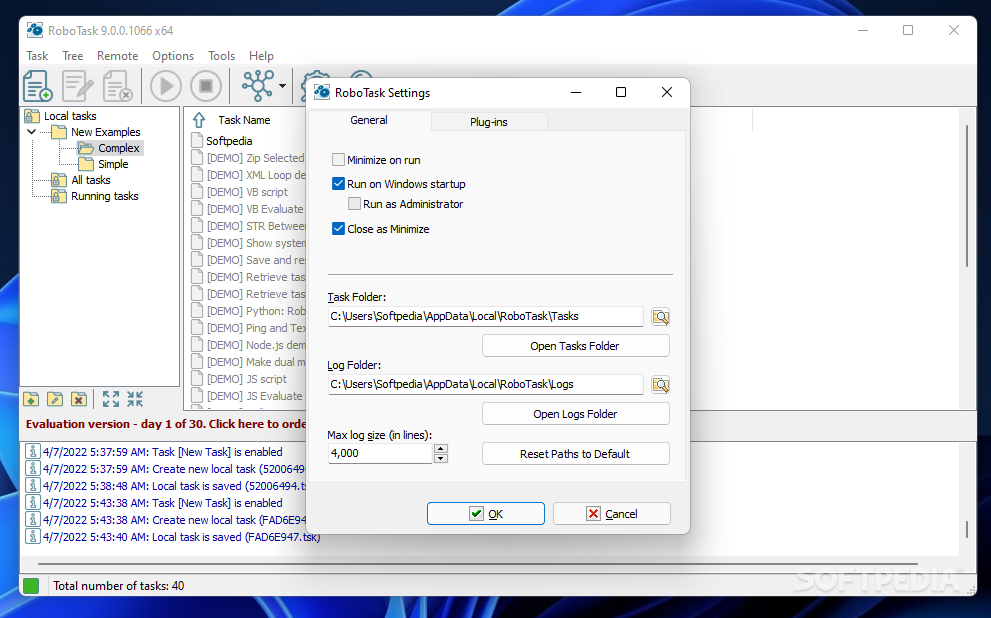
View more RoboTask screenshots (3)
 Downloads: 1,084
Rating: Very Good (4.2/5) | Rated by: 23 user(s)
Add to download basket     Send us update information
 Developer: NeoWise Software | More programs by this producer
 License: Trial , 119.95 $ to buy 
 Size / OS: 3.73 MB, Windows All
 Last Updated: March 29th, 2008, 12:16 GMT
 Category: C: \ System \ System Miscellaneous
 Read user reviews (0) Add a review Refer to friend Subscribe
    Download RoboTask

RoboTask description
It can automate any series of tasks you can do on your computer system

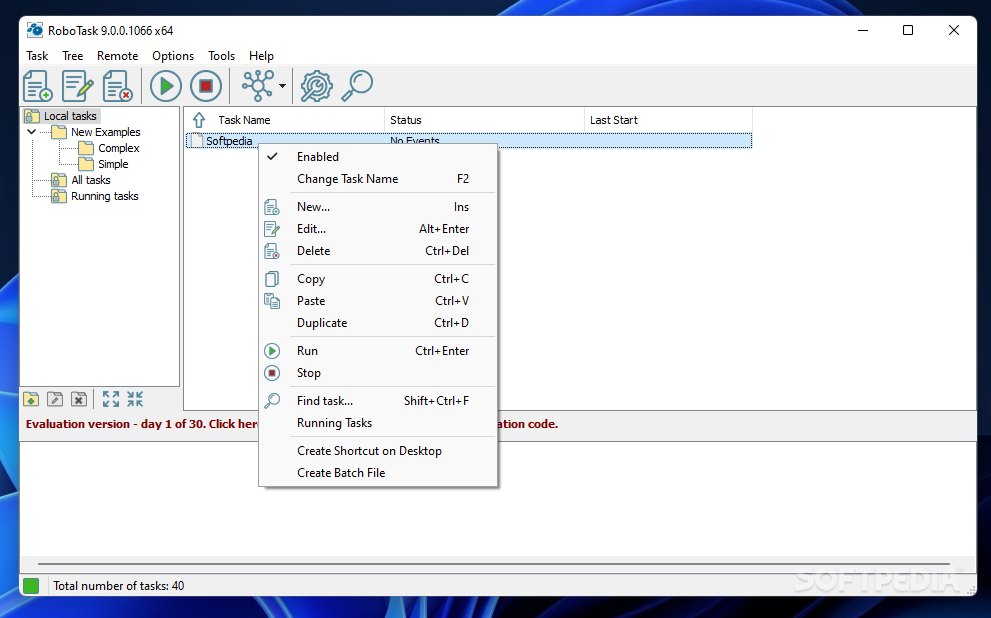
RoboTask can easily automate any series of tasks on your computer system, whether you are a novice or advanced user. You don't even have to know how to program—use RoboTask to build your own automated solutions quickly and easily. Yet RoboTask is powerful.

RoboTask will help users avoid losing important information when they will create a backup task for placing files on a remote server.

The software can manage and trigger a wide variety of repetitive tasks to save your valuable time. With RoboTask, you don't need complicated batch files or scripts.

Here are many examples of what RoboTask can do for you:
· Runs applications and open documents.
· Manages automatic backups.
· Alerts you of any changes in your folders.
· Shuts down Windows and powers off your computer triggered by any event you choose.
· Processes files and folders (copies, moves, renames, deletes).
· Works with FTP and Web servers (downloads, uploads, etc).
· Sends letters and files by e-mail.
· Starts and stops Windows NT services.
· Sends network
messages as WinPopups.
· Acts as an alarm clock.

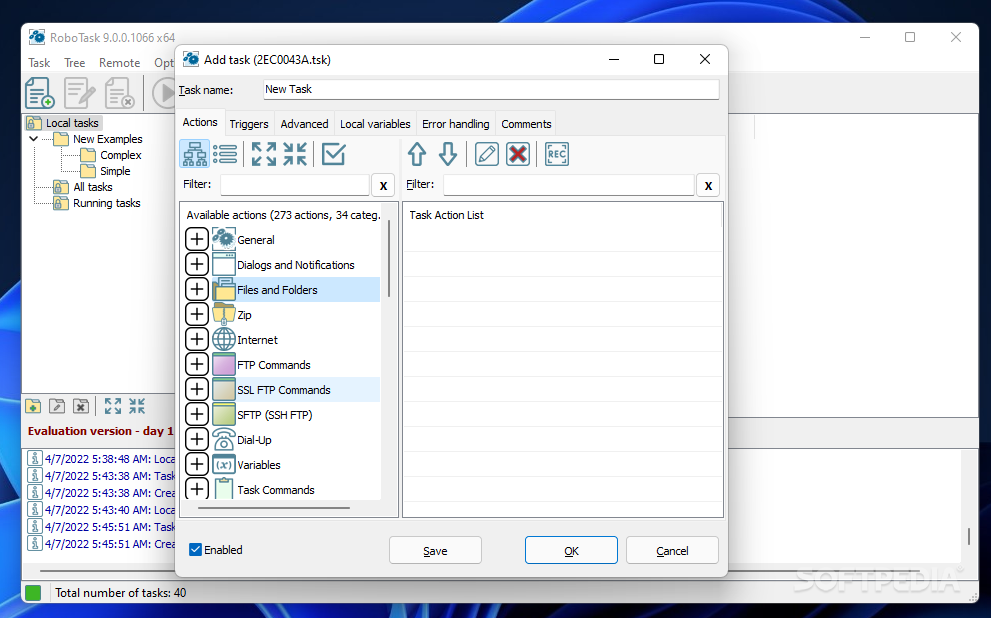
RoboTask can be used for an unlimited number of tasks. When creating a task, you decide what the task needs to do and when. Every task has two parts:
· Actions
· Triggering events

Actions

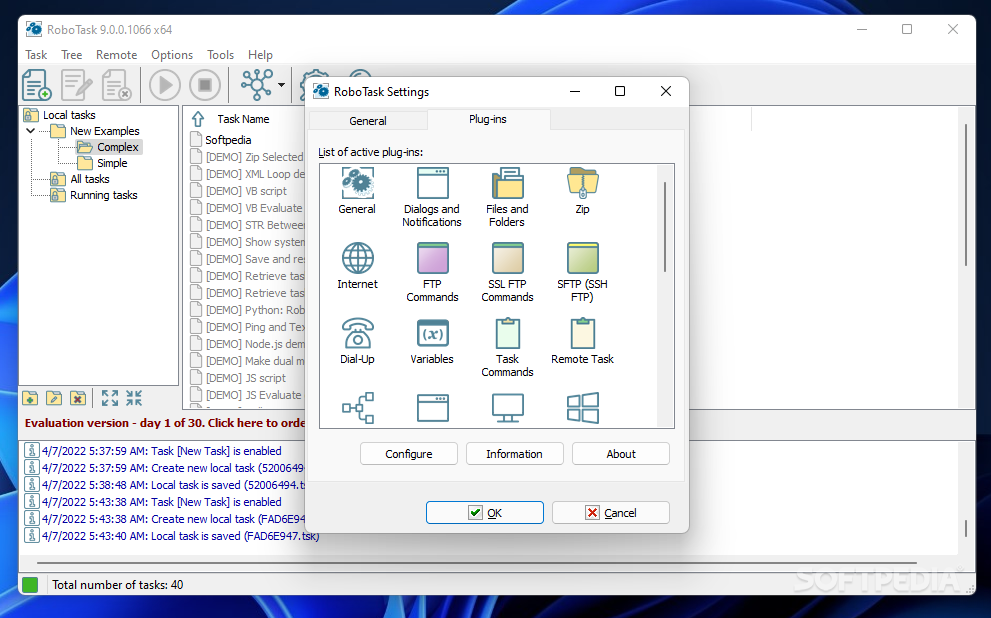
First, you must decide what actions you want to accomplish. You can select built-in actions in RoboTask to accomplish the following:

· Run applications.
· Open or print documents.
· Emulate your keystrokes.
· File and folder processing (copy, move, delete, rename, synchronize folders).
· Work with FTP servers (download, upload, rename, delete).
· Work with e-mail (check for e-mail, send e-mail).
· Work with ZIP files (pack files, extract files).
· Work with windows (focus, maximize, minimize, restore, close, hide, unhide).
· Flow control (if-then, file loop, text loop, dataset loop, and so forth).

Triggering events

A triggering event can be one of the following:
· A specific time
· When something happens on your computer.

Practically anything that happens on your computer can trigger RoboTask to perform an action. An example would be when RoboTask automatically updates a log and uploads it to a website whenever you receive an email with a subject that is a particular string of words or contains a word such as "Important".

The following are examples of triggering events:
· Scheduler (at a specified time).
· Hot Keys (when a special key is pressed).
· Tray Icon (when you double-click it).
· File Monitor (when a particular file is created, destroyed, changed, renamed).
· Dial-up Connection Monitor (when a connection is made or broken).
· Window Watcher (when a window is created, activated, closed, and so forth).
· System Events (time, spooler, device, display changed, log on, log off, on idle).

Requirements:

· 64MB RAM and approx. 7MB of free disk space
· 6MB of free disk space for additional plug-ins above


Limitations:

· 30-day evaluation


What's New in This Release:

· New action "FTP Synchronize". Allows to synchronize files between local and FTP folders.
· New action "Terminate process"
· Improved exporting of tasks.
· Improved the task editor.
· Improved a few actions
· Fixed bug with catching GDI resources in Basic plugin.
· Other small improvements and bug-fixes... [ read full changelog ]


Softpedia guarantees that RoboTask 3.0 is 100% CLEAN, which means it does not contain any form of malware, including but not limited to: spyware, viruses, trojans and backdoors.

This software product was tested thoroughly and was found absolutely clean, therefore it can be installed with no concern by any computer user.

However, it should be noted that this product will be retested periodically and the award may be withdrawn, so you should check back on this page from time to time. (click here for more information)


Related downloads IT News Popular downloads New additions   Latest reviews  
AutoHotkey 1.0.47.06
Script your own macros and hotkeys
Macro Scheduler Automation Tool 10.1.02
Automate any Windows task. Build, record, schedule and compile macros
Macro Expert 2.8.3 Build 4448
A powerful productivity utility is designed to automate repetitive or routine tasks
Automation Anywhere 4.5.2
Automation Software for Windows. Automate business processes & IT tasks easily
BuildIT 2.0 Beta Build 124
BuildIT automate tasks, wether it is the final packaging of a product, an automated daily build
Clarity 1.4
Clarity - project management, issue/bug tracking and wiki system for software teams
AlphaScript 2.00.0006
AlphaScript is a small scripting program that allows you to automate a lot of tasks.
Ka Firetask 1.23
Network-aware task scheduler, enabling you to easily manage tasks en masse
Task Attender 1.1
Easy automate your routine tasks frequently repeated on the computer
RoboTask Lite 3.0
Will not only create automated tasks, but will also execute them automatically.

go to top Use the following code to link to this page:


Welcome!
Hello, Guest

Login if you have a Softpedia.com account.

Otherwise, register for one.

Main categories:
  • Antivirus
  • Compression tools
  • CD/DVD Tools
  • Office tools
  • Programming
  • Authoring tools
  • File managers
  • Desktop Enhancements
  • Internet
  • Network Tools
  • IPOD TOOLS
  • Mobile Phone Tools
  • Multimedia
  • Tweak
  • System
  • Security
  • Others
  • Science / CAD
  • UNIX
  • Windows Widgets
  • PORTABLE SOFTWARE

  • Week's best:
  • SP3 UxTheme Patcher ...
  • PECompact 2.82
  • Sony Vegas Movie Stu...
  • 3DMark Vantage 1.0
  • Total Commander 7.03
  • VistaMizer 2.5.1.0
  • AVG Free Edition 8.0...
  • Windows XP Service P...
  • Ashampoo Burning Stu...
  • XviD Media Codec 1.1...
  • Blu-ray Disc Ripper ...
  • Blu-ray Region Code ...
  • Adobe Photoshop Ligh...
  • PowerDVD 8.0.1531
  • EF Commander 6.54
  • Microsoft Windows In...
  • Nero 8 Lite 8.3.2.1
  • WebSite-Watcher 4.41...
  • EVEREST Ultimate Edi...
  • Nokia PC Suite 6.86....
  • VMware Workstation 6...
  • AnyDVD HD 6.4.2.0
  • Messenger Plus! Live...
  • The Bat! Voyager 4.0...
  • Windows Vista Servic...
  • Nero 8 8.3.2.1
  • Vipre 3.1.1997 Beta
  • Internet Explorer 8 ...
  • Norton 360 2.0.0.242
  • SmartFTP 3.0.1015.5
  • © 2001 - 2008 Softpedia. All rights reserved.
    Softpedia™ and Softpedia™ logo are registered trademarks of SoftNews NET SRL.
    Copyright Information | Privacy Policy | Terms of Use | Contact Softpedia | Update your software | Archive