
A crash dump analysis application that can help you determine why your computer is displaying failure notices or the blue screen. #Crash dump analysis #Analyze crash dump #Crash dump report #Crash dump #Analyze #Analyzer
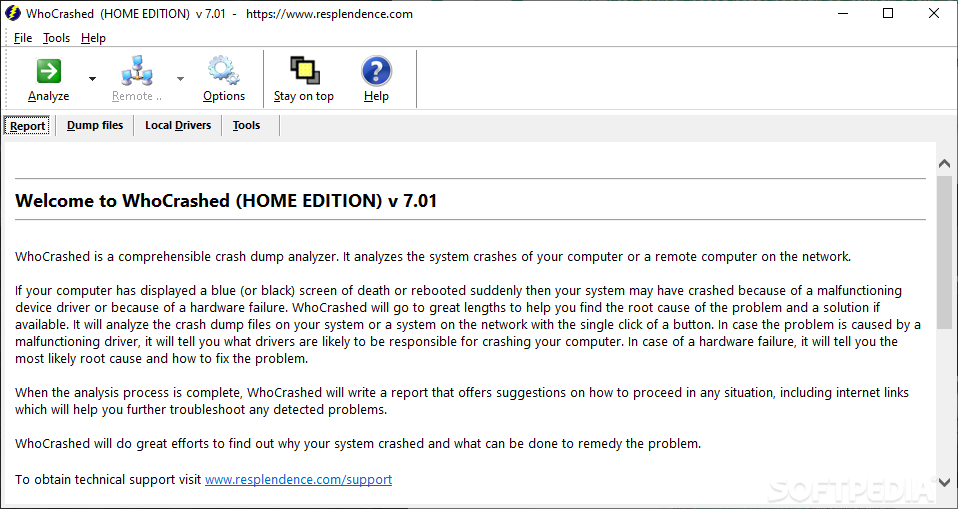
WhoCrashed Home Edition is a simple and easy to use software utility whose main function is to help you discover what are the possible problems of your computer that cause it to malfunction, randomly reboot or display warning dialogs.
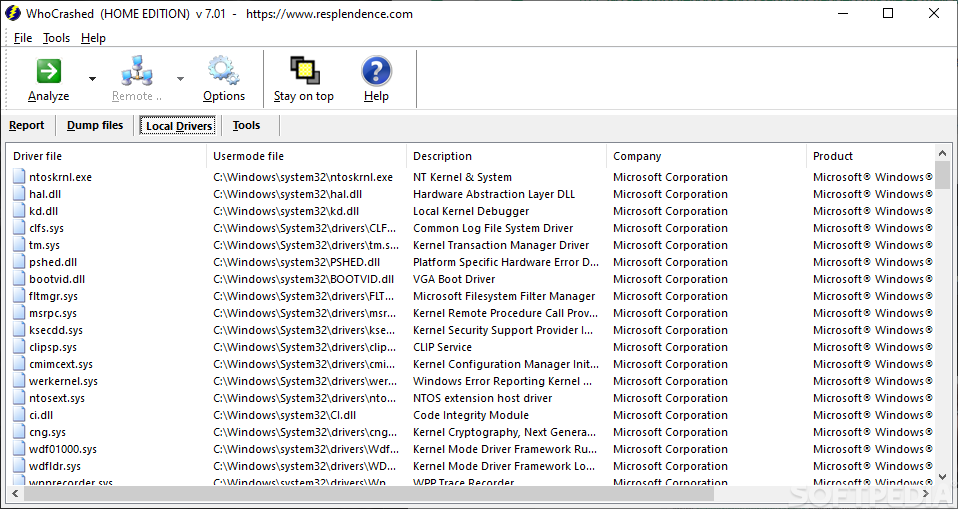
The application checks the computer, and more specifically, the installed drivers, as they are often to blame for many system crashes. WhoCrashed Home Edition analyzes the kernel modules. In the case of certain computer configurations, a kernel error will not always necessarily display the 'Blue Screen of Death', also know as the 'Stop Error' or the 'Bug Check Screen', but it will however cause them to reboot for no apparent reason.
After pressing the 'Analyze' button, WhoCrashed Home Edition locates the crash dump directory, informs you whether the function is enabled or not, and analyzes the found items, estimating the possible causes. The application then offers detailed information about the conducted analysis, enumerates the likely culprits, such as a driver failure or bug, and advises you where to look in order to find and eliminate the issue.
It provides you with a number of advices concerning other possible sources of system crashes, such as a power failure or a thermal problem, indicating you should check your CPU and motherboard fans for dust.
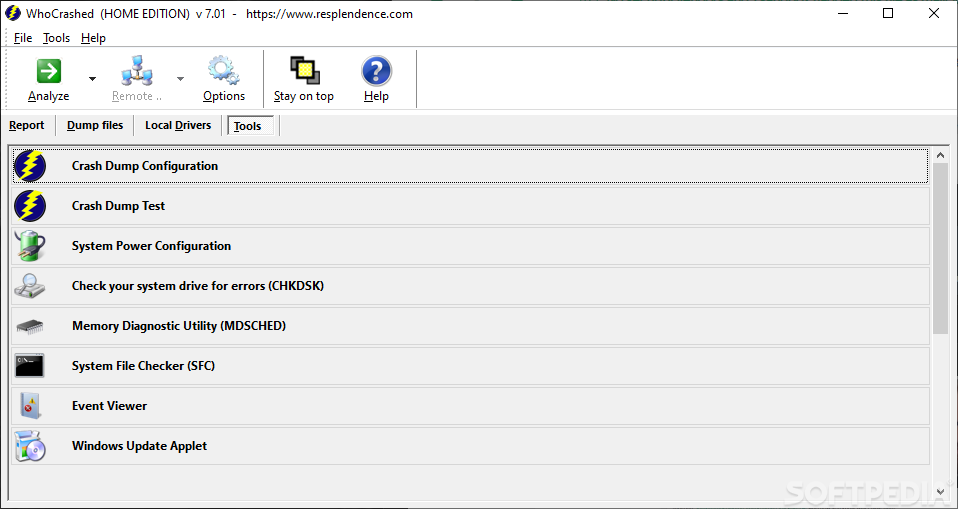
The 'Crash Dump Test' function allows you to intentionally crash your system in order to determine if it is properly configured to write dump files. It does, however, put your computer at danger of losing important data, so it should be used at your own risk and only by those with experience.
WhoCrashed Home Edition is a useful tool for determining the causes of a computer failure, sparing you from having to call in a specialist, especially if the problem is easily solvable. However, it warns you that not all problems can be discovered with this application.
What's new in WhoCrashed Home Edition 7.06:
- WhoCrashed could display an error message (0xC0000412) at startup. This should be fixed finally.
WhoCrashed Home Edition 7.06
add to watchlist add to download basket send us an update REPORT- runs on:
-
Windows 11
Windows Server 2016
Windows 10 32/64 bit
Windows Server 2012 R2
Windows Server 2012
Windows 2008 32/64 bit
Windows 8 32/64 bit
Windows 7 32/64 bit
Windows Vista 32/64 bit
Windows XP 32/64 bit - file size:
- 12.9 MB
- filename:
- whocrashedSetup.exe
- main category:
- System
- developer:
- visit homepage
7-Zip

4k Video Downloader

ShareX

Bitdefender Antivirus Free

Microsoft Teams

Context Menu Manager

IrfanView

calibre

Windows Sandbox Launcher

Zoom Client

- calibre
- Windows Sandbox Launcher
- Zoom Client
- 7-Zip
- 4k Video Downloader
- ShareX
- Bitdefender Antivirus Free
- Microsoft Teams
- Context Menu Manager
- IrfanView