
Check bookmarks and favorites for dead links with this application that features a built-in browser and a duplicate finding tool. #Check bookmark #Verify link #Link checker #Bookmark #Link #Favorites

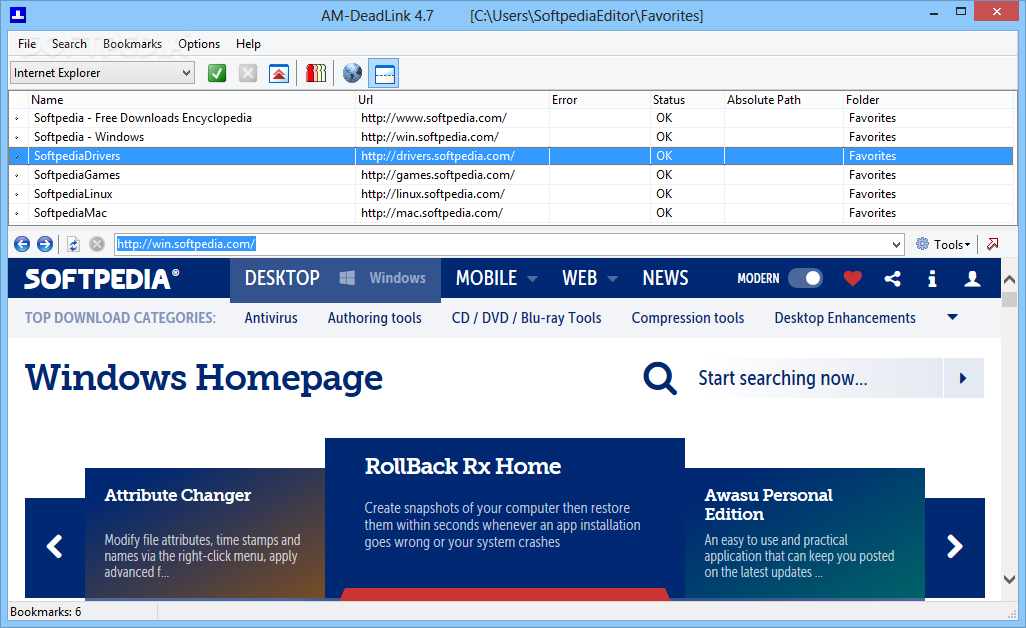
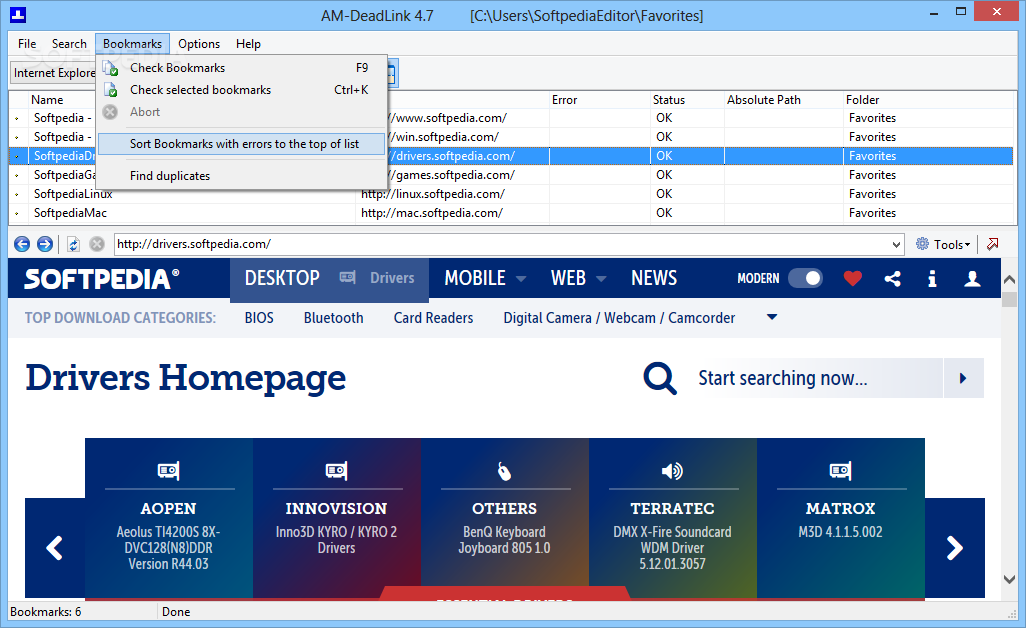
If you browse the Internet a lot and you add bookmarks into your browser on a daily basis, AM-DeadLink may come in pretty handy. This application has been designed for those who have a large collection of bookmarks, providing a set of innovative tools to detect dead links and duplicates.
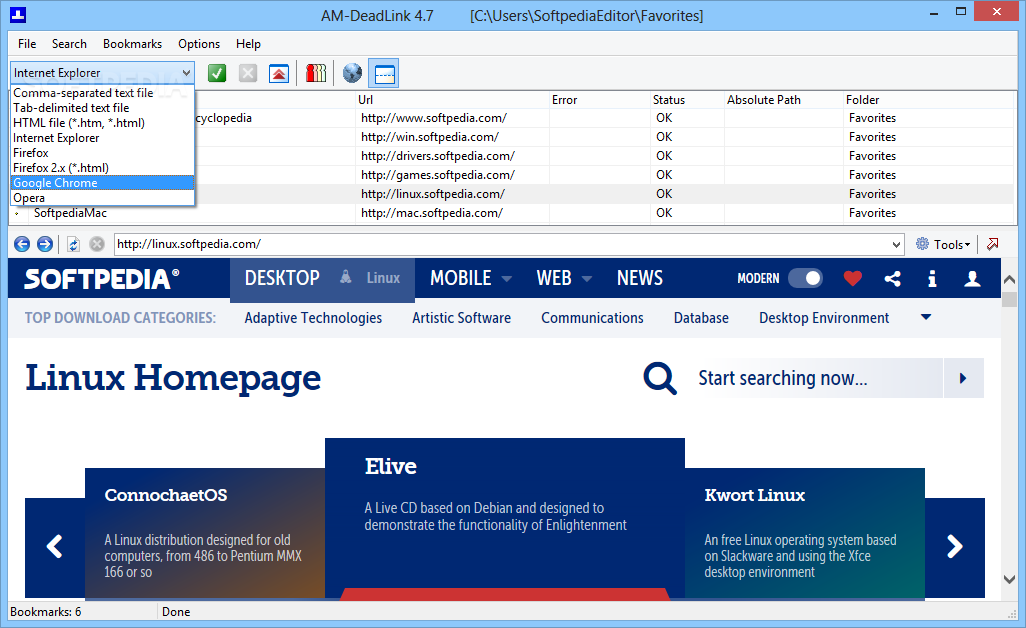
What's more, it boasts quite a clean a well-organized interface, with support for the most popular browsers currently on the market, including Internet Explorer, Mozilla Firefox, Opera and Google Chrome.
Once you launch the app, it automatically scans and displays the bookmarks for the selected browser, giving you the option to easily check for dead links. The main window is being used to display all details, including name, URL, potential errors, status, absolute path and folder.
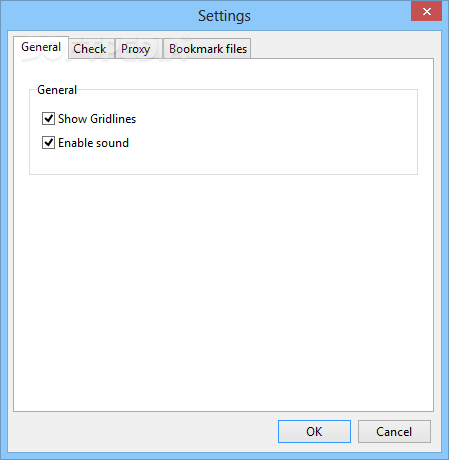
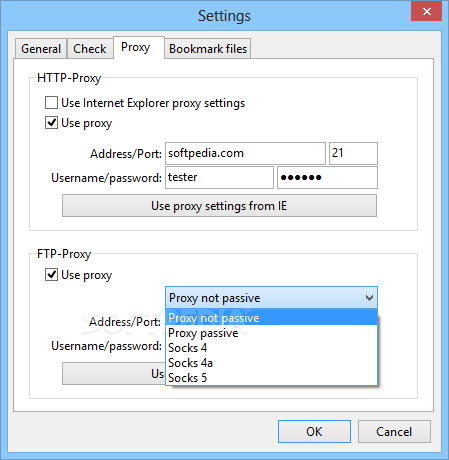
In case the program does not properly detect the browser you are using, you should have a look in the settings screen because AM-DeadLink comes with dedicated options to provide the path to bookmark files. You can thus set up the path for Firefox, Opera and Google Chrome bookmarks.
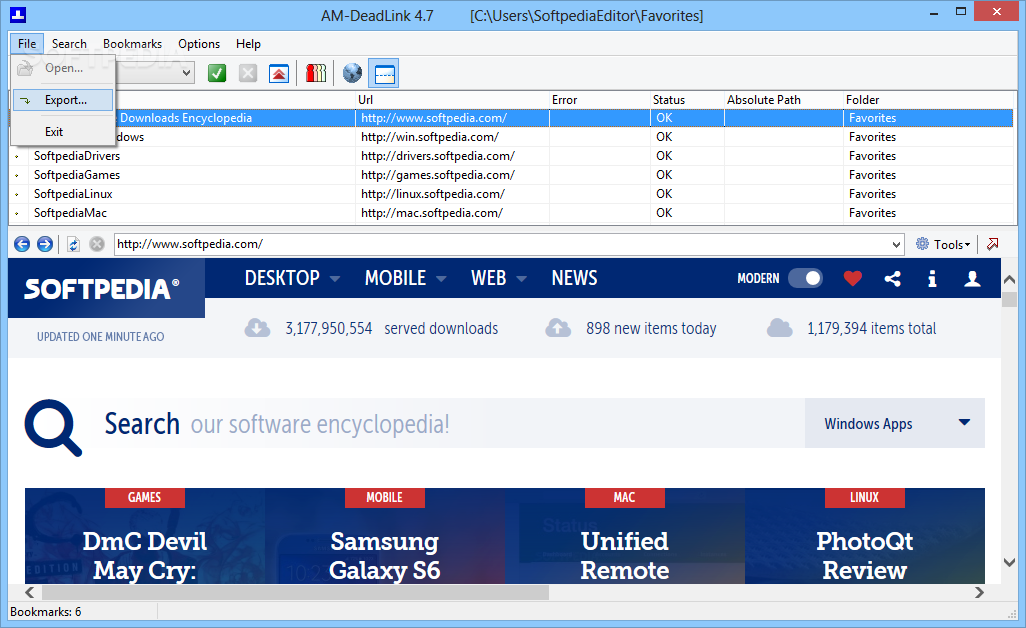
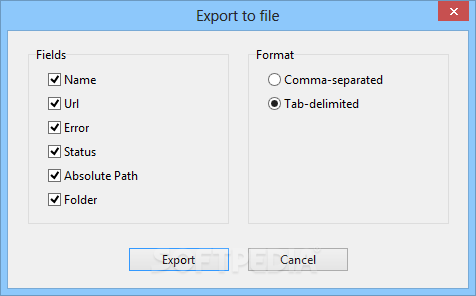
AM-DeadLink also allows you to export the scanned links to separate files, letting you to pick the fields to be included in the output file.
One last note is that the application latest version is no longer capable of removing browser bookmarks. This is because of the constant evolution of web browsers and their ways of storing bookmarks, which need to be managed inside the browser instance.
While it works okay on all Windows versions, AM-DeadLink may slow down the system a little bit when checking a large collection of links, so the faster the computer is, the quicker the job is completed.
To conclude, AM-DeadLink is an effective tool that relies on a user-friendly approach and serves its purpose.
What's new in AM-DeadLink 6.0:
- Improved checking engine (will also handle Cloudflare protected pages correctly)
- Bookmarks can be opened directly in the bookmark manager of the selected browser (this makes it simple to edit or delete bookmarks in the browser)
- Changed shortcuts: Enter = Open URL, Ctrl+Enter = Open URL in bookmark manager
- Exclusion list to exclude URLs from checking
AM-DeadLink 6.0
add to watchlist add to download basket send us an update REPORT- PRICE: Free
- runs on:
-
Windows 10 32/64 bit
Windows 8 32/64 bit
Windows 7 32/64 bit
Windows Vista 32/64 bit
Windows XP 32/64 bit - file size:
- 8.5 MB
- filename:
- dlsetup.exe

- main category:
- Tweak
- developer:
- visit homepage
IrfanView

Zoom Client

4k Video Downloader

Context Menu Manager

Bitdefender Antivirus Free

Windows Sandbox Launcher

Microsoft Teams

ShareX

calibre

7-Zip

- ShareX
- calibre
- 7-Zip
- IrfanView
- Zoom Client
- 4k Video Downloader
- Context Menu Manager
- Bitdefender Antivirus Free
- Windows Sandbox Launcher
- Microsoft Teams